
Best Other Controllers Under $100 2026
Alright, so you're looking for a controller but your bank account's looking a little thin? Totally get it. I've been there, gigging with gear I cobbled together from pawn shops and online deals. This isn't about chasing the dream of a $500 MIDI keyboard; it's about finding something that'll actually do something useful without breaking the gig budget. We're talking solid functionality, not just flashy features.
Last updated: April 11, 2026
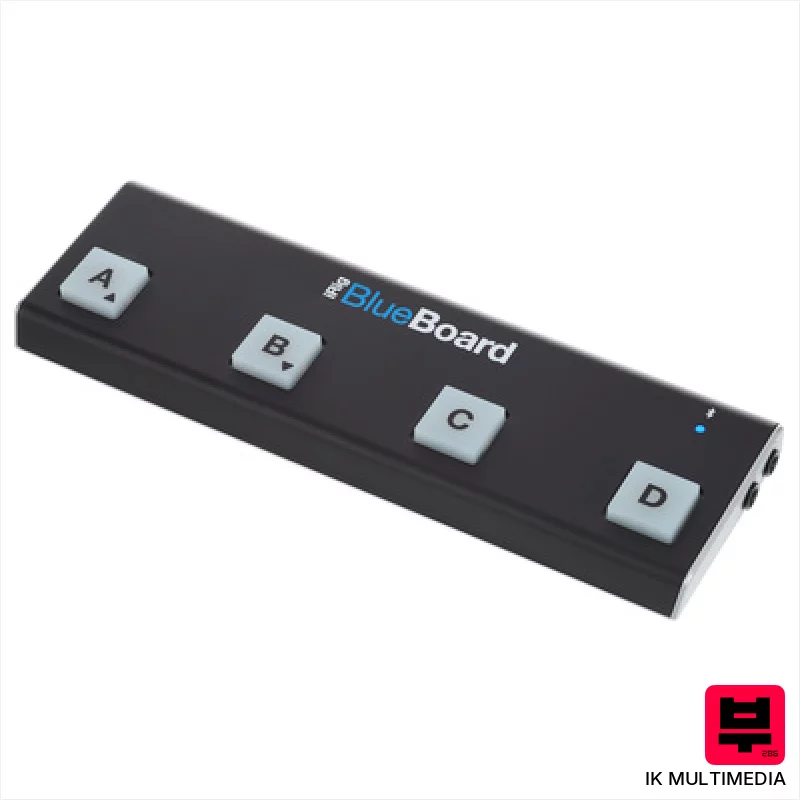
IK Multimedia iRig BlueBoard
- • Compact footprint ideal for mobile setups and pedalboards
- • Rubber pads offer tactile response and reliable triggering
- • Bluetooth connectivity simplifies setup, eliminating cable clutter
- • BlueBoard app provides flexible MIDI command customization
- • Battery operation limits playtime and necessitates frequent replacements
- • Compatibility list restricts older iOS devices and Mac models
- • Limited number of pads restricts complex MIDI control assignments
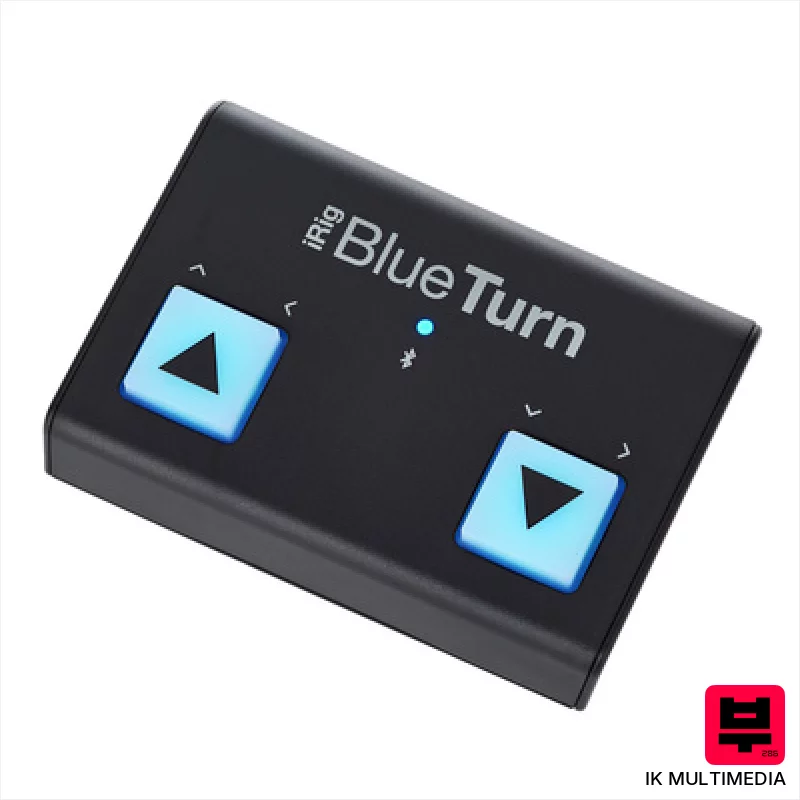
IK Multimedia iRig BlueTurn
- • Bluetooth LE offers reliable, low-latency wireless control
- • Soft-touch footswitches provide a responsive, quiet action
- • Compact size makes it ideal for mobile setups and pedalboards
- • Multiple mode configurations enhance versatility across applications
- • Windows incompatibility significantly limits potential users
- • AAA battery power can be inconvenient for frequent use
- • Plastic housing, while sturdy, lacks premium feel of metal alternatives
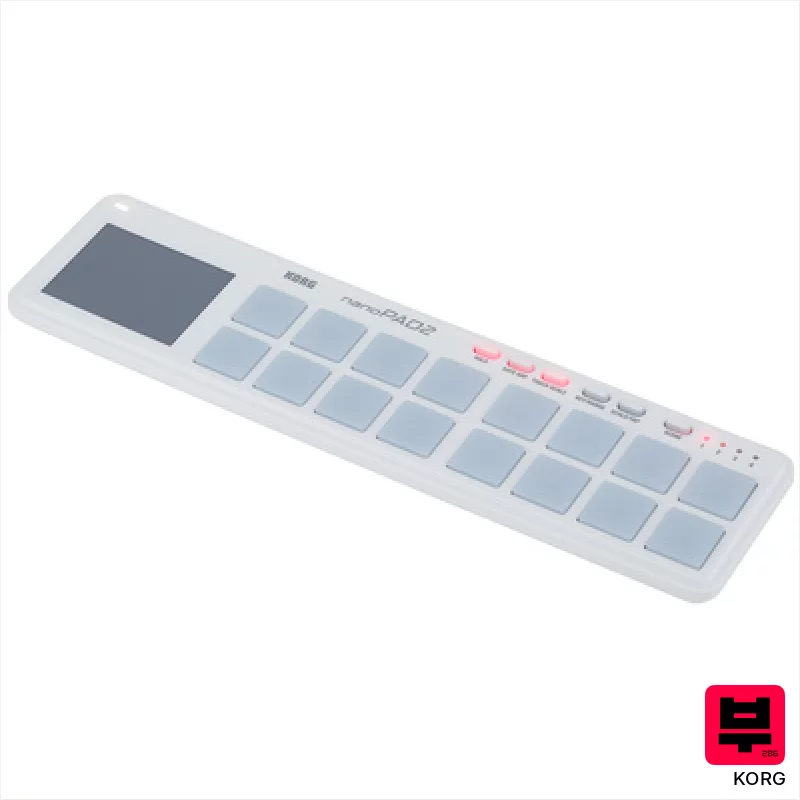
Korg nanoPAD 2 white
- • Compact size ideal for travel and small workspaces
- • Velocity curves offer nuanced performance control
- • X-Y pad provides expressive modulation possibilities
- • Scene memory simplifies switching between different setups
- • Plastic build feels somewhat flimsy despite its portability
- • iPad compatibility relies on Core MIDI and Apple OS updates
- • Limited pad size restricts fast, complex finger drumming

Korg nanoPAD 2 black
- • Compact size ideal for travel and tight spaces
- • Velocity-sensitive pads offer surprisingly expressive performance
- • X-Y pad adds unique modulation possibilities for sound design
- • Software bundle provides immediate creative starting points
- • Build quality feels plasticky, not robust for heavy use
- • Limited pad size restricts complex finger drumming techniques
- • iPad compatibility relies on external adapter and Core MIDI support
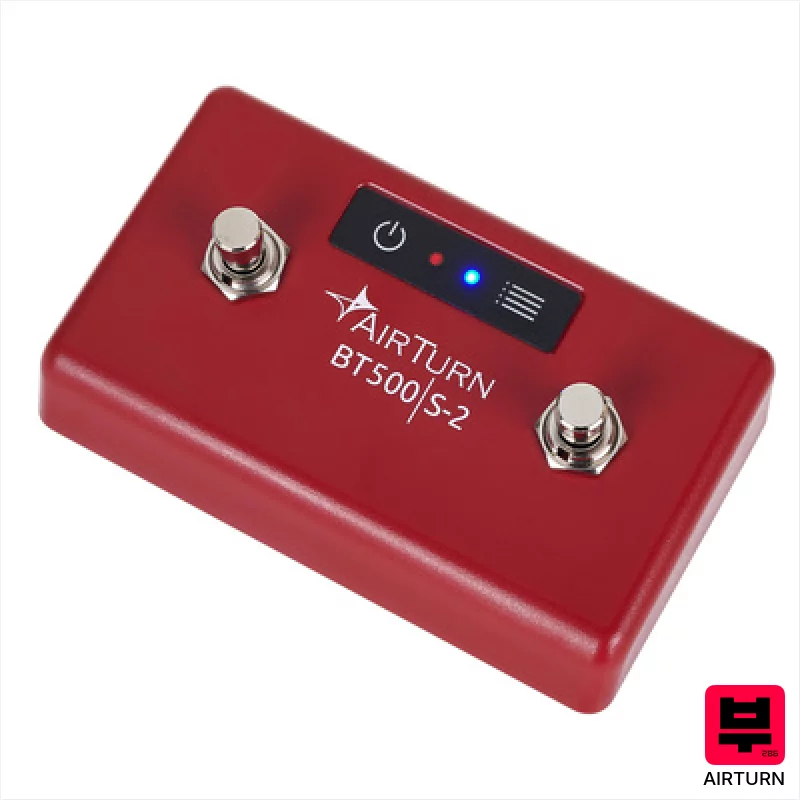
Airturn BT500S-2
- • Steel switches offer a satisfying, reliable tactile response.
- • Bluetooth 5 provides a stable, low-latency connection.
- • AirTurn Manager app simplifies customization and function mapping.
- • Impressive 200-hour battery life minimizes downtime.
- • Footswitch form factor limits placement options; can feel awkward.
- • Limited to two switches restricts complex control schemes.
- • Plastic housing feels somewhat budget-oriented despite steel switches.

AKAI Professional midimix
- • Solid plastic build feels surprisingly robust for the price.
- • Totalsync is a genuine time-saver for quick DAW integration.
- • 8 faders offer tactile control over key mixer parameters.
- • Compact size makes it ideal for smaller studios or mobile setups.
- • Plastic knobs feel a little 'plasticky' – lack premium rotational feel.
- • Limited channel strip functionality compared to higher-end mixers.
- • The included Ableton Live Lite is a basic intro version.
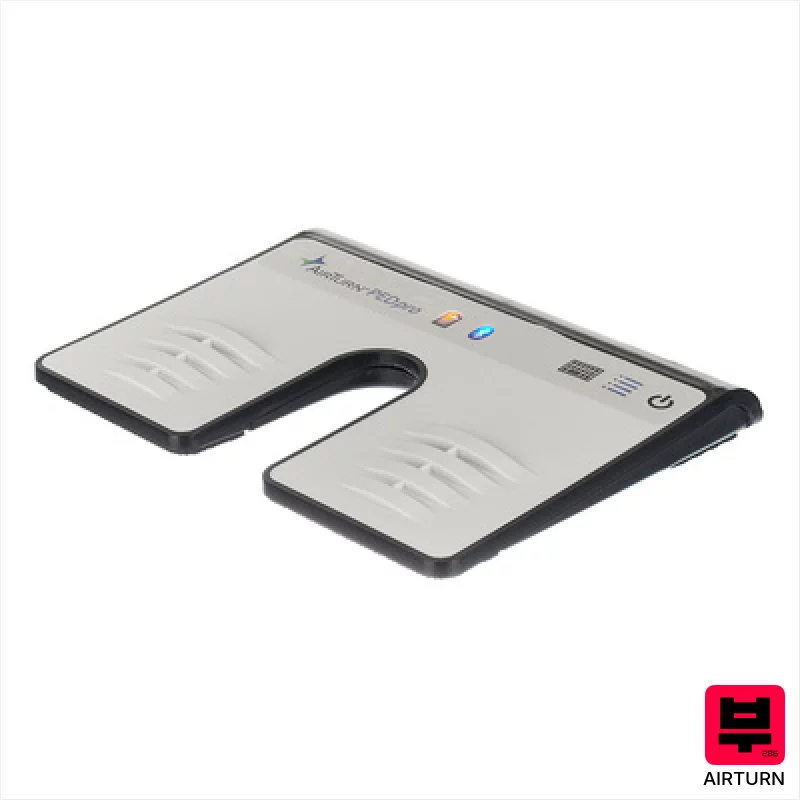
Airturn PED Pro 500
- • Slim profile minimizes foot obstruction during playing.
- • Bluetooth Smart Ready ensures reliable, low-latency connection.
- • Rechargeable battery offers convenient wireless operation.
- • Flat design integrates seamlessly with various pedalboard setups.
- • Bluetooth Smart Ready requirement limits compatibility with older devices.
- • Limited customizability beyond pre-set profiles.
- • Plastic construction feels less premium than metal alternatives.
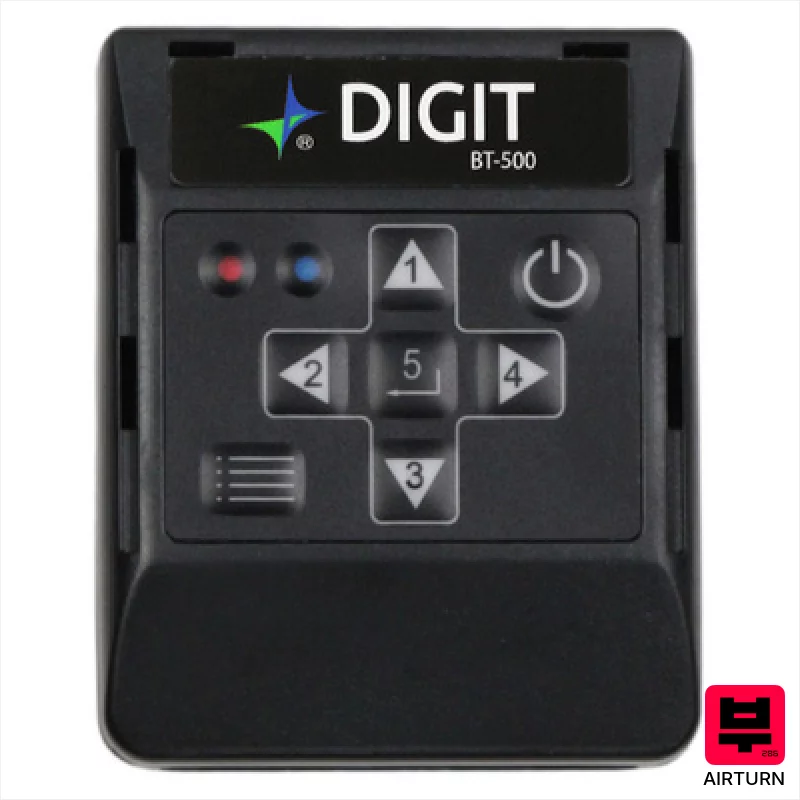
Airturn Digit 500
- • Compact size allows for discreet, portable operation.
- • Programmable keys offer significant customization for various apps.
- • Bluetooth connectivity provides wireless freedom and flexibility.
- • USB-C charging offers modern convenience and fast charging.
- • Relatively heavy for its size; might be cumbersome for some users.
- • Limited functionality compared to more complex control surfaces.
- • Dependence on Bluetooth introduces potential latency issues occasionally.
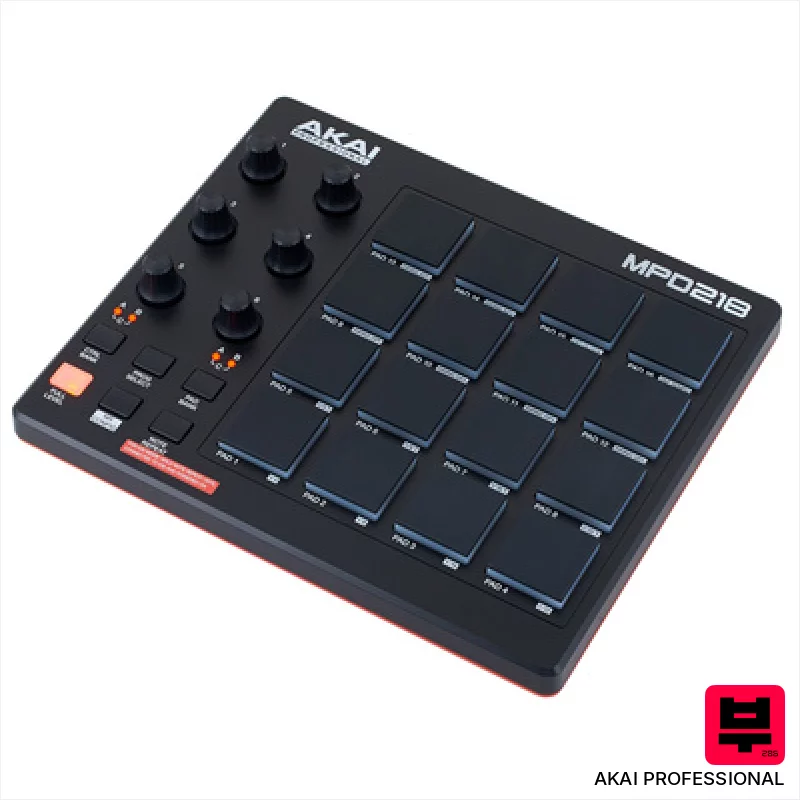
AKAI Professional MPD 218
- • MPC pads offer surprisingly responsive, velocity-sensitive performance.
- • Assignable knobs provide tactile control over software parameters.
- • Compact size makes it ideal for smaller workspaces or mobile setups.
- • Included Ableton Live Lite is a useful entry point for beginners.
- • Plastic construction feels budget-oriented, lacks premium feel.
- • Limited connectivity – USB only restricts flexibility.
- • IOS compatibility requires a separate, additional purchase.
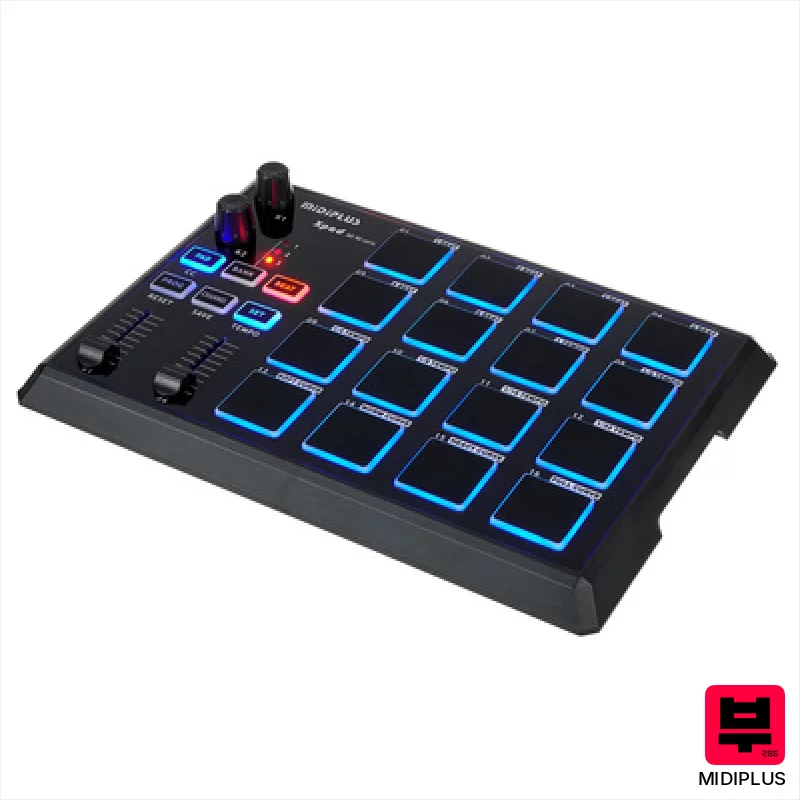
Midiplus X Pad
- • Compact footprint ideal for smaller studios or mobile setups
- • Programmable encoders offer flexible parameter control for software
- • Illuminated pads provide visual feedback for intuitive performance
- • Class-compliant operation simplifies setup across various operating systems
- • Plastic build feels somewhat budget-oriented, lacks premium robustness
- • Limited pad sensitivity range compared to higher-end alternatives
- • Faders are short, may not offer the most precise control
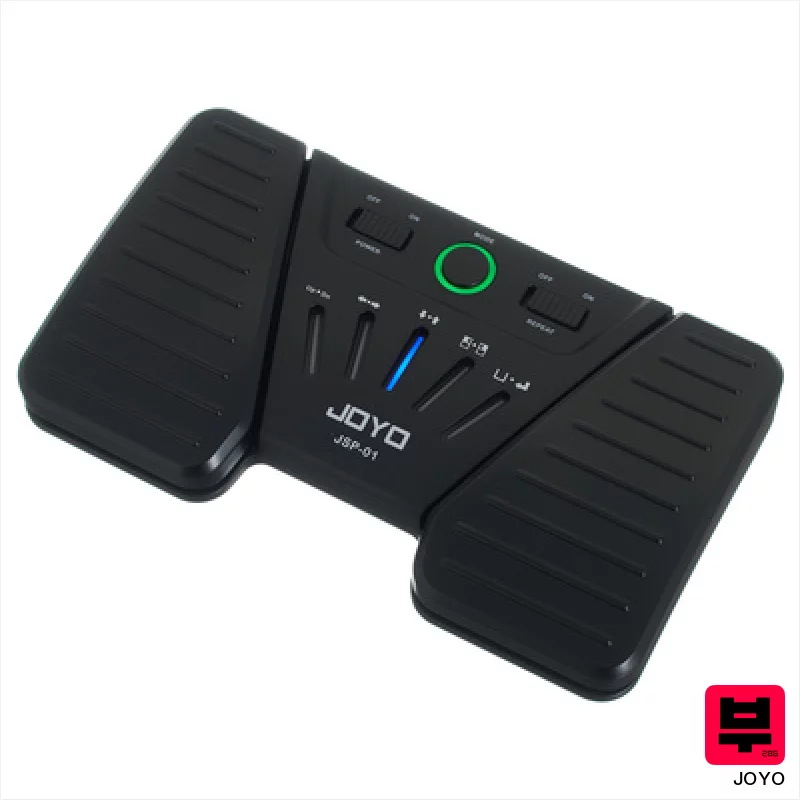
Joyo JSP-01 Page Turner Pedal
- • Simple, intuitive two-foot design streamlines digital content navigation.
- • Bluetooth Smart Ready ensures reliable, low-latency wireless connection.
- • Rechargeable battery offers convenient, cord-free operation for extended sessions.
- • Compact size and lightweight build facilitate portability and easy integration.
- • Plastic construction feels budget-oriented; lacks premium tactile feedback.
- • Limited functionality beyond page turning; lacks advanced customization options.
- • Range is susceptible to interference in environments with heavy Bluetooth traffic.
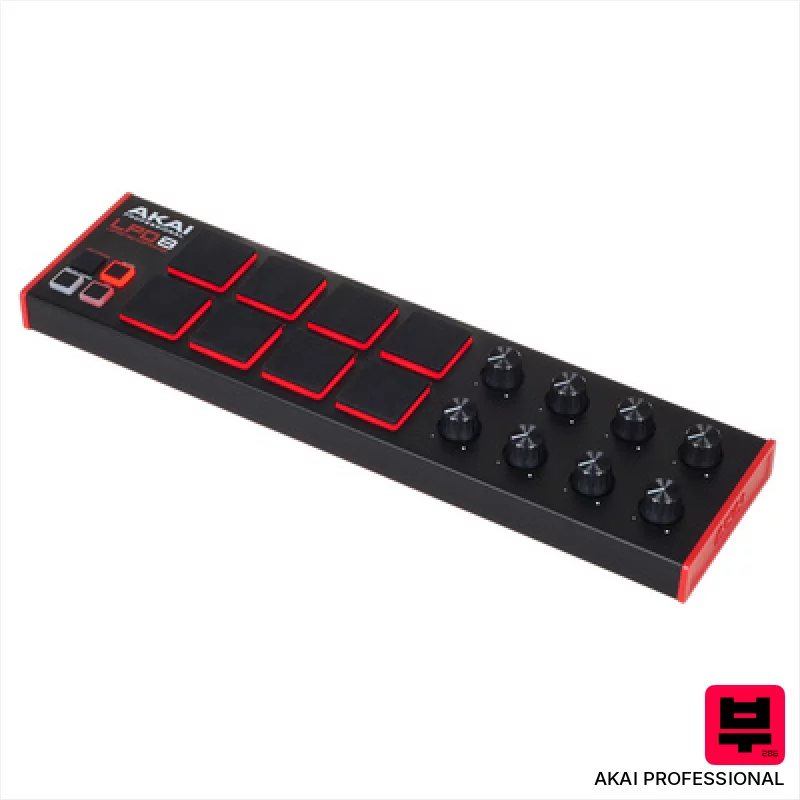
AKAI Professional LPD8 MKII
- • Responsive MPC pads offer surprisingly good tactile feedback.
- • RGB backlighting enhances visual performance and workflow.
- • Compact size makes it incredibly portable and desk-friendly.
- • MPC Beats software provides a decent starting point for beginners.
- • Plastic build feels somewhat flimsy, especially for frequent travel.
- • Assignable knobs lack detents, making precise adjustments tricky.
- • Limited pad size restricts complex finger drumming techniques.
How to Choose the Best Other Controllers
Build Quality
Let's be real, under $100, you're going to find plastic. The question is, how much plastic, and does it feel flimsy or surprisingly sturdy? A wobbly controller is a frustrating controller.
Key Action
Forget weighted keys. You're looking at synth-action or mini-keys. Synth-action can be okay if it's responsive, but mushy or inconsistent key action will kill your articulation. Mini-keys are a compromise for portability, but can be tough to get used to.
Connectivity & MIDI Implementation
USB MIDI is the standard, but look for MIDI DIN if you're connecting to older gear. Check if it supports multiple MIDI channels - crucial if you're running multiple instruments or effects.
Control Surface
Knobs, faders, pads - these are your expression points. Fewer controls mean more reliance on your DAW, but a few well-placed knobs can drastically speed up your workflow. Pad sensitivity and responsiveness are key here.
Software Integration
Does it come with any software? Don't expect a full DAW, but a basic virtual instrument or a bundled editor can be a nice bonus and get you making sounds immediately.
Buying Guide
At this price point, you're making tradeoffs. Don't expect premium materials or a perfectly smooth key action. Focus on finding something with a decent feel and reliable MIDI implementation. Often, the cheapest options will have a plastic feel that might creak, but if the keys respond well and the MIDI data is clean, it's a worthwhile compromise. Really dig into reviews - look for feedback from actual musicians, not just marketing hype.
How This List Is Built
We don't play these instruments — we're a catalog, not a review desk, and we'd rather say so than pretend otherwise. This page ranks 12 other controllers from the Thomann catalogue, which is the largest single source of specification data in this category.
Position is computed, not curated. Four signals, in order of weight: how completely the manufacturer documents the instrument (number of published specifications), where it sits in the price range, how specific the model designation is — which filters out generic accessories — and whether a product image exists. The same inputs always produce the same order, so nothing here is shuffled to look fresh.
What this list is good for: narrowing a category down to a shortlist by spec and budget. What it isn't: a substitute for hearing an instrument. Before you buy, read hands-on reviews and, where you can, play it. Full methodology.

