
Best Other Controllers for Problem Solving 2026
Look, sometimes your DAW isn't giving you what you need. Maybe you're chasing a specific synth vibe that's muddy, or your drum machine lacks that gritty, punchy character. That's where these 'other' controllers come in - they're not just MIDI keyboards; they're problem solvers for sonic frustration. We're talking about gear that lets you sculpt sounds in ways your standard interface just won't allow.
Last updated: July 22, 2026 • Next update: July 29, 2026
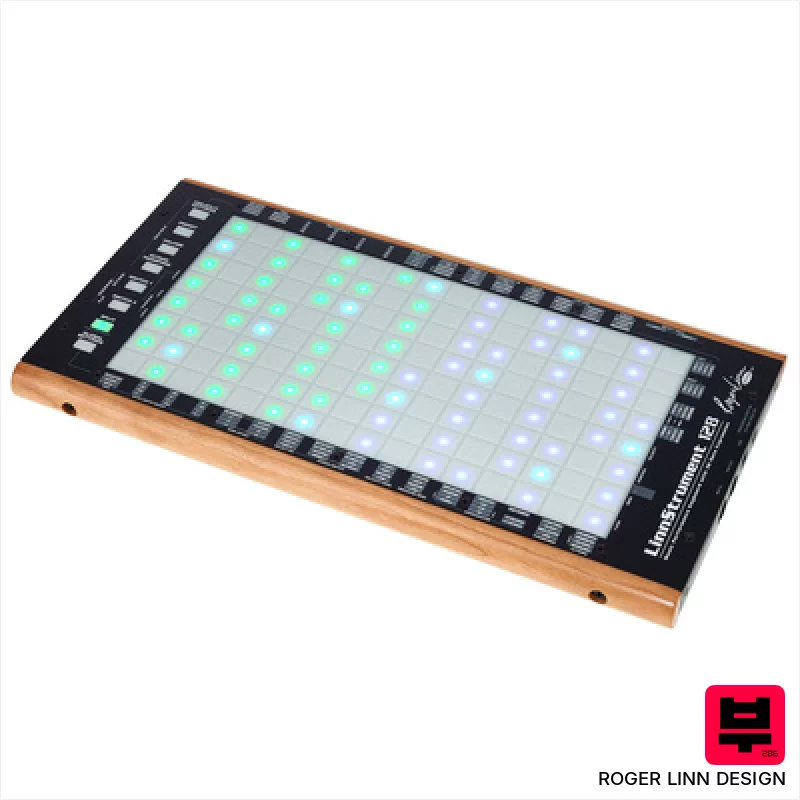
Roger Linn Design LinnStrument 128
- • Unique sensor technology offers unparalleled expressive control.
- • Row-based layout fosters intuitive playing for stringed instrument players.
- • Versatile grid mode expands functionality beyond traditional keyboard.
- • Solid build quality with a robust feel, designed for stage and studio.
- • Steep learning curve requires significant time investment to master.
- • Limited polyphony compared to traditional keyboard workstations.
- • Premium-priced, representing a significant investment for many musicians.

Steven Slate Audio Raven Max Core Station
- • Solid silver/black finish exudes professional quality and a clean aesthetic.
- • Modular table design allows for customization and future expansion of your workspace.
- • Integrated cable management drastically reduces clutter and improves workflow efficiency.
- • Padded leather armrest provides exceptional comfort during extended mixing sessions.
- • The substantial size and weight necessitate significant space and potential assembly assistance.
- • High-end price point positions it as an investment for serious studio professionals.
- • Controller dependency means it's only as good as the included or chosen MTi MAX units.
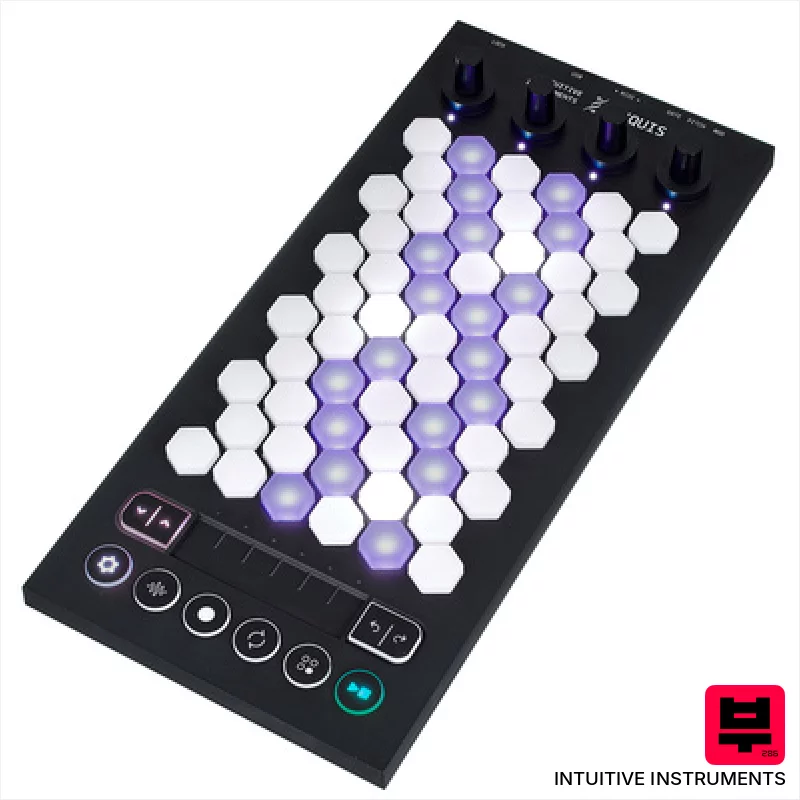
Intuitive Instruments Exquis
- • Hexagonal keys offer unique tactile response and expressive possibilities.
- • Capacitive touch slider provides nuanced, real-time parameter control.
- • Comprehensive Exquis app unlocks deep sound design and composition tools.
- • Compact size and lightweight design make it highly portable for studio and stage.
- • Limited key travel might not suit players accustomed to traditional keyboards.
- • CV outputs are mono, restricting more complex modular patching options.
- • The hexagonal key layout requires a learning curve for some users.
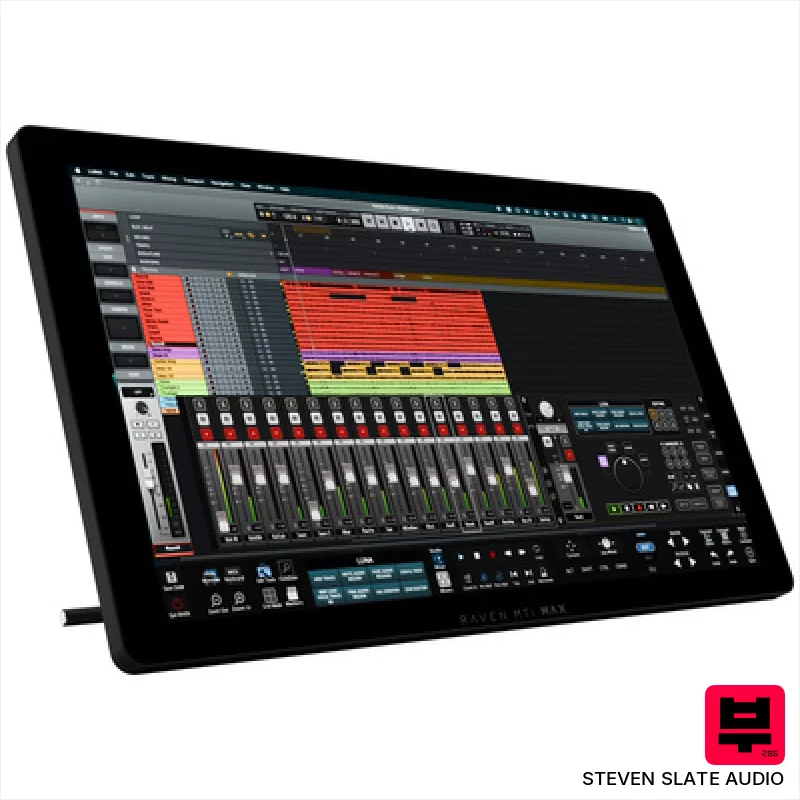
Steven Slate Audio Raven MTi MAX
- • Excellent touchscreen resolution (2560x1440) offers crisp visuals and precise control.
- • Raven 4.0 software provides deep DAW integration and customizable workflows.
- • Batch Commander allows for complex macro creation, significantly speeding up tasks.
- • Multiple virtual faders (up to 32) provide extensive mixing control in a compact space.
- • Reliance on iLok copy protection can be inconvenient for some users.
- • Limited DAW compatibility compared to universal MIDI controllers.
- • The size and weight make portability a significant consideration.
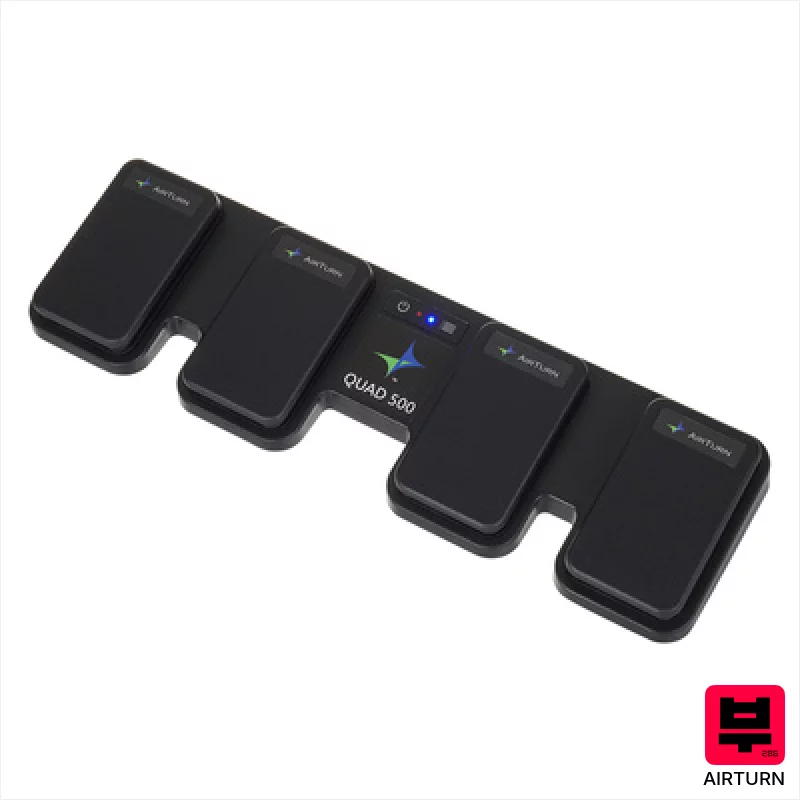
Airturn Quad 500
- • Robust build quality with a solid pedal board base.
- • Bluetooth 5 provides reliable, low-latency wireless operation.
- • Four ATFS-2 pedals offer precise and responsive control.
- • Impressive battery life minimizes downtime during long sessions.
- • The footprint is relatively large, limiting desk space.
- • Limited customization options for pedal feel and responsiveness.
- • While versatile, primarily shines in page-turning and remote control roles.
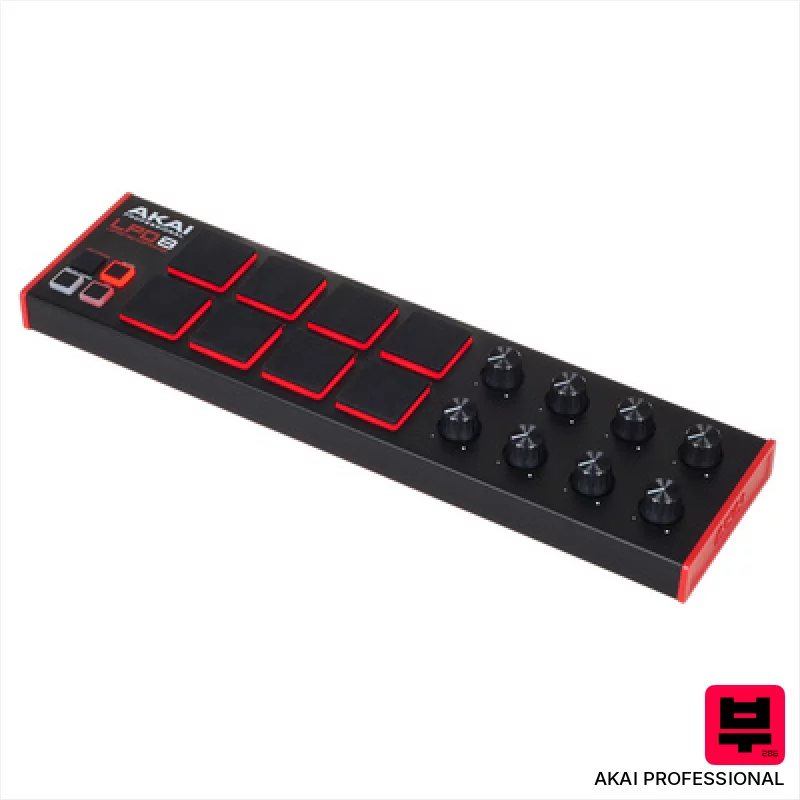
AKAI Professional LPD8 MKII
- • Responsive MPC pads offer surprisingly good tactile feedback.
- • RGB backlighting enhances visual performance and workflow.
- • Compact size makes it incredibly portable and desk-friendly.
- • MPC Beats software provides a decent starting point for beginners.
- • Plastic build feels somewhat flimsy, especially for frequent travel.
- • Assignable knobs lack detents, making precise adjustments tricky.
- • Limited pad size restricts complex finger drumming techniques.
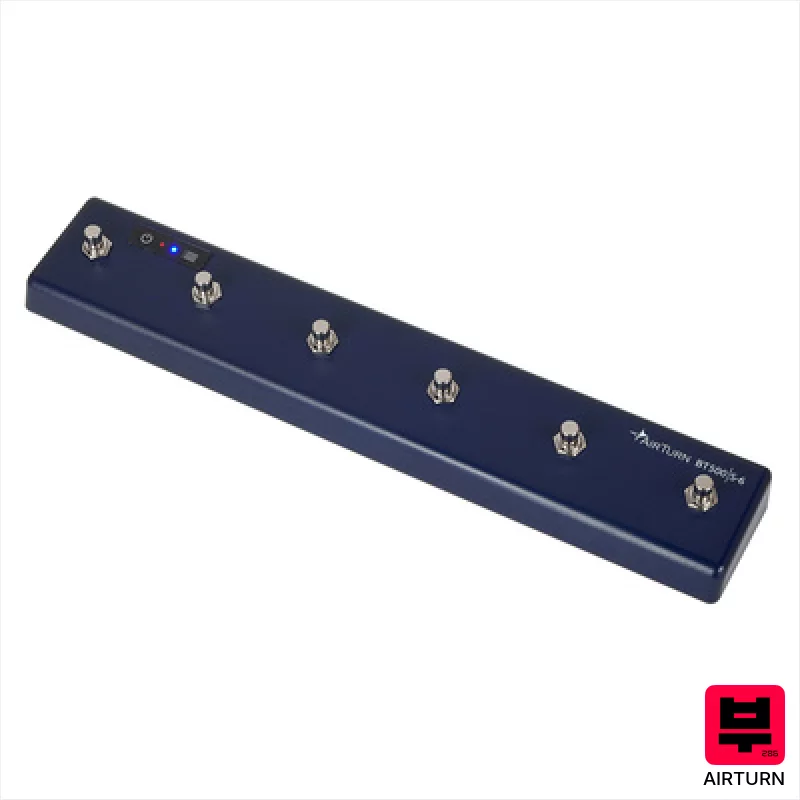
Airturn BT500S-6
- • Solid aluminum enclosure feels robust and well-built for stage use.
- • Bluetooth 5 offers reliable, low-latency connection to devices.
- • Programmable MIDI notes unlock creative possibilities beyond simple footswitching.
- • Rechargeable battery provides excellent longevity for gigging musicians.
- • The plastic pedal contact points might wear over time with heavy use.
- • Limited to six footswitches restricts complex control setups.
- • Requires external power supply (sold separately) for extended, stationary use.

Playtronica TouchMe MIDI Controller
- • Unique tactile interface allows for truly experimental sound creation.
- • Extremely portable and lightweight, ideal for travel and mobile setups.
- • Crocodile clips offer surprising versatility in surface interaction.
- • Latency-free response ensures real-time, playable feedback with DAWs.
- • Limited expressive control compared to traditional MIDI controllers.
- • Surface material significantly impacts sound; requires experimentation.
- • Build quality feels somewhat fragile given the thin, flexible design.

Presonus Atom SQ
- • Responsive pads offer excellent tactile feedback for drumming and sequencing
- • Touch strip is surprisingly versatile for modulation and creative effects
- • Studio One integration is genuinely deep and streamlines workflow
- • Compact size makes it ideal for smaller studio setups and mobile production
- • Limited pad size restricts complex chord voicings and intricate patterns
- • Rotary encoders lack detents, making precise adjustments challenging
- • Build quality feels plasticky, a noticeable cost-saving measure

AKAI Professional midimix
- • Solid plastic build feels surprisingly robust for the price.
- • Totalsync is a genuine time-saver for quick DAW integration.
- • 8 faders offer tactile control over key mixer parameters.
- • Compact size makes it ideal for smaller studios or mobile setups.
- • Plastic knobs feel a little 'plasticky' – lack premium rotational feel.
- • Limited channel strip functionality compared to higher-end mixers.
- • The included Ableton Live Lite is a basic intro version.

Pageflip Butterfly
- • Bluetooth 4.0 ensures reliable, low-latency connection for real-time page turns
- • Durable construction suggests longevity, suitable for frequent gigging or studio use
- • Impressive battery life (200 hours) minimizes downtime and replacements
- • Three pedal modes offer flexibility for various performance styles and software
- • Size (172 x 36 x 135 mm) makes it less portable than smaller options
- • Reliance on Bluetooth introduces potential for interference or connection hiccups
- • Limited to compatible devices; not universally applicable to all tablets/phones
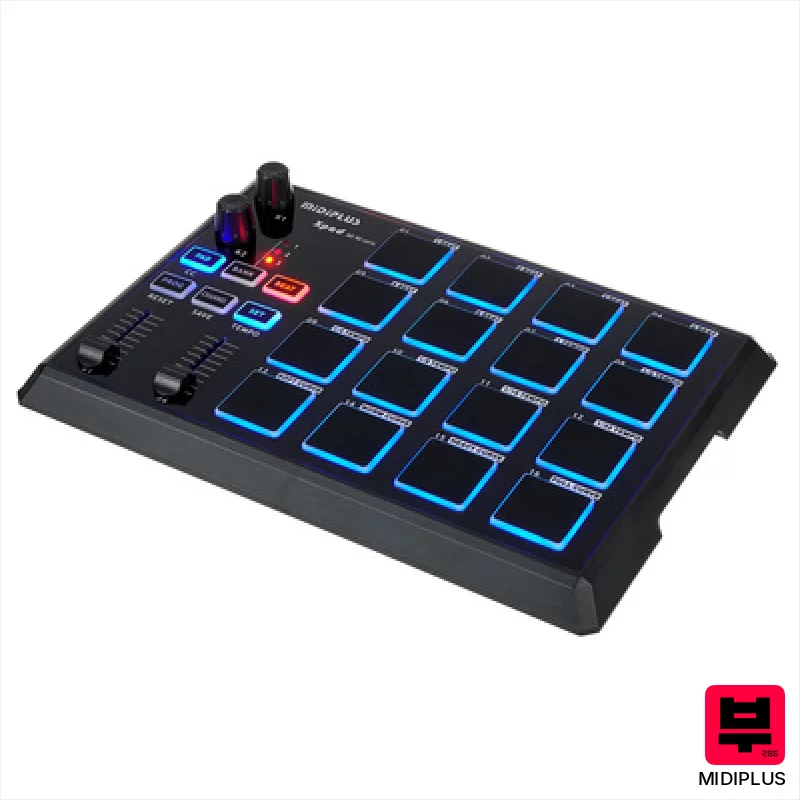
Midiplus X Pad
- • Compact footprint ideal for smaller studios or mobile setups
- • Programmable encoders offer flexible parameter control for software
- • Illuminated pads provide visual feedback for intuitive performance
- • Class-compliant operation simplifies setup across various operating systems
- • Plastic build feels somewhat budget-oriented, lacks premium robustness
- • Limited pad sensitivity range compared to higher-end alternatives
- • Faders are short, may not offer the most precise control

Vidami Original Video Foot Controller
- • Solid, weighty construction feels durable and stable during use.
- • Customizable speed settings offer granular control for learning complex passages.
- • Direct MP4/MP3 playback eliminates dependency on internet connectivity.
- • USB-A connection is reliable and avoids proprietary power solutions.
- • The weight (over 2lbs) can make it less portable for frequent travel.
- • Limited to specific video platforms; compatibility isn't universal.
- • Single USB-A port limits expansion or connection to other devices.

Playtronica Biotron Midi Controller
- • Unique concept bridging nature and digital music creation is genuinely innovative.
- • Extremely lightweight and compact design allows for portable and experimental setups.
- • Latency-free response provides a surprisingly playable and expressive performance experience.
- • Simple installation and DAW integration lowers the barrier to entry for experimental musicians.
- • Limited control parameters restrict complex musical expression and nuanced sound design.
- • Reliance on plant health and environmental conditions introduces unpredictable performance variations.
- • Requires a separate USB-C cable, adding to the initial investment and potential inconvenience.
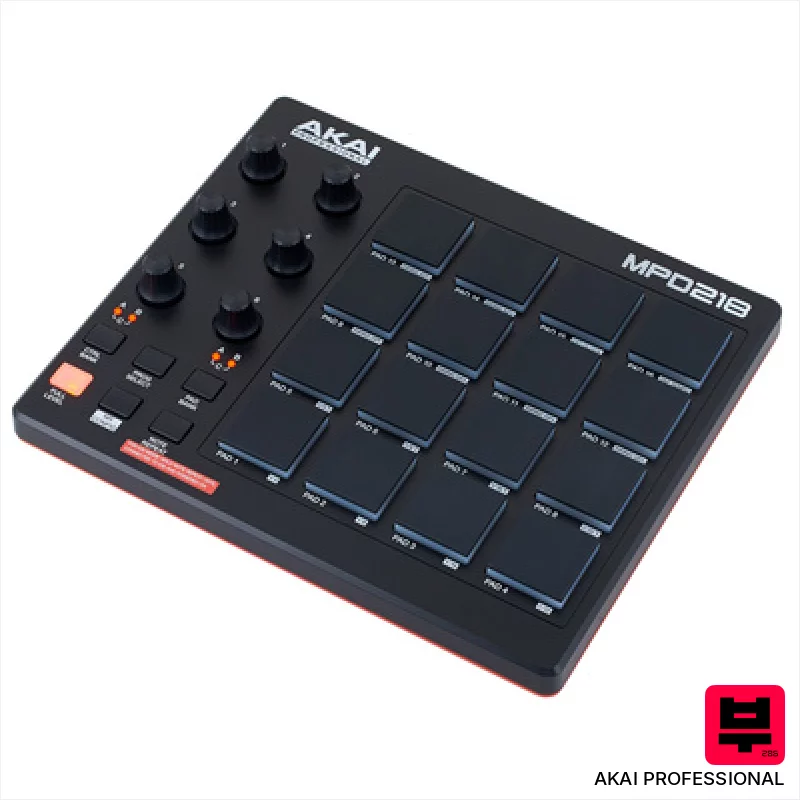
AKAI Professional MPD 218
- • MPC pads offer surprisingly responsive, velocity-sensitive performance.
- • Assignable knobs provide tactile control over software parameters.
- • Compact size makes it ideal for smaller workspaces or mobile setups.
- • Included Ableton Live Lite is a useful entry point for beginners.
- • Plastic construction feels budget-oriented, lacks premium feel.
- • Limited connectivity – USB only restricts flexibility.
- • IOS compatibility requires a separate, additional purchase.
How to Choose the Best Other Controllers
Hands-on Control
The real value isn't just knobs and faders, it's how intuitively you can tweak parameters without staring at a screen. A frustrating layout will kill your vibe faster than a blown amp.
Parameter Depth & Mapping
Can you actually map useful parameters? Too many controllers offer a superficial layer of control - you want to dive deep into filter resonance, LFO rates, or even complex modulation matrices.
Physical Feel & Response
Knobs that are too loose feel cheap and imprecise. Faders that are scratchy are a nightmare for subtle adjustments. The tactile feedback is crucial for real-time shaping and nailing that sweet spot.
Integration & Compatibility
How well does it play with your existing setup? Driver stability, MIDI implementation, and DAW compatibility are non-negotiable - a controller that crashes your session isn't solving anything.
Sound Character (where applicable)
Some controllers, like those with built-in effects or modeled instruments, have a sonic signature. Does that signature complement your sound, or fight against it? A warm, tube-like emulation can be a huge help, but a brittle, digital sound will just irritate.
Buying Guide
Don't fall for the hype. A lot of these controllers are built on budget components - expect some plastic wobble and maybe a slightly imprecise feel. Paying a bit more often gets you better encoders, more robust construction, and more reliable drivers. Think about your workflow - if you're primarily tweaking synth patches, a dedicated knob-per-parameter controller is gold. If you're automating drum fills, a good fader bank is essential.
Our Methodology
We don't go by spec sheets here. We've put these controllers through the wringer - bedroom practice sessions, full band rehearsals where headroom is a constant battle, and tracking gigs where reliability is everything. It's about feeling the response, hearing the nuances, and seeing how they actually fit into a real workflow, not just how they look in a press release.

