
Best Other Controllers for Alternative Control 2026
Okay, so you're tired of the usual knobs and faders, huh? You want to mangle sounds, trigger weird loops, and generally escape the confines of a standard DAW setup. That's what Alternative Control is all about - and it's way more than just a MIDI controller. Let's look at some controllers that'll unlock that sonic territory, beyond the typical keyboard or pad grid.
Last updated: July 22, 2026 • Next update: July 29, 2026
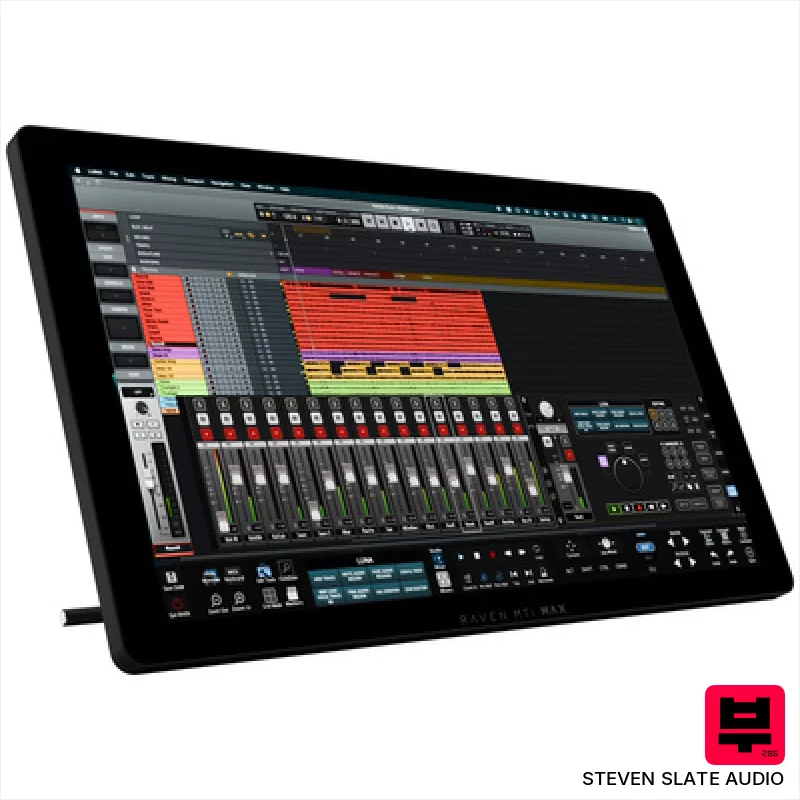
Steven Slate Audio Raven MTi MAX
- • Excellent touchscreen resolution (2560x1440) offers crisp visuals and precise control.
- • Raven 4.0 software provides deep DAW integration and customizable workflows.
- • Batch Commander allows for complex macro creation, significantly speeding up tasks.
- • Multiple virtual faders (up to 32) provide extensive mixing control in a compact space.
- • Reliance on iLok copy protection can be inconvenient for some users.
- • Limited DAW compatibility compared to universal MIDI controllers.
- • The size and weight make portability a significant consideration.

Steven Slate Audio Raven Max Core Station
- • Solid silver/black finish exudes professional quality and a clean aesthetic.
- • Modular table design allows for customization and future expansion of your workspace.
- • Integrated cable management drastically reduces clutter and improves workflow efficiency.
- • Padded leather armrest provides exceptional comfort during extended mixing sessions.
- • The substantial size and weight necessitate significant space and potential assembly assistance.
- • High-end price point positions it as an investment for serious studio professionals.
- • Controller dependency means it's only as good as the included or chosen MTi MAX units.
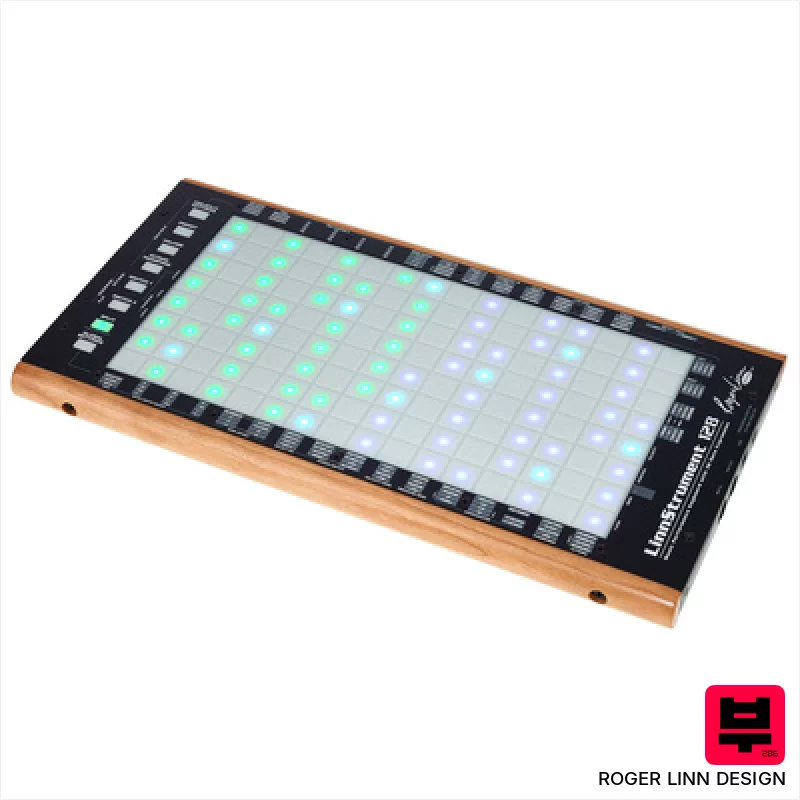
Roger Linn Design LinnStrument 128
- • Unique sensor technology offers unparalleled expressive control.
- • Row-based layout fosters intuitive playing for stringed instrument players.
- • Versatile grid mode expands functionality beyond traditional keyboard.
- • Solid build quality with a robust feel, designed for stage and studio.
- • Steep learning curve requires significant time investment to master.
- • Limited polyphony compared to traditional keyboard workstations.
- • Premium-priced, representing a significant investment for many musicians.
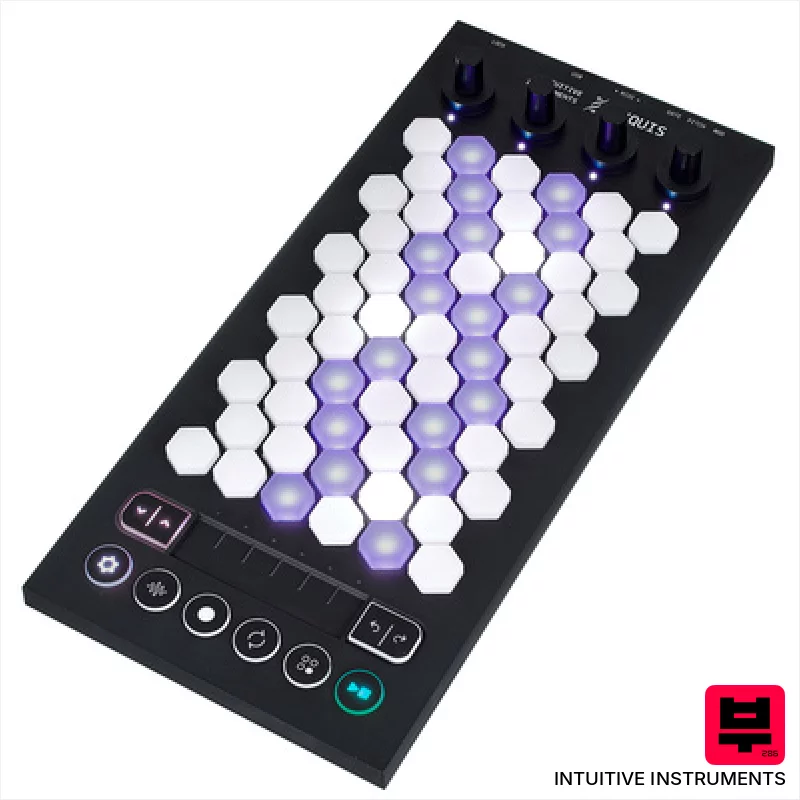
Intuitive Instruments Exquis
- • Hexagonal keys offer unique tactile response and expressive possibilities.
- • Capacitive touch slider provides nuanced, real-time parameter control.
- • Comprehensive Exquis app unlocks deep sound design and composition tools.
- • Compact size and lightweight design make it highly portable for studio and stage.
- • Limited key travel might not suit players accustomed to traditional keyboards.
- • CV outputs are mono, restricting more complex modular patching options.
- • The hexagonal key layout requires a learning curve for some users.

Presonus Atom SQ
- • Responsive pads offer excellent tactile feedback for drumming and sequencing
- • Touch strip is surprisingly versatile for modulation and creative effects
- • Studio One integration is genuinely deep and streamlines workflow
- • Compact size makes it ideal for smaller studio setups and mobile production
- • Limited pad size restricts complex chord voicings and intricate patterns
- • Rotary encoders lack detents, making precise adjustments challenging
- • Build quality feels plasticky, a noticeable cost-saving measure

Vidami Blue 3 in 1 Video Controller
- • Seamless video looping simplifies learning complex riffs and solos.
- • Customizable speed presets offer precise control over playback speed.
- • DAW mode expands creative workflow, offering flexible track manipulation.
- • Bluetooth connectivity provides wireless freedom and reduces cable clutter.
- • Foot pedal responsiveness may require a learning curve for some users.
- • Limited compatibility with older or less common video platforms.
- • Build quality, while decent, feels somewhat plasticky for the price.
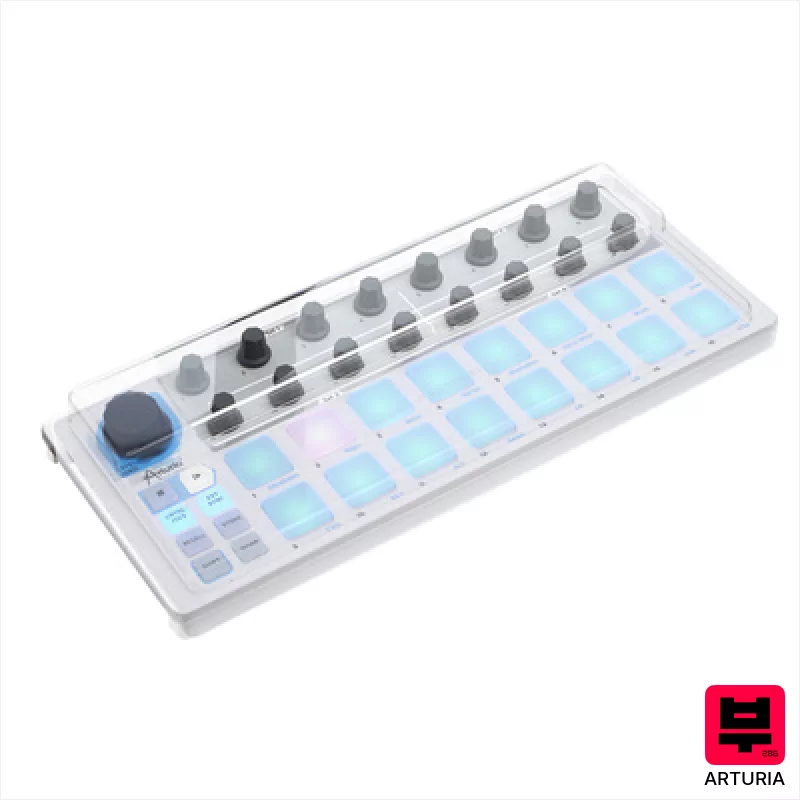
Arturia Beatstep Decksaver Set
- • Decksaver provides excellent physical protection against dust and impact
- • Polycarbonate construction offers robust durability and clarity
- • Custom fit ensures a snug, secure cover for the Beatstep
- • Bundle offers good value, combining protection and controller
- • Decksaver’s polycarbonate can scratch with heavy use and cleaning
- • The Beatstep itself is not included, a common oversight for bundles
- • The Decksaver adds a slight bit of bulk during transport
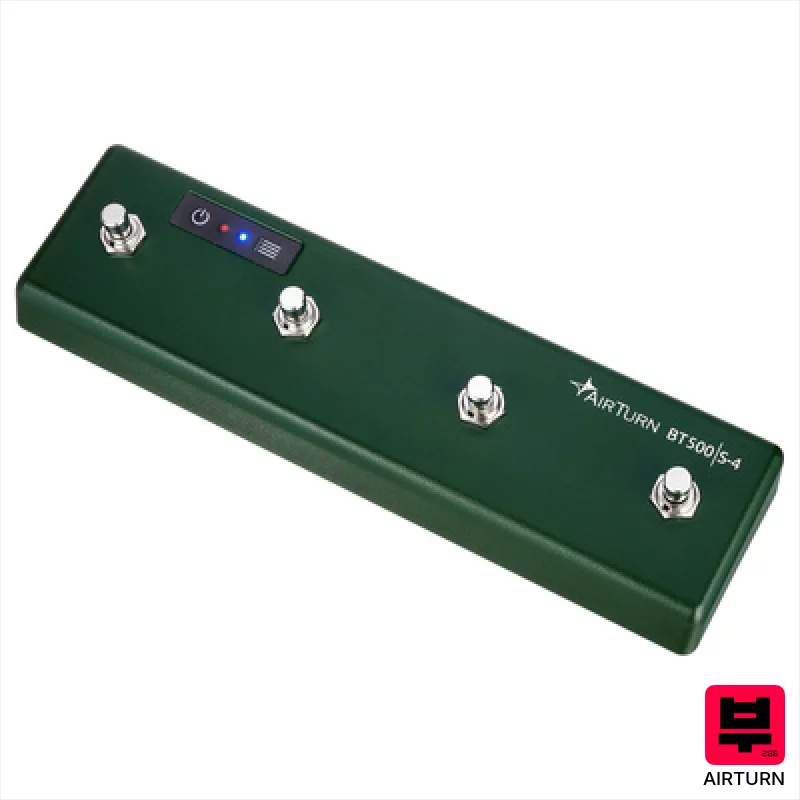
Airturn BT500S-4
- • Steel switches offer a satisfying, tactile, and reliable action.
- • Bluetooth 5 provides a stable, low-latency connection.
- • Excellent battery life; 200 hours is genuinely impressive.
- • AirTurn Manager app allows for deep customization of functions.
- • The footswitch form factor isn't ideal for all workflows; placement is key.
- • Steel construction makes it relatively heavy for a small device.
- • Limited to four switches; complex setups might require multiple units.
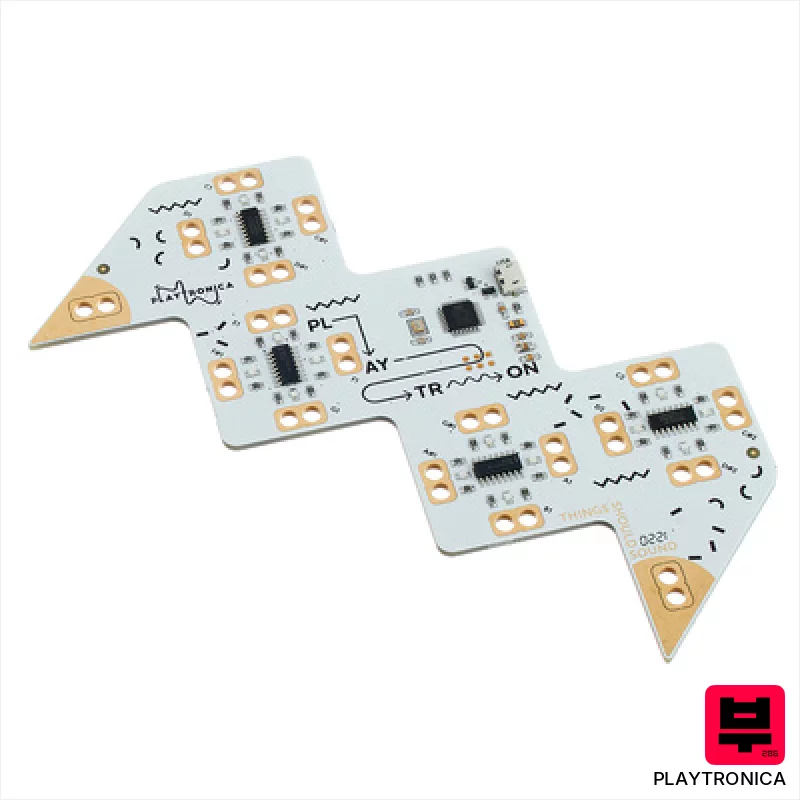
Playtronica Playtron MIDI Controller
- • Unique tactile interface opens creative possibilities beyond traditional MIDI controllers.
- • Alligator clips allow experimentation with diverse surfaces, fostering experimental sound design.
- • Extremely lightweight and portable; ideal for mobile musicians and on-the-fly inspiration.
- • Latency-free response ensures a natural, playable feel despite unconventional input.
- • Limited expressive range compared to dedicated MIDI keyboard or drum pads.
- • Surface conductivity variations can introduce unpredictable and inconsistent MIDI data.
- • Durability of alligator clips is questionable with frequent or rough handling.
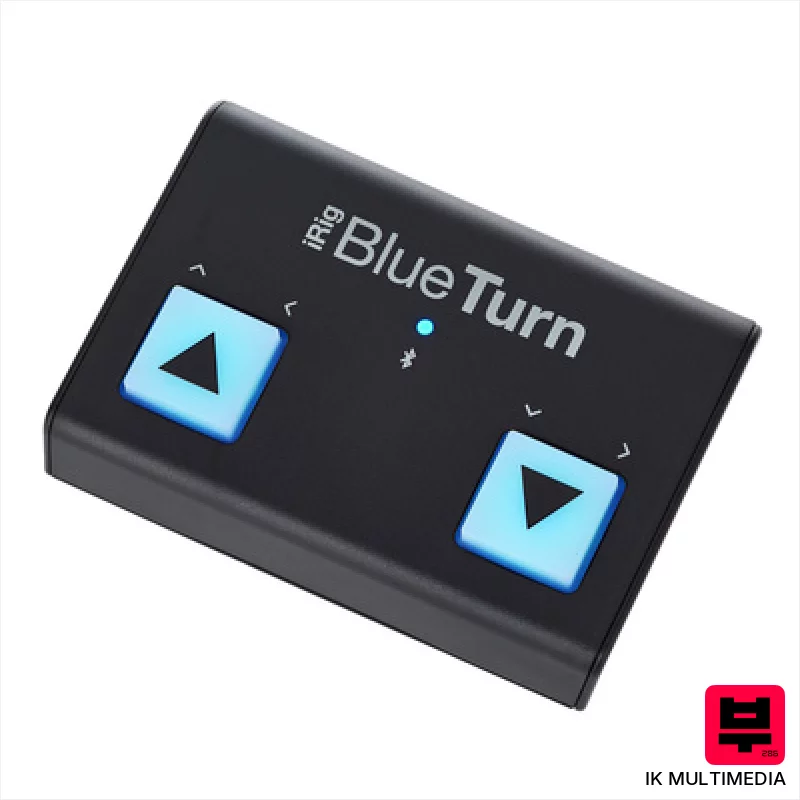
IK Multimedia iRig BlueTurn
- • Bluetooth LE offers reliable, low-latency wireless control
- • Soft-touch footswitches provide a responsive, quiet action
- • Compact size makes it ideal for mobile setups and pedalboards
- • Multiple mode configurations enhance versatility across applications
- • Windows incompatibility significantly limits potential users
- • AAA battery power can be inconvenient for frequent use
- • Plastic housing, while sturdy, lacks premium feel of metal alternatives
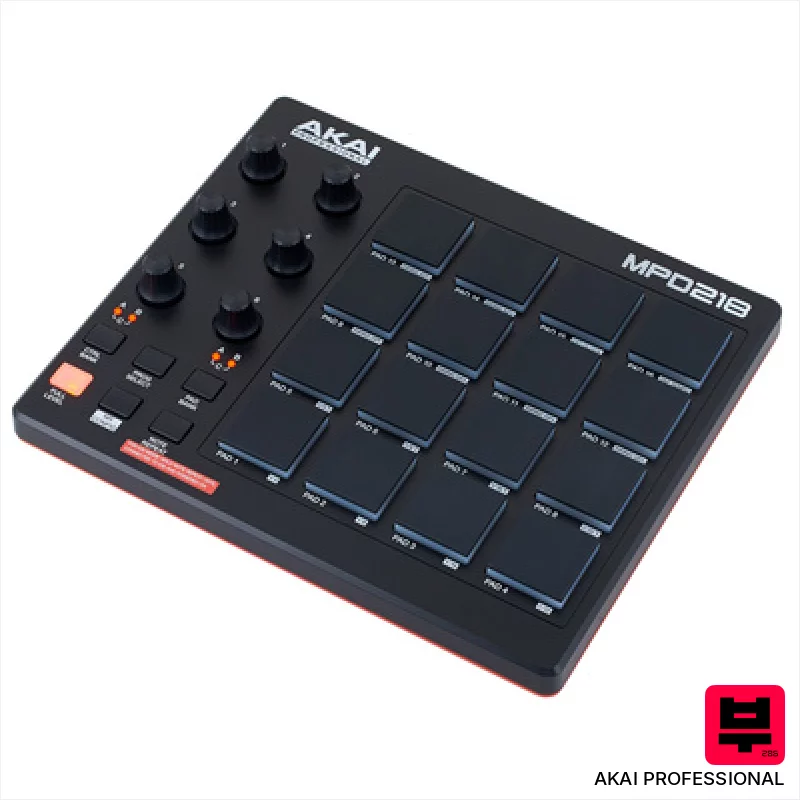
AKAI Professional MPD 218
- • MPC pads offer surprisingly responsive, velocity-sensitive performance.
- • Assignable knobs provide tactile control over software parameters.
- • Compact size makes it ideal for smaller workspaces or mobile setups.
- • Included Ableton Live Lite is a useful entry point for beginners.
- • Plastic construction feels budget-oriented, lacks premium feel.
- • Limited connectivity – USB only restricts flexibility.
- • IOS compatibility requires a separate, additional purchase.

Playtronica Biotron Midi Controller
- • Unique concept bridging nature and digital music creation is genuinely innovative.
- • Extremely lightweight and compact design allows for portable and experimental setups.
- • Latency-free response provides a surprisingly playable and expressive performance experience.
- • Simple installation and DAW integration lowers the barrier to entry for experimental musicians.
- • Limited control parameters restrict complex musical expression and nuanced sound design.
- • Reliance on plant health and environmental conditions introduces unpredictable performance variations.
- • Requires a separate USB-C cable, adding to the initial investment and potential inconvenience.

Playtronica TouchMe MIDI Controller
- • Unique tactile interface allows for truly experimental sound creation.
- • Extremely portable and lightweight, ideal for travel and mobile setups.
- • Crocodile clips offer surprising versatility in surface interaction.
- • Latency-free response ensures real-time, playable feedback with DAWs.
- • Limited expressive control compared to traditional MIDI controllers.
- • Surface material significantly impacts sound; requires experimentation.
- • Build quality feels somewhat fragile given the thin, flexible design.

AKAI Professional midimix
- • Solid plastic build feels surprisingly robust for the price.
- • Totalsync is a genuine time-saver for quick DAW integration.
- • 8 faders offer tactile control over key mixer parameters.
- • Compact size makes it ideal for smaller studios or mobile setups.
- • Plastic knobs feel a little 'plasticky' – lack premium rotational feel.
- • Limited channel strip functionality compared to higher-end mixers.
- • The included Ableton Live Lite is a basic intro version.
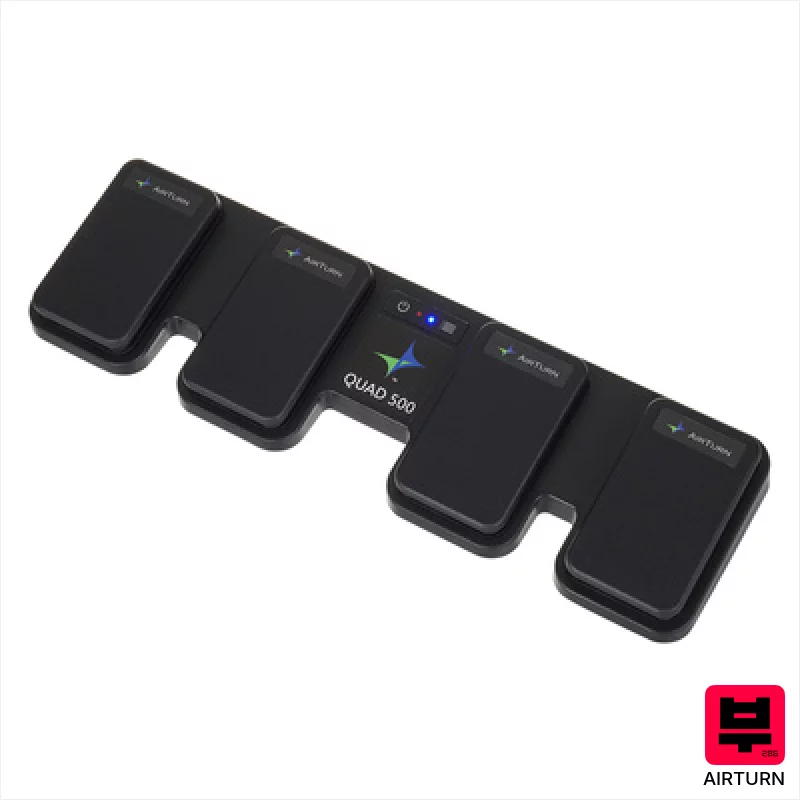
Airturn Quad 500
- • Robust build quality with a solid pedal board base.
- • Bluetooth 5 provides reliable, low-latency wireless operation.
- • Four ATFS-2 pedals offer precise and responsive control.
- • Impressive battery life minimizes downtime during long sessions.
- • The footprint is relatively large, limiting desk space.
- • Limited customization options for pedal feel and responsiveness.
- • While versatile, primarily shines in page-turning and remote control roles.
How to Choose the Best Other Controllers
Expression Mapping
It's not enough to just send MIDI CC messages; you need a controller that lets you map complex movements and gestures to multiple parameters simultaneously. Think subtle filter sweeps triggered by pressure on a ribbon, or evolving reverb tails controlled by joystick position.
Responsiveness & Dynamic Range
Alternative Control often relies on nuanced manipulation. A controller with a sluggish response or limited dynamic range will just frustrate you and limit your creative options. We're looking for something that reacts instantly and accurately to subtle changes.
Physical Feel & Tactility
Forget sterile plastic buttons - you want something that feels good to play. Knobs with a satisfying resistance, faders with a smooth but defined action, and pads with a responsive surface all contribute to a more intuitive and expressive playing experience.
Routing Flexibility
Can you easily re-assign controls? Can you send different MIDI channels to different devices? Alternative Control thrives on experimentation, so your controller needs to be adaptable and not lock you into a rigid workflow.
Build Quality & Reliability
Gigs happen. Gear gets bumped. You need something that can withstand the rigors of regular use without falling apart. Cheap plastic pots and flimsy construction just aren't going to cut it when you're relying on a controller to shape your sound.
Buying Guide
Don't chase the most features; chase the right features. A controller crammed with a hundred knobs you never touch is useless. Look for something that inspires you to experiment, even if it means sacrificing a few bells and whistles. The biggest trade-off is often build quality - cheaper controllers will feel plasticky and the pots will get scratchy fast, but a solid build is worth the investment if you plan on gigging or using it regularly.
Our Methodology
We're not chasing spec sheets here. We've spent weeks (and frankly, a lot of late nights) putting these controllers through their paces. That means hands-on playing, A/B comparisons against traditional setups, and testing them in real-world scenarios - from bedroom practice to band rehearsals and even a few live gigs. We're looking for what actually works and what sounds good, not just what looks impressive.

