
Best Other Controllers for Custom Control 2026
Okay, so you're beyond the stock DAW automation and want to really dial in your sound - I get it. Custom control is where the magic happens, but it's not always about a MIDI keyboard. We're talking dedicated hardware, repurposed gear, anything that can translate your physical actions into sonic changes. This is about sculpting your sound, not just playing notes, and these controllers are your new sculpting tools.
Last updated: July 22, 2026 • Next update: July 29, 2026
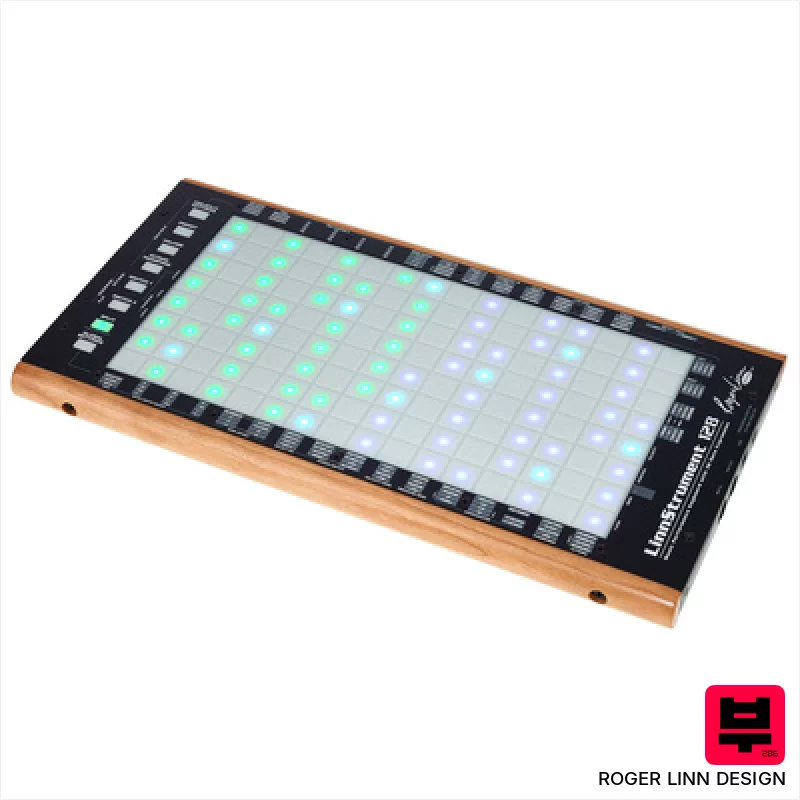
Roger Linn Design LinnStrument 128
- • Unique sensor technology offers unparalleled expressive control.
- • Row-based layout fosters intuitive playing for stringed instrument players.
- • Versatile grid mode expands functionality beyond traditional keyboard.
- • Solid build quality with a robust feel, designed for stage and studio.
- • Steep learning curve requires significant time investment to master.
- • Limited polyphony compared to traditional keyboard workstations.
- • Premium-priced, representing a significant investment for many musicians.
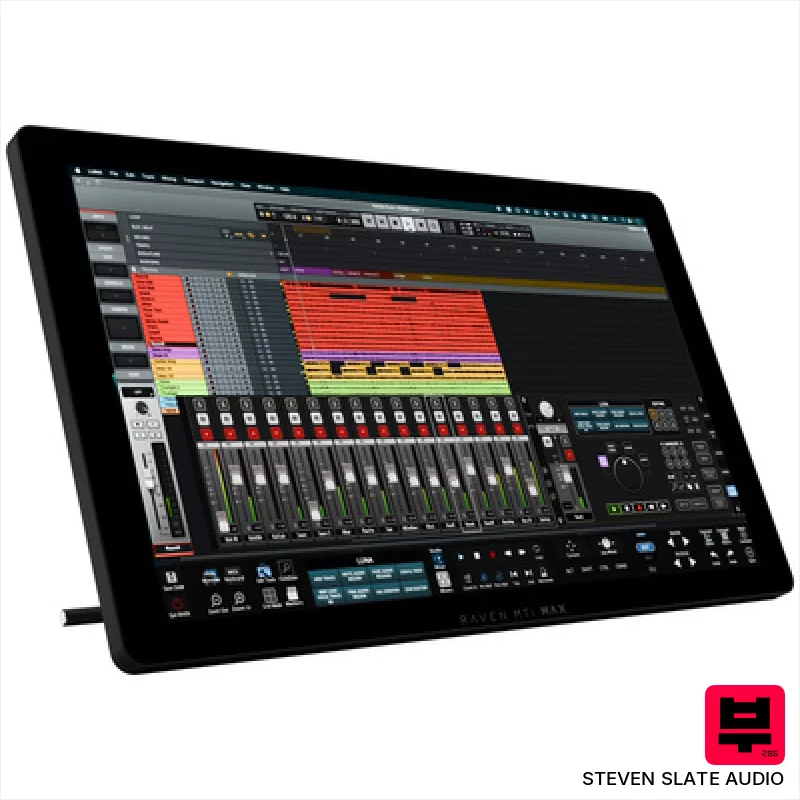
Steven Slate Audio Raven MTi MAX
- • Excellent touchscreen resolution (2560x1440) offers crisp visuals and precise control.
- • Raven 4.0 software provides deep DAW integration and customizable workflows.
- • Batch Commander allows for complex macro creation, significantly speeding up tasks.
- • Multiple virtual faders (up to 32) provide extensive mixing control in a compact space.
- • Reliance on iLok copy protection can be inconvenient for some users.
- • Limited DAW compatibility compared to universal MIDI controllers.
- • The size and weight make portability a significant consideration.

Steven Slate Audio Raven Max Core Station
- • Solid silver/black finish exudes professional quality and a clean aesthetic.
- • Modular table design allows for customization and future expansion of your workspace.
- • Integrated cable management drastically reduces clutter and improves workflow efficiency.
- • Padded leather armrest provides exceptional comfort during extended mixing sessions.
- • The substantial size and weight necessitate significant space and potential assembly assistance.
- • High-end price point positions it as an investment for serious studio professionals.
- • Controller dependency means it's only as good as the included or chosen MTi MAX units.
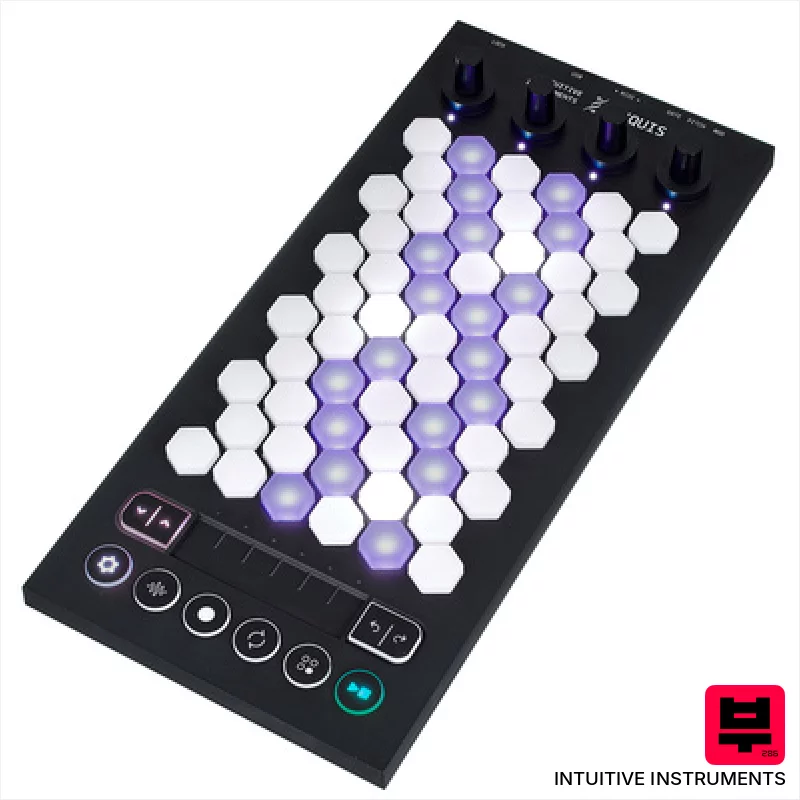
Intuitive Instruments Exquis
- • Hexagonal keys offer unique tactile response and expressive possibilities.
- • Capacitive touch slider provides nuanced, real-time parameter control.
- • Comprehensive Exquis app unlocks deep sound design and composition tools.
- • Compact size and lightweight design make it highly portable for studio and stage.
- • Limited key travel might not suit players accustomed to traditional keyboards.
- • CV outputs are mono, restricting more complex modular patching options.
- • The hexagonal key layout requires a learning curve for some users.

AKAI Professional midimix
- • Solid plastic build feels surprisingly robust for the price.
- • Totalsync is a genuine time-saver for quick DAW integration.
- • 8 faders offer tactile control over key mixer parameters.
- • Compact size makes it ideal for smaller studios or mobile setups.
- • Plastic knobs feel a little 'plasticky' – lack premium rotational feel.
- • Limited channel strip functionality compared to higher-end mixers.
- • The included Ableton Live Lite is a basic intro version.
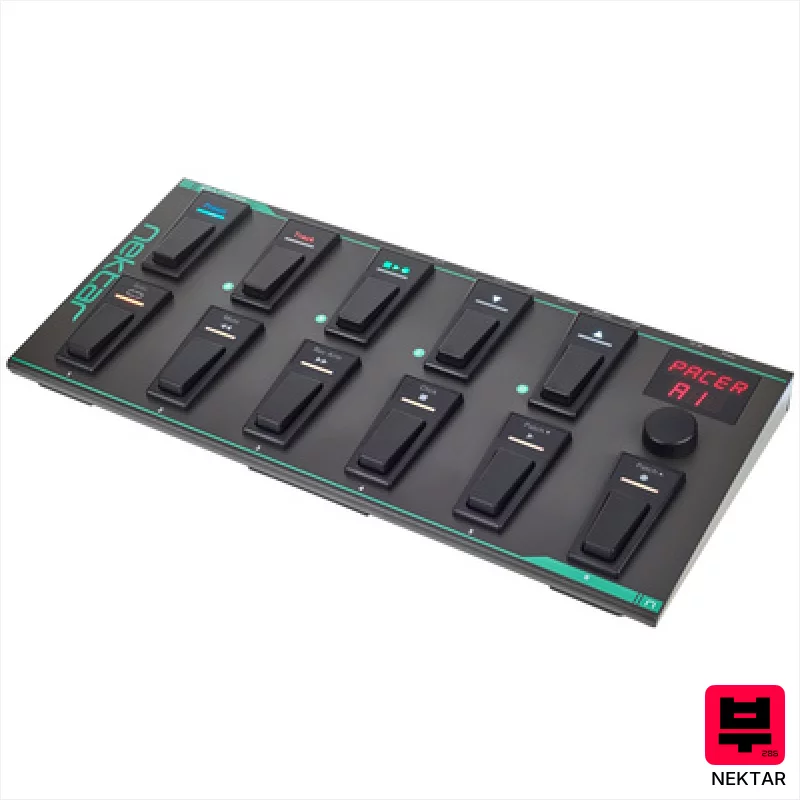
Nektar Pacer
- • Robust metal housing inspires confidence and longevity.
- • Flexible footswitch programming allows complex DAW control sequences.
- • Extensive DAW integration simplifies workflow in popular recording software.
- • Programmable relays add versatility beyond standard MIDI functions.
- • External footswitch/expression pedal support requires additional purchase.
- • Encoder feels a little plasticky compared to premium rotary controllers.
- • Preset management, while extensive, could benefit from a dedicated software editor.
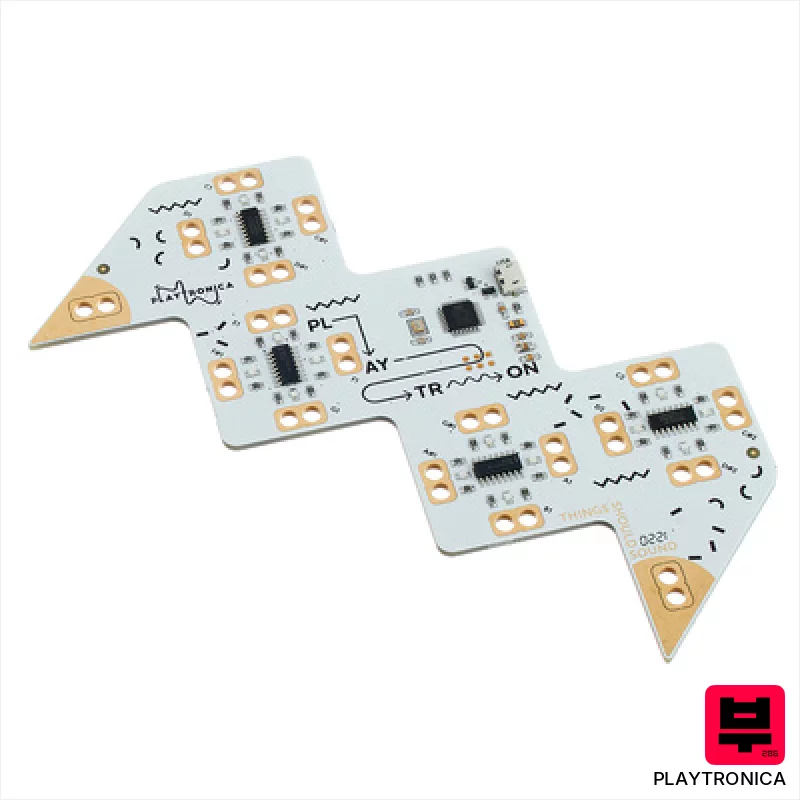
Playtronica Playtron MIDI Controller
- • Unique tactile interface opens creative possibilities beyond traditional MIDI controllers.
- • Alligator clips allow experimentation with diverse surfaces, fostering experimental sound design.
- • Extremely lightweight and portable; ideal for mobile musicians and on-the-fly inspiration.
- • Latency-free response ensures a natural, playable feel despite unconventional input.
- • Limited expressive range compared to dedicated MIDI keyboard or drum pads.
- • Surface conductivity variations can introduce unpredictable and inconsistent MIDI data.
- • Durability of alligator clips is questionable with frequent or rough handling.
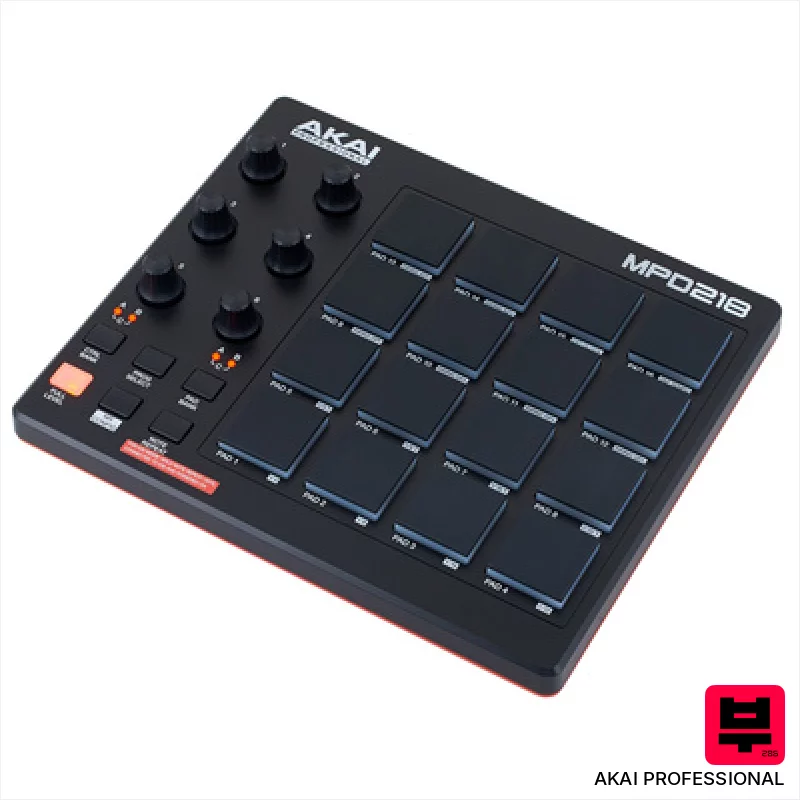
AKAI Professional MPD 218
- • MPC pads offer surprisingly responsive, velocity-sensitive performance.
- • Assignable knobs provide tactile control over software parameters.
- • Compact size makes it ideal for smaller workspaces or mobile setups.
- • Included Ableton Live Lite is a useful entry point for beginners.
- • Plastic construction feels budget-oriented, lacks premium feel.
- • Limited connectivity – USB only restricts flexibility.
- • IOS compatibility requires a separate, additional purchase.

Vidami Blue 3 in 1 Video Controller
- • Seamless video looping simplifies learning complex riffs and solos.
- • Customizable speed presets offer precise control over playback speed.
- • DAW mode expands creative workflow, offering flexible track manipulation.
- • Bluetooth connectivity provides wireless freedom and reduces cable clutter.
- • Foot pedal responsiveness may require a learning curve for some users.
- • Limited compatibility with older or less common video platforms.
- • Build quality, while decent, feels somewhat plasticky for the price.
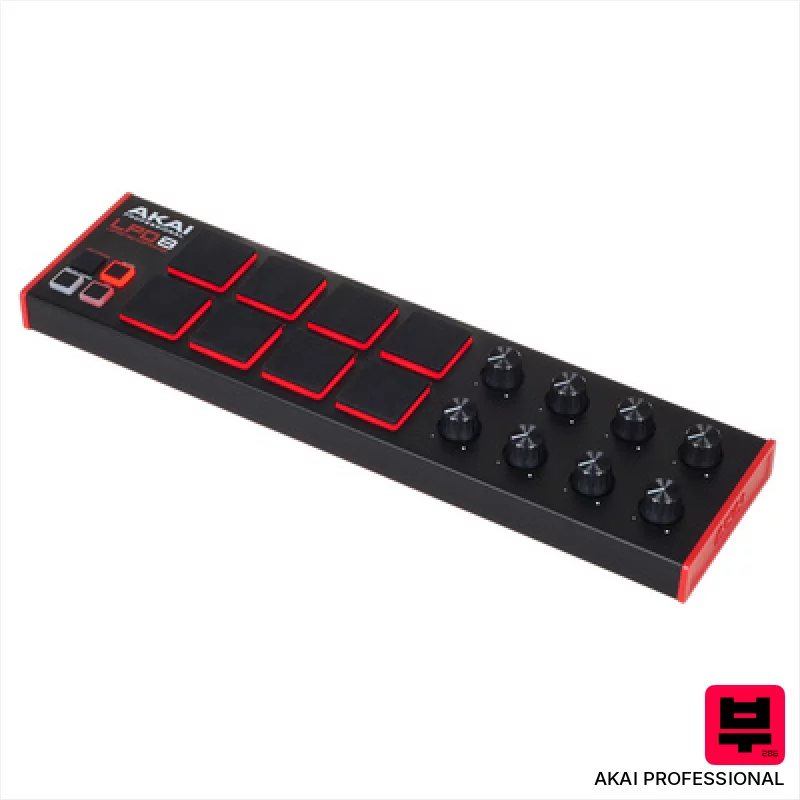
AKAI Professional LPD8 MKII
- • Responsive MPC pads offer surprisingly good tactile feedback.
- • RGB backlighting enhances visual performance and workflow.
- • Compact size makes it incredibly portable and desk-friendly.
- • MPC Beats software provides a decent starting point for beginners.
- • Plastic build feels somewhat flimsy, especially for frequent travel.
- • Assignable knobs lack detents, making precise adjustments tricky.
- • Limited pad size restricts complex finger drumming techniques.
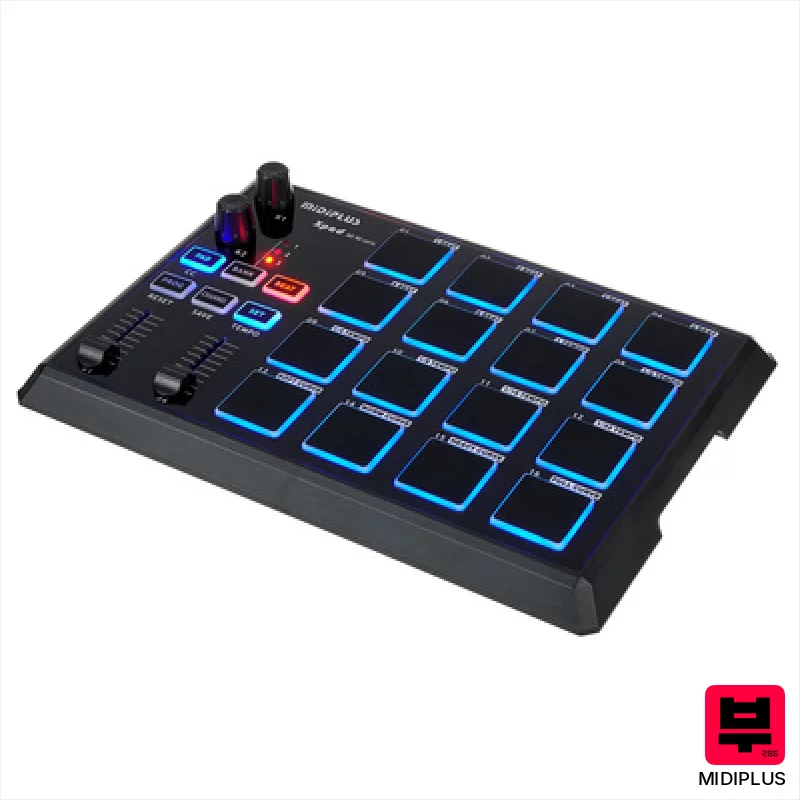
Midiplus X Pad
- • Compact footprint ideal for smaller studios or mobile setups
- • Programmable encoders offer flexible parameter control for software
- • Illuminated pads provide visual feedback for intuitive performance
- • Class-compliant operation simplifies setup across various operating systems
- • Plastic build feels somewhat budget-oriented, lacks premium robustness
- • Limited pad sensitivity range compared to higher-end alternatives
- • Faders are short, may not offer the most precise control
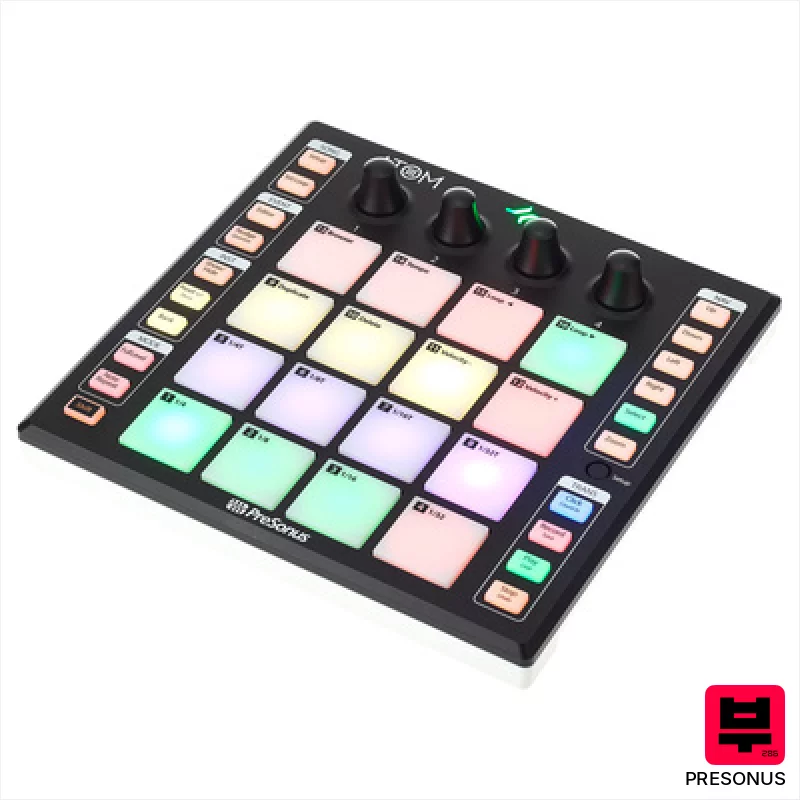
Presonus Atom
- • Responsive RGB pads offer excellent tactile feedback and visual cues
- • Polyphonic aftertouch adds expressive nuance to virtual instruments
- • Freely assignable buttons provide extensive customization options
- • Seamless Studio One integration streamlines workflow for Presonus users
- • Limited pad size restricts complex chord voicings and finger drumming
- • Plastic construction feels somewhat budget-oriented, lacks premium feel
- • Lack of dedicated pitch bend/mod wheel limits performance flexibility
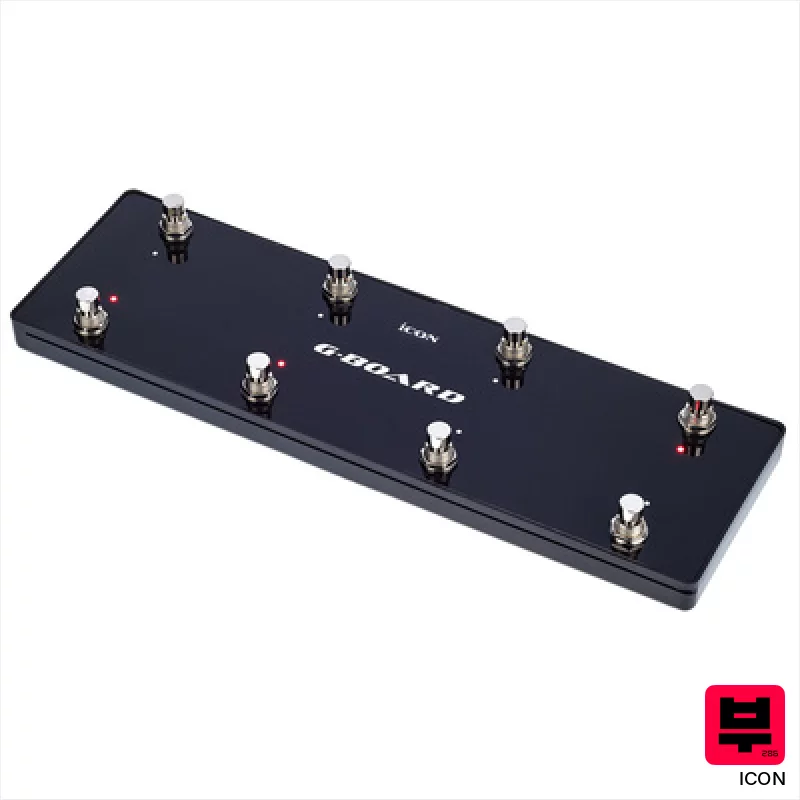
Icon G-Board black
- • Robust metal footswitches offer reliable, tactile performance.
- • Compact size makes it ideal for small studios or live rigs.
- • USB-powered simplifies setup and eliminates external power needs.
- • Daisy-chaining expands control possibilities with other iCon controllers.
- • Limited control surface beyond footswitches restricts complex MIDI mapping.
- • Plastic casing feels less premium than higher-end controller alternatives.
- • Compatibility list suggests potential driver issues with newer operating systems.

Playtronica TouchMe MIDI Controller
- • Unique tactile interface allows for truly experimental sound creation.
- • Extremely portable and lightweight, ideal for travel and mobile setups.
- • Crocodile clips offer surprising versatility in surface interaction.
- • Latency-free response ensures real-time, playable feedback with DAWs.
- • Limited expressive control compared to traditional MIDI controllers.
- • Surface material significantly impacts sound; requires experimentation.
- • Build quality feels somewhat fragile given the thin, flexible design.
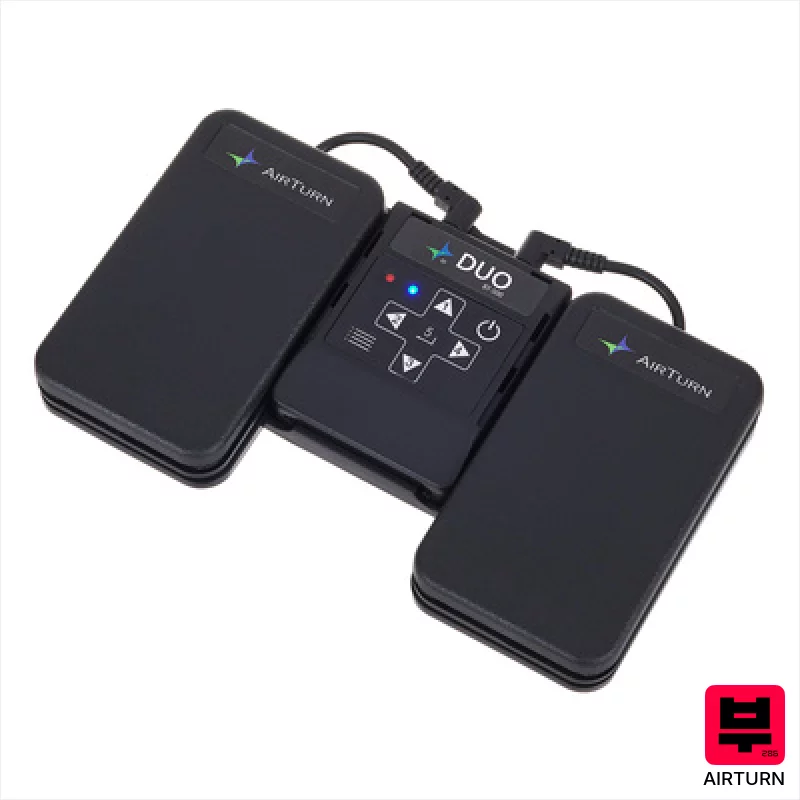
Airturn Duo 500
- • Robust build quality; the pedal board feels surprisingly solid.
- • Bluetooth 5 provides a consistently reliable, low-latency connection.
- • Silent membrane buttons are genuinely quiet, crucial for recording.
- • AirTurn Manager software offers deep customization options for profiles.
- • The plastic enclosure, while durable, lacks a premium feel.
- • Limited button customization beyond pre-defined profiles.
- • Size and weight make it less ideal for mobile performance situations.
How to Choose the Best Other Controllers
Resolution & Accuracy
You need precise control. A controller that jumps around erratically is useless for subtle filter sweeps or precise EQ adjustments. We're looking for encoders and faders that feel solid and track consistently, especially when automating complex movements.
Mapping Flexibility
Can you assign anything to anything? Some controllers lock you into pre-defined layouts. True custom control demands a system that lets you remap every knob, fader, and button to any parameter in your DAW or effects chain.
Build Quality & Feel
Plastic knobs and flimsy faders scream 'cheap' and feel awful under your fingers. It's gotta have a tactile feel, something that gives you feedback and inspires confidence. That cheap plastic feel translates to less accurate movements too.
Power & Connectivity
USB is standard, but do you need MIDI DIN for vintage gear? Power supply stability is also key - a controller that glitches under load is a liability, especially in a live setting. Consider how it integrates into your existing signal chain.
Physical Footprint & Ergonomics
You want something that fits your space and your workflow. A huge rackmount controller might be overkill for a bedroom studio, while a tiny tabletop unit might be uncomfortable for long sessions. Consider how it sits with your other gear.
Buying Guide
Don't chase the flashiest marketing. A lot of these controllers are built on similar underlying tech, so it's about the implementation and the feel. Spend a little more for quality encoders and faders - it's an investment in your workflow. And honestly, don't underestimate the power of repurposing old gear - a vintage mixing console's EQ knobs can be gold.
Our Methodology
We don't just look at spec sheets here. We put these controllers through the ringer - recording basslines, tweaking synth textures, even running them live through a PA. It's about feeling how they respond, hearing how they impact the sound, and seeing if they actually improve the workflow. It's about hearing that subtle shift in filter resonance that makes all the difference.

