
Best Other Controllers for Creative Setup 2026
So, you're not just looking for another MIDI keyboard, huh? You're building a creative hub - a sonic playground. Forget the standard fare; we're diving into controllers that offer unique tactile feedback, expressive possibilities, and a different kind of workflow for sound design, experimental composition, and just plain messing around. Let's explore some alternatives that'll actually inspire your next sound.
Last updated: July 22, 2026 • Next update: July 29, 2026
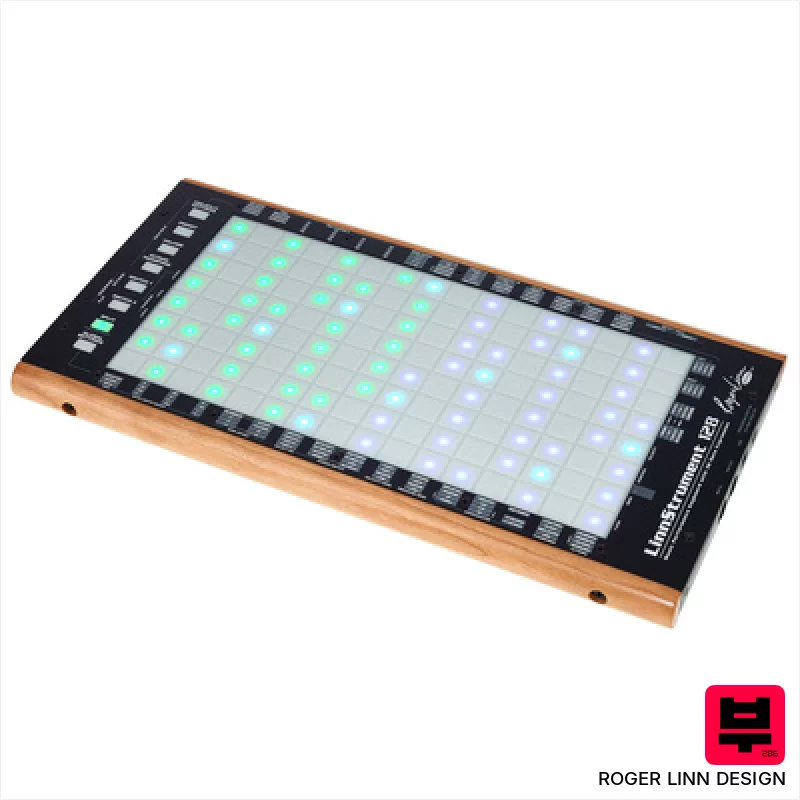
Roger Linn Design LinnStrument 128
- • Unique sensor technology offers unparalleled expressive control.
- • Row-based layout fosters intuitive playing for stringed instrument players.
- • Versatile grid mode expands functionality beyond traditional keyboard.
- • Solid build quality with a robust feel, designed for stage and studio.
- • Steep learning curve requires significant time investment to master.
- • Limited polyphony compared to traditional keyboard workstations.
- • Premium-priced, representing a significant investment for many musicians.

Steven Slate Audio Raven Max Core Station
- • Solid silver/black finish exudes professional quality and a clean aesthetic.
- • Modular table design allows for customization and future expansion of your workspace.
- • Integrated cable management drastically reduces clutter and improves workflow efficiency.
- • Padded leather armrest provides exceptional comfort during extended mixing sessions.
- • The substantial size and weight necessitate significant space and potential assembly assistance.
- • High-end price point positions it as an investment for serious studio professionals.
- • Controller dependency means it's only as good as the included or chosen MTi MAX units.
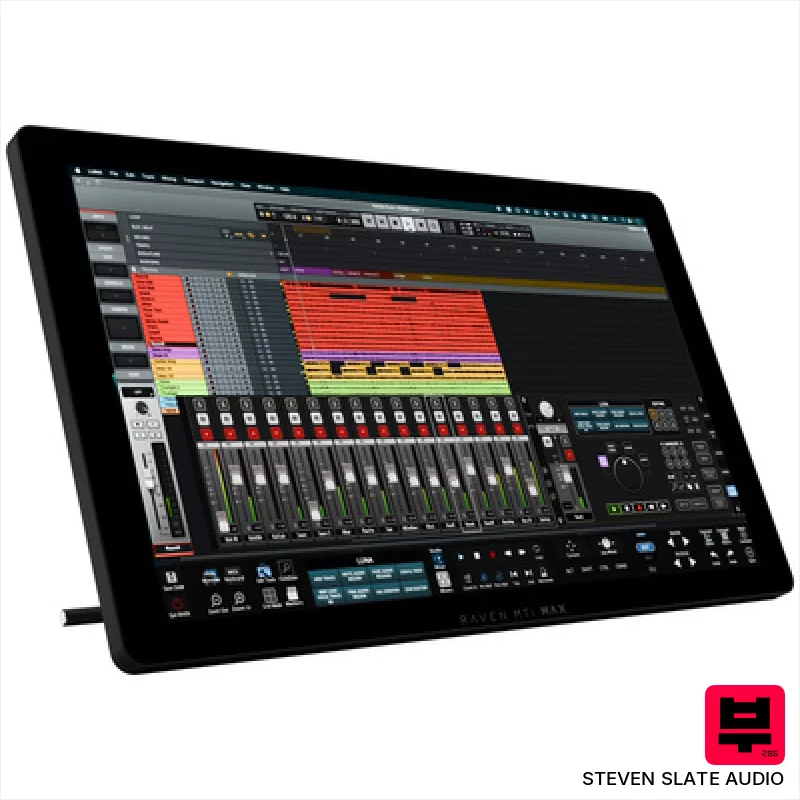
Steven Slate Audio Raven MTi MAX
- • Excellent touchscreen resolution (2560x1440) offers crisp visuals and precise control.
- • Raven 4.0 software provides deep DAW integration and customizable workflows.
- • Batch Commander allows for complex macro creation, significantly speeding up tasks.
- • Multiple virtual faders (up to 32) provide extensive mixing control in a compact space.
- • Reliance on iLok copy protection can be inconvenient for some users.
- • Limited DAW compatibility compared to universal MIDI controllers.
- • The size and weight make portability a significant consideration.
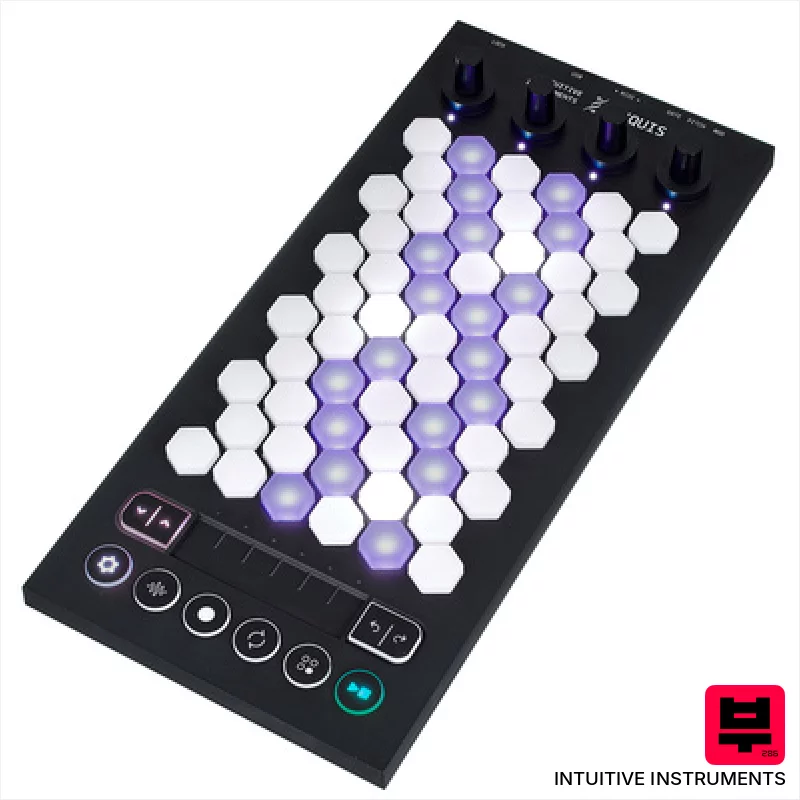
Intuitive Instruments Exquis
- • Hexagonal keys offer unique tactile response and expressive possibilities.
- • Capacitive touch slider provides nuanced, real-time parameter control.
- • Comprehensive Exquis app unlocks deep sound design and composition tools.
- • Compact size and lightweight design make it highly portable for studio and stage.
- • Limited key travel might not suit players accustomed to traditional keyboards.
- • CV outputs are mono, restricting more complex modular patching options.
- • The hexagonal key layout requires a learning curve for some users.
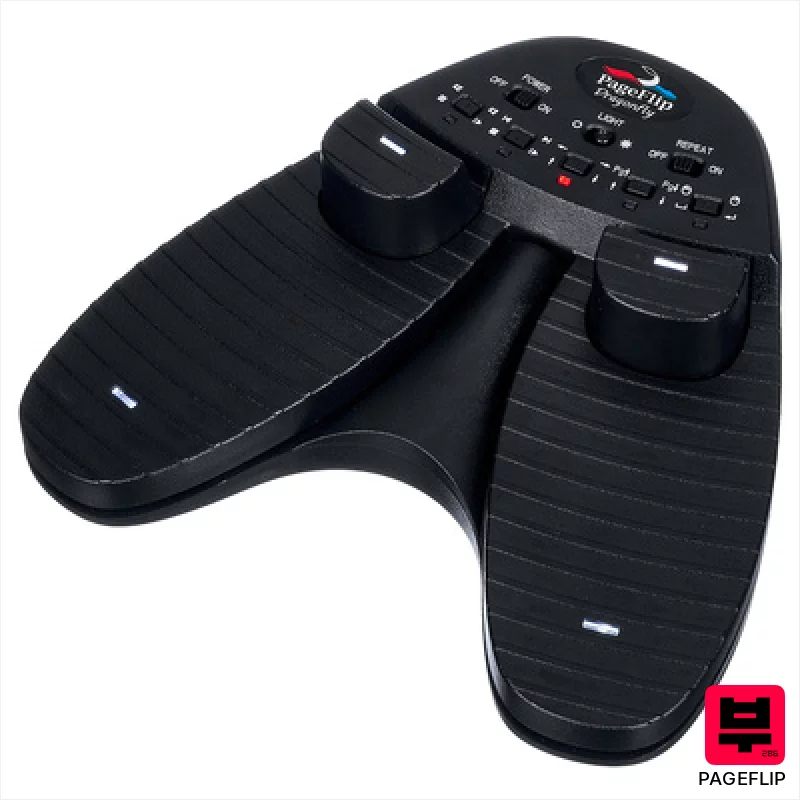
Pageflip Dragonfly
- • Robust construction suggests longevity for demanding stage or studio use
- • Bluetooth LE provides reliable, low-latency wireless operation
- • Programmable pedal modes offer significant customization potential
- • Compact footprint minimizes space requirements on crowded pedalboards
- • Limited compatibility outside of tablet/smartphone/notebook scenarios
- • Editor software dependency restricts ease of use for some users
- • Plastic construction, while durable, lacks the premium feel of metal alternatives

Presonus Atom SQ
- • Responsive pads offer excellent tactile feedback for drumming and sequencing
- • Touch strip is surprisingly versatile for modulation and creative effects
- • Studio One integration is genuinely deep and streamlines workflow
- • Compact size makes it ideal for smaller studio setups and mobile production
- • Limited pad size restricts complex chord voicings and intricate patterns
- • Rotary encoders lack detents, making precise adjustments challenging
- • Build quality feels plasticky, a noticeable cost-saving measure
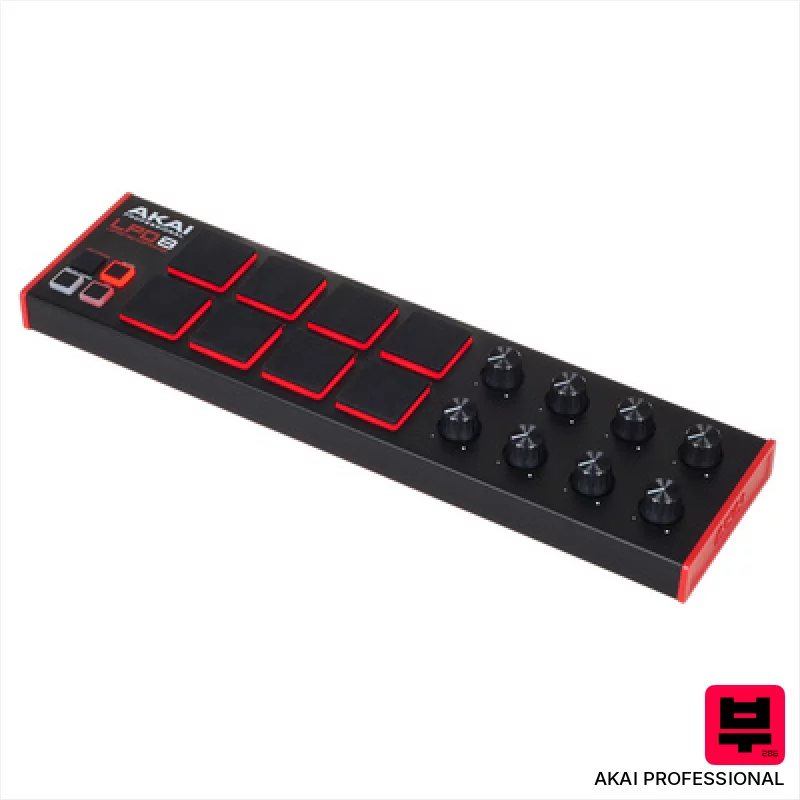
AKAI Professional LPD8 MKII
- • Responsive MPC pads offer surprisingly good tactile feedback.
- • RGB backlighting enhances visual performance and workflow.
- • Compact size makes it incredibly portable and desk-friendly.
- • MPC Beats software provides a decent starting point for beginners.
- • Plastic build feels somewhat flimsy, especially for frequent travel.
- • Assignable knobs lack detents, making precise adjustments tricky.
- • Limited pad size restricts complex finger drumming techniques.

Playtronica TouchMe MIDI Controller
- • Unique tactile interface allows for truly experimental sound creation.
- • Extremely portable and lightweight, ideal for travel and mobile setups.
- • Crocodile clips offer surprising versatility in surface interaction.
- • Latency-free response ensures real-time, playable feedback with DAWs.
- • Limited expressive control compared to traditional MIDI controllers.
- • Surface material significantly impacts sound; requires experimentation.
- • Build quality feels somewhat fragile given the thin, flexible design.
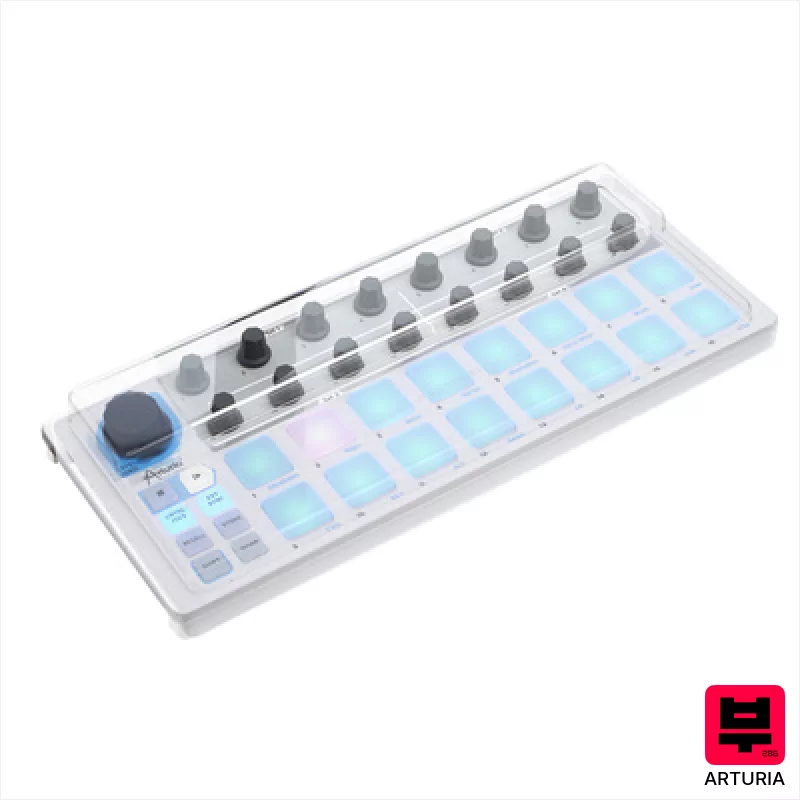
Arturia Beatstep Decksaver Set
- • Decksaver provides excellent physical protection against dust and impact
- • Polycarbonate construction offers robust durability and clarity
- • Custom fit ensures a snug, secure cover for the Beatstep
- • Bundle offers good value, combining protection and controller
- • Decksaver’s polycarbonate can scratch with heavy use and cleaning
- • The Beatstep itself is not included, a common oversight for bundles
- • The Decksaver adds a slight bit of bulk during transport

Pageflip Butterfly
- • Bluetooth 4.0 ensures reliable, low-latency connection for real-time page turns
- • Durable construction suggests longevity, suitable for frequent gigging or studio use
- • Impressive battery life (200 hours) minimizes downtime and replacements
- • Three pedal modes offer flexibility for various performance styles and software
- • Size (172 x 36 x 135 mm) makes it less portable than smaller options
- • Reliance on Bluetooth introduces potential for interference or connection hiccups
- • Limited to compatible devices; not universally applicable to all tablets/phones

ESI Xjam
- • Velocity & pressure pads offer nuanced expression.
- • Polyphonic aftertouch adds unique performance possibilities.
- • Programmable footswitch expands workflow options considerably.
- • Compact size and USB-C make it very portable and modern.
- • Plastic build feels somewhat budget-oriented; lacks premium feel.
- • Limited pad size might hinder complex chord playing comfortably.
- • Software editor, while present, could benefit from more intuitive design.
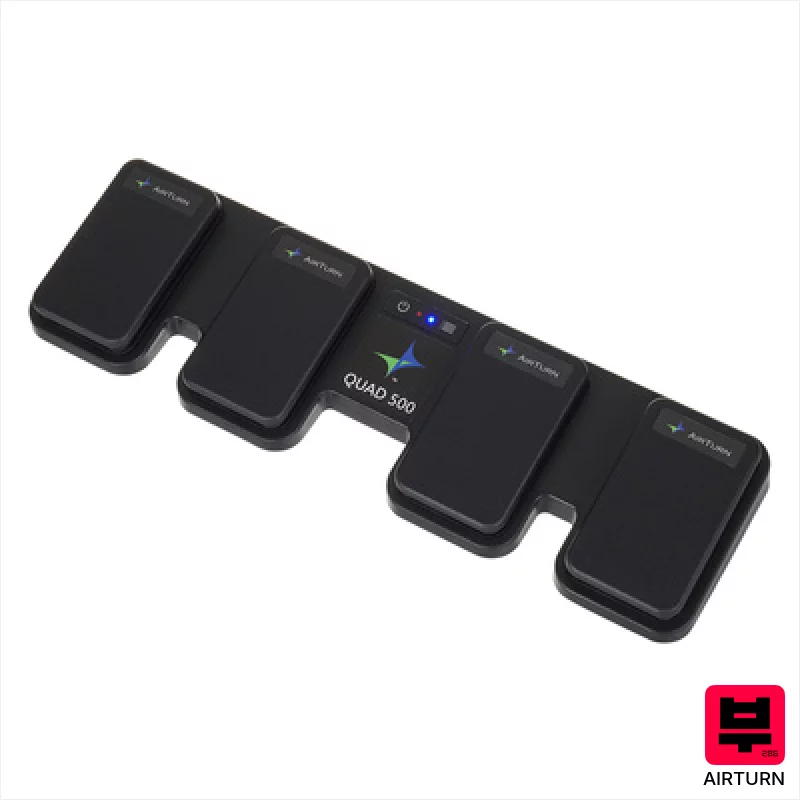
Airturn Quad 500
- • Robust build quality with a solid pedal board base.
- • Bluetooth 5 provides reliable, low-latency wireless operation.
- • Four ATFS-2 pedals offer precise and responsive control.
- • Impressive battery life minimizes downtime during long sessions.
- • The footprint is relatively large, limiting desk space.
- • Limited customization options for pedal feel and responsiveness.
- • While versatile, primarily shines in page-turning and remote control roles.
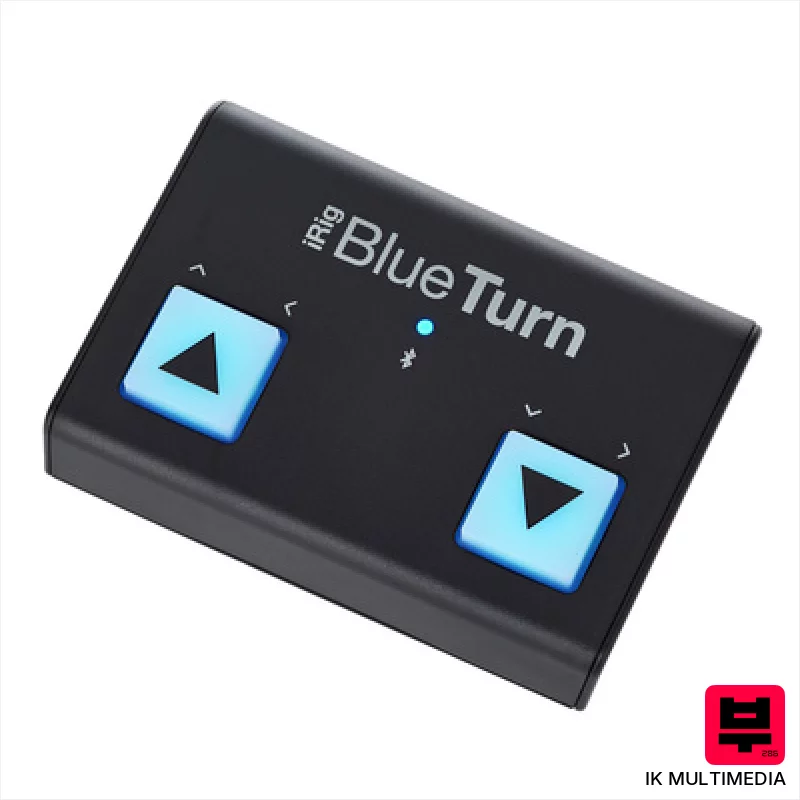
IK Multimedia iRig BlueTurn
- • Bluetooth LE offers reliable, low-latency wireless control
- • Soft-touch footswitches provide a responsive, quiet action
- • Compact size makes it ideal for mobile setups and pedalboards
- • Multiple mode configurations enhance versatility across applications
- • Windows incompatibility significantly limits potential users
- • AAA battery power can be inconvenient for frequent use
- • Plastic housing, while sturdy, lacks premium feel of metal alternatives
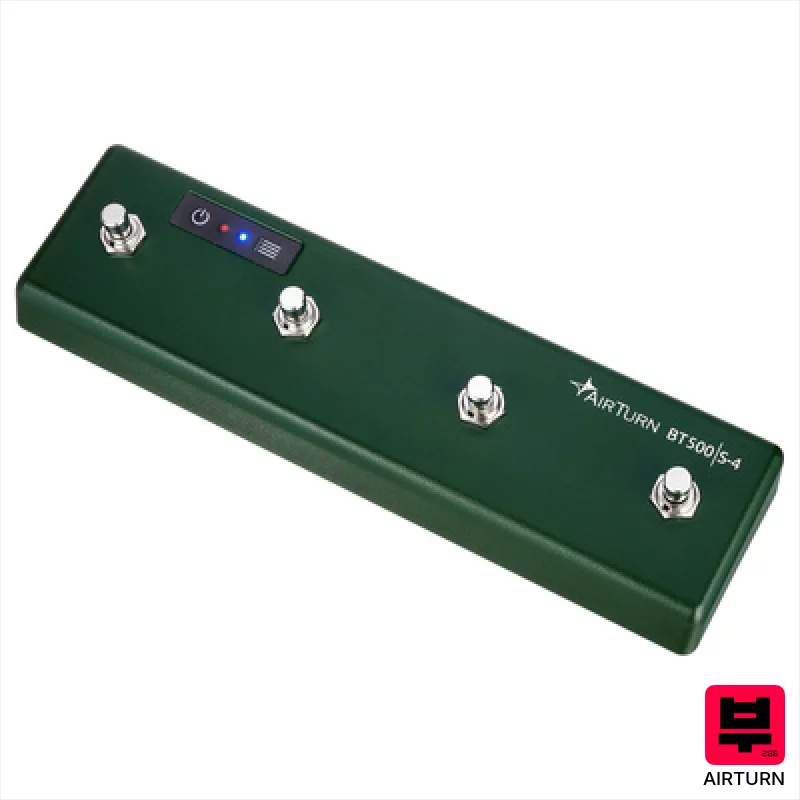
Airturn BT500S-4
- • Steel switches offer a satisfying, tactile, and reliable action.
- • Bluetooth 5 provides a stable, low-latency connection.
- • Excellent battery life; 200 hours is genuinely impressive.
- • AirTurn Manager app allows for deep customization of functions.
- • The footswitch form factor isn't ideal for all workflows; placement is key.
- • Steel construction makes it relatively heavy for a small device.
- • Limited to four switches; complex setups might require multiple units.
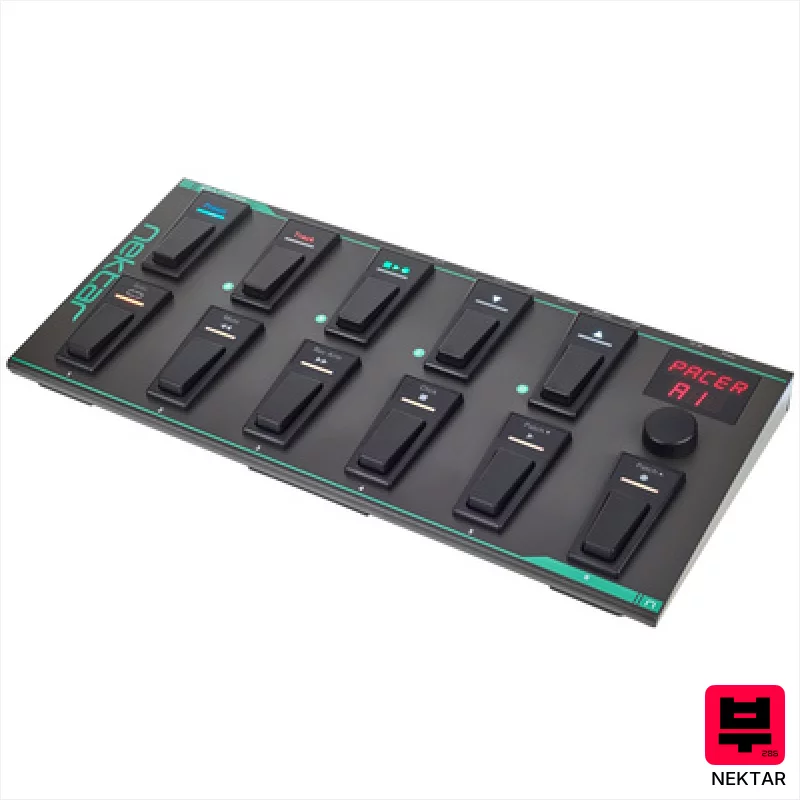
Nektar Pacer
- • Robust metal housing inspires confidence and longevity.
- • Flexible footswitch programming allows complex DAW control sequences.
- • Extensive DAW integration simplifies workflow in popular recording software.
- • Programmable relays add versatility beyond standard MIDI functions.
- • External footswitch/expression pedal support requires additional purchase.
- • Encoder feels a little plasticky compared to premium rotary controllers.
- • Preset management, while extensive, could benefit from a dedicated software editor.
How to Choose the Best Other Controllers
Tactile Feedback
It's not just about notes; it's about feeling the sound. Faders, knobs, encoders - do they offer resistance? Do they inspire subtle adjustments or drastic changes? Cheap encoders feel like butter; that's not what we want for nuanced sound sculpting.
Expressive Mapping
Can you assign almost anything to these controls? A simple transpose? Mod wheel? Aftertouch? LFO destinations? The more granular the control, the more personalized your creative workflow becomes.
Modulation Matrix Depth
A shallow modulation matrix is limiting. We want controllers that allow for complex routings - multiple sources affecting multiple destinations simultaneously. This unlocks sounds far beyond the presets.
Build Quality & Reliability
Gigging with flimsy gear is a nightmare. We're looking for solid construction, responsive buttons, and knobs that don't wobble or fail after a few months of use. That plastic casing might look sleek, but it'll fall apart when it gets bumped.
Integration & Compatibility
Seamless DAW integration is a must. MIDI mapping needs to be intuitive, and the controller needs to play nicely with your existing plugins and hardware. No one wants to spend hours wrestling with driver issues.
Buying Guide
Don't get caught up in the hype. A lot of these 'creative' controllers have compromises - often build quality to hit a lower price point. Consider your budget and what you really need. Spending a bit more on a controller with robust build and a deeper modulation matrix will save you headaches down the road. Think about how you'll integrate it into your existing setup; a controller with limited MIDI CCs might bottleneck your workflow.
Our Methodology
We're not just looking at spec sheets here. We've spent hours with each controller, layering synths, sequencing drum patterns, and manipulating samples - the kind of stuff you actually do. We've A/B'd them against industry standards, thrown them into band rehearsals, and even dragged a few into dimly lit club basements to see how they hold up under real-world conditions. It's about feel, functionality, and how it actually expands your creative palette.

