
Best MIDI Tools 2026
So, you're wading into the world of MIDI tools? Smart move. Beyond just triggering sounds, these tools can seriously elevate your workflow, whether you're programming drum beats in your bedroom, building massive synthscapes in a studio, or trying to wrangle a live band with a million different patches. It's easy to get overwhelmed, but having the right tools can make the difference between a frustrating headache and a genuinely creative session.
Last updated: September 28, 2026
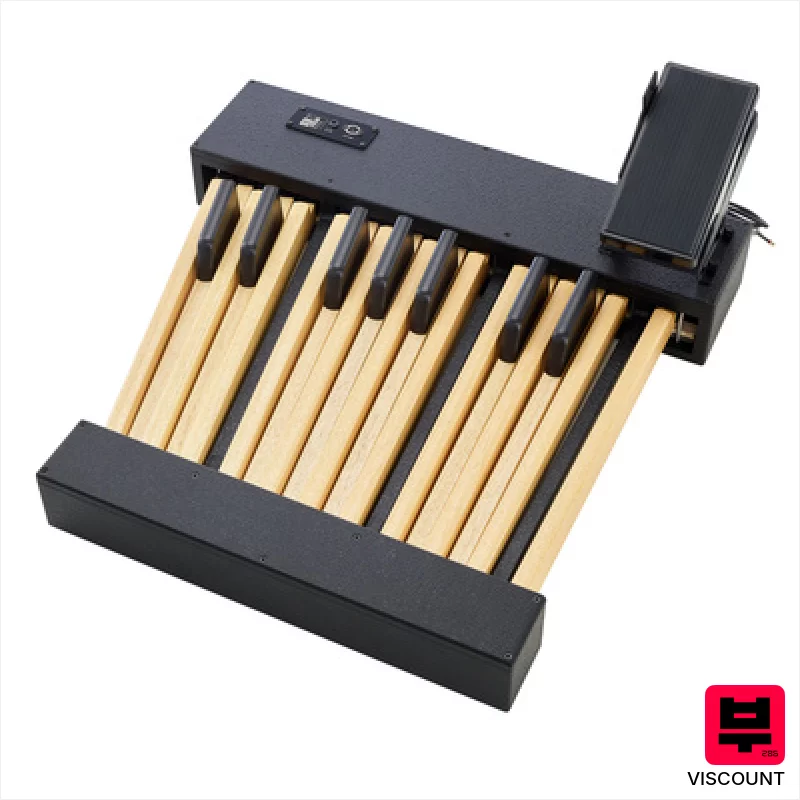
Viscount Legend Pedalboard 18
- • Robust steel construction provides excellent stability underfoot.
- • Dedicated volume pedal offers precise dynamic control.
- • 18 footswitches allow for complex program changes and effects routing.
- • Seamless integration with Viscount Legend/Live organs enhances workflow.
- • Limited versatility with non-Viscount instruments, requiring MIDI reconfiguration.
- • Significant weight makes transportation and setup challenging for solo users.
- • Premium-priced, representing a substantial investment for many.

Crumar Mojo Pedals Model 2018
- • Robust, steel construction ensures lasting durability and stability.
- • Velocity-sensitive keys offer expressive, nuanced MIDI control.
- • Compact 13-key design maximizes space while retaining functionality.
- • Seamless integration with Crumar Mojo and GSi Gemini platforms.
- • The 13-key layout might feel restrictive for complex performances.
- • Limited to Crumar/GSi ecosystem; broader MIDI compatibility is lacking.
- • Weight makes it less portable; requires dedicated space for use.
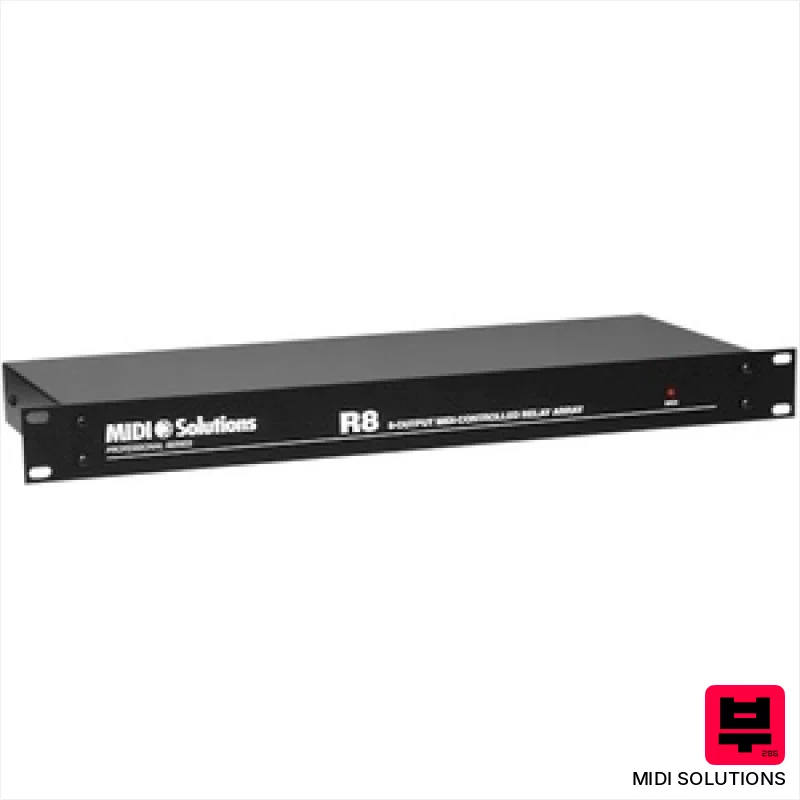
MIDI Solutions R8 Relay
- • Rock-solid build quality with robust 19-inch rack mount
- • Extremely fast relay response minimizes MIDI timing discrepancies
- • Highly flexible programming allows complex routing scenarios
- • Individual relay status LEDs provide clear visual feedback
- • Price point places it outside of budget-conscious setups
- • 6.3mm mono jacks aren’t the most convenient connector type
- • Limited MIDI port count may restrict larger, complex setups
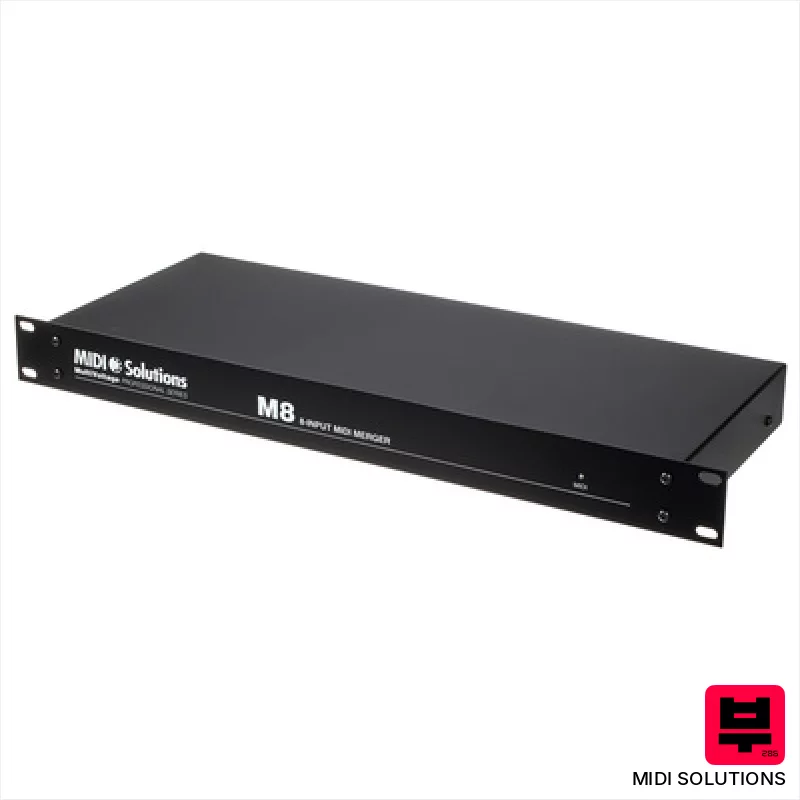
MIDI Solutions M8 Merger
- • Rock-solid build quality; feels like a piece of pro rack gear
- • Excellent SysEx handling; reliably transmits large dumps
- • Power-over-MIDI simplifies cabling and eliminates external power bricks
- • Merges complex MIDI data flawlessly, crucial for intricate setups
- • Limited routing flexibility beyond simple merging; no advanced filtering
- • Price point might be high for users needing basic merging functionality
- • 1U height requires rack space, not ideal for desktop use

Lab4Music enJOY
- • Versatile CV/MIDI conversion simplifies modular synth integration.
- • Joystick offers expressive, real-time modulation possibilities.
- • Compact size makes it ideal for smaller studios or mobile setups.
- • Multiple CV outputs allow complex signal routing and modulation.
- • Limited preset memory restricts complex patch recall.
- • Plastic enclosure feels less robust than metal alternatives.
- • Learning curve for CV modulation can be steep for beginners.
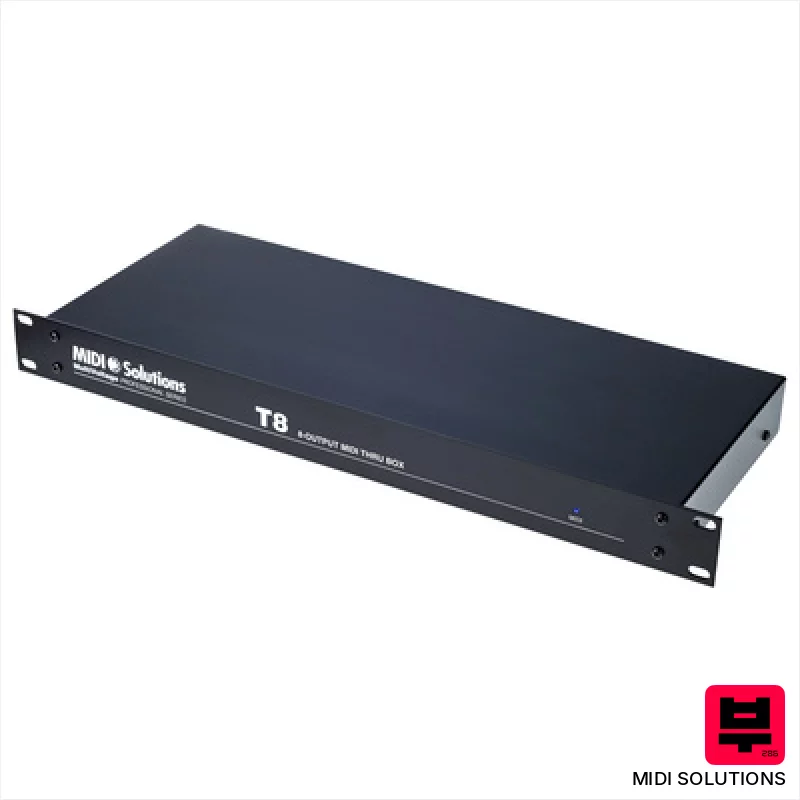
MIDI Solutions T8 Thru V2
- • Robust 19in rackmount chassis provides excellent stability
- • Active circuitry ensures reliable signal transfer over long cable runs
- • Compatible with both 3.3V and 5V MIDI, future-proof design
- • Simple, straightforward operation – plug and play functionality
- • Price point is premium for a simple thru box
- • Limited to MIDI data forwarding; no routing or filtering
- • The MIDI power draw, while minimal, can impact some older power supplies
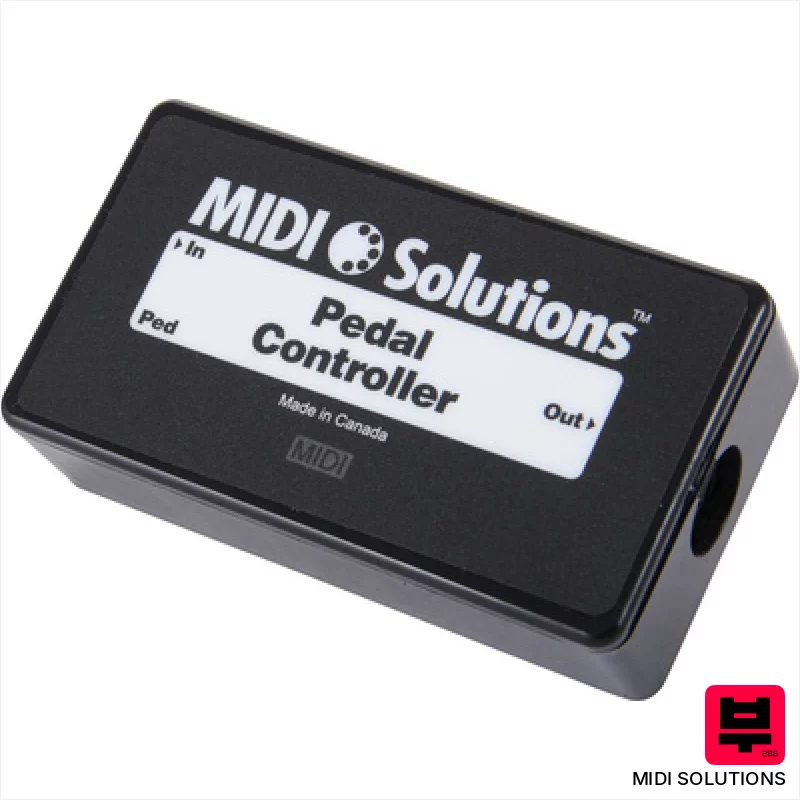
MIDI Solutions Pedal to MIDI Converter
- • Robust MIDI conversion for expression pedals
- • Compact size ideal for pedalboards and studios
- • Solid MIDI implementation, reliable data transmission
- • MIDI Solutions’ reputation for quality MIDI hardware
- • Limited to single pedal input; no multiple pedal support
- • Basic functionality; lacks advanced curve shaping or filtering
- • Construction feels somewhat plasticky, not premium
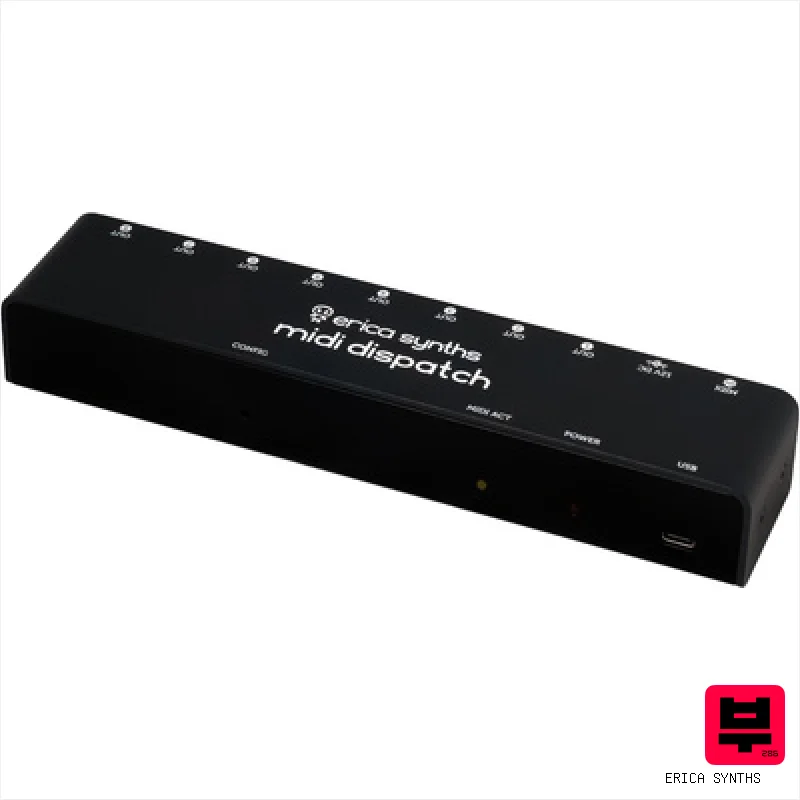
Erica Synths MIDI Dispatch
- • Zero latency routing for instant signal flow
- • Eight separate output channels for flexible mixing
- • Web interface lets you adjust settings anywhere
- • Compact size fits easily on any studio desk
- • Only one input port limits source flexibility
- • No built-in clock or timing features mentioned
- • Limited power options reduce portability convenience

Dtronics DT-QT
- • Fast switching minimizes timing issues across multiple devices.
- • Buffered outputs maintain signal integrity over longer cable runs.
- • Compact size makes it easy to integrate into tight studio setups.
- • Signal Cleaner can rescue corrupted MIDI data from problematic gear.
- • Plastic housing feels less robust than metal alternatives.
- • Limited to one input; no merging capabilities.
- • USB power only – no external power adapter option.

Conductive Labs MRCC
- • Comprehensive routing capabilities exceed most dedicated MIDI routers.
- • Intuitive OLED display and encoder simplify complex programming on the fly.
- • Six independent arpeggiators offer incredible creative possibilities for sequencing.
- • Class-compliant USB interface provides seamless integration with DAWs and devices.
- • The physical footprint is substantial, requiring significant desk space.
- • The learning curve for advanced routing features can be steep for beginners.
- • While versatile, the build quality feels somewhat plasticky for the price.

Lab4Music SiparioX
- • Intuitive color touchscreen simplifies complex MIDI routing tasks.
- • Scenes with instrument icons drastically improve workflow organization.
- • Flexible performance creation allows for intricate layered sounds.
- • Robust build quality suggests durability for studio and stage use.
- • Lack of a dedicated power supply adds to initial investment.
- • Limited USB host functionality restricts compatible controller types.
- • 3.5mm MIDI jacks feel somewhat less robust than standard DIN connectors.
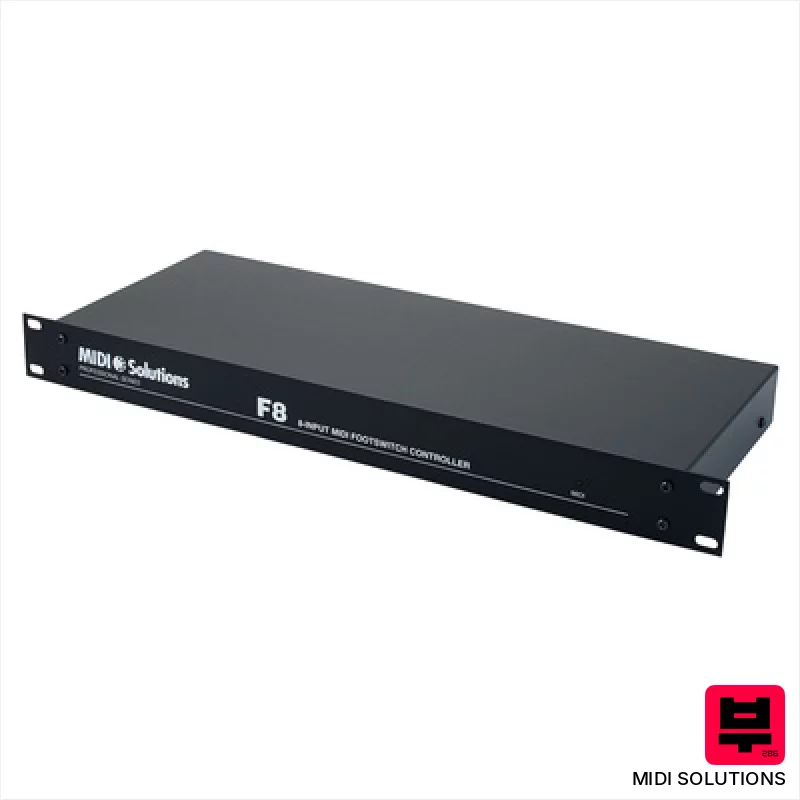
MIDI Solutions F8 Footswitch / MIDI Converter
- • Robust MIDI implementation with reliable, deterministic switching.
- • Compact, rack-mountable design saves valuable studio space.
- • MIDI Solutions’ build quality ensures long-term durability and dependability.
- • Flexible MIDI mapping allows for extensive customization and control.
- • Price point puts it in a premium category for simple footswitching.
- • MIDI power dependency can be limiting in some setups.
- • Limited visual feedback; requires external monitoring for status.
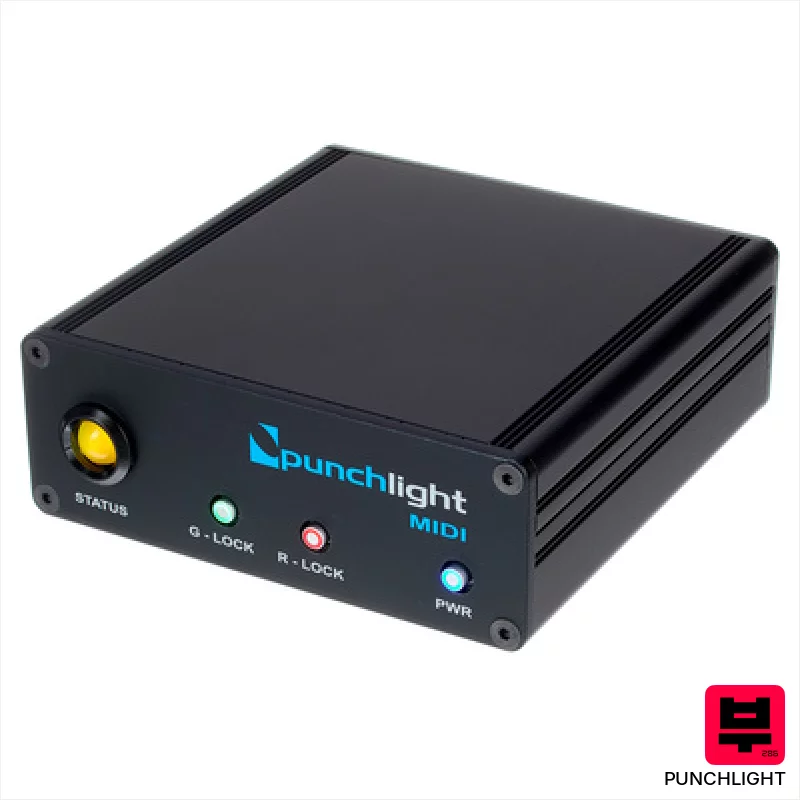
Punchlight MIDI
- • Robust metal enclosure ensures long-term reliability.
- • The hold switch offers convenient manual override capabilities.
- • Compact size (105 x 38 x 104 mm) fits neatly in tight studio spaces.
- • Clear two-color LED provides unambiguous status indication.
- • Requires a separate MIDI interface, adding to overall cost and complexity.
- • Limited functionality beyond Punchlight ecosystem; not a general MIDI utility.
- • The 12V power supply, while included, is an external brick.

Kenton Pro CV to MIDI
- • Excellent tracking accuracy, crucial for complex polyphonic sequences and nuanced expression.
- • The 16-bit AD conversion provides clean, noise-free MIDI data, even from dirty CV signals.
- • Aux CV inputs offer flexible modulation routing for MIDI CC control, expanding creative possibilities.
- • Compact size and robust build quality make it ideal for studio or live performance environments.
- • Limited input jack size (3.5mm) may require adapters for some vintage gear.
- • While versatile, the scale options are geared towards subtractive synthesis workflows.
- • The price point, while reasonable, might be a barrier for absolute beginners.
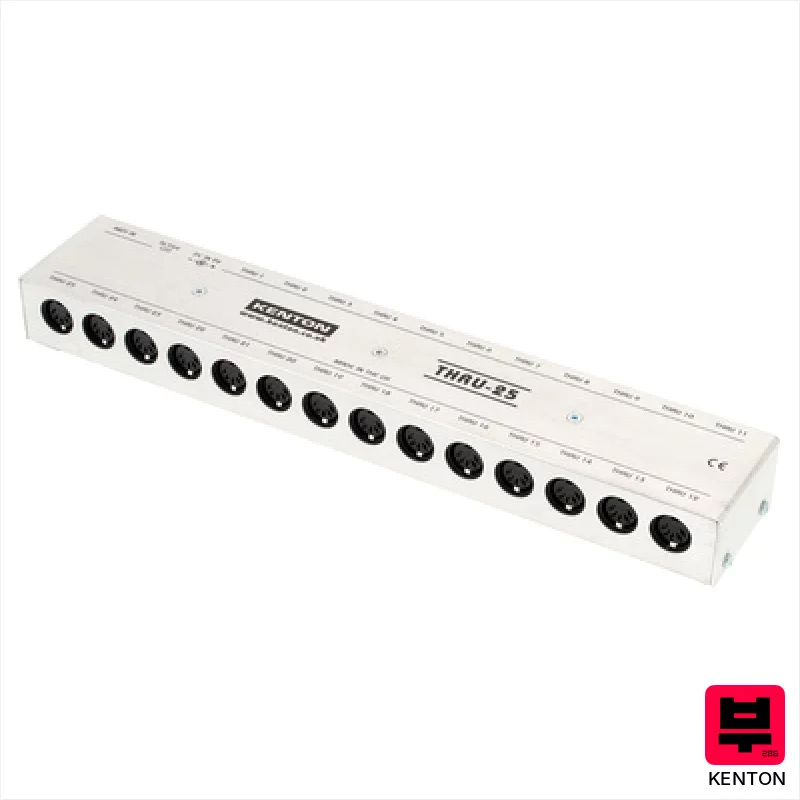
Kenton MIDI Thru 25
- • Rock-solid Kenton build quality ensures years of reliable service
- • Lossless MIDI signal transfer maintains data integrity perfectly
- • 25 Thru ports offer incredible flexibility for complex setups
- • Included power supply is a thoughtful and practical addition
- • Size and weight make it less ideal for mobile setups
- • Price point is premium compared to basic MIDI distributors
- • No individual port isolation; potential for signal conflicts
Every midi tools that matches
66 models match this page. The 15 above are covered in detail; the rest are listed here with their published specifications.
MIDI Tools by the numbers
Measured across all 66 models in this category, so «wide», «short» or «expensive» mean something you can check.
How to Choose the Best MIDI Tools
Latency
This is the killer. Even a few milliseconds of lag between your input and the sound can throw off your timing and feel. Cheap MIDI interfaces often skimp here - you'll feel it when playing fast passages or trying to add subtle dynamics. It's not just about the number; it's about perceived latency.
Controller Mapping Flexibility
Can it handle complex mappings? Do you need to assign multiple MIDI CCs to a single knob or fader? Some controllers are limited to simple linear mappings, which can be a real pain when trying to emulate nuanced hardware behavior.
Build Quality & Feel
A flimsy plastic controller feels...well, cheap. And it'll likely break sooner rather than later. The feel of the knobs, faders, and keys is critical - it impacts your ability to dial in sounds quickly and accurately. Think about the action on a keyboard - is it too light, too heavy, or just right?
Connectivity & Compatibility
USB 2.0 is pretty standard, but check for MIDI In/Out ports if you're connecting to older synths or hardware. Class compliance is a big plus - it means you can often plug it directly into your computer without needing drivers, which simplifies things.
Software Integration
Does it play nicely with your DAW and plugins? Some controllers come with dedicated software editors that let you customize mappings and create custom performance setups. While not always essential, this can significantly expand the controller's functionality.
Buying Guide
Don't chase the features you think you need. A simple, reliable MIDI interface or controller with low latency and a solid build is far more valuable than a gadget crammed with buttons you'll never use. Budget gear often sacrifices latency or build quality to hit a lower price point. Spend a little more for something that'll last and won't drive you crazy with its sluggish response.
How This List Is Built
We don't play these instruments — we're a catalog, not a review desk, and we'd rather say so than pretend otherwise. This page covers 66 midi tools from the Thomann catalogue, which is the largest single source of specification data in this category: 15 in detail, the rest listed with their specifications.
Position is computed, not curated. We parse the manufacturer's own description into actual values — nut width, scale, fret count, fingerboard radius, size, alloy — and rank on them: how many specifications a model has published, how many of them are measurable numbers, and how precisely it meets this page's criterion. A product image adds a little. Price is not a ranking signal: it tells you nothing about whether a neck fits your hand. The same inputs always produce the same order, so nothing here is shuffled to look fresh.
What this list is good for: narrowing a category down to a shortlist by spec and budget. What it isn't: a substitute for hearing an instrument. Before you buy, read hands-on reviews and, where you can, play it. Full methodology.

