
Best MIDI Interfaces Under $100 2026
So, you're diving into MIDI and want to get your gear talking without emptying your bank account? Totally get it. Finding a decent MIDI interface under $100 used to mean a lot of compromises, but things have gotten better. We're going to break down the best options right now, focusing on what you actually need for gigging, tracking, and everything in between.
Last updated: September 28, 2026
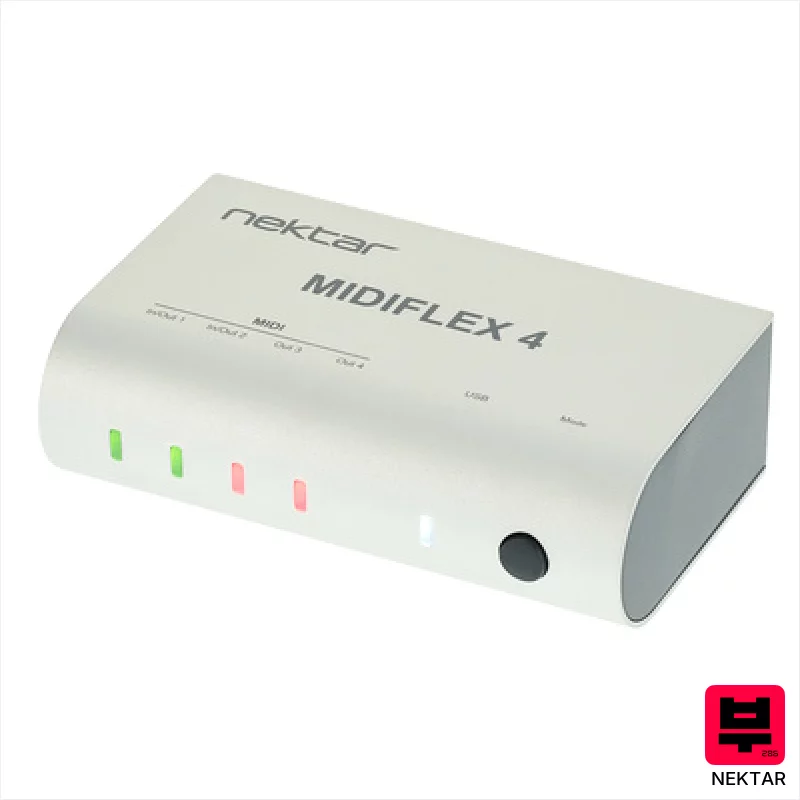
Nektar MIDIFLEX 4
- • Robust aluminum housing provides excellent durability for studio use
- • Flexible routing options (merge/split) offer surprising versatility
- • Autosense functionality simplifies setup and eliminates compatibility headaches
- • Included Bitwig 8-Track is a solid bonus for beginners
- • Limited number of MIDI ports might restrict complex setups
- • Compact size could be a challenge in cramped workspaces
- • USB power only limits use outside of computer-powered scenarios
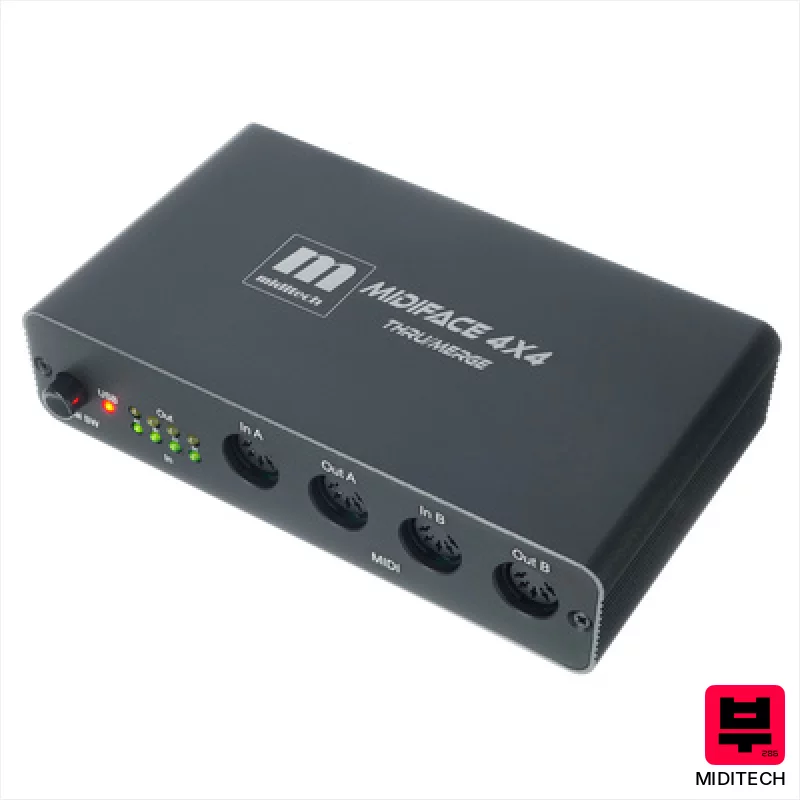
Miditech MIDIface 4x4 thru/merge
- • Four MIDI inputs offer flexibility for complex setups.
- • Standalone merge/thru functionality is genuinely useful and convenient.
- • Compact size makes it easy to integrate into tight studio spaces.
- • Class-compliant USB simplifies connection to modern computers.
- • Plastic enclosure feels a bit cheap for prolonged, gigging use.
- • Standalone mode requires external power, adding to cable clutter.
- • Limited channel count (64) could be restrictive for very large rigs.
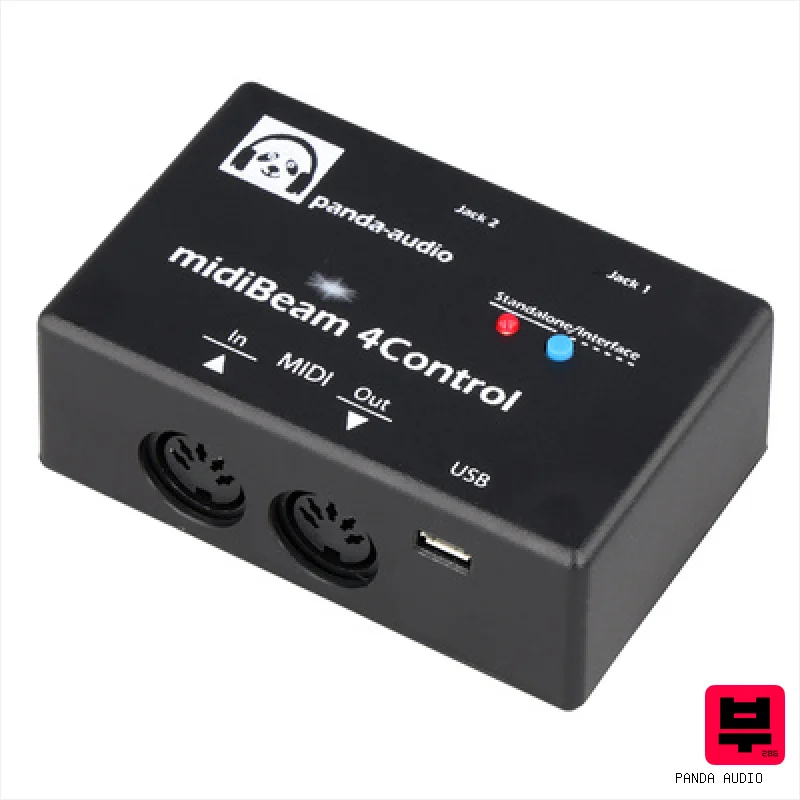
panda audio midiBeam 4Control
- • Seamlessly connects passive pedals to any MIDI gear
- • Supports momentary and latching switch modes
- • Generates full Note On/Off and Aftertouch commands
- • Lightweight compact design at only 55 grams
- • Requires external editor software for setup
- • No power adapter included in the box
- • Limited to two pedal input channels
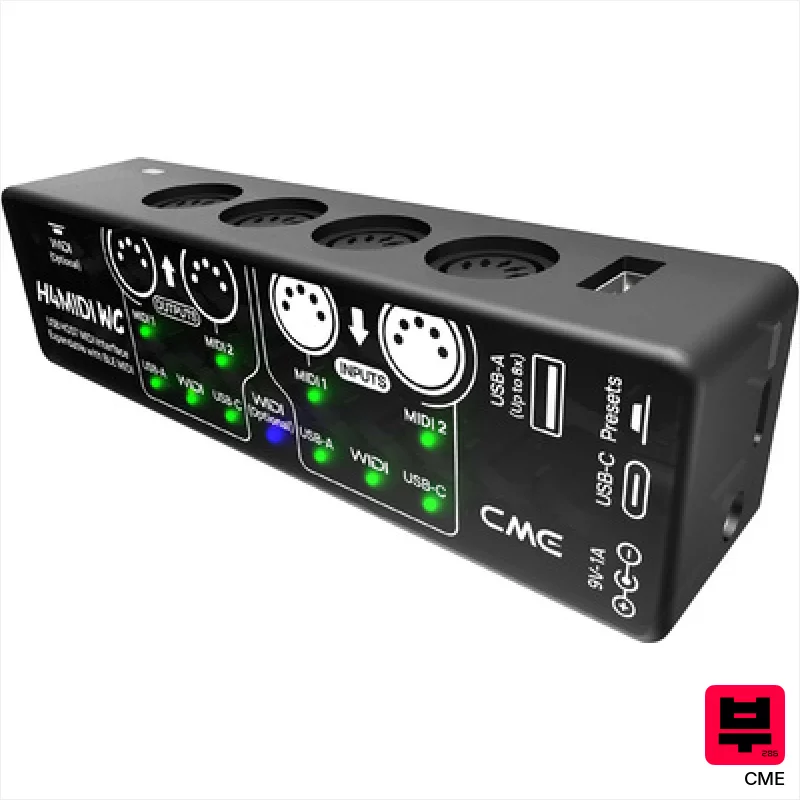
CME H4MIDI WC
- • Dual MIDI In/Out simplifies complex studio routing setups.
- • HxMIDI Tools software provides genuinely useful routing flexibility.
- • Compact size and lightweight design are ideal for travel or pedalboard use.
- • USB-C power option allows seamless integration with existing pedalboard power supplies.
- • Plastic enclosure feels somewhat fragile compared to metal alternatives.
- • Limited MIDI channel count (16) might restrict larger setups.
- • Bluetooth MIDI requires separate WIDI Core module, adding to overall cost.
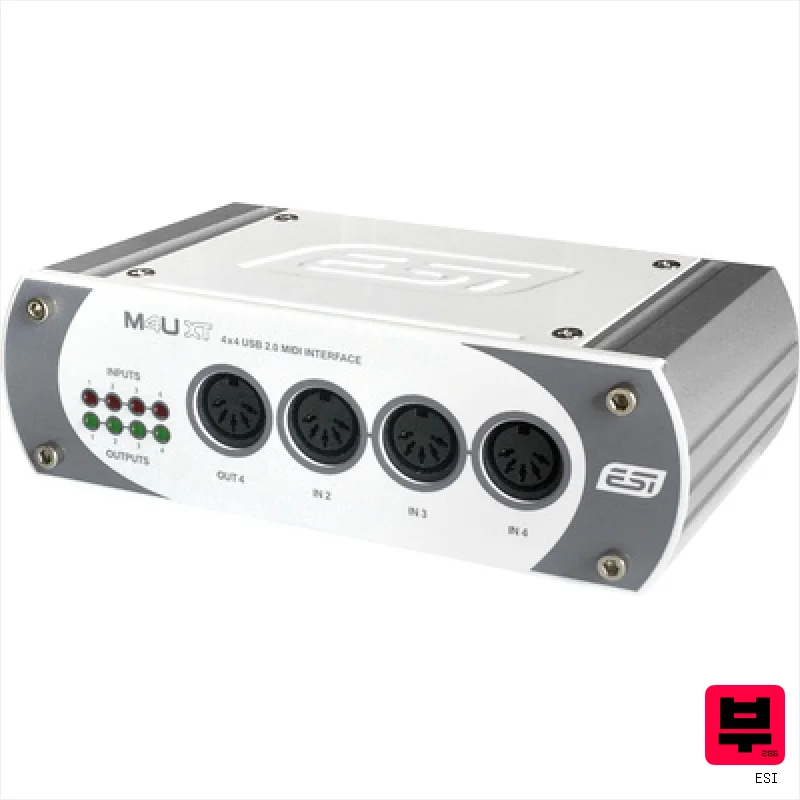
ESI M4U XT
- • Works immediately without needing any extra drivers installed.
- • Uses standard USB 2.0 connections for reliable data transfer.
- • Fits easily into small cases thanks to its compact size.
- • Runs directly from your computer without a separate power brick.
- • No detailed driver options are available for Linux users.
- • Does not list how many MIDI ports are included inside.
- • Missing information about how many audio channels it supports.

Miditech MIDIface 4x4
- • Affordable entry point for basic MIDI expansion.
- • Class-compliant USB simplifies setup across operating systems.
- • Compact size makes it ideal for portable setups.
- • Solid plastic housing feels surprisingly robust for the price.
- • Limited MIDI channel support compared to higher-end interfaces.
- • Plastic enclosure lacks premium feel of metal alternatives.
- • No dedicated power supply; relies solely on USB bus power.

Miditech MIDIface 2x2
- • Solid aluminum enclosure provides unexpected durability for the price
- • Class-compliant drivers simplify setup across various operating systems
- • Compact size makes it ideal for travel or limited space setups
- • Includes essential MIDI cables, a nice touch for budget users
- • Limited to two MIDI ports restricts more complex setups
- • USB bus-powered only – no external power option
- • Status LEDs are basic and offer limited diagnostic information
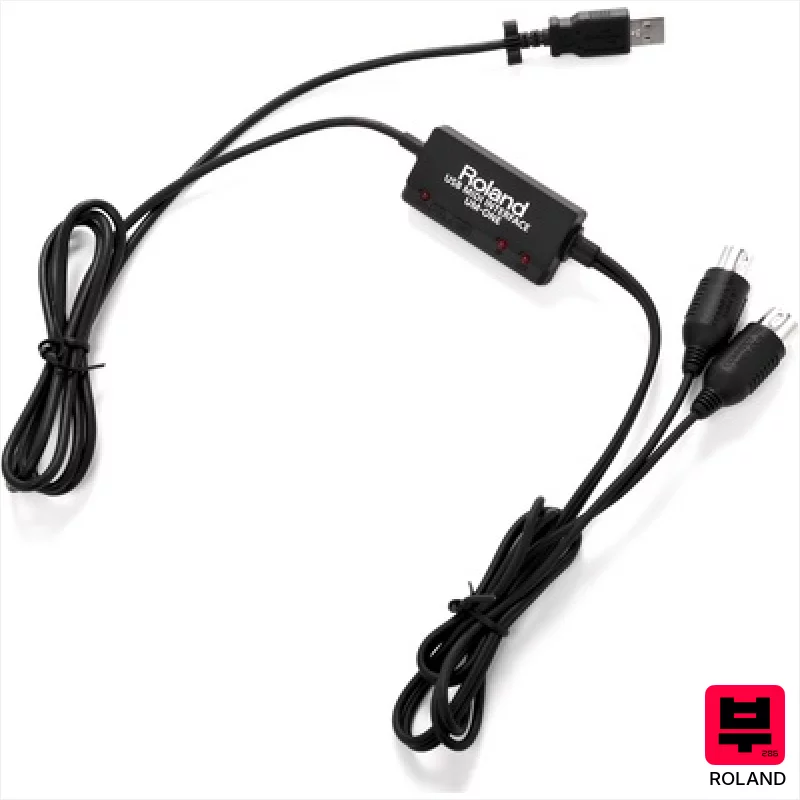
Roland UM-One MkII
- • Compact size makes it incredibly portable for studio or live use
- • Roland’s FPT technology delivers reliable, low-latency MIDI communication
- • Permanently attached cable eliminates the risk of connection issues
- • Simple plug-and-play operation, ideal for beginners and quick setups
- • Limited to a single input and output restricts complex routing options
- • Relies on USB power, potentially drawing from laptop battery life
- • iPad compatibility requires a separate, additional Apple adapter
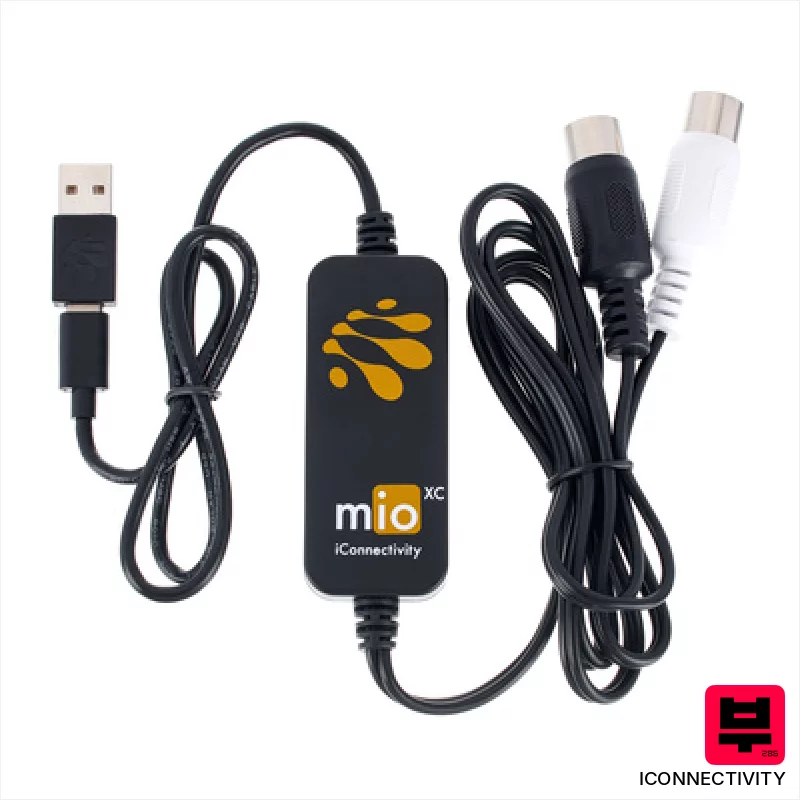
iConnectivity mioXC
- • Robust iConnectivity build quality, known for reliability
- • Truly plug-and-play operation across multiple platforms
- • Compact size makes it ideal for mobile setups
- • USB-C compatibility ensures future-proofing and convenience
- • Single MIDI port limits complex routing scenarios
- • Bus-powered only; no external power option
- • Basic functionality; lacks advanced features like tempo sync
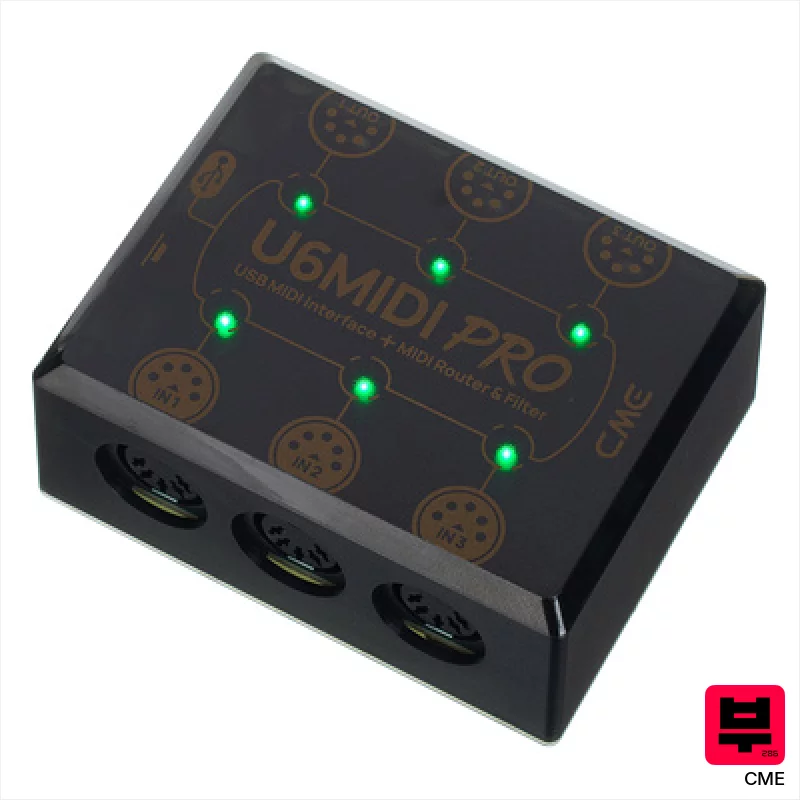
CME U6 MIDI Pro
- • Excellent port density for a compact unit; robust USB-C connection.
- • UxMIDI Tools offers genuinely useful routing and filtering capabilities.
- • Chromebook and Linux compatibility expands its usability significantly.
- • Very lightweight and portable; ideal for travel or small studios.
- • Plastic enclosure feels somewhat flimsy; lacks premium build feel.
- • Software dependency limits flexibility without the UxMIDI Tools.
- • Limited to USB bus power; no external power option available.
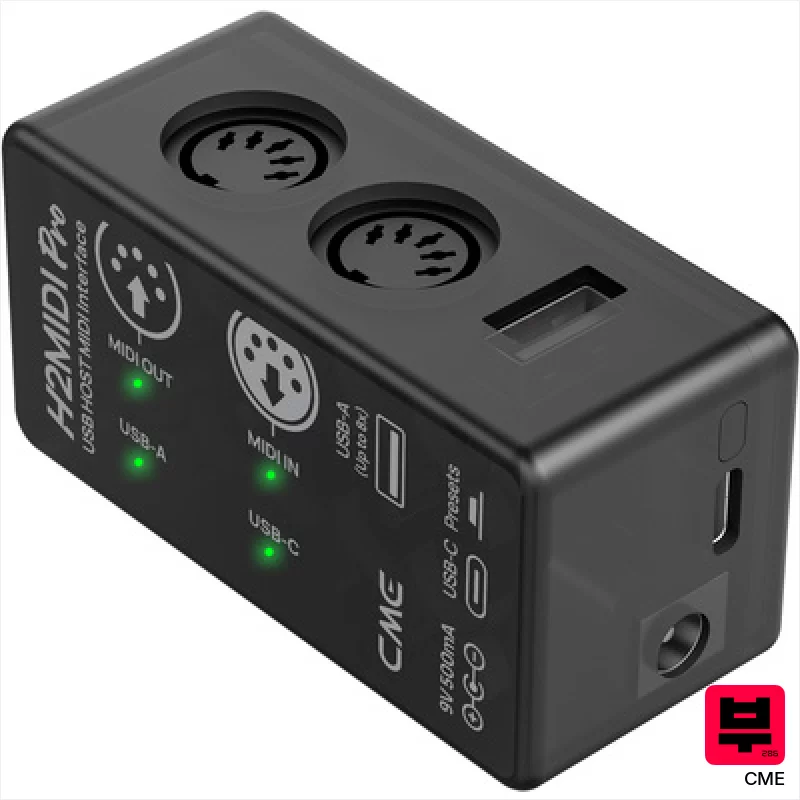
CME H2MIDI Pro
- • Extremely compact and lightweight, ideal for travel setups.
- • HxMIDI Tools software offers surprisingly robust routing capabilities.
- • Dual USB-C and USB-A connections provide flexible host/client options.
- • Bus-powered via USB-C simplifies integration with laptops and mobile devices.
- • Limited MIDI ports; only one input and one output.
- • 9V DC power option requires sourcing a separate power supply.
- • Plastic enclosure feels a bit fragile for constant gigging.

CME U4MIDI WC
- • Excellent value for the number of MIDI ports offered.
- • HxMIDI Tools software provides surprisingly deep routing capabilities.
- • Compact size makes it ideal for mobile setups and pedalboards.
- • USB-C power option simplifies integration with modern equipment.
- • Plastic enclosure feels a bit flimsy for frequent travel or heavy use.
- • Bluetooth MIDI requires the separate WIDI Core extension, adding cost.
- • Limited physical controls beyond the LED indicators.
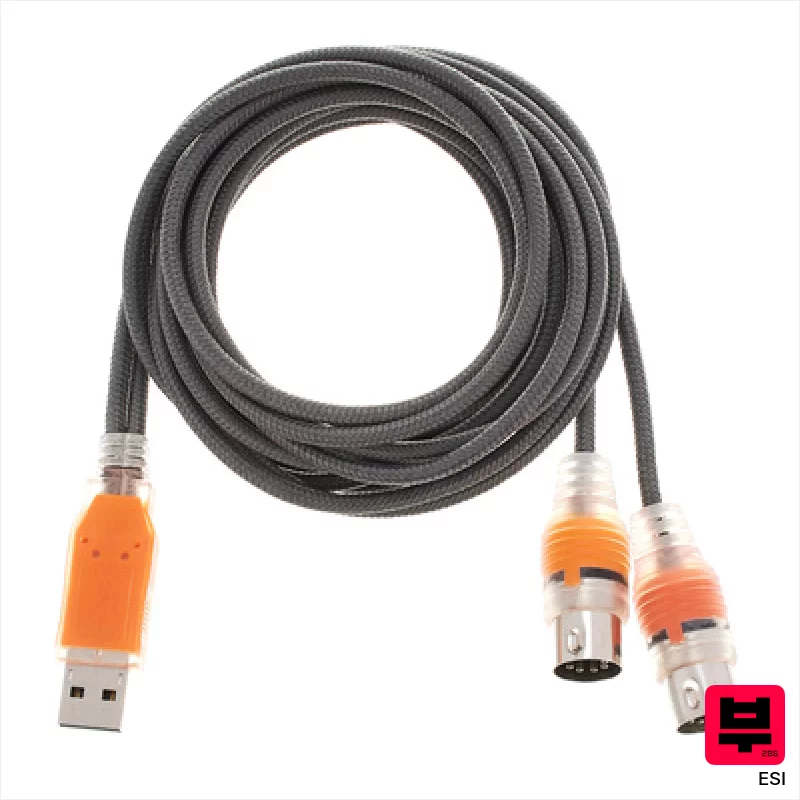
ESI MidiMate eX
- • Dual MIDI ports offer flexible input/output routing options
- • Automatic detection simplifies setup and troubleshooting
- • Power-over-MIDI feature minimizes cable clutter and power needs
- • Compact size makes it highly portable and studio-friendly
- • Plastic enclosure feels somewhat cheap compared to higher-end interfaces
- • Limited to basic 16-channel MIDI functionality, lacks advanced routing
- • Driver support, while broad, can occasionally be finicky on older systems

CME C2MIDI Pro
- • Retractable USB-C simplifies cable management and reduces clutter.
- • Standalone filtering/mapping removes computer dependency for basic tasks.
- • HxMIDI Tools software provides powerful, accessible MIDI manipulation.
- • Compact, lightweight design (89g) enhances portability and convenience.
- • Single MIDI In/Out limits complexity for larger studio setups.
- • USB-C only connectivity restricts compatibility with older devices.
- • Plastic housing feels somewhat budget-oriented, not premium.
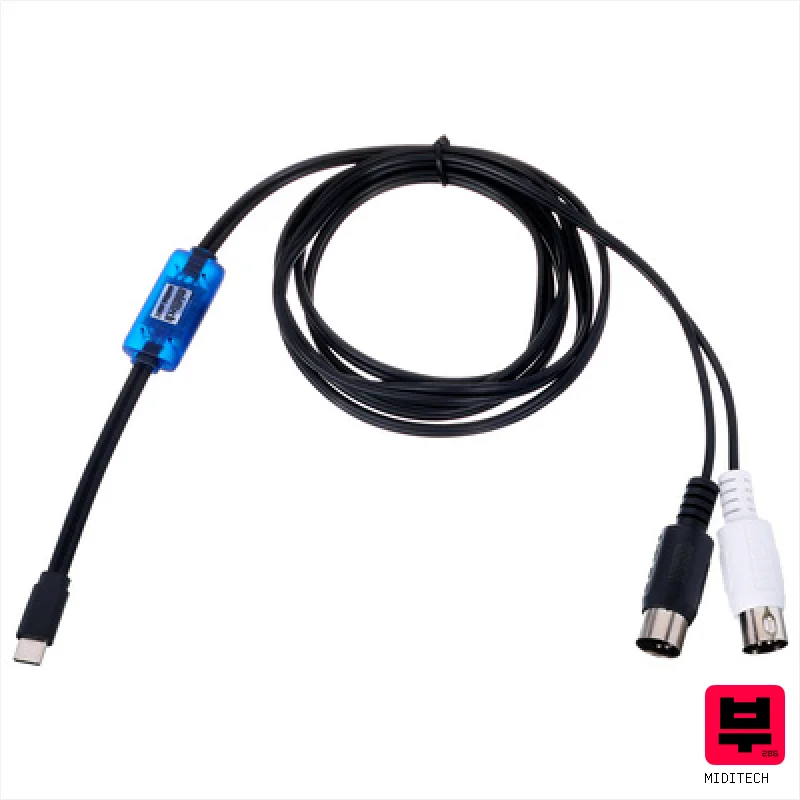
Miditech Midilink mini C
- • Works on any USB-C device without extra drivers
- • Supports up to 16 different MIDI channels
- • Very small and easy to carry anywhere
- • Uses standard USB-C for both data and power
- • No power adapter needed means no built-in power
- • Does not show weight in the provided text
- • Limited to one input and one output port
Every midi interfaces that matches
18 models match this page. The 15 above are covered in detail; the rest are listed here with their published specifications.
| # | Model | Specifications | Price |
|---|---|---|---|
| 16 | CME U2 MIDI Pro | not published | $21 |
| 17 | Thomann Midi USB 1x1 | not published | $19 |
| 18 | Swissonic MidiConnect 2 | not published | $17 |
MIDI Interfaces by the numbers
Measured across all 18 models in this category, so «wide», «short» or «expensive» mean something you can check.
How to Choose the Best MIDI Interfaces
Latency
This is the big one. High latency feels sluggish and unresponsive, killing your groove. Expect some latency in this price range, but we're looking for the lowest possible - ideally under 8ms roundtrip with a decent buffer size.
Number of Ports
One MIDI port is fine for a basic keyboard, but if you're running a drum machine, a sequencer, and a controller, you'll need more. Consider future expandability - it's always better to have extra ports than to be stuck.
Build Quality
Let's be honest, plastic enclosures are common at this price point. We're looking for something that feels reasonably sturdy and won't fall apart after a few gigs. A flimsy build can lead to connection issues and frustration.
Driver Stability
Nothing's worse than a MIDI interface that randomly disconnects mid-song. We've prioritized interfaces with reliable drivers across different operating systems (Windows, macOS) - that means less headache and more music.
Power Requirements
Some interfaces need external power, which adds another cable to your already cluttered setup. USB-powered interfaces are generally more convenient for gigging and bedroom recording, but check the power draw if you're using a bus-powered hub.
Buying Guide
At this price, you're making trade-offs. Don't expect pristine audio conversion or a boatload of features. Focus on low latency and reliable drivers above all else. A slightly higher sample rate isn't going to make your bassline cut through the mix if the interface is glitching out. If you're serious about recording, consider saving up a bit more for something with better components-it'll be worth it in the long run.
How This List Is Built
We don't play these instruments — we're a catalog, not a review desk, and we'd rather say so than pretend otherwise. This page covers 18 midi interfaces from the Thomann catalogue, which is the largest single source of specification data in this category: 15 in detail, the rest listed with their specifications.
Position is computed, not curated. We parse the manufacturer's own description into actual values — nut width, scale, fret count, fingerboard radius, size, alloy — and rank on them: how many specifications a model has published, how many of them are measurable numbers, and how precisely it meets this page's criterion. A product image adds a little. Price is not a ranking signal: it tells you nothing about whether a neck fits your hand. The same inputs always produce the same order, so nothing here is shuffled to look fresh.
What this list is good for: narrowing a category down to a shortlist by spec and budget. What it isn't: a substitute for hearing an instrument. Before you buy, read hands-on reviews and, where you can, play it. Full methodology.

