
Best MIDI Interfaces for Midi Recording 2026
So, you're diving deeper into MIDI recording - awesome. It's not just about triggering sounds anymore; it's about crafting nuanced performances, automating parameters, and building complex arrangements. But your MIDI interface is the gatekeeper. A cheap one can introduce latency, jitter, and just generally make your playing feel disconnected. Let's find you something that lets your MIDI expression shine.
Last updated: July 15, 2026 • Next update: July 22, 2026
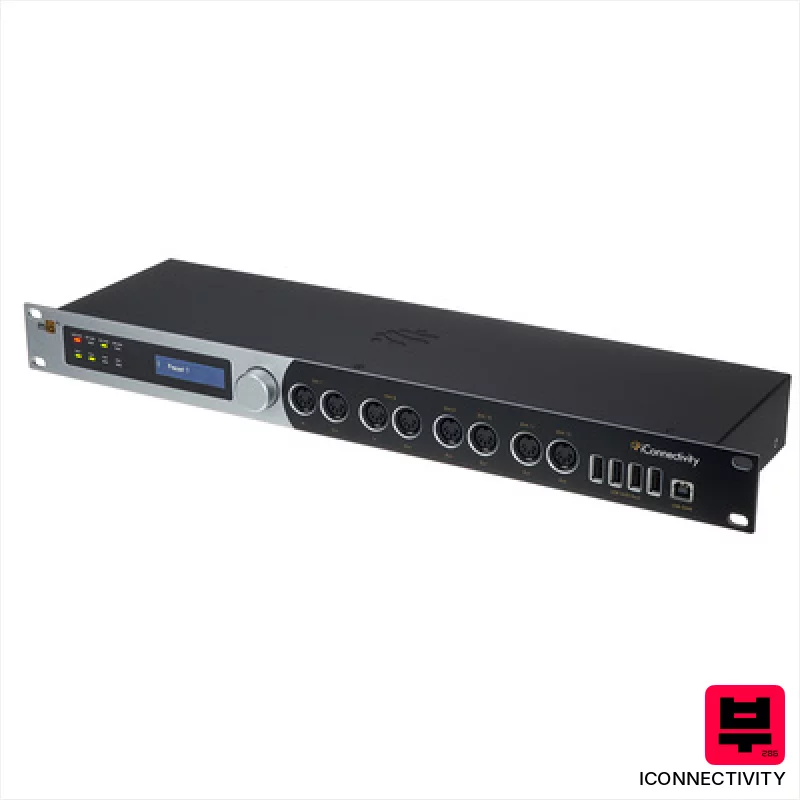
iConnectivity mioXL
- • Extensive MIDI I/O provides unmatched routing flexibility.
- • RTP-MIDI networking simplifies complex multi-computer setups.
- • Touch-sensitive control panel offers intuitive, immediate adjustments.
- • Robust 19in rackmount design ensures secure studio integration.
- • Price point places it beyond budget-conscious MIDI users.
- • Reliance on external Wi-Fi hub for wireless functionality is inconvenient.
- • Steep learning curve for mastering advanced routing matrix.
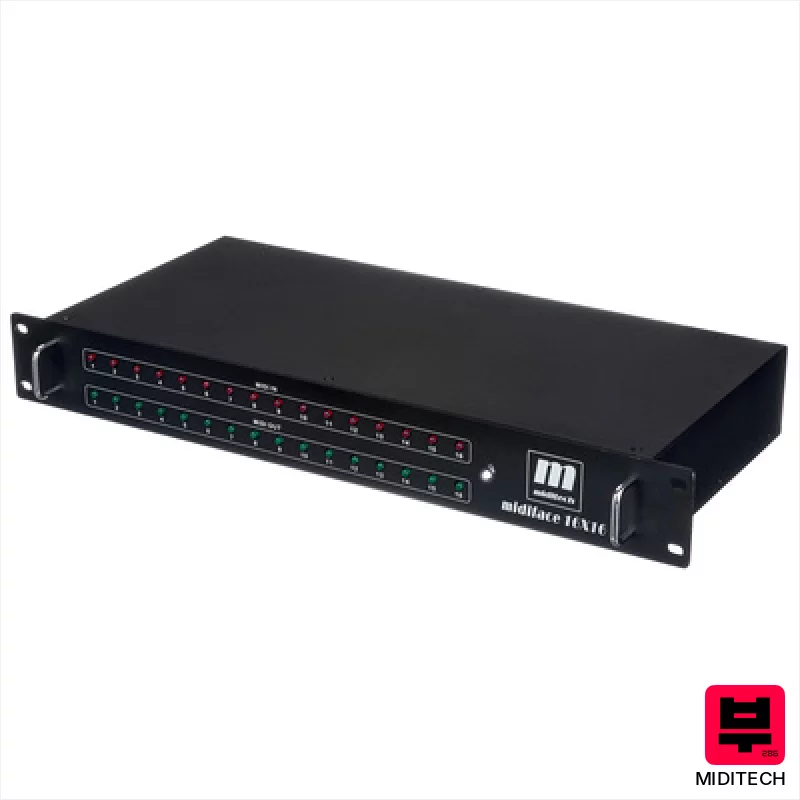
Miditech Midiface 16x16
- • Metal housing provides robust protection and a professional feel
- • 16x16 port count is excellent for complex MIDI setups
- • Class-compliant USB simplifies connectivity across various systems
- • Activity LEDs offer clear visual feedback on MIDI traffic
- • Size (483 x 6 x 205 mm) makes it less portable than smaller interfaces
- • Limited operating system support; older systems aren't guaranteed compatibility
- • USB 1.1 compatibility might restrict bandwidth for some applications

ESI M4U eX
- • 8 ports offer exceptional flexibility for complex setups
- • USB 3.0 ensures rock-solid latency for demanding projects
- • Thru/Merge capabilities expand routing options significantly
- • Compact size makes it ideal for portable or tight studio spaces
- • Plastic enclosure feels a bit budget-oriented, lacks premium heft
- • LED indicators, while colorful, can be overly bright in a dark room
- • Limited advanced routing customization beyond basic thru/merge

Miditech MIDIface 8x8
- • Eight MIDI inputs/outputs offer extensive connectivity for complex setups
- • Class-compliant USB simplifies setup across various operating systems
- • Compact size and bus-powered design enhance portability and convenience
- • Solid build quality for a budget-friendly MIDI interface.
- • Plastic enclosure feels somewhat budget compared to metal alternatives
- • Limited advanced routing capabilities compared to higher-end interfaces
- • No dedicated power adapter – reliance on USB power can be limiting.
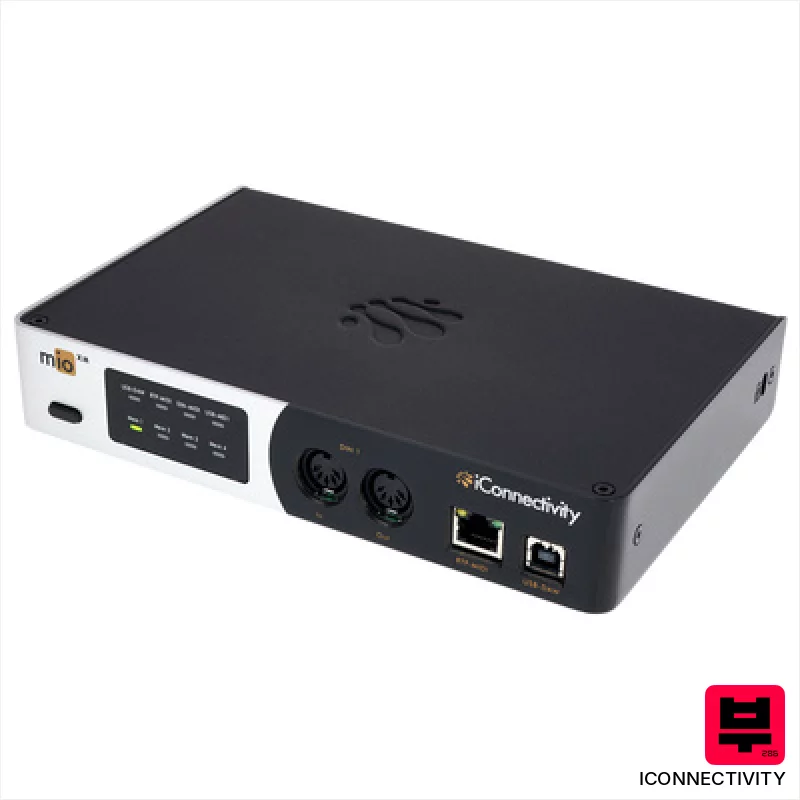
iConnectivity mioXM
- • Rock-solid MIDI routing, essential for complex setups.
- • RTP-MIDI networking a huge boon for mobile workflows.
- • Touch-sensitive controls offer intuitive, tactile adjustments.
- • Class-compliant operation simplifies connection to various devices.
- • The touch panel can be a little finicky with complex gestures.
- • WIFI functionality needs a separate hub, adding to the cost and complexity.
- • Limited physical controls beyond the touch panel.
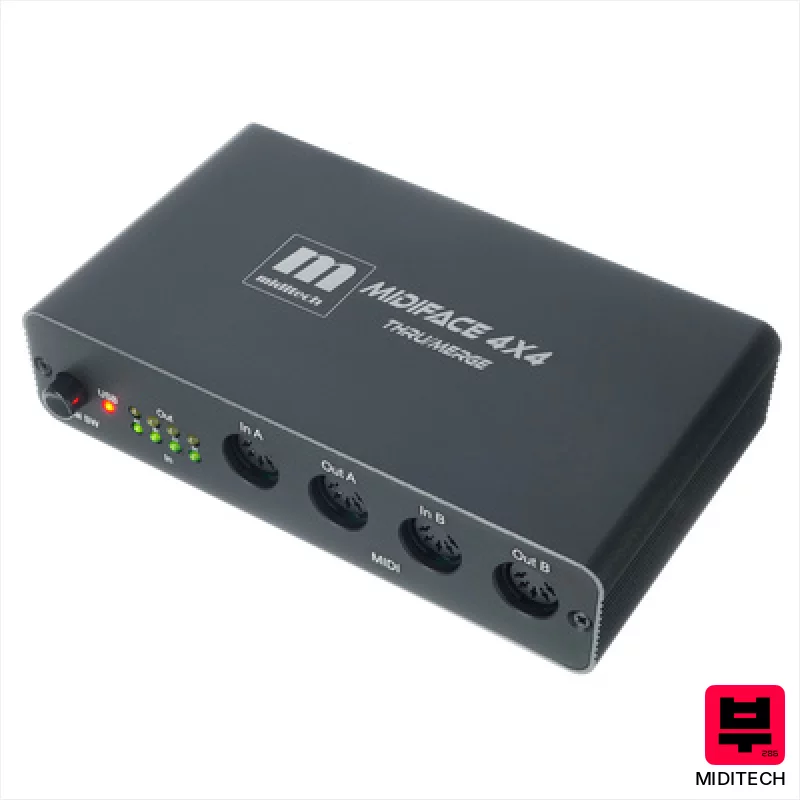
Miditech MIDIface 4x4 thru/merge
- • Four MIDI inputs offer flexibility for complex setups.
- • Standalone merge/thru functionality is genuinely useful and convenient.
- • Compact size makes it easy to integrate into tight studio spaces.
- • Class-compliant USB simplifies connection to modern computers.
- • Plastic enclosure feels a bit cheap for prolonged, gigging use.
- • Standalone mode requires external power, adding to cable clutter.
- • Limited channel count (64) could be restrictive for very large rigs.
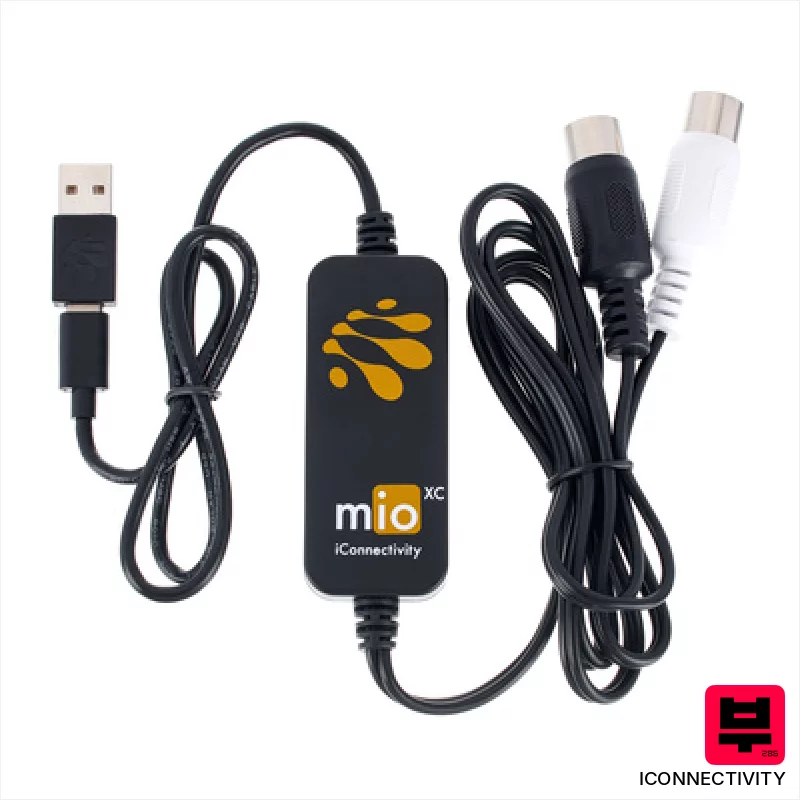
iConnectivity mioXC
- • Robust iConnectivity build quality, known for reliability
- • Truly plug-and-play operation across multiple platforms
- • Compact size makes it ideal for mobile setups
- • USB-C compatibility ensures future-proofing and convenience
- • Single MIDI port limits complex routing scenarios
- • Bus-powered only; no external power option
- • Basic functionality; lacks advanced features like tempo sync
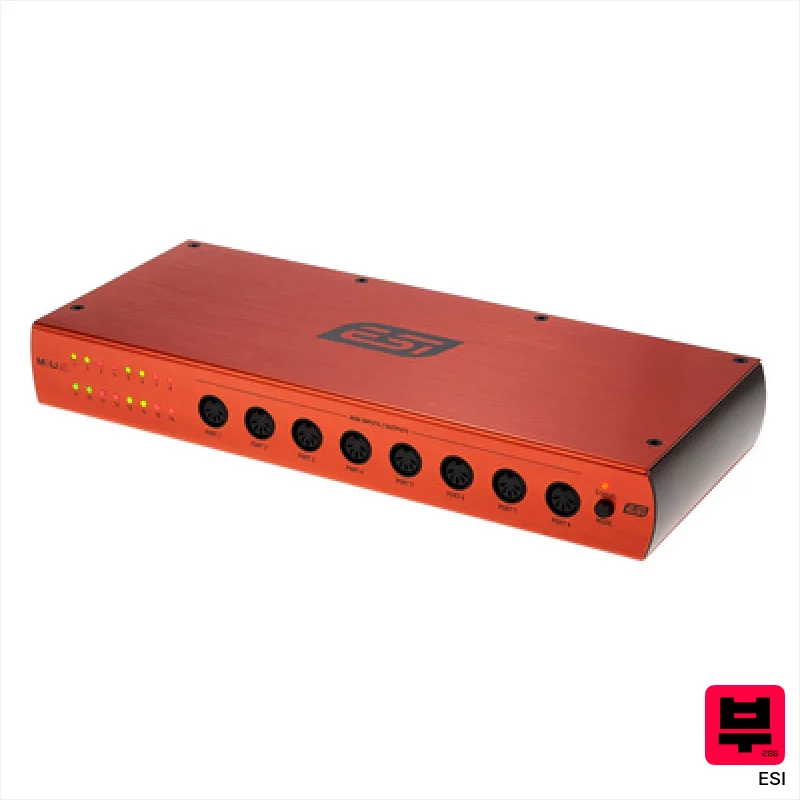
ESI M8U eX
- • 16 bidirectional ports offer incredible routing flexibility.
- • Solid build quality; the metal chassis feels robust and durable.
- • Automatic port detection simplifies complex MIDI setups significantly.
- • LED status indicators provide clear visual feedback on signal flow.
- • The larger size (12.8 in x 5.7 in x 1.8 in) limits desktop space.
- • Driver dependency on older macOS versions could be a concern for some.
- • Limited advanced routing options compared to higher-end interfaces.

Miditech MIDIface II Thru
- • Extremely affordable entry point to MIDI expansion.
- • Class-compliant drivers simplify setup across multiple OS versions.
- • Compact size makes it ideal for portable rigs and tight spaces.
- • Solid MIDI Thru functionality for chaining multiple devices.
- • Plastic enclosure feels somewhat flimsy compared to higher-end interfaces.
- • Limited to 16 MIDI channels – not ideal for complex setups.
- • No power switch; always draws power when connected.
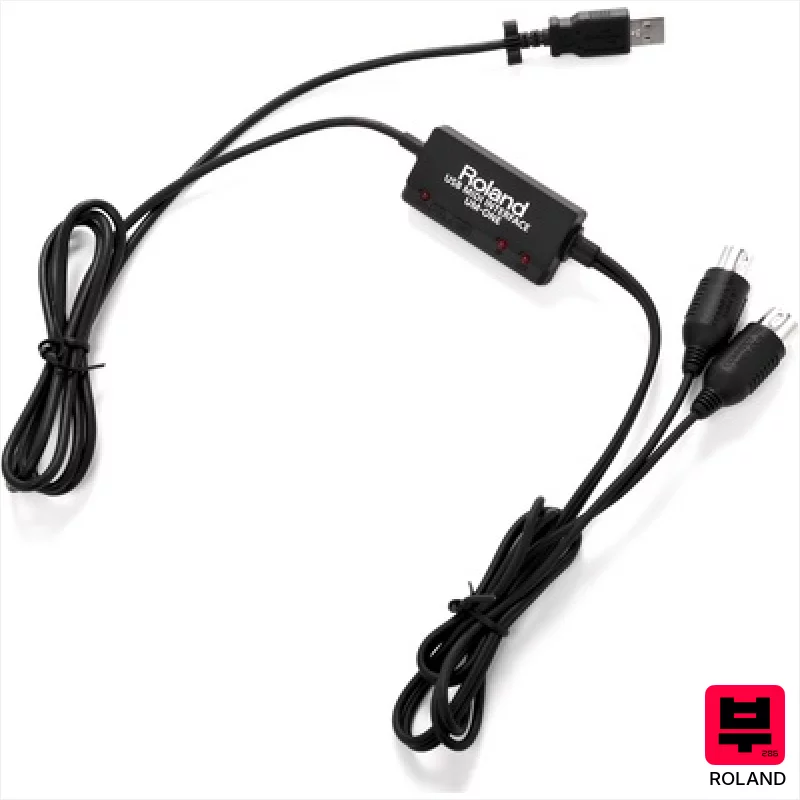
Roland UM-One MkII
- • Compact size makes it incredibly portable for studio or live use
- • Roland’s FPT technology delivers reliable, low-latency MIDI communication
- • Permanently attached cable eliminates the risk of connection issues
- • Simple plug-and-play operation, ideal for beginners and quick setups
- • Limited to a single input and output restricts complex routing options
- • Relies on USB power, potentially drawing from laptop battery life
- • iPad compatibility requires a separate, additional Apple adapter
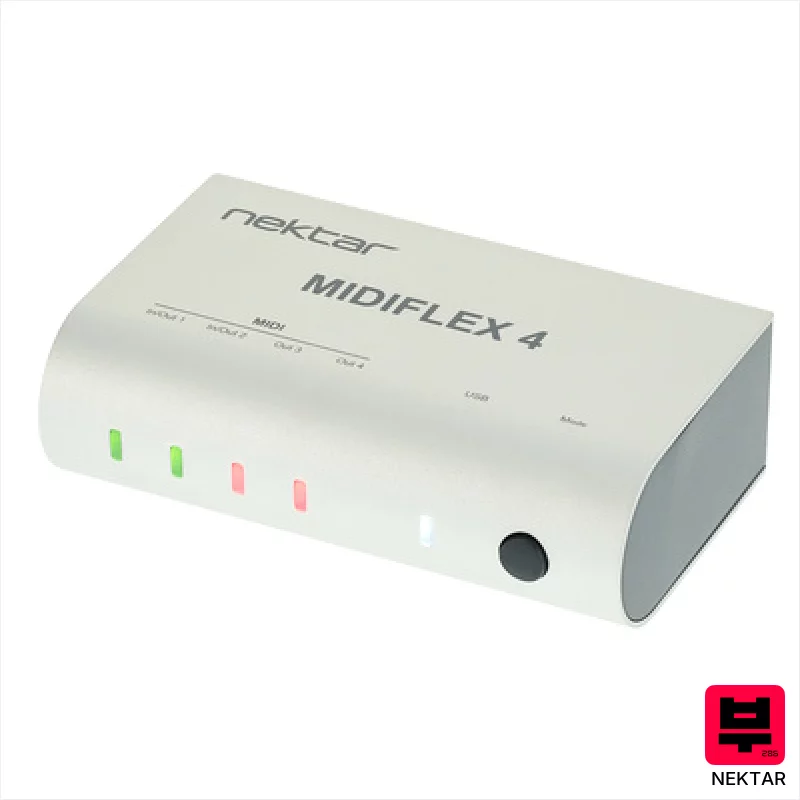
Nektar MIDIFLEX 4
- • Robust aluminum housing provides excellent durability for studio use
- • Flexible routing options (merge/split) offer surprising versatility
- • Autosense functionality simplifies setup and eliminates compatibility headaches
- • Included Bitwig 8-Track is a solid bonus for beginners
- • Limited number of MIDI ports might restrict complex setups
- • Compact size could be a challenge in cramped workspaces
- • USB power only limits use outside of computer-powered scenarios

CME U4MIDI WC
- • Excellent value for the number of MIDI ports offered.
- • HxMIDI Tools software provides surprisingly deep routing capabilities.
- • Compact size makes it ideal for mobile setups and pedalboards.
- • USB-C power option simplifies integration with modern equipment.
- • Plastic enclosure feels a bit flimsy for frequent travel or heavy use.
- • Bluetooth MIDI requires the separate WIDI Core extension, adding cost.
- • Limited physical controls beyond the LED indicators.
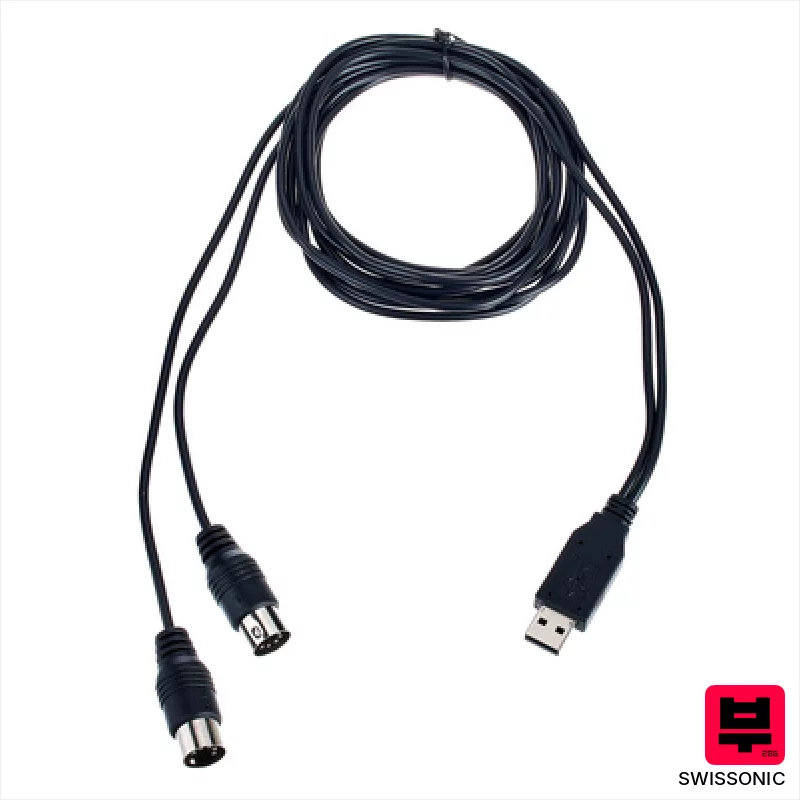
Swissonic MidiConnect 2
- • Extremely affordable entry point to USB MIDI connectivity
- • Automatic input/output detection simplifies setup considerably
- • Compact size and 1.8m cable offer decent portability
- • Broad OS compatibility ensures functionality across older and newer systems
- • Plastic construction feels somewhat flimsy and not very durable
- • Limited to two MIDI ports – not ideal for complex setups
- • Lacks advanced features like MIDI clock sync or bi-directional MIDI

CME C2MIDI Pro
- • Retractable USB-C simplifies cable management and reduces clutter.
- • Standalone filtering/mapping removes computer dependency for basic tasks.
- • HxMIDI Tools software provides powerful, accessible MIDI manipulation.
- • Compact, lightweight design (89g) enhances portability and convenience.
- • Single MIDI In/Out limits complexity for larger studio setups.
- • USB-C only connectivity restricts compatibility with older devices.
- • Plastic housing feels somewhat budget-oriented, not premium.

Miditech MIDIface 4x4
- • Affordable entry point for basic MIDI expansion.
- • Class-compliant USB simplifies setup across operating systems.
- • Compact size makes it ideal for portable setups.
- • Solid plastic housing feels surprisingly robust for the price.
- • Limited MIDI channel support compared to higher-end interfaces.
- • Plastic enclosure lacks premium feel of metal alternatives.
- • No dedicated power supply; relies solely on USB bus power.
How to Choose the Best MIDI Interfaces
Latency
This is the big one. A few milliseconds can be the difference between a responsive, playable feel and a frustrating lag. We're looking for interfaces consistently under 3ms roundtrip latency at 96kHz, and ideally lower if you're a hyper-sensitive player.
Port Count & Type
How many MIDI ins/outs do you really need? Beyond that, are you dealing with 5-pin DIN connectors or USB MIDI? Some older gear only speaks DIN, so versatility matters. 32x2 is a sweet spot for many, but think about future expansion.
Jitter Performance
Jitter is the tiny variations in timing that can muddy your MIDI signal, especially noticeable with complex sequences or heavily modulated sounds. Low jitter means tighter, more articulate performances. This is often overlooked, but makes a huge difference.
Driver Stability
A rock-solid driver is non-negotiable. Nothing kills a session faster than a MIDI interface randomly disconnecting. We've tested these drivers on various operating systems (Windows and macOS) to ensure reliability.
Power Delivery (for synths)
Many modern analog synths and drum machines rely on MIDI power for basic functions. If you're using a lot of these, a MIDI interface that can supply sufficient power to your gear is a major convenience.
Buying Guide
Don't fall for the specs trap. A high sample rate doesn't automatically equal a good MIDI interface. Cheap interfaces often cut corners on components, leading to higher jitter and less reliable drivers. Spending a bit more on a reputable brand with a good track record will save you headaches down the line. If you're primarily recording drums or orchestral instruments, ultra-low latency is paramount. For synth programming and arrangement, port count and power delivery are often more important.
Our Methodology
We didn't just look at spec sheets here. We've spent countless hours recording drum parts, sequencing basslines, and automating synth parameters through these interfaces. We've A/B'd them against each other, compared latency under different loads, and, crucially, subjected them to the chaotic realities of band rehearsals and live gigs to see what holds up.

