
Best DAW Controllers for Studio Efficiency 2026
Look, we all spend too much time staring at a screen. Studio efficiency isn't about magic plugins; it's about minimizing mouse clicks and maximizing creative flow. A good DAW controller can be the difference between finishing a track tonight or staring at a blinking cursor until 3 AM. This isn't about flashy features; it's about finding something that genuinely streamlines your workflow and gets you back to making music.
Last updated: April 11, 2026
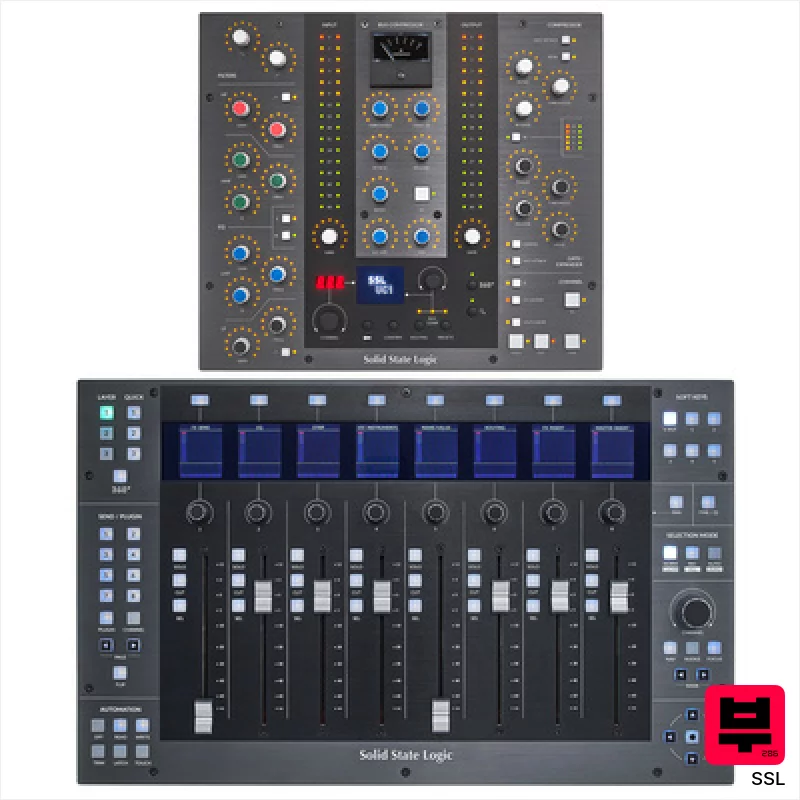
SSL UF8 UC1 Control Bundle
- • Solid metal chassis feels exceptionally robust and well-built.
- • Motorized faders offer precise recall and smooth automation.
- • SSL 360° software provides deep customization and workflow enhancements.
- • Integrated Vocalstrip & Drumstrip plugins offer immediate sonic value.
- • Cascading multiple UF8s can introduce latency depending on system resources.
- • Limited tactile feedback on rotary encoders; a click would be beneficial.
- • The learning curve for full SSL 360° customization can be steep.

Native Instruments Maschine MK3 Black ISO Bundle
- • Excellent dynamic pads offer nuanced aftertouch expression.
- • High-resolution displays provide clear visual feedback, crucial for workflow.
- • Integrated audio interface simplifies recording and eliminates extra hardware.
- • Maschine software is incredibly deep, offering immense creative possibilities.
- • The Smart Strip takes practice to master; not immediately intuitive.
- • ISO bundle's included software can feel overwhelming for complete beginners.
- • Build quality, while solid, feels mostly plastic, not premium metal.
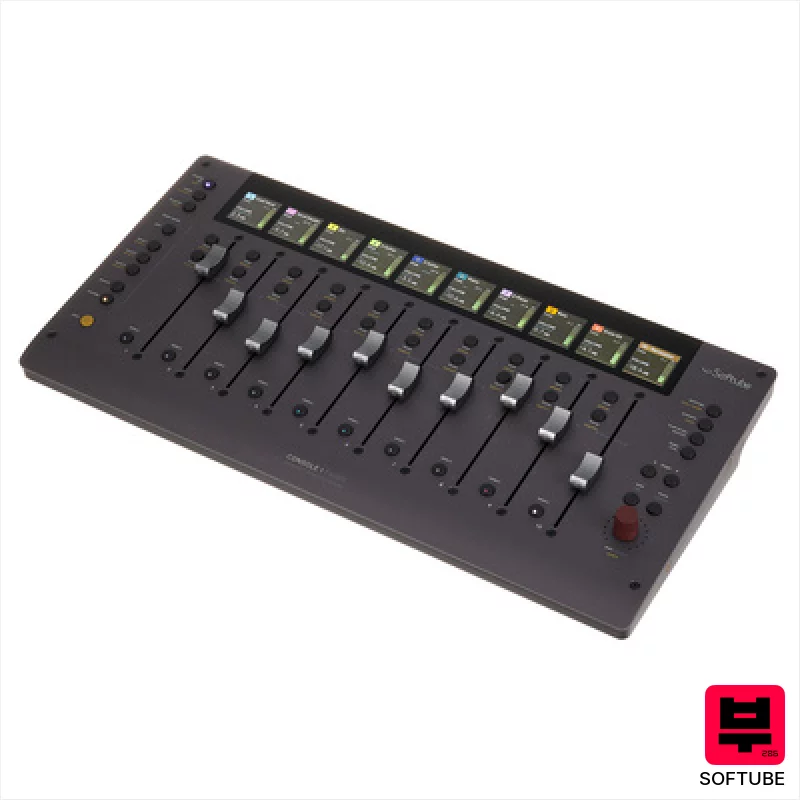
Softube Console 1 Fader Mk III
- • Solid aluminum chassis provides reassuring heft and premium feel.
- • Seamless Softube ecosystem integration elevates workflow significantly.
- • Customizable OLED screens offer clear, at-a-glance information.
- • Parameter mode unlocks quick access to essential processing.
- • Price point places it firmly in the high-end controller category.
- • Limited compatibility outside the Softube ecosystem can be restrictive.
- • Daisy-chaining USB-C adds complexity for some studio setups.
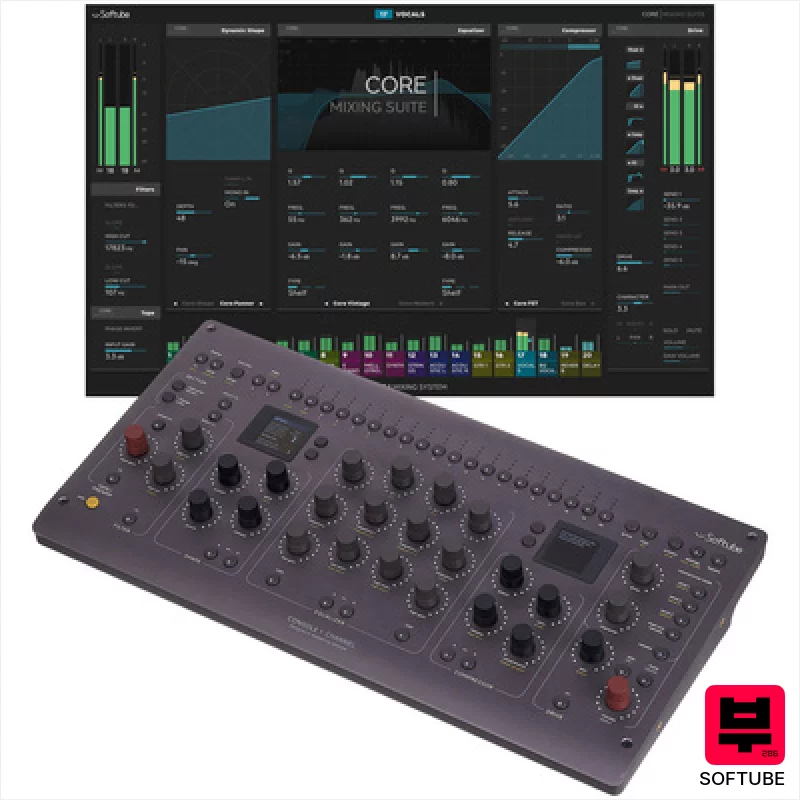
Softube Console 1 Channel Mk III
- • Excellent tactile feel from the high-quality rotary encoders.
- • Softube's Core Mixing Suite delivers genuinely usable analog character.
- • Dual high-resolution screens offer clear visual feedback and workflow efficiency.
- • Compact footprint allows for flexible placement in any studio setup.
- • Price point places it firmly in the premium-priced controller category.
- • Limited fader functionality restricts complex mixing workflows.
- • DAW integration, while broad, could benefit from deeper, more granular control.
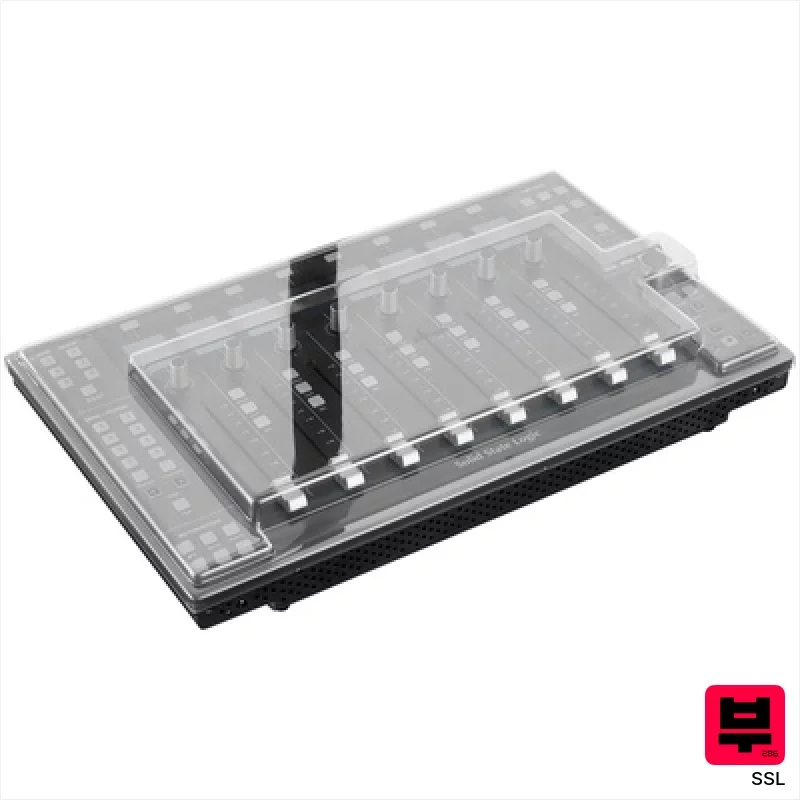
SSL UF8 Decksaver Bundle
- • Solid metal chassis feels incredibly robust and well-engineered.
- • Motorized faders offer precise recall and smooth automation.
- • SSL 360° software provides deep customization options for workflows.
- • Integrated Vocalstrip & Drumstrip plugins offer immediate sonic value.
- • The unit's weight makes it less portable for frequent travel.
- • The learning curve for SSL 360° software can be initially steep.
- • Limited pad functionality restricts its versatility for certain workflows.
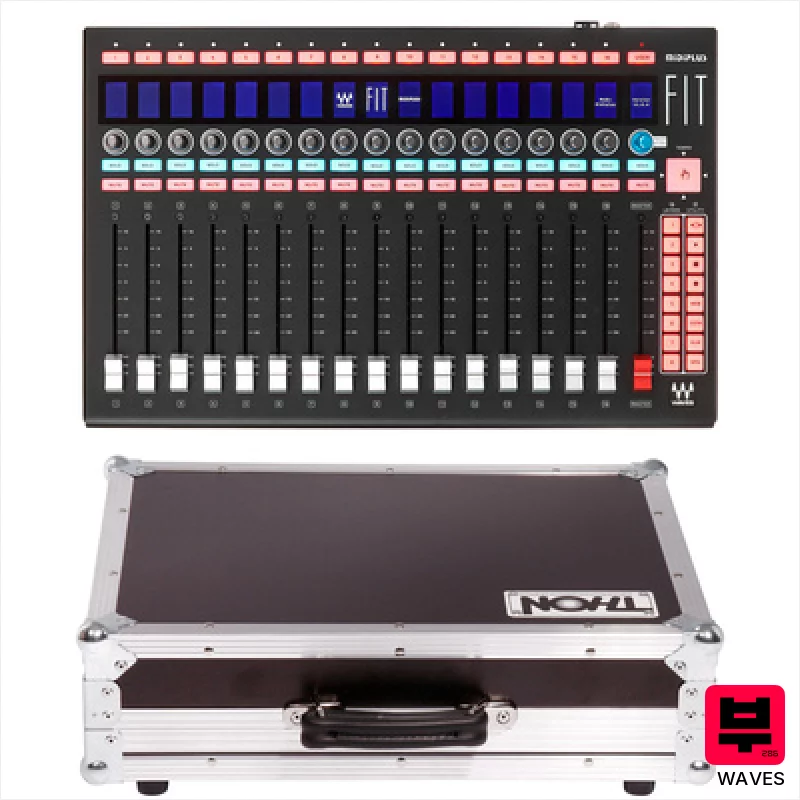
Waves FIT Case Bundle
- • Robust phenolic resin coating protects against stage wear and tear.
- • Motorized faders offer precise recall and automation capabilities.
- • The included flight case provides excellent protection during transport.
- • Rackmountable design integrates seamlessly into professional studio setups.
- • High-end price point makes it inaccessible to budget-conscious users.
- • Designed primarily for eMotion LV1; limited utility with other DAWs.
- • The weight (4.28kg) can be a challenge for frequent travel.
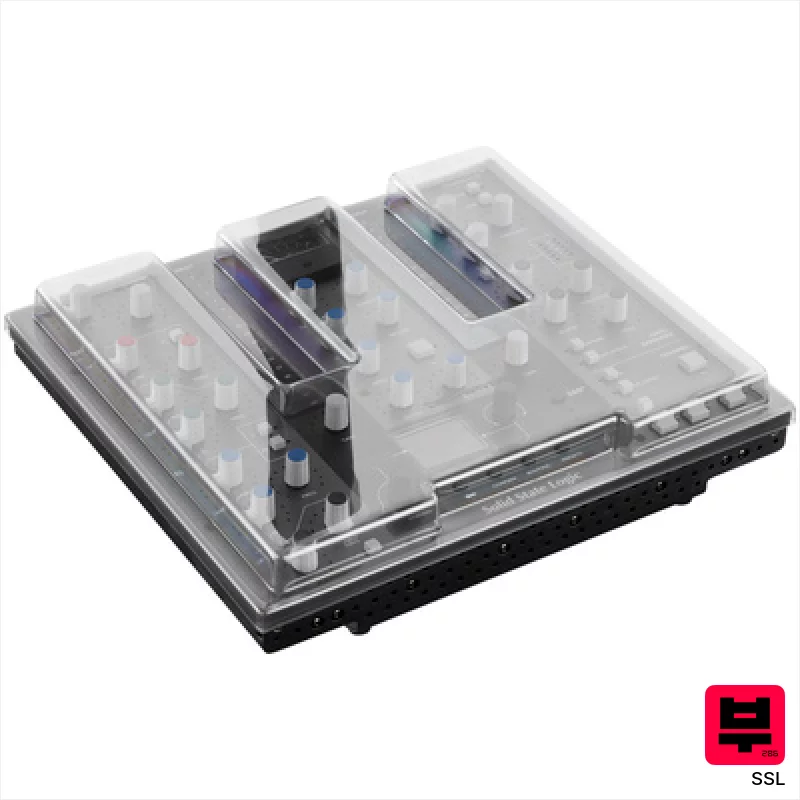
SSL UC1 Decksaver Bundle
- • Exceptional SSL workflow integration with Channel Strip 2 & Bus Compressor 2.
- • LED ring feedback provides intuitive visual parameter confirmation.
- • 360° software enables surprisingly flexible third-party plug-in mapping.
- • Decksaver protection safeguards investment from dust and accidental damage.
- • Price point places it firmly in the premium-priced category for home studios.
- • Reliance on SSL 360° software limits broader DAW compatibility.
- • Limited physical fader travel might frustrate experienced mixing engineers.
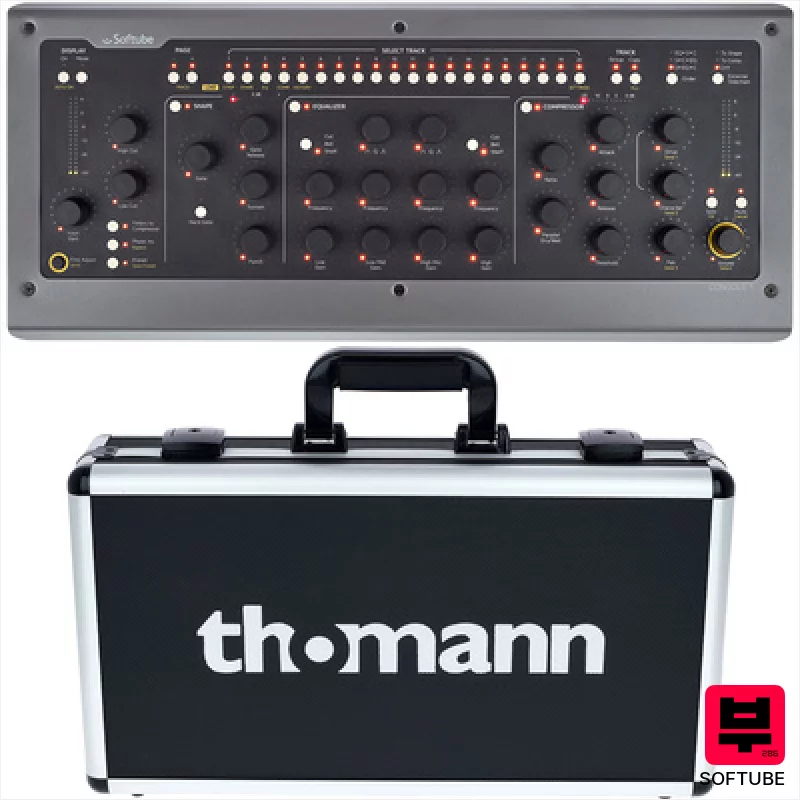
Softube Console 1 Mk 2 Case Bundle
- • Solid State Logic emulation adds authentic analog warmth and character.
- • High-quality faders offer precise, tactile control for mixing.
- • Seamless DAW integration across AU, VST, VST3, and AAX formats.
- • Included SSL 4000 E plugin provides a powerful starting point for mixing.
- • Case is not included, adding to the overall investment.
- • Plugin compatibility is limited to Softube and UAD ecosystems.
- • Motorized faders can feel a little sluggish compared to some high-end consoles.

Presonus Faderport V2 Mobile Bundle
- • Motorized fader provides tactile, precise level adjustments.
- • Excellent Studio One integration streamlines workflow significantly.
- • Compact footprint makes it ideal for smaller, mobile setups.
- • Robust build quality; feels solid and durable in hand.
- • HUI/Mackie emulation can feel slightly less responsive than native control.
- • Limited knob functionality outside of Studio One's environment.
- • Footswitch connector lacks dedicated power, requiring external solution.
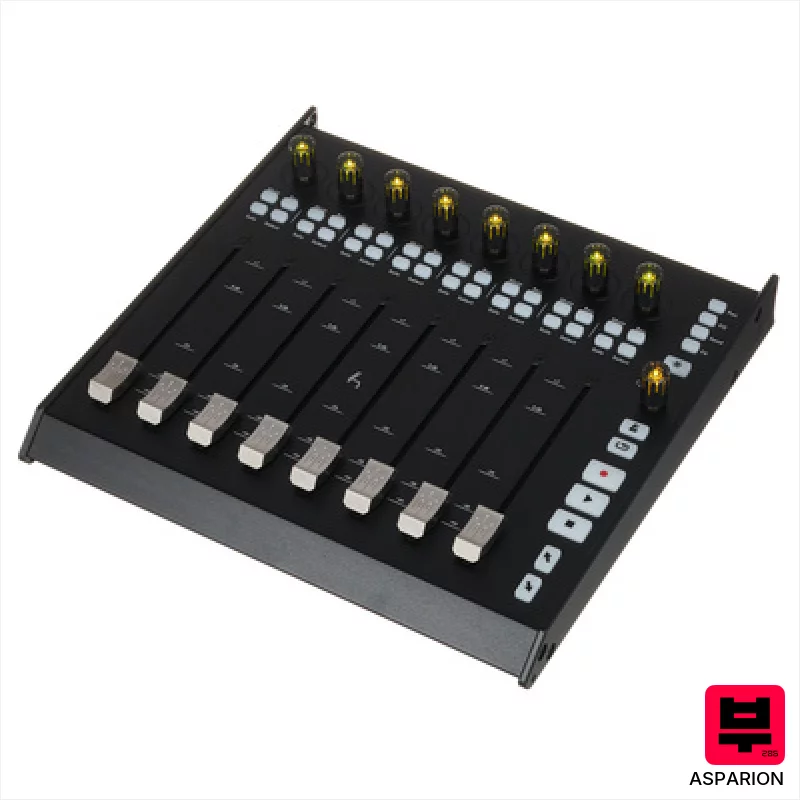
Asparion D700FT
- • High-resolution faders offer precise, repeatable automation control.
- • RGB encoders provide excellent visual feedback in low-light environments.
- • Expandability to 64 channels is a huge boon for larger projects.
- • Solid build quality suggests durability for studio use.
- • Windows 7 support feels dated; newer OS compatibility is crucial.
- • Relatively heavy, portability is a significant limitation.
- • Price point places it firmly in the premium-priced category.
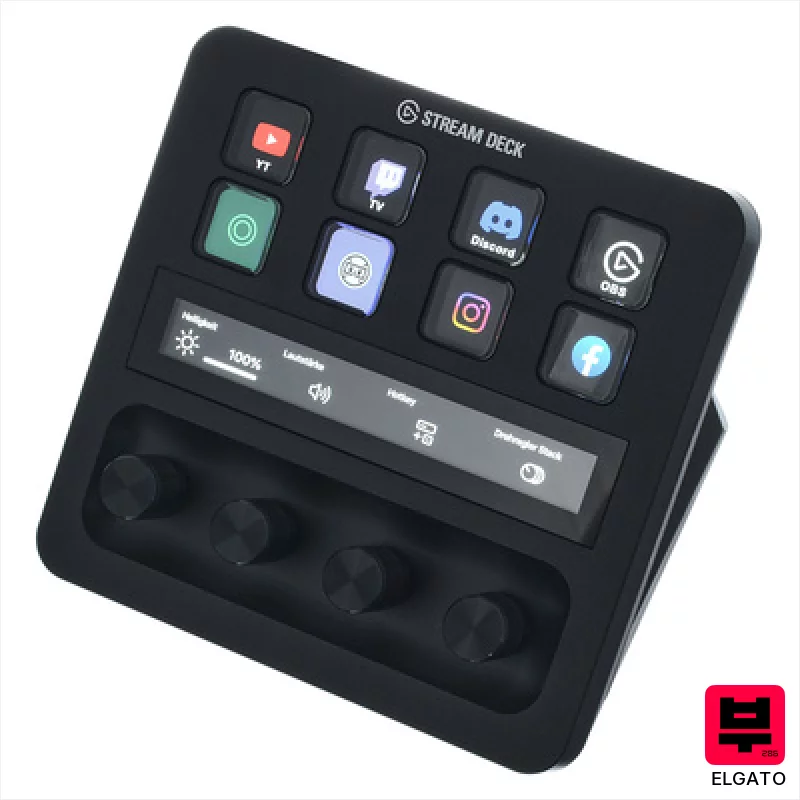
Elgato Stream Deck+ XLR
- • Excellent preamp delivers clean, transparent gain for vocal recordings.
- • Customizable LCD buttons streamline workflow for streaming and DAW control.
- • Rotary knobs offer tactile control, enhancing mixing and parameter adjustments.
- • Integrated headphone output provides low-latency monitoring for critical tracking.
- • The compact size might feel cramped for users with larger hands.
- • Price point positions it as a premium investment for serious content creators.
- • Limited physical inputs restrict expandability for complex setups.
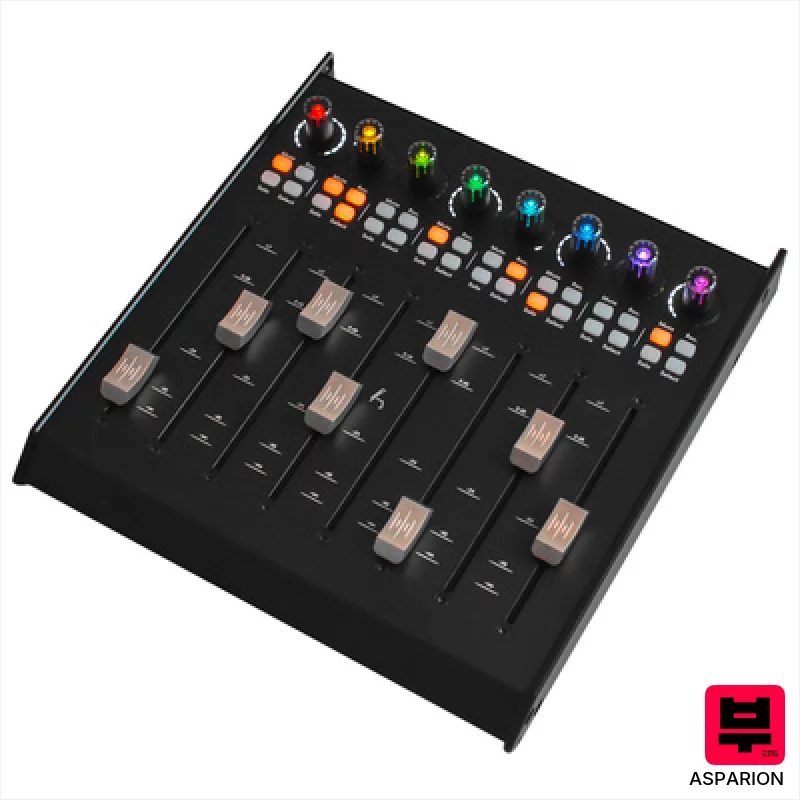
Asparion D700F
- • Solid metal housing provides exceptional durability and a premium feel.
- • Motorized faders offer precise recall and automation capabilities.
- • High-resolution fader grid ensures accurate level adjustments and fine-tuning.
- • RGB encoders offer visual feedback and customizable workflow integration.
- • Requires D700 FT base unit, limiting standalone functionality and adding to cost.
- • Windows 7 support is increasingly limiting for modern studio setups.
- • Limited channel count per unit necessitates multiple expansions for larger projects.
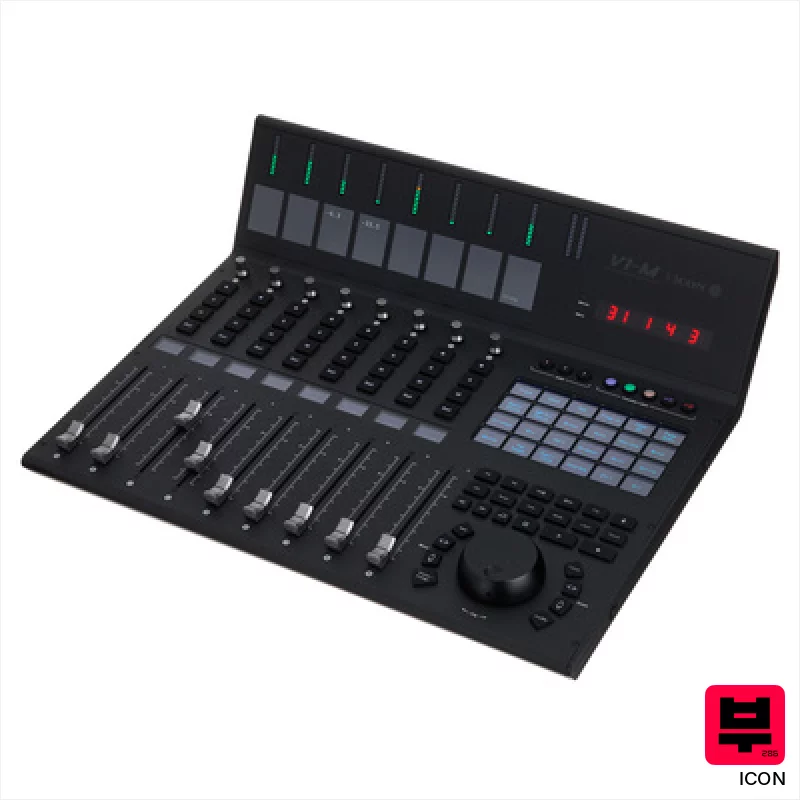
Icon V1-M
- • Exceptional build quality with solid metal fader rails and robust chassis.
- • The OLED touchscreen offers genuinely useful, customizable control mapping.
- • Simultaneous control of multiple DAWs streamlines complex workflows.
- • Optical jog wheel feels precise and responsive, a welcome tactile upgrade.
- • The price point puts it out of reach for many home recording enthusiasts.
- • The learning curve can be steep given the extensive customization options.
- • The reliance on software compatibility means updates are critical for continued functionality.
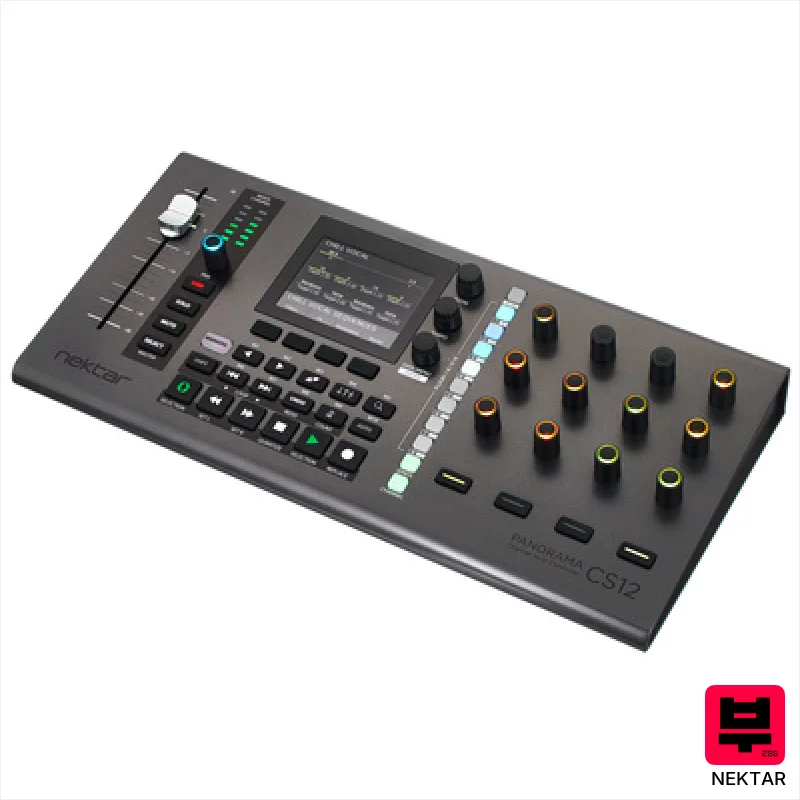
Nektar Panorama CS12
- • Motorized fader offers tactile control, replicating analog mixing feel.
- • High-resolution encoders provide precise, detailed plug-in adjustments.
- • Nektarine software allows deep customization beyond stock mappings.
- • Logic Pro integration is exceptionally well-executed and streamlined.
- • Limited pad functionality restricts its appeal for performance-focused users.
- • Build quality feels somewhat plasticky compared to higher-end controllers.
- • Relies heavily on Logic, Cubase, or Nuendo; less useful standalone.
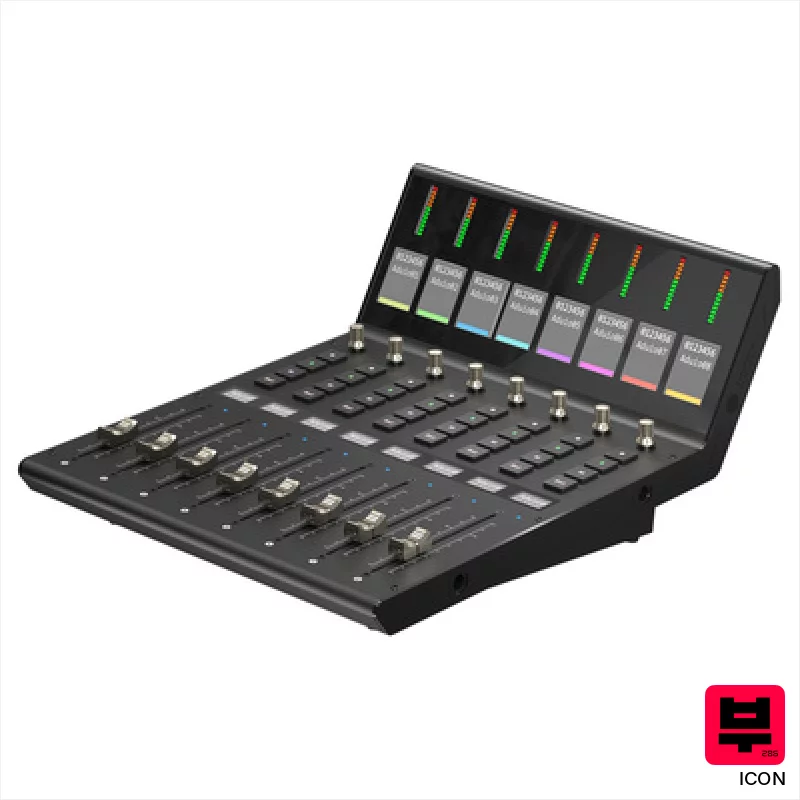
Icon V1-X
- • Excellent channel expansion for existing V1-M setups.
- • Motorized faders offer precise, recallable level adjustments.
- • Clear, legible TFT displays provide essential channel information.
- • Robust build quality feels professional and durable.
- • Price point places it firmly in the high-end controller category.
- • Requires a V1-M to function; not a standalone unit.
- • Limited standalone functionality; designed solely for DAW control.
How to Choose the Best DAW Controllers
Assignable Knobs/Faders
Forget about fixed assignments. The more you can customize to map to your most-used plugins and mixer channels, the faster you'll work. We're talking granular control - EQ bands, pan, reverb decay - all at your fingertips. A few cheap controllers skimp on knob quality, feeling plasticky and imprecise.
Transport Controls
This is the low-hanging fruit. Dedicated buttons for play, record, stop, rewind, fast forward - they seem simple, but they're a massive time saver compared to mouse clicks, especially during tracking or complex editing.
Keypad Quality & Layout
A mushy, unresponsive keypad kills your momentum. We look for tactile feedback, logical layout, and enough keys to cover basic number entry, timecode manipulation, and parameter adjustments. The worst ones feel like typing on a calculator.
Build Quality & Ergonomics
Seriously, you're going to be interacting with this thing for hours. Cheap plastic and awkward angles lead to fatigue and frustration. We want something that feels solid, comfortable, and won't fall apart after a few gigs - or even just a marathon mixing session.
DAW Integration & Customization
Some controllers offer deeper integration with specific DAWs, allowing for more advanced mapping and preset management. While universal MIDI control is essential, native integration can unlock extra features and streamline your workflow further. Check compatibility before you buy.
Buying Guide
Don't get lured in by a ton of knobs you don't need. Think about your workflow: are you a plugin junkie who needs a ton of macro control, or do you mostly tweak mixer levels? Budget controllers often use cheaper potentiometers - they might look the same, but the feel is noticeably less precise. Spending a bit more on something with solid build and good knob feel is almost always worth it; your back and your ears will thank you.
How This List Is Built
We don't play these instruments — we're a catalog, not a review desk, and we'd rather say so than pretend otherwise. This page ranks 15 daw controllers from the Thomann catalogue, which is the largest single source of specification data in this category.
Position is computed, not curated. Four signals, in order of weight: how completely the manufacturer documents the instrument (number of published specifications), where it sits in the price range, how specific the model designation is — which filters out generic accessories — and whether a product image exists. The same inputs always produce the same order, so nothing here is shuffled to look fresh.
What this list is good for: narrowing a category down to a shortlist by spec and budget. What it isn't: a substitute for hearing an instrument. Before you buy, read hands-on reviews and, where you can, play it. Full methodology.

