 AudioFu
AudioFu Chart · October 2026
Best Elgato DAW Controllers 2026
The top pick is Elgato Stream Deck+ XL ($390). Elgato Stream Deck MK2 gives you the most for the money at $167. Elgato Stream Deck Studio leads the high end. Ranked by the AudioFu Index from 3 models, prices checked every night.
Last updated: October 14, 2026
Top 3
Full detail for the 3 highest AudioFu Index scores. Every other model is listed below.
-
- Weight1.085 kg
This controller gives you a huge array of buttons and six useful knobs for your DAW. It feels solid but is heavier than smaller options. Perfect for producers who want quick access to every app without hunting for keys.
Pros
- Three hundred sixty customisable LCD buttons for quick access
- Six rotary knobs with push function for hands-free control
- Large touch bar sits perfectly for thumb reach during mixing
Cons
- Heavier at over a kilogram than many compact alternatives
- No built-in faders to control track levels directly
51AudioFu
IndexStableno change since Aug 17Aug 17$390 now$390€349 at Thomann · in stockCheck price ↗ -
- Size19"
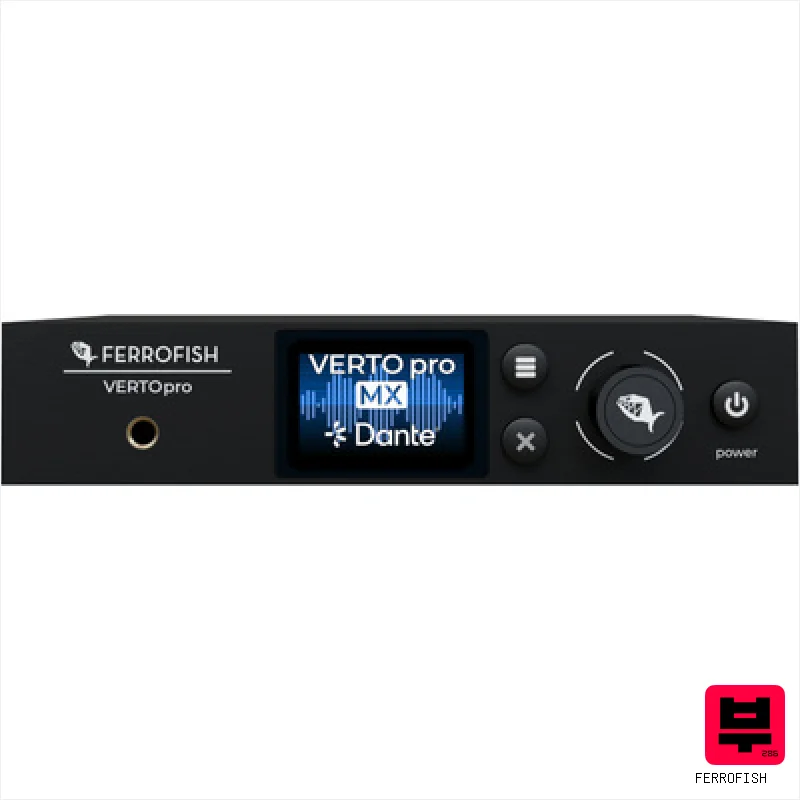
This Stream Deck Studio is a serious piece of kit for broadcast engineers and studios needing granular control over their signal flow. It’s essentially a centralized, software-defined router and monitoring hub—a real game-changer for complex setups. If you're dealing with SDI and IP workflows, this will drastically streamline your operation.
Pros
- Robust 1U rackmount chassis ensures secure studio integration
- Intuitive IP/SDI protocol integration simplifies complex routing
- Customizable LCD buttons offer unparalleled workflow efficiency
Cons
- Premium-priced, limiting accessibility for smaller setups
- Steep learning curve for users unfamiliar with IP/SDI workflows
43AudioFu
IndexStableno change since Aug 14Aug 14$1,118 now$1,118€999 at Thomann · in stockCheck price ↗ -
The Stream Deck MK2 is a fantastic tool for streamlining your recording or streaming workflow. It's especially useful for producers, streamers, or anyone who wants to trigger multiple actions quickly. While it’s not a traditional controller, the customization options are genuinely game-changing for efficiency.
Pros
- Customizable LCD buttons offer instant visual feedback and workflow efficiency.
- Removable front panel allows for easy cleaning and customization options.
- Compact size and included stand maximize desk space and portability.
Cons
- Limited physical controls beyond the LCD buttons restricts tactile interaction.
- Software dependency means functionality is tied to Elgato's ecosystem.
DAW Controllers by the numbers
Measured across all 101 models we track, not a sample.
median of 67 models · 0.22 kg–3.7 kg
median of 16 models · 4"–19"
How to choose the best DAW controllers
Build Quality
Elgato isn't building boutique gear, let's be real. The plastic feels robust enough for gigging, but don't expect the heft of a Moog or a high-end MIDI keyboard. The knobs have a decent travel, but the faders feel a little... plasticky. It's a tradeoff for the price point.
Integration with Elgato Software
This is where Elgato shines. If you're using Elgato's 4K Capture Card or their streaming tools, the tight integration is a huge time-saver. Mapping controls is intuitive, and the device recognition is rock solid - a big deal when you're live.
Workflow Efficiency
The layout is well-thought-out, prioritizing common mixing and recording tasks. Having dedicated controls for EQ, compression, and sends really speeds up the mixing process, letting you focus on the sound, not the menu diving. It cuts down on that mental clutter.
Customization
Elgato's software allows for a decent level of customization, letting you remap controls to suit your specific needs. While it's not as deep as some other controllers, it's enough to tailor the device to your preferred workflow - crucial for getting that comfortable feel.
Value for Money
You're not getting top-tier build or boutique features, but you are getting a well-designed, functional controller that genuinely improves your DAW workflow. It's a solid option for the price, especially if you're already invested in the Elgato ecosystem.
Buying guide
So, you're looking to tighten up your DAW workflow, huh? I get it - fumbling with a mouse is a recipe for frustration, especially when you're chasing that perfect take or trying to dial in a killer mix. Elgato's DAW controllers have been gaining traction, and for good reason: they offer a solid, streamlined experience, especially for those already in the Elgato ecosystem. Let's break down which one might be right for you.
Don't expect a premium feel - these are mid-range controllers. If you're a seasoned engineer used to SSL or Neve-style automation, you'll notice the difference. However, for bedroom producers, gigging musicians, or anyone looking to streamline their workflow without breaking the bank, Elgato offers a compelling solution.
Prioritize integration with your existing Elgato setup if that's a factor; otherwise, consider your most used DAW functions and choose the controller with the best layout for those.
How the AudioFu Index works
Five measured signals and nothing else — no stars from strangers, no “tested by experts” we didn’t do. The weights are fixed and public. We don’t play these instruments; we measure the market around them.
This chart covers 5 DAW controllers from the Thomann catalogue (of 101 in the category). Before you buy, read hands-on reviews and, where you can, play it. Full methodology.
AudioFu earns a commission when you buy through our Thomann links. It never changes the order — the index does.
- Demand40%
How many of this exact model are for sale on Reverb right now — what musicians actually buy and resell.
- Lineup20%
How many finishes Thomann stocks — makers expand the models that sell.
- Price15%
Where the price has moved since we started tracking in August.
- Specs15%
How completely the maker documents it.
- Maker10%
How deep the brand’s range is in this category.
Questions
Are Elgato controllers compatible with Ableton Live?
Absolutely. They work with most major DAWs including Ableton, Logic, Pro Tools, and Cubase. The mapping might need a little tweaking, but the core functionality is there.
Can I use these controllers without an Elgato capture card?
Yes, you can! The DAW controller functionality is independent of the capture card. You're just missing out on some of the seamless integration benefits.
What's the difference between the Elgato Stream Deck XL and the smaller Stream Deck MK.2 for DAW control?
The XL has more macro buttons, useful for triggering complex actions, but the MK.2 is more compact and often sufficient for just DAW control. It depends on how much automation you need.
Do the faders feel precise enough for automation?
They're not the most precise faders you'll ever feel, but they're usable for automation. Just be aware that you might need to do some smoothing in post to remove any slight wobble. It's not ideal for surgical automation, but it's fine for broad adjustments.
Can I extend the functionality with custom plugins?
Elgato's software doesn't currently support custom plugins or advanced MIDI scripting, which is a limitation for some users. You're largely reliant on their built-in mapping options.