
Best DAW Controllers for Professional Workflow 2026
Okay, so you're tired of mouse clicks and endless menu diving in your DAW? Smart move. A decent DAW controller isn't just a luxury; it's about reclaiming your creative flow and actually enjoying the process. We're not talking about basic MIDI keyboards here; this is for pros who need tactile control over every aspect of their workflow, from EQ curves to complex plugin routings.
Last updated: July 29, 2026 • Next update: August 5, 2026
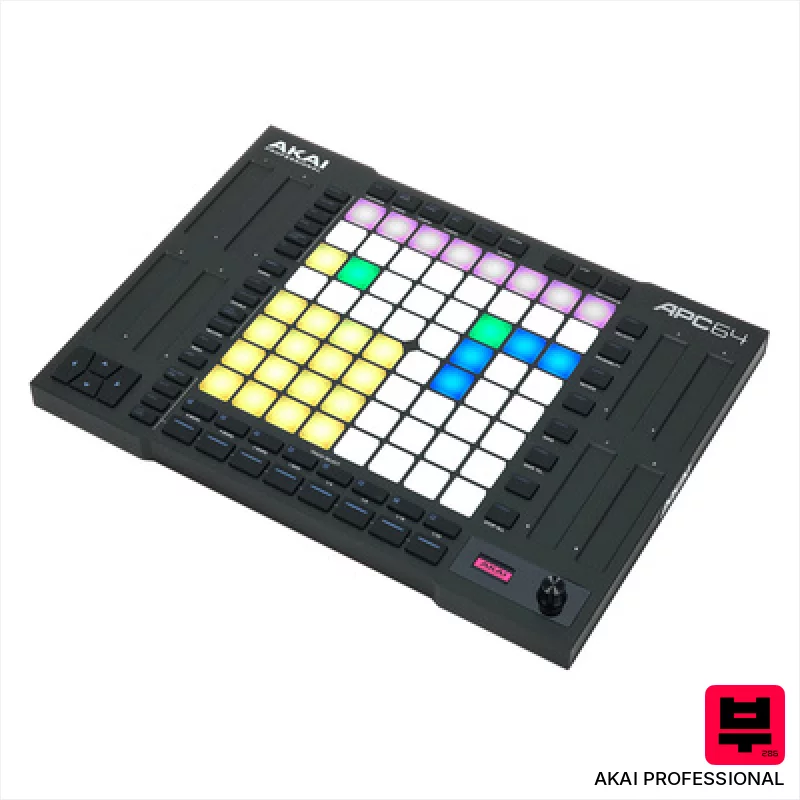
AKAI Professional APC64
- • Excellent Ableton Live integration, streamlining workflow significantly.
- • The 8x8 pad matrix offers intuitive clip launching and sequencing.
- • Touch strips provide tactile control over key Ableton parameters.
- • Integrated 8-track sequencer expands creative possibilities beyond Live.
- • Limited compatibility outside of Ableton Live; less versatile for other DAWs.
- • Plastic build feels somewhat budget-oriented, though structurally sound.
- • Smaller pad size might be challenging for some users' fingers.
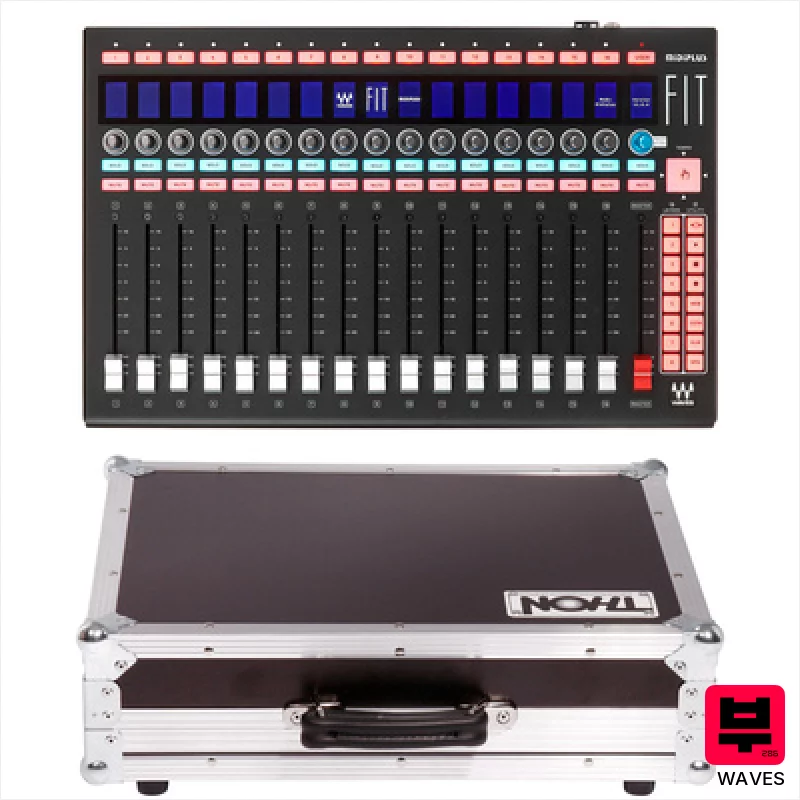
Waves FIT Case Bundle
- • Robust phenolic resin coating protects against stage wear and tear.
- • Motorized faders offer precise recall and automation capabilities.
- • The included flight case provides excellent protection during transport.
- • Rackmountable design integrates seamlessly into professional studio setups.
- • High-end price point makes it inaccessible to budget-conscious users.
- • Designed primarily for eMotion LV1; limited utility with other DAWs.
- • The weight (4.28kg) can be a challenge for frequent travel.
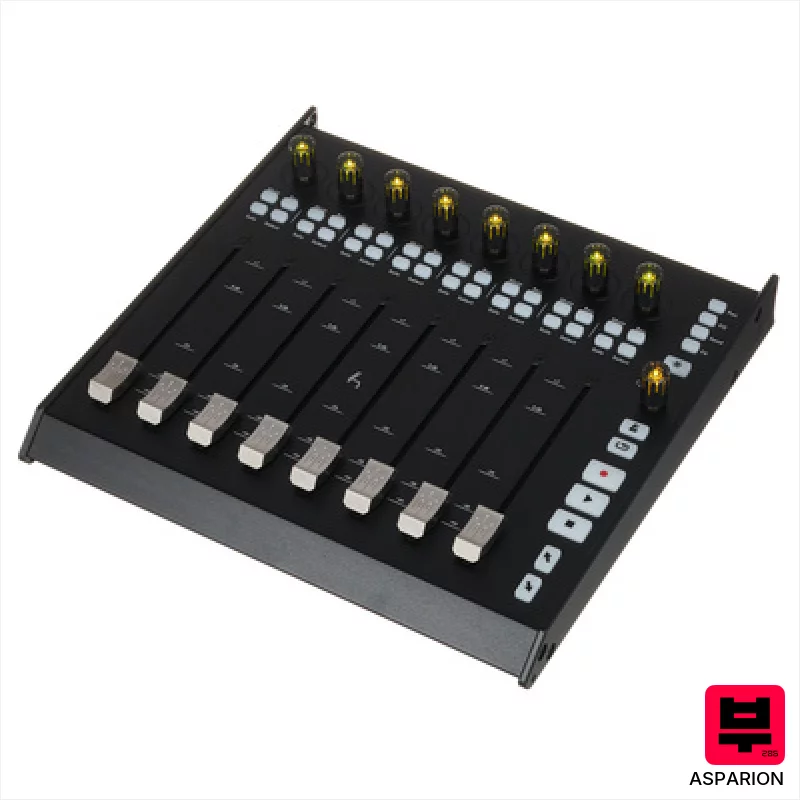
Asparion D700FT
- • High-resolution faders offer precise, repeatable automation control.
- • RGB encoders provide excellent visual feedback in low-light environments.
- • Expandability to 64 channels is a huge boon for larger projects.
- • Solid build quality suggests durability for studio use.
- • Windows 7 support feels dated; newer OS compatibility is crucial.
- • Relatively heavy, portability is a significant limitation.
- • Price point places it firmly in the premium-priced category.
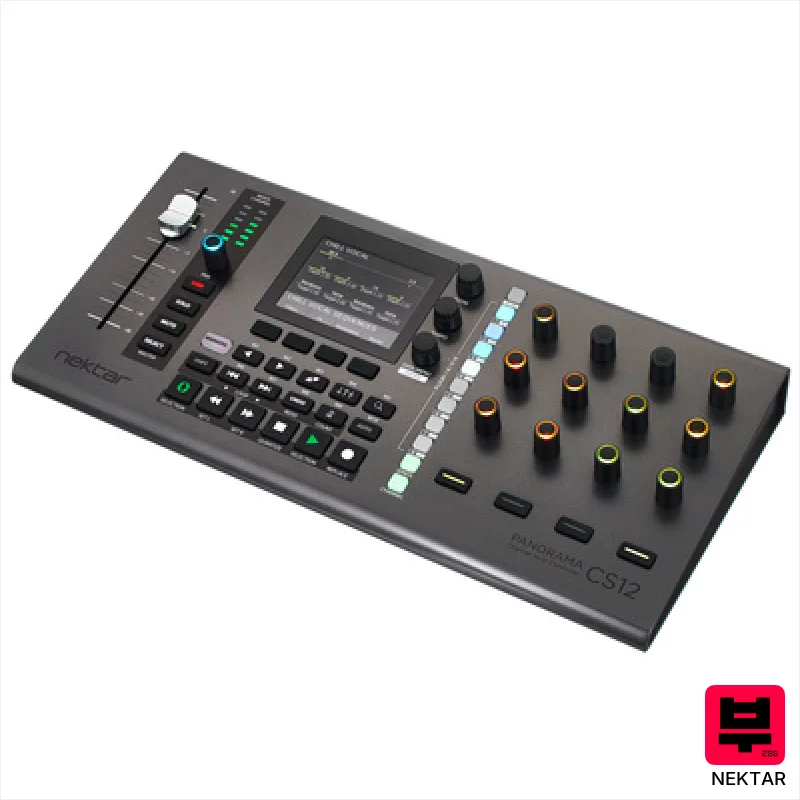
Nektar Panorama CS12
- • Motorized fader offers tactile control, replicating analog mixing feel.
- • High-resolution encoders provide precise, detailed plug-in adjustments.
- • Nektarine software allows deep customization beyond stock mappings.
- • Logic Pro integration is exceptionally well-executed and streamlined.
- • Limited pad functionality restricts its appeal for performance-focused users.
- • Build quality feels somewhat plasticky compared to higher-end controllers.
- • Relies heavily on Logic, Cubase, or Nuendo; less useful standalone.
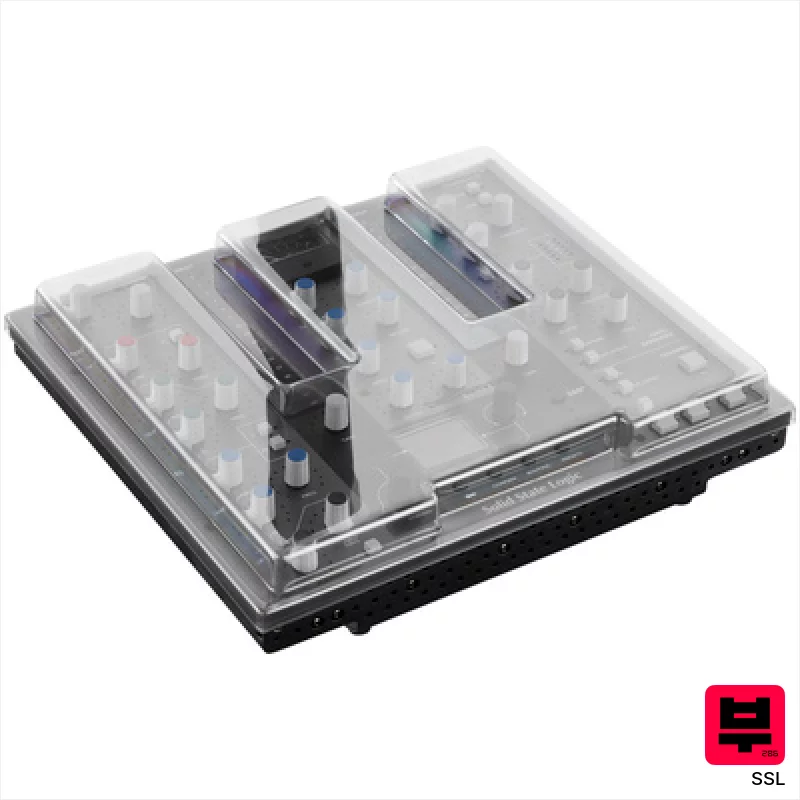
SSL UC1 Decksaver Bundle
- • Exceptional SSL workflow integration with Channel Strip 2 & Bus Compressor 2.
- • LED ring feedback provides intuitive visual parameter confirmation.
- • 360° software enables surprisingly flexible third-party plug-in mapping.
- • Decksaver protection safeguards investment from dust and accidental damage.
- • Price point places it firmly in the premium-priced category for home studios.
- • Reliance on SSL 360° software limits broader DAW compatibility.
- • Limited physical fader travel might frustrate experienced mixing engineers.

Native Instruments Maschine MK3 Black ISO Bundle
- • Excellent dynamic pads offer nuanced aftertouch expression.
- • High-resolution displays provide clear visual feedback, crucial for workflow.
- • Integrated audio interface simplifies recording and eliminates extra hardware.
- • Maschine software is incredibly deep, offering immense creative possibilities.
- • The Smart Strip takes practice to master; not immediately intuitive.
- • ISO bundle's included software can feel overwhelming for complete beginners.
- • Build quality, while solid, feels mostly plastic, not premium metal.
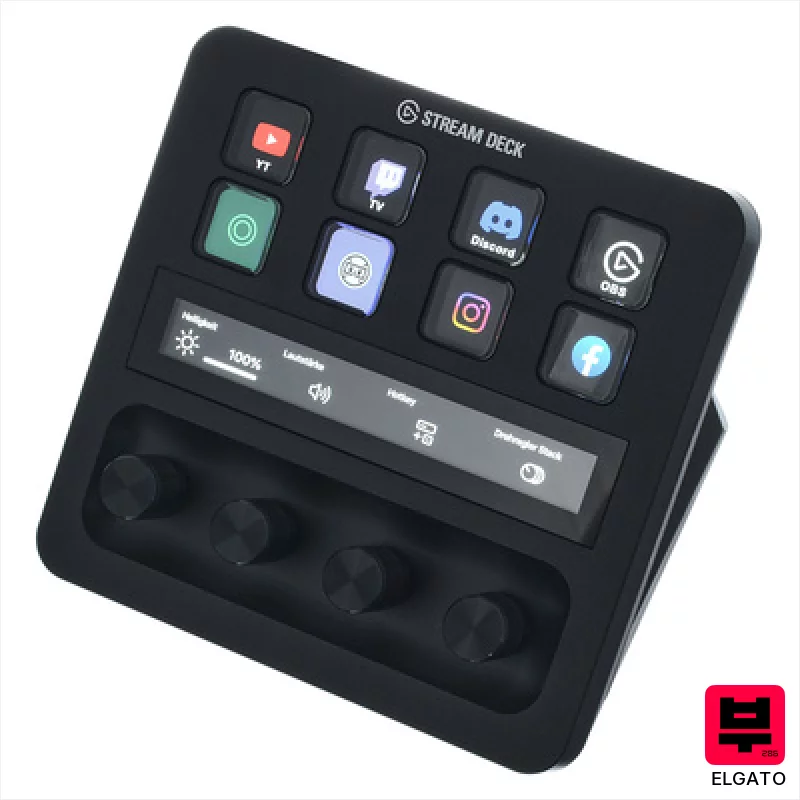
Elgato Stream Deck+ XLR
- • Excellent preamp delivers clean, transparent gain for vocal recordings.
- • Customizable LCD buttons streamline workflow for streaming and DAW control.
- • Rotary knobs offer tactile control, enhancing mixing and parameter adjustments.
- • Integrated headphone output provides low-latency monitoring for critical tracking.
- • The compact size might feel cramped for users with larger hands.
- • Price point positions it as a premium investment for serious content creators.
- • Limited physical inputs restrict expandability for complex setups.
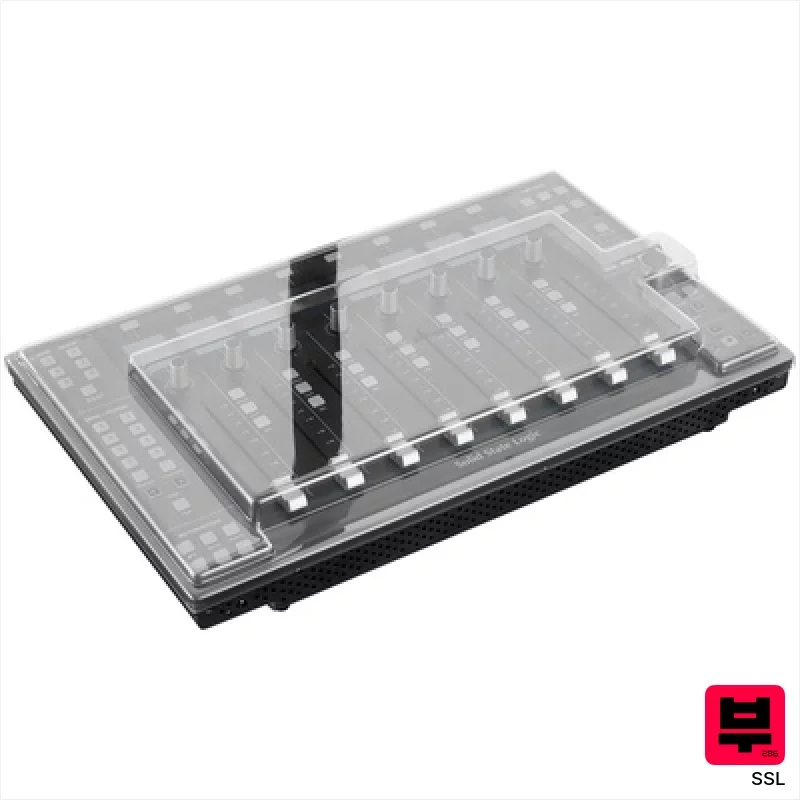
SSL UF8 Decksaver Bundle
- • Solid metal chassis feels incredibly robust and well-engineered.
- • Motorized faders offer precise recall and smooth automation.
- • SSL 360° software provides deep customization options for workflows.
- • Integrated Vocalstrip & Drumstrip plugins offer immediate sonic value.
- • The unit's weight makes it less portable for frequent travel.
- • The learning curve for SSL 360° software can be initially steep.
- • Limited pad functionality restricts its versatility for certain workflows.
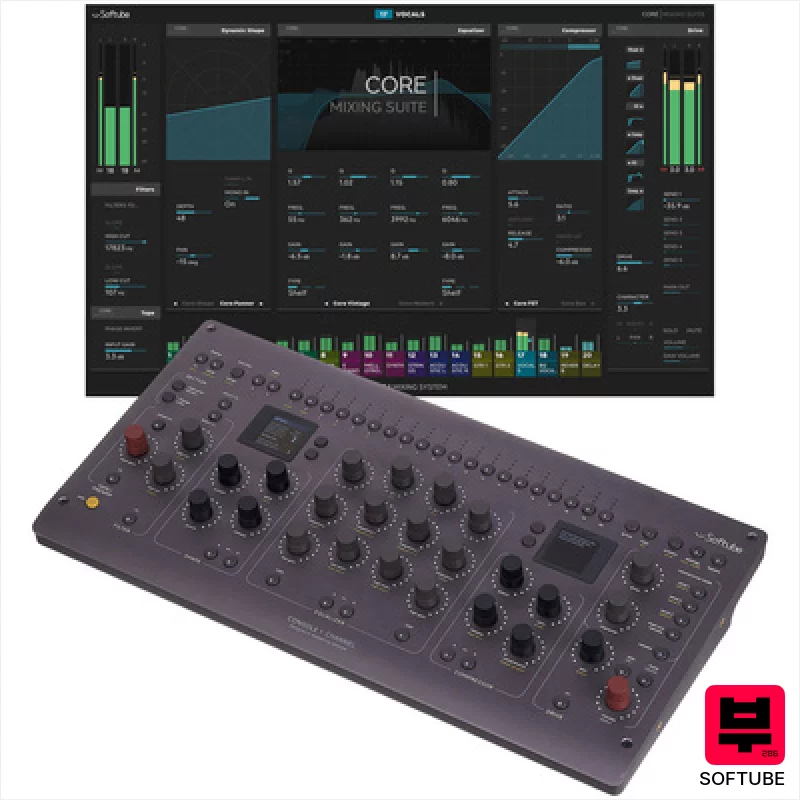
Softube Console 1 Channel Mk III
- • Excellent tactile feel from the high-quality rotary encoders.
- • Softube's Core Mixing Suite delivers genuinely usable analog character.
- • Dual high-resolution screens offer clear visual feedback and workflow efficiency.
- • Compact footprint allows for flexible placement in any studio setup.
- • Price point places it firmly in the premium-priced controller category.
- • Limited fader functionality restricts complex mixing workflows.
- • DAW integration, while broad, could benefit from deeper, more granular control.
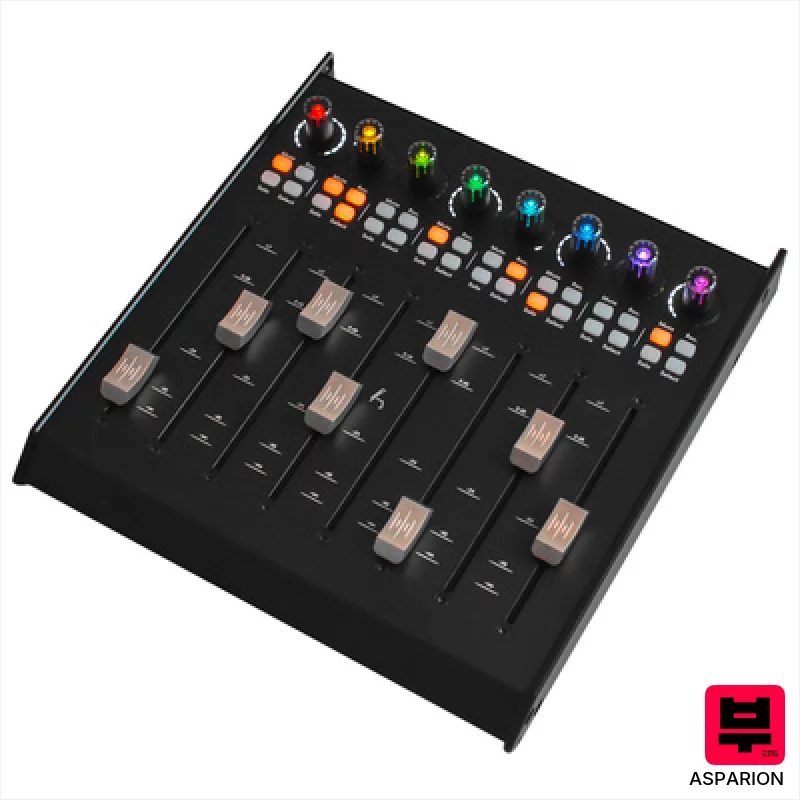
Asparion D700F
- • Solid metal housing provides exceptional durability and a premium feel.
- • Motorized faders offer precise recall and automation capabilities.
- • High-resolution fader grid ensures accurate level adjustments and fine-tuning.
- • RGB encoders offer visual feedback and customizable workflow integration.
- • Requires D700 FT base unit, limiting standalone functionality and adding to cost.
- • Windows 7 support is increasingly limiting for modern studio setups.
- • Limited channel count per unit necessitates multiple expansions for larger projects.
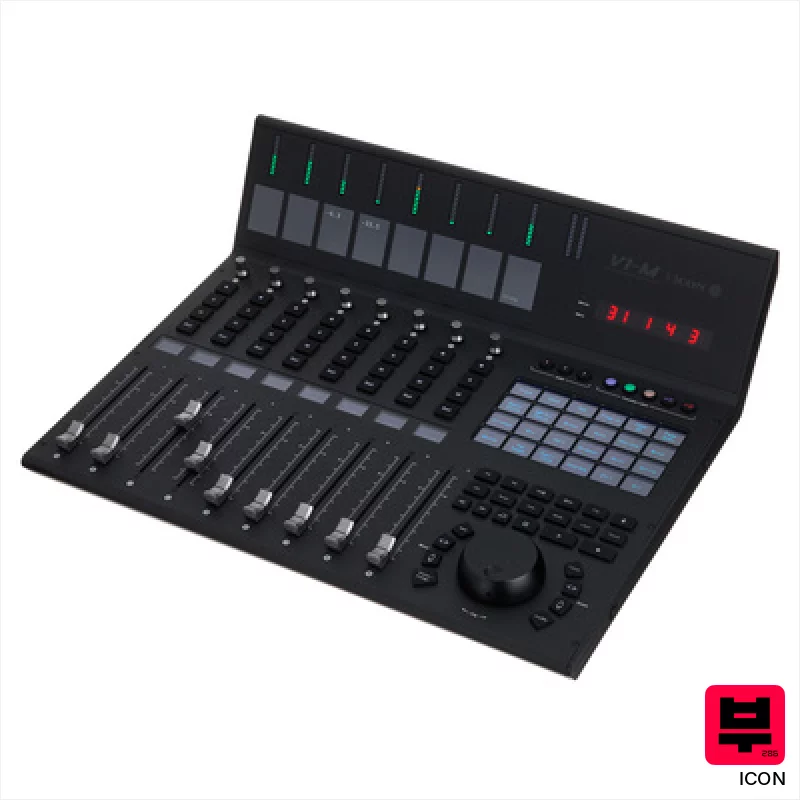
Icon V1-M
- • Exceptional build quality with solid metal fader rails and robust chassis.
- • The OLED touchscreen offers genuinely useful, customizable control mapping.
- • Simultaneous control of multiple DAWs streamlines complex workflows.
- • Optical jog wheel feels precise and responsive, a welcome tactile upgrade.
- • The price point puts it out of reach for many home recording enthusiasts.
- • The learning curve can be steep given the extensive customization options.
- • The reliance on software compatibility means updates are critical for continued functionality.
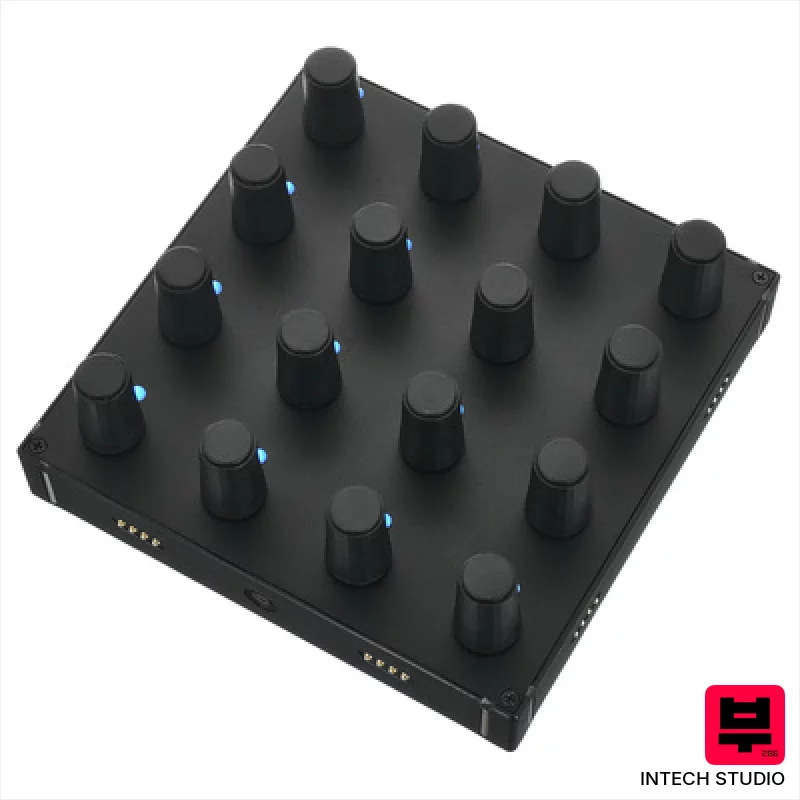
Intech Studio EN16
- • Solid aluminum front panel lends a premium, stable feel.
- • Velocity-sensitive encoders offer nuanced parameter control.
- • Compact size suits Eurorack setups or tight studio spaces.
- • Magnetic connection simplifies module integration and swapping.
- • USB-C cable not included; a surprising omission at this price.
- • Limited to encoders – lacks faders or pads for broader control.
- • Small footprint may feel cramped for users needing extensive control.
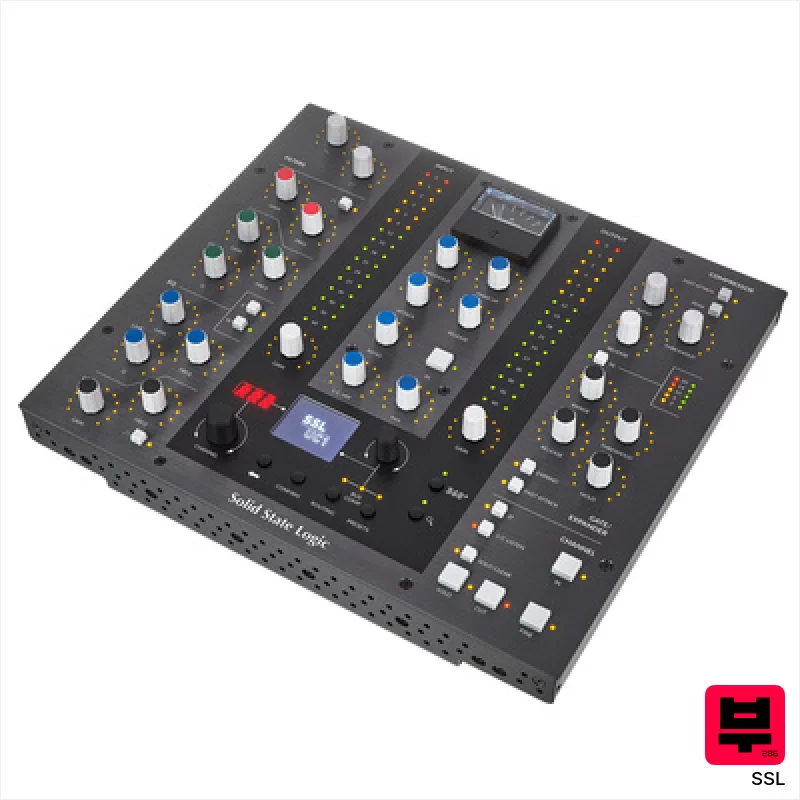
SSL UC1
- • Solid build quality; feels like a proper SSL console section
- • Excellent integration with SSL's Channel Strip and Bus Compressor plugins
- • LED rings provide clear visual feedback for precise parameter adjustments
- • Intuitive 'Click & Turn' mapping simplifies third-party plugin control
- • Limited to SSL ecosystem without significant mapping effort
- • Relatively compact size may feel cramped for some users
- • Software dependency introduces potential for update-related issues

SSL UF1
- • Solid metal chassis feels exceptionally robust and well-built.
- • Motorized fader offers smooth, accurate level adjustments with SSL's signature feel.
- • Intuitive knob functionality with push-function adds versatile parameter control.
- • Compact size makes it ideal for smaller studios without sacrificing features.
- • Limited number of knobs compared to larger console emulations.
- • Programming via SSL 360° software can be initially complex for some users.
- • Lack of dedicated transport buttons beyond the core set.
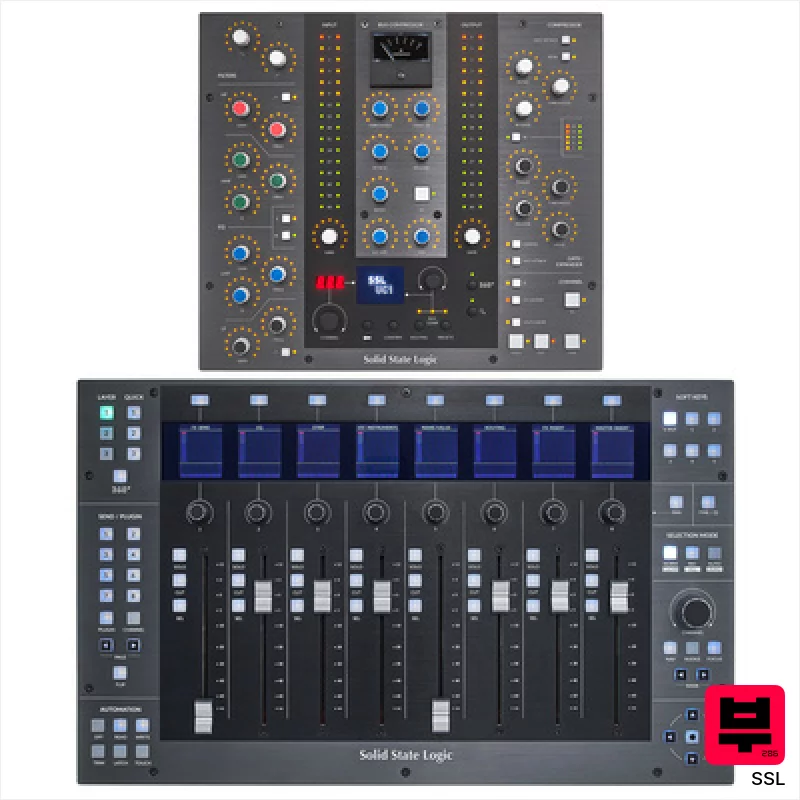
SSL UF8 UC1 Control Bundle
- • Solid metal chassis feels exceptionally robust and well-built.
- • Motorized faders offer precise recall and smooth automation.
- • SSL 360° software provides deep customization and workflow enhancements.
- • Integrated Vocalstrip & Drumstrip plugins offer immediate sonic value.
- • Cascading multiple UF8s can introduce latency depending on system resources.
- • Limited tactile feedback on rotary encoders; a click would be beneficial.
- • The learning curve for full SSL 360° customization can be steep.
How to Choose the Best DAW Controllers
Build Quality & Feel
A flimsy plastic knob that wobbles and feels cheap? No thanks. Professional use means it's gonna take a beating, so solid construction with quality encoders, faders, and keys is essential - the tactile feedback directly impacts precision and fatigue.
Customization & Mapping
Can you re-map every single knob and fader to your specific needs? Generic layouts are useless. The deeper the integration with your DAW (Ableton, Logic, Pro Tools, etc.), the more powerful the controller becomes.
Fader Accuracy & Travel
Short, shallow faders feel like a toy. Longer travel (at least 100mm) with smooth, accurate response is crucial for precise gain staging, mixing, and automation. Think about how much easier it is to ride a vocal fader smoothly vs. constantly tweaking a tiny knob.
Plugin Control & Macro Capabilities
Simple track control is fine, but real pros need to dive deep into plugins. Look for controllers with macro controls, dedicated plugin parameter knobs, and the ability to create custom workflows - automating complex chains becomes far more intuitive.
Integration & DAW Compatibility
A controller that only works with one DAW is a massive limitation. Seamless integration across multiple DAWs and operating systems (macOS, Windows) is a must for versatility and future-proofing your investment.
Buying Guide
Don't fall for the 'more knobs equals better controller' trap. A few well-built, thoughtfully designed controls are far more valuable than a cluttered surface of cheap, unresponsive ones. Spend your money on quality components and a flexible mapping system. Consider your workflow - do you need long-throw faders for mixing, or more knobs for plugin tweaking? And remember, a good controller is an investment; it'll pay for itself in saved time and increased creative output.
Our Methodology
We don't just look at spec sheets, folks. We've spent weeks with these controllers, integrating them into real recording sessions - tracking drums, mixing vocals, composing orchestral pieces. We A/B'd them against traditional mouse/keyboard control, focusing on speed, accuracy, and how much they actually improve the creative process. It's about feel, workflow, and whether it actually makes you a better engineer/musician.

