
Best DAW Controllers for Automation 2026
Let's be honest, clicking a mouse to automate a synth pad's filter cutoff or a drum's reverb decay just isn't the same as physically twisting a knob. If you're serious about crafting dynamic, evolving sounds - the kind that breathes and moves - a good DAW controller for automation is a game changer. We're not talking about just launching presets; we're talking about sculpting sounds into something truly unique, and a dedicated controller lets you do that with a feel and immediacy that a mouse just can't touch.
Last updated: July 22, 2026 • Next update: July 29, 2026
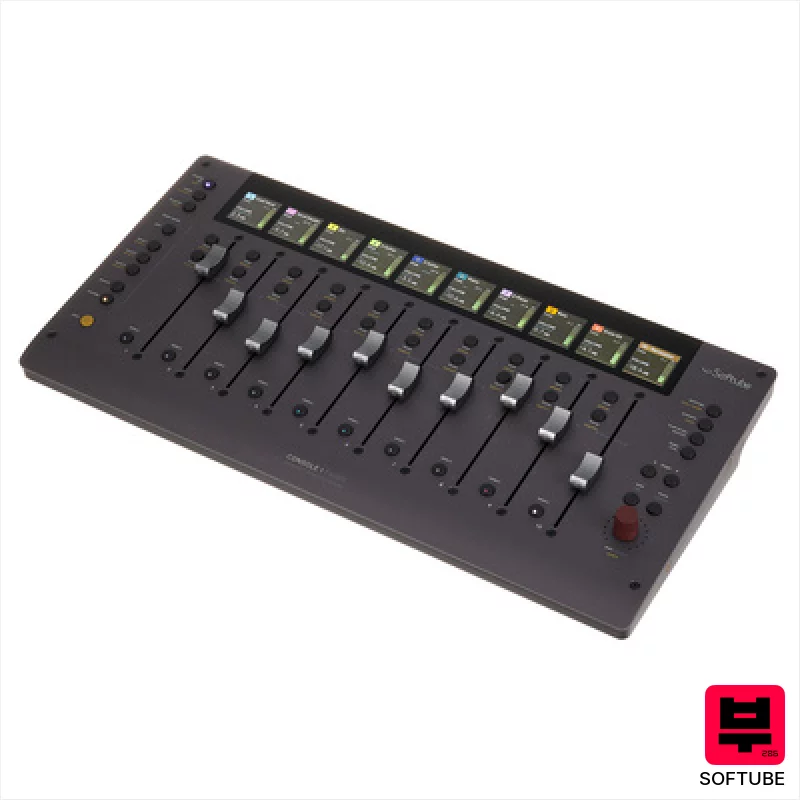
Softube Console 1 Fader Mk III
- • Solid aluminum chassis provides reassuring heft and premium feel.
- • Seamless Softube ecosystem integration elevates workflow significantly.
- • Customizable OLED screens offer clear, at-a-glance information.
- • Parameter mode unlocks quick access to essential processing.
- • Price point places it firmly in the high-end controller category.
- • Limited compatibility outside the Softube ecosystem can be restrictive.
- • Daisy-chaining USB-C adds complexity for some studio setups.
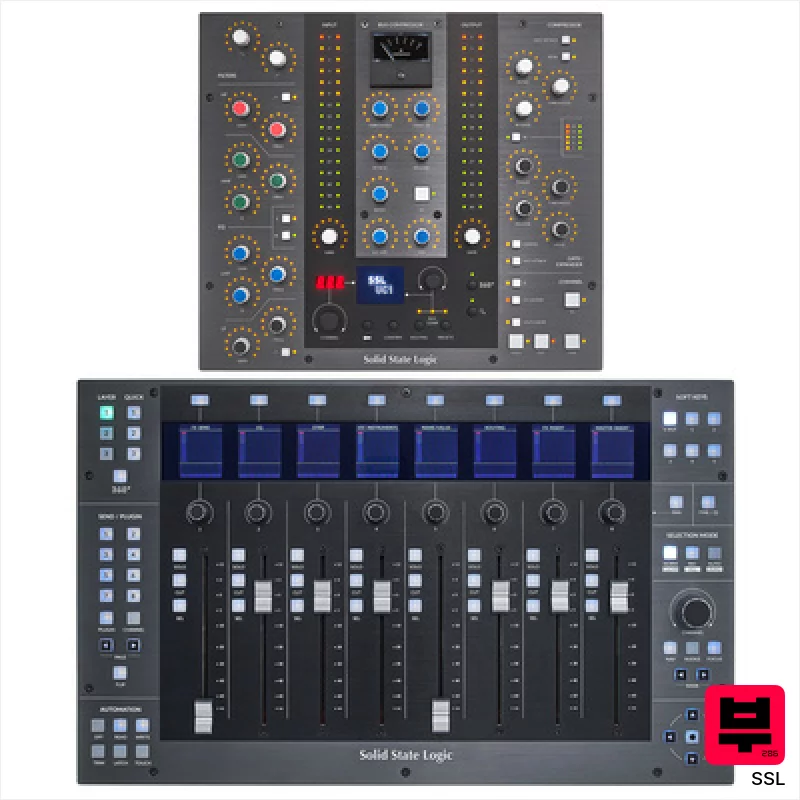
SSL UF8 UC1 Control Bundle
- • Solid metal chassis feels exceptionally robust and well-built.
- • Motorized faders offer precise recall and smooth automation.
- • SSL 360° software provides deep customization and workflow enhancements.
- • Integrated Vocalstrip & Drumstrip plugins offer immediate sonic value.
- • Cascading multiple UF8s can introduce latency depending on system resources.
- • Limited tactile feedback on rotary encoders; a click would be beneficial.
- • The learning curve for full SSL 360° customization can be steep.
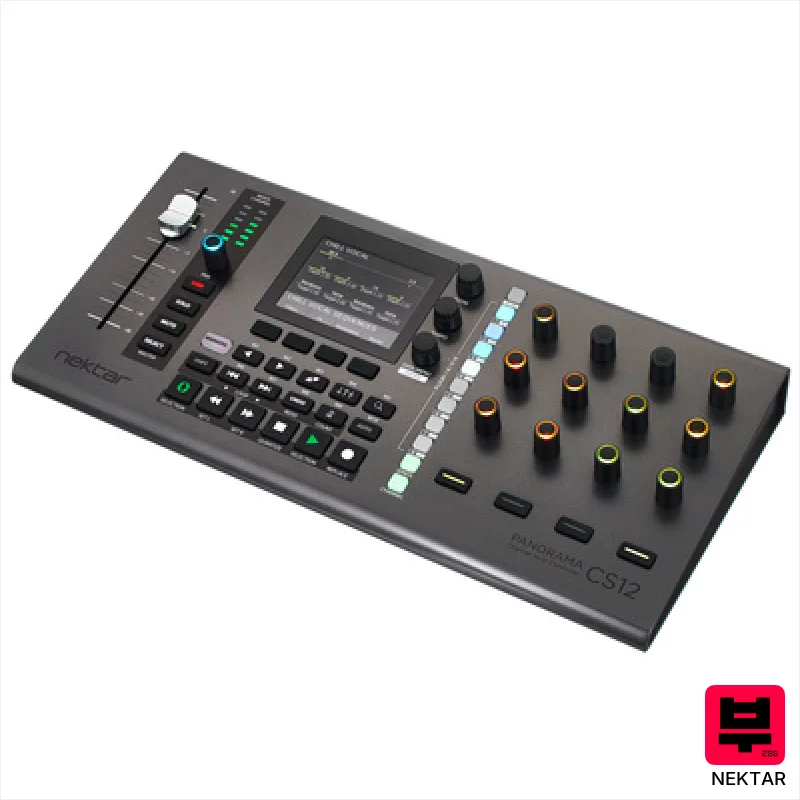
Nektar Panorama CS12
- • Motorized fader offers tactile control, replicating analog mixing feel.
- • High-resolution encoders provide precise, detailed plug-in adjustments.
- • Nektarine software allows deep customization beyond stock mappings.
- • Logic Pro integration is exceptionally well-executed and streamlined.
- • Limited pad functionality restricts its appeal for performance-focused users.
- • Build quality feels somewhat plasticky compared to higher-end controllers.
- • Relies heavily on Logic, Cubase, or Nuendo; less useful standalone.

Native Instruments Maschine MK3 Black ISO Bundle
- • Excellent dynamic pads offer nuanced aftertouch expression.
- • High-resolution displays provide clear visual feedback, crucial for workflow.
- • Integrated audio interface simplifies recording and eliminates extra hardware.
- • Maschine software is incredibly deep, offering immense creative possibilities.
- • The Smart Strip takes practice to master; not immediately intuitive.
- • ISO bundle's included software can feel overwhelming for complete beginners.
- • Build quality, while solid, feels mostly plastic, not premium metal.
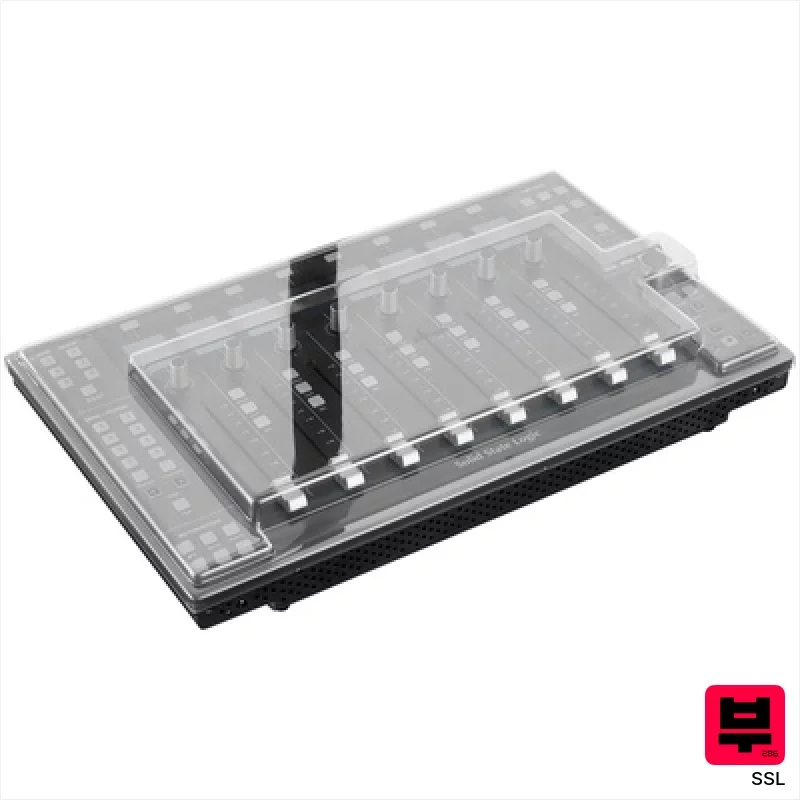
SSL UF8 Decksaver Bundle
- • Solid metal chassis feels incredibly robust and well-engineered.
- • Motorized faders offer precise recall and smooth automation.
- • SSL 360° software provides deep customization options for workflows.
- • Integrated Vocalstrip & Drumstrip plugins offer immediate sonic value.
- • The unit's weight makes it less portable for frequent travel.
- • The learning curve for SSL 360° software can be initially steep.
- • Limited pad functionality restricts its versatility for certain workflows.
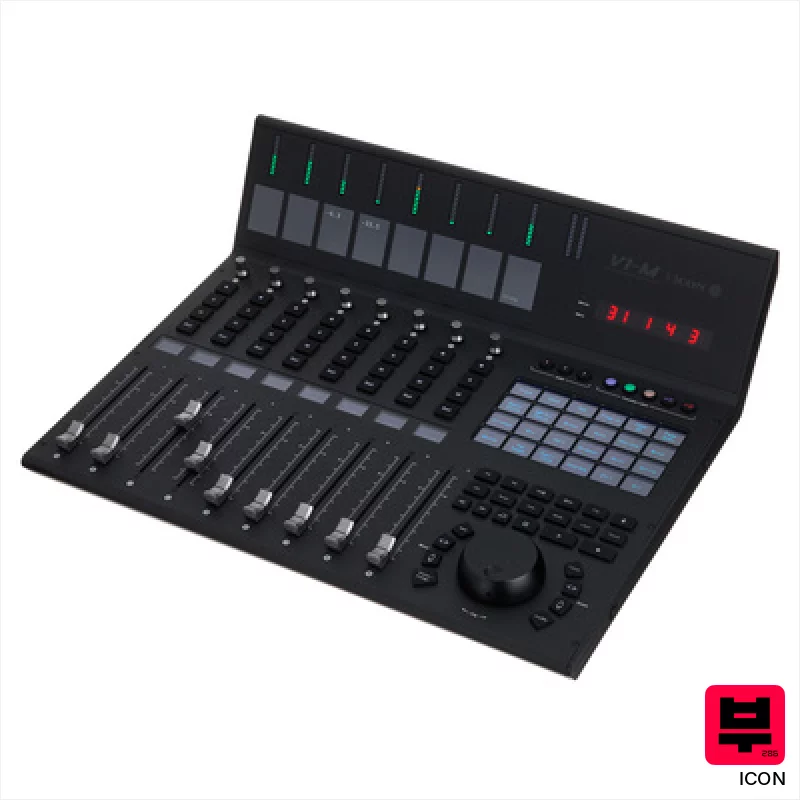
Icon V1-M
- • Exceptional build quality with solid metal fader rails and robust chassis.
- • The OLED touchscreen offers genuinely useful, customizable control mapping.
- • Simultaneous control of multiple DAWs streamlines complex workflows.
- • Optical jog wheel feels precise and responsive, a welcome tactile upgrade.
- • The price point puts it out of reach for many home recording enthusiasts.
- • The learning curve can be steep given the extensive customization options.
- • The reliance on software compatibility means updates are critical for continued functionality.
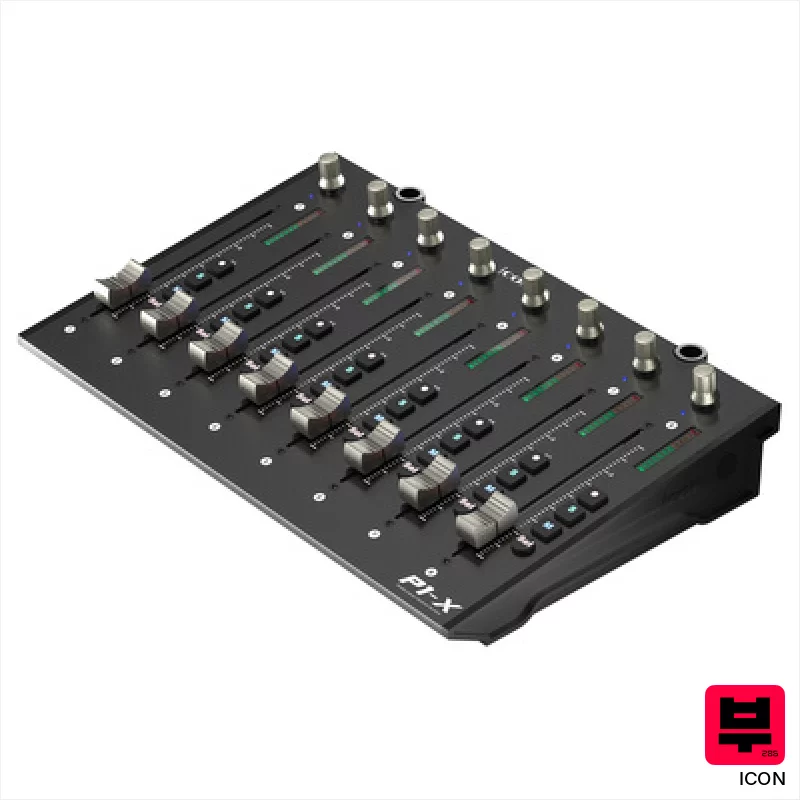
Icon P1-X
- • Excellent motorized fader feel with precise 12-bit resolution.
- • Solid build quality; the chassis feels robust and well-assembled.
- • Seamless integration with a wide array of popular DAWs and protocols.
- • Expandable architecture allows for future customization and growth.
- • Relies on the P1-M for core functionality; a standalone unit it is not.
- • Limited tactile feedback beyond the fader travel; lacks more nuanced control.
- • The compact size might feel cramped for users accustomed to larger control surfaces.
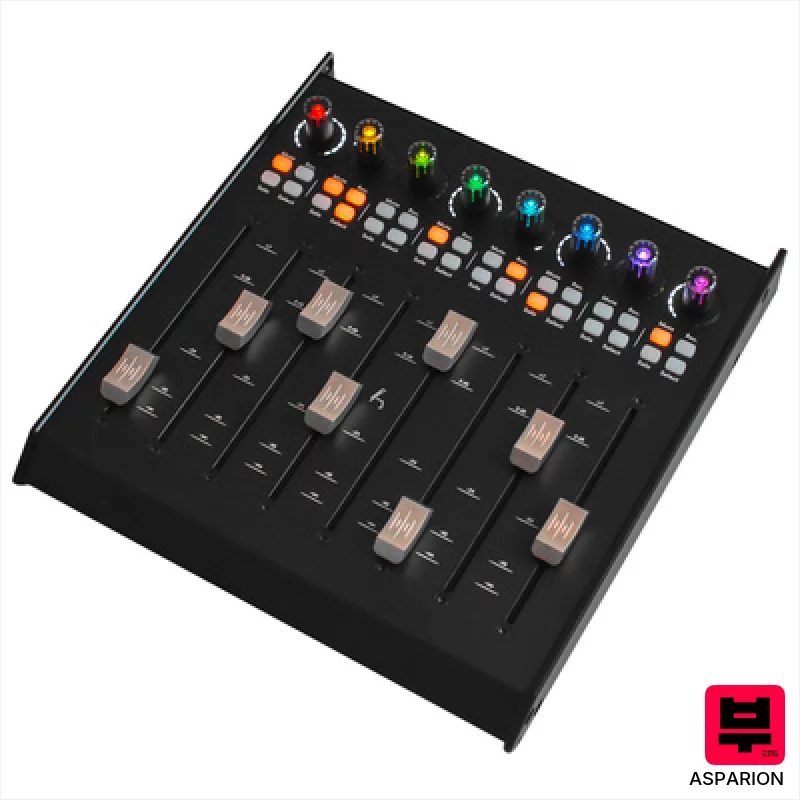
Asparion D700F
- • Solid metal housing provides exceptional durability and a premium feel.
- • Motorized faders offer precise recall and automation capabilities.
- • High-resolution fader grid ensures accurate level adjustments and fine-tuning.
- • RGB encoders offer visual feedback and customizable workflow integration.
- • Requires D700 FT base unit, limiting standalone functionality and adding to cost.
- • Windows 7 support is increasingly limiting for modern studio setups.
- • Limited channel count per unit necessitates multiple expansions for larger projects.
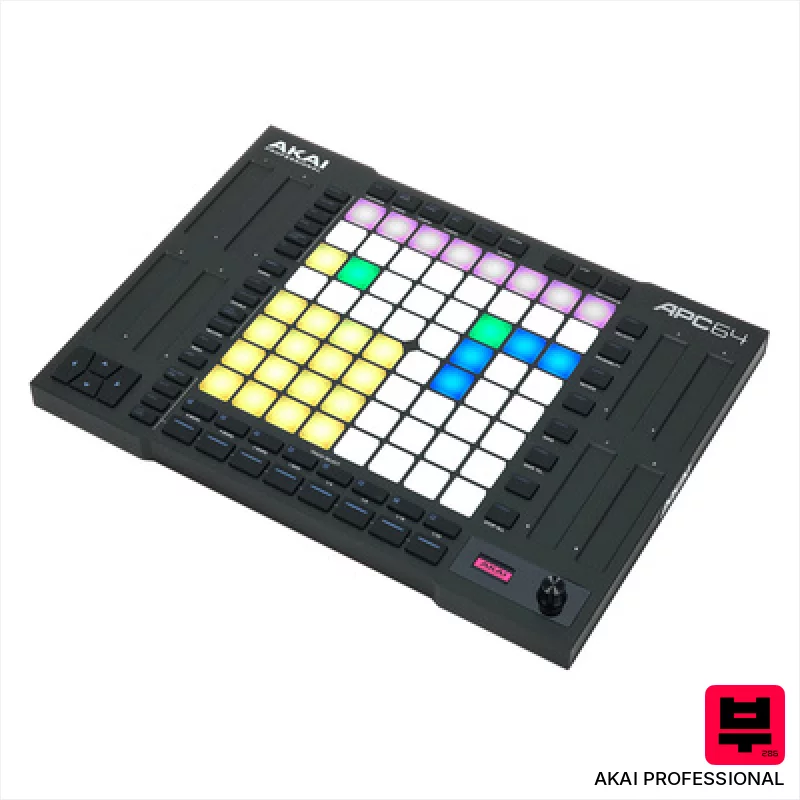
AKAI Professional APC64
- • Excellent Ableton Live integration, streamlining workflow significantly.
- • The 8x8 pad matrix offers intuitive clip launching and sequencing.
- • Touch strips provide tactile control over key Ableton parameters.
- • Integrated 8-track sequencer expands creative possibilities beyond Live.
- • Limited compatibility outside of Ableton Live; less versatile for other DAWs.
- • Plastic build feels somewhat budget-oriented, though structurally sound.
- • Smaller pad size might be challenging for some users' fingers.
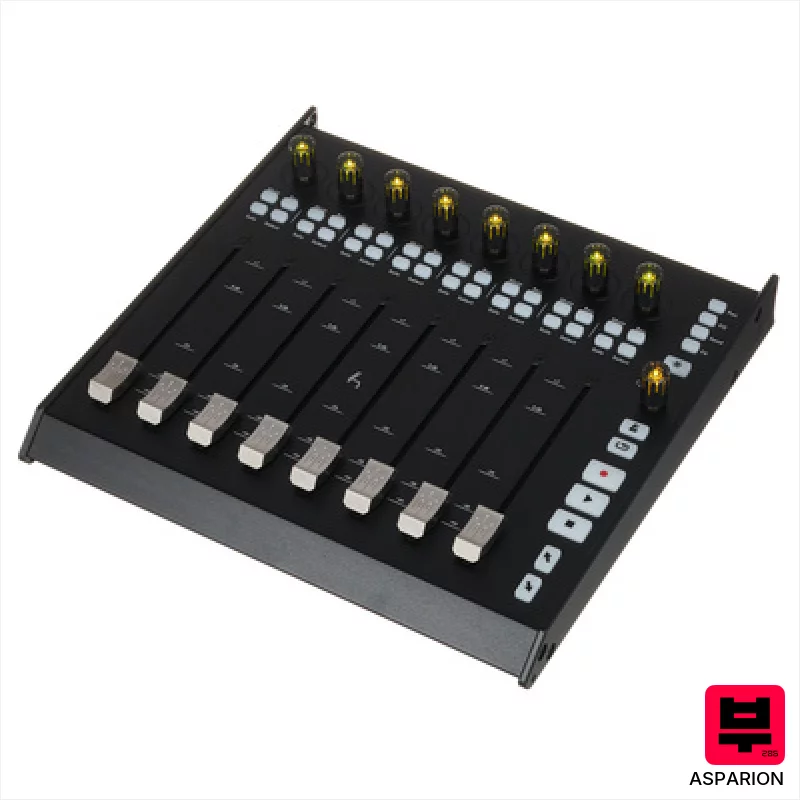
Asparion D700FT
- • High-resolution faders offer precise, repeatable automation control.
- • RGB encoders provide excellent visual feedback in low-light environments.
- • Expandability to 64 channels is a huge boon for larger projects.
- • Solid build quality suggests durability for studio use.
- • Windows 7 support feels dated; newer OS compatibility is crucial.
- • Relatively heavy, portability is a significant limitation.
- • Price point places it firmly in the premium-priced category.
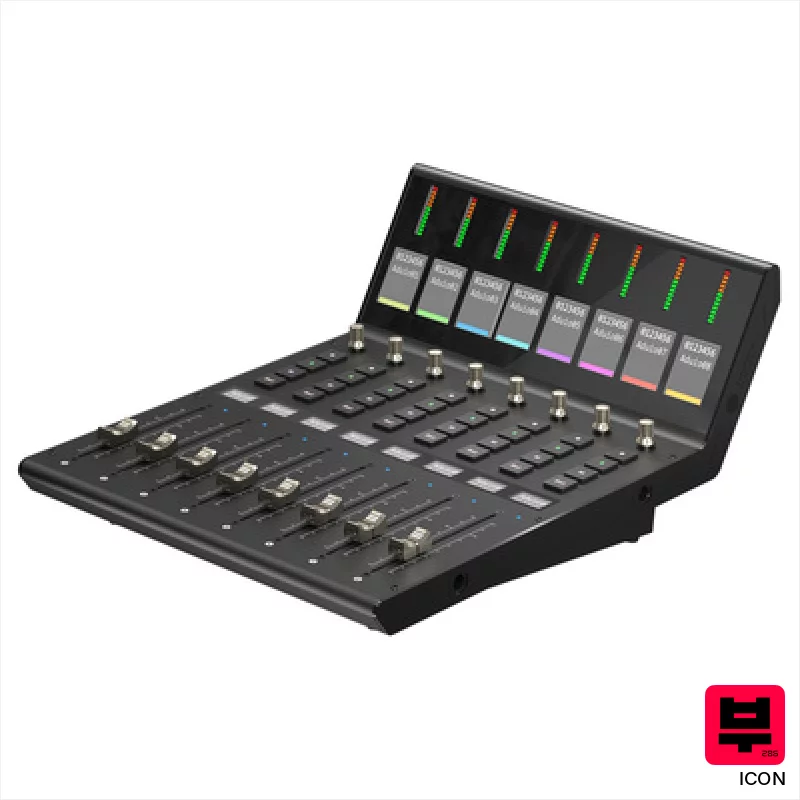
Icon V1-X
- • Excellent channel expansion for existing V1-M setups.
- • Motorized faders offer precise, recallable level adjustments.
- • Clear, legible TFT displays provide essential channel information.
- • Robust build quality feels professional and durable.
- • Price point places it firmly in the high-end controller category.
- • Requires a V1-M to function; not a standalone unit.
- • Limited standalone functionality; designed solely for DAW control.
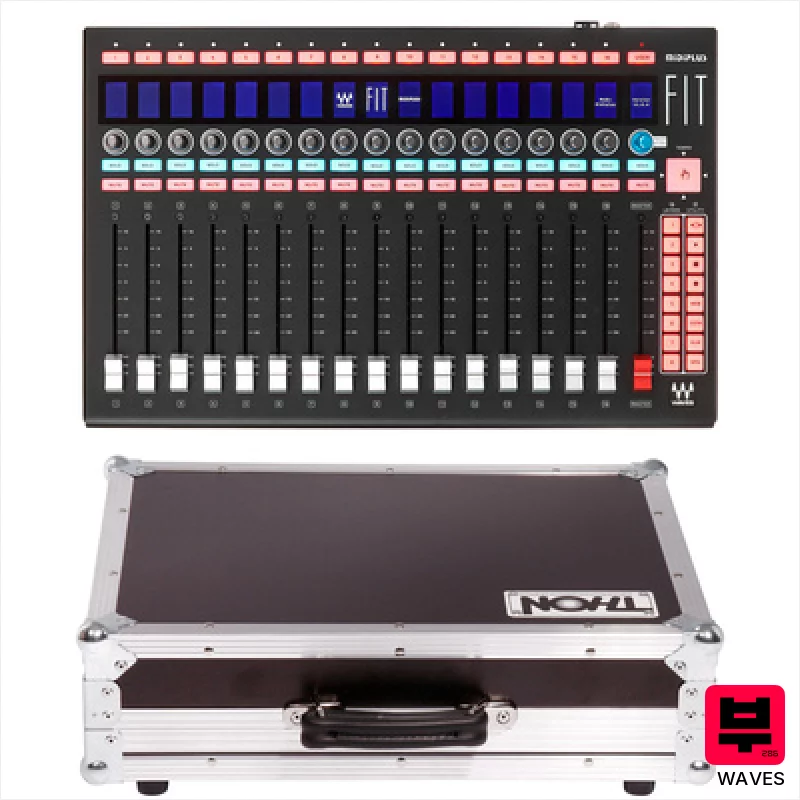
Waves FIT Case Bundle
- • Robust phenolic resin coating protects against stage wear and tear.
- • Motorized faders offer precise recall and automation capabilities.
- • The included flight case provides excellent protection during transport.
- • Rackmountable design integrates seamlessly into professional studio setups.
- • High-end price point makes it inaccessible to budget-conscious users.
- • Designed primarily for eMotion LV1; limited utility with other DAWs.
- • The weight (4.28kg) can be a challenge for frequent travel.
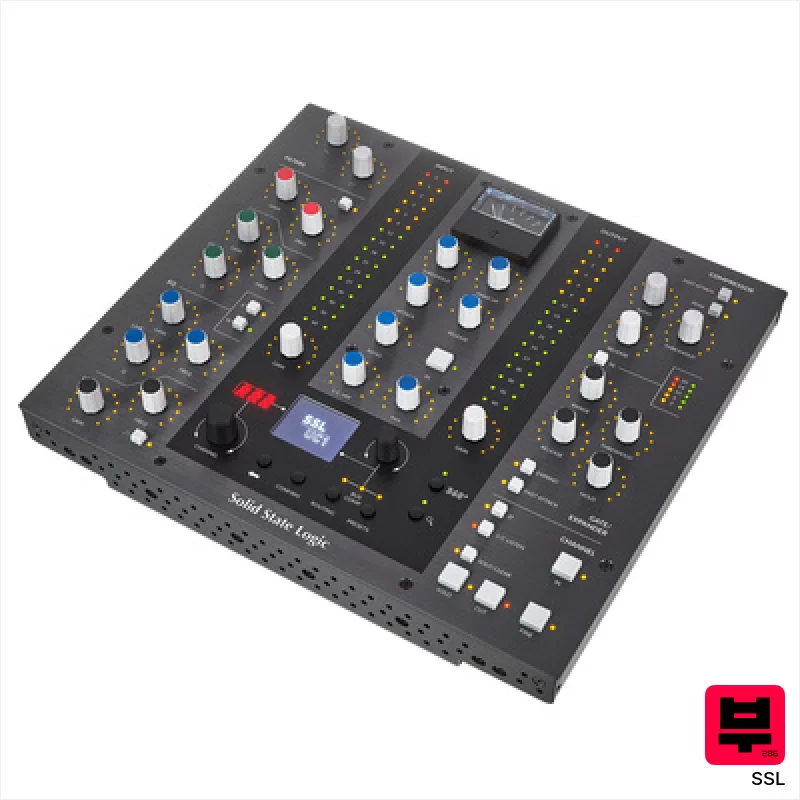
SSL UC1
- • Solid build quality; feels like a proper SSL console section
- • Excellent integration with SSL's Channel Strip and Bus Compressor plugins
- • LED rings provide clear visual feedback for precise parameter adjustments
- • Intuitive 'Click & Turn' mapping simplifies third-party plugin control
- • Limited to SSL ecosystem without significant mapping effort
- • Relatively compact size may feel cramped for some users
- • Software dependency introduces potential for update-related issues
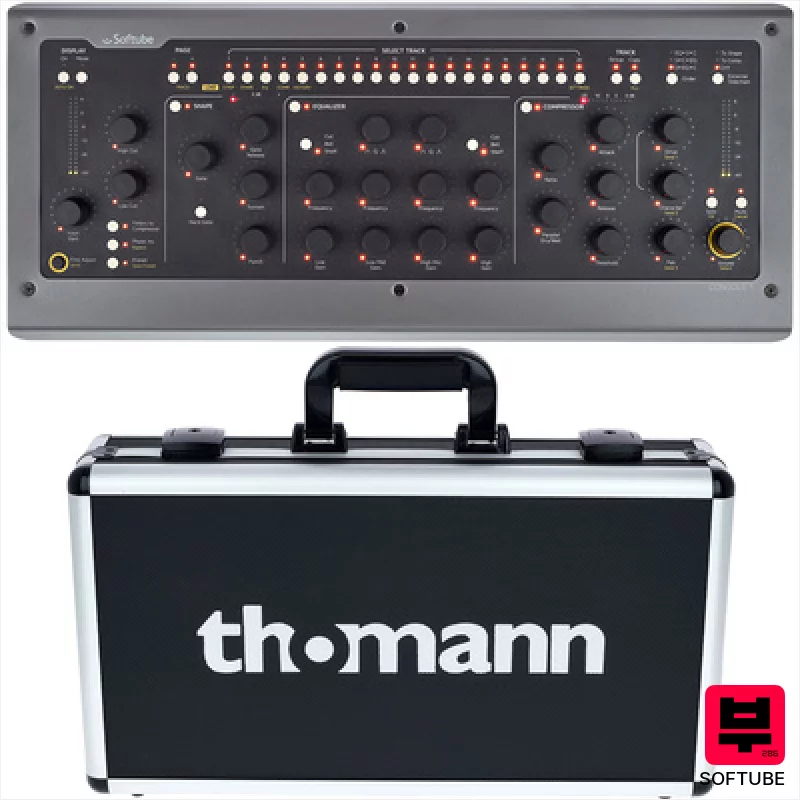
Softube Console 1 Mk 2 Case Bundle
- • Solid State Logic emulation adds authentic analog warmth and character.
- • High-quality faders offer precise, tactile control for mixing.
- • Seamless DAW integration across AU, VST, VST3, and AAX formats.
- • Included SSL 4000 E plugin provides a powerful starting point for mixing.
- • Case is not included, adding to the overall investment.
- • Plugin compatibility is limited to Softube and UAD ecosystems.
- • Motorized faders can feel a little sluggish compared to some high-end consoles.
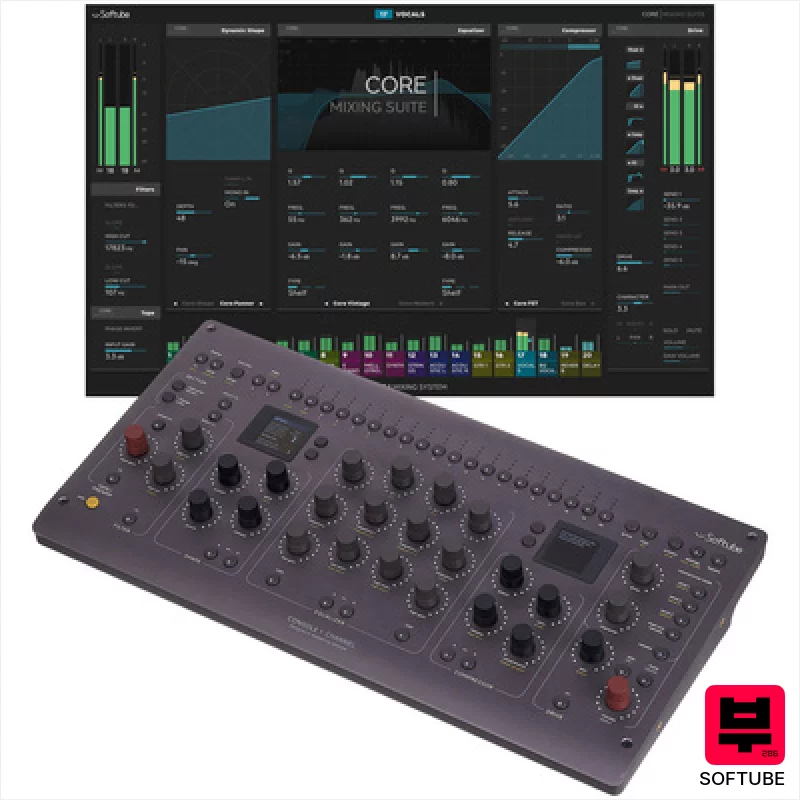
Softube Console 1 Channel Mk III
- • Excellent tactile feel from the high-quality rotary encoders.
- • Softube's Core Mixing Suite delivers genuinely usable analog character.
- • Dual high-resolution screens offer clear visual feedback and workflow efficiency.
- • Compact footprint allows for flexible placement in any studio setup.
- • Price point places it firmly in the premium-priced controller category.
- • Limited fader functionality restricts complex mixing workflows.
- • DAW integration, while broad, could benefit from deeper, more granular control.
How to Choose the Best DAW Controllers
Knob Quality & Range
Cheap plastic pots feel scratchy and often have limited rotation - a pain when you need subtle, nuanced changes. We're looking for smooth, weighted encoders with a wide range (ideally 10-turn or more) for precise automation curves. That slight resistance actually helps you dial in sounds better.
Fader Accuracy & Throw
Long, precise faders are essential for ride automation - think vocal swells, evolving synth textures, or even automating drum bus compression. Short, flimsy faders just don't offer the control needed for those subtle, critical adjustments.
Customization & Mapping
Can you easily map parameters to your controller and save those mappings? A controller that's locked into a single workflow is useless. The ability to remap everything is critical, especially if you're bouncing between different DAWs or projects.
DAW Integration & Workflow
Seamless integration is key. Some controllers have deeper integration with specific DAWs, offering features like parameter display and automatic mapping. This can dramatically speed up your workflow and reduce frustration - less time fiddling, more time creating.
Build Quality & Portability
Let's face it, gear gets abused. A flimsy plastic shell won't survive the rigors of gigging or even frequent studio use. Solid construction and a reasonable weight make a huge difference in long-term reliability and ease of transport.
Buying Guide
Don't fall for the hype. A lot of controllers look pretty, but feel cheap. Pay close attention to knob and fader quality - that's where the real value lies. If you're primarily automating synths, a smaller controller with a good selection of knobs might be perfect. If you're mixing bands, you'll need something with more faders and a larger footprint. Ultimately, try before you buy if possible - the feel is everything.
Our Methodology
We don't rely on spec sheets here. We've spent countless hours with these controllers, putting them through the wringer - tracking drums, layering synths, mixing down full bands, even hauling some of them to band rehearsals to see how they hold up under gigging conditions. Our evaluations are based purely on feel, workflow, and how well they integrate into a real-world music production environment.

