
ZAK Sound Auralis
Professional music gear - detailed information and where to buy
ZAK Sound
Auralis
Product Info
* Prices may vary. Check retailer for current pricing and availability.
Product Description
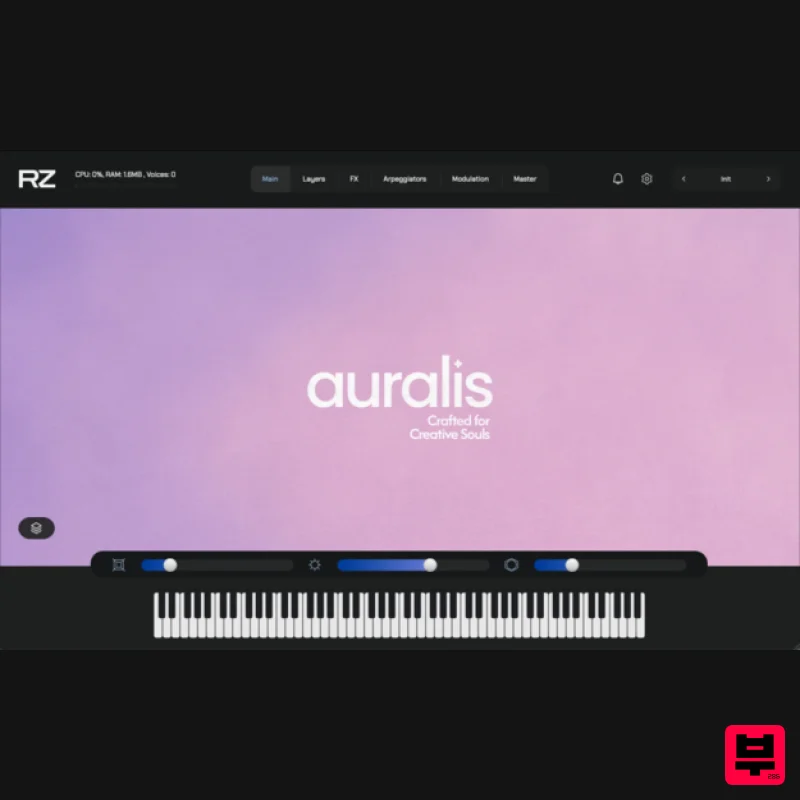
- Ethereal pads and textures inspired by nature. Powered by the Raizes Player. Auralis is a pad and texture instrument built from the sounds of the natural world — waterfalls
- ocean waves
- birdsong
- and rainfall — transformed into 33 expressive sound layers and 25 organic wavetables. The result is 80 curated presets designed for ambient
- cinematic
- and atmospheric music production. From warm tonal beds to evolving textures
- Auralis brings a raw
- organic feel to your compositions — blending natural recordings with subtle synthesis. Features 80 presets: textures
- pads
- and tonal atmospheres 33 sound layers crafted from natural recordings 25 custom wavetables for added depth Lightweight install (only 54MB) Built for the Raizes Player (included) Compatible with VST3
- and Standalone formats MPE support OS: Windows 7+ / macOS 10.11+ / Ubuntu 20.04+ (64-bit) RAM: Minimum 8GB Plugin Formats: VST3
- Standalone Raizes Player is included and required Internet connection required for activation Please note: Auralis is used as the example Important: An internet connection is required to activate your license. 1. Go to the ZAK Sound website > create a new account 2. Check your email inbox > open the Zak Sound email titled “Verify your email address” > click click here 3. Click DOWNLOAD in your Plugin Boutique User Account or go to https://zaksound.com/account 4. Enter your License Key found in your Plugin Boutique User Account > Click Redeem 5. Go to your account page > Click Download for Raizes Player 6. Click either macOS or Windows to download the installer > Run the installer to install the player on your system 6. Open Raizes Player in your DAW > Select a sample content folder > click Finish 7. From your account page
- find Auralis > Click either macOS or Windows to download the installer > Unzip the file — inside
- you’ll find a .rz file. This is the installer package for the instrument. 8. Install the Instrument in Raizes > In Raizes Player
- click Browse > click the + icon 9. Load the .rz File > Browse to the location of the .rz file you downloaded. > Select the file > click Next 10. Enter your serial number > click Activate and Install Your plugin is now installed and ready to use. Enjoy!
Additional Information
About the ZAK Sound Auralis
The ZAK Sound Auralis represents excellent craftsmanship in the Virtual Instruments category.
Why Choose the ZAK Sound Auralis?
- •Authentic ZAK Sound craftsmanship and design
- •Versatile sound suitable for multiple musical genres
- •Professional build quality and reliable performance
- •Part of ZAK Sound's respected Virtual Instruments lineup
Compare & Explore
Browse our complete selection of ZAK Sound instruments or explore other Virtual Instruments options. Use our comparison tools to find the perfect match for your musical style and budget.
Similar Products

ZAK Sound Asteroid
Virtual Instruments

Audiomodern Opacity 2: Soundbox Instrument
Virtual Instruments

MNTRA Instruments Nagual
Virtual Instruments

Safari Audio Cubby
Virtual Instruments

Boom SWAMPS - 3D Surround
Virtual Instruments

ZAK Sound Lyra
Virtual Instruments

MeldaProduction Electric Keys - Tines
Virtual Instruments

UJAM BEAUTYFLUTE Pro
Virtual Instruments

