
Safari Audio Cubby
Professional music gear - detailed information and where to buy

Safari Audio
Cubby
Product Info
* Prices may vary. Check retailer for current pricing and availability.
Product Description
- Cubby is Safari Audio's dreamy take on the golden age of home keyboards. Bright
- simple
- and unapologetically fun
- it captures that early digital magic where every sound felt new and every keypress felt like a surprise. Pick a tone
- flip on the arp
- add springy space
- then drift things out with detune and width until it feels like a forgotten keyboard theme from another timeline. Simple sounds. Big feelings. Zero pressure. Sound Set Piano - Bright
- compact keys that sit fast in a track Flute - Simple melodic tone for clean hooks Fantasy - Dreamy synthetic color with soundtrack energy Violin - Nostalgic ensemble tone that loves spring + detune Control Panel Tone - quick brightness shaping Spring - built-in springy room space Width - stereo spread for bigger chords De-tune - amount control for drift or wobble Arpeggiator - 3 unique modes & BPM Sync on/off Sustain - hold notes longer for pads and leads Arpeggiator On + Sync - instant tempo-locked movement Octave - quick range selector for stacked runs Speaker Mode Direct / Speaker - switch to a more built-in-speaker attitude Cubby is the first release in SuperKeys
- a growing line of playful instruments inspired by the sounds that made the Safari Audio team fall in love with keyboards in the first place. Formats: MacOS (VST3
- AAX) | Windows 64-bit (VST3
- AAX) Processor: 1 GHz Intel Dual Core or AMD equivalent RAM: 4GB minimum (8GB recommended) OS: Mac OS X 10.15+ (11+ recommended) / Windows 8 & Above Installation guide 1. Click DOWNLOAD in your Plugin Boutique User Account or head to https://safaripedals.com/pages/downloads 2. Click Download for your operating system 3. Open the downloaded folder For Mac users: Select the plugins you would like to install. The included installer should install the plugin’s VST3
- and AAX formats automatically
- you may need to restart your DAW to see the plugin listed. For Windows users: You will have to manually move the desired plugin formats into their respective folders. Common locations for each format are as follows: VST3: C:\Program Files\Common Files\VST3 AAX: C:\Program Files\Common Files\Avid\Audio\Plug-Ins If after restarting your DAW
- you still don’t see the plugin listed
- check your DAW’s plugin folder settings
- and be sure that the plugin is in the proper location for your software. 4. Open your DAW > launch the plugin. 5. Enter the serial number found in your Plugin Boutique User Account > click Activate Your plugin is authorised and ready to use. Enjoy!
Additional Information
About the Safari Audio Cubby
Discover the distinctive sound and feel of the Safari Audio Cubby, a standout choice among Virtual Instruments.
Why Choose the Safari Audio Cubby?
- •Authentic Safari Audio craftsmanship and design
- •Versatile sound suitable for multiple musical genres
- •Professional build quality and reliable performance
- •Part of Safari Audio's respected Virtual Instruments lineup
Compare & Explore
Browse our complete selection of Safari Audio instruments or explore other Virtual Instruments options. Use our comparison tools to find the perfect match for your musical style and budget.
Similar Products

Audiomodern Opacity 2: Soundbox Instrument
Virtual Instruments

Boom SWAMPS - 3D Surround
Virtual Instruments

UJAM BEAUTYFLUTE Pro
Virtual Instruments

ZAK Sound Lyra
Virtual Instruments
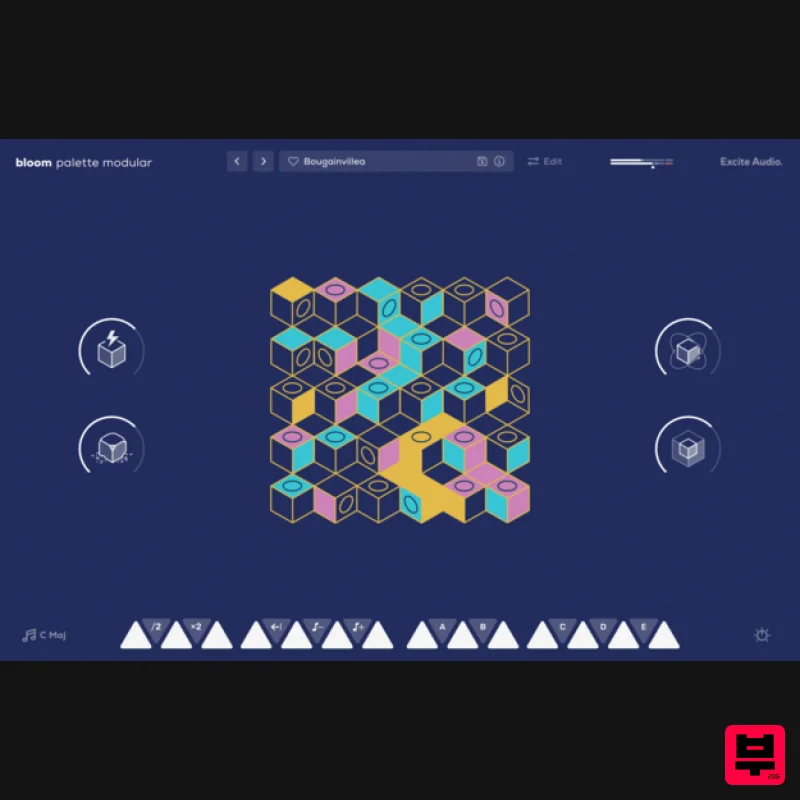
Excite Audio Bloom Palette Modular Lite
Virtual Instruments

ZAK Sound Asteroid
Virtual Instruments

MNTRA Instruments Nagual
Virtual Instruments

MeldaProduction Electric Keys - Tines
Virtual Instruments

