
MeldaProduction Electric Keys
Professional music gear - detailed information and where to buy

MeldaProduction
Electric Keys - Tines
Product Info
* Prices may vary. Check retailer for current pricing and availability.
Product Description
- The definitive electric soul Electric Keys Tines is an MSoundFactory instrument dedicated to the legendary sound of tine-based electric pianos. It combines the mechanical soul of the late 70s and early 80s with modern precision
- delivering the bell-like tones and gritty bark that defined a generation. With its hardware-inspired interface and focused controls
- you can effortlessly add classic keys to your compositions without wrestling with complex synthesis. Whether for R&B
- driving funk
- or classic rock
- Electric Keys Tines is ready to infuse your music with unparalleled nostalgia. <iframe allow="accelerometer; autoplay; clipboard-write; encrypted-media; gyroscope; picture-in-picture; web-share" allowfullscreen="" frameborder="0" height="315" src="https: //www.youtube.com/embed/j0K_03u6I5U?si=8KReiceNI7cVH3-M" title="YouTube video player" width="560"></iframe> Start Fast Electric Keys Tines is built on four distinct
- deeply sampled historic models: the MK I
- MK II 73
- MK II 88
- and MK V. Melda captured every nuance to create a meticulously sampled multi-layer sample library
- including the release and pedal noises. From the raw bark of the 73 to the crystal clarity of the MK V
- you have instant access to the holy grail of electric piano history. Despite the sampling depth
- the instrument remains CPU- and RAM-efficient for performance. Don't hunt for vintage hardware; use Electric Keys Tines. Character & Control Electric Keys Tines is a living instrument with essential tone-shaping tools at your fingertips. Dial in physical behaviour with the Noise section to add realistic mechanical release and sustain artefacts. Sculpt the timbre using the Character section: shift the Hammer hardness from a soft lullaby to an aggressive bite
- and polish the result with Warmth and controls. You can even fine-tune the velocity response and balance to match your specific playing style perfectly. FX Section Forget external plugins. To finalise your sound
- Electric Keys Tines features a fully modular effects rack with eight processors: Mod 1 & 2 (Vibrato
- Tremolo
- Wah-Wah
- Rotar
- y etc.)
- Compressor
- Delay
- and Reverb. You can drag and drop modules to freely reorder the signal chain—try placing tremolo before or after the amp for different textures. Each effect is streamlined for creativity
- offering two large main knobs for quick adjustments supported by fine-tuning parameters. Globals The Globals tab ensures the instrument fits perfectly into your workflow. Manage polyphony (up to unlimited voices) to optimise CPU usage
- adjust master tuning and pitch
- or refine velocity ranges. Handy locking features allow you to keep your preferred global settings active even while you browse through different instrument presets. FREE for some If you already have MSoundFactory or MSoundFactoryLE
- Electric Keys Tines is completely free to download via the internal installer page. You can also buy it separately using the free MSoundFactory Player. Just make sure you’re up to date with the latest version. Windows Windows 8 / 10 / 11 (64-bit) VST / VST3 / AAX compatible host (64-bit) Intel/AMD processor with SSE2 support macOS macOS 10.14 and newer (64-bit) VST / VST3 / AU / AAX compatible host Intel/AMD/M1 processor with SSE2 support Native Apple Silicon ARM CPU support Please Note: MPowerSynth is used as an example. Activation 1. Click download in your Plugin Boutique User Account or go to https://www.meldaproduction.com/downloads. 2. Download the relevant installer > Complete the installation process. 3. Go to https://www.meldaproduction.com/register/ > Fill out the requested details and click 'Create Account' > Skip to step 4 if you already have an account. 4. Open the MPluginManager > Click 'Sign in' in the top right corner. 5. Enter your MeldaProduction details > Click 'Ok'. 6. Navigate to the 'LICENCES & ACTIVATION' tab > Click 'Redeem serial code from a reseller'. 7. Enter the serial found in your Plugin Boutique User Account > Click 'Ok'. 8. Navigate back to the 'PLUGINS' tab
- locate your plugin and click on it > Once highlighted
- click 'INSTALL / CHANGE' to install the plugin. Your plugin is now activated and ready to be used within your DAW!
Additional Information
About the MeldaProduction Electric Keys - Tines
The MeldaProduction Electric Keys - Tines combines traditional design with modern performance for Virtual Instruments enthusiasts.
Why Choose the MeldaProduction Electric Keys - Tines?
- •Authentic MeldaProduction craftsmanship and design
- •Versatile sound suitable for multiple musical genres
- •Professional build quality and reliable performance
- •Part of MeldaProduction's respected Virtual Instruments lineup
Compare & Explore
Browse our complete selection of MeldaProduction instruments or explore other Virtual Instruments options. Use our comparison tools to find the perfect match for your musical style and budget.
Similar Products

Boom SWAMPS - 3D Surround
Virtual Instruments

ZAK Sound Asteroid
Virtual Instruments

Safari Audio Cubby
Virtual Instruments

UJAM BEAUTYFLUTE Pro
Virtual Instruments

MNTRA Instruments Nagual
Virtual Instruments

ZAK Sound Lyra
Virtual Instruments

Audiomodern Opacity 2: Soundbox Instrument
Virtual Instruments
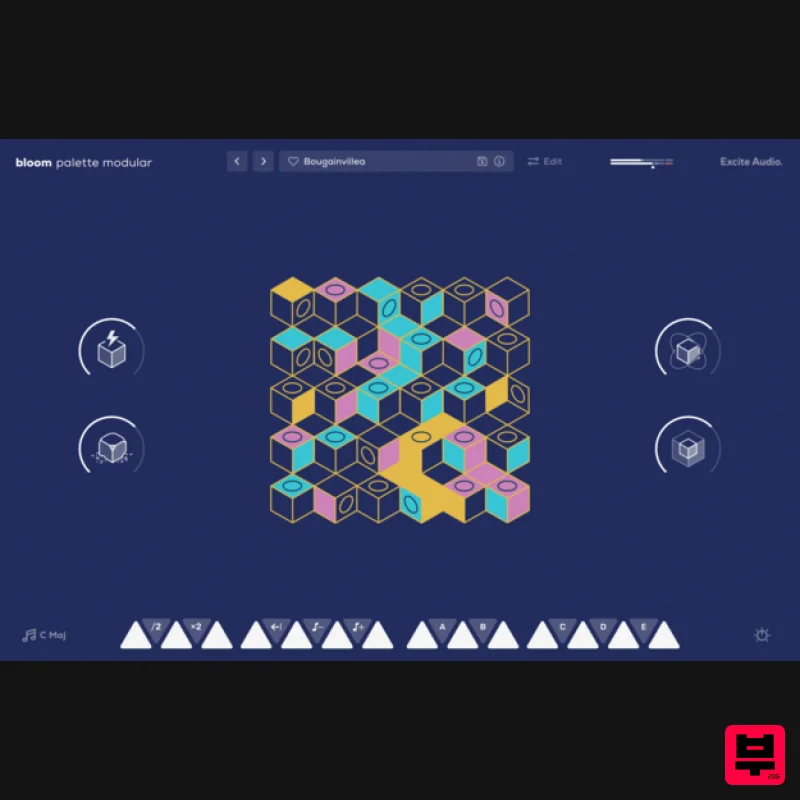
Excite Audio Bloom Palette Modular Lite
Virtual Instruments

