
ZAK Sound Lyra
Professional music gear - detailed information and where to buy

ZAK Sound
Lyra
Product Info
* Prices may vary. Check retailer for current pricing and availability.
Product Description
- Hybrid vocal pads and shimmering textures. Powered by the Raizes Player. Lyra is a hybrid pad instrument that combines organic vocal sources with modern synthesis. By fusing high-quality samples with wavetables derived from those same recordings
- it creates atmospheric textures tailored for cinematic and ambient music. From intimate whispers to expansive soundscapes
- Lyra is designed to bring natural movement and depth to your productions—blending the human voice with complex
- evolving synthetic movements. Features 97 Curated Presets: Organically crafted and organized into 8 categories. Vocal-Based Hybrid Engine: Fuses 17 samplemaps with 24 custom wavetables for a cohesive tonal character. Dual-Layer Architecture: Both layers are derived from the same vocal recordings to ensure sonic harmony. MPE Ready: Includes a dedicated category for MIDI Polyphonic Expression
- allowing for per-note modulation. Versatile Sound Design: Ranging from recognizable organic textures to futuristic synthetic pulses. Built for Raizes: performance on a next-generation software engine. OS: Windows 7+ / macOS 10.11+ / Ubuntu 22.04+ (64-bit) RAM: Minimum 8GB Plugin Formats: VST3
- Standalone Raizes Player is included and required Internet connection required for activation Please note: Auralis is used as the example Important: An internet connection is required to activate your license. 1. Go to the ZAK Sound website > create a new account 2. Check your email inbox > open the Zak Sound email titled “Verify your email address” > click click here 3. Click DOWNLOAD in your Plugin Boutique User Account or go to https://zaksound.com/account 4. Enter your License Key found in your Plugin Boutique User Account > Click Redeem 5. Go to your account page > Click Download for Raizes Player 6. Click either macOS or Windows to download the installer > Run the installer to install the player on your system 6. Open Raizes Player in your DAW > Select a sample content folder > click Finish 7. From your account page
- find Auralis > Click either macOS or Windows to download the installer > Unzip the file — inside
- you’ll find a .rz file. This is the installer package for the instrument. 8. Install the Instrument in Raizes > In Raizes Player
- click Browse > click the + icon 9. Load the .rz File > Browse to the location of the .rz file you downloaded. > Select the file > click Next 10. Enter your serial number > click Activate and Install Your plugin is now installed and ready to use. Enjoy!
Additional Information
About the ZAK Sound Lyra
The ZAK Sound Lyra represents excellent craftsmanship in the Virtual Instruments category.
Why Choose the ZAK Sound Lyra?
- •Authentic ZAK Sound craftsmanship and design
- •Versatile sound suitable for multiple musical genres
- •Professional build quality and reliable performance
- •Part of ZAK Sound's respected Virtual Instruments lineup
Compare & Explore
Browse our complete selection of ZAK Sound instruments or explore other Virtual Instruments options. Use our comparison tools to find the perfect match for your musical style and budget.
Similar Products

Boom SWAMPS - 3D Surround
Virtual Instruments

Safari Audio Cubby
Virtual Instruments
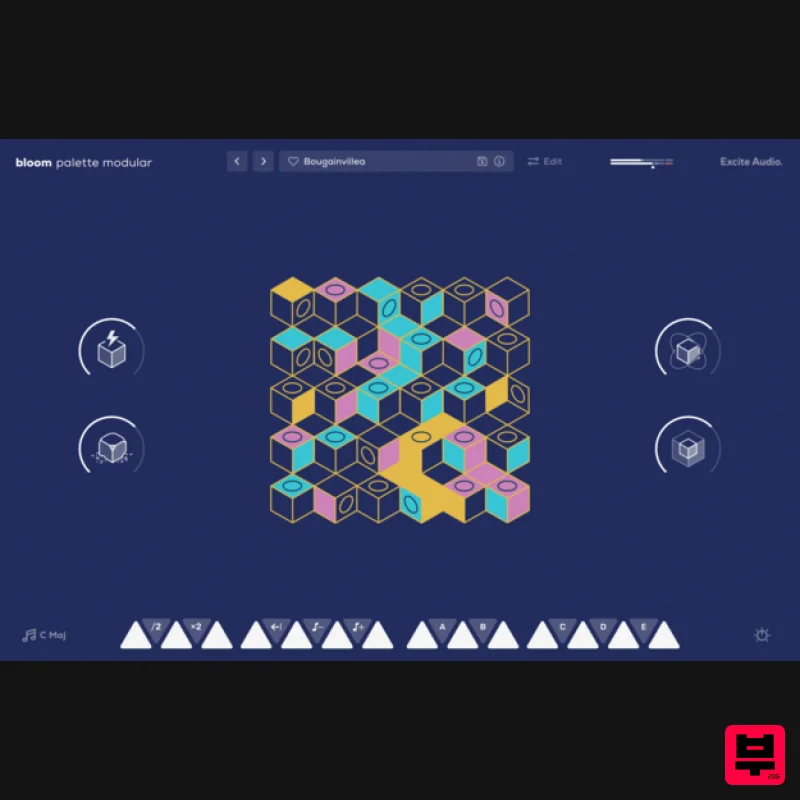
Excite Audio Bloom Palette Modular Lite
Virtual Instruments

MNTRA Instruments Nagual
Virtual Instruments

MeldaProduction Electric Keys - Tines
Virtual Instruments

Audiomodern Opacity 2: Soundbox Instrument
Virtual Instruments

UJAM BEAUTYFLUTE Pro
Virtual Instruments

ZAK Sound Asteroid
Virtual Instruments

