
AudioThing Dials
Professional music gear - detailed information and where to buy
AudioThing
Dials
Product Info
* Prices may vary. Check retailer for current pricing and availability.
Product Description
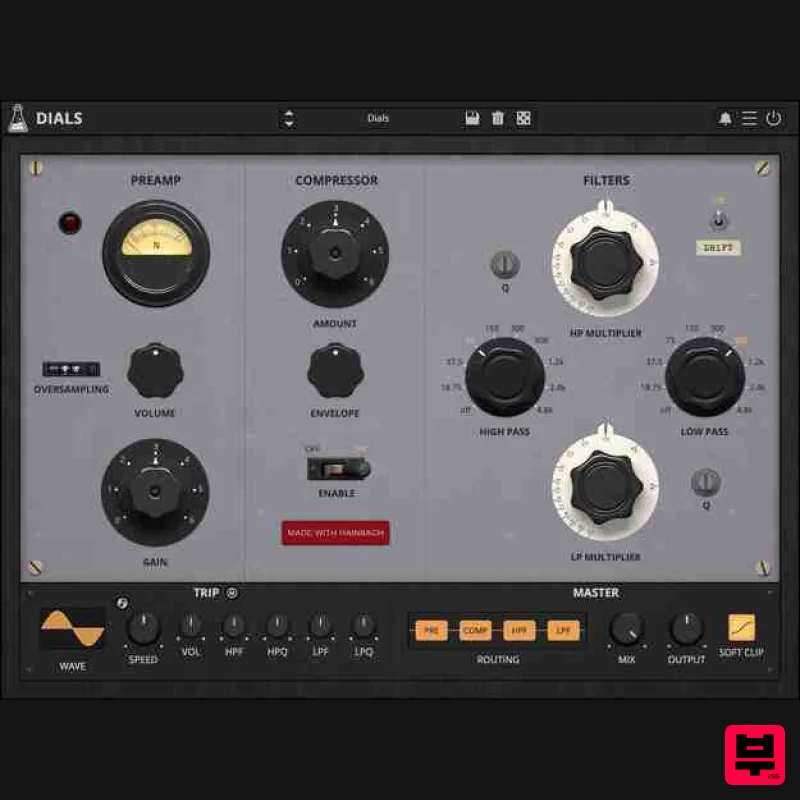
- Test Equipment Channel Strip The Treasured Sound of 1950s Electronics Re-Created Dials is a detailed digital translation of a unique combination of 1950s electronic music hardware from composer and YouTuber Hainbach's studio. It is made with the rich sound and experimental spirit of early electronic music studios in mind. The basis of Dials is a re-purposed German vacuum tube radio broadcast device paired with a heavy-duty American bandpass filter. They form a channel strip like no other. The scientific and radio background of the equipment provides a tone that sets it apart
- whether you are processing vocals
- drums
- or any other instrument. Due to the built-in compressor
- it is perfectly suited to lend your voice-over the larger-than-life feeling of great recordings of the past or make your drums sound like they could get past the door at Berghain. Speaking of which: if you are feeling adventurous
- feed it impulses and hear it roar like Stockhausen at a Gabber party. While its roots are in the past
- this is a truly modern device with an unparalleled sound. It can be used to sweeten your music or to experiment and it can even become an instrument in your hands. Hainbach’s Channel Strip The sonic basis of the plugin is a combination of two units that serve as a channel strip in Hainbach’s studio. A modified German level transmitter from radio broadcast maintenance and a scientific high and lowpass filter. The Preamp This 1950s/60s German measurement instrument was originally used to send a fixed level and frequency to a radio transmitter. On the receiver end it could then be checked how much of that signal came through and what adjustments had to be made. Analog specialist Wojcek Czern of Rogalow Audio (PL) discovered that it could be adapted to be a high-quality mic preamp on par with studio legends like the V72 and V76. It is Hainbach’s main preamp for voice
- acoustic mono recordings and processing synths. One welcome side-effect of this massive steel-tubed amplifier is that it compresses the signal pleasantly. Singing into it is a joy in itself. AudioThing analyzed the effect and made it adjustable
- so you get the wonderful overtone-rich gain of the preamp separately from the compressor. The Filter Allison Labs filters were common in science labs and early electronic music studios. Unlike their German stepped counterparts
- they could be swept (at least I parts). That allowed much more fine filtering of frequencies. Passively built
- they offered the height of precision at the time. But be it because of the age of the unit or the changed perception due to digital technology: to today’s ears
- they don’t sound precise at all. They sing beautifully
- as their peaks ripple across the cutoff frequencies. This is especially noticeable if you play with the resonance
- the only new feature AudioThing added. One note: don’t take the frequencies inscribed on the front to heart – they might be off considerably. Bonus Content Drum Device Soul-singer and Podcaster Jamie Lidell (Hanging out with Audiophiles) takes Dials further: he turned it into an 808-style drum machine. Download them here and experiment. Dials 808 Drum Device (requires Ableton Live
- especially Ableton Live Suite for full functionality). Filterbank A+B In this Ableton Live set
- Hainbach rigged 2 x 8 instances of it in two devices
- Filterbank A and B. A is a tight band set
- and B makes use of wider filter settings. Use the macro control 1-8 on each to raise the volume of each instance of Dials. This creates a filter bank like they were used in early electronic music studios. There are two noise files from AudioThing's plugin 'Noises' to get you going
- but feel free to process any material with it. If you rig up a fader set or knobs to it
- you can play it like an instrument
- which is highly recommended. Dials HB FILTERBANK A+B Project (requires Ableton Live). Hainbach Based out of Berlin
- Germany
- electro-acoustic composer and “that guy with the sweaters” Hainbach creates experimental music that is both visceral and whimsical. Using esoteric synthesizers
- test equipment and magnetic tape he creates one hell of a trip in his improvised live sets. He shares techniques on experimental music on his YouTube channel
- which has attracted a regular audience of over 100000 subscribers. His music has been released on Seil Records
- Opal Tapes
- SA Recordings and misc. works. Features Analog Preamp Emulation Analog Modelled Filters (HP
- LP) Easy to use Compressor Trip Modulation Resizable Window Preset system with randomizer System Requirements Mac Mac OS 10.13 - macOS 15 (64-bit only) Apple Silicon (M chips) Native (Universal 2 Binary) 2 GHz CPU
- 4 GB RAM VST2
- VST3
- CLAP Universal 2 Binary Windows Windows 7 - Windows 11 (64-bit only) 2 GHz CPU
- 4 GB RAM VST2
- VST3
- AAX
- CLAP Copy Protection To activate your plugin you can choose between Online and Offline authorization. Create an account
- log in through the plugin to activate
- or download your license file for offline activation. Activation 1 license on up to 3 computers. No iLok AudioThing doesn’t like dongles. No Internet No internet connection is required to activate. Note: Wave Box is used as the example. Windows 1. Visit the AudioThing Account Signup Page and enter your personal details to set up an account. Click the Verification and "I've read and agree to the Privacy Policy" > Click Sign Up. Note: If you already have an existing AudioThing account
- Login here and skip to step 3 of the installation process. 2. A confirmation email will now be sent to your registered email > click the link within the email to activate your account and Login here. 3. Once logged into your account
- visit the Redeem Page and enter Redeem Code from your Plugin Boutique User Account into the box > Click 'Redeem'. 4. Download the PC installer and the Offline Activation License. Note: Save the Offline Activation License to a memorable location on your computer for activating the software. 5. Double-click the downloaded .zip folder to extract its contents. 6. Double-click the extracted .exe file > click 'I accept the agreement and click 'Next'. 7. Click 'Next'. 8. Select the components that you wish to install > Click ‘Next’. 9. Click ‘Next’. 10. Click 'Install'. 11. Click ‘Finish’. Offline Activation 1. Open Wave Box inside of your DAW > Click 'Offline'. 2. Click 'Load Licence File' and navigate to your Offline Activation License. 3. Click the X to close the box. The software is now activated and ready to use inside your DAW! Online Activation 1. Open Wave Box inside of your DAW > Click 'Online'. 2. Enter your AudioThing email and password > Click 'Log In'. 3. Click the X to close the box. The software is now activated and ready to use inside your DAW! Mac 1. Visit the AudioThing Account Signup Page and enter your personal details to set up an account. Click the Verification and "I've read and agree to the Privacy Policy" > Click Sign Up. Note: If you already have an existing AudioThing account
- Login here and skip to step 3 of the installation process. 2. A confirmation email will now be sent to your registered email > click the link within the email to activate your account and Login here. 3. Once logged into your account
- visit the Redeem Page and enter Redeem Code from your Plugin Boutique User Account into the box > Click 'Redeem'. 4. Download the MAC installer and the Offline Activation License. Note: Save the Offline Activation License to a memorable location on your computer for activating the software. 5. Double-click the downloaded .dmg folder to extract its contents > Double-click the .pkg file to run the installer 6. Click 'Continue'. 7. Click ‘Continue’. 8. Click 'Continue'. 9. Click ‘Agree’. 10. Select the components you would like to install > Click 'Continue'. 11. Click ‘Install’. 12. Click 'Close'. Offline Activation 1. Open Wave Box inside of your DAW > Click 'Offline'. 2. Click 'Load Licence File' and navigate to your Offline Activation License. 3. Click the X to close the box. The software is now activated and ready to use inside your DAW! Online Activation 1. Open Wave Box inside of your DAW > Click 'Online'. 2. Enter your AudioThing email and password > Click 'Log In'. 3. Click the X to close the box. The software is now activated and ready to use inside your DAW!
Additional Information
About the AudioThing Dials
The AudioThing Dials represents excellent craftsmanship in the Channel Strip category.
Why Choose the AudioThing Dials?
- •Authentic AudioThing craftsmanship and design
- •Versatile sound suitable for multiple musical genres
- •Professional build quality and reliable performance
- •Part of AudioThing's respected Channel Strip lineup
Compare & Explore
Browse our complete selection of AudioThing instruments or explore other Channel Strip options. Use our comparison tools to find the perfect match for your musical style and budget.
Similar Products
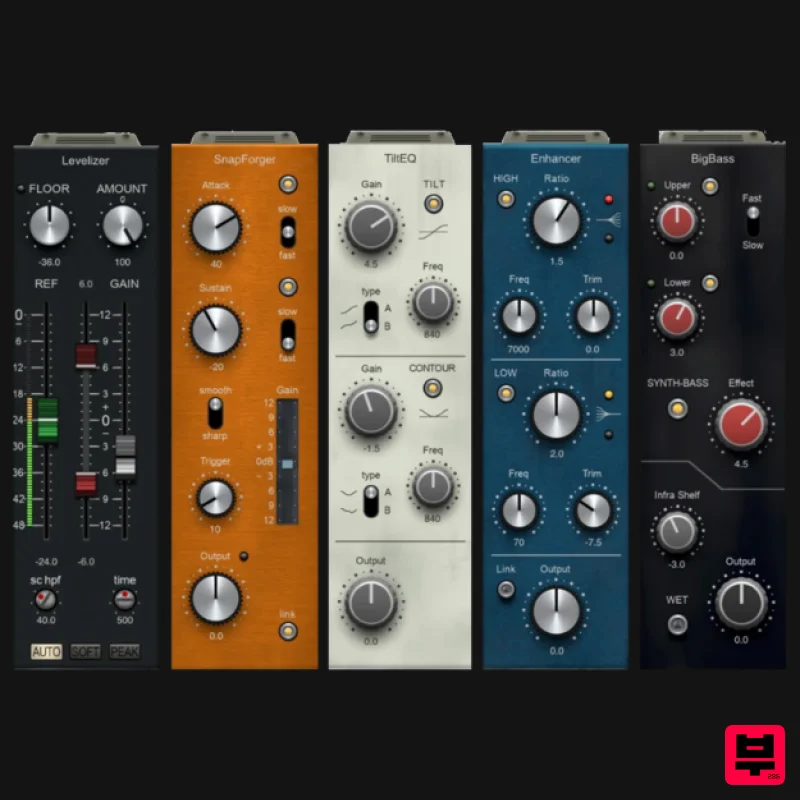
PSP Audioware PSP InfiniStrip Earth Edition
Channel Strip
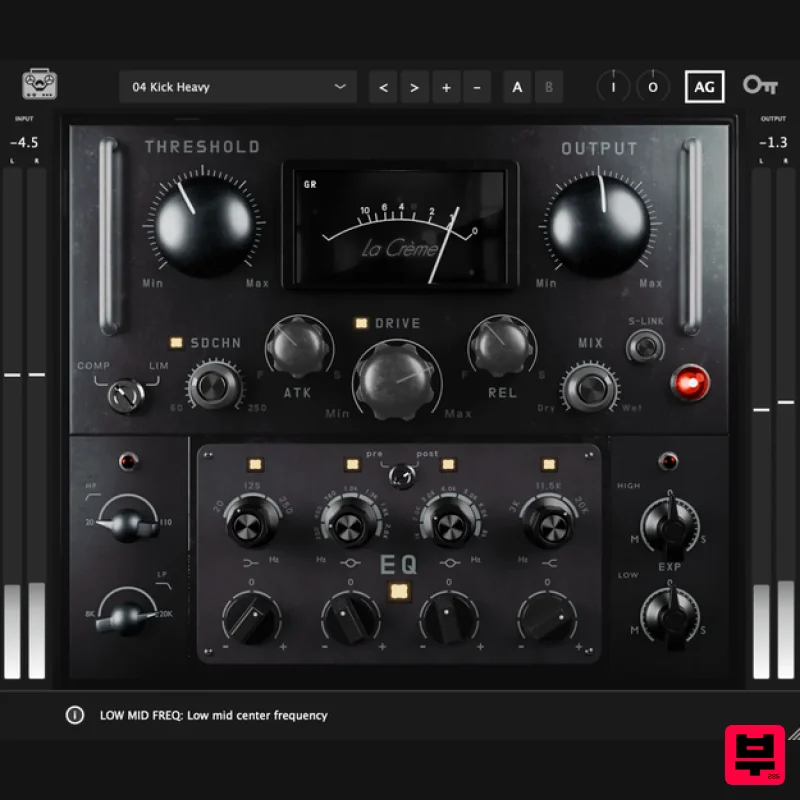
Tone Empire La Crème 3
Channel Strip
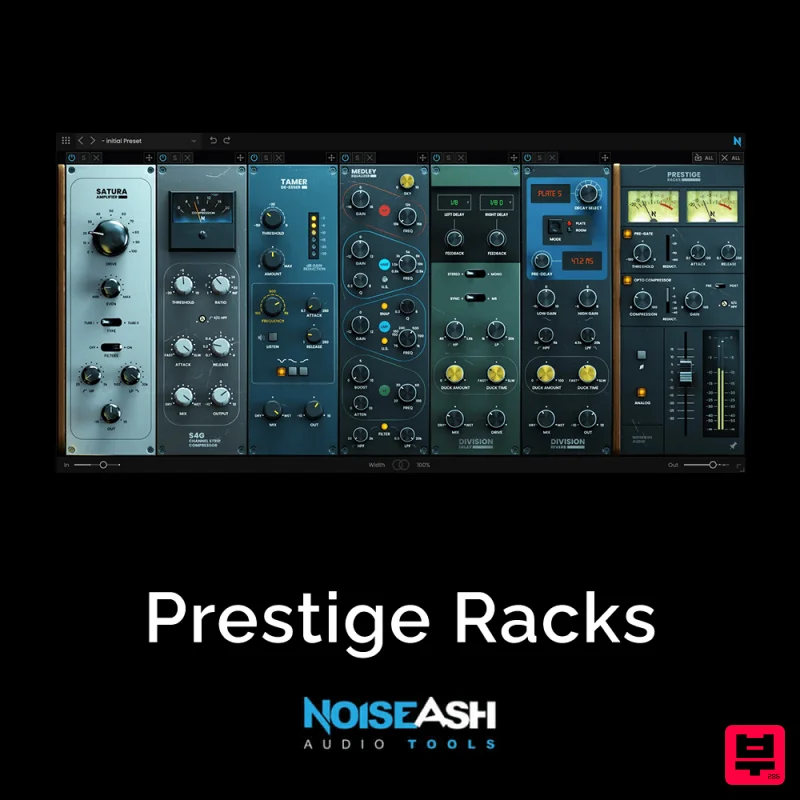
NoiseAsh Prestige Racks
Channel Strip
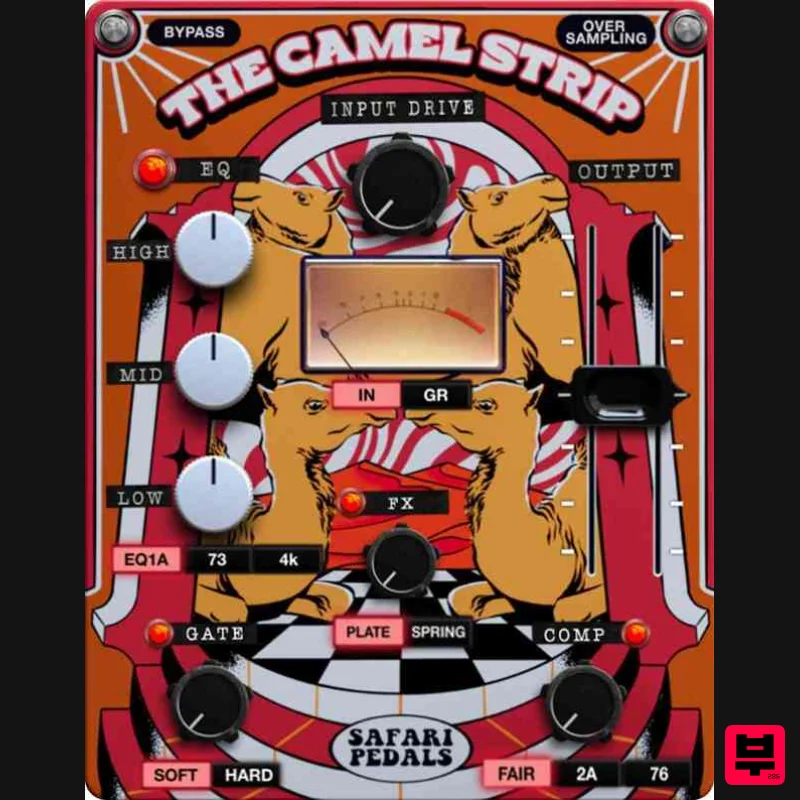
Safari Audio The Camel Strip
Channel Strip
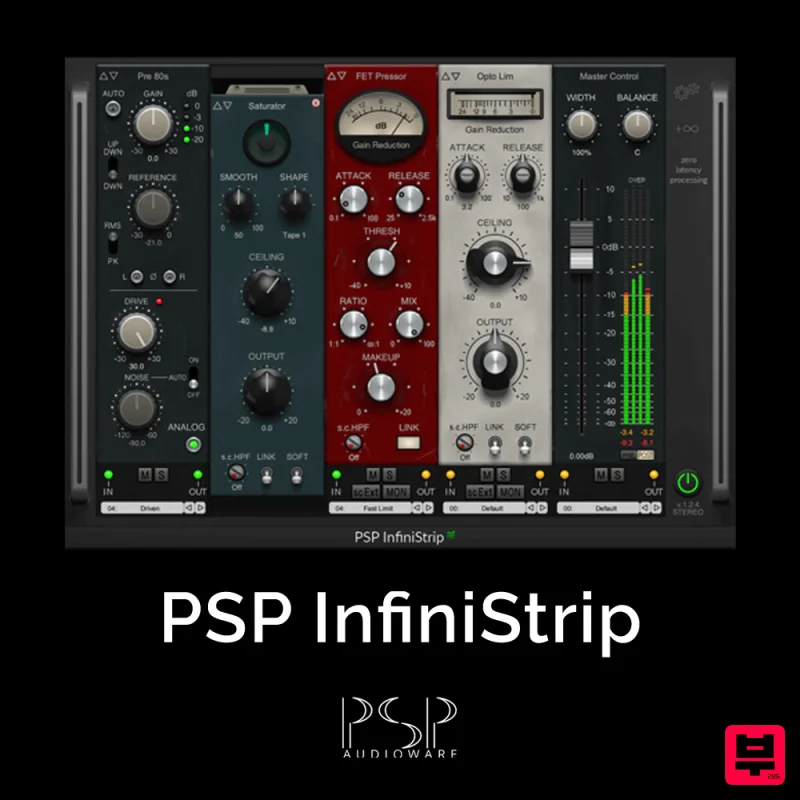
PSP Audioware PSP InfiniStrip
Channel Strip
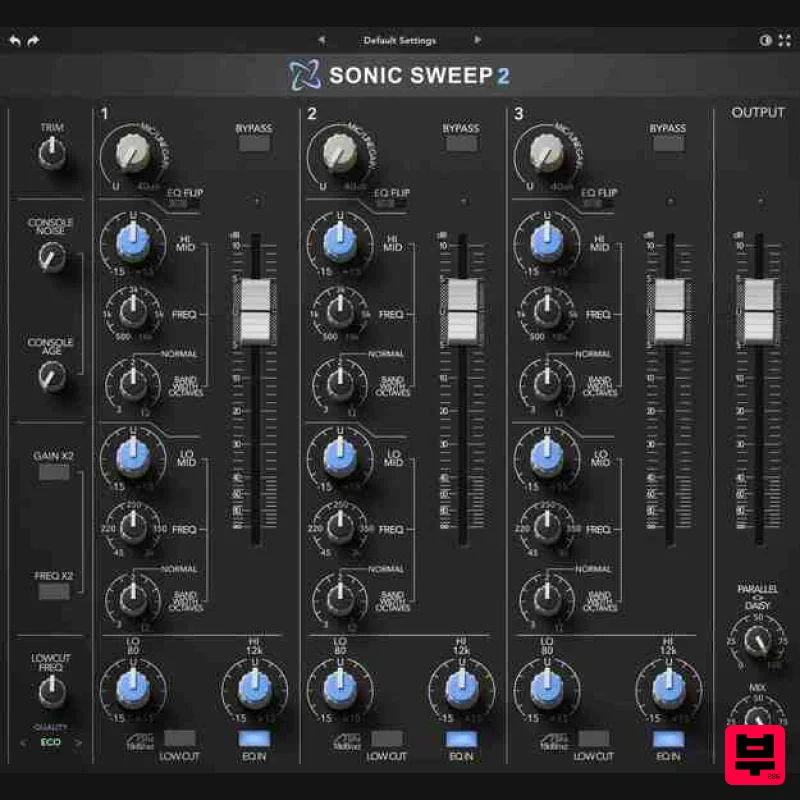
Rave Generation Sonic Sweep 2
Channel Strip
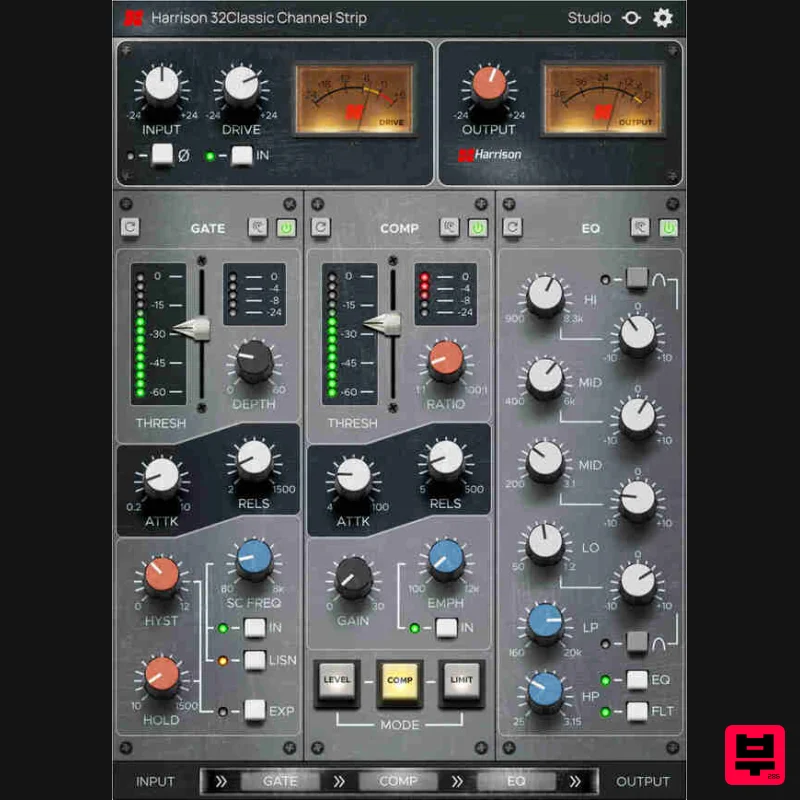
Harrison Consoles 32Classic Channel
Channel Strip
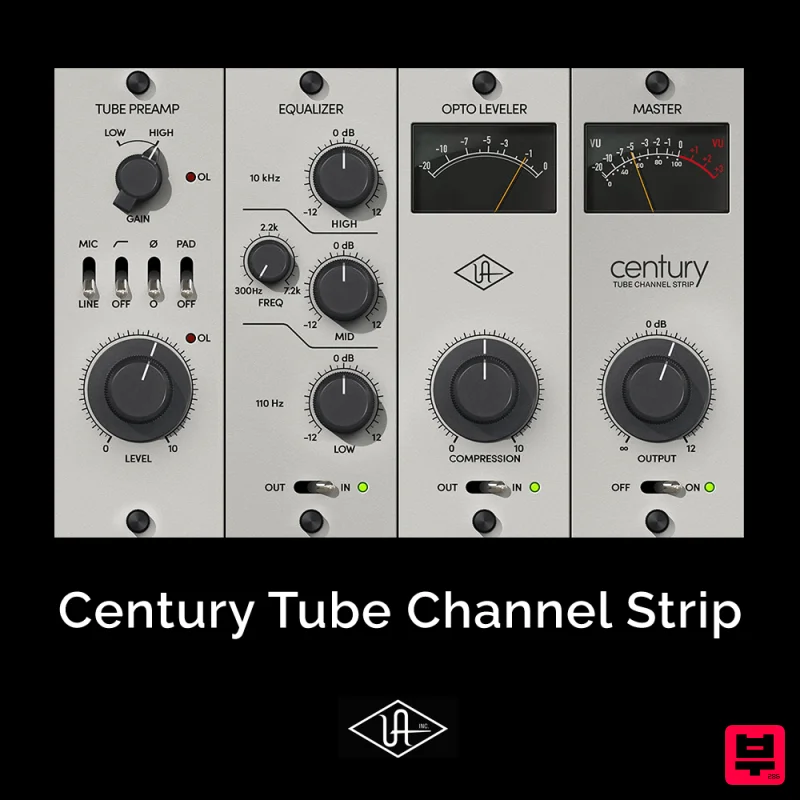
Universal Audio Century Tube Channel Strip
Channel Strip

