
Safari Audio The Camel Strip
Professional music gear - detailed information and where to buy
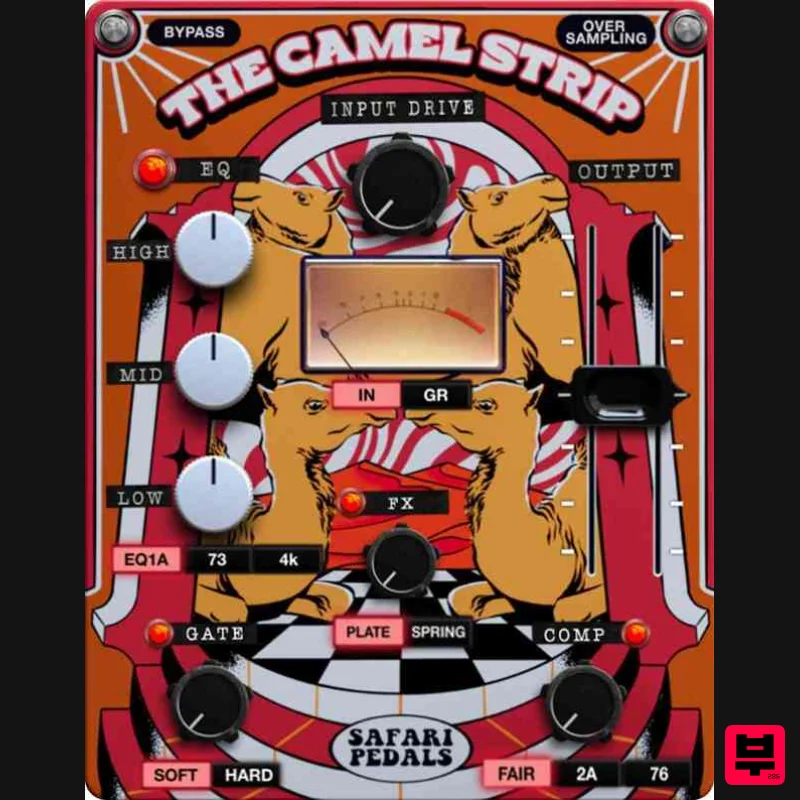
Safari Audio
The Camel Strip
Product Info
* Prices may vary. Check retailer for current pricing and availability.
Product Description
- A Vintage-Infused Channel Strip with Colorful Character Camel Strip is the ultimate vintage sound powerhouse
- combining three legendary compressors and EQs into a versatile channel strip. Along with a dynamic gate
- input drive
- and lush spring & plate reverbs
- this plugin delivers depth
- warmth
- and flexibility. Perfect for studio animals who love the rich
- timeless sound of classic gear but still want to have fun! Features Classic Compressors – Choose from three legendary models with vintage dynamics Vintage EQs – Shape your sound with three iconic equalizers Dynamic Gate – Tighten your mix with precision noise reduction Input Drive – Add warmth and analog-style saturation Spring & Plate Reverbs – From subtle ambiance to lush textures Switchable Parameters – Flexible control over each feature Formats: MacOS (VST3
- AAX) | Windows 64-bit (VST3
- AAX) Processor: 2 GHz Intel Dual Core or AMD equivalent RAM: 8GB minimum (16GB recommended) OS: Mac OS X 10.15+ / Windows 8 & Above Installation guide 1. Click DOWNLOAD in your Plugin Boutique User Account or head to https://safaripedals.com/pages/downloads 2. Click Download for your operating system 3. Open the downloaded folder For Mac users: Select the plugins you would like to install. The included installer should install the plugin’s VST3
- and AAX formats automatically
- you may need to restart your DAW to see the plugin listed. For Windows users: You will have to manually move the desired plugin formats into their respective folders. Common locations for each format are as follows: VST3: C:\Program Files\Common Files\VST3 AAX: C:\Program Files\Common Files\Avid\Audio\Plug-Ins If after restarting your DAW
- you still don’t see the plugin listed
- check your DAW’s plugin folder settings
- and be sure that the plugin is in the proper location for your software. 4. Open your DAW > launch the plugin. 5. Enter the serial number found in your Plugin Boutique User Account > click Activate Your plugin is authorised and ready to use. Enjoy!
Additional Information
About the Safari Audio The Camel Strip
Experience the quality and tone that makes the Safari Audio The Camel Strip a popular choice for musicians.
Why Choose the Safari Audio The Camel Strip ?
- •Authentic Safari Audio craftsmanship and design
- •Versatile sound suitable for multiple musical genres
- •Professional build quality and reliable performance
- •Part of Safari Audio's respected Channel Strip lineup
Compare & Explore
Browse our complete selection of Safari Audio instruments or explore other Channel Strip options. Use our comparison tools to find the perfect match for your musical style and budget.
Similar Products
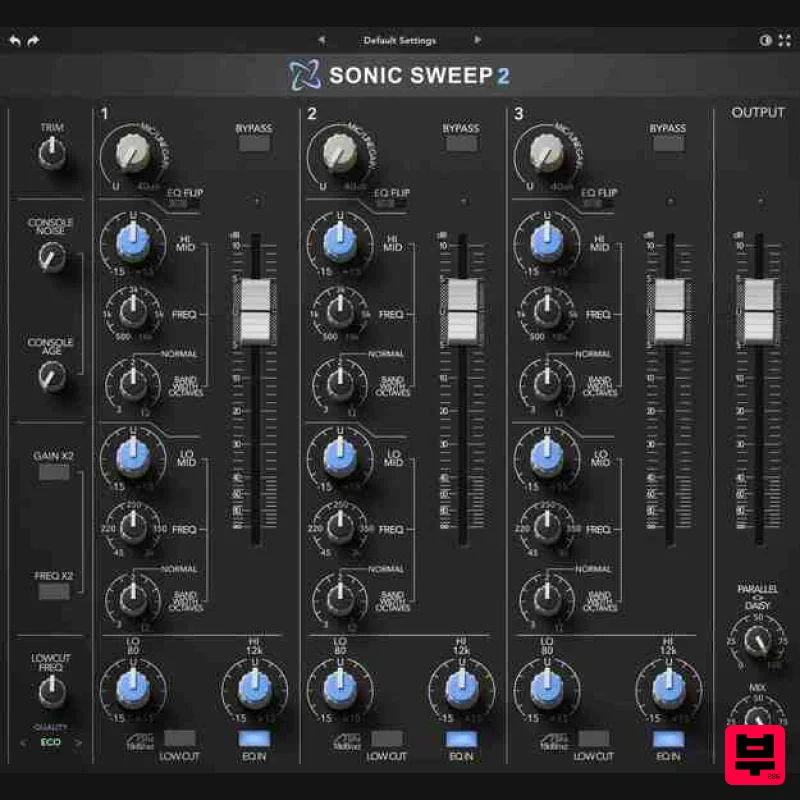
Rave Generation Sonic Sweep 2
Channel Strip
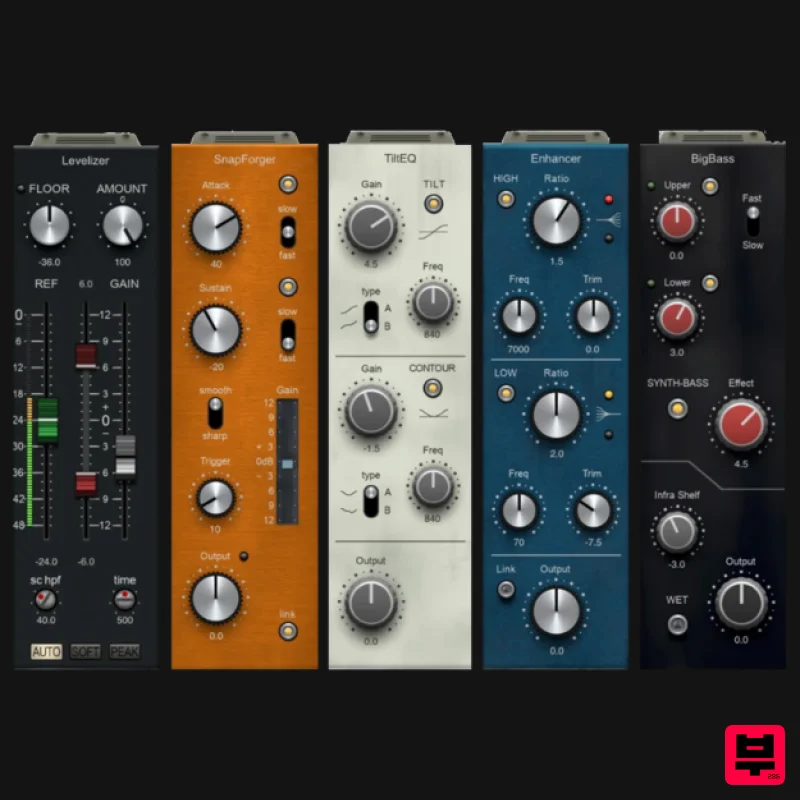
PSP Audioware PSP InfiniStrip Earth Edition
Channel Strip
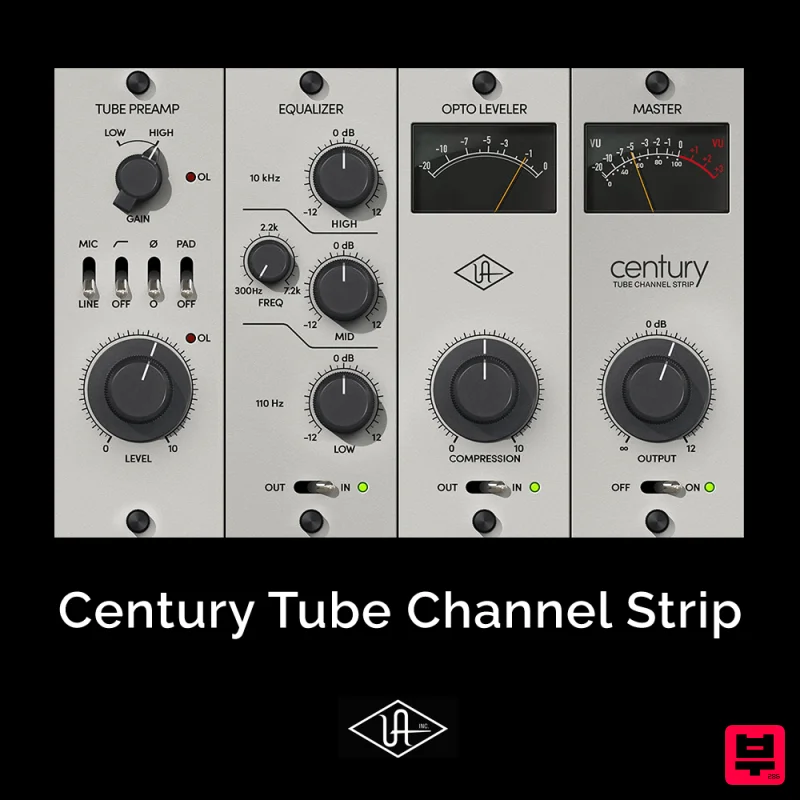
Universal Audio Century Tube Channel Strip
Channel Strip
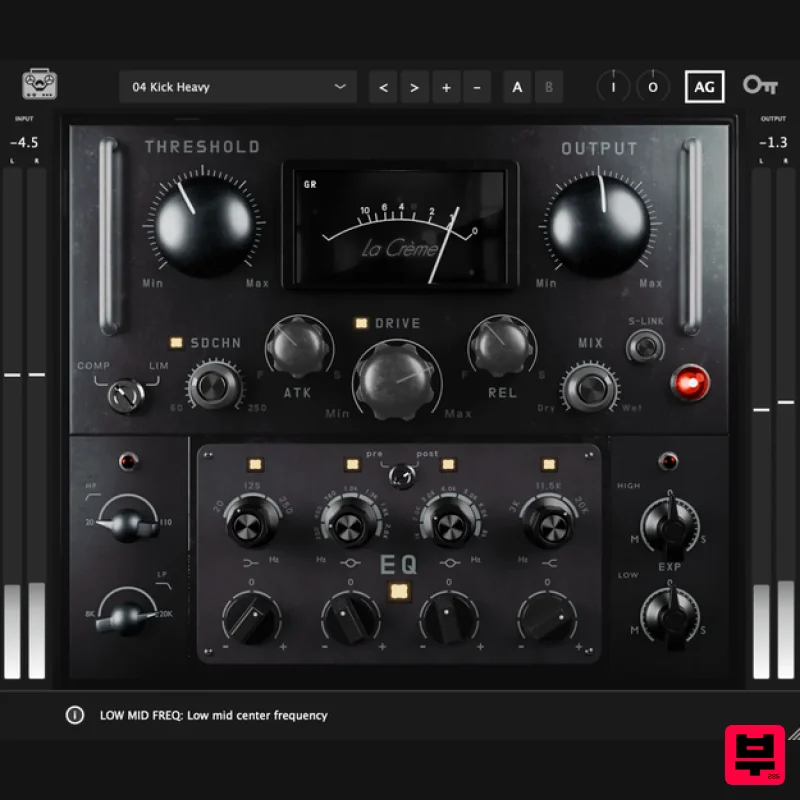
Tone Empire La Crème 3
Channel Strip
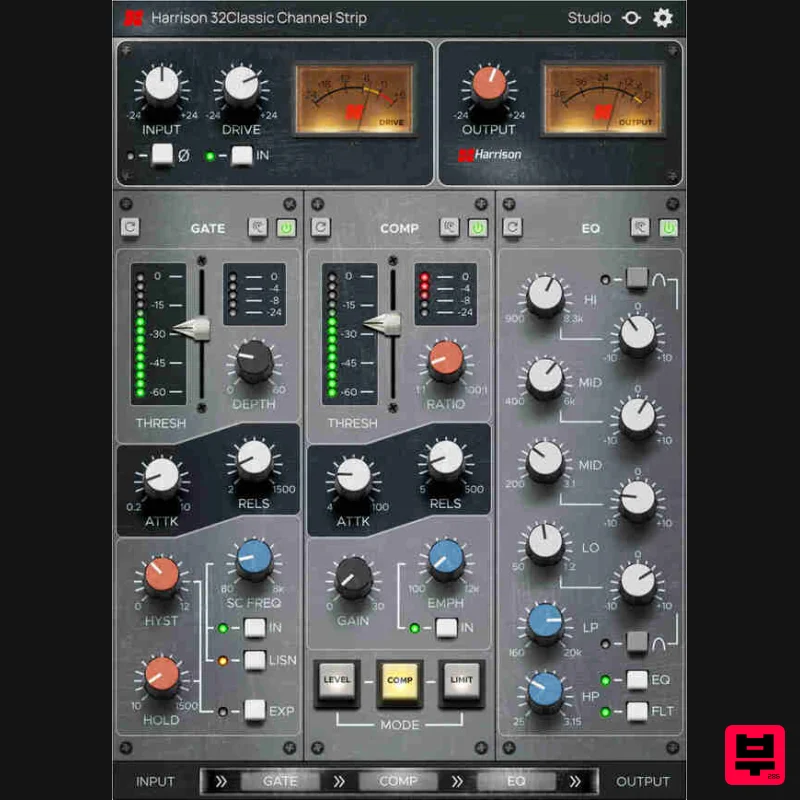
Harrison Consoles 32Classic Channel
Channel Strip
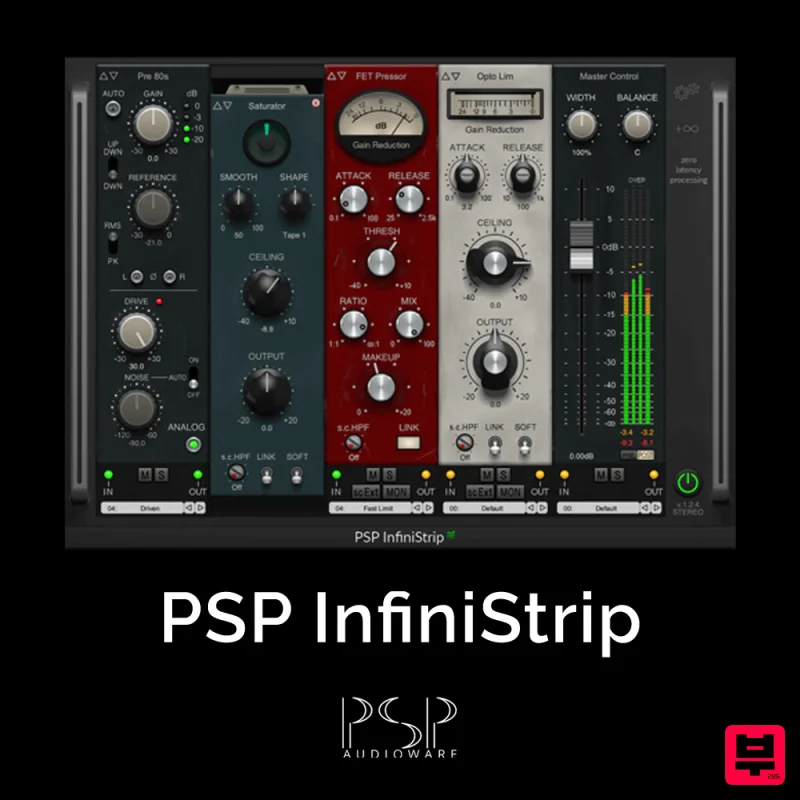
PSP Audioware PSP InfiniStrip
Channel Strip
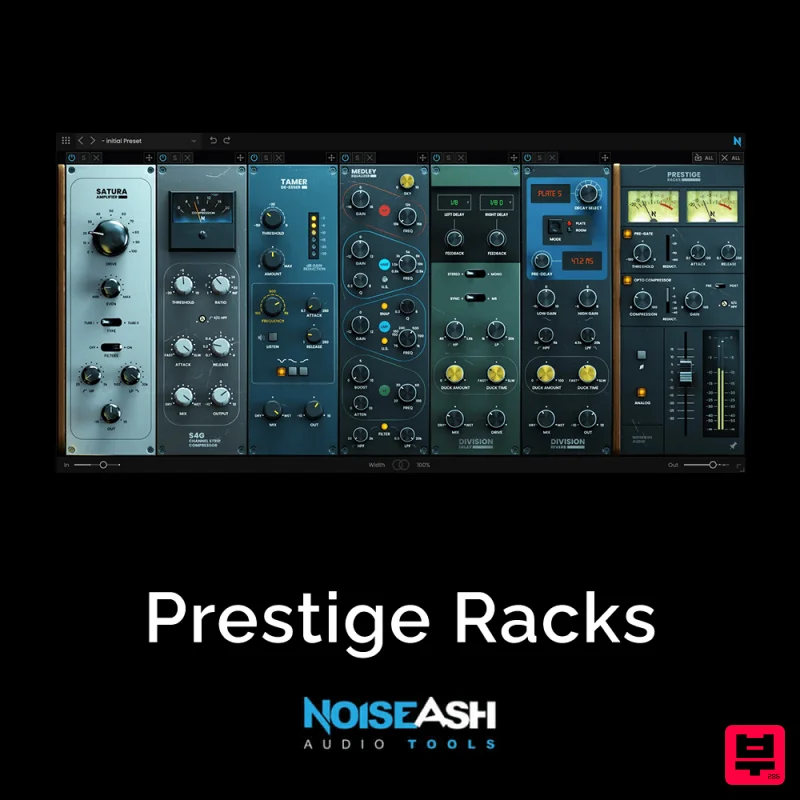
NoiseAsh Prestige Racks
Channel Strip
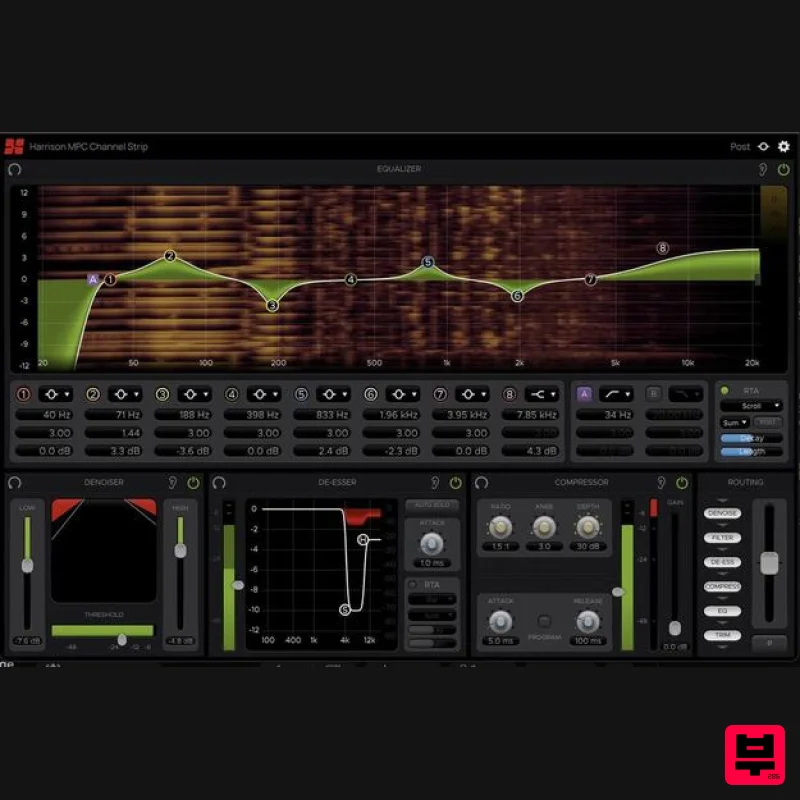
Harrison Consoles MPC Channel Strip
Channel Strip

