
Harrison Consoles 32Classic Channel
Professional music gear - detailed information and where to buy
Harrison Consoles
32Classic Channel
Product Info
* Prices may vary. Check retailer for current pricing and availability.
Product Description
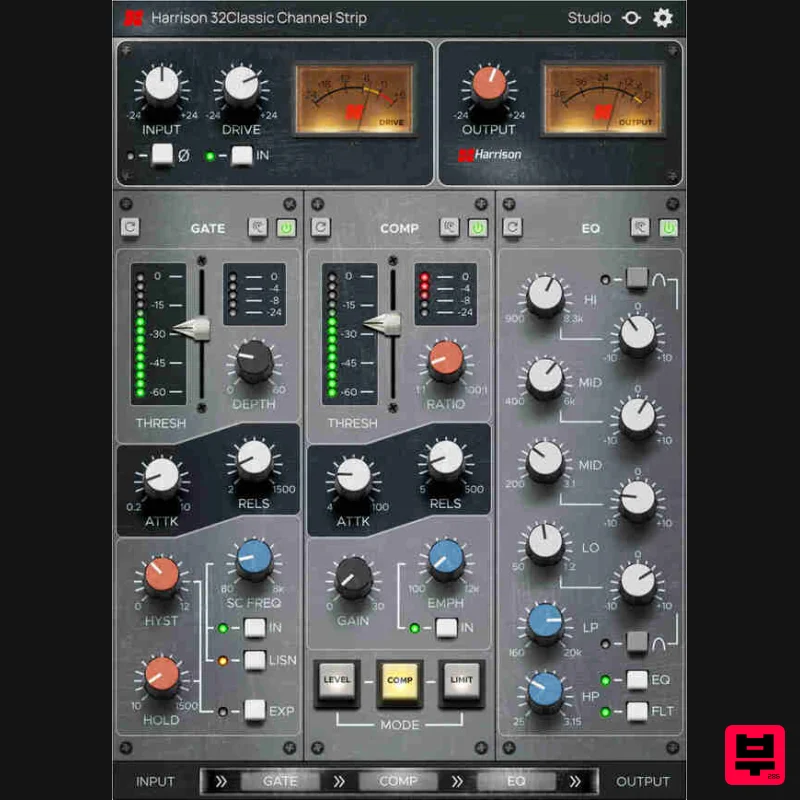
- The Sound of Legends The 32Classic Channel Strip Plug-in by Harrison Audio is a fully featured channel strip complete with four-band parametric EQ
- High Pass and Low Pass filters
- transformer saturation with ‘Drive’ control
- Compressor and Gate/Expander – everything you need to make music with the classic Harrison sound. Emulating the Harrison 32Classic analog mixing console
- the 32Classic Channel Strip Plug-in delivers the sound and workflow that generations of artists and engineers have trusted to help craft their sound. Whether it was Michael Jackson
- John Coltrane
- and Diana Ross at Westlake Studios
- or BB King
- Steely Dan
- and Fleetwood Mac at The Village
- LA. ABBA
- Led Zeppelin
- and Adam Ant at Polar Studios
- Stockholm. Or Kenny Rogers
- Johnny Cash
- and Al Green at Sound Emporium
- Nashville. The 32 Series console helped create some of the most influential music ever made
- and now with the 32Classic plug-in
- you can access the sound and workflow in your DAW that engineers like Bruce Swedien
- Roger Nichols
- and Reinhold Mack trusted to make music that stands the test of time. Regarded in many high-end studios as the sonic benchmark
- Harrison studio consoles are known for their super- and musical EQ
- legendary filters
- and intuitive ‘get-the-job-done’ workflow. Capturing Harrison’s classic sound
- the 32Classic plug-in features a new ‘Drive’ control for dialing in warm
- harmonic saturation based on the consoles Jensen transformer-coupled mic pre. Additionally
- the 32Classic boasts an EQ section with updated algorithm and full dynamics processing
- offering three distinct compression modes and ‘Emphasis’ knob to access more vintage character. Features 32Classic EQ - Classic four-band parametric EQ with proportional Q providing versatile
- musical results on nearly all instruments and sounds. Switch between shelf and peak mode on the high and low bands and use the overlapping mid bands to carve out your classic sound. 32Classic High Pass / Low Pass Filters - Experience the ultra-wide frequency ranges of these famous filters. High Pass from 25Hz to 3.15kHz and Low Pass from 160Hz to 20kHz allows a range of filter control from extreme to beautifully subtle. Use them in combination with the 32Classic EQ for unique results. Saturation - Use the DRIVE knob to adjust the signal level fed to the Saturator (post input trim) to apply warm
- harmonic saturation based on the consoles Jensen JT-MB-CPCA transformer-coupled mic pre. The drive meter displays the level of the signal fed to the Saturator (dBFS). Compressor – The full-featured Compressor provides all the control you would expect in a standalone unit
- with three types of compression and a Sidechain filter with sweepable frequency and a ‘listen’ function. The ‘Emphasis’ knob allows you to access more vintage character by forcing the compressor to react more quickly to louder sounds resulting in results. Compression types: COMP - The most ‘traditional’ and versatile style of compression
- with full control over Ratio
- Attack
- and Release. Useable on almost any source material. LEVEL – Subtle ‘leveling’ compression renowned for its capabilities
- is commonly used on lead vocals
- bass
- and guitars with low ratio and gain reduction range. LIMIT – A fast-acting
- aggressive compression initially designed to capture peaks before they were passed on to sensitive broadcast transmitters or disc-cutting lathes. Slam drums
- crush room mics
- parallel vocals
- bass
- and more. Gate - Enjoy the full-featured Gate/Expander that can tame the bleed in your live tracks or add more expressive and dynamic articulation to pre-recorded loops and sounds. The gate reports its gain-reduction beside the fader. The reciprocal push/pull action of the reduction LEDs provides great feedback. Routing - Rearrange the processing order of the elements Gate
- Compressor and EQ using the routing section at the bottom of the GUI. Output - Analog VU style output meter displays the output level (dBFS) post the output level control. Channel Configurations - Mono
- Stereo
- Multi-Channel up to 16 wide Workflow - 32Classic plug-in features key utility tools like polarity flip
- and ‘listen’ on each processing module to dial in settings quickly. Supports All Formats - AAX
- VST3
- AU System Requirements Mac macOS 11 Big Sur - macOS 13 Ventura (64-bit only) (M1 Mac supported) Intel Dual-Core Mac running at 2.4GHz or higher 4 GB of RAM minimum (8 GB of RAM recommended) AU
- VST2
- VST3
- AAX Native Windows Windows 10 - Windows 11 (64-bit only) Intel Core 2 (or comparable) CPU running at 2.4GHz or higher 4 GB of RAM minimum (8 GB of RAM recommended) VST 2
- VST3
- AAX Native Please Note: A FREE iLok Account is required for the authorisation of this software. Important note: For licenses with the format - XXXXXXX-XXXX-XXXX-XXXXXXXX - please scroll down and follow the instructions for Harrison Multi Band Compressor
- below For iLok licences with the format XXXX-XXXX-XXXX-XXXX-XXXX-XXXX-XXXX-XX please follow the instructions for Harrison Bass Flow & SSL Guitarstrip immediately below Please Note: Harrison Bass Flow & SSL Guitarstrip are used as examples iLok Registration 1. Go to the iLok website and create a new account if you are not currently registered and do not have the iLok Licence Manager installed on your computer Note: Skip to the 'Registration' procedure if you are already an iLok registered user 2. Download and install the iLok License Manager SSL Download Manager Installation 1. Go to https://solidstatelogic.com/ssl-download-manager or click DOWNLOAD in your Plugin Boutique User Account 2. Click either macOS or Windows to download the installer (Linux versions available here) 3. Double-click installer > Follow the on-screen instructions to install 4. Open SSL Download Manager 5. Locate Harrison Bass Flow & SSL Guitarstrip > Click Install on each plugin iLok Authorisation 1. Open your iLok license manager application > click Sign In 2. Enter your iLok registered User ID and password > click Sign In 3. Once you are signed in
- click the ‘Redeem’ icon which is located at the top-right corner of the iLok Licence Manager’s interface 4. Copy and paste/manually enter the 30-digit code from your Plugin Boutique User Account into the available Activation Code boxes
- and then click Next 5. Select your activation destination > Click Activate 6. Click OK 7. Open the plugins in your DAW Your plugins are now installed and ready to use. Enjoy! Please Note: Harrison Multi Band Compressor is used as an example Note: Harrison and SSL plugins now share the same installation process via the SSL Download Manager iLok Registration 1. Go to the iLok website and create a new account if you are not currently registered and do not have the iLok Licence Manager installed on your computer Note: Skip to the 'Registration' procedure if you are already an iLok registered user 2. Download and install the iLok License Manager Registration 1. Go to https://account.solidstatelogic.com/register-software > Create a new account or log into your existing account if you have one 2. Click REGISTER SOFTWARE 3. Enter your license code found in your Plugin Boutique User Account as well as your iLok ID > Click SUBMIT SSL Software Installation 1. Go to https://solidstatelogic.com/ssl-download-manager or click DOWNLOAD in your Plugin Boutique User Account 2. Click either macOS or Windows to download the installer (Linux versions available here) 3. Double-click installer > Follow the on-screen instructions to install 4. Open SSL Download Manager 5. Locate Harrison Multi Band Compressor > Click Install 6. Open your DAW > Scan for plugins 7. Click Activate 8. Click Skip 9. Enter your iLok account details > Click Next 10. Select 'Harrison Multi Band Compressor' > Click Next 11. Select an activation location > Click Next 12. Click Continue 13. Open the plugin in your DAW Your plugin is now installed and ready to use. Enjoy!
Additional Information
About the Harrison Consoles 32Classic Channel
Discover the distinctive sound and feel of the Harrison Consoles 32Classic Channel, a standout choice among Channel Strip.
Why Choose the Harrison Consoles 32Classic Channel?
- •Authentic Harrison Consoles craftsmanship and design
- •Versatile sound suitable for multiple musical genres
- •Professional build quality and reliable performance
- •Part of Harrison Consoles's respected Channel Strip lineup
Compare & Explore
Browse our complete selection of Harrison Consoles instruments or explore other Channel Strip options. Use our comparison tools to find the perfect match for your musical style and budget.
Similar Products
Universal Audio Century Tube Channel Strip
Channel Strip
Harrison Consoles MPC Channel Strip
Channel Strip
NoiseAsh Prestige Racks
Channel Strip
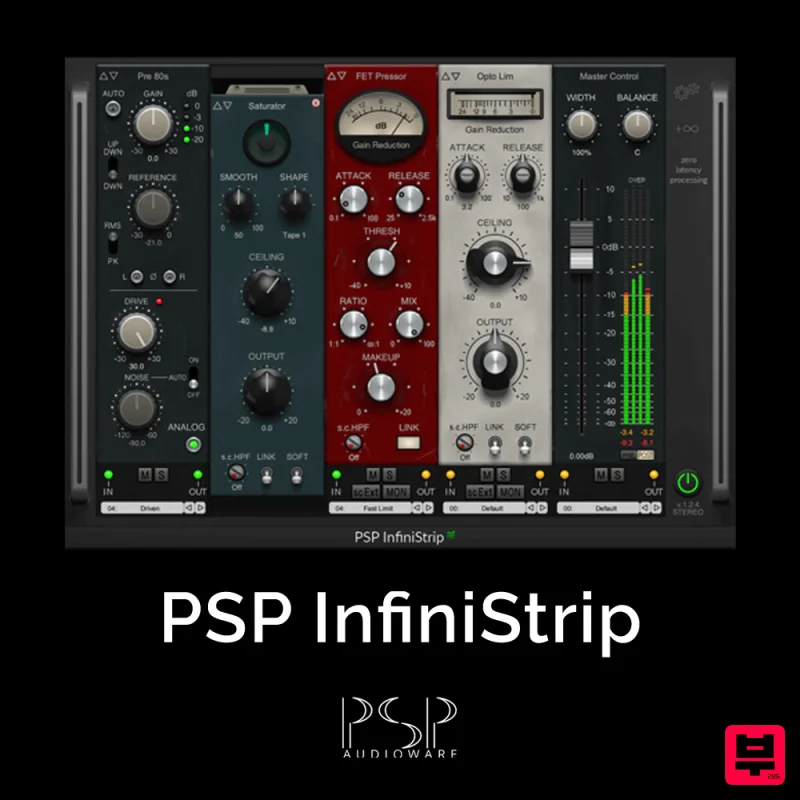
PSP Audioware PSP InfiniStrip
Channel Strip
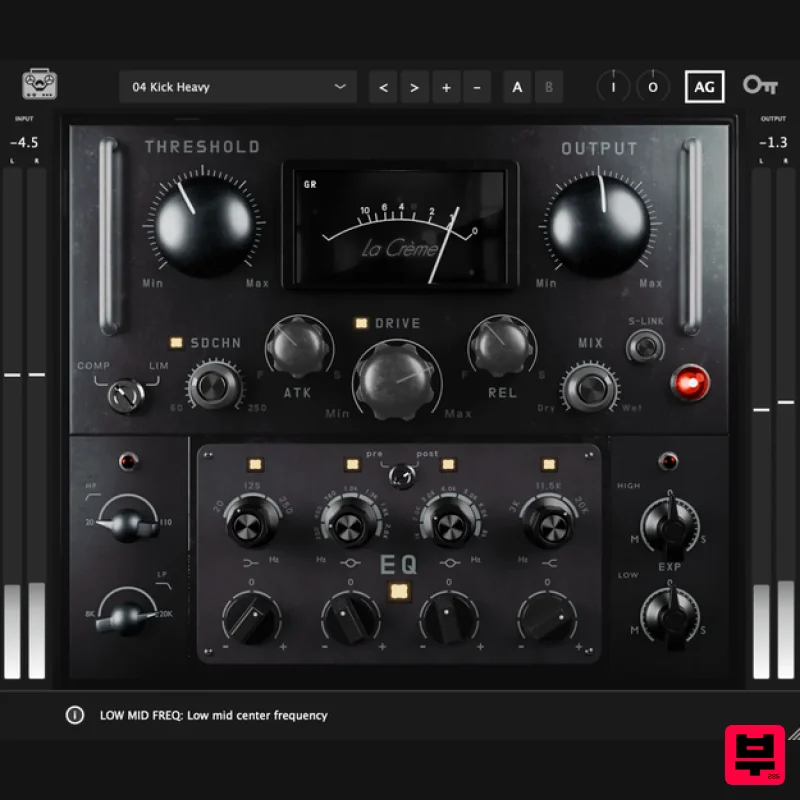
Tone Empire La Crème 3
Channel Strip
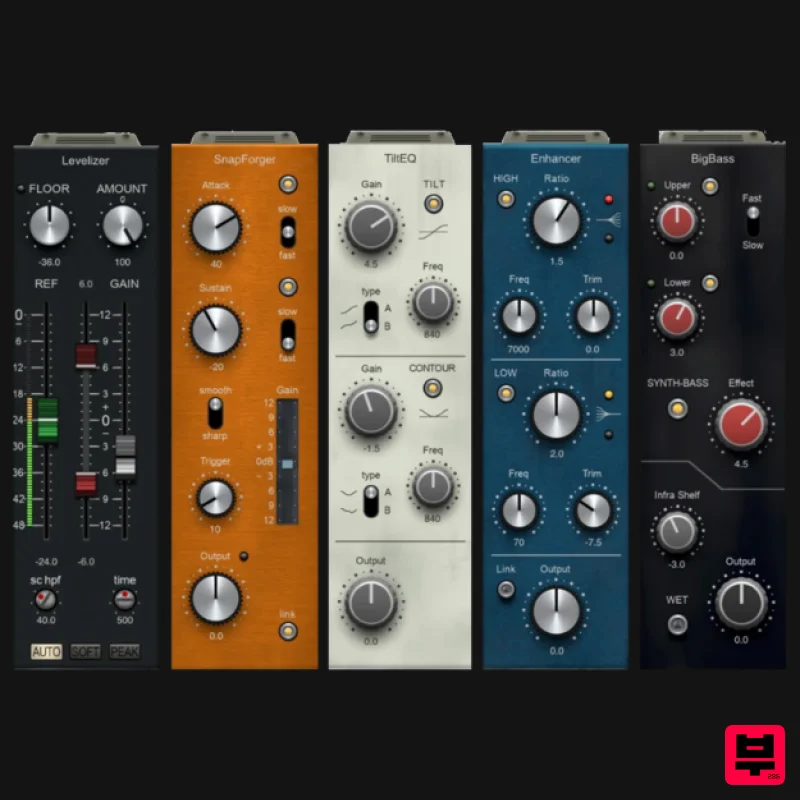
PSP Audioware PSP InfiniStrip Earth Edition
Channel Strip
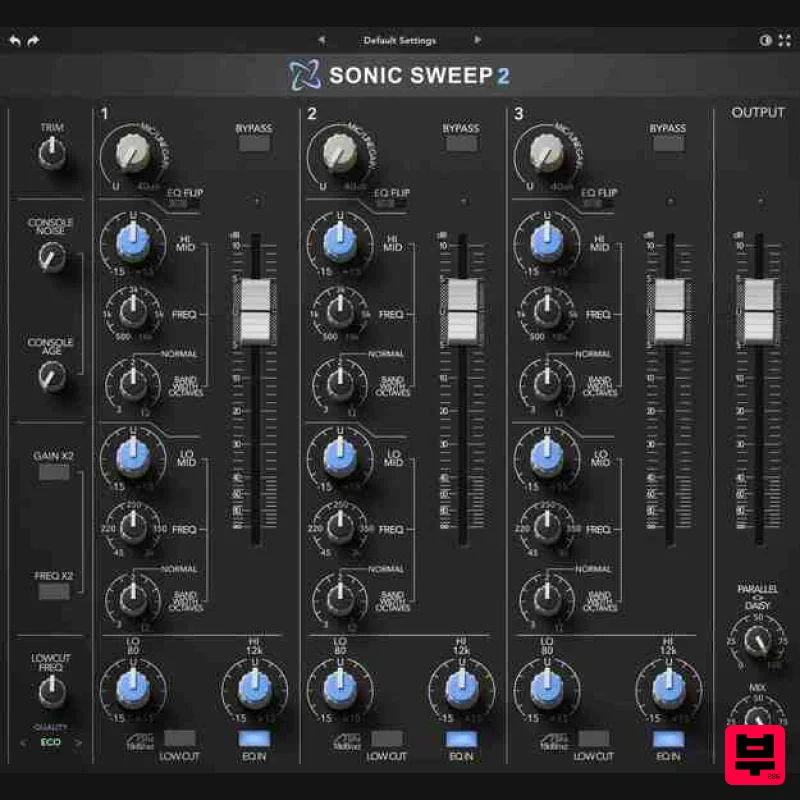
Rave Generation Sonic Sweep 2
Channel Strip
Safari Audio The Camel Strip
Channel Strip

