
Waves X-Hum
Professional music gear - detailed information and where to buy
Waves
X-Hum
Product Info
* Prices may vary. Check retailer for current pricing and availability.
Product Description
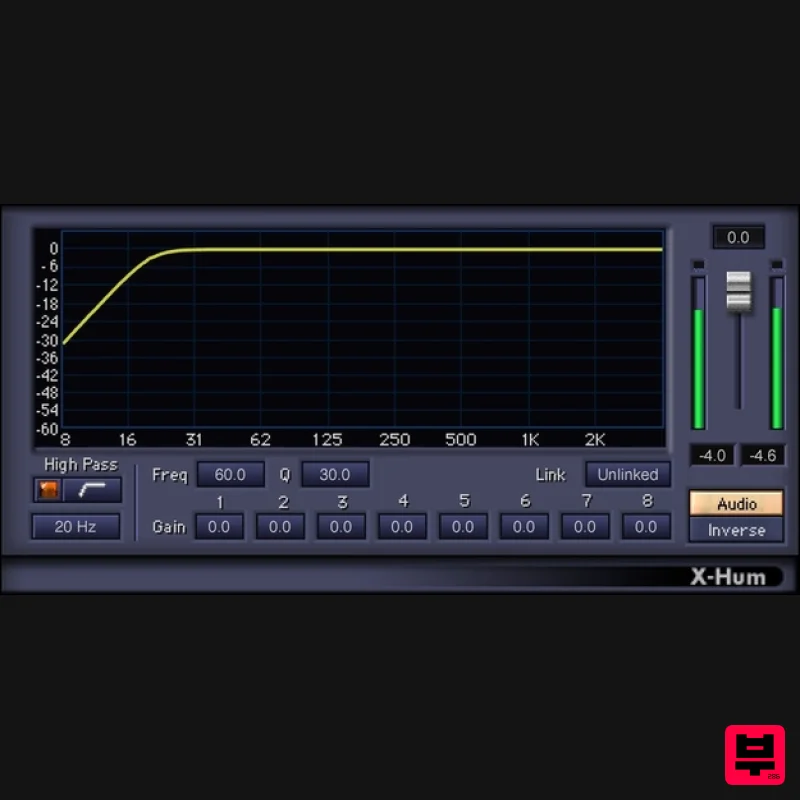
- X-Hum Say Goodbye to Low-End Hum & Rumble Nothing interferes more with a great bass response than problems like hum and rumble. What’s more
- at sub-audible frequencies
- DC offset might be reducing your headroom. X-Hum addresses all these problems
- quickly and efficiently
- with zero latency and virtually no drain on your CPU. X-Hum is the solution for issues that can compromise the low end of even the best systems—such as ground loops
- bad connections
- proximity to transformers
- and rumble from mechanical devices. Features Handles both 50 and 60 Hz hum problems 8 tuned notch filters reduce hum and hum harmonics up to -60 dB High-pass filter (12 or 24 dB/octave) reduces rumble Link filters for simultaneous parameter settings (or unlink) Factory presets handle the most common use cases Set filter cutoff to remove DC offset
- while leaving bass intact System Requirements Mac macOS Monterey 12
- Ventura 13
- Sonoma 14
- Sequoia 15 VST / AU / AAX PC Windows 10+ VST / AAX 1. Head to https: //www.waves.com/create-account 2. Enter your email and choose a password to create an account (if you already have a Waves account
- choose Log in
- enter your details and head to Step 5) > click 'Submit' 3. Open your email inbox > click the activation link in the email from Waves 4. Click 'Log in here' > Log in to your Waves account 5. Click 'Register New Products' 6. Enter the Serial Number found in your Plugin Boutique user account > click 'Submit' 7. Click download in your Plugin Boutique user account or head to https: //www.waves.com/downloads/central > download the Waves Central app for your operating system 8. Install Waves Central > Open Waves Central 9. Click 'Log in' > enter your log in details 10. Click the 'Install Products' tab 11. Tick the blue dot on all products you wish to install or click the top dot to install all products > click 'Install & Activate' 12. Click 'OK' 13. Open your DAW > open the Waves plugin Your Waves plugins are installed and ready to use
- enjoy!
Additional Information
About the Waves X-Hum
The Waves X-Hum represents excellent craftsmanship in the Audio Restoration category.
Why Choose the Waves X-Hum?
- •Authentic Waves craftsmanship and design
- •Versatile sound suitable for multiple musical genres
- •Professional build quality and reliable performance
- •Part of Waves's respected Audio Restoration lineup
Compare & Explore
Browse our complete selection of Waves instruments or explore other Audio Restoration options. Use our comparison tools to find the perfect match for your musical style and budget.
Similar Products
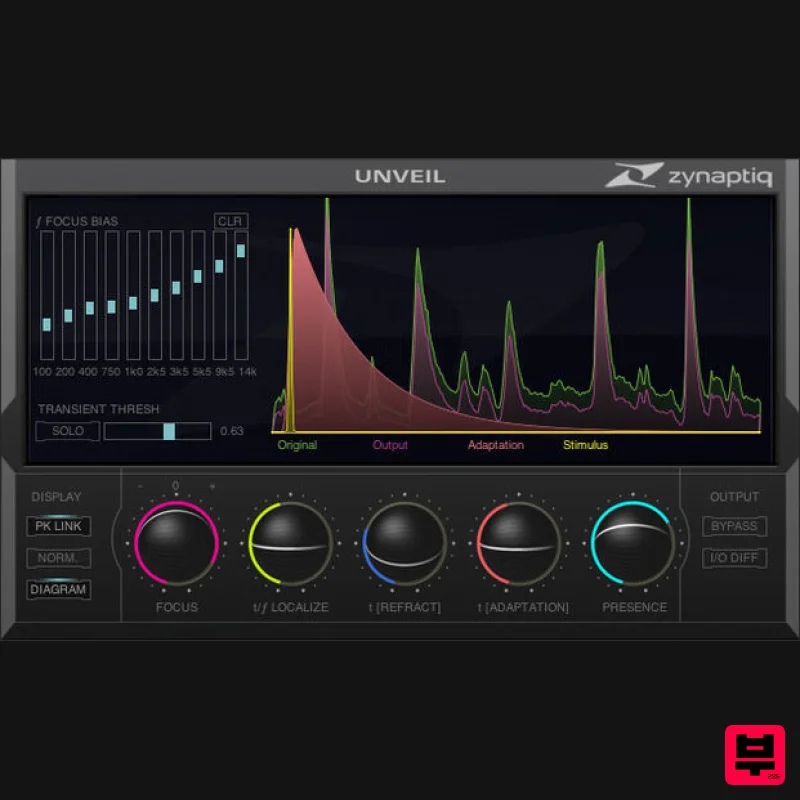
Zynaptiq UNVEIL
Audio Restoration
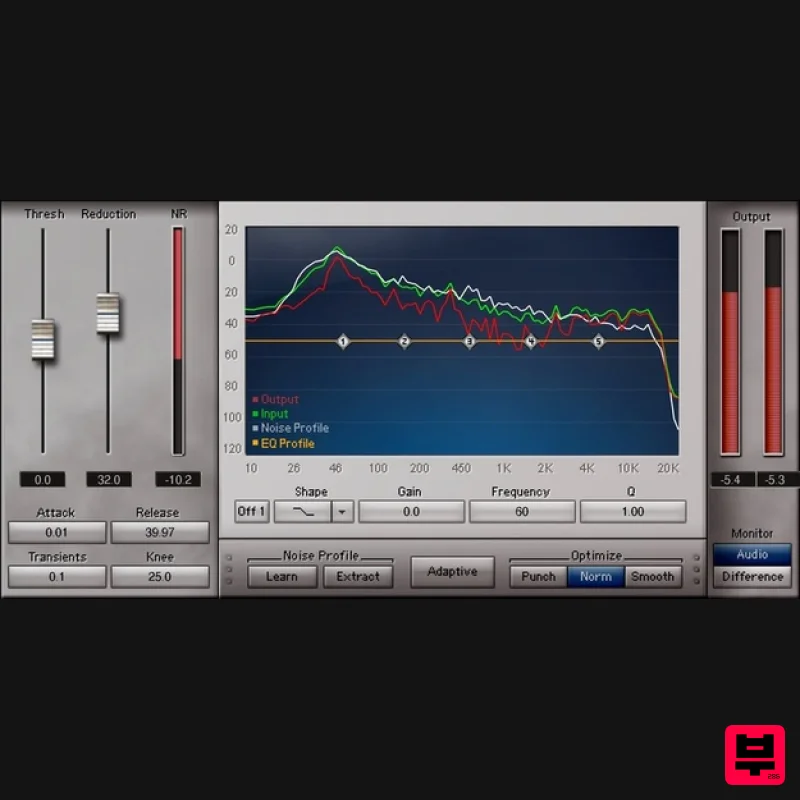
Waves Z-Noise
Audio Restoration
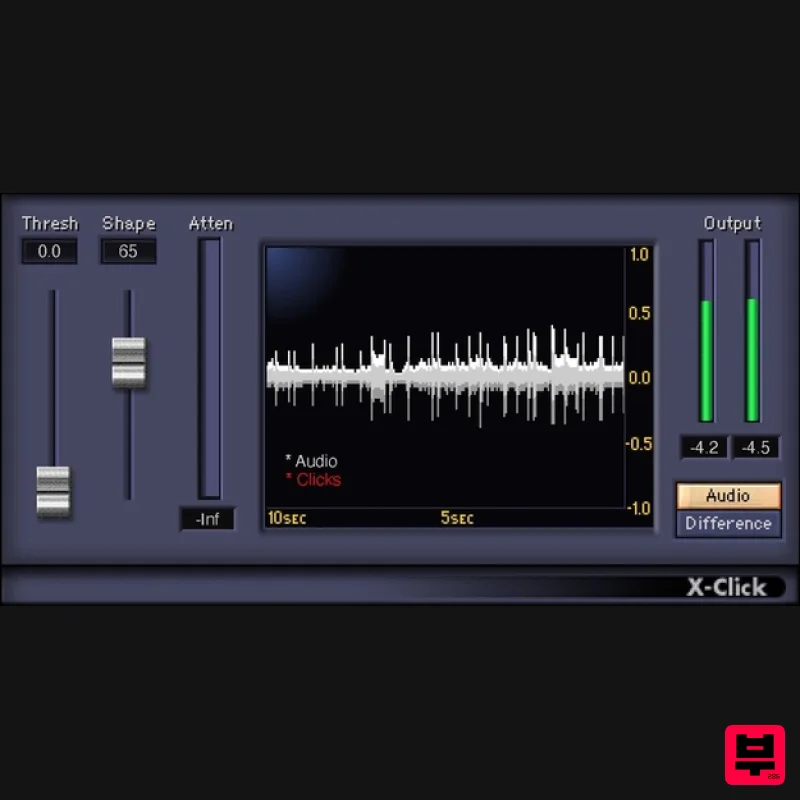
Waves X-Click
Audio Restoration
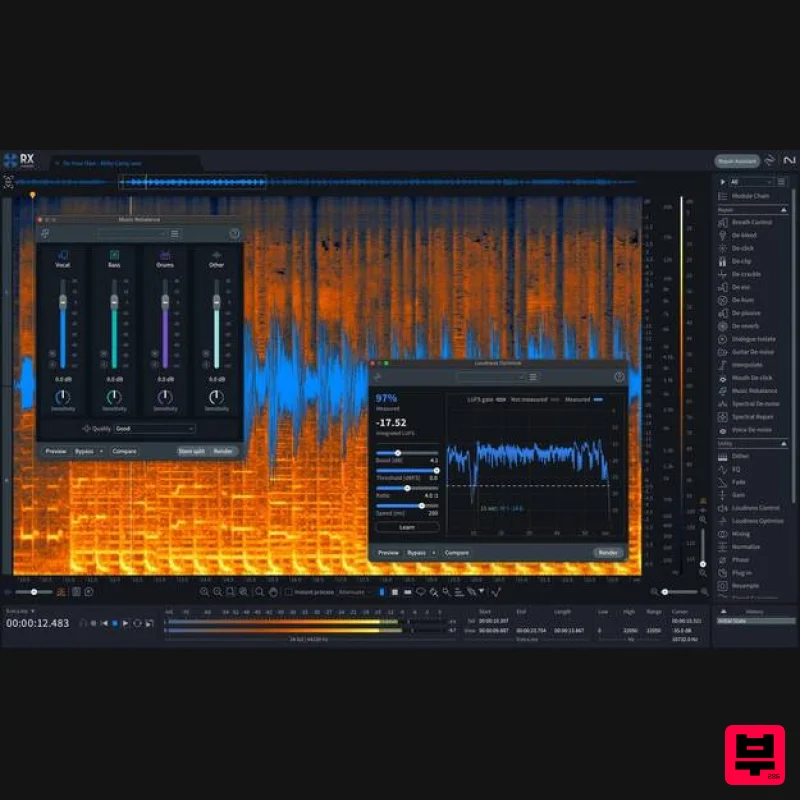
iZotope RX 11 Standard
Audio Restoration
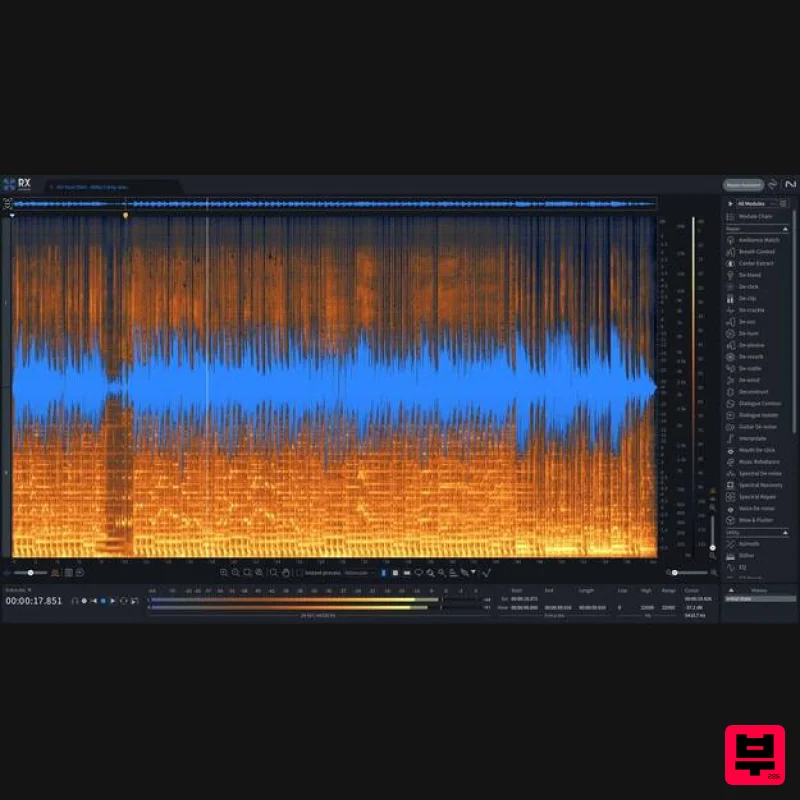
iZotope RX 11 Advanced Educational Version
Audio Restoration
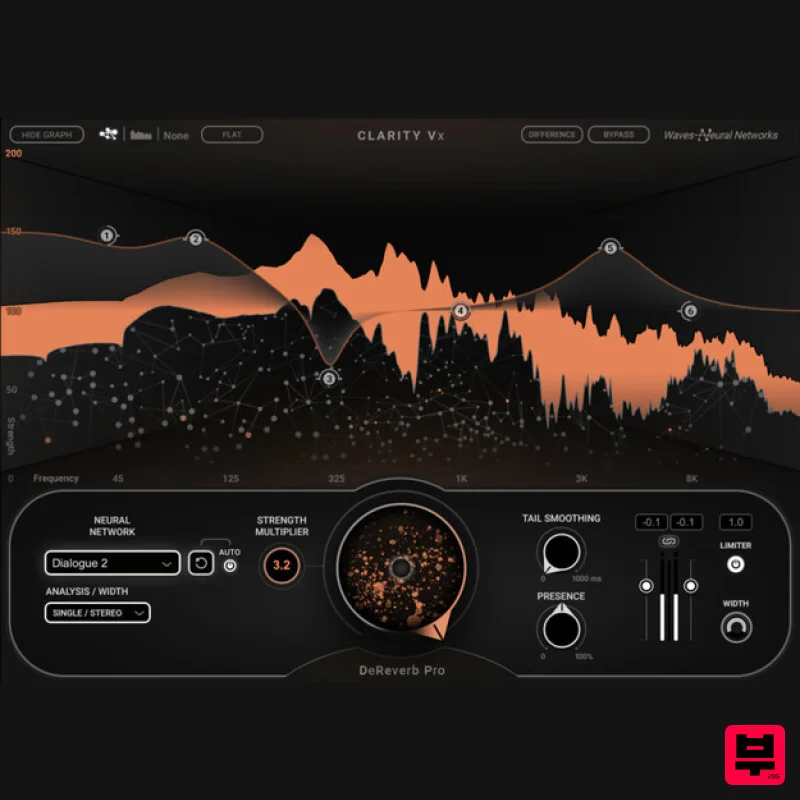
Waves Clarity Vx DeReverb Pro
Audio Restoration
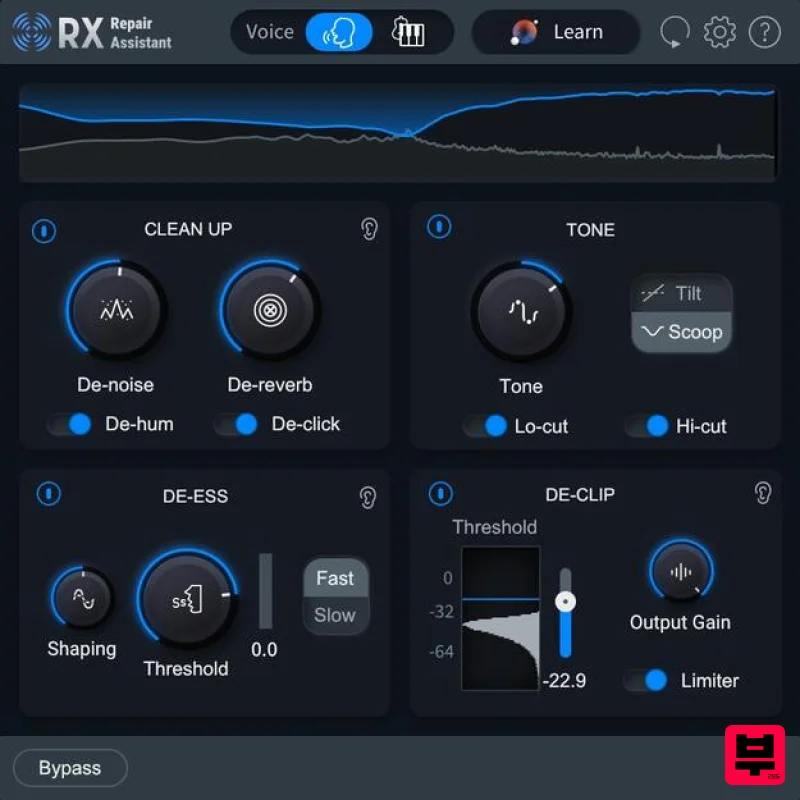
iZotope RX 11 Elements Educational Version
Audio Restoration
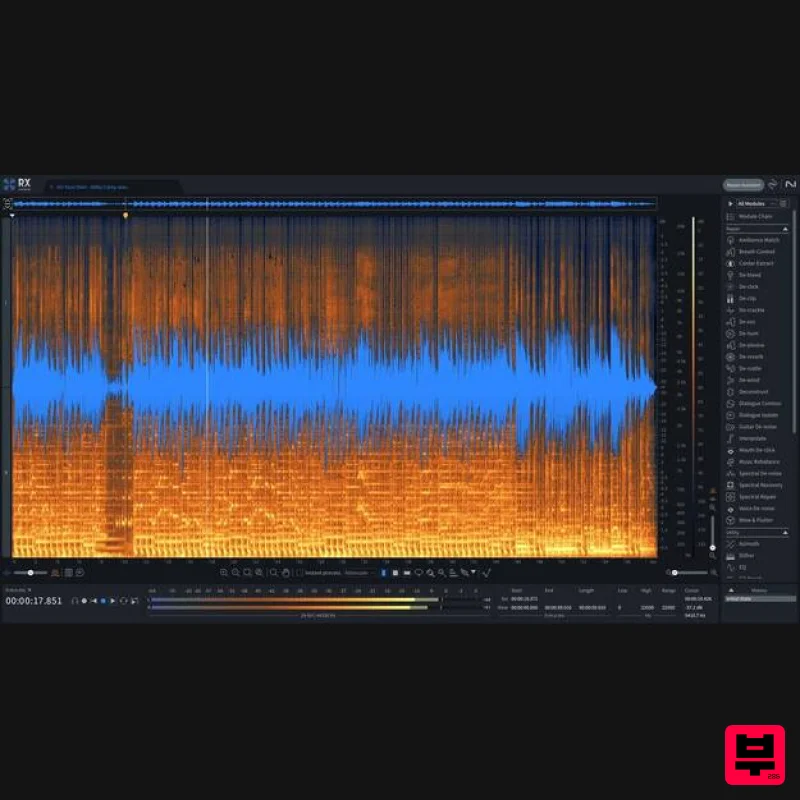
iZotope RX 11 Advanced
Audio Restoration

