
Zynaptiq UNVEIL
Professional music gear - detailed information and where to buy
Zynaptiq
UNVEIL
Product Info
* Prices may vary. Check retailer for current pricing and availability.
Product Description
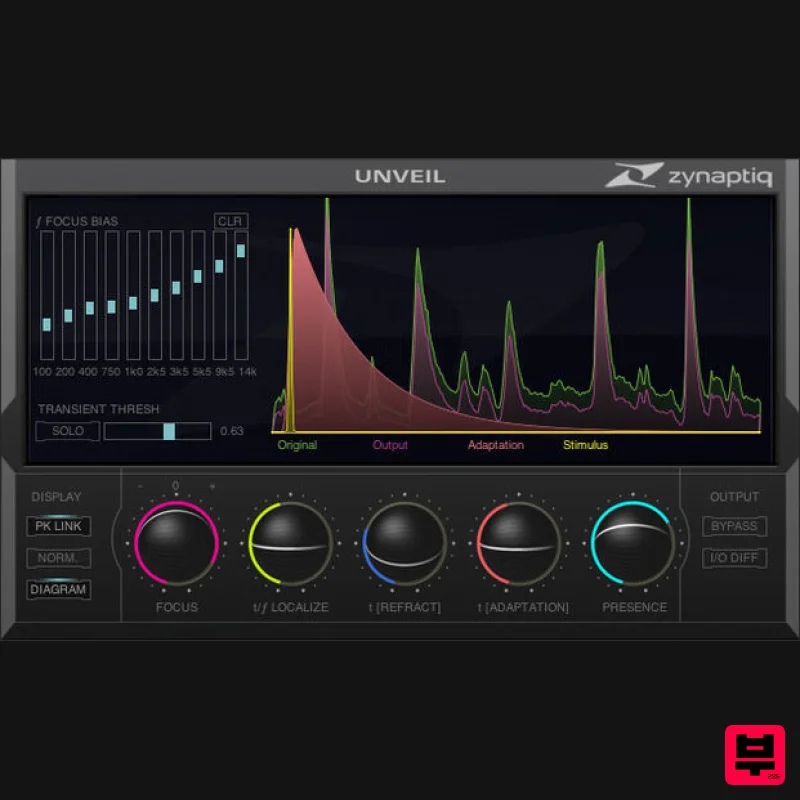
- UNVEIL: De-Reverberation and Signal Focusing UNVEIL is a real-time
- de-mixing-based plug-in that allows attenuating or boosting reverb components within a mixed signal of any channel count
- including mono sources
- as well as modifying reverb characteristics. Additionally
- UNVEIL allows you to bring the key features of a recording into focus
- or move them to the background
- by attenuating or boosting perceptually less important signal components. Based on our proprietary
- artificial intelligence-based MAP (Mixed-Signal Audio Processing) technology
- UNVEIL allows fixing previously unusable location audio and dialogue
- tightening up live music recordings
- removing reverb and “mud” from musical signals
- as well as creative sound design. Features Audio engineers can attenuate reverb in recordings Film mixers and dialogue editors can remove reverb from dialogue and location sound Music producers can turn vintage drum loops rich in reverb into dry recordings
- and vice-versa Foley artists can remove ambience from sub-optimally captured sounds Mix and mastering engineers can bring key mix elements into focus by attenuating components commonly referred to as "mud" Good Bye
- Reverb Removing reverb from recordings has always been difficult to impossible. Existing de-reverberation strategies either manipulate signal dynamics
- require specific channel formats
- are limited to certain signal types
- or all of the above. Enter UNVEIL. UNVEIL is not an expander or envelope shaper
- is not a spectral thresholding processor
- does not use phase cancellation techniques or inter-channel correlation analysis
- and thus works with any channel count from mono to whichever surround formats your DAW supports
- and without changing signal dynamics. To achieve this
- it utilizes a model of the human auditory system to discern which parts of the signal are reverb
- effectively “listening” to your signal much like a human would. These components are then separated from your signal for processing using our MAP technology. From there
- reducing the amount of reverb in your recording is as easy as adjusting the value of one of our slick track-ball-Esque sliders. Hello
- Reverb Conversely
- UNVEIL allows increasing the amount of reverb in a recording
- too. You can turn a close-miked drum kit into a full-on room-heavy monster
- move a sound back in the sound stage or adapt the amount of reverb on different location recordings to match each other better. Additionally
- UNVEIL gives you several parameters that allow manipulating reverb characteristics...like all of its features
- within a mixed signal
- in real-time and even using mono source material. No
- that's not magic
- that's advanced science. UNVEIL The Detail UNVEIL's algorithm isn't limited to processing reverb. Actually
- it processes any signal components that the human auditory system considers as being of little significance
- which includes the parts that many engineers refer to as "mud". As a result
- UNVEIL allows reducing the level of all the stuff that clouds your signal and masks the detail you work so hard to capture
- bringing the key features into focus and
- well
- unveiling all the inherent detail. And again
- you can use the inverse function to add grit and a less up-front character to your recording. One Step... Except for the mathematics under the hood
- everything about UNVEIL is simple and easy
- results are always just one step away. That being said
- UNVEIL allows adjusting the process in a very wide range. No dumbed-down "easy-mode" in sight
- just a perfectly stream-lined
- no-nonsense GUI that looks as slick as UNVEIL sounds. And oooooh yes does it sound good. But don't take our word for it
- grab the demo for a test drive! System Requirements Mac macOS 10.15.x or newer
- 64 bit Apple Silicon CPU
- or Intel CPU with at least 2 Cores (i7 or better recommended) Apple AU (AudioUnits)
- Steinberg VST 2.4
- VST 3 or Avid AAX Native compatible host software
- processing audio as 32 bit float Windows Windows 10 or newer Intel CPU with at least 2 Cores; i7 or better recommended Steinberg VST 2.4
- VST 3 or Avid AAX compatible 64-bit host software
- processing audio as 32 bit float Important Notes: An iLok account or iLok 2/3-based activation is required in order to register this product An internet connection is required for software activation Copy Protection Zynaptiq products use the latest PACE copy protection
- which allows you to place your activation on your machine or on an iLok 2* (not included). You will need a free iLok.com account to use our software
- even for the demos - but you do not necessarily need the iLok 2 dongle if your machine has internet access (activation of a system without internet connectivity requires an iLok 2 device). All required software is installed along with our plugins
- but we generally recommend downloading the latest versions directly from iLok.com. Please Note: The older
- first-generation iLok is not supported! CPU Load While they are highly optimized
- Zynaptiq plugins use a LOT of CPU due to the complex nature of the magic they perform. Please use the free trial to evaluate whether your system has sufficient resources to utilize the software effectively! Zynaptiq recommends setting your playback buffer size to at least 512 or ideally 1024 samples for optimum performance. As Zynaptiq plugins sport unique features not found in any other software
- Zynaptiq highly recommends reading the User Manuals to ensure that you get the most out of them! Awards Frank Morrone "UNVEIL is an essential part of my every day workflow." Bryan Loren "UNVEIL is an indispensable part of my general recording and mixing toolkit." Morris "Kode" Mingo "I've spent countless hours overdubbing parts which were recorded with reverb. I was looking for a solution
- then I heard about UNVEIL. I'll never be concerned with reverb on a track again." Installation Instructions Windows/ PC: 1. Log into your Plugin Boutique account (My Account > My Products)
- to obtain your serial code. 2. Click the link HERE
- to register your personal details and serial (registration code). Click 'Submit.' 3. Your email has been sent to the email address you used to register with. 4. Log into your email account
- where you can access your activation code and download link. 5. Click the URL hyperlink to begin downloading your installer zip folder. 6. On a Windows computer you will want to right-click on the downloaded file and select 'Extract Here.' Once extracted
- the individual installer (format) files will be shown. 7. Select the relevant format installer setup file
- 'UNFILTERVST-x64Setup' is used in this instance. Double click on the setup file. 8. Double click on the setup file. Click 'Next.' 9. Accept the Agreement and click 'Next.' 10. Select a folder in which you prefer you place / install UNFILTER in. Click 'Install.' Authorization 11. To be able to use your new software
- it needs to be activated. During installation of UNFILTER
- the UnfilterAuthorizer app
- will automatically be launched. 12. Enter your serial number received in your email inbox and click “Activate”. If your machine has access to the internet
- you’ll be shown a confirmation of the successful authorization and you’re good to go. If the machine byou’re activating on has no internet connection
- you will be guided through the process. 13. Generally
- our copy protection mechanism will allow you to have two machines authorized at the same time. It is essentially a challenge-response type system that takes specifics of your computer into account anonymously. However
- unlike most other challenge-response systems
- the Zynaptiq copy protection allows the user to de-activate a system at any time
- and reactivate it later - without contacting us. So essentially
- you can pretty much move your authorizations around as needed. The only limitation is that in order to de-activate a machine
- it needs to be connected to the internet. 14. Your software is now ready for use in your DAW! Apple Macintosh: 1. Log into your Plugin Boutique account (My Account > My Products)
- to obtain your serial code. 2. Click the link HERE
- to register your personal details and serial (registration code). Click 'Submit.' 3. Your email has been sent to the email address you used to register with. 4. Log into your email account
- where you can access your activation code and download link. 5. Click the URL hyperlink to begin downloading your installer zip folder. 6. Select the installer setup file
- 'Zynaptiq UNFILTER Plug-In.pkg.' Double click on the setup file. 7. Double click on the setup file. Click 'Continue.' 8. Read the Licence Software Agreement and click 'Continue.' 9. To continue installing the software. click 'Agree.' 10. Select a desination in which to install UNFILTER. Click 'Continue.' 11. Click 'Install.' Authorization 12. To be able to use your new software
- it needs to be activated. During installation of UNFILTER
- the UnfilterAuthorizer app
- will automatically be launched. 13. Enter your serial number received in your email inbox and click “Activate”. If your machine has access to the internet
- you’ll be shown a confirmation of the successful authorization and you’re good to go. If the machine byou’re activating on has no internet connection
- you will be guided through the process. 14. Generally
- our copy protection mechanism will allow you to have two machines authorized at the same time. It is essentially a challenge-response type system that takes specifics of your computer into account anonymously. However
- unlike most other challenge-response systems
- the Zynaptiq copy protection allows the user to de-activate a system at any time
- and reactivate it later - without contacting us. So essentially
- you can pretty much move your authorizations around as needed. The only limitation is that in order to de-activate a machine
- it needs to be connected to the internet. 15. Your software is now ready for use in your DAW! De-Activating a Machine To free up an activation
- you can de-activate a machine. To do this
- please launch the UnfilterAuthorizer app
- and click “Deactivate Product”. You will be presented with a confirmation message and you’re done. Please note that the machine to be de-activated needs to be connected to the internet!
Additional Information
About the Zynaptiq UNVEIL
The Zynaptiq UNVEIL combines traditional design with modern performance for Audio Restoration enthusiasts.
Why Choose the Zynaptiq UNVEIL?
- •Authentic Zynaptiq craftsmanship and design
- •Versatile sound suitable for multiple musical genres
- •Professional build quality and reliable performance
- •Part of Zynaptiq's respected Audio Restoration lineup
Compare & Explore
Browse our complete selection of Zynaptiq instruments or explore other Audio Restoration options. Use our comparison tools to find the perfect match for your musical style and budget.
Similar Products
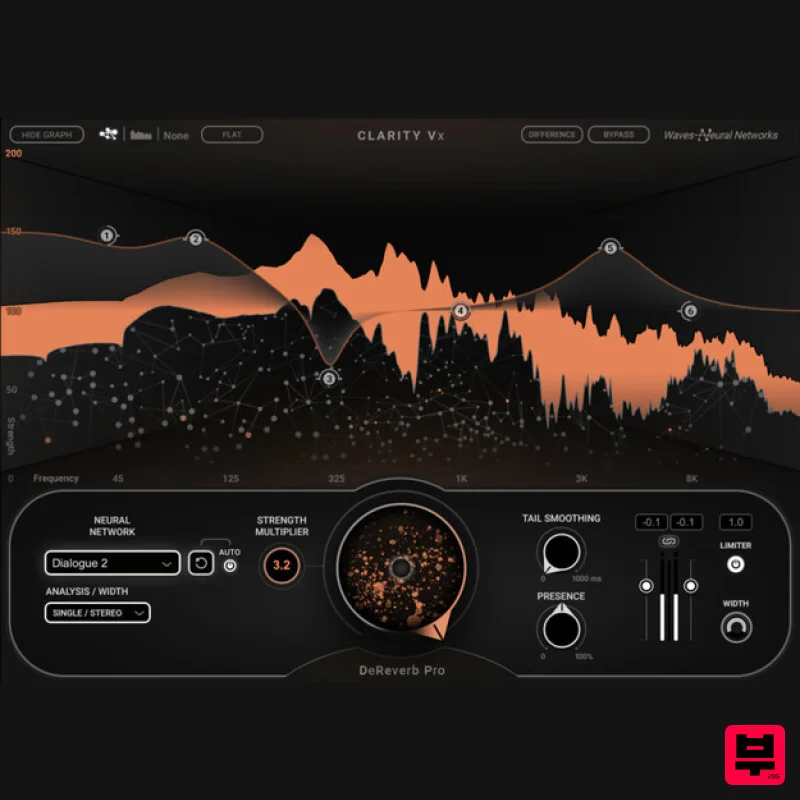
Waves Clarity Vx DeReverb Pro
Audio Restoration
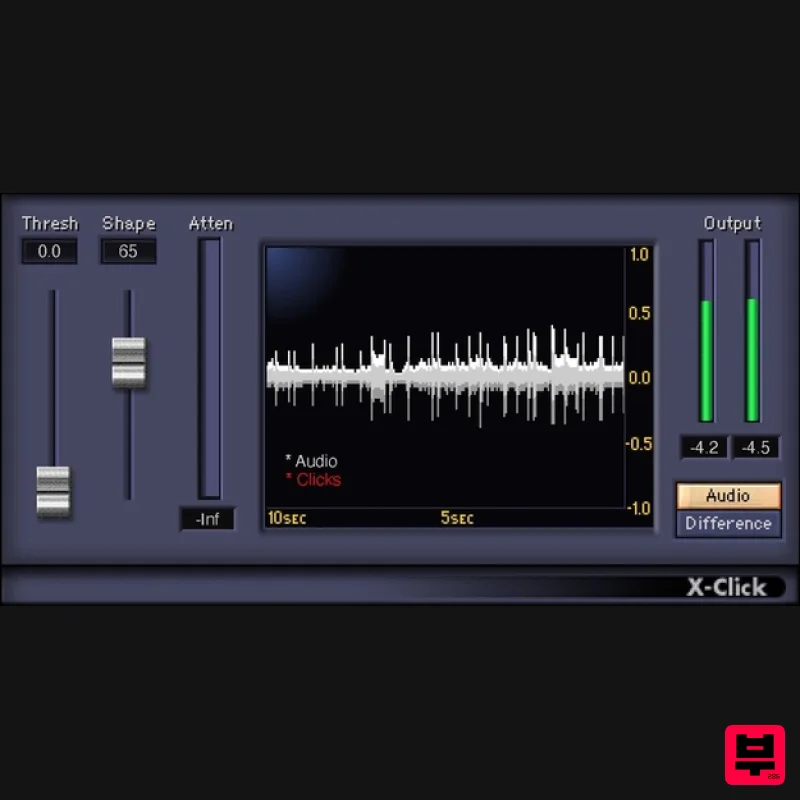
Waves X-Click
Audio Restoration
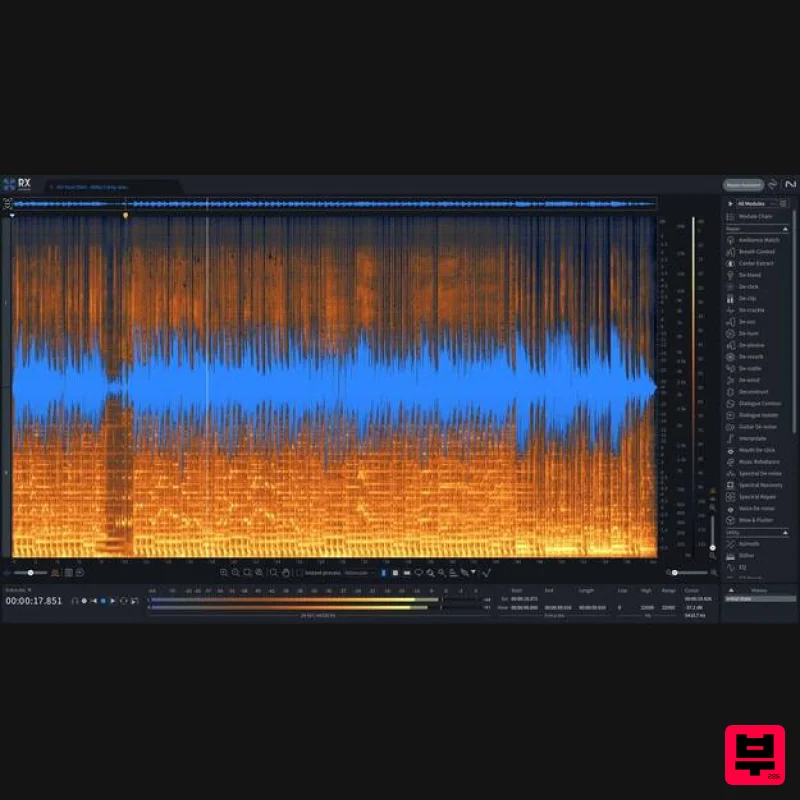
iZotope RX 11 Advanced Educational Version
Audio Restoration
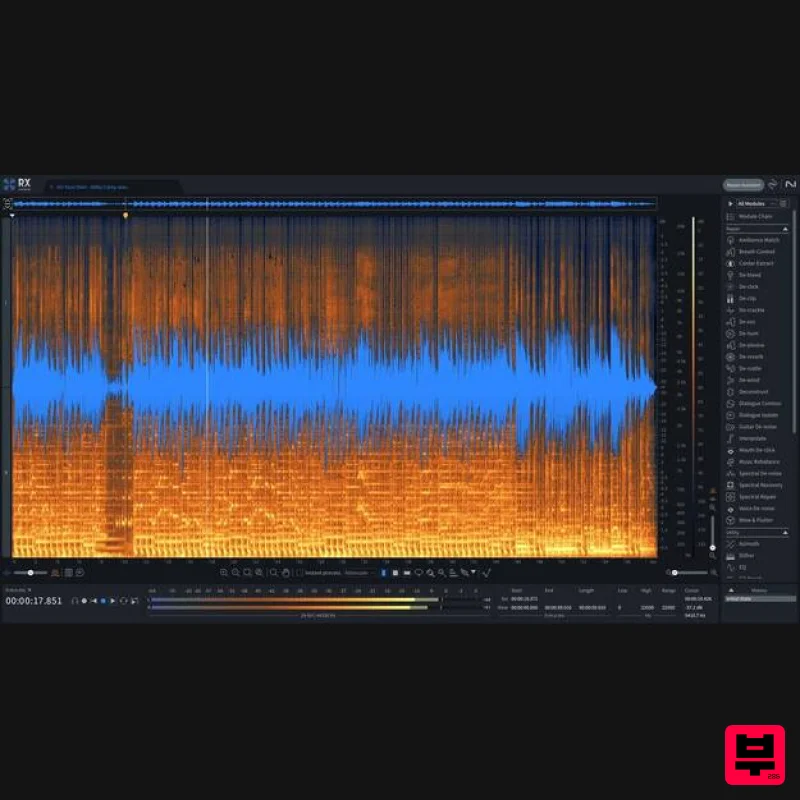
iZotope RX 11 Advanced
Audio Restoration
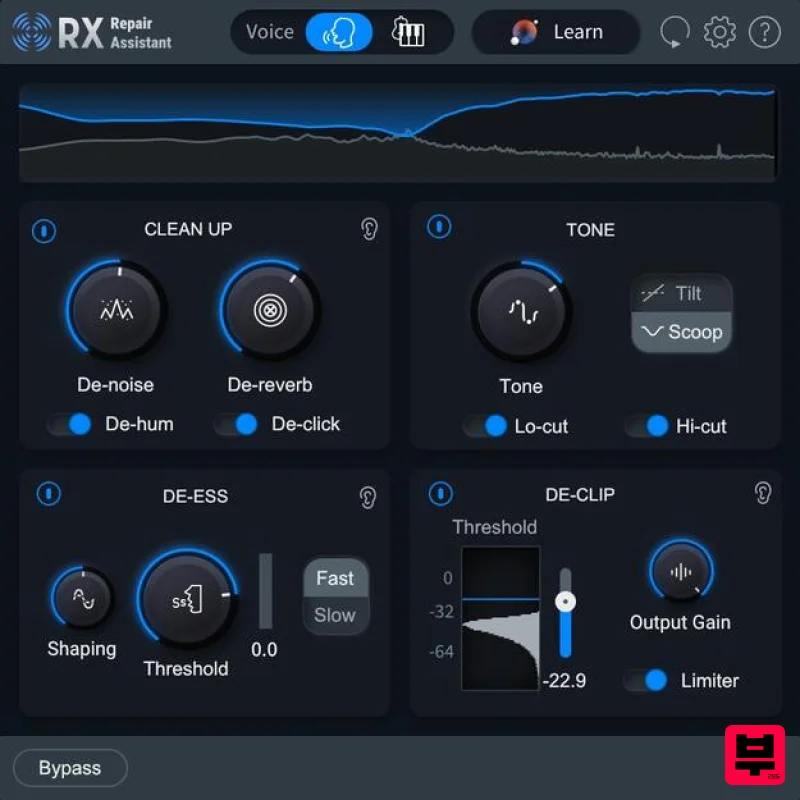
iZotope RX 11 Elements Educational Version
Audio Restoration
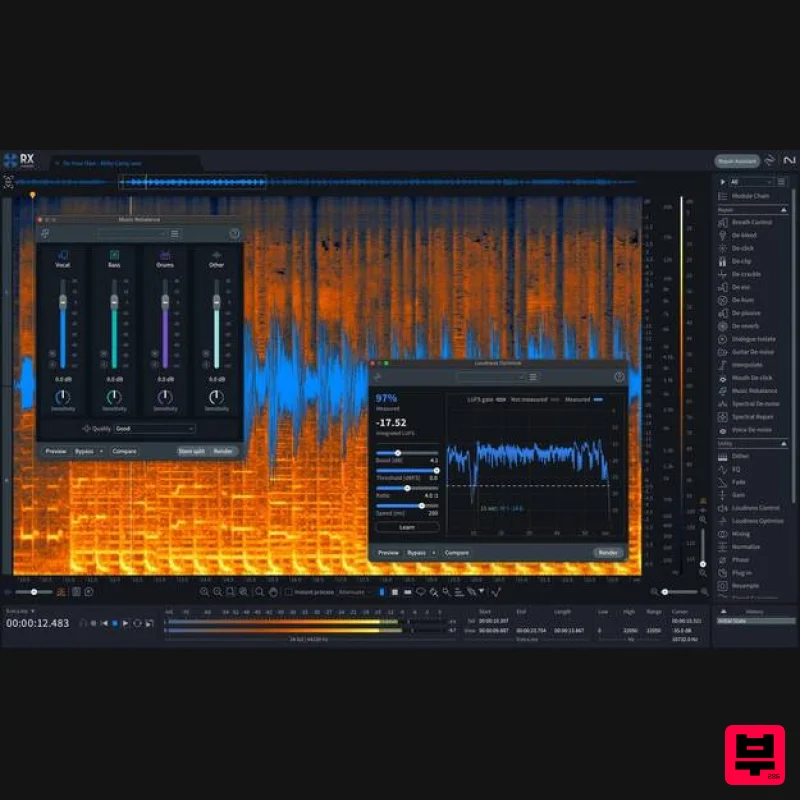
iZotope RX 11 Standard
Audio Restoration
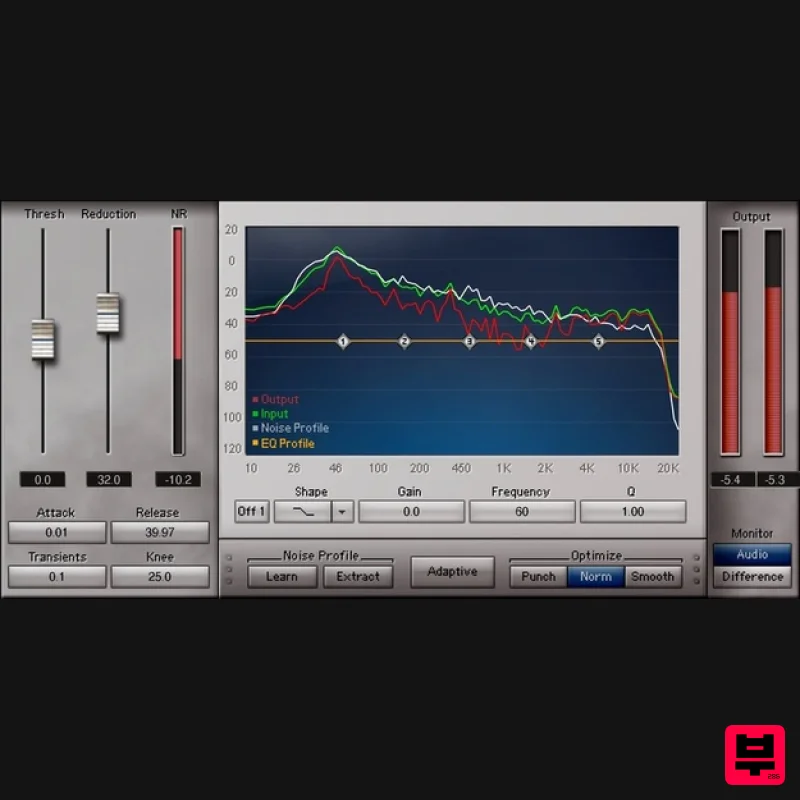
Waves Z-Noise
Audio Restoration
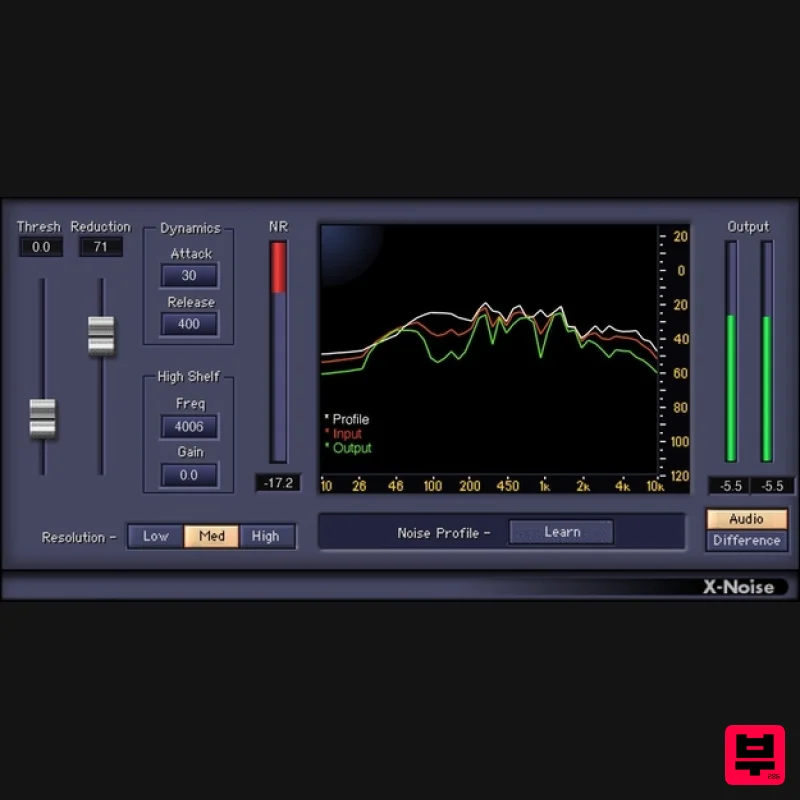
Waves X-Noise
Audio Restoration

