
Waves WNS Noise Suppressor
Professional music gear - detailed information and where to buy
Waves
WNS Noise Suppressor
Product Info
* Prices may vary. Check retailer for current pricing and availability.
Product Description
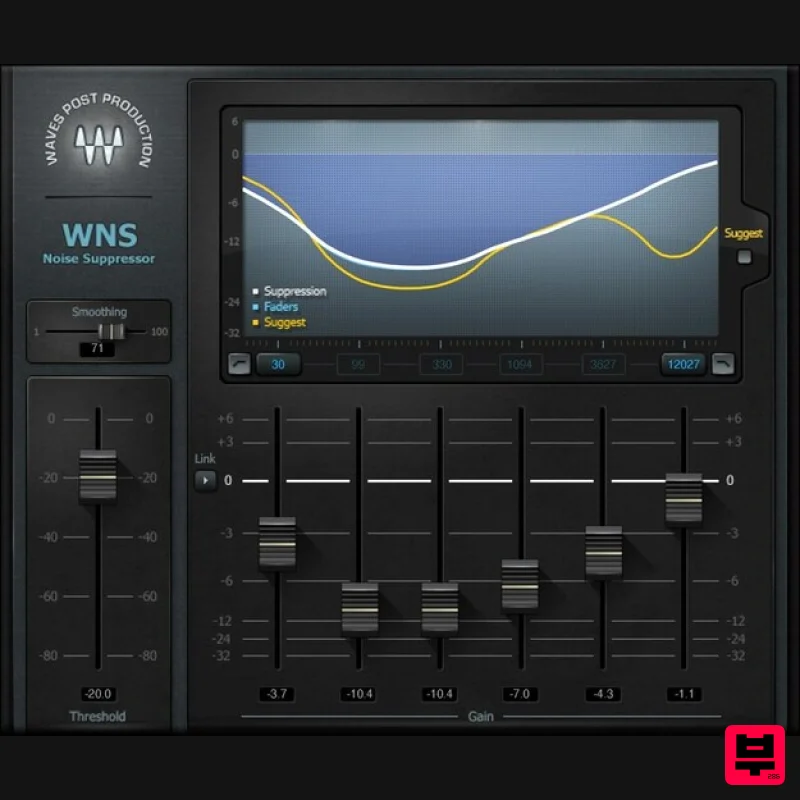
- WNS Noise Suppressor Clean Up Vocals—Quickly
- Gently
- and Effectively Noise is always an unwelcome guest with vocal-based projects. But to banish unwanted room reflections
- background noise
- and room tone
- sometimes the goal of noise reduction isn’t surgical removal of specific short-term noise—it’s about highlighting the voice
- by pushing down the noise. WNS Noise Suppressor is designed specifically for these common situations. It prioritizes bringing the voice forward and retaining its natural qualities
- while minimizing distracting backgrounds. Features Gentle
- natural-sounding noise reduction Reduces background noise using a 6-band dynamic EQ engine “Suggest” button provides an initial potential setting Adjustable frequency ranges for maximum flexibility Improves sound for untreated spaces and outdoor recordings Display with visual feedback simplifies tweaking Real-time operation
- with light CPU load Also works with amps and miked instruments System Requirements Mac macOS Monterey 12
- Ventura 13
- Sonoma 14
- Sequoia 15 VST / AU / AAX PC Windows 10+ VST / AAX 1. Head to https: //www.waves.com/create-account 2. Enter your email and choose a password to create an account (if you already have a Waves account
- choose Log in
- enter your details and head to Step 5) > click 'Submit' 3. Open your email inbox > click the activation link in the email from Waves 4. Click 'Log in here' > Log in to your Waves account 5. Click 'Register New Products' 6. Enter the Serial Number found in your Plugin Boutique user account > click 'Submit' 7. Click download in your Plugin Boutique user account or head to https: //www.waves.com/downloads/central > download the Waves Central app for your operating system 8. Install Waves Central > Open Waves Central 9. Click 'Log in' > enter your log in details 10. Click the 'Install Products' tab 11. Tick the blue dot on all products you wish to install or click the top dot to install all products > click 'Install & Activate' 12. Click 'OK' 13. Open your DAW > open the Waves plugin Your Waves plugins are installed and ready to use
- enjoy!
Additional Information
About the Waves WNS Noise Suppressor
Experience the quality and tone that makes the Waves WNS Noise Suppressor a popular choice for musicians.
Why Choose the Waves WNS Noise Suppressor?
- •Authentic Waves craftsmanship and design
- •Versatile sound suitable for multiple musical genres
- •Professional build quality and reliable performance
- •Part of Waves's respected Audio Restoration lineup
Compare & Explore
Browse our complete selection of Waves instruments or explore other Audio Restoration options. Use our comparison tools to find the perfect match for your musical style and budget.
Similar Products
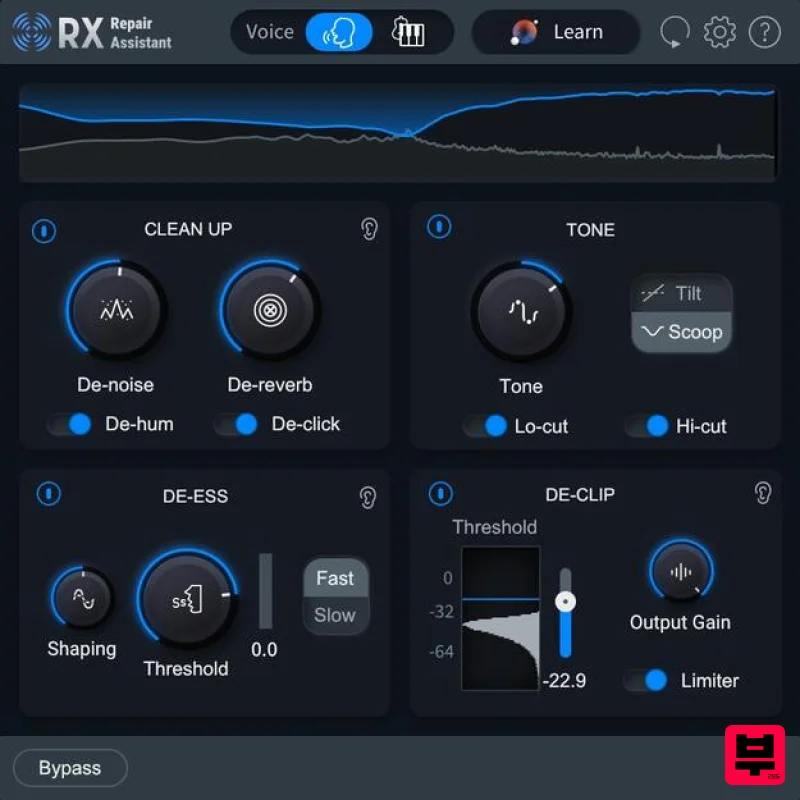
iZotope RX 11 Elements Educational Version
Audio Restoration
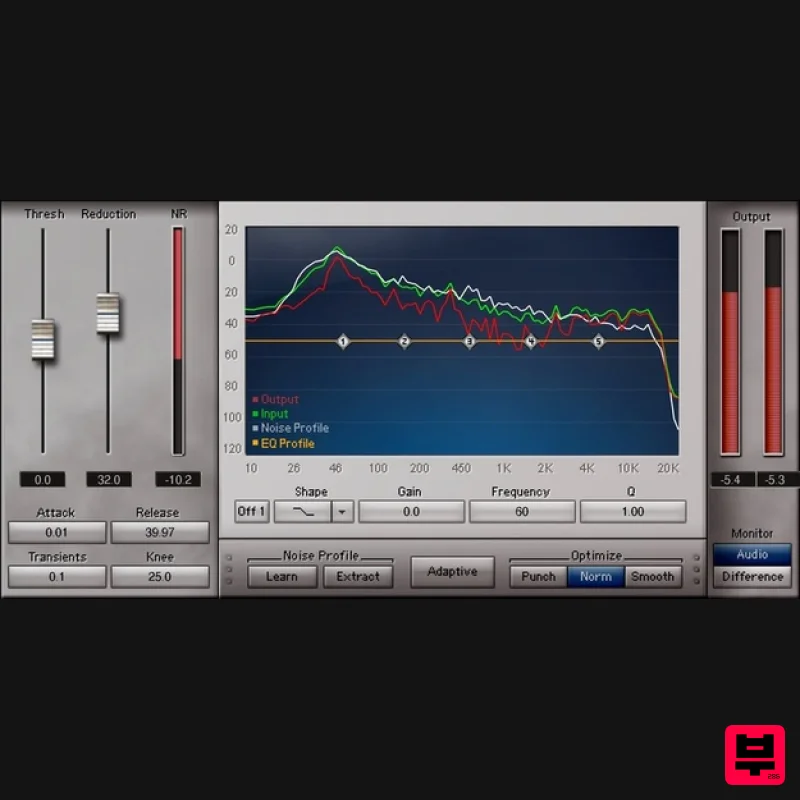
Waves Z-Noise
Audio Restoration
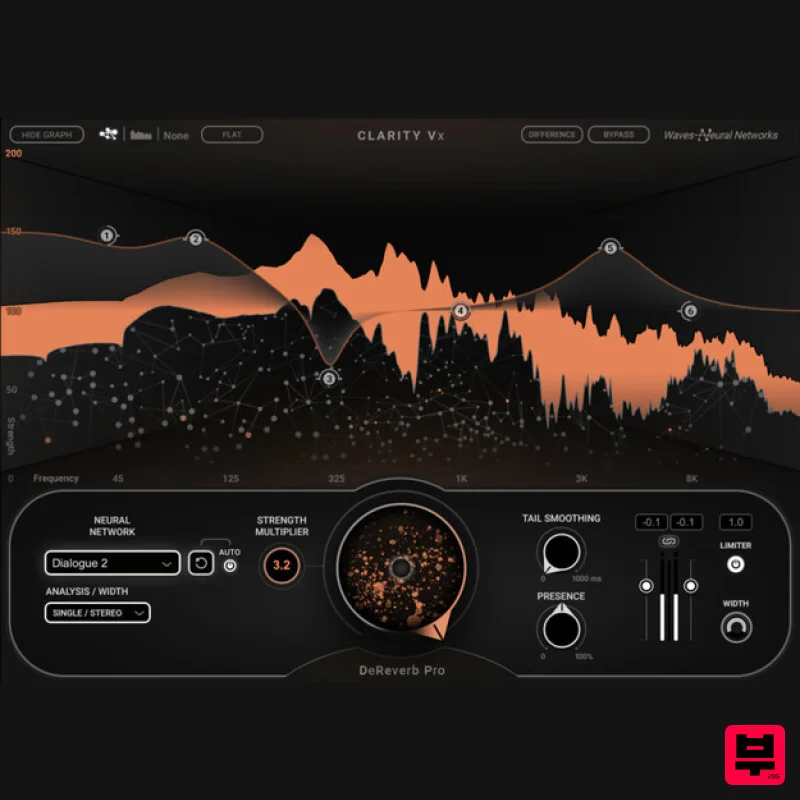
Waves Clarity Vx DeReverb Pro
Audio Restoration
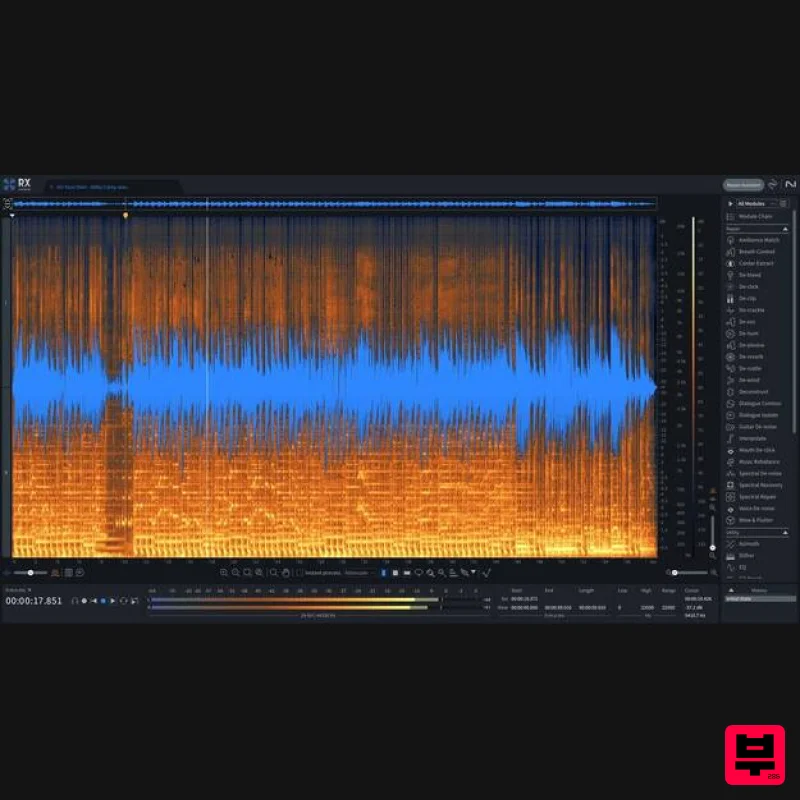
iZotope RX 11 Advanced
Audio Restoration
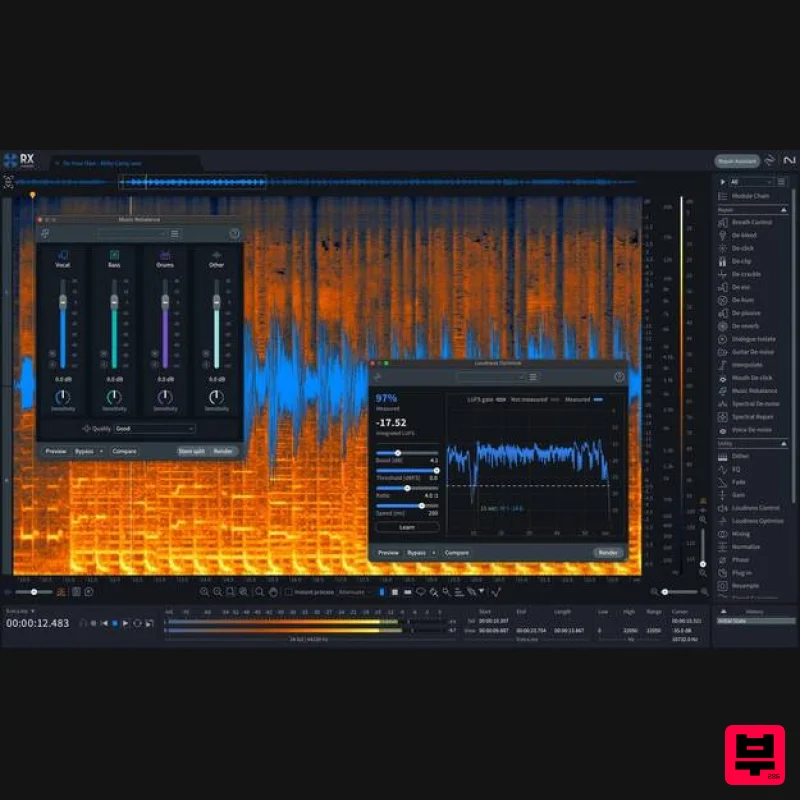
iZotope RX 11 Standard
Audio Restoration
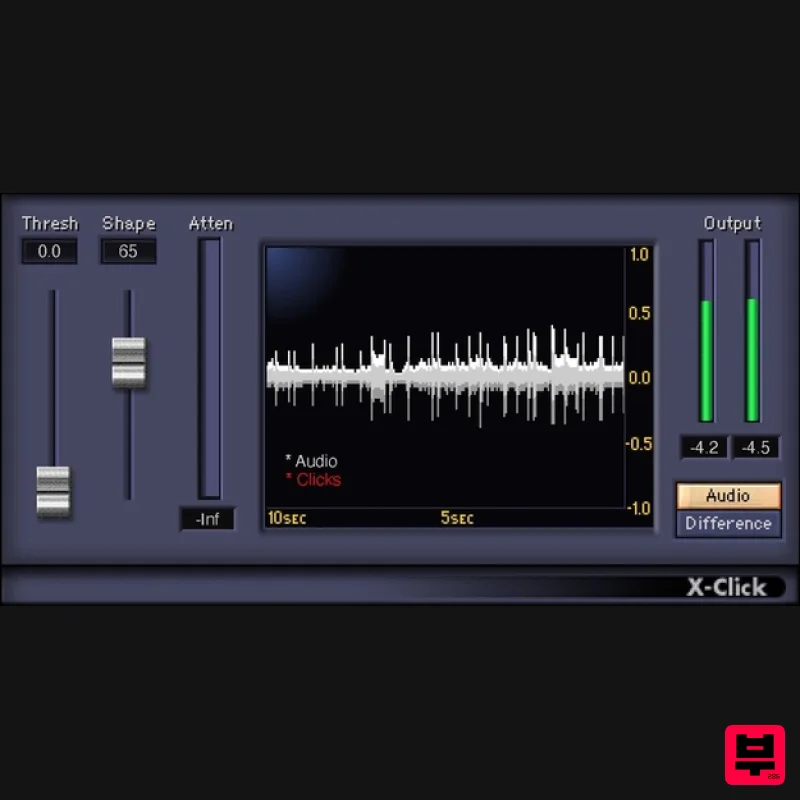
Waves X-Click
Audio Restoration
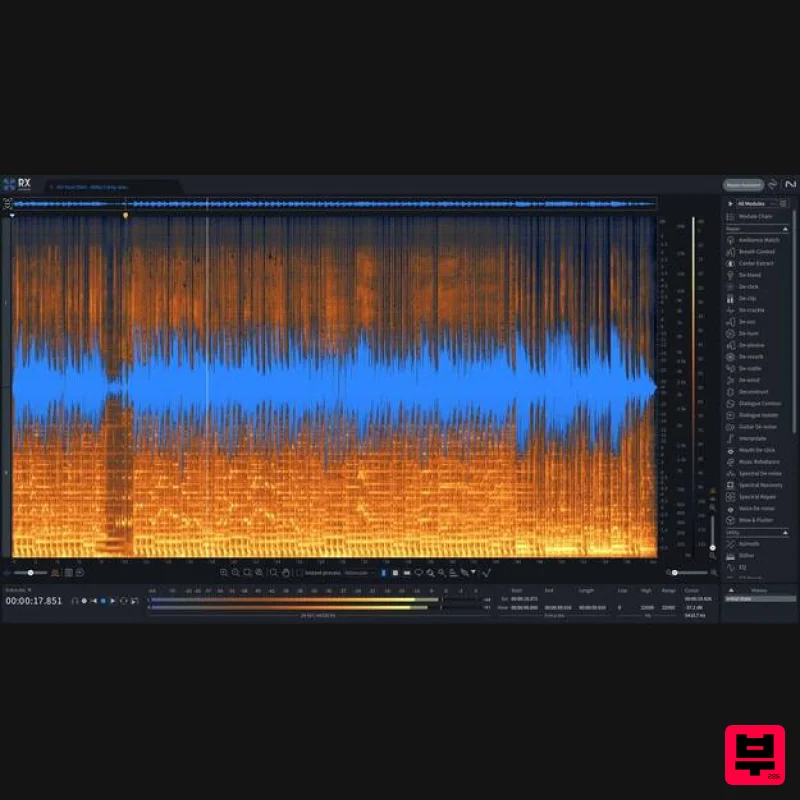
iZotope RX 11 Advanced Educational Version
Audio Restoration
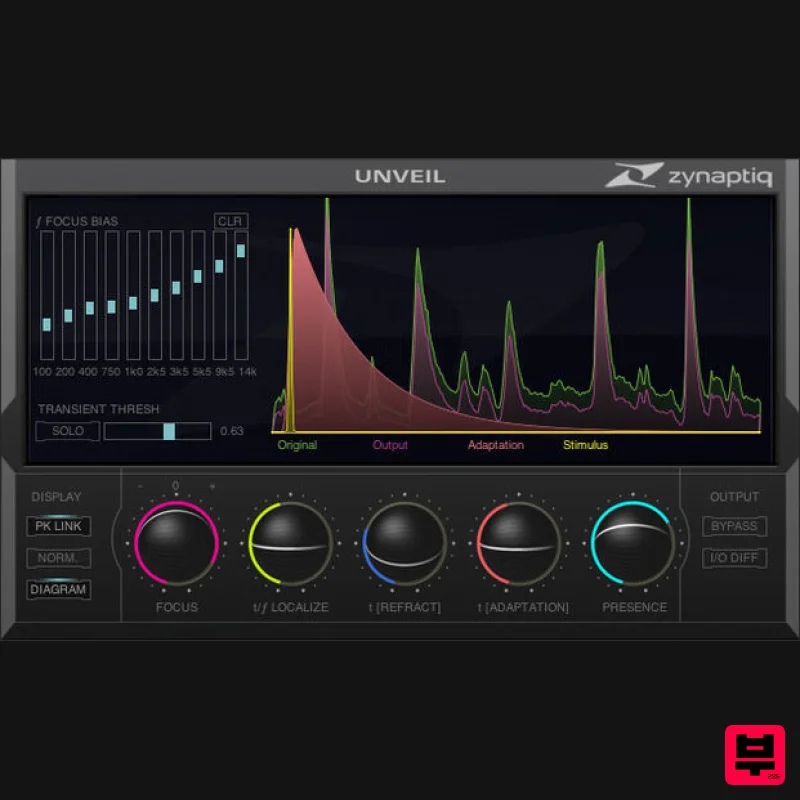
Zynaptiq UNVEIL
Audio Restoration

