
Waves Clarity Vx DeReverb
Professional music gear - detailed information and where to buy
Waves
Clarity Vx DeReverb
Product Info
* Prices may vary. Check retailer for current pricing and availability.
Product Description
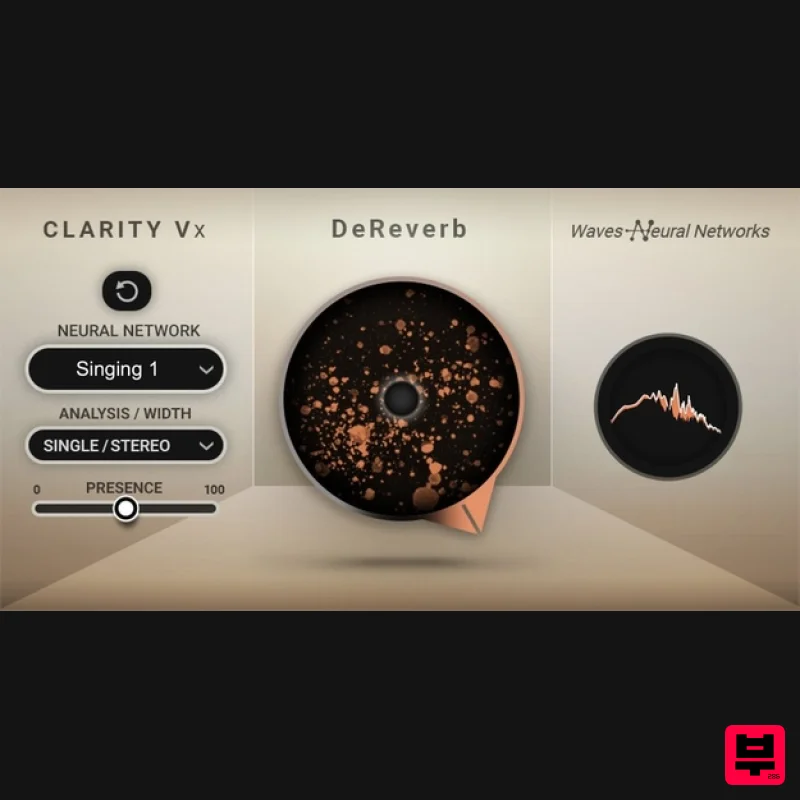
- Clarity Vx DeReverb Use AI to Make Any Vocal Usable
- No Matter the Room Clarity™ Vx DeReverb’s groundbreaking AI technology does the heavy lifting
- giving you professional-sounding vocal & dialogue recordings instantly
- at the highest fidelity. When you record in an untreated environment
- you also capture a serious amount of room sound. The vocals you’re working with might have more reverb & echo than they should
- and that can cloud your production and reduce focus. It could be a podcast shot in the living room. Or that inspired voice memo you recorded that’s perfect for your song—except it sounds too roomy. Or a clip from social media you want to sample. With Clarity
- you can say goodbye to all these room & reverb problems. Features Instant one-knob AI room & reverb removal for vocals & dialogue Solve room problems in any vocal or voice recording with ease The next generation of Clarity AI voice processing Make usable vocal samples that have too much reverb Record a spontaneous moment anywhere
- and remove room issues with Clarity Dedicated neural networks for dialogue (speech) and sung vocals Trained on all types of reverby spaces
- incl. long & short tails Acclaimed Waves Neural Networks® technology
- trusted by Grammy and Oscar winners System Requirements Mac macOS Monterey 12
- Ventura 13
- Sonoma 14
- Sequoia 15 VST / AU / AAX PC Windows 10+ VST / AAX 1. Head to https: //www.waves.com/create-account 2. Enter your email and choose a password to create an account (if you already have a Waves account
- choose Log in
- enter your details and head to Step 5) > click 'Submit' 3. Open your email inbox > click the activation link in the email from Waves 4. Click 'Log in here' > Log in to your Waves account 5. Click 'Register New Products' 6. Enter the Serial Number found in your Plugin Boutique user account > click 'Submit' 7. Click download in your Plugin Boutique user account or head to https: //www.waves.com/downloads/central > download the Waves Central app for your operating system 8. Install Waves Central > Open Waves Central 9. Click 'Log in' > enter your log in details 10. Click the 'Install Products' tab 11. Tick the blue dot on all products you wish to install or click the top dot to install all products > click 'Install & Activate' 12. Click 'OK' 13. Open your DAW > open the Waves plugin Your Waves plugins are installed and ready to use
- enjoy!
Additional Information
About the Waves Clarity Vx DeReverb
The Waves Clarity Vx DeReverb represents excellent craftsmanship in the Audio Restoration category.
Why Choose the Waves Clarity Vx DeReverb?
- •Authentic Waves craftsmanship and design
- •Versatile sound suitable for multiple musical genres
- •Professional build quality and reliable performance
- •Part of Waves's respected Audio Restoration lineup
Compare & Explore
Browse our complete selection of Waves instruments or explore other Audio Restoration options. Use our comparison tools to find the perfect match for your musical style and budget.
Similar Products
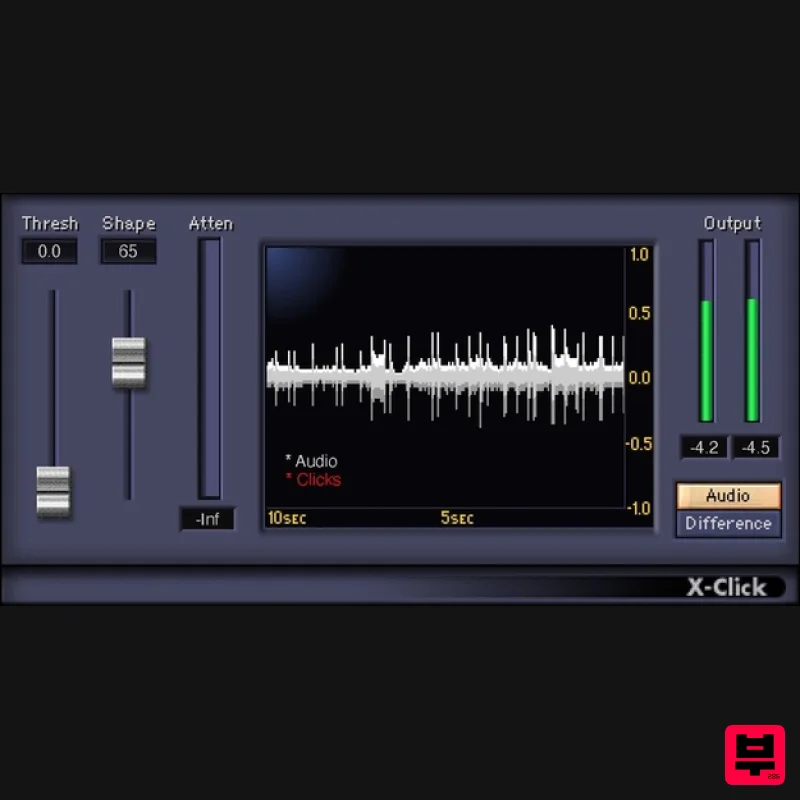
Waves X-Click
Audio Restoration
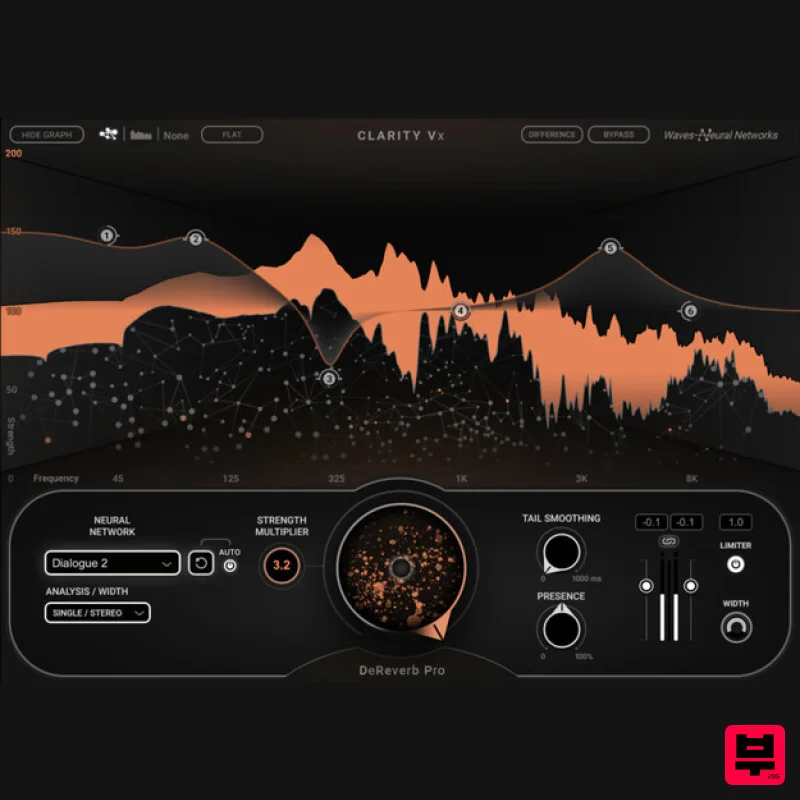
Waves Clarity Vx DeReverb Pro
Audio Restoration
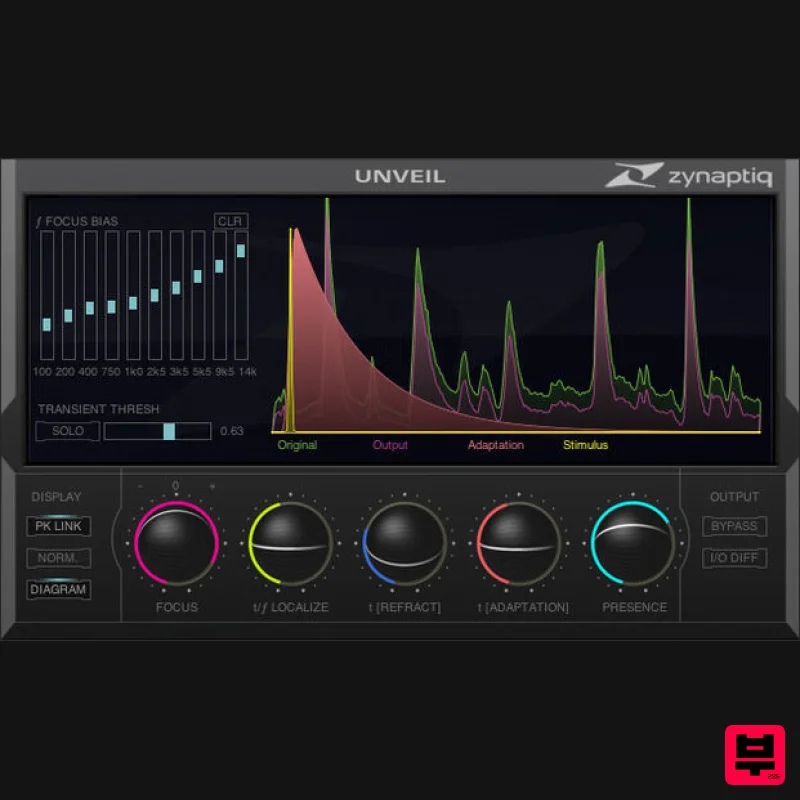
Zynaptiq UNVEIL
Audio Restoration
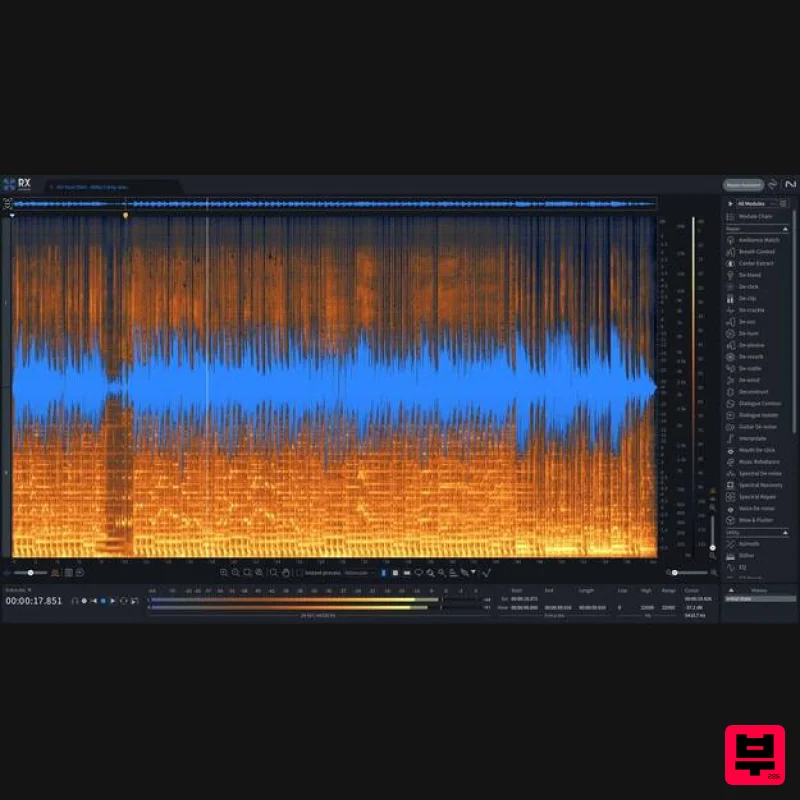
iZotope RX 11 Advanced Educational Version
Audio Restoration
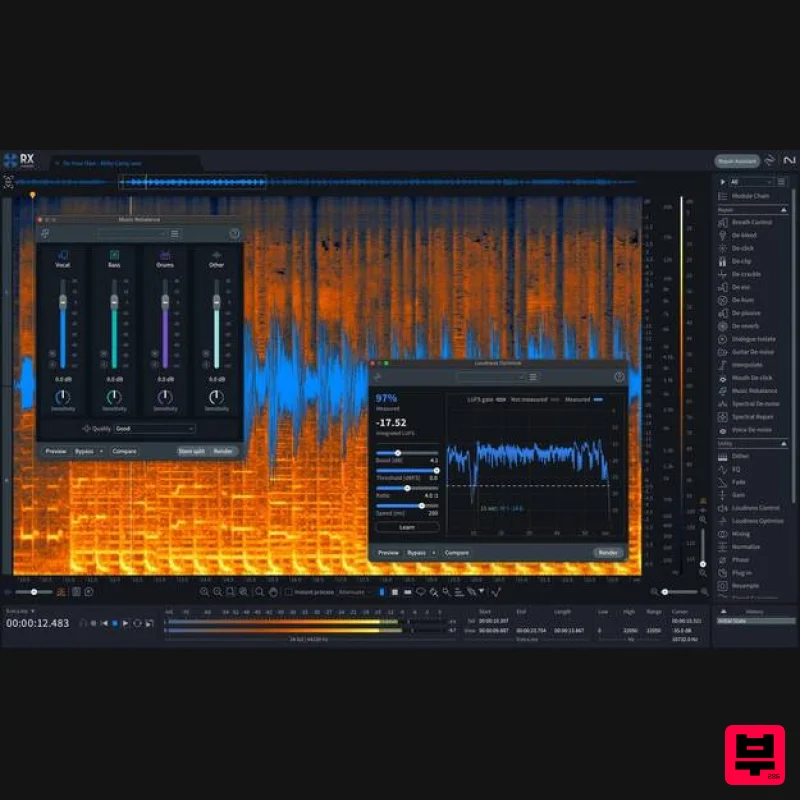
iZotope RX 11 Standard
Audio Restoration
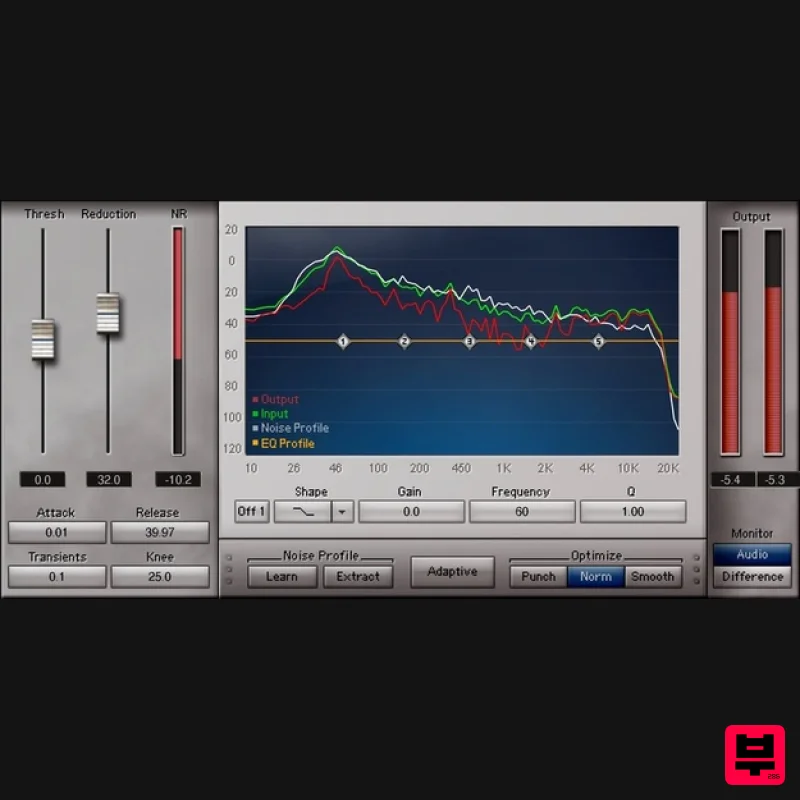
Waves Z-Noise
Audio Restoration
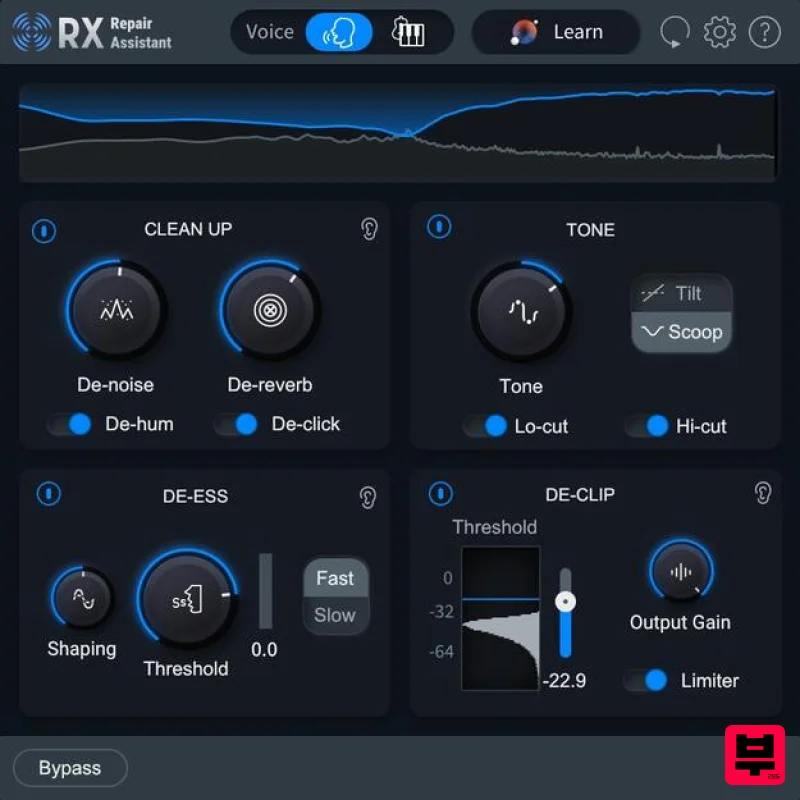
iZotope RX 11 Elements Educational Version
Audio Restoration
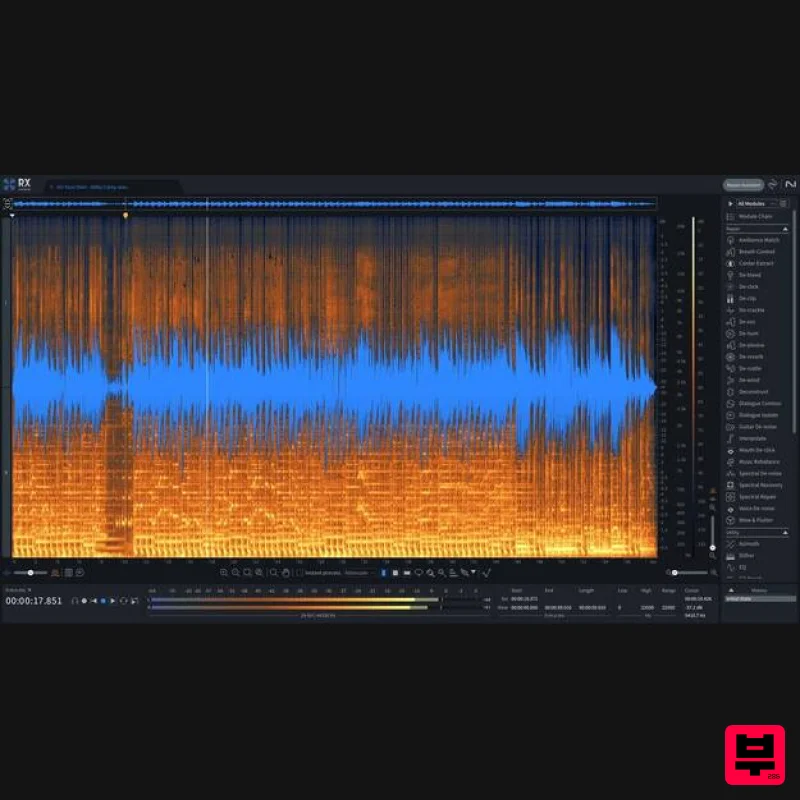
iZotope RX 11 Advanced
Audio Restoration

