
Waves Abbey Road TG Mastering Chain
Professional music gear - detailed information and where to buy
Product Description
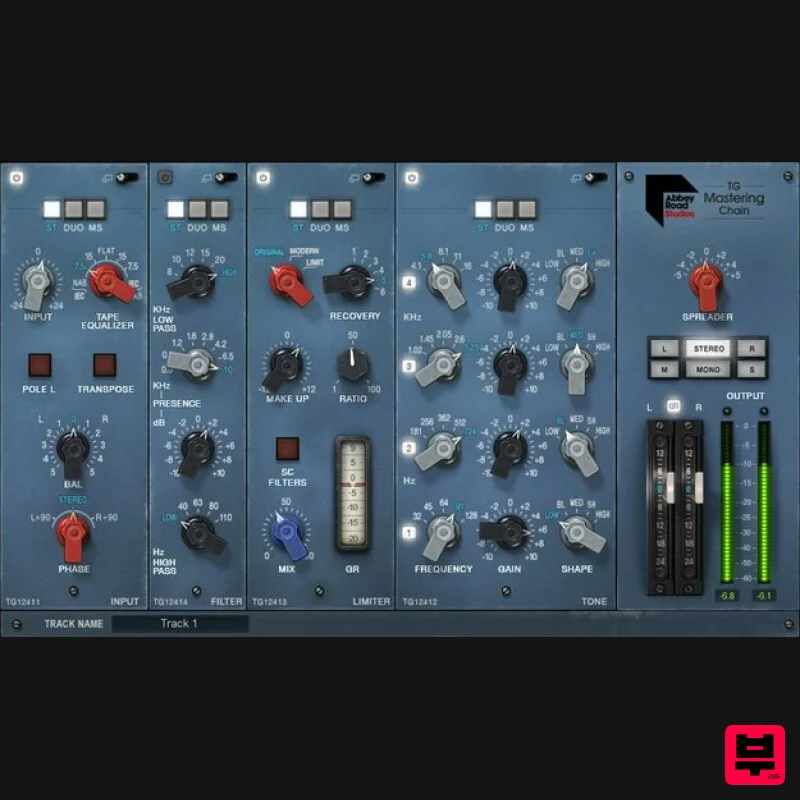
- Abbey Road TG Mastering Chain Abbey Road’s Complete Mastering Chain—In Your Hands From the 70s to today
- from Pink Floyd to Ed Sheeran
- the EMI TG12410 Transfer Console has defined the Abbey Road Studios sound. At long last
- Waves has modeled this magical mastering chain down to the very last detail
- and added modern touches designed with Abbey Road Studios. With modular Input
- Tone
- Compression/Limiting
- Filter/EQ
- and Output/Stereo Spread sections—now you can give Abbey Road’s distinctive sonic flavoring and control to your masters
- buses
- groups
- and even individual tracks. Features Includes all 5 modules of the original TG12410 mastering desk Designed in close collaboration with Abbey Road Studios Re-order the Tone
- Limiter
- and Filter modules for custom chains Extreme flexibility—from vintage warmth
- to cinematic clarity 170 presets from superstar mix engineers Two limiting flavors: aggressive Original and pristine Modern Each module is expandable for extra control Process in stereo
- dual mono
- or mid-sides Includes the Abbey Road TG Meter Bridge plugin Monitor your mixes and masters in Mono
- Stereo
- M/S Live component optimized for live sound: ultra-low latency
- low CPU 48 dB/Oct linear phase sidechain filters added System Requirements Mac macOS Monterey 12
- Ventura 13
- Sonoma 14
- Sequoia 15 VST / AU / AAX PC Windows 10+ VST / AAX 1. Head to https: //www.waves.com/create-account 2. Enter your email and choose a password to create an account (if you already have a Waves account
- choose Log in
- enter your details and head to Step 5) > click 'Submit' 3. Open your email inbox > click the activation link in the email from Waves 4. Click 'Log in here' > Log in to your Waves account 5. Click 'Register New Products' 6. Enter the Serial Number found in your Plugin Boutique user account > click 'Submit' 7. Click download in your Plugin Boutique user account or head to https: //www.waves.com/downloads/central > download the Waves Central app for your operating system 8. Install Waves Central > Open Waves Central 9. Click 'Log in' > enter your log in details 10. Click the 'Install Products' tab 11. Tick the blue dot on all products you wish to install or click the top dot to install all products > click 'Install & Activate' 12. Click 'OK' 13. Open your DAW > open the Waves plugin Your Waves plugins are installed and ready to use
- enjoy!
Additional Information
About the Waves Abbey Road TG Mastering Chain
Experience the quality and tone that makes the Waves Abbey Road TG Mastering Chain a popular choice for musicians.
Why Choose the Waves Abbey Road TG Mastering Chain?
- •Authentic Waves craftsmanship and design
- •Versatile sound suitable for multiple musical genres
- •Professional build quality and reliable performance
- •Part of Waves's respected Mastering lineup
Compare & Explore
Browse our complete selection of Waves instruments or explore other Mastering options. Use our comparison tools to find the perfect match for your musical style and budget.
Similar Products
IK Multimedia One
Mastering
$125
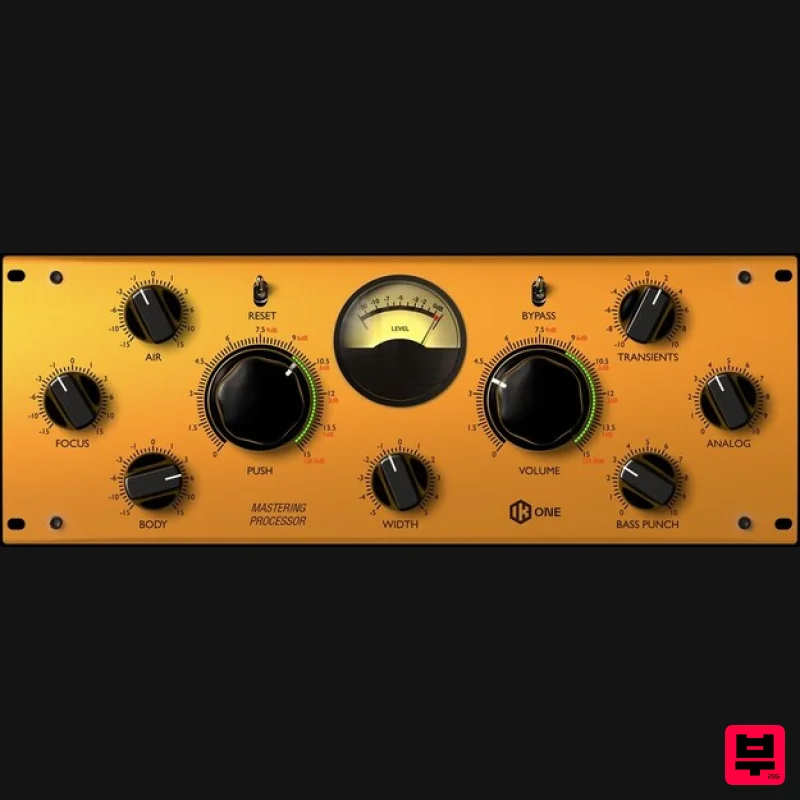
Mastering Processor All-in-one mastering and mixing processor The new One processor was designed as an "all-in-one"...
NUGEN Audio MasterCheck 2
Mastering
$250
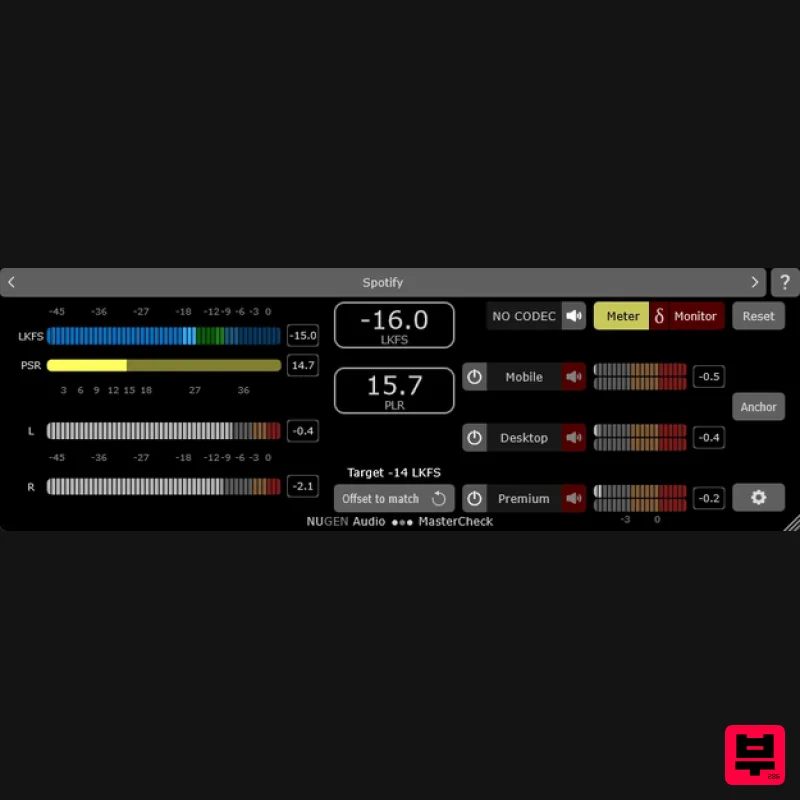
One Master. Every Platform. Verified. A gift from the future MasterCheck is an optimisation plug-in for cross-platform...
PSP Audioware PSP auralControl
Mastering
$104
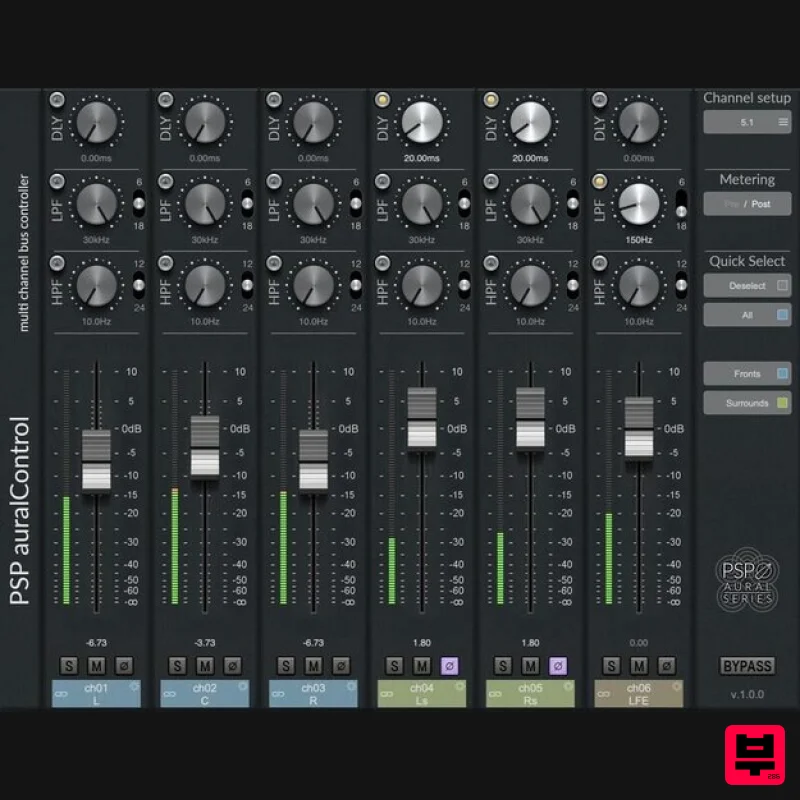
Impressively Immersive PSP auralControl (AAX, VST3, AudioUnit) is an essential tool for multichannel tracking, mixing...
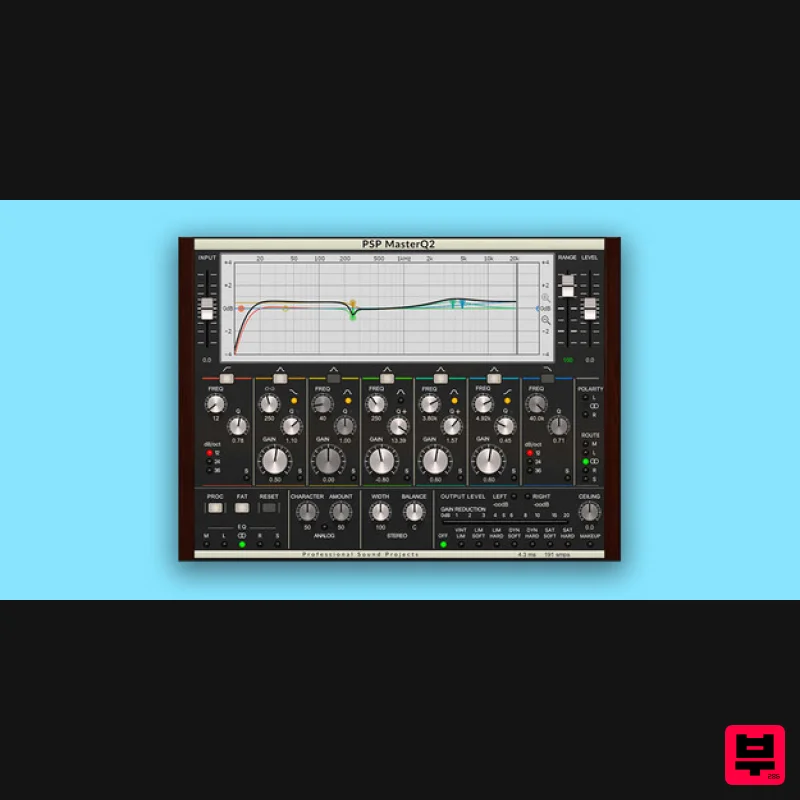
PSP Audioware PSP MasterQ2
Mastering
$156
Musical, Creative, Quality Typically, mastering equalisers are purely focused on the process of equalization, but PSP...
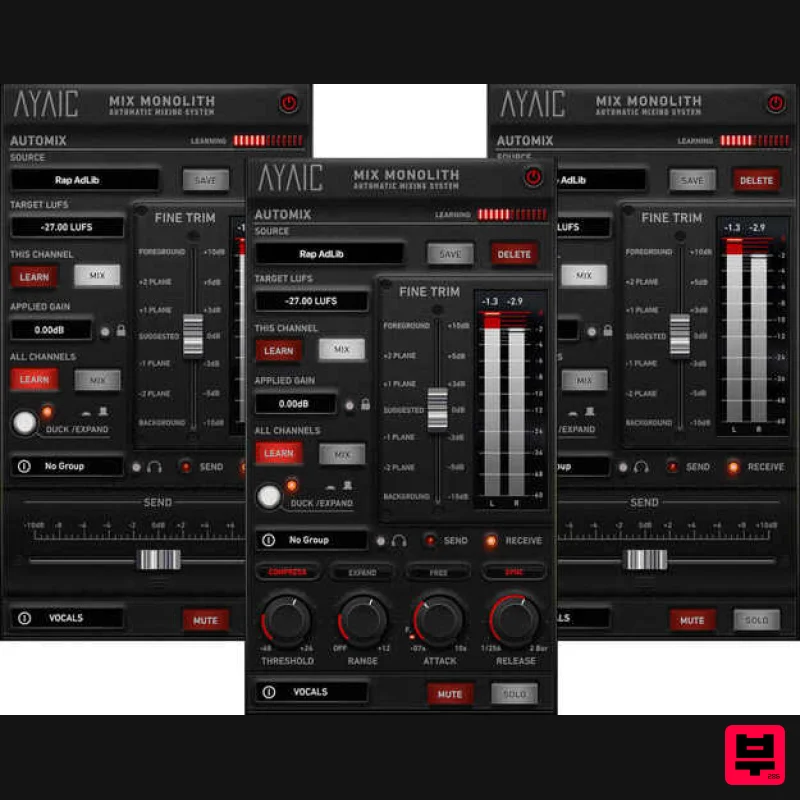
AYAIC Mix Monolith
Mastering
$283
A Unique And Efficient Approach To Mixing The Mix Monolith is another industry first from AYAIC. It is an Automatic...
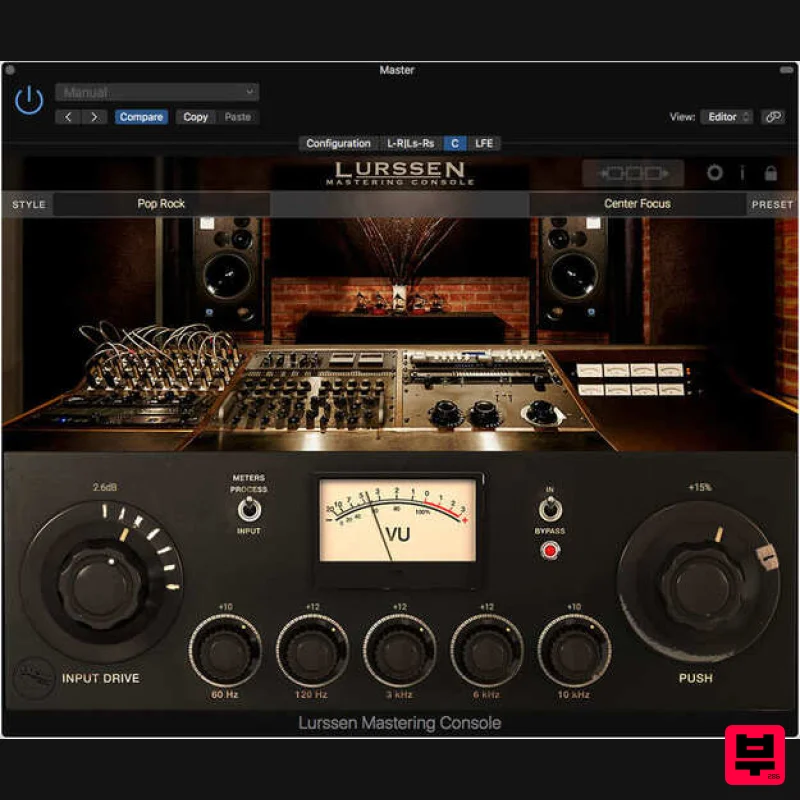
IK Multimedia Lurssen Mastering Console
Mastering
$125
The mastering software/app greater than the sum of its parts Master your music with the secret techniques, workflow...
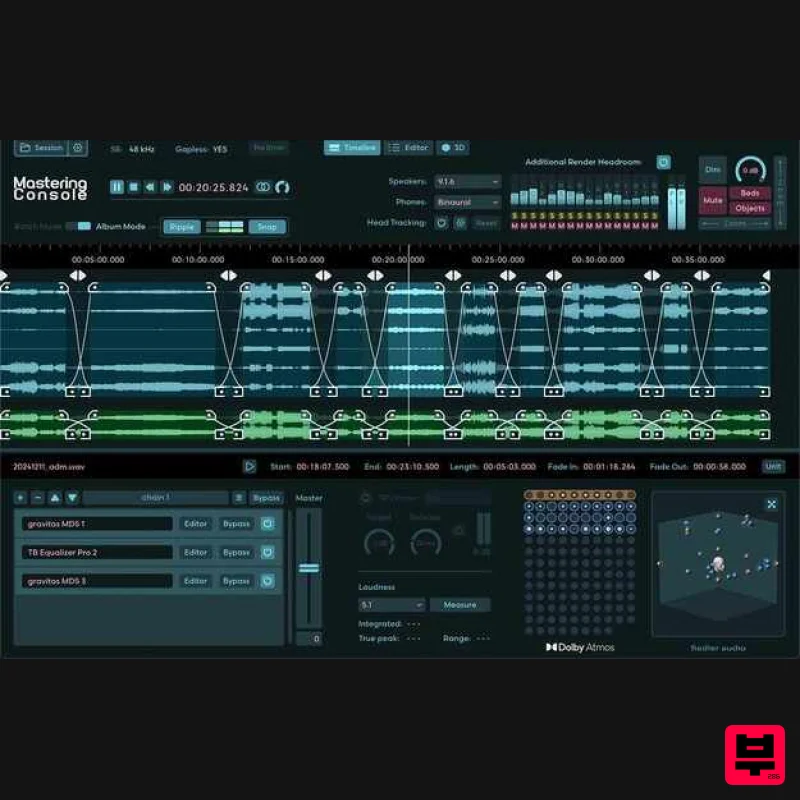
Fiedler Audio Mastering Console 2
Mastering
$417
Dolby Atmos mastering, as it should be Do you want to master your ADM/BWF files, just like you know it from...
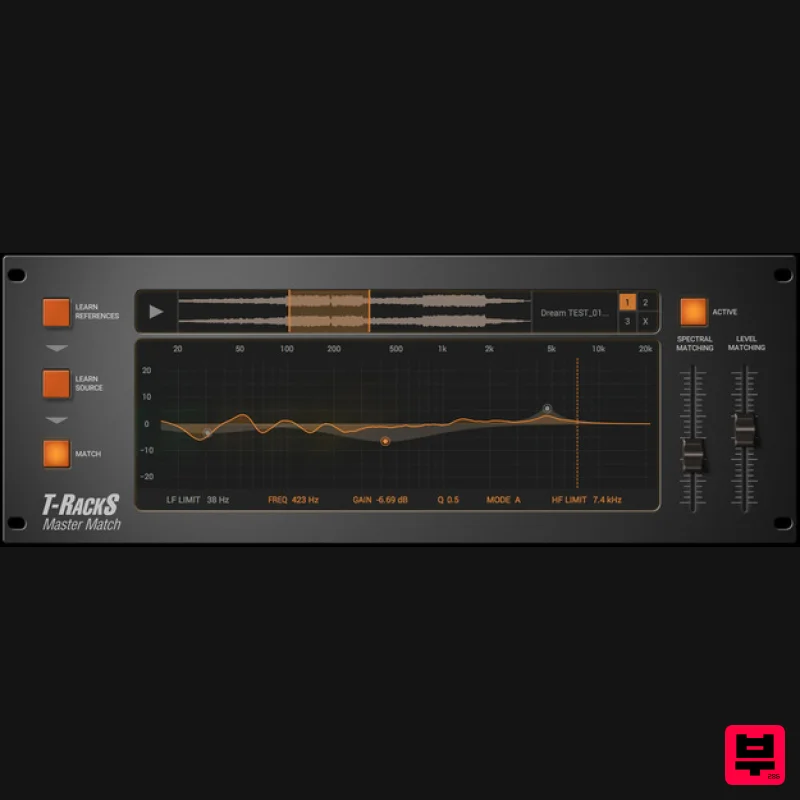
IK Multimedia Master Match
Mastering
$125
Masterfully done Match your mixes to your favorites automatically! The Master Match module is an entirely new type of...
Frequently Asked Questions
The Waves Abbey Road TG Mastering Chain stands out for its exceptional Waves craftsmanship and innovative design.
Yes! With its affordable price point and quality construction, it's perfect for learning mastering.
Browse the similar products section to see how it stacks up against other mastering.

