
AYAIC Mix Monolith
Professional music gear - detailed information and where to buy
Product Description
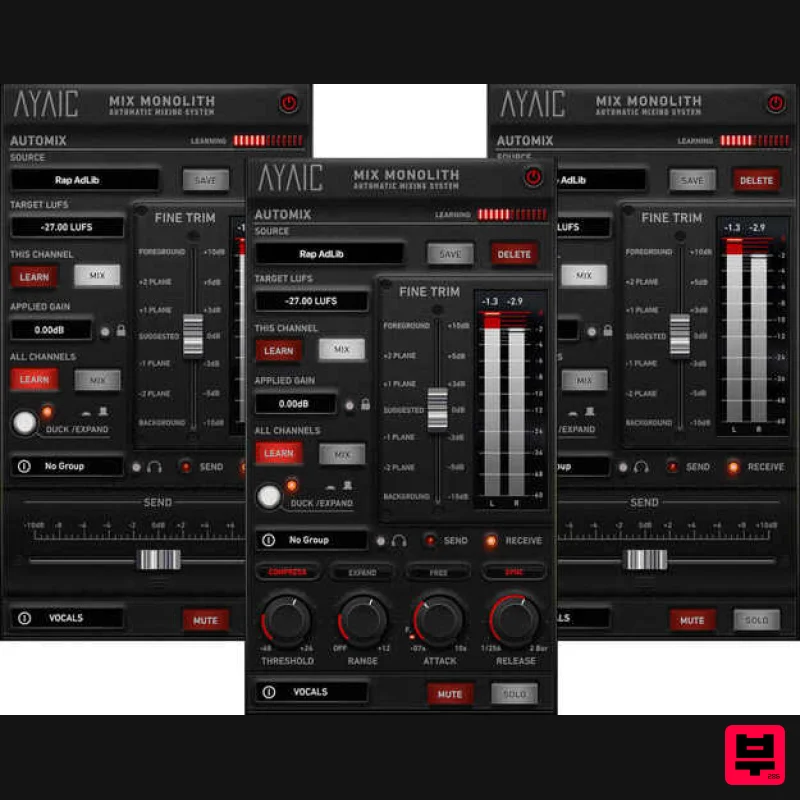
- A Unique And Efficient Approach To Mixing The Mix Monolith is another industry first from AYAIC. It is an Automatic Mixing System that allows you to level your tracks perfectly in any environment using level-planes. From individual tracks
- to buss groups
- to FX channels
- to your master fader
- the Mix Monolith will quickly and easily create a mix that is balanced and open. When paired with AYAIC's Ceilings Of Sound Pro / Hyper-EQ you'll be able to conform the Hyper-EQ to interesting new ceiling shapes then immediately hear how things sit in the mix. The 2-Pass Process Watch the video in the carousel above to learn how just 2-passes of the Monolith can take your mix right up to the finish line. From completely unmixed (all faders at 0db) to tracks leveled to stereo busses leveled and sounding great...in just 2-passes of your song. Mix Monolith and level-planes make it possible. Whether you are a Producer
- Mix/Mastering Engineer
- Musician or Singer/Songwriter
- the Mix Monolith will have you creating professional sounding mixes at an unbelievable speed. Features Add as many Monoliths as you need...they will all function as one entity. "All Channels" LEARN/MIX feature will LEARN/MIX every Monolith in your session. "This Channel" LEARN/MIX feature will LEARN/MIX a single Monolith. Infinite DUCK/EXPAND and MUTE groups. Fully automatable "level-plane" fader. "Free" mode for time-based Attack/Release settings. "Sync" mode for host-synced note-based Attack/Release settings. "F" feature locks the Attack to a fast .07ms when in "Sync" mode. Instantly move elements forward/backward with the "level-plane" fader. "Applied gain" locking feature. System Requirements Display resolution: larger than 1280 x 800 Memory: 4GB RAM Supported Plugin Formats AAX
- AU
- VST2
- VST3 AYAIC plug-ins require an iLok2 or iLok3 USB key
- or an iLok manager account and an iLok cloud session for authorization Supported Operating Systems Mac OS 10.10 through 13 Windows 7 through 11 Mac Intel Core 13/15/17/Xeon-M1/M2 (minimum 2GHz recommended) PC Intel Core 13/15/17/Xeon/AMD Quad-Core or newer Butch Vig "Mixing can be an arduous process to master. Finding the right level balances can be tricky. Mix Monolith gets you 90% of the way there with the click of a button saving hours of work
- the rest of the way is your own creativity. It's an incredibly useful tool in your sonic arsenal." Mark Lamar “I’ve been using Mix Monolith on every mix over the last year and it is simply remarkable! I can work quicker and have more time for creating the fun stuff...Mix Monolith is my deserted island plug in." Note: COS Pro is used as an example. Registration 1. Launch the iLok License Manager application > Sign into your account. 2. Enter your iLok user ID and password > Click 'Sign in'. 3. Navigate to the top-right of the iLok License Manager window
- and click the 'Redeem an Activation Code' button
- as marked below. 4. You should have now received a new email from Moog Music titled 'Your Moogerfooger Effects Plug-ins Activation Code and Downloads'. Copy and paste the iLok license code from within this email into the pop-up window within iLok License Manager. Click 'Next'. 5. Select an activation location
- then click 'Redeem'. 6. Your licence has now been activated
- and you are ready to install your software. Installation Mac 1. Download the installation file from within your Plugin Boutique User Account
- and unzip its contents. Launch the enclosed .pkg file. 2. Click 'Continue'. 3. Click 'Continue'. 4. Click 'Install'. 5. Once the installation process has completed
- click 'Close'. 6. Upon launching your DAW
- you may encounter an iLok activation window. If so
- click 'Activate'. 7. Having already completed registration for your product in the previous steps (see 'Registration')
- click 'Skip'. 8. Enter your iLok credentials
- and click 'Next'. 9. Launch the plugin within your DAW
- and enjoy! Windows 1. Download the installation file from within your Plugin Boutique User Account
- and unzip its contents. Launch the enclosed .exe file. 2. Select which elements you would like to install
- then click 'Next'. 3. Click 'Install'. 4. Once the installation process has completed
- click 'Finish'. 5. Upon launching your DAW
- you may encounter an iLok activation window. If so
- click 'Activate'. 6. Having already completed registration for your product in the previous steps (see 'Registration')
- click 'Skip'. 7. Enter your iLok credentials
- and click 'Next'. 8. Launch the plugin within your DAW
- and enjoy!
Additional Information
About the AYAIC Mix Monolith
Experience the quality and tone that makes the AYAIC Mix Monolith a popular choice for musicians.
Why Choose the AYAIC Mix Monolith?
- •Authentic AYAIC craftsmanship and design
- •Versatile sound suitable for multiple musical genres
- •Professional build quality and reliable performance
- •Part of AYAIC's respected Mastering lineup
Compare & Explore
Browse our complete selection of AYAIC instruments or explore other Mastering options. Use our comparison tools to find the perfect match for your musical style and budget.
Similar Products
NUGEN Audio MasterCheck 2
Mastering
$250
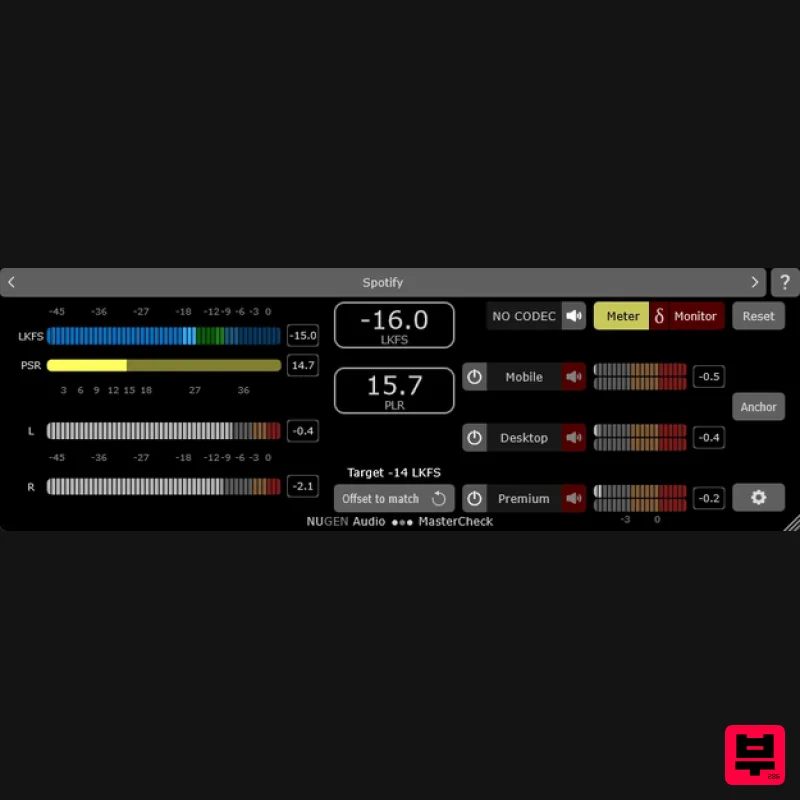
One Master. Every Platform. Verified. A gift from the future MasterCheck is an optimisation plug-in for cross-platform...
IK Multimedia Master Match
Mastering
$125
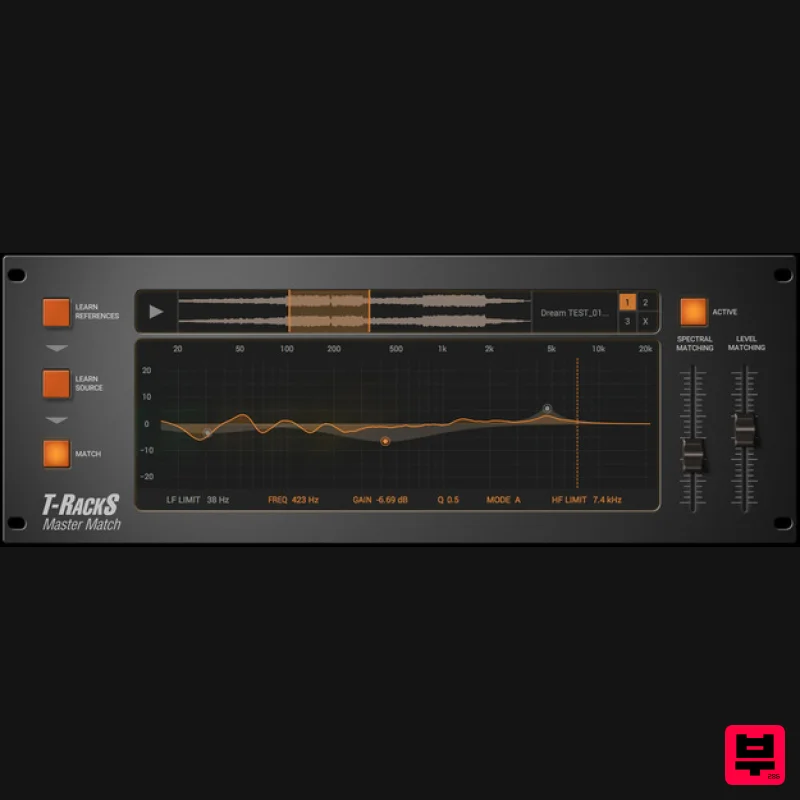
Masterfully done Match your mixes to your favorites automatically! The Master Match module is an entirely new type of...
PSP Audioware PSP MasterQ2
Mastering
$156
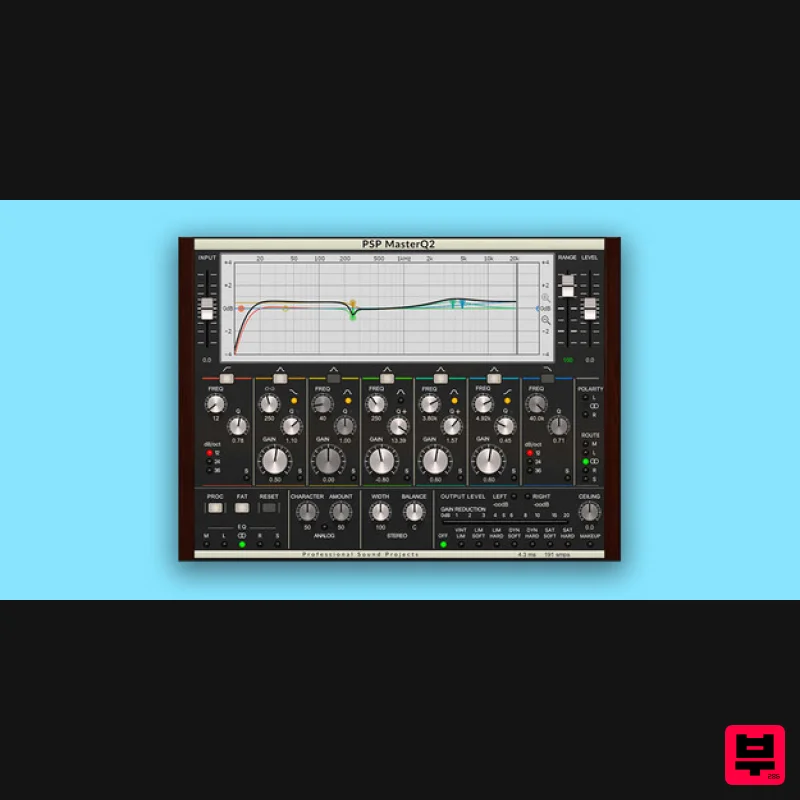
Musical, Creative, Quality Typically, mastering equalisers are purely focused on the process of equalization, but PSP...
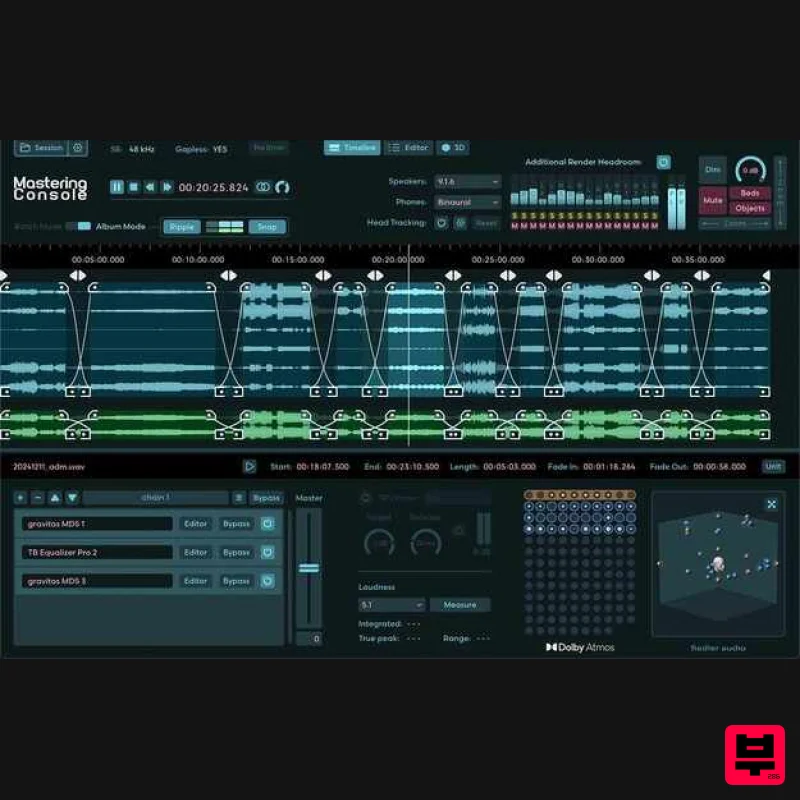
Fiedler Audio Mastering Console 2
Mastering
$417
Dolby Atmos mastering, as it should be Do you want to master your ADM/BWF files, just like you know it from...
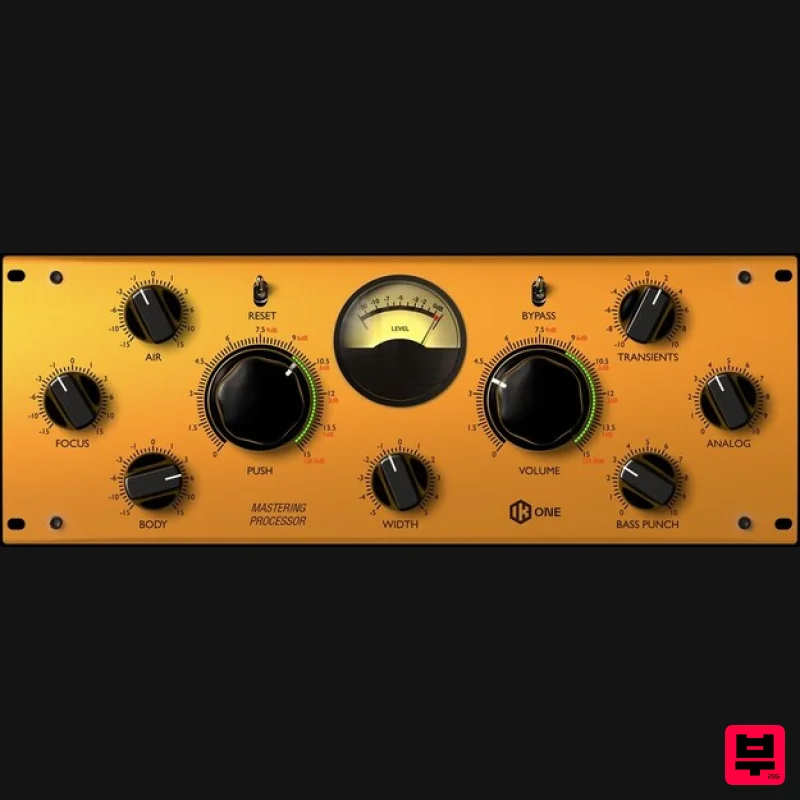
IK Multimedia One
Mastering
$125
Mastering Processor All-in-one mastering and mixing processor The new One processor was designed as an "all-in-one"...
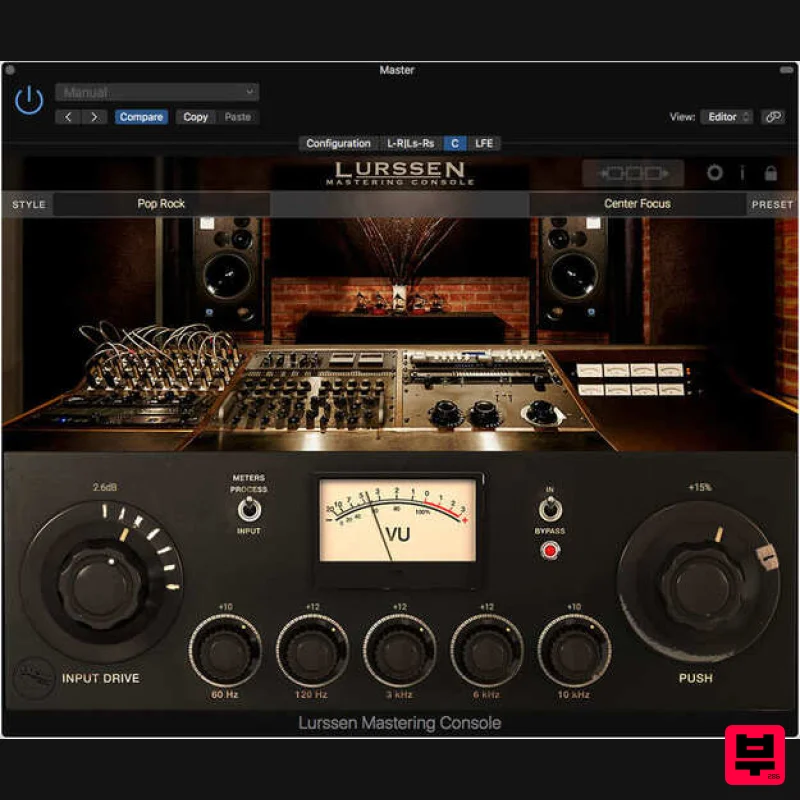
IK Multimedia Lurssen Mastering Console
Mastering
$125
The mastering software/app greater than the sum of its parts Master your music with the secret techniques, workflow...
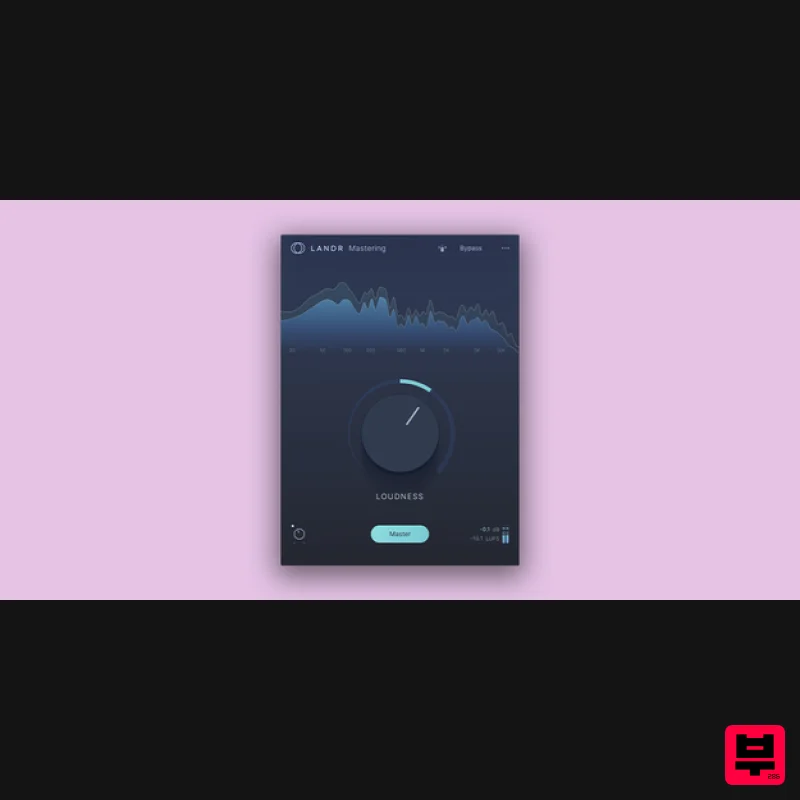
LANDR LANDR Mastering Plugin SE
Mastering
$200
It just got even easier to put the world's best AI mastering engine right in your DAW. Introducing a new, streamlined...
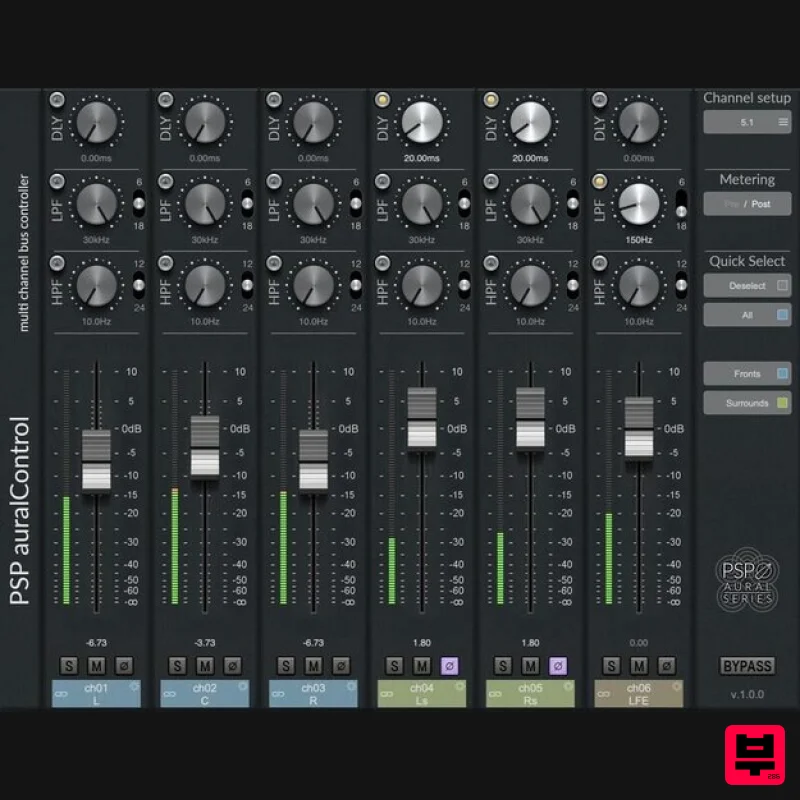
PSP Audioware PSP auralControl
Mastering
$104
Impressively Immersive PSP auralControl (AAX, VST3, AudioUnit) is an essential tool for multichannel tracking, mixing...
Frequently Asked Questions
The AYAIC Mix Monolith stands out for its exceptional AYAIC craftsmanship and innovative design.
Yes! With its affordable price point and quality construction, it's perfect for learning mastering.
Browse the similar products section to see how it stacks up against other mastering.

