
PSP Audioware PSP auralControl
Professional music gear - detailed information and where to buy
PSP Audioware
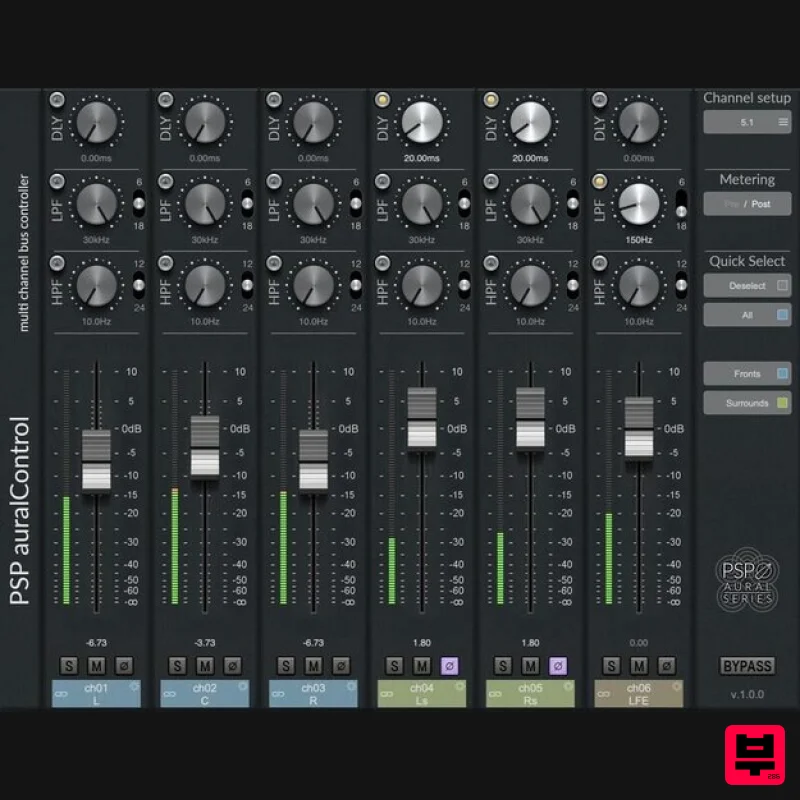
PSP auralControl
Product Info
* Prices may vary. Check retailer for current pricing and availability.
Product Description
- Impressively Immersive PSP auralControl (AAX
- VST3
- AudioUnit) is an essential tool for multichannel tracking
- mixing and mastering. Its aim is to individually adjust level
- polarity
- bandwidth and timing for each individual channel in the multichannel set. Predefined industry standard multichannel formats
- grouping capability
- and displaying all features on a single screen makes the PSP auralControl a time saver in a virtually every surround project. Whether dealing with imbalances in the multichannel live stem
- addressing problems with a multichannel reverb track
- not wanting to limit the spectrum content of the LFE or ceiling speakers
- or adjusting the center channel timing and level in reference to left and right – PSP auralControl offers a straight-forward solution to these problems. Typical Uses Re-balancing multichannel stems. Monitoring of multichannel buses: you have peak meters for each channel and can mute or solo desired channels on multichannel buses – for example to check SIDEs on a multichannel reverb send. Gain staging for multichannel buses: you can control the level of each channel with ease – for example bring up REARs on effect sends
- reduce LFE. Simple multichannel operations: you have direct access to basic HPF and LPF filters for each channel – for example to roll-off LFE with LPF or to leave only “air” on TOPs with HPF. Advanced effect operations: you have access to a Delay section to setup unique depths for multichannel mixes – for example you can put a multi-mono instance of PSP 2445 on a multichannel reverb send
- creating a type of "big monophonic reverb.” With PSP auralControl you can roll off LFE
- set different frequency ranges and levels for FRONTs
- REARs
- SIDEs and TOPs and set different pre-delays for each channel group to produce a full-sounding multichannel reverb. Advanced level riding: you have access to channel groups and record automation with relative or reversed linking (reversed linking – for example bringing up FRONT levels while reducing REAR levels). Advanced Mid-Side operations: you have access to Mid-Side processing of Stereo tracks Features Level control faders with Peak Meters on each channel. Adjustable Delay Time
- High-Pass and Low-Pass Filters. Mute and Solo buttons on each channel. All parameters may be controlled in Predefined or Custom Groups
- or Individually for each channel in the multichannel set. Predefined industry standard multichannel formats from two-channel Left-Right or Mid-Side Stereo to 7.1.4 System Requirements PC Windows 7 – Windows 11 VST
- VST 3 and AAX The latest iLok License Manager application installed Mac macOS 10.12 – macOS 13 Ventura (Apple Silicon Supported) VST
- VST 3
- AAX and AU The latest iLok License Manager application installed Please Note: PSP VintageWarmer2 is used as an example. Activation 1. Visit the PSP Registration Centre and create/log into your PSPaudioware account. 2. Select the Manual Product Activation link and copy and paste/manually enter the serial number that is provided with your User Account. > click 'Activate!.' 3. Your PSP product will now show up in your PSP customer account. Your 30-digit iLok activation code will also be listed under authorization (PACE). Download the relevant installer. iLok Registration 1. Go to the iLok website and create a new account if you are not currently registered and do not have the iLok Licence Manager installed on your computer. 2. Download and install the iLok License Manager. 3. Open your iLok license manager application > click 'Sign In'. 4. Enter your iLok registered User ID and password > click ‘Sign In'. 5. Once you are signed in
- click the ‘Redeem’ icon which is located at the top-right corner of the iLok Licence Manager’s interface. 6. Copy and paste/manually enter the 30-digit code from your PSP Audioware account into the available Activation Code boxes
- and then click ‘Next'. 7. Select your activation destination > Click 'Activate'. 8. Click 'Ok'. Installation Mac 1. Open the recently downloaded .dmg file to begin the installation. 2. Click 'Continue'. 3. Click 'Continue'. 4. Click 'Continue'. 5. Click 'Agree'. 6. Click 'Continue'. 7. Click 'Install'. 8. Click 'Close'. 9. Open your DAW > Open your newly installed software. Your software is now activated and ready to use. PC 1. Open the recently downloaded .exe file to begin the installation. 2. Click 'Next >'. 3. Select 'I Accept the Agreement' > Click 'Next'. 4. Click 'Next >'. 5. Click 'Next'. 6. Click 'Next'. 7. Click 'Next' to begin the installation. 8. Click 'Finish'. 9. Open your DAW > Open your newly installed software. Your software is now activated and ready to use.
Additional Information
About the PSP Audioware PSP auralControl
Discover the distinctive sound and feel of the PSP Audioware PSP auralControl, a standout choice among Mastering .
Why Choose the PSP Audioware PSP auralControl?
- •Authentic PSP Audioware craftsmanship and design
- •Versatile sound suitable for multiple musical genres
- •Professional build quality and reliable performance
- •Part of PSP Audioware's respected Mastering lineup
Compare & Explore
Browse our complete selection of PSP Audioware instruments or explore other Mastering options. Use our comparison tools to find the perfect match for your musical style and budget.
Similar Products
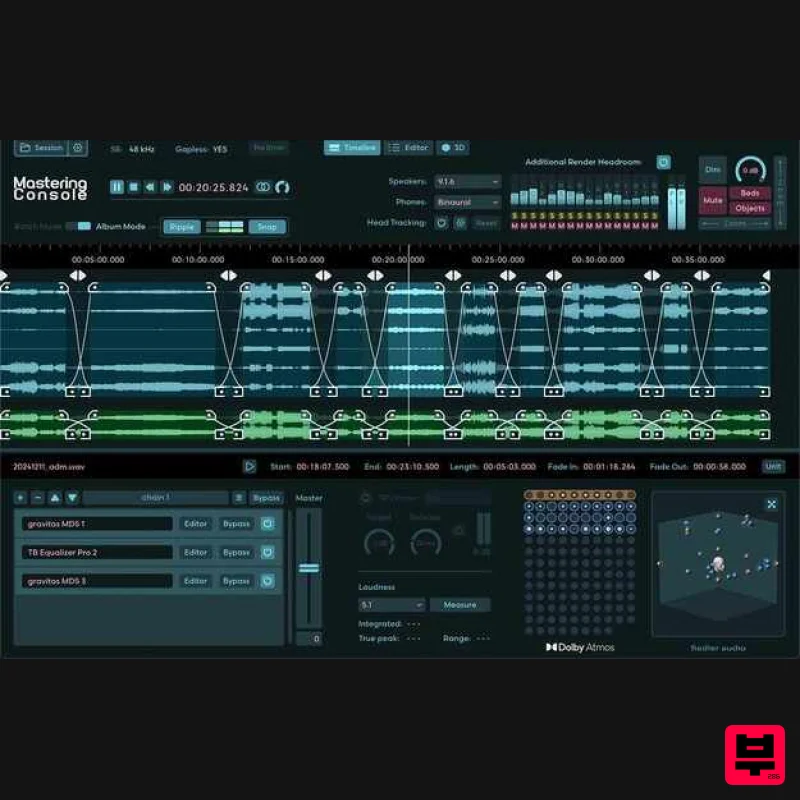
Fiedler Audio Mastering Console 2
Mastering
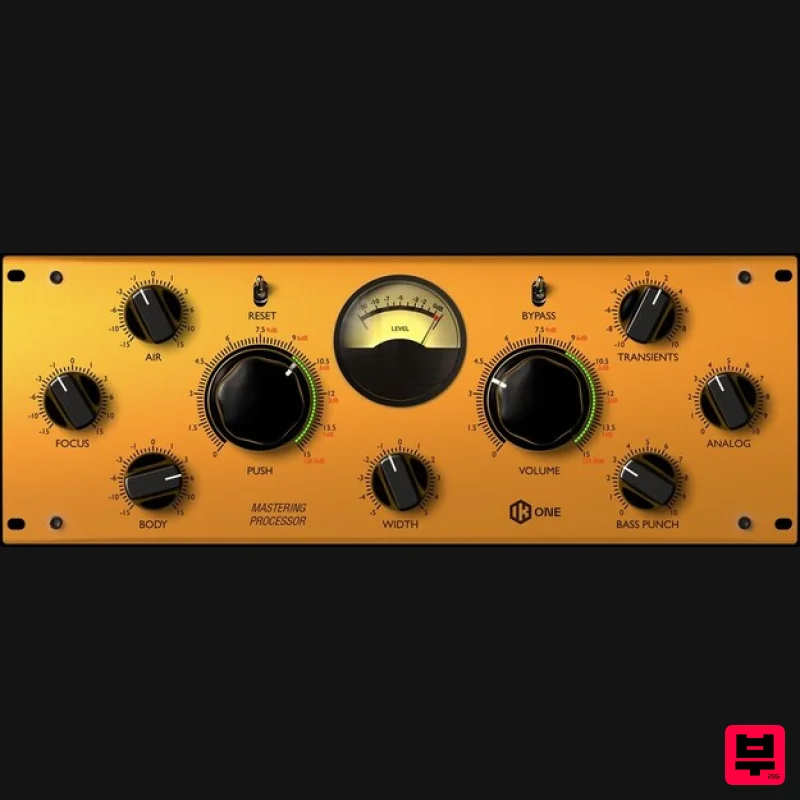
IK Multimedia One
Mastering
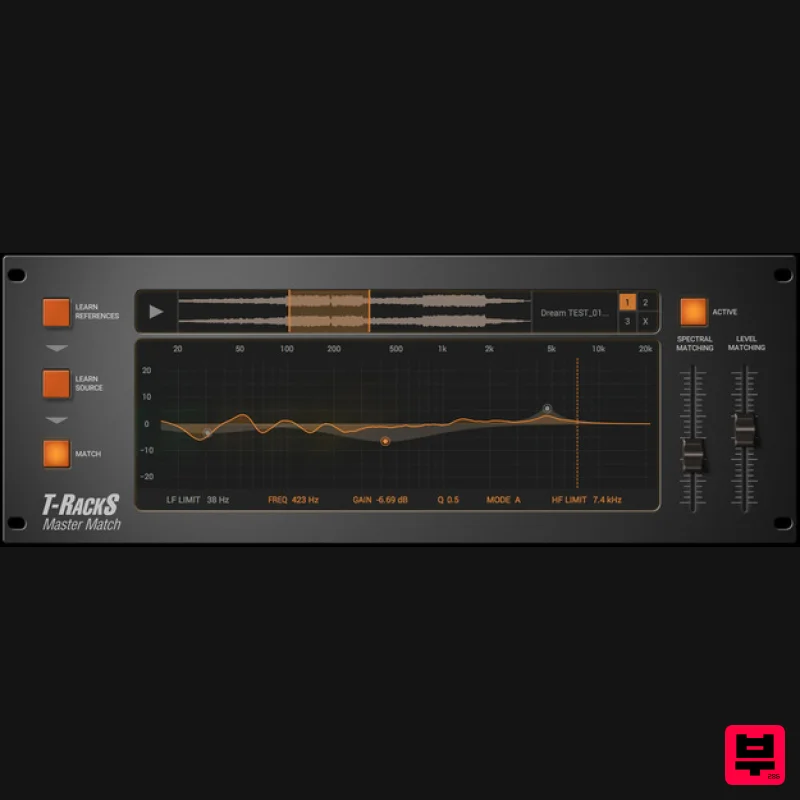
IK Multimedia Master Match
Mastering
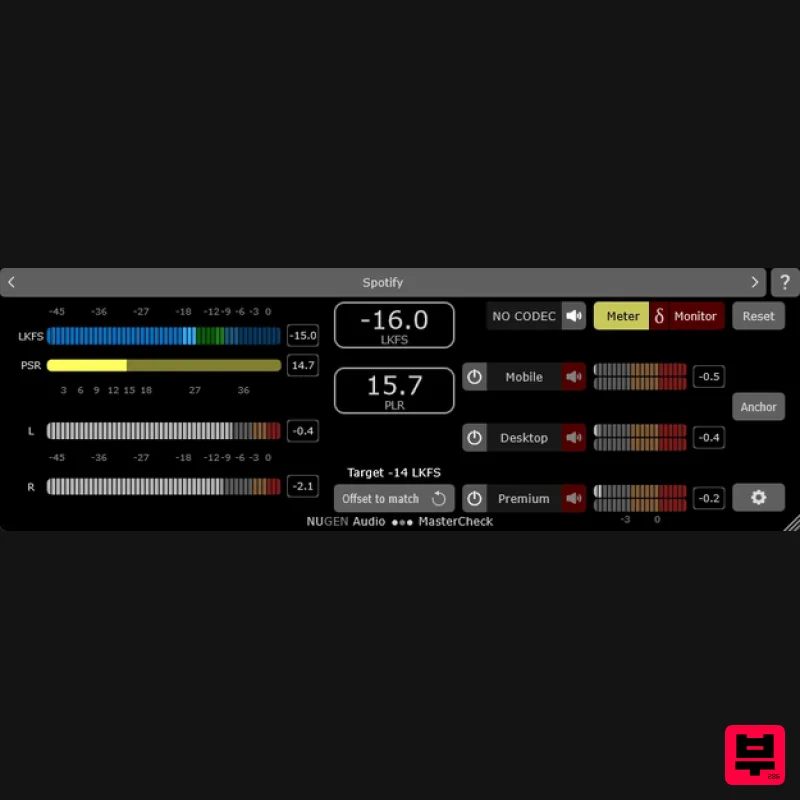
NUGEN Audio MasterCheck 2
Mastering
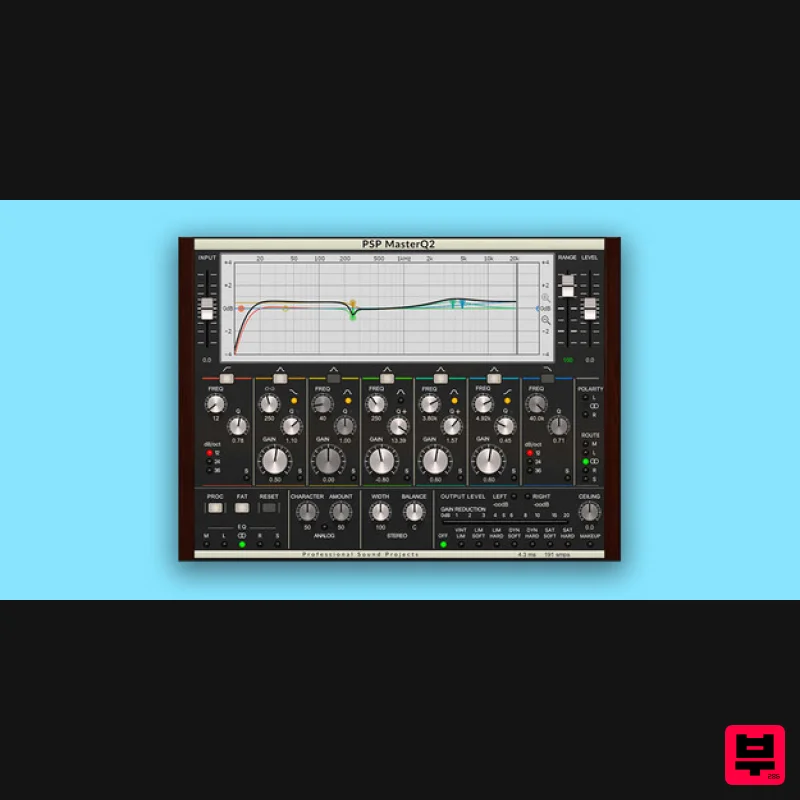
PSP Audioware PSP MasterQ2
Mastering
LANDR LANDR Mastering Plugin SE
Mastering
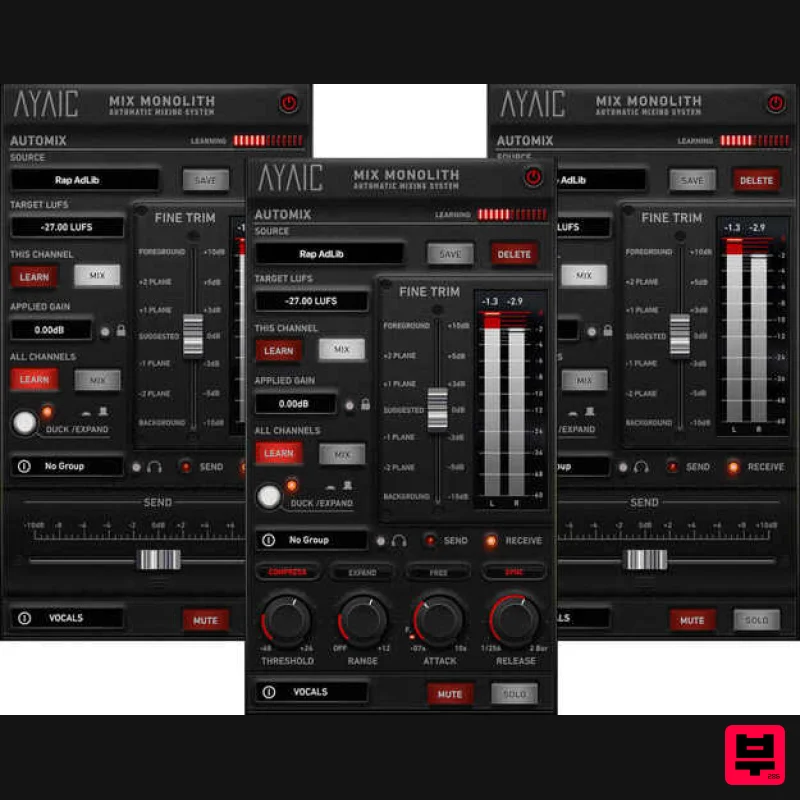
AYAIC Mix Monolith
Mastering
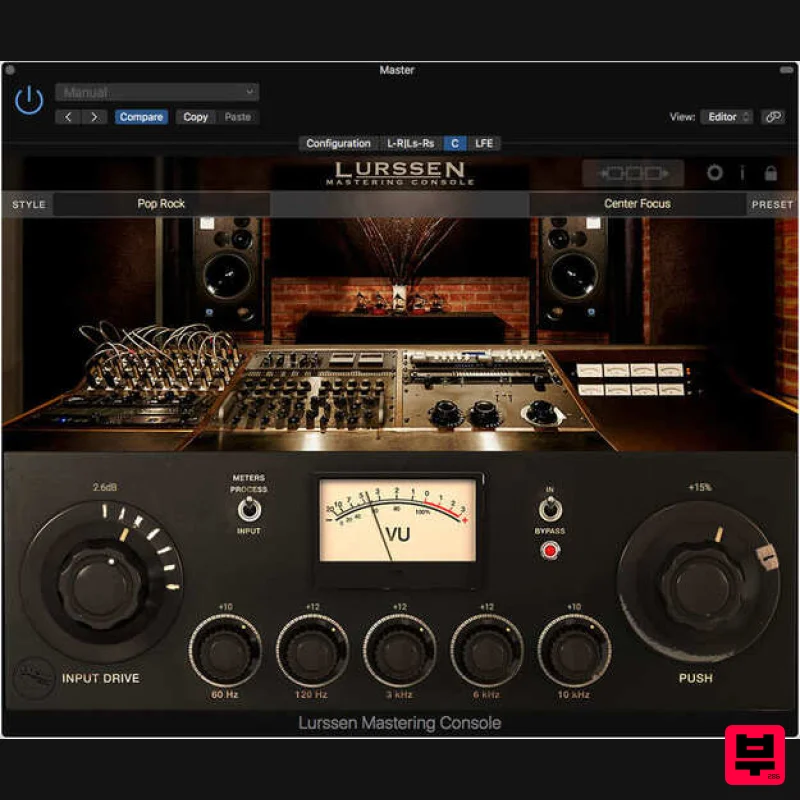
IK Multimedia Lurssen Mastering Console
Mastering

