
Venomode Phrasebox 2
Professional music gear - detailed information and where to buy
Venomode
Phrasebox 2
Product Info
* Prices may vary. Check retailer for current pricing and availability.
Product Description
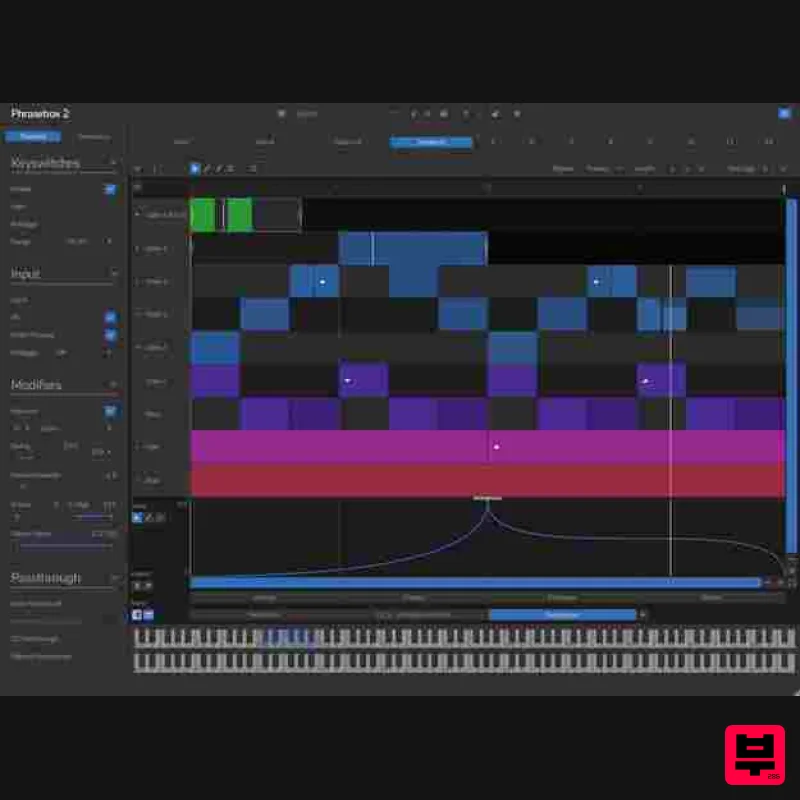
- Phrasebox 2 Phrase Arpeggiator Phrase Arpeggiation Phrasebox goes beyond traditional arpeggiators
- letting you create polyphonic
- multi-channel phrases from simple MIDI chords. Incoming notes are mapped to rows in Phrasebox based on rules you define
- making it easy to build complex sequences and explore new ideas. Change the notes you play
- and the output reshapes instantly. Freeform Editing Edit notes with complete freedom
- without fixed steps or restrictions on timing and length. Phrases can be as short as a beat or as long as a full arrangement
- and playback probabilities help keep them organic and evolving. Creative Timing Create polyrhythms and Euclidean patterns with note repeats that follow a grid or even spacing. Each row has independent loop points
- and phrases can loop infinitely or to a set count. Multi-Channel MIDI Automation Add expression to your phrases with controller lanes for any MIDI CC. Automate sustain pedals
- filters
- pitch bends
- and more across multiple channels. Phrasebox can even operate in controller-only mode
- letting you add automation to your existing MIDI. Advanced Row Logic Work with unlimited rows
- each with its own rule. Use different MIDI channels and transpositions
- even when supplying just one note. Organise your phrases with custom names
- colours
- and row order to organise complex polyphonic phrases. Instant Phrase Generation Need inspiration fast? Use Phrasebox's built-in generator to create unique phrases in seconds. Set your rules for notes and controller data
- hit a button
- and explore endless musical ideas that are instantly playable. System Requirements Windows Windows 10 and later (64-bit only) VST / VST3 / AAX compatible DAW Mac macOS 10.13 and later (M1 Apple Silicon supported) (64-bit only) VST2 / VST3 / AU / AAX compatible DAW Ubuntu Ubuntu 22.04 and later (64-bit only) VST2 / VST3 compatible DAW Note: Complexer 2 is used as the example Mac Registration 1. Go to https://venomode.com/redeem 2. Enter your Full Name
- Email Address
- Voucher (found in the 'Serial' section within your Plugin Boutique User Account) and Password > Click 'Register'. Installation 1. Within the section titled 'Registered Products'
- select the Mac OS X installer to download the installer file. 2. Open the .pkg file to begin the installation > Click 'Continue'. 3. Click 'Continue'. 4. Click 'Agree'. 5. Click 'Continue'. 6. Click 'Continue'. 7. Click 'Install'. 8. Enter your computer Username and Password > Click 'Install Software'. 9. The installation is complete > Click 'Close'. Activation Type 1 1. Open your newly-installed plugin in your DAW > Click the Gear icon at the top of the plugin window. 2. Enter your Name
- Email Address and Serial Number found in your Venomode user account > Click 'Register'. 3. Click 'Ok' > Restart your DAW. Activation Type 2 1. Open your newly-installed plugin in your DAW > Click the Gear icon at the top of the plugin window. 2. Go to your Venomode User Account > Click 'Copy' to copy your Keyfile to the clipboard. 3. Go back to the plugin in your DAW > Click 'Paste Keyfile'. 4. Click 'Ok' > Restart your DAW. Your software is now activated and ready to use within your DAW. Windows Registration 1. Go to https: //venomode.com/redeem 2. Enter your Full Name
- Email Address
- Voucher (found in the 'Serial' section within your Plugin Boutique User Account) and Password > Click 'Register'. Installation 1. Within the section titled 'Registered Products'
- select the Windows installer to download the installer file. 2. Open the .exe file to begin the installation > Select 'I Accept the Agreement' and click 'Next'. 3. Click 'Next'. 4. Click 'Next'. 5. Click 'Next'. 6. Click 'Install'. 7. Click 'Finish'. Activation Type 1 1. Open your newly-installed plugin in your DAW > Click the Gear icon at the top of the plugin window. 2. Enter your Name
- Email Address and Serial Number found in your Venomode User Account > Click 'Register'. 3. Click 'Ok' > Restart your DAW. Activation Type 2 1. Open your newly-installed plugin in your DAW > Click the Gear icon at the top of the plugin window. 2. Go to your Venomode User Account > Click 'Copy' to copy your Keyfile to the clipboard. 3. Go back to the plugin in your DAW > Click 'Paste Keyfile'. 4. Click 'Ok' > Restart your DAW. Your software is now activated and ready to use within your DAW.
Additional Information
About the Venomode Phrasebox 2
The Venomode Phrasebox 2 represents excellent craftsmanship in the Music Theory Tools category.
Why Choose the Venomode Phrasebox 2?
- •Authentic Venomode craftsmanship and design
- •Versatile sound suitable for multiple musical genres
- •Professional build quality and reliable performance
- •Part of Venomode's respected Music Theory Tools lineup
Compare & Explore
Browse our complete selection of Venomode instruments or explore other Music Theory Tools options. Use our comparison tools to find the perfect match for your musical style and budget.
Similar Products
Harvest Plugins CHORDS PRO + NOTES Upgrade From CHORDS
Music Theory Tools
W. A. Production InstaComposer 3 Upgrade from Instacomposer 2
Music Theory Tools
SongWish InstaComposer 2 Upgrade from InstaComposer 1
Music Theory Tools
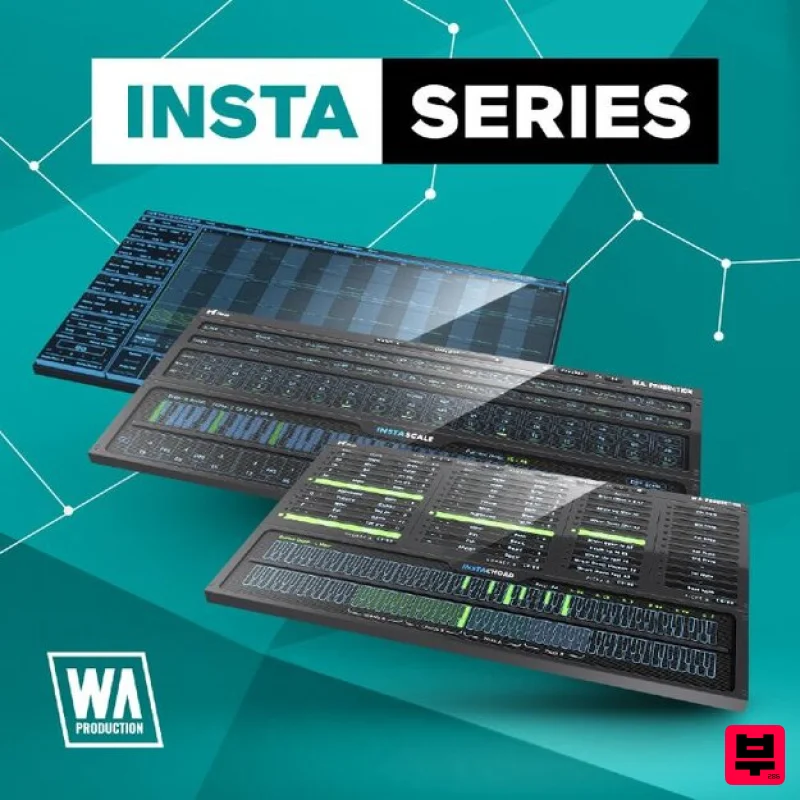
W. A. Production InstaSeries Bundle
Music Theory Tools
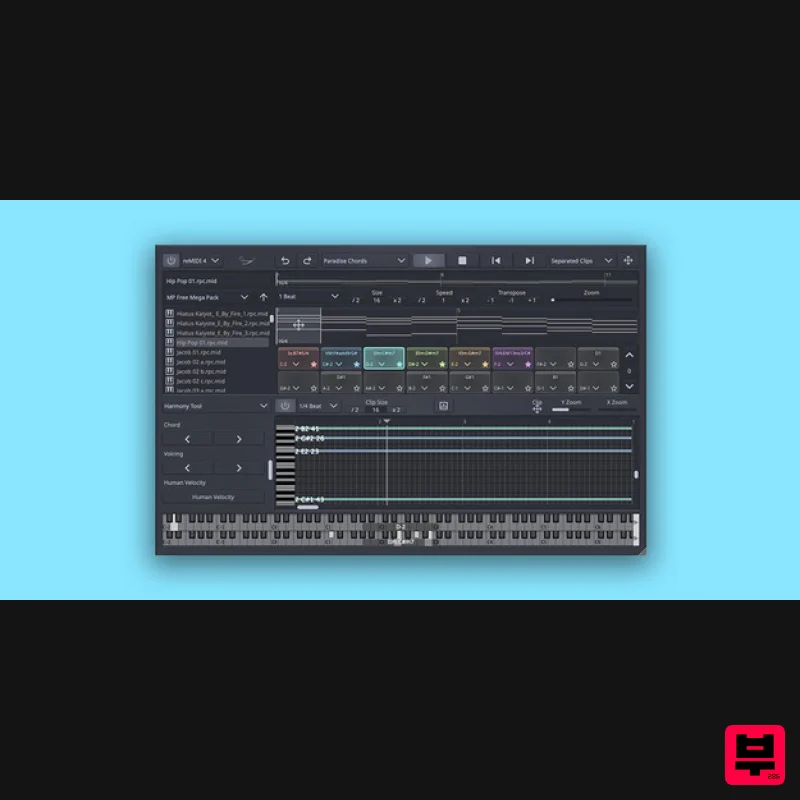
SongWish reMIDI 4 Upgrade from reMIDI 2
Music Theory Tools
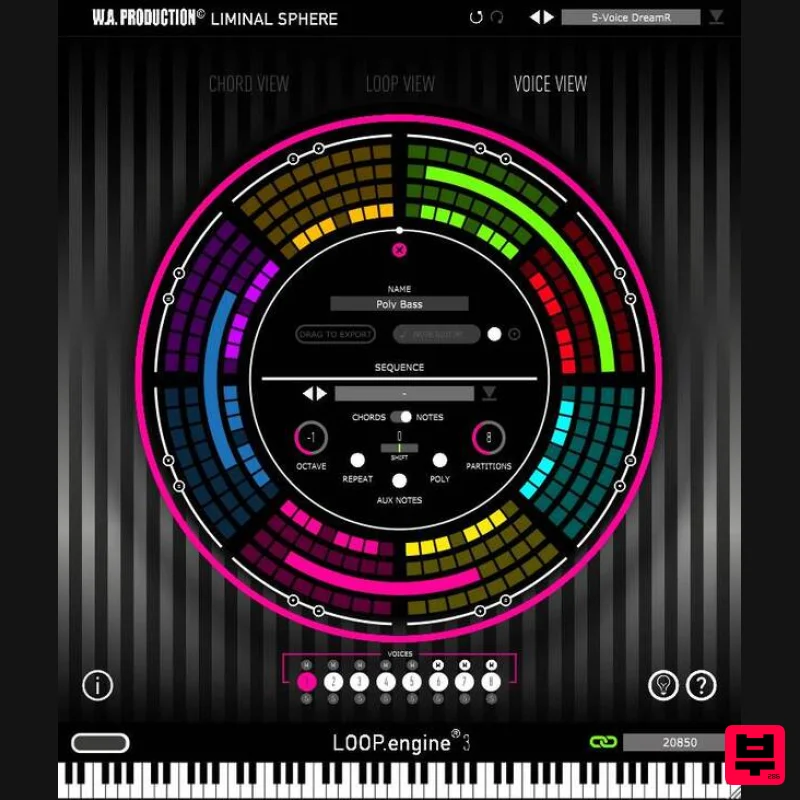
W. A. Production Loop Engine 3 Upgrade from Loop Engine 2
Music Theory Tools
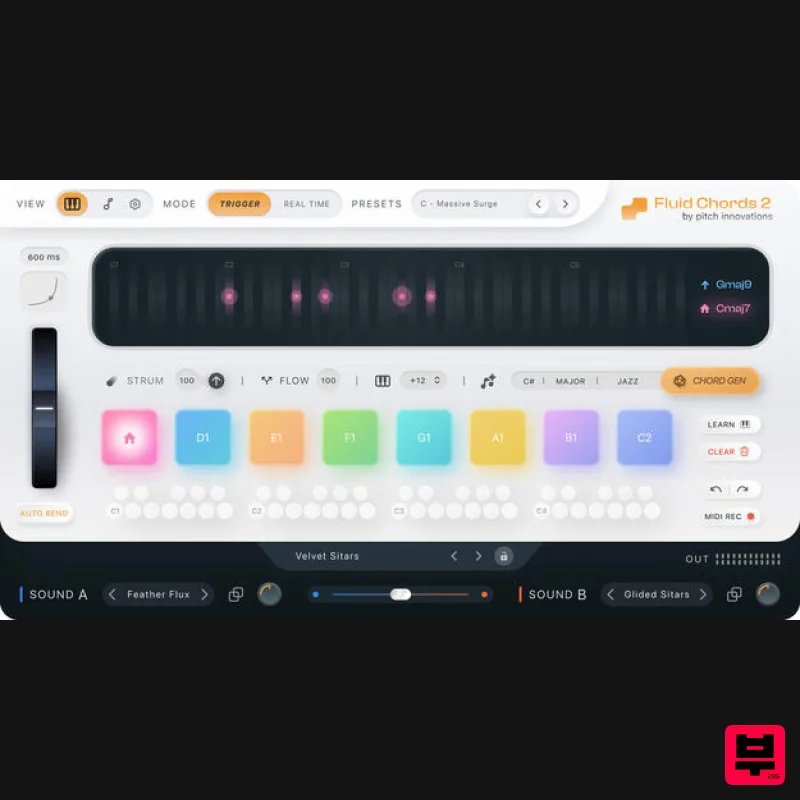
W. A. Production Fluid Chords 2 Upgrade from Fluid Chords
Music Theory Tools
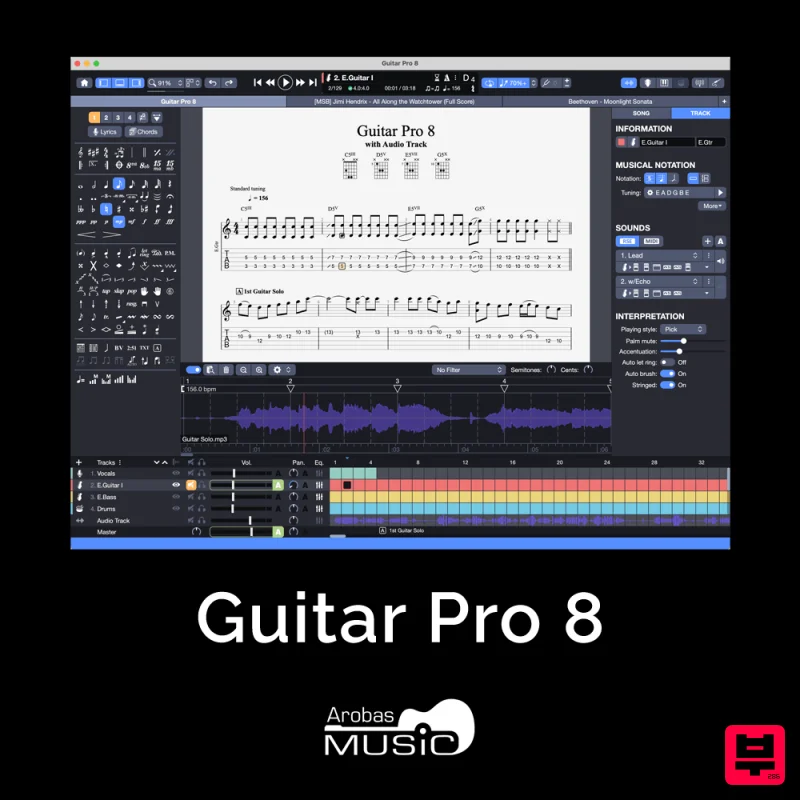
Arobas Music Guitar Pro 8
Music Theory Tools

