
W. A. Production Loop Engine 3 Upgrade from Loop Engine 2
Professional music gear - detailed information and where to buy
W. A. Production
Loop Engine 3 Upgrade from Loop Engine 2
Product Info
* Prices may vary. Check retailer for current pricing and availability.
Product Description
- Please note: This is an upgrade for owners of Loop Engine 2. The full purchase path can be found HERE LOOP EVOLUTION W. A. Production and Liminal Sphere proudly present Loop Engine 3
- the ultimate in looped MIDI generation
- designed to spark your creativity and elevate your tracks to the next level. Version 3 of Loop Engine features cutting-edge enhancements to workflow
- refined voice selection and a suite of new polyrhythmic and note-splitting tools. Building upon the solid foundation of previous iterations
- Loop Engine 3 breaks new ground for usability and flexibility. Conceived primarily for those who love loops
- the chord shapes and divisible segments are your jumping off point to generate intricate patterns like never before; inspiring riffs
- shuffling arps
- soaring melodies and complex polyrhythmic sequences. Originally designed for EDM producers
- Loop Engine 3 has evolved into a versatile tool capable of inspiring creativity across a myriad of genres. This innovative workstation effortlessly generates note progressions
- drawing inspiration from chord shapes and rules. Whether you’re seeking a fresh perspective on chord progressions
- or need an assistant to help out with melodies
- Loop Engine 3's intuitive circular interface invites you to experiment and explore. With a simple click of "create
- " this plugin will craft captivating sequences
- either playable in-plugin or ready to drag-and-drop into your DAW. WHAT’S NEW? Experience a refined workflow with a streamlined interface
- enhanced navigation
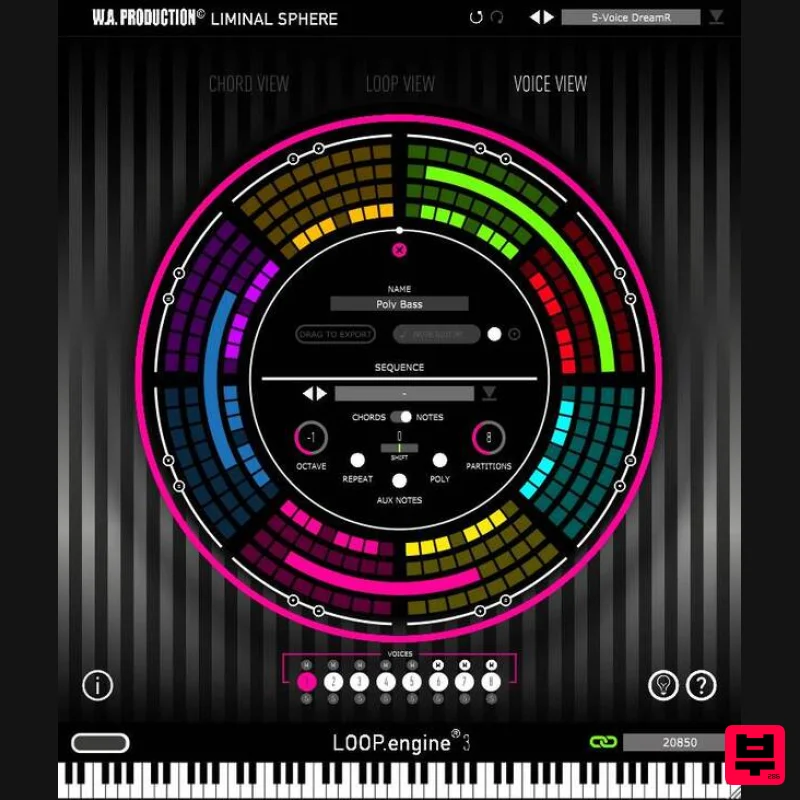
- and dedicated voice selection options. Direct View allows switching between 3 different views; Chord
- Loop & Voice The dedicated Listener plugin is intuitive
- with color-coded voice channels and easy routing options. Fine-tune your rhythmic precision with partition-free note length modifications
- creating elaborate melodies
- basslines
- arpeggios
- and rhythms that extend beyond conventional chord notes. Note Editor offers precise note placement and a scrollable piano roll for ultimate creative control. Undo functionality has been added for effortless editing. Discover the power of polyrhythms with the optimized poly function. Temporal Offset / Shift fine-tunes the micro-timing of notes for enhanced rhythmic precision. Add Aux notes automatically
- introducing tasteful passing notes to enrich chord transitions. Tie these to specific voices in the Listener plugin. Enhanced help gives you more guidance via the interface to maximise your experience with the plugin. CHORDS
- LOOPS & VOICES With 3 easily accessible viewing options
- it’s a simple process to choose (or generate) chords from a wide variety of inversions
- lengths
- speeds
- and keys. Fine-tune your entire riff or dive deeper with granular control over individual chord shapes
- inversions
- and velocity. Manipulate a broad spectrum of playback options for each chord with straightforward controls
- transforming chord shapes and inversions for novel sonic textures. Select from 21 chord Functions and apply different styles of Type and Tension
- bringing fresh sounds via Loop Engine 3’s Advanced Mode. With the overhauled Voice View you now have options for micro-timing adjustments
- splitting and extending notes beyond chord shapes
- adding passing Auxiliary notes and more. Don’t forget
- the new Undo option for speedy experimentation. POLYRHYTHMIC PERFORMANCE Craft intricate polyrhythmic patterns with the updated POLY feature
- allowing note-playing segments to weave together in mesmerising syncopation. Unleash self-generating melodies
- creating patterns that interact dynamically with changing chord segments. As always
- you can hear your adjustments in real time as you slide the polyrhythmic timing around the interface circle. LOOP ENGINE LISTENER Routing MIDI out of the Loop Engine 3 and into additional tracks is the secret sauce behind this plugin. This routing is achieved with an additional secondary plugin; Loop Engine Listener. Loop Engine outputs up to 8 independent color-coded MIDI voices that route quickly to Loop Engine Listener
- loaded onto instrument tracks in your DAW. Choose which voices supply which tracks
- and easily swap them with just a couple of clicks. New to Loop Engine 3
- choose which voices receive Auxiliary passing notes to spice up chord transitions. EXPORT MIDI To customise your chords and riffs even further
- drag and drop MIDI information from Loop Engine 3 directly into your DAW. Making your original patterns perfect for editing
- transposing
- and tweaking to fit your own personal style. POWERFUL PRESETS Loop Engine 3 offers an updated suite of categorised presets and a powerful preset manager
- where everything can be tagged to your preferences. With sequence presets for chords
- riffs
- arpeggios and more
- these presets make it easy to source musical motifs that can evolve into full tracks. Save your own creations as presets for future recall. W. A. Production are real-life producers making creative plugins to help you achieve studio quality processing quickly and easily. Enjoy! Features Multi-voice MIDI generator with complex options NEW workflow & editing functionality Connects to any DAW Route up to 8 voices from a single Loop Engine Loop Engine Listener plugin for routing voices to multiple tracks Myriad of chord types
- tensions & functions Creative randomization Intelligent harmonic progressions Expansive note partition controls Polyphonic generation Export MIDI Preset manager Resizable interface System Requirements Windows Windows 8 and later (64-bit only) Formats: VST2
- VST3
- AAX Mac macOS 10.13 and later (64-bit only) Formats: VST2
- VST3
- AU Please Note: AAX compatible with ProTools 11 and higher only. Important Note for Mac Apple Silicon users: Before purchasing
- please review the current compatibility status of this plugin on your system here. Registration and Activation Video <iframe frameborder="0" height="315" src="https: //www.youtube.com/embed/YJHtWvm8z0Y" width="560"></iframe> Please Note: CHORDS is used as an example. Registration 1. Click the Download button in your Plugin Boutique account or go to https://www.waproduction.com/users/login 2. Click 'Create New Account' (if you already have a W.A Production account
- enter your details
- log in and skip to step 5). 3. Enter your details > Choose your marketing preferences > Click 'Finish Registration'. 4. Your account has been registered > Click 'Register Plugin'. 5. On the license registration page
- enter the license key from your Plugin Boutique account (which will be referred to as 'serial number' on our site) > Click 'Add'. 6. Your product will now be displayed in your W.A Production account > Scroll down to My Orders and click 'View Order'. 7. Click 'Download Files'. 8. Click 'Download'. Mac Installation 1. Once the download is complete
- extract and open the ZIP folder you just downloaded > Open the Mac folder > Double-click the CHORDS .pkg installer file. 2. Click 'Continue'. 3. Read the Software License Agreement > Click 'Continue'. 4. Click 'Agree'. 5. Click 'Install'. 6. Click 'Close'. 7. Open CHORDS in your DAW. 8. Click the information icon in the bottom left-hand corner > Enter the serial number you were given in your W.A Production account > Click 'Authorize'. Your software is now ready to use in your DAW! Windows Installation 1. Once the download is complete
- extract and open the ZIP folder you just downloaded > Open the PC folder > Double-click the CHORDS PC installer file. 2. Click 'Next'. 3. Click 'Next'. 4. Select which plugin formats you would like to install > Click 'Next' > Click 'Install'. 5. Click 'Finish'. 6. Open CHORDS in your DAW. 7. Click the information icon in the bottom left-hand corner > Enter the serial number you were given in your W.A Production account > Click 'Authorize'. Your software is now activated and ready to use in your DAW!
Additional Information
About the W. A. Production Loop Engine 3 Upgrade from Loop Engine 2
The W. A. Production Loop Engine 3 Upgrade from Loop Engine 2 combines traditional design with modern performance for Music Theory Tools enthusiasts.
Why Choose the W. A. Production Loop Engine 3 Upgrade from Loop Engine 2?
- •Authentic W. A. Production craftsmanship and design
- •Versatile sound suitable for multiple musical genres
- •Professional build quality and reliable performance
- •Part of W. A. Production's respected Music Theory Tools lineup
Compare & Explore
Browse our complete selection of W. A. Production instruments or explore other Music Theory Tools options. Use our comparison tools to find the perfect match for your musical style and budget.
Similar Products
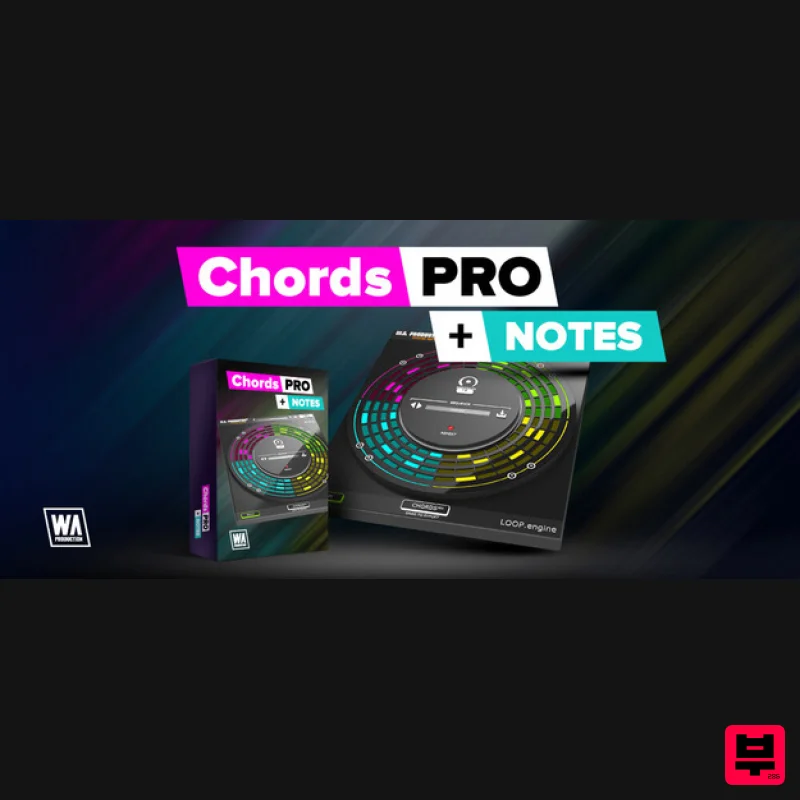
Harvest Plugins CHORDS PRO + NOTES Upgrade From CHORDS
Music Theory Tools
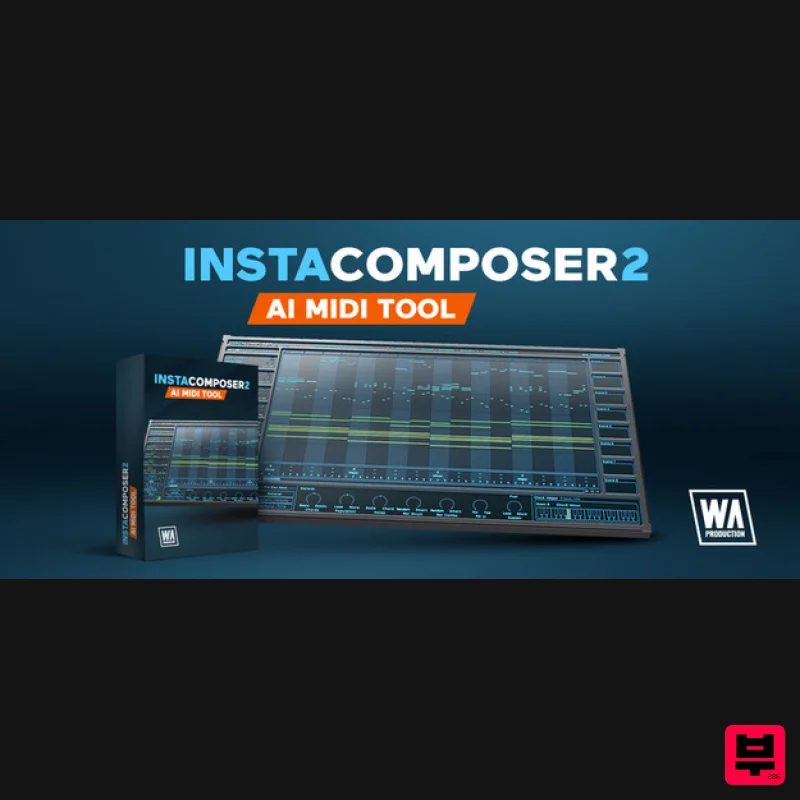
SongWish InstaComposer 2 Upgrade from InstaComposer 1
Music Theory Tools
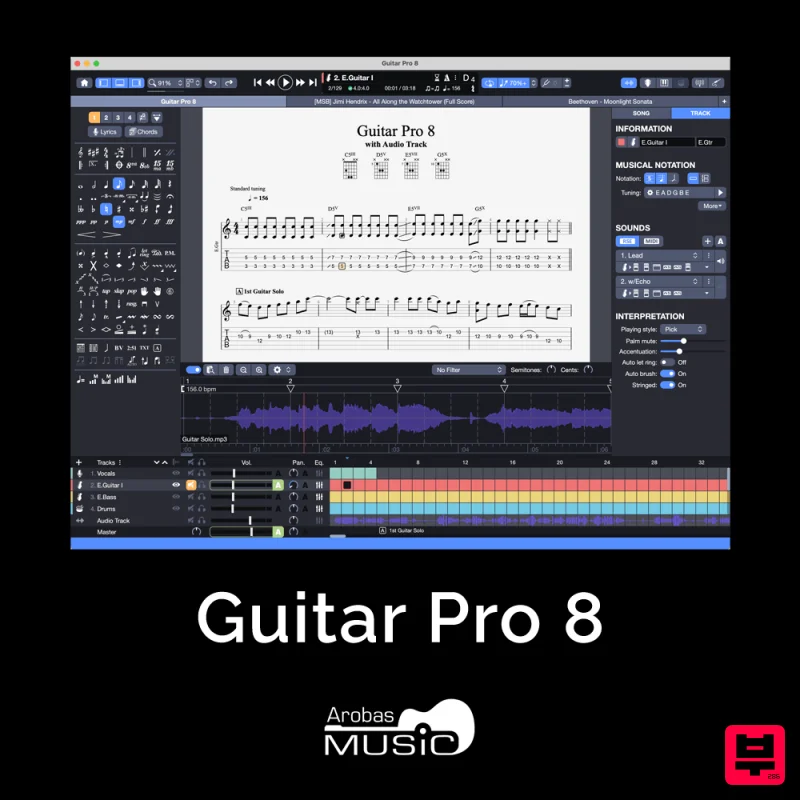
Arobas Music Guitar Pro 8
Music Theory Tools
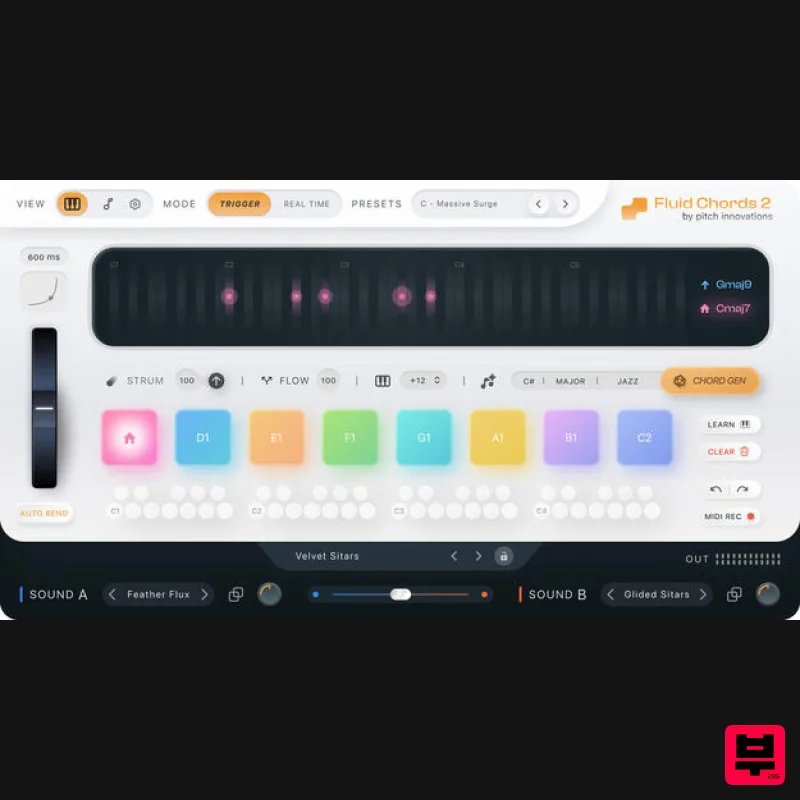
W. A. Production Fluid Chords 2 Upgrade from Fluid Chords
Music Theory Tools
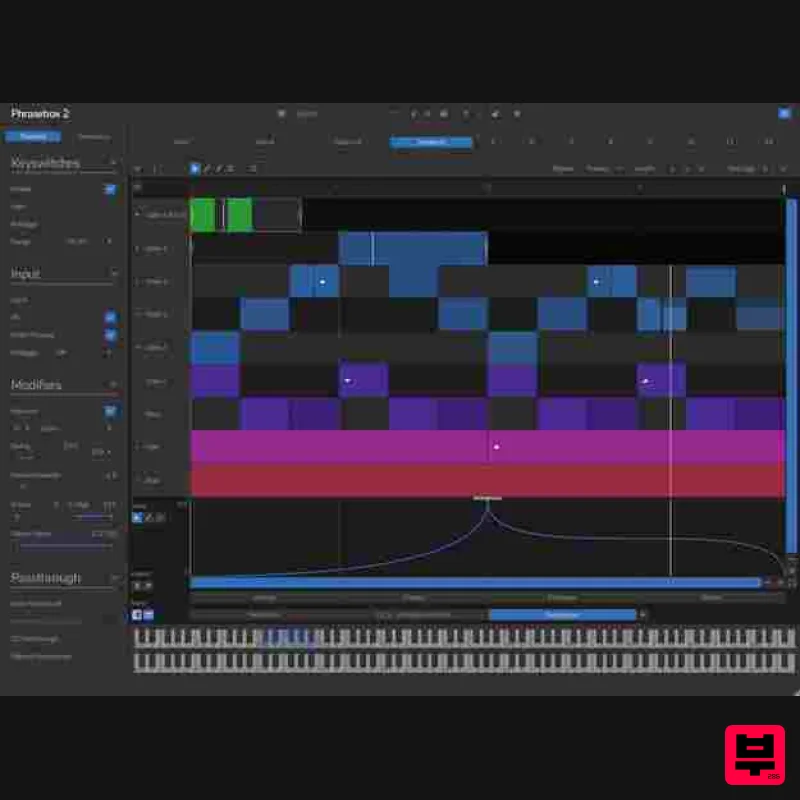
Venomode Phrasebox 2
Music Theory Tools
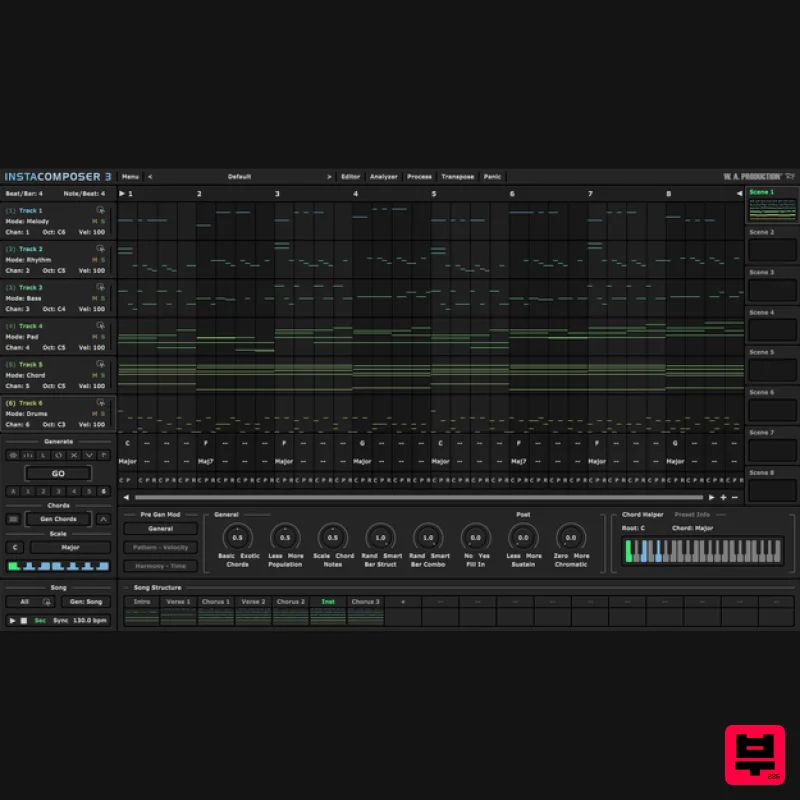
W. A. Production InstaComposer 3 Upgrade from Instacomposer 2
Music Theory Tools
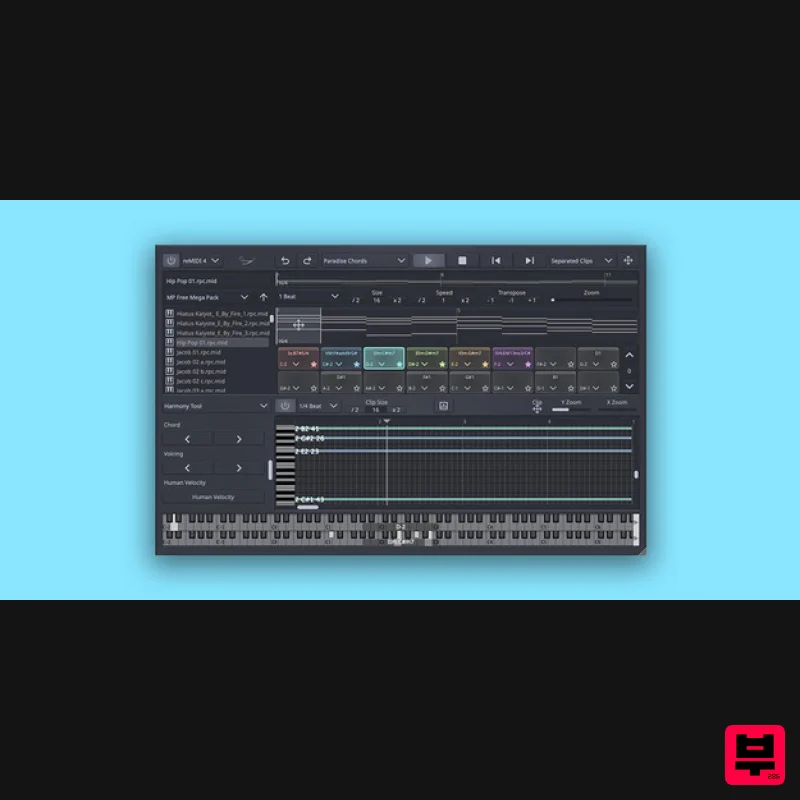
SongWish reMIDI 4 Upgrade from reMIDI 2
Music Theory Tools
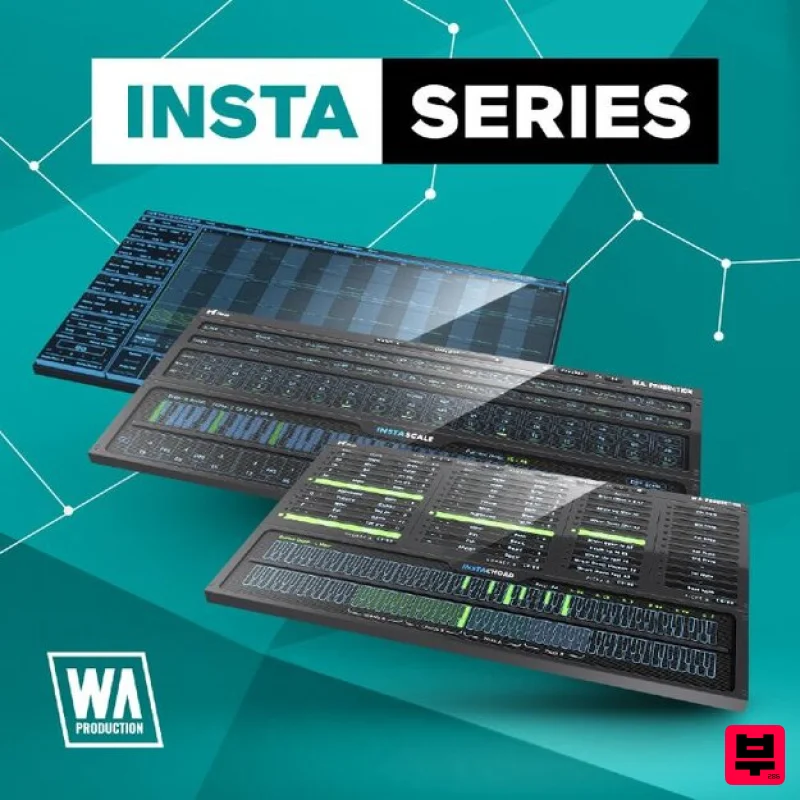
W. A. Production InstaSeries Bundle
Music Theory Tools

