
W. A. Production InstaComposer 3 Upgrade from Instacomposer 2
Professional music gear - detailed information and where to buy
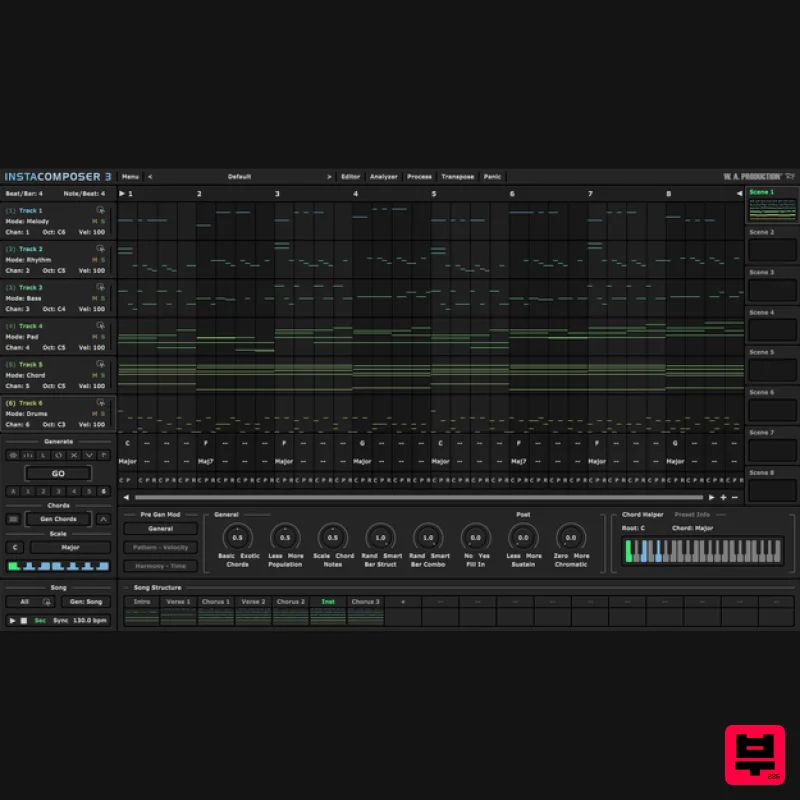
W. A. Production
InstaComposer 3 Upgrade from Instacomposer 2
Product Info
* Prices may vary. Check retailer for current pricing and availability.
Product Description
- Note: This is an upgrade path for existing owners of InstaComposer 2. The standard purchase path is also available here. Your MIDI Copilot Instacomposer 3 is the ultimate upgrade to your creative workflow. Built on the rock-solid foundation of one of our most popular plugins
- this powerful and intuitive tool is your magical musical muse. This MIDI generator plugin has been completely overhauled to embrace a brand new songwriting workflow
- yet retains the same revolutionary composition features that you know and love. This is not an AI replacement for your genius
- but a sophisticated co-pilot that puts professional-grade arrangement and production features directly at your fingertips. True creativity comes from control
- and that’s why Instacomposer 3 operates on advanced
- transparent procedural generation. Every song
- chord
- riff and rhythm is generated based on configurable musical rules
- giving you total command over the output. Absolutely nothing is trained on copyrighted material - this is pure
- clean musical innovation that’s ready for your human touch. New: Structure
- Speed & Unprecedented Control Instacomposer 3 introduces new architecture for song generation and structure. One-Click Song Generation: Instantly go from a blank slate to a fully arranged song structure with a single click. The system intelligently assembles musical elements into a cohesive composition; Intro
- Verse
- Pre-Chorus
- Chorus
- Post-Chorus
- Bridge
- Breakdown and Outro. Dedicated Song Section Architecture: Take granular control over the entire scaffolding of your song. Organise material into multiple song parts
- where each section contains its own unique scenes and tracks. This powerful structure complements the existing Multi-Scene and Multi-Track features
- enabling seamless transitions and complex thematic development across the whole arrangement. Song Sync: Your Instacomposer creations can now seamlessly sync with your DAW playback
- following your playhead across multiple sections of your songs. New: Deeper Harmonic Intelligence & Editing The power of Instacomposer 3 lies in its understanding of musical theory
- giving you sophisticated control over harmony and movement. Advanced Chord & Scale Detection: Instacomposer 3 intelligently analyses any generated
- manually entered
- or imported MIDI content to identify harmonic structures. Chords
- full chord progressions
- scales
- and tonal centres are detected
- giving you a deeper visual understanding over your harmonic canvas. Slash Chords Support: Add harmonic depth and complexity by assigning a non-root bass note for any chord
- allowing you to quickly employ classic voicing like G/B or A/C#. Improved Chord Editor: The dedicated chord section now boasts a more flexible interface. Easily drag and resize chord partitions giving you faster control over chord structure and placement. New: Workflow & Versatility Enhancements We’ve refined essential elements to make Instacomposer 3 your fastest path to generating a complete musical idea. MIDI Import & Blending: Load or drag & drop external MIDI files directly into the plugin to instantly jumpstart ideas
- refine existing arrangements
- or blend your existing material with Instacomposer's generated content. Range Control: Note distribution is now easier than ever. Set clear upper and lower bounds for generated notes
- ensuring all output stays within a specified MIDI range - perfect for ensuring compatibility with specific instrument limits or your own chosen preferences. Core Features: Retained & Refined Instacomposer 3 retains the foundational power that made its predecessor such an essential studio tool: Multi-Track Generation: Generate up to 6 simultaneous tracks (Melody
- Riff
- Ostinato
- Rhythm
- Bass
- Pad2
- Chord
- Drums) with completely unique
- intelligently curated MIDI data for each layer. Multi-Scene Organization: Utilize 8 available Scenes to organize and save different variations
- song parts
- or alternative ideas within a single preset. Comprehensive MIDI Editing: Fine-tune the procedural output with the onboard piano-roll interface. Effortlessly move
- duplicate
- and remove notes
- adding your personal flair before exporting. Seamless Integration: Export your finished song and track ideas as MIDI files via convenient drag-and-drop into your DAW. Probability
- Complexity & Variation: Unlimited possibilities to control the generation algorithms; structure and sustain
- repetitions and velocity
- harmony and strumming. Extensive Scale Support: Access a wide variety of scales
- including standard Major/Minor
- Pentatonics
- and exotic scales like Spanish and Arabic
- ensuring inspiration across any genre. Presets: Instacomposer 3 includes more presets than ever before
- covering individual chords and full chord sequences; useful musical motifs to get you up and running quickly which can eventually become the basis for entire songs. Features Next generation MIDI Generation plugin Create Songs
- Melodies
- Phrases
- Riffs
- Chords & more Infinite song ideas at the click of a button Generate 6 tracks simultaneously Up to 8 Scenes per song section Multi-track and Multi-channel routing Automatic harmonies and chord progression generation Comprehensive MIDI editing MIDI drag and drop / MIDI import and analysis Multiple time signatures Many controls for Probability
- Complexity & Variation Factory Presets Full PDF Manual & Tutorial vide W. A. Production are real-life producers making creative plugins to help you achieve studio quality processing quickly and easily. Enjoy! Mac macOS 10.13 and later (64-bit only) VST
- VST3
- AU and AAX Important Notes for Mac Apple Silicon users: Before purchasing
- please review the current compatibility status of this plugin on your system here. Windows Windows 8 and later (32 / 64-bit) VST
- VST3 and AAX Registration and Activation Video <iframe frameborder="0" height="315" src="https: //www.youtube.com/embed/YJHtWvm8z0Y" width="560"></iframe> Please Note: CHORDS is used as an example. Registration 1. Click the Download button in your Plugin Boutique account or go to https://www.waproduction.com/users/login 2. Click 'Create New Account' (if you already have a W.A Production account
- enter your details
- log in and skip to step 5). 3. Enter your details > Choose your marketing preferences > Click 'Finish Registration'. 4. Your account has been registered > Click 'Register Plugin'. 5. On the license registration page
- enter the license key from your Plugin Boutique account (which will be referred to as 'serial number' on our site) > Click 'Add'. 6. Your product will now be displayed in your W.A Production account > Scroll down to My Orders and click 'View Order'. 7. Click 'Download Files'. 8. Click 'Download'. Mac Installation 1. Once the download is complete
- extract and open the ZIP folder you just downloaded > Open the Mac folder > Double-click the CHORDS .pkg installer file. 2. Click 'Continue'. 3. Read the Software License Agreement > Click 'Continue'. 4. Click 'Agree'. 5. Click 'Install'. 6. Click 'Close'. 7. Open CHORDS in your DAW. 8. Click the information icon in the bottom left-hand corner > Enter the serial number you were given in your W.A Production account > Click 'Authorize'. Your software is now ready to use in your DAW! Windows Installation 1. Once the download is complete
- extract and open the ZIP folder you just downloaded > Open the PC folder > Double-click the CHORDS PC installer file. 2. Click 'Next'. 3. Click 'Next'. 4. Select which plugin formats you would like to install > Click 'Next' > Click 'Install'. 5. Click 'Finish'. 6. Open CHORDS in your DAW. 7. Click the information icon in the bottom left-hand corner > Enter the serial number you were given in your W.A Production account > Click 'Authorize'. Your software is now activated and ready to use in your DAW!
Additional Information
About the W. A. Production InstaComposer 3 Upgrade from Instacomposer 2
Discover the distinctive sound and feel of the W. A. Production InstaComposer 3 Upgrade from Instacomposer 2, a standout choice among Music Theory Tools.
Why Choose the W. A. Production InstaComposer 3 Upgrade from Instacomposer 2?
- •Authentic W. A. Production craftsmanship and design
- •Versatile sound suitable for multiple musical genres
- •Professional build quality and reliable performance
- •Part of W. A. Production's respected Music Theory Tools lineup
Compare & Explore
Browse our complete selection of W. A. Production instruments or explore other Music Theory Tools options. Use our comparison tools to find the perfect match for your musical style and budget.
Similar Products
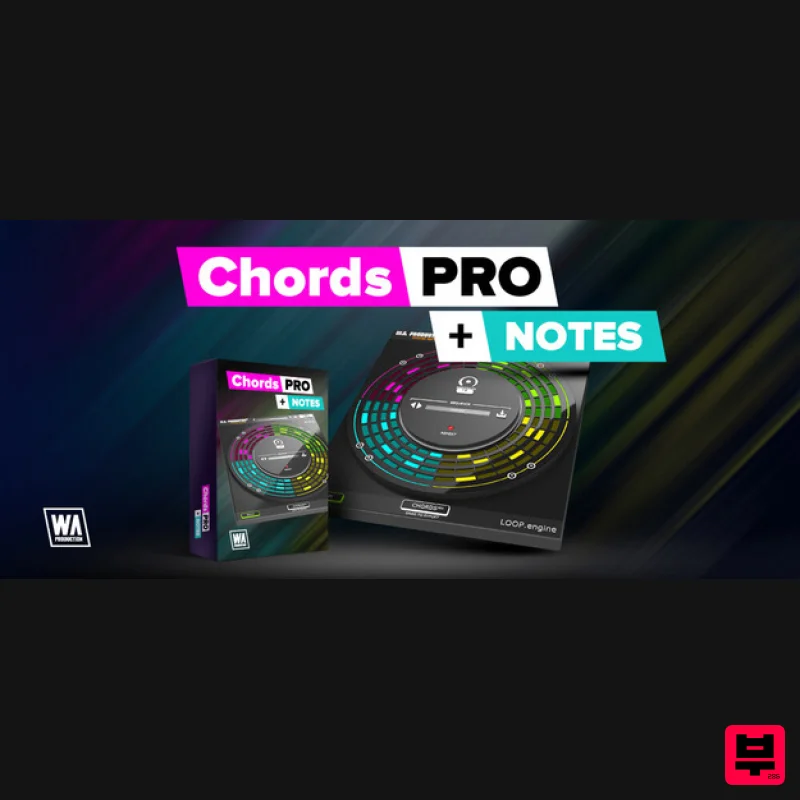
Harvest Plugins CHORDS PRO + NOTES Upgrade From CHORDS
Music Theory Tools
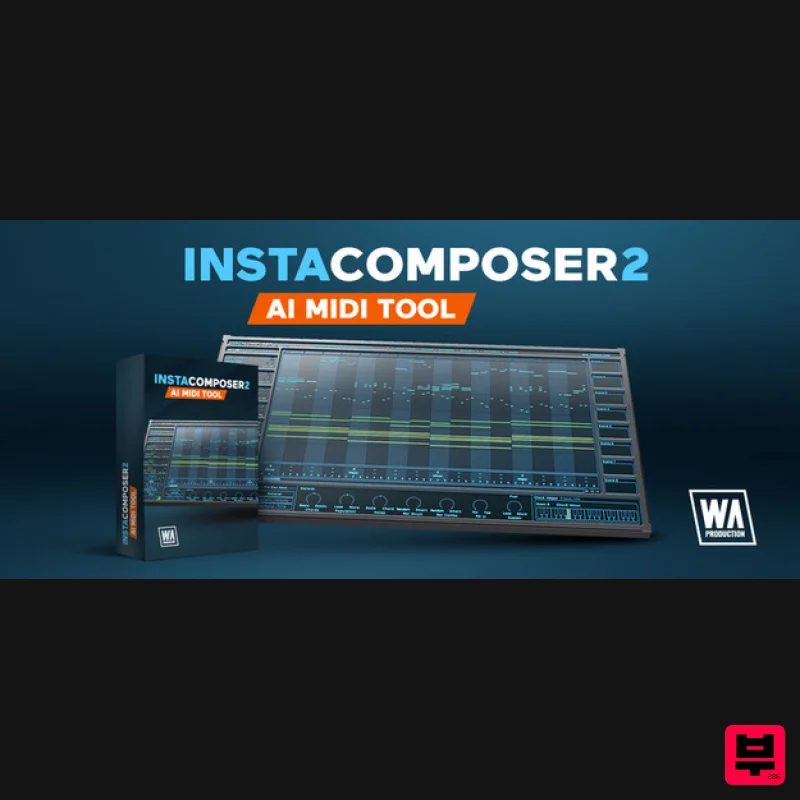
SongWish InstaComposer 2 Upgrade from InstaComposer 1
Music Theory Tools
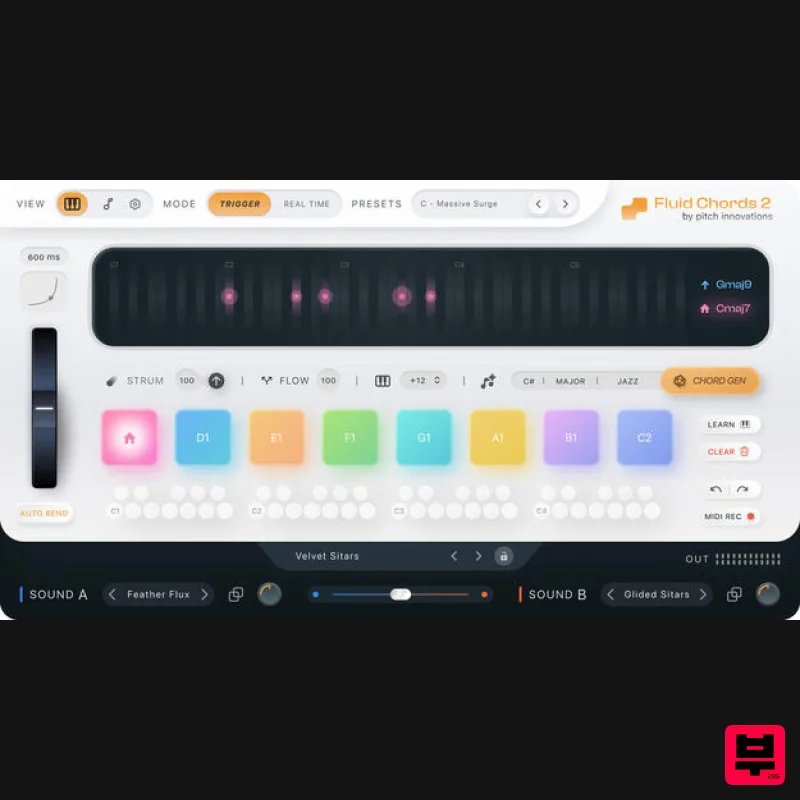
W. A. Production Fluid Chords 2 Upgrade from Fluid Chords
Music Theory Tools
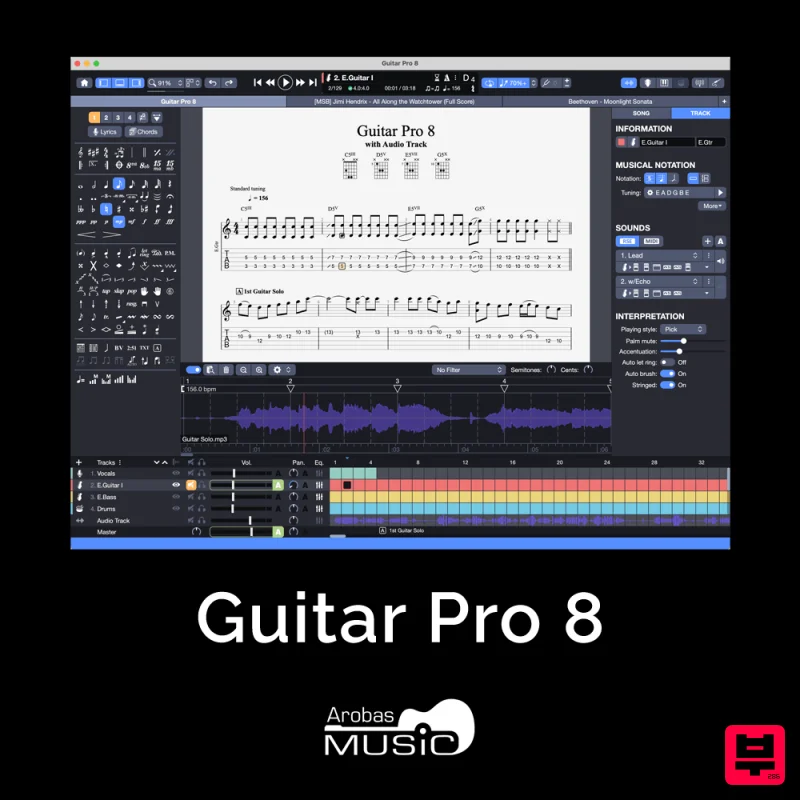
Arobas Music Guitar Pro 8
Music Theory Tools
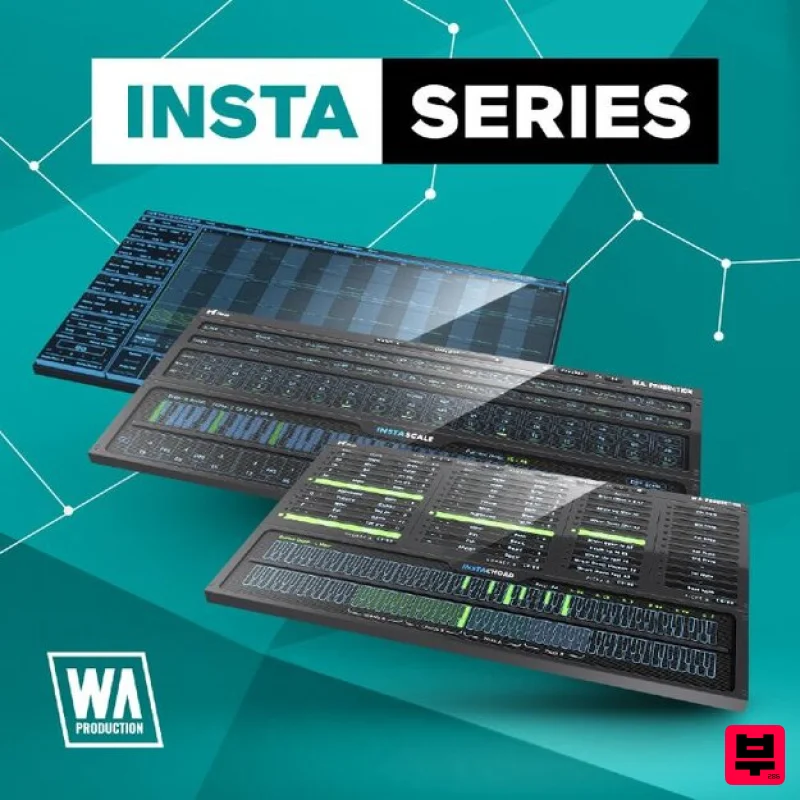
W. A. Production InstaSeries Bundle
Music Theory Tools
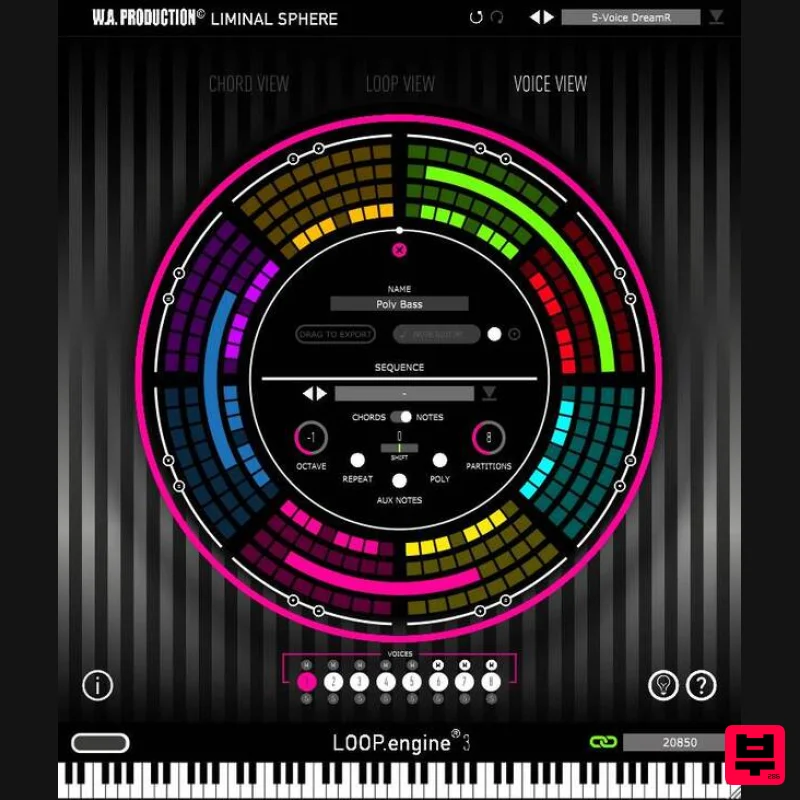
W. A. Production Loop Engine 3 Upgrade from Loop Engine 2
Music Theory Tools
Venomode Phrasebox 2
Music Theory Tools
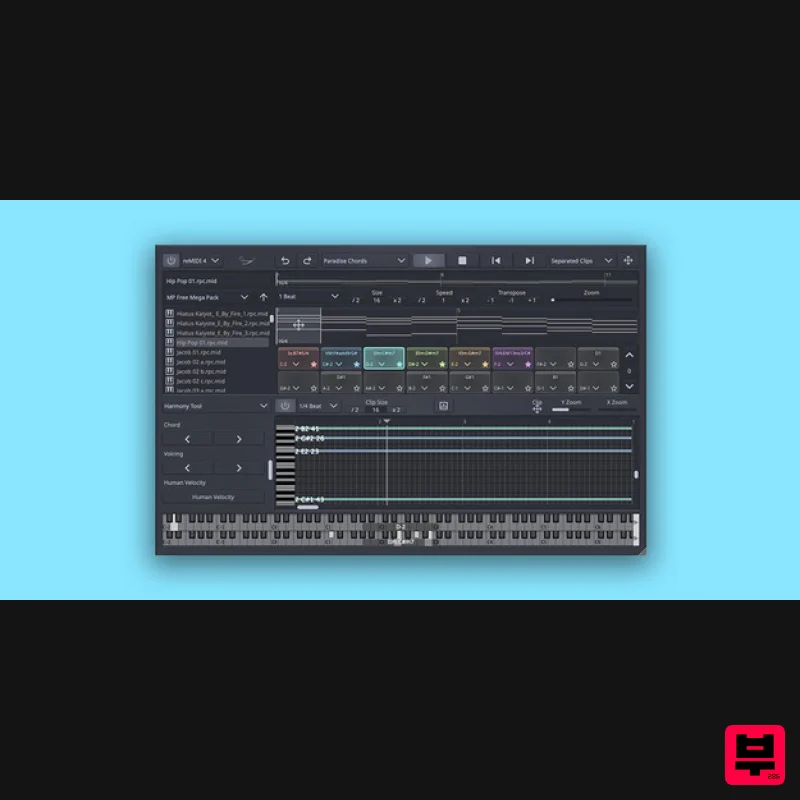
SongWish reMIDI 4 Upgrade from reMIDI 2
Music Theory Tools

