
Tokyo Dawn Labs TDR SimuLathe CUT
Professional music gear - detailed information and where to buy
Tokyo Dawn Labs
TDR SimuLathe CUT
Product Info
* Prices may vary. Check retailer for current pricing and availability.
Product Description
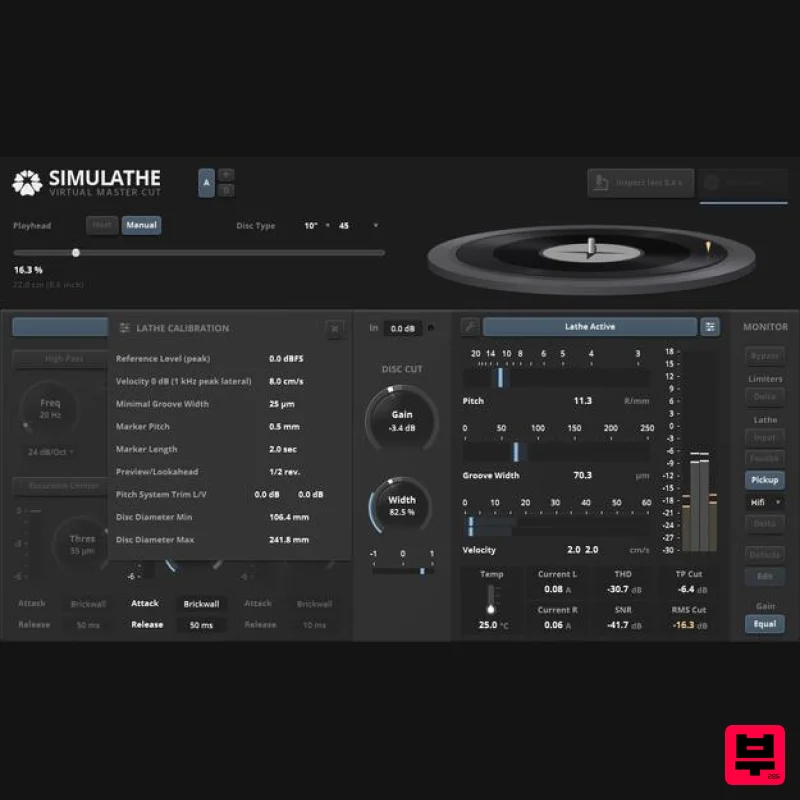
- TDR SimuLathe CUT SimuLathe “Cut” Edition is a precise simulation of the disk mastering process. With its specialized preprocessors
- a precise virtual disk cutting lathe
- several turntable pickup models
- and extensive means of metering/analysis
- this audio plugin acts like a second cutting room. Important Note: If you are not operating a disk mastering service
- or cutting disks in any other way
- the CUT edition will likely overwhelm your workflows. Please take a look at SimuLathe REF instead
- a version specifically targeted at audiences not operating their own lathe. Detailed calibration features allow for most disk cutting systems to be replicated with surprising accuracy
- in turn unleashing an impressive professional potential: Predictable disk authoring
- precise space usage estimation
- improved audio quality control. Time efficient exploration of groove excursion
- width
- land
- and velocity hotspots
- optimizing operational safety throughout the production process. The ability to generate audible and shareable test cuts immensely simplifies logistics
- communication
- helps out the most challenging customer demands. SimuLathe’s unique geometrically aware limiters and mastering grade monitoring abilities improve consistency and shorten turnaround time. Rather than emulating the wear and ageing of a specific real world setup
- SimuLathe focuses on precise modelling of the physically feasible. Much like a good monitoring speaker
- it builds on physical neutrality to put all statistical odds onto the operator favour. Supporting modern audio plugin hosts
- this complete disk production laboratory embeds into modern production environments. Features Precise virtual disk cutting lathe
- fully parametric Advanced audio processor section with modern highpass
- lowpass and elliptical filter options
- and a unique set of limiters directly operating on groove excursion
- groove width and velocity Extensive metering section: Groove excursion
- width and velocity; Gain on disk
- stereo width and more Three physically modelled turntable pickups for monitoring and creation of shareable test cuts A groove microscope allows for inspecting the “physical” groove with greatest accuracy
- in all dimensions Detailed disk inspection using heatmaps for Excursion
- Width
- Velocity and Land Excellent matching to VMS66
- DJR Discomp
- VMS80
- FloKaSon (Pitch98
- Pitch13
- Pitch18)
- traditional pitch computers and all fixed pitch systems. Multi side/multi disk support Support for imperial and metric units throughout the UI Plugin Host Compatibility Like any other disk cutting/playback system
- SimuLathe’s function relies on the current playback position. This imposes some restrictions on compatibility. SimuLathe offers three playhead options: Host Sync If supported by the plugin host and plugin format
- SimuLathe synchronises with the active playhead position. Hosts offering midi/instrument support will most likely synchronise to SimuLathe. Exclusive to Reaper
- SimuLathe can also take control of the playback position. Host Sync via Automation If the host supports plugin parameter automation
- SimuLathe can be synchronised by automating a specific parameter. Useful if the native host sync doesn’t work right with given host. Manual Playhead Playhead position is set Manually. This is particularly useful in creative applications
- or when probing audio material “against a disk”. The manual mode is compatible with all hosts
- but doesn’t support inspection of the Disk Statistics
- and has only very limited space consumption prediction abilities. The manual playhead is the right choice if the plugin host in use has no concept of playback position
- or doesn’t support plugin parameter automation. System Requirements VST2
- VST3
- Audio-Unit or AAX compatible plugin host. Win 7 or above
- Mac OS X 10.9 or above. Modern OpenGL support. 64-bit only. Available in VST2
- VST3
- AU formats. Note: TDR Limiter 6 GE is used as the example. Mac Registration 1. Go to your Plugin Boutique User Account > Copy and paste your serial number into your web browser search bar and press 'enter' on your keyboard. 2. Check the box that states 'I'm not a robot' > Click 'Unlock Code'. 3. Enter your Name & email address and select your country from the drop-down menu > Click 'Create Account'. 4. Click 'Ok'. Installation 1. Click the Mac installer link to download the correct installer for your operating system. 2. Open the .dmg file > Click and drag the Component
- VST and AAX Plugin files into their respective folders. 3. Click 'Authenticate'. 4. Enter your computer Username and Password > Click 'Ok'. Online Activation 1. Open the installed software in your DAW > Click the dialogue box at the top of the plugin to open the activation menu. 2. Enter your Tokyo Dawn Labs registered email address and password > Click 'Register'. 3. Click 'Ok'. Your software is now activated and ready to use within your DAW. Offline Activation 1. Go to your Tokyo Dawn Labs User Account > Download the License Key File for your software. 2. Open the installed software in your DAW > Click the dialogue box at the top of the plugin to open the activation menu. 3. Click 'Import Key File'. 4. Select the License Key File > Click 'Open'. 5. Click 'Ok'. Your software is now activated and ready to use within your DAW. Windows Registration 1. Go to your Plugin Boutique User Account > Copy and paste your serial number into your web browser search bar and press 'enter' on your keyboard. 2. Check the box that states 'I'm not a robot' > Click 'Unlock Code'. 3. Enter your Name & email address and select your country from the drop-down menu > Click 'Create Account'. 4. Click 'Ok'. Installation 1. Click the Windows installer link to download the correct installer for your operating system. 2. Double-click the .zip file to extract the contents and open the .exe file to begin the installation > Click 'Next'. 3. Select 'I accept the agreement' > Click 'Next'. 4. Click 'Next'. 5. Click 'Next'. 6. Click 'Next'. 7. Click 'Next'. 8. Click 'Next'. 9. Click 'Next'. 10. Click 'Install'. 11. Click 'Finish'. Online Activation 1. Open the installed software in your DAW > Click the dialogue box at the top of the plugin to open the activation menu. 2. Enter your Tokyo Dawn Labs registered email address and password > Click 'Register'. 3. Click 'Ok'. Your software is now activated and ready to use within your DAW. Offline Activation 1. Go to your Tokyo Dawn Labs User Account > Download the License Key File for your software. 2. Open the installed software in your DAW > Click the dialogue box at the top of the plugin to open the activation menu. 3. Click 'Import Key File'. 4. Select the License Key File > Click 'Open'. 5. Click 'Ok'. Your software is now activated and ready to use within your DAW.
Additional Information
About the Tokyo Dawn Labs TDR SimuLathe CUT
Experience the quality and tone that makes the Tokyo Dawn Labs TDR SimuLathe CUT a popular choice for musicians.
Why Choose the Tokyo Dawn Labs TDR SimuLathe CUT?
- •Authentic Tokyo Dawn Labs craftsmanship and design
- •Versatile sound suitable for multiple musical genres
- •Professional build quality and reliable performance
- •Part of Tokyo Dawn Labs's respected Mastering lineup
Compare & Explore
Browse our complete selection of Tokyo Dawn Labs instruments or explore other Mastering options. Use our comparison tools to find the perfect match for your musical style and budget.
Similar Products
NUGEN Audio MasterCheck 2
Mastering
IK Multimedia Master Match
Mastering
PSP Audioware PSP auralControl
Mastering
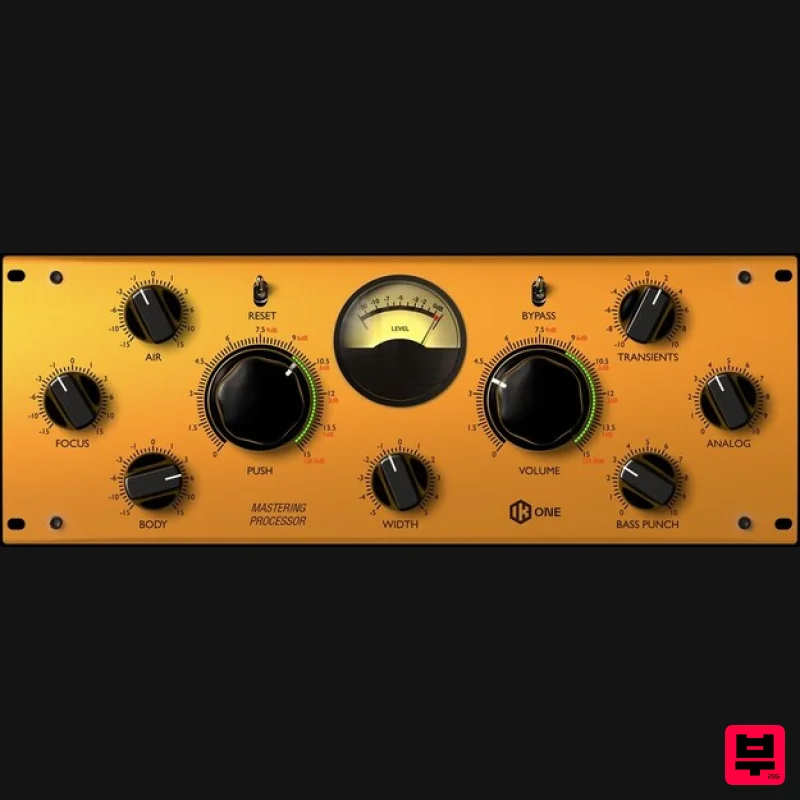
IK Multimedia One
Mastering
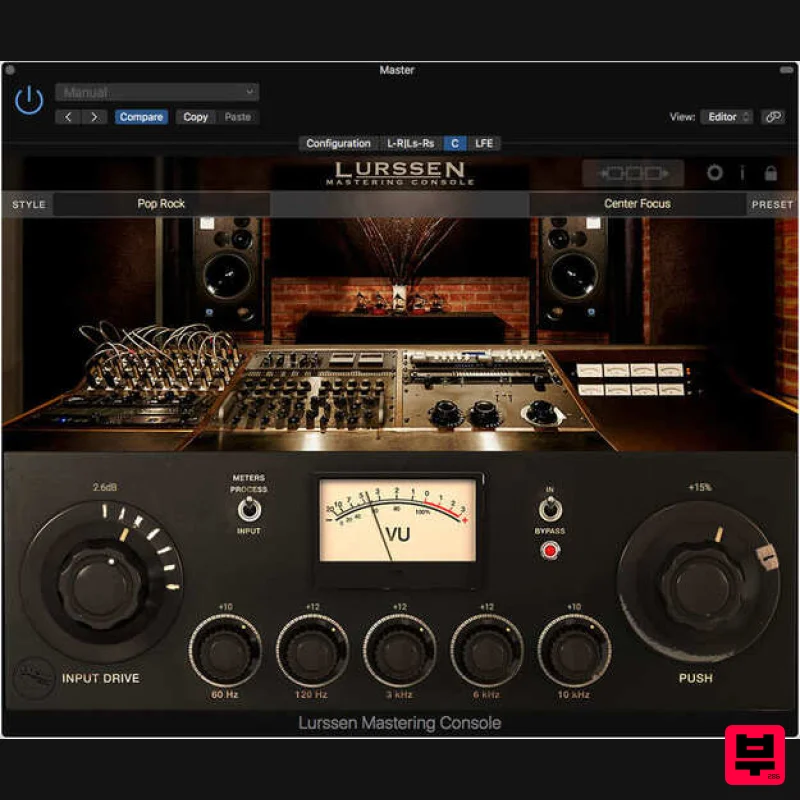
IK Multimedia Lurssen Mastering Console
Mastering
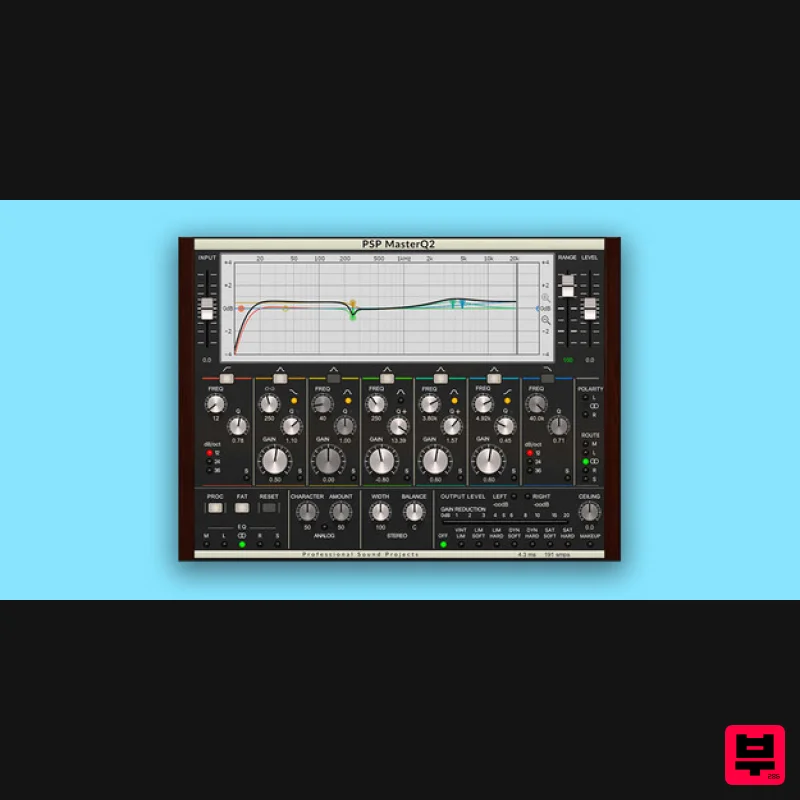
PSP Audioware PSP MasterQ2
Mastering
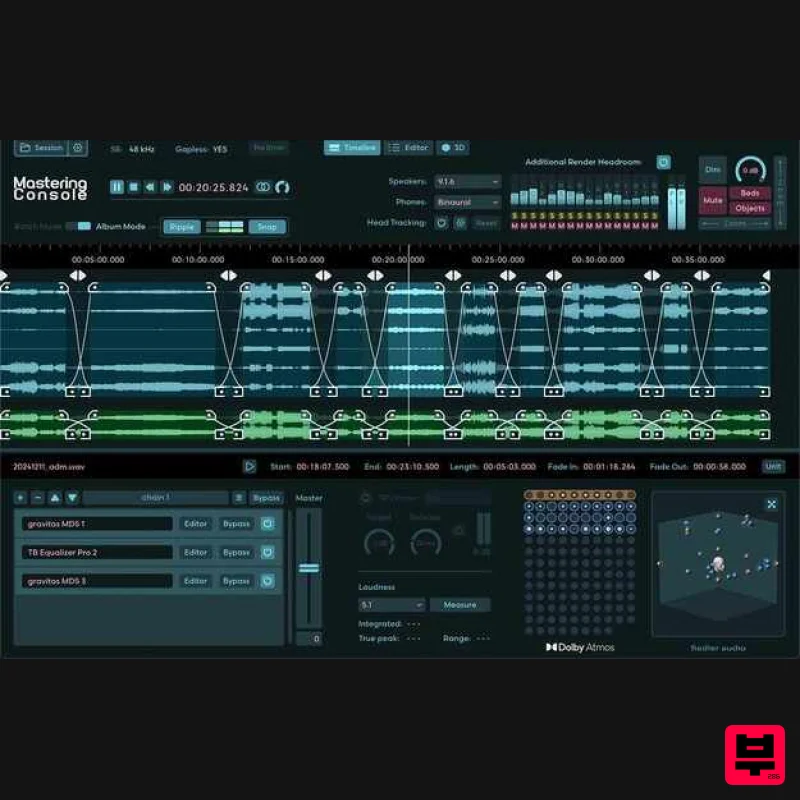
Fiedler Audio Mastering Console 2
Mastering
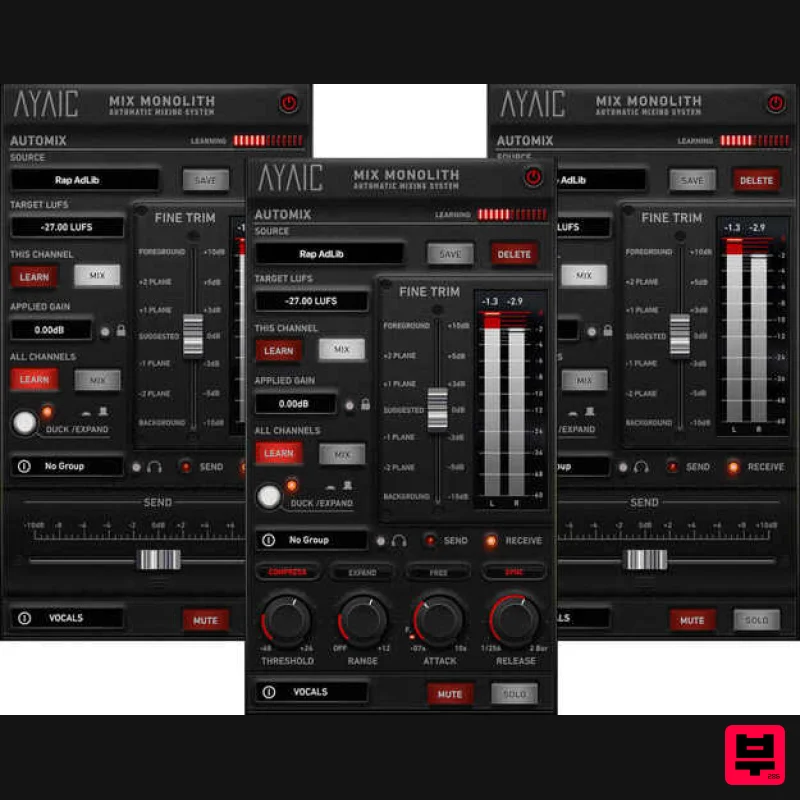
AYAIC Mix Monolith
Mastering

