
sonible pure:deess
Professional music gear - detailed information and where to buy
Product Description
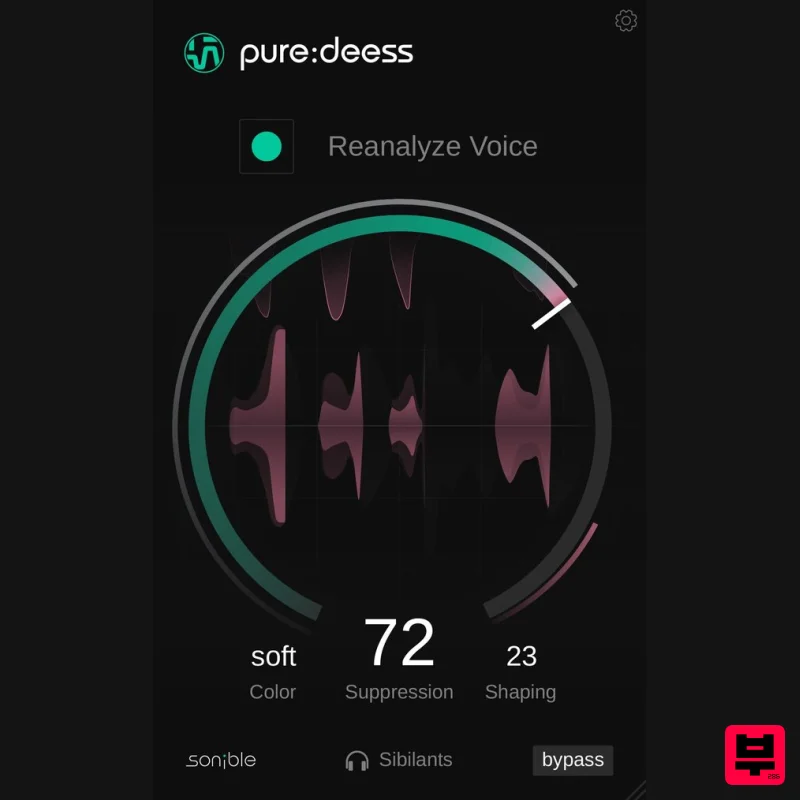
- pure: deess automatically detects and solves sibilant sounds and provides intuitive controls for suppression
- color and spectral shaping. With these three straightforward controls and sonible’s AI-powered voice analysis
- pure: deess is ideal for creators looking for a great sound without being overwhelmed by controls. Under the hood – the power of AI-processing in pure:deess Featuring some of the analysis and processing technologies from sonible’s plugin
- pure: deess listens to the input signal (a speaker or vocalist) and identifies different sibilants (s
- sh and more). From here
- a target spectrum is computed for the particular voice
- and individual sibilant sounds are processed towards that target. This means that the plugin can also boost to revive dull sibilants and increase intelligibility. Suppression: The user controls how much processing is applied using the large central dial. When the Suppression level is low
- only the louder sibilants are reduced; turn it up further to tame even the minor details in the recorded audio. Color: This parameter changes the target character the plug-in aims for. With Color set to Soft
- sibilant elements are softened a lot
- making this a good setting where intelligibility can be sacrificed (for example backing vocals). In Neutral
- the characteristics of the original sibilants can be preserved
- with only harsh resonances corrected. Sharp focuses on retaining presence and intelligibility while reducing the unnaturally harshest material. Shaping: The Shaping parameter in pure:deess adjusts the intensity of spectral processing
- shaping sibilants toward the selected Color. Higher values apply stronger shaping for a more consistent sound and lower values maintain natural variations with minimal processing. This ensures precise de-essing while preserving the intended vocal character. Features AI-Powered De-Essing: Automatically detects and processes sibilant sounds (s
- etc.) for a balanced vocal tone. Intelligent Suppression: Adjust how much sibilance is reduced
- from subtle control to complete taming. Color Adjustment: Choose from Soft
- Neutral
- or Sharp to shape the character of sibilants. Spectral Shaping: Fine-tune the intensity of processing to maintain a natural or more polished sound. User-Friendly Interface: Three intuitive controls for quick and effective results without complexity. System Requirements Mac macOS 10.15+ (M1 Apple Silicon supported) (64-bit only) RAM - at least 4 GB (recommended) CPU - at least Intel DualCore i5 (recommended) Plugin Formats - AU
- VST2
- VST3
- MultiRack Native PC Windows 10+ (64-bit only) RAM - at least 4 GB (recommended) CPU - at least Intel DualCore i5 (recommended) Plugin Formats - VST2
- VST3
- MultiRack Native Please Note: frei:raum is used as an example. Mac Installation 1. Download the installer file from your Plugin Boutique account. 2. Double Click and open the installer file > Double-click the ‘frei:raum installer mac.mpkg’ file. 3. Begin the Installation Process > Click Continue. 4. Read through the Terms & Conditions of the Licence Agreement > Click Continue > Click Agree. 5. Select which software formats you wish to Install > Click Continue. 6. Confirm the Installation > Click Install. 7. The Installation of your software has completed > Click Close. 8. Open/restart your DAW and load your sonible software. Please note that you may need to refresh/rescan your DAW plugin list if you can't locate it. Standard Activation Instructions 1. Locate and open the sonible software in your DAW. 2. Copy & paste/manually enter the licence key/serial code that is available in your Plugin Boutique account > Click Register. 3. Your sonible software has now been successfully registered and authorised > Click Close. Your software is now activated and ready to use in your DAW! PC Installation 1. Download the installer file from your Plugin Boutique account. 2. Unzip the downloaded folder and Double click the file to open/run the installer. 3. Select which version or versions of the software that you wish to install (32/64-Bit) > Click Next. 5. Read the Terms & Conditions of the Licence Agreement > Select 'I Accept the Agreement' if you accept the terms > Click Next. 6. Your software is now ready to install on your computer > Click Install. 7. Your software is now installed > Click Finish. 8. Open/restart your DAW and open your sonible software. Please note that you may need to refresh/rescan your DAW plugin list if the software fails to appear. Standard Activation Instructions 1. Locate and open the sonible software in your DAW. 2. Copy & paste or manually enter the licence key/serial code that is available in your Plugin Boutique account > Click Register. 3. Your sonible software has now been successfully registered and authorised > Click Close. Your software is now activated and ready to use in your DAW!
Additional Information
About the sonible pure:deess
The sonible pure:deess represents excellent craftsmanship in the De Esser category.
Why Choose the sonible pure:deess?
- •Authentic sonible craftsmanship and design
- •Versatile sound suitable for multiple musical genres
- •Professional build quality and reliable performance
- •Part of sonible's respected De Esser lineup
Compare & Explore
Browse our complete selection of sonible instruments or explore other De Esser options. Use our comparison tools to find the perfect match for your musical style and budget.
Similar Products
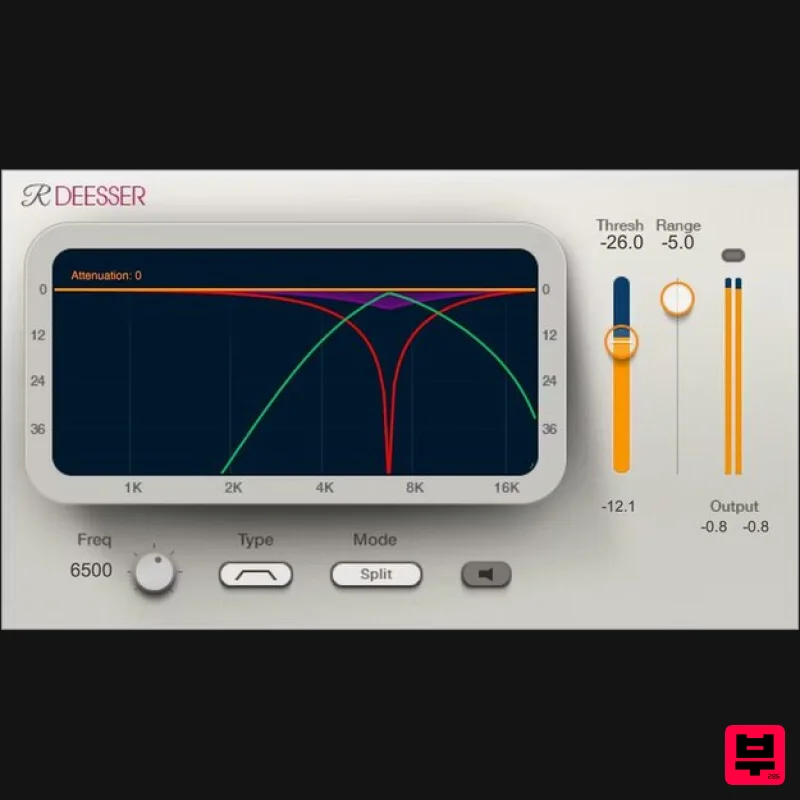
Waves Renaissance DeEsser
De Esser
$44
Renaissance DeEsser A New Solution to a Persistent Problem De-essing is an essential process when recording vocals,...
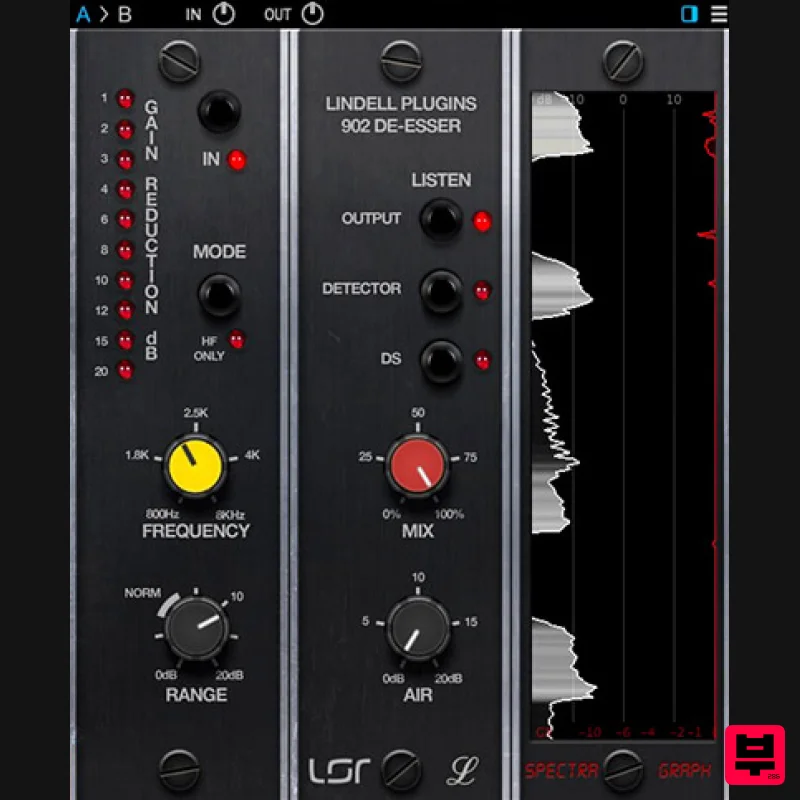
Plugin Alliance Lindell Audio 902 De-Esser
De Esser
$43
The original “intelligent de-esser”: A classic tone that naturally adapts to any signal Great de-essing doesn’t...
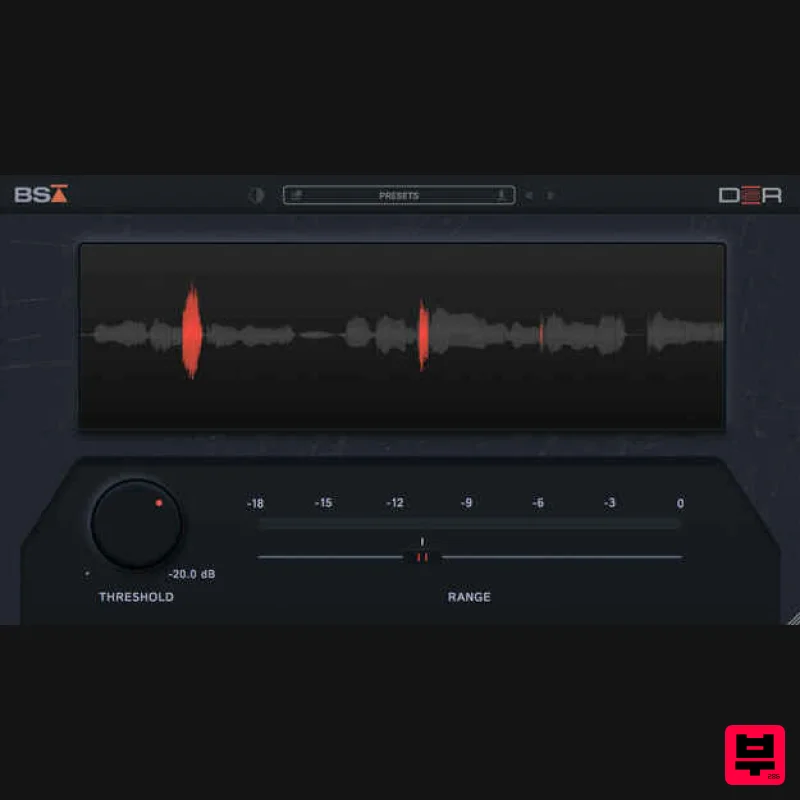
Black Salt Audio DSR
De Esser
$68
De-essing should be simple Black Salt Audio believe de-essing should be fast and easy. No complicated controls, no...
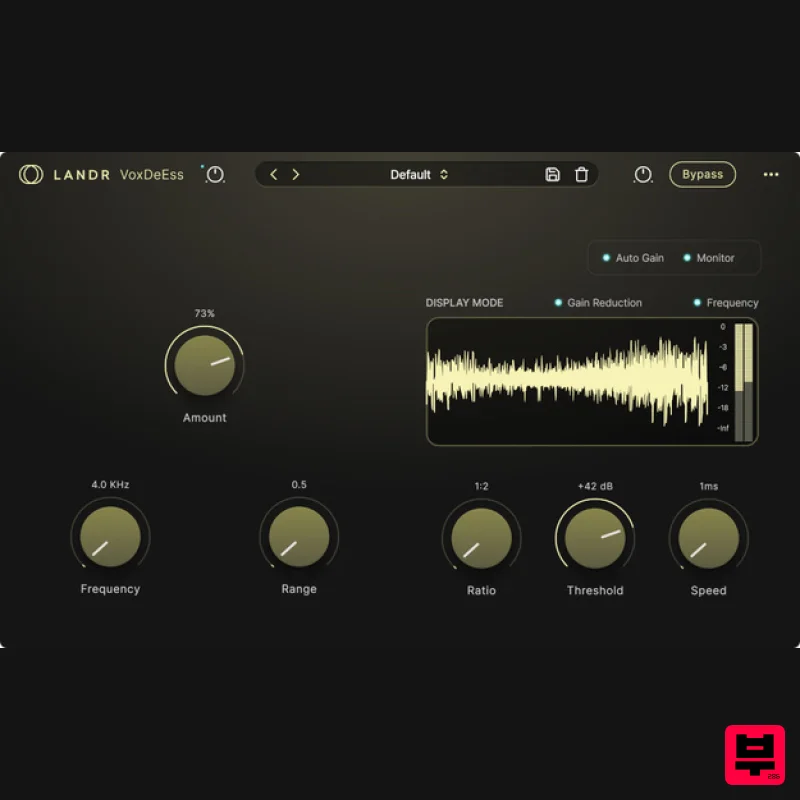
LANDR LANDR VoxDeEss
De Esser
$40
Effortlessly clean, natural vocals Quickly clean up harsh sibilance without compromising tone, brightness, or feel....
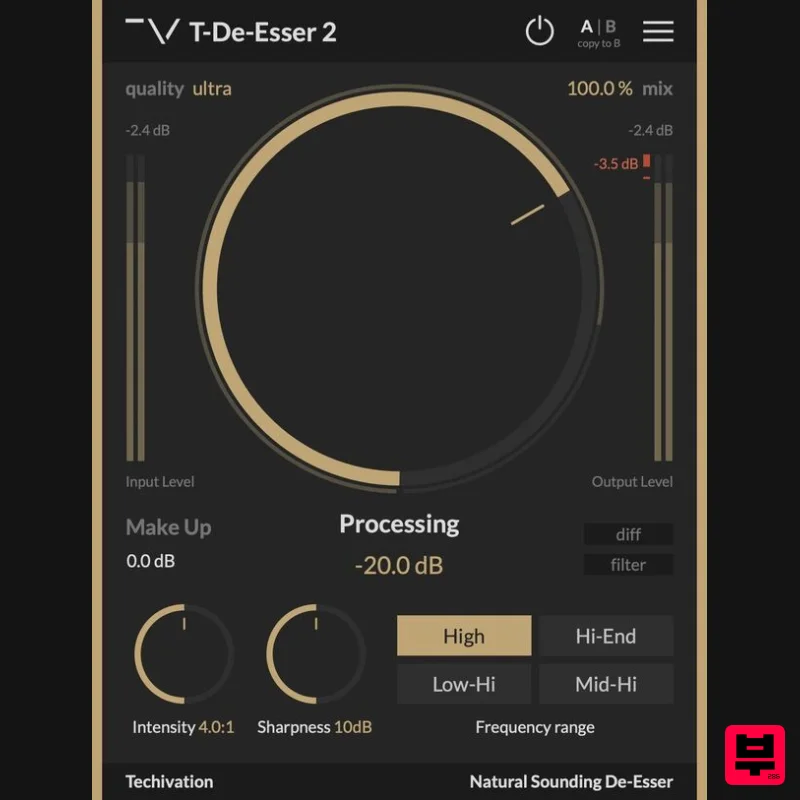
Techivation T-De-Esser 2
De Esser
Free
Remove sibilance and harshness, fast T-De-Esser 2 is an intuitive and user-friendly De-Esser plugin designed to out...
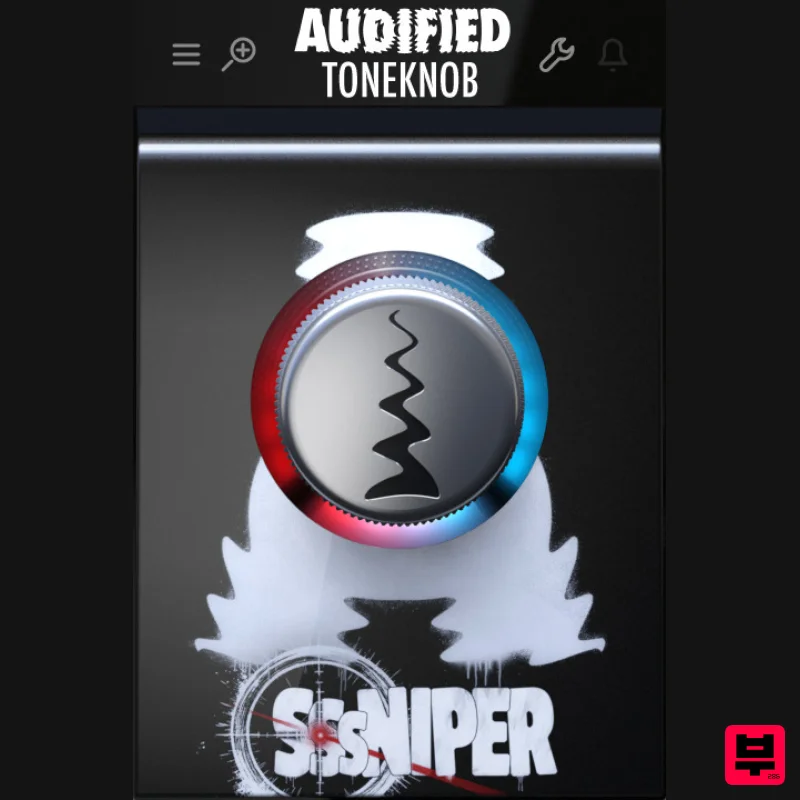
Audified ToneKnob SSSniper
De Esser
$30
Witness the S-pocalypse What’s it for? Sssniper is basically a de-esser — a handy effect that reduces harsh...
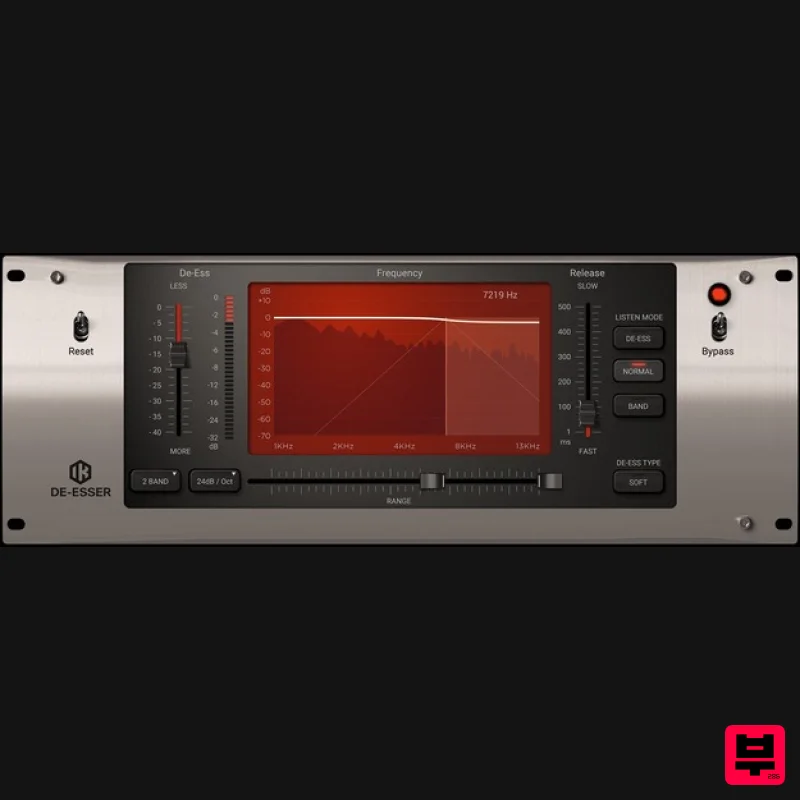
IK Multimedia De-esser
De Esser
$63
Multi-Band De-Esser Frequency Conscious Dynamic Processor De-essing is also known as "frequency dependent compression,"...
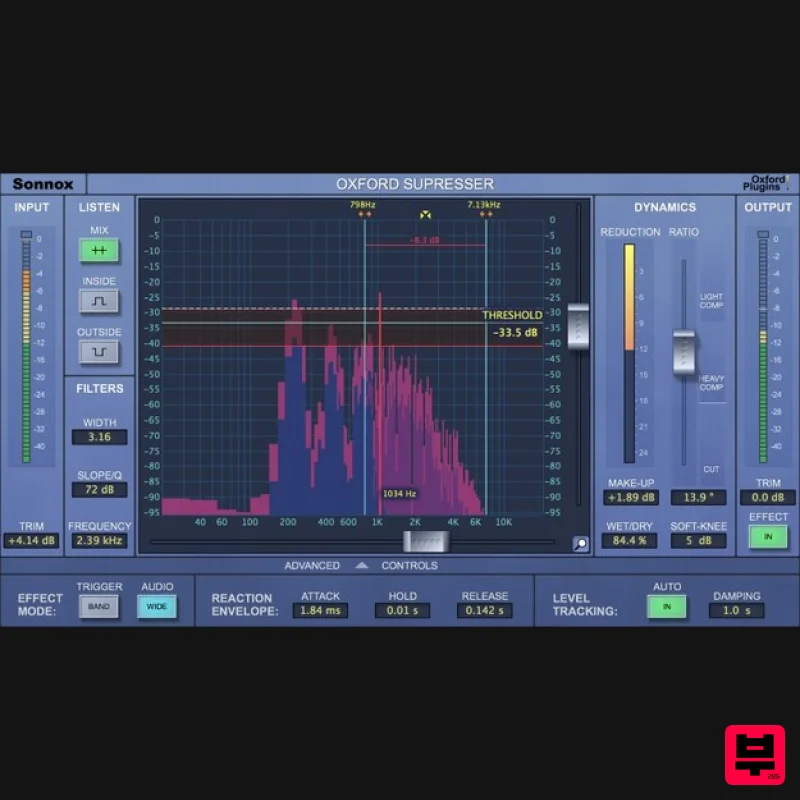
Sonnox Oxford SuprEsser
De Esser
$271
The Oxford SuprEsser is both a very highly-featured professional De-Esser and a Dynamic EQ. There is a simple mode for...
Frequently Asked Questions
The sonible pure:deess stands out for its exceptional sonible craftsmanship and innovative design.
Yes! With its affordable price point and quality construction, it's perfect for learning de esser.
Browse the similar products section to see how it stacks up against other de esser.

