
Audified ToneKnob SSSniper
Professional music gear - detailed information and where to buy
Product Description
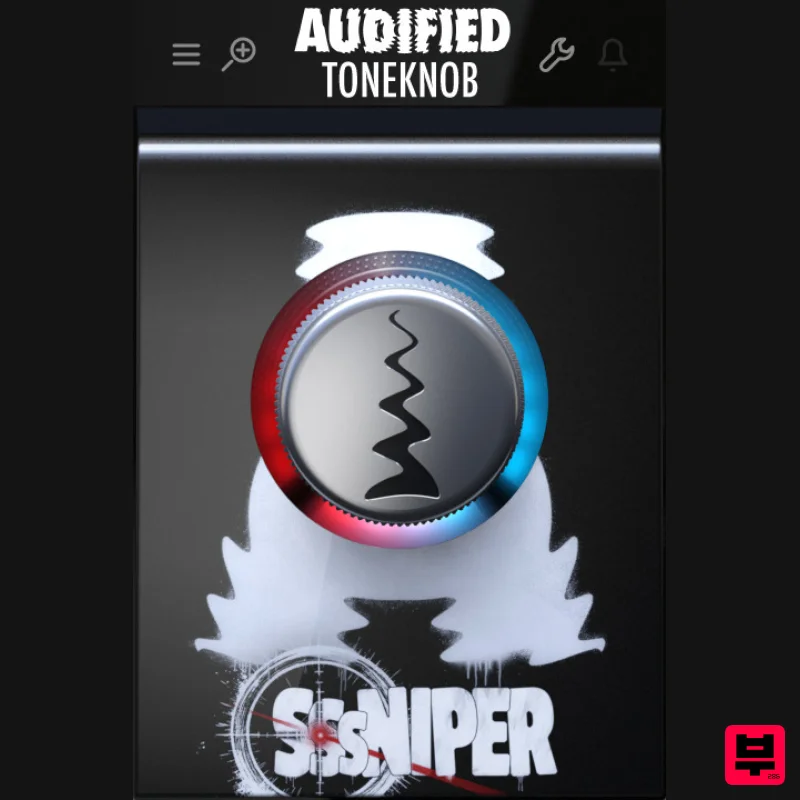
- Witness the S-pocalypse What’s it for? Sssniper is basically a de-esser — a handy effect that reduces harsh sibilance. Those annoying hissy “S” sounds are a common issue when recording vocals — whether singing or spoken word — on a microphone. Sure
- you can treat some of that at the source during tracking: mic position
- pop filters
- and all kinds of nylon socks in front of the mic. But those mostly help with low-end plosives — like the “p
- ” “b
- ” or “d” sounds. Sibilance is a different beast. It can still sneak through and ruin your mix even with proper mic technique. Or on the flip side
- you overdo it
- and the singer or speaker suddenly sounds muffled and lispy. That’s exactly why Audified built Sssniper! It hunts down and snipes out all the nasty S-sounds for you — and you can easily control how much reduction you want with a simple twist of the knob. Red or Blue? Unlike the rest of the ToneKnob series — where everything works in a predictable left-to-right fashion (from subtle to strong) — Sssniper works a little differently. Its default starting point is in the middle — 50% on the knob. Even here
- with the effect just turned on
- it already starts working gently
- giving you natural de-essing. Red ring on the left: This side is tuned for female vocals — sharper sibilance
- usually in higher frequencies. Sssniper targets the S-sounds in your audio
- and the more you turn the knob to the left
- the stronger the reduction. Blue ring on the right: This side is tuned for male vocals — deeper voices with a different sibilant profile. Turn the knob to the right to increase reduction. *The brightness of the ring also reflects how much sibilance is being reduced — the more it lights up
- the more aggressively those S-sounds are being trimmed. Pro tip: While the default setting has been tested on a broad range of voices
- sibilance is a personal thing — and no single setting fits all. So don’t let the colors box you in. Try both sides of the knob and find out which one works best for your voice. Why you want Sssniper: There are a bunch of de-essers out there — but most of them require know-how and some pretty advanced tweaking: calibration
- finding the exact frequency
- dialing in thresholds... Sssniper takes care of all that for you. It locks onto sibilance and takes it out — effectively but gently — so your vocals still sound natural and clean
- without the dreaded pumping effect that bad de-essing can cause. Audified believe Sssniper will become an essential tool in your workflow — saving you time and frustration that sibilance can cause in a mix. And it fits perfectly into the ToneKnob family of effects! System Requirements macOS Comes in: VST3 64b
- AAX 64b
- AU 64b Apple Silicon Native macOS 10.13 and newer 50 MB of disk space At least 4GB of memory Windows Comes in: VST3 64b
- AAX 64b Windows 7 and newer 50 MB of disk space At least 4GB of memory Registration 1. Head to https: //audified.com/account. 2. Register for an account or Log in 3. Click Your Plugins > enter the serial code found in your Plugin Boutique account > click Add 4. Click Downloads > choose the Plugin > choose the Platform > click Find versions > click download icon Mac 1. Download the .pkg file from your Audified account. 2. Launch installer > click Continue. 3. Click Continue. 4. Click Agree. 5. Select your chosen method of installation > click Continue. 6. Click Install. 7. Click Close. 8. Open the plugin within your DAW > enter your license key from within your Plugin Boutique User Account > click Buy Your plugin is now installed and ready to use. Enjoy! PC 1. Download the .exe file from your Audified account. 2. Read through the Licence Agreement and select I Accept the Agreement > Next. 3. Click Next. 4. Select the folder you would like save your software to > click Next. 5. Select whether you would like to install for all Windows users on your computer
- or only the current user > Click Next. 6. Click Next. 7. Click Install. 8. Click Finish. 9. Open the plugin within your DAW > enter your license key from within your Plugin Boutique User Account > click Buy Your plugin is now installed and ready to use. Enjoy!
Additional Information
About the Audified ToneKnob SSSniper
The Audified ToneKnob SSSniper represents excellent craftsmanship in the De Esser category.
Why Choose the Audified ToneKnob SSSniper?
- •Authentic Audified craftsmanship and design
- •Versatile sound suitable for multiple musical genres
- •Professional build quality and reliable performance
- •Part of Audified's respected De Esser lineup
Compare & Explore
Browse our complete selection of Audified instruments or explore other De Esser options. Use our comparison tools to find the perfect match for your musical style and budget.
Similar Products
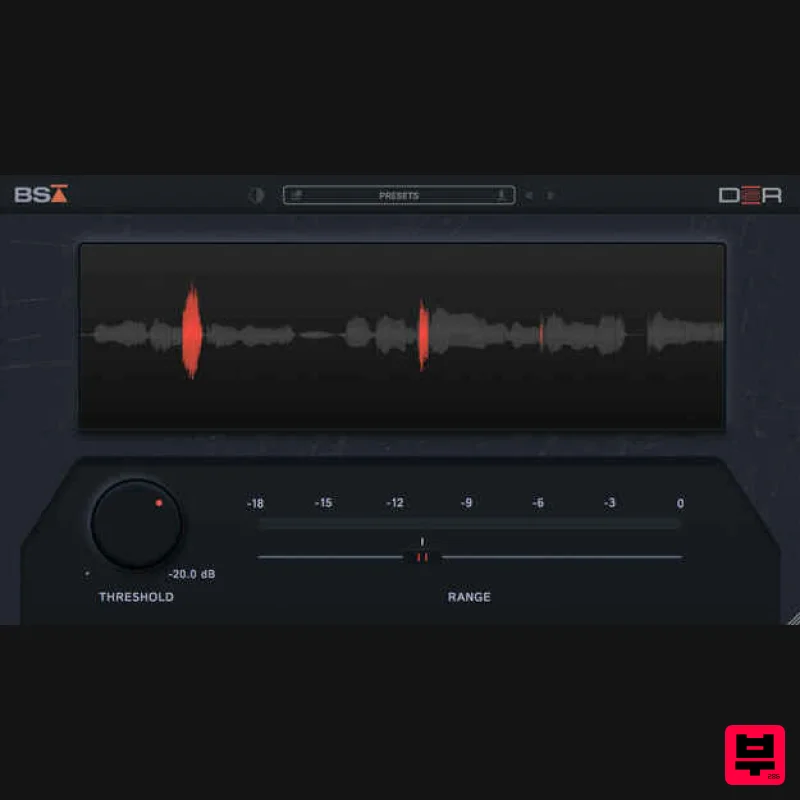
Black Salt Audio DSR
De Esser
$68
De-essing should be simple Black Salt Audio believe de-essing should be fast and easy. No complicated controls, no...
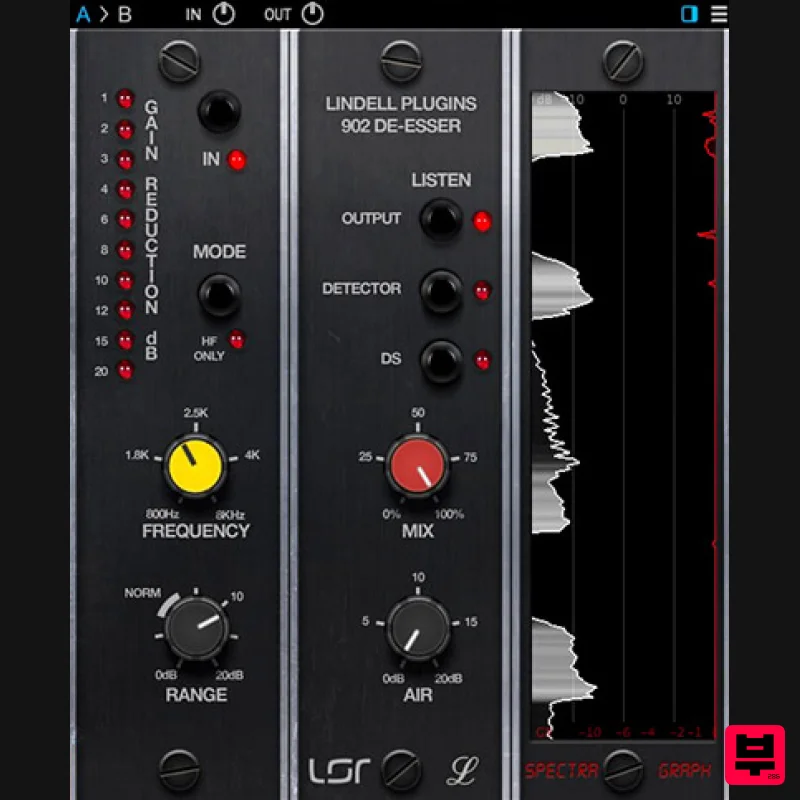
Plugin Alliance Lindell Audio 902 De-Esser
De Esser
$43
The original “intelligent de-esser”: A classic tone that naturally adapts to any signal Great de-essing doesn’t...
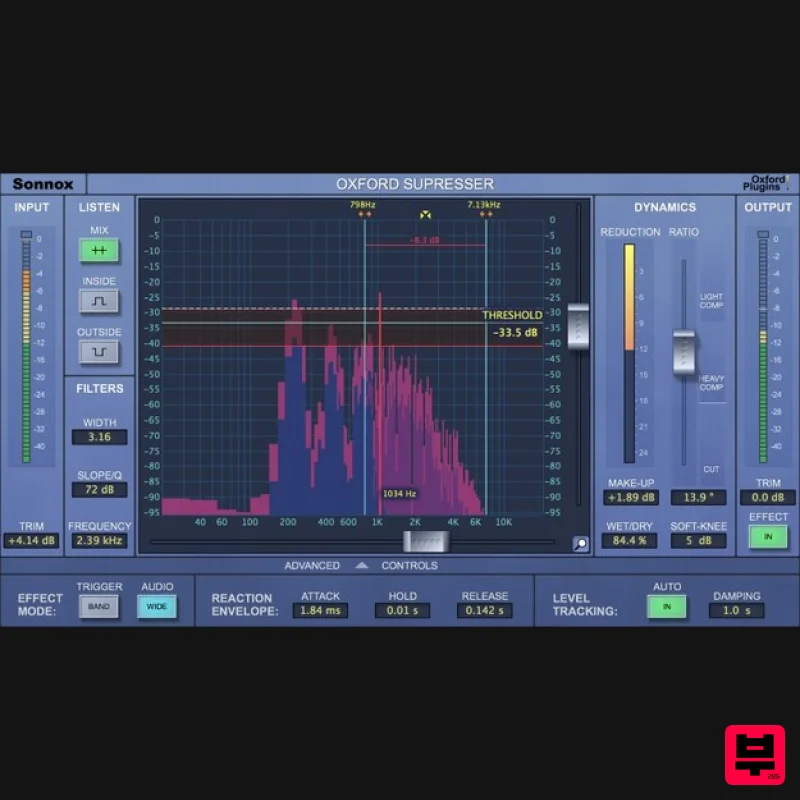
Sonnox Oxford SuprEsser
De Esser
$271
The Oxford SuprEsser is both a very highly-featured professional De-Esser and a Dynamic EQ. There is a simple mode for...
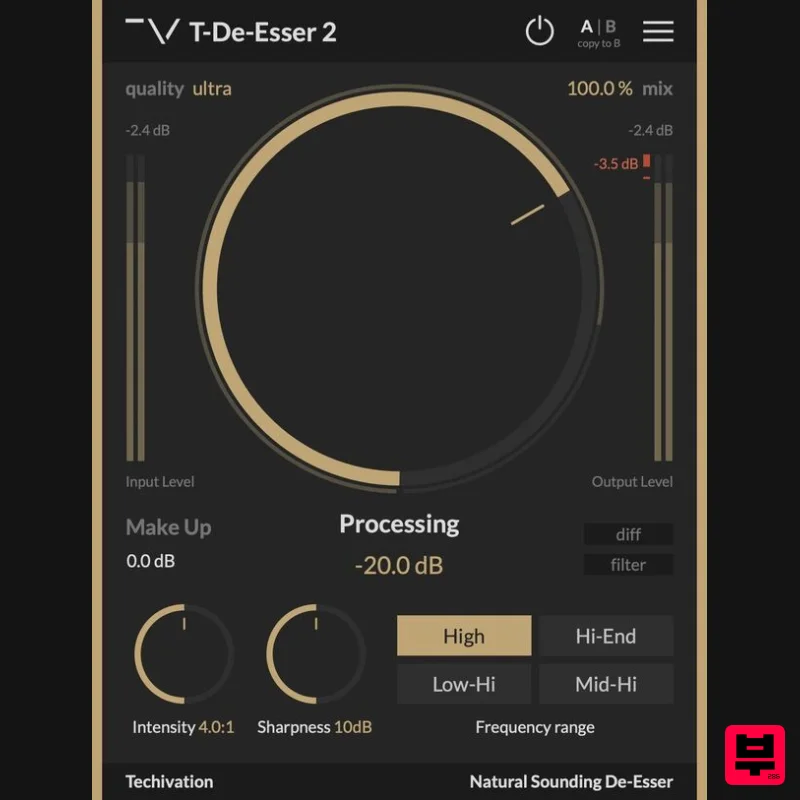
Techivation T-De-Esser 2
De Esser
Free
Remove sibilance and harshness, fast T-De-Esser 2 is an intuitive and user-friendly De-Esser plugin designed to out...
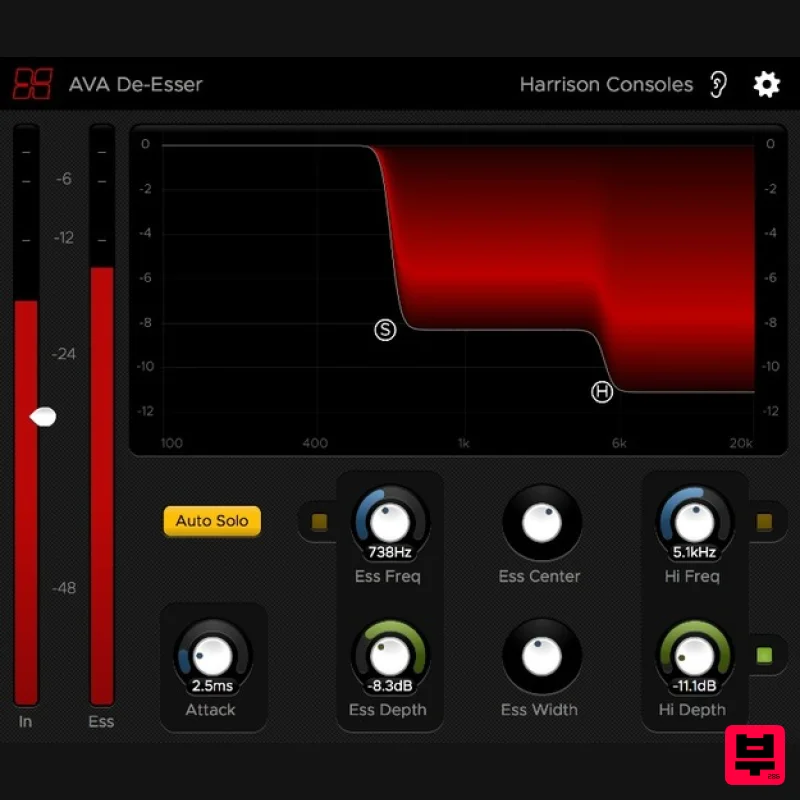
Harrison Consoles De-Esser
De Esser
$93
De-Esser What is the De-Esser? The De-Esser is the latest implementation of Harrison’s renowned De-Esser algorithm,...
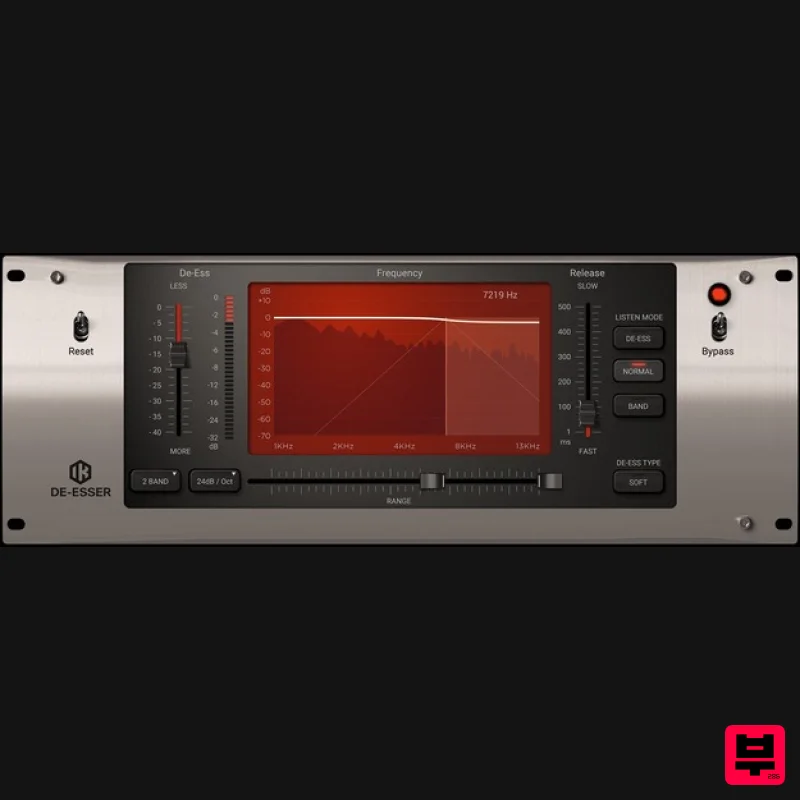
IK Multimedia De-esser
De Esser
$63
Multi-Band De-Esser Frequency Conscious Dynamic Processor De-essing is also known as "frequency dependent compression,"...
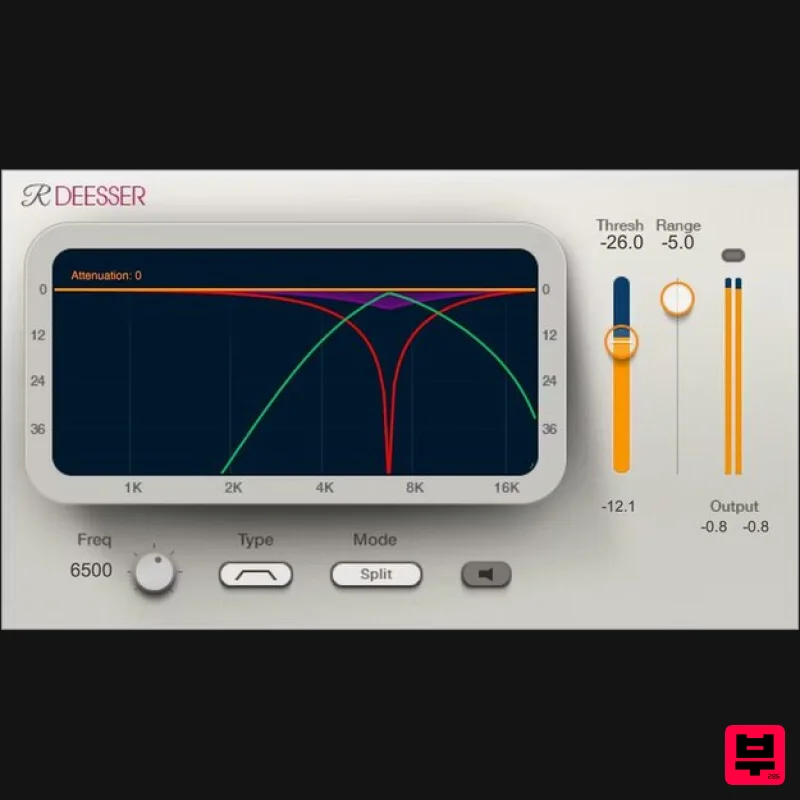
Waves Renaissance DeEsser
De Esser
$44
Renaissance DeEsser A New Solution to a Persistent Problem De-essing is an essential process when recording vocals,...
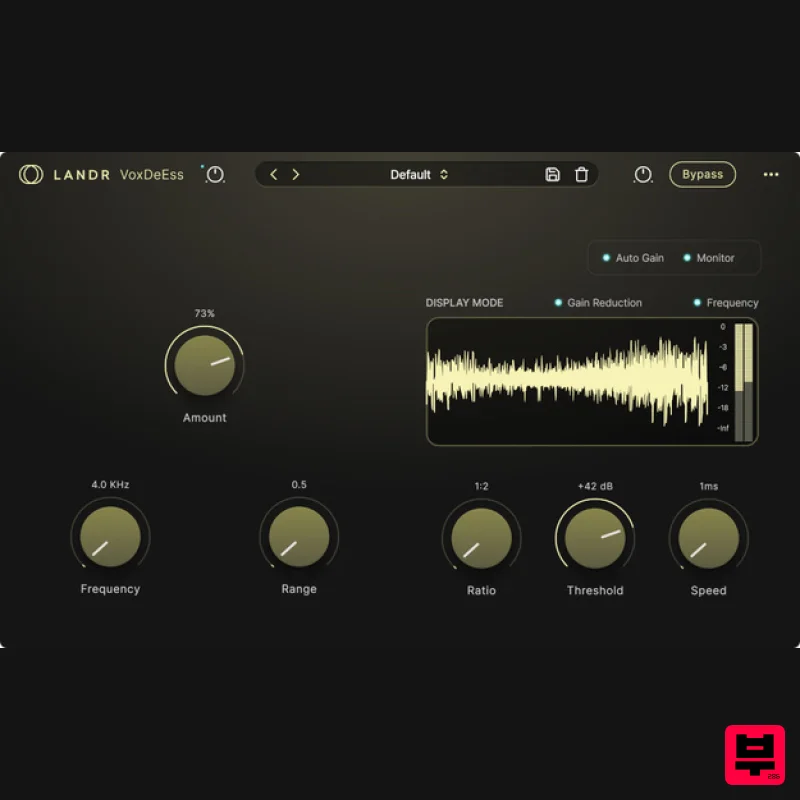
LANDR LANDR VoxDeEss
De Esser
$40
Effortlessly clean, natural vocals Quickly clean up harsh sibilance without compromising tone, brightness, or feel....
Frequently Asked Questions
The Audified ToneKnob SSSniper stands out for its exceptional Audified craftsmanship and innovative design.
Yes! With its affordable price point and quality construction, it's perfect for learning de esser.
Browse the similar products section to see how it stacks up against other de esser.

