
Black Salt Audio DSR
Professional music gear - detailed information and where to buy
Black Salt Audio
DSR
Product Info
* Prices may vary. Check retailer for current pricing and availability.
Product Description
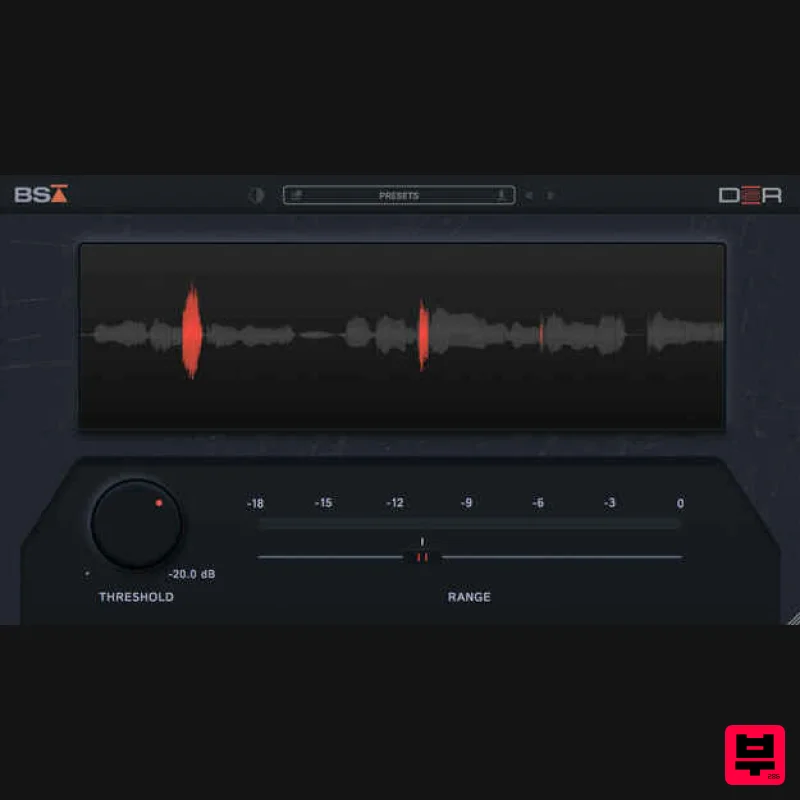
- De-essing should be simple Black Salt Audio believe de-essing should be fast and easy. No complicated controls
- no confusing parameters and no distracting extras. So they built DSR - the simplest
- fastest
- most satisfying way to get transparent & musical de-essing in your mixes. Features DSR is a simple & effective De-Esser
- fine-tuned to achieve transparent musical results. Only two controls for Threshold and Range. Black Salt Audio put all of the complexity under the hood where it belongs. Threshold: This sets the Threshold in dB at which point the de-esser starts applying gain reduction. The Threshold acts on an internally fine-tuned sidechain signal
- focusing on the most problematic regions in the vocal track. The Range sets a limit for how much gain reduction can occur. For example
- with a range of -6dB
- the de-esser will reduce up to -6dB but not further
- so you can dial in the perfect amount of “Sss” Attenuates sibilance without harming the natural frequency balance of the vocal. DSR has ZERO latency
- which makes it the perfect candidate to tame any harsh vocal in real time. System Requirements Mac Mac OS X 10.11 or higher At least 200 MB of free drive space AAX
- VST3 versions PC Windows 10 At least 200 MB of free drive space AAX
- VST3 versions Note: Escalator is used as an example. License Redemption 1. Visit https://blacksaltaudio.com/pluginboutique/redemption/ > sign in or create a new Black Salt Audio account. 2. Enter your details for your new Black Salt Audio account. 3. Scroll down and accept the Terms and Conditions > click 'Sign me up!'. 4. Enter your redeem code (found in your Plugin Boutique My Account page under 'Serial number' > click 'Redeem'. 5. Your license has now been redeemed to your Black Salt Audio account > click anywhere to close this window. 6. Locate the product you wish to install > click 'Download'. 7. Click the correct installer for your system. Mac Installation 1. Locate the downloaded installer and launch the .pkg file. 2. Click 'Continue'. 3. Click 'Continue'. 4. Click 'Agree'. 5. Click 'Continue'. 6. Select which versions you wish to be installed > click 'Continue'. 7. Click 'Install'. 8. The plugin has now been installed > Click 'Close'. 9. Launch your DAW and insert Escalator on a new track > open the plugin > click 'Activate License' > enter your Black Salt account details > click 'Login'. Escalator is now installed and ready to use. Windows Installation 1. Locate the downloaded installer and launch the .exe file. 2. Select which versions you wish to be installed > click 'INSTALL'. 3. Click 'Exit'. 4. Launch your DAW and insert Escalator on a new track > open the plugin > click 'Activate License' > enter your Black Salt account details > click 'Login'. Escalator is now installed and ready to use.
Additional Information
About the Black Salt Audio DSR
The Black Salt Audio DSR combines traditional design with modern performance for De Esser enthusiasts.
Why Choose the Black Salt Audio DSR?
- •Authentic Black Salt Audio craftsmanship and design
- •Versatile sound suitable for multiple musical genres
- •Professional build quality and reliable performance
- •Part of Black Salt Audio's respected De Esser lineup
Compare & Explore
Browse our complete selection of Black Salt Audio instruments or explore other De Esser options. Use our comparison tools to find the perfect match for your musical style and budget.
Similar Products
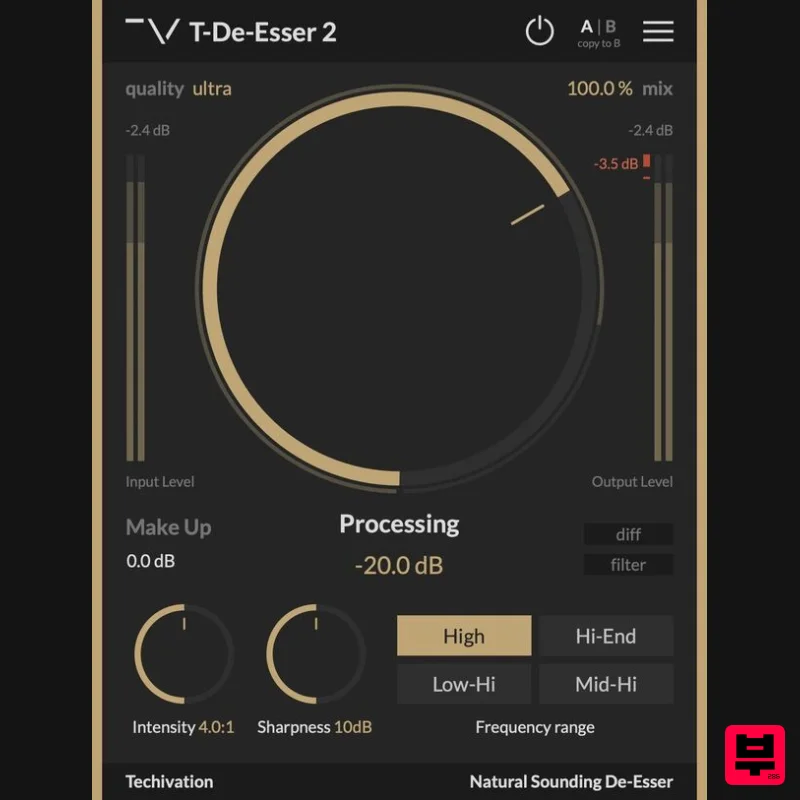
Techivation T-De-Esser 2
De Esser
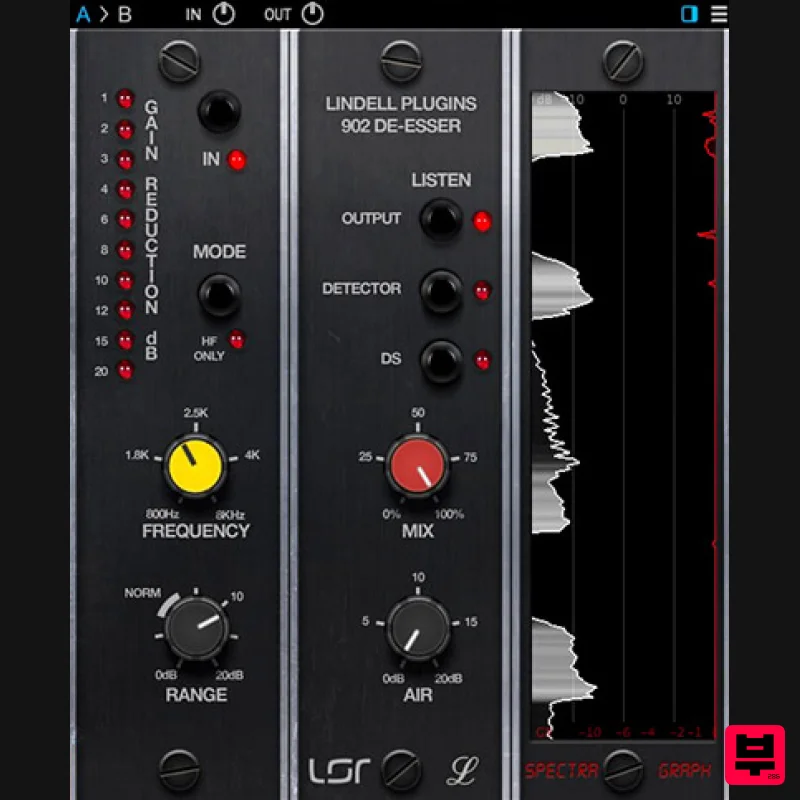
Plugin Alliance Lindell Audio 902 De-Esser
De Esser
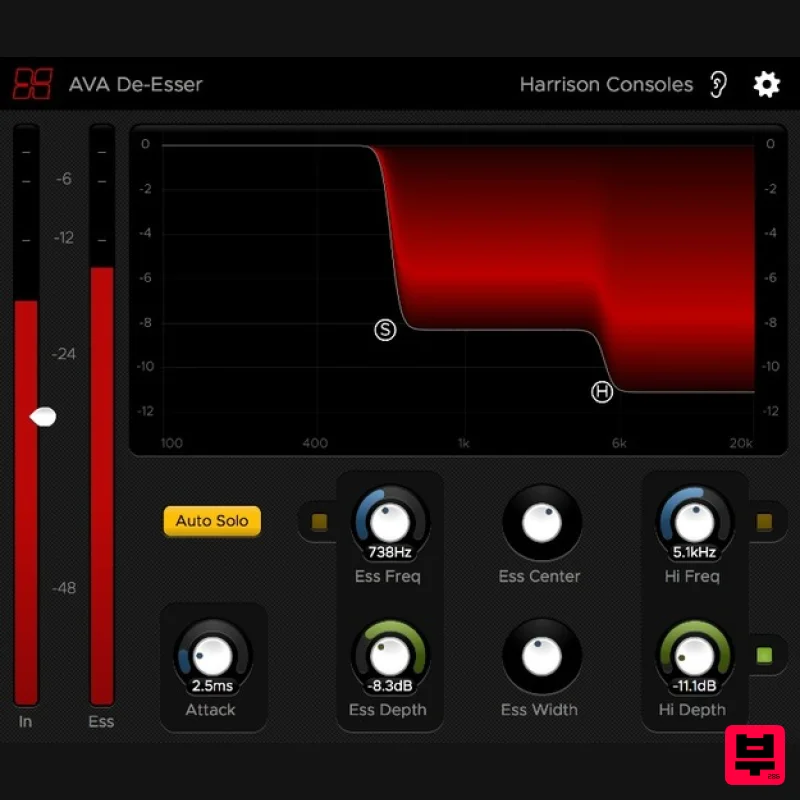
Harrison Consoles De-Esser
De Esser
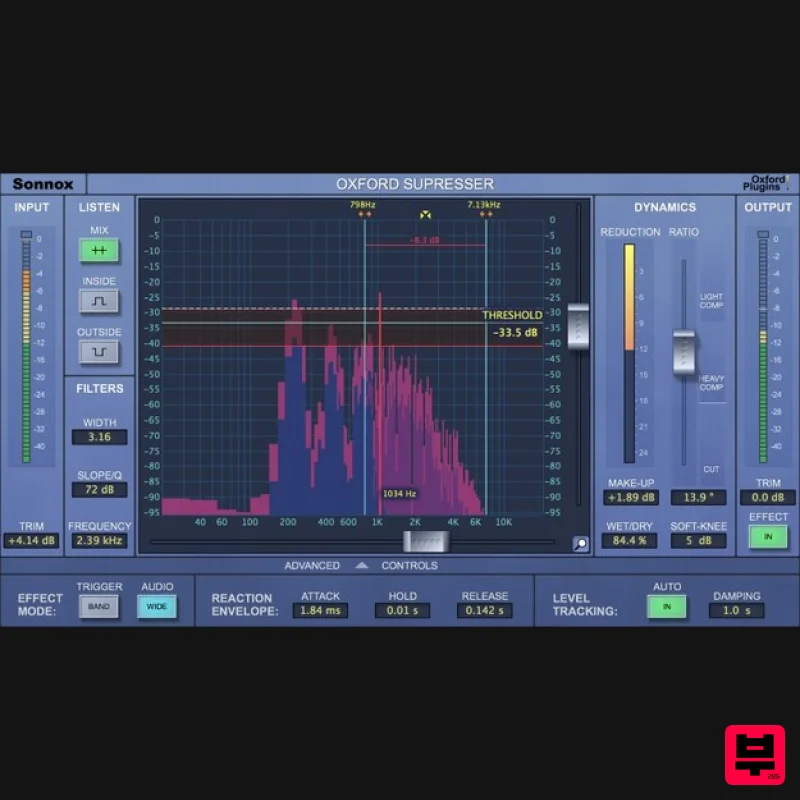
Sonnox Oxford SuprEsser
De Esser
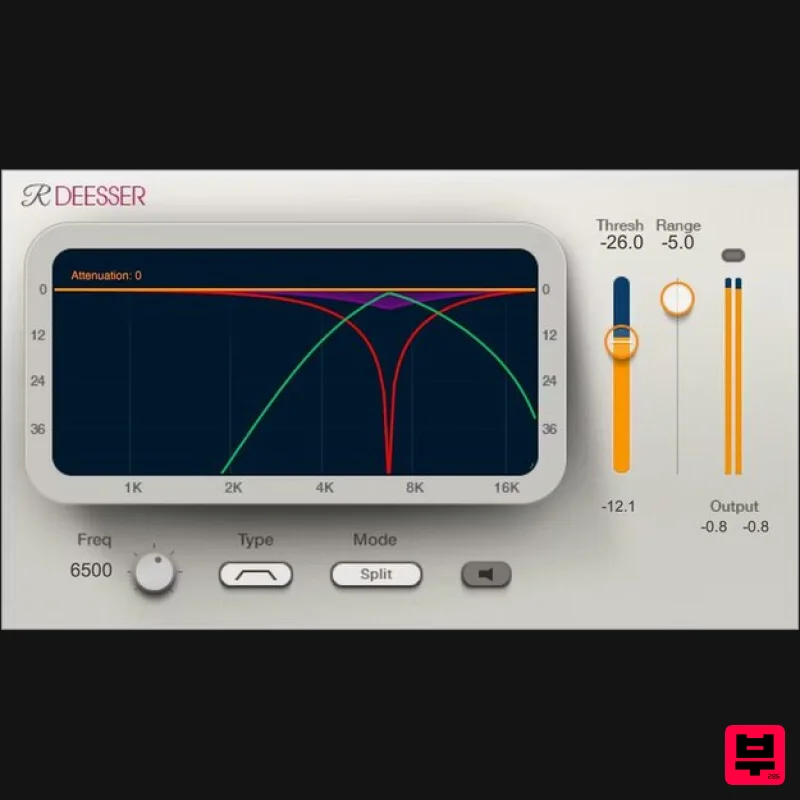
Waves Renaissance DeEsser
De Esser
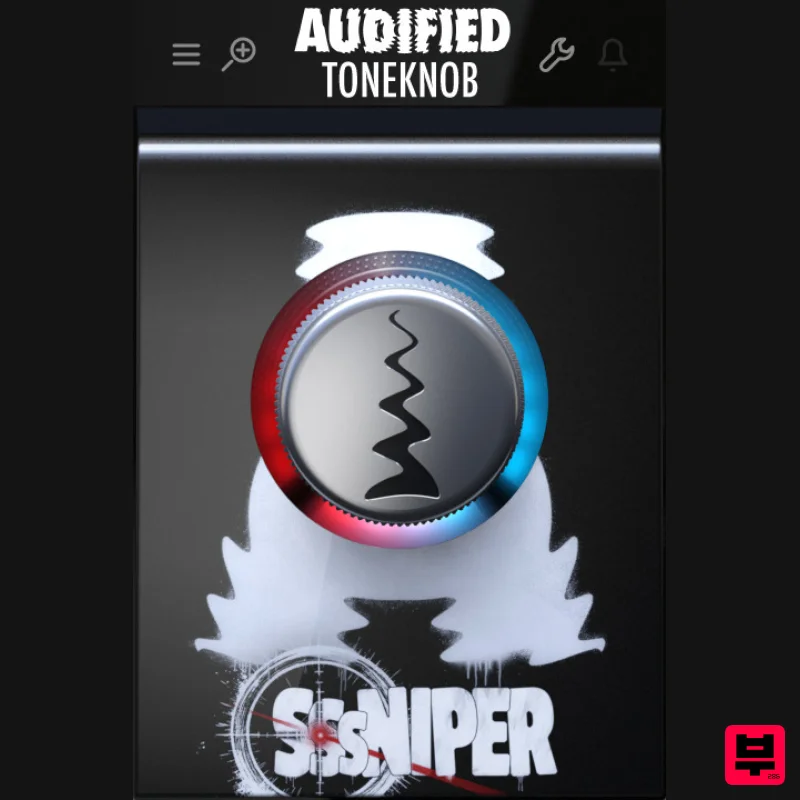
Audified ToneKnob SSSniper
De Esser
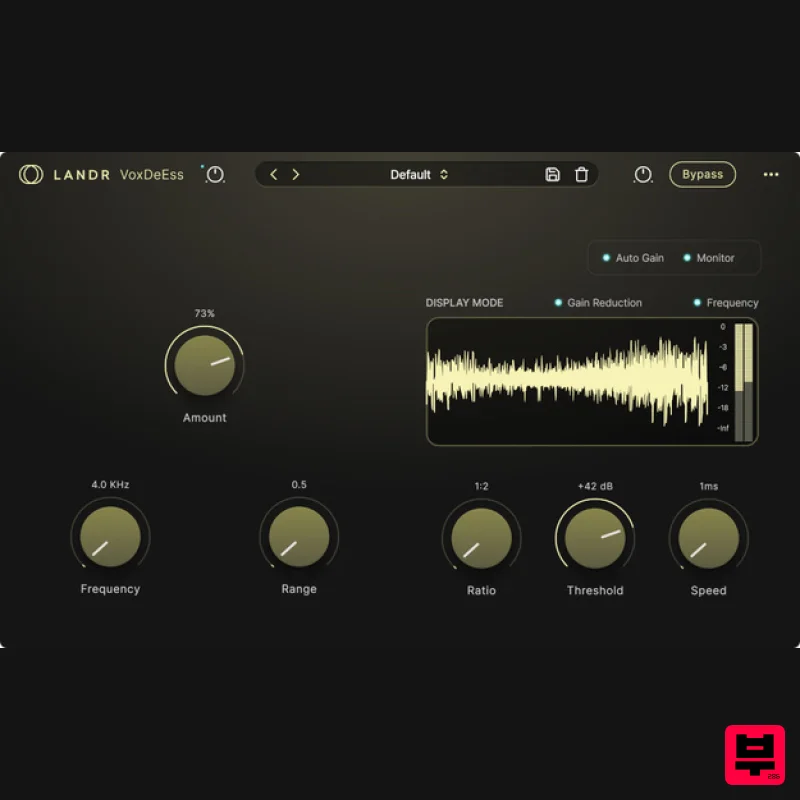
LANDR LANDR VoxDeEss
De Esser
IK Multimedia De-esser
De Esser

