
Signum Audio BUTE Loudness Suite 2
Professional music gear - detailed information and where to buy
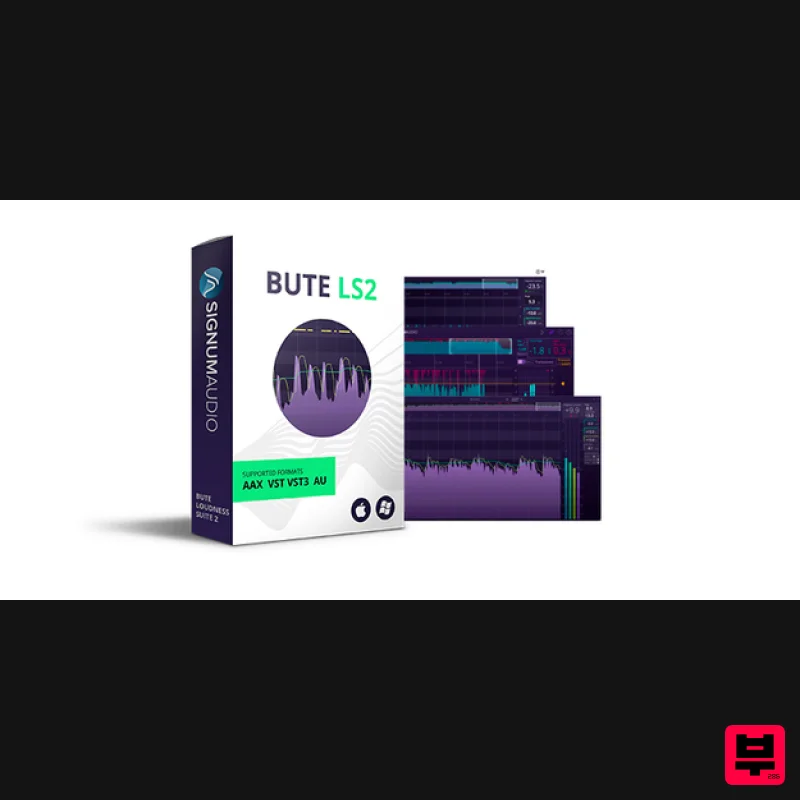
Signum Audio
BUTE Loudness Suite 2
Product Info
* Prices may vary. Check retailer for current pricing and availability.
Product Description
- BUTE Loudness Suite 2 is a integrated and responsive loudness metering and audio limiting plugin that delivers the tools studios
- media and broadcasting producers need to mix and master professional audio within loudness specifications. What Does BUTE Do? Many producers are moving towards mixing and mastering within loudness specs set internally or by major streaming and broadcasting platforms for quality assurance. By providing metering and limiting functions in the same plugin with workflow features to maintain creative flow
- BUTE helps optimise the quality of mixes and masters
- while avoiding potential distortions downstream. Synchronised Workflow For Broadcasting
- Post and Games Loudness metering tools are ideal for balancing music
- dialogue and sound effects whether in stereo or up to Atmos 7.1.2 surround sound. Long-form content is made much easier to deal with using our history overview. Get an overview of up to 10-hours of content and navigate to any section of a track with ease using the interactive display. BUTE’s custom alert system will clearly point out areas where there are errors with True Peak overshoots. A wide array of industry-standard presets are included. Mixing And Mastering With BUTE BUTE plugins are compatible with VST
- AU and AAX (including Audio Suite)
- so will synchronise harmoniously with almost any DAW. Signum Audio's auto re-metering feature gives instantaneous feedback on how loudness will be affected by changes to the mix so there is no need to re-meter the whole mix. Readings for Absolute/Relative Scale
- True Peak/LUFS and Max/Live modes are easy to toggle between from the main display. Powerful Compact Read-Out View When screen estate and CPU are at a premium
- a compact read-out helps keep things optimised. BUTE is completely resizable. Even while in compact view
- easily switch between display settings and tweak limiting configurations
- while saving screen estate for other programs. Stay Faithful To Your Mix out peaks by adjusting pre-gain and selecting a preset release curve - Transparent
- Natural or - which have been designed to make gain reduction as un-noticeable as possible. The release time configures automatically based on multiple properties of the input signal
- and the dial is used to set the multiplication factor of the calculated release time
- enabling fine-tuning. BUTE can also be utilised as a maximiser to push quieter mixes louder whilst taking care of True Peak overshoots. The result? The audio stays faithful to the original sound
- whilst fitting the loudness spec of any platform. Bring Your Music To All Streaming Platform All the tools in your hand to make your music sound optimal on Spotify
- YouTube
- TIDAL
- Apple Check and more. We regularly update presets and include most platforms. User-defined presets for internal standards can also be created and saved. BUTE Loudness Normaliser & BUTE Limiter 2 Audio normalisation becomes a breeze with Signum Audio's automated solution
- BUTE Loudness Normaliser
- which comes in addition to the Suite as a standalone application. Perfect for a final check for True Peak overshoots. Simply drag and drop audio files into the standalone application
- hit render and then export. Also included is Signum Audio's well-received BUTE Limiter 2 is a dedicated limiting plugin offering additional “Pumping” and “Linear” curves for creative music production. Applications Mixing & Mastering Produce consistent masters Avoid 'level shifting' and clipping downstream Ensure accurate representation of your audio/music Measure and refine dynamic content Post-production & Broadcasting Hit target levels easily with a wide range of implemented presets Ensure and prove compliance with regulation Balance dialogue
- music and effects Manage live broadcasting & streaming levels accurately and efficiently Optimise dynamics for streaming content Game Design Balance sound effects and dialogue ASWG 5.1 and 7.1 Surround Sound support (Surround Version) Features Integrated True Peak limiter and loudness metering in one plugin history overview for completely interactive browsing of up to 10-hours of loudness data at a glance Custom alert system flags up areas that need attention with severe (red) or warning (yellow) pointer on the history overview. User settings can be defined in the settings panel. auto re-metering feature which syncs to DAW on load-up
- and auto-detects and reflects any adjustments you make in the DAW on the graphical display Powerful compact read-out view which is completely resizable vertically and horizontally to optimise screen space while keeping readings visible and limiting settings accessible An adaptive auto-release function which can be tweaked by a scale factor using the release knob
- enabling fine-tuning Ultra-transparent True Peak limiting algorithm means mastered audio stays faithful to the original mix 3 different release curves for Transparent
- Natural and limiting (BL2 includes an additional “Pumping” and “Linear” release curves for creative music production) Display Settings on the main user interface to switch between True Peak/Metering
- Relative/Absolute Scale
- or Max/Live modes A highly responsive and informative graphical interface Auto-detects DAW channel configuration with a dropdown menu to select mono
- stereo or surround configurations (Surround version) A wide array of built-in presets for the very latest loudness standards and recommendations Industry-standard (IEC 60268-18) meter bar fallback for natural
- analogue feel Clean and comprehensive read-outs for short-term & momentary loudness
- True Peak
- and traditional RMS Reloadable session data Save
- Load and Export metering data Includes additional copies of BUTE Loudness Normaliser standalone application and BUTE Limiter 2 plugin Free future updates BUTE is fully compliant with up-to-date presets for the following loudness specifications: ITU-R BS. 1770
- EBU R128
- ATSC A/85OP-59
- ARIB TR-B32
- Spotify
- YouTube
- Apple Check
- Hulu
- Netflix
- TIDAL
- Sony Gaming (ASWG)
- AES Streaming Recommendation
- US Public Radio (PRSS)
- TIDAL and Pandora. You also have the ability to save multiple user-defined presets System Requirements OS X 10.9 or higher / Windows 7 or higher (64-bit only) VST/ VST3/ AU/ AAX (including AudioSuite) Available in 2 versions - Stereo or Surround (includes up to 7.1.2 support with Surround version). Pro Tools 12.6 or higher (for the AAX version of the plugin) Sound On Sound "The Bute analyser plug-in is a very welcome addition to the field
- and quite reasonably priced..." Pro Tools Expert "Signum Audio have produced a really clever but clear interface which will really help you manage the dynamics and loudness of your content." Music Radar “She's a Bute. 4/5" Signum Audio Bute Loudness Suite Review at Music Radar Scottish developer expands its loudness analyzer: Founded by two ex-Rockstar North audio developers
- Signum Audio’s debut release was a True Peak metering plugin going by the name of Bute Loudness Analyser (£83). Bute Loudness Suite (VST/AU/AAX) is essentially the same thing with a True Pea... Read More Signum Audio Bute Loudness Suite Review at Sound on Sound Signum Audio’s comprehensive loudness measurement tools are flexible enough to cater for all current and future standards. While it’s self-evident that the most important tool for mixing is the human ear
- it’s also true that the ear can be easily fooled. As a consequence it continues to be ess... Read More Mac: Registration 1. Go to your Plugin Boutique User Account and find the URL located in the box labelled 'Serial Number' > Copy and paste the URL into your web browser and press enter. 2. You will be redirected to a shopping cart on the Signum Audio website. Check the product is correct > Click 'Checkout'. 3. Click 'Register'. 4. Enter your personal details by filling out all the fields with an asterisk (*) next to them > Click 'Register'. Note: Be sure to scroll down the page and fill out all of the relevant fields. 5. Click 'Continue'. 6. You will then be redirected back to the same checkout page as step 2 of the registration process > Click 'Checkout'. 7. Click 'Confirm'. 8. Click 'Continue'. Installation 1. You will have received an email from Signum Audio containing your license key and product download link > Go to your email and click 'Download Link'. 2. Click 'Download for Mac'. 3. Go to your downloaded installer
- double click the zip file to extract the contents and open the .pkg file to begin the installation > Click 'Continue'. 4. Click 'Continue'. 5. Click 'Agree'. 6. Click 'Continue'. 7. Click 'Continue'. 8. Click 'Install'. 9. Enter your computer Username and Password > Click 'Install Software'. 10. Click 'Close'. Activation 1. Open your newly installed plugin in your DAW > Enter your license key
- found in your email from Signum Audio and click 'Ok'. Your software is now activated and ready to use in your DAW. Windows Registration 1. Go to your Plugin Boutique User Account and find the URL located in the box labelled 'Serial Number' > Copy and paste the URL into your web browser and press enter' 2. You will be redirected to a shopping cart on the Signum Audio website. Check the product is correct > Click 'Checkout'. 3. Click 'Register'. 4. Enter your personal details by filling out all the fields with an asterisk (*) next to them > Click 'Register'. Note: Be sure to scroll down the page and fill out all of the relevant fields. 5. Click 'Continue'. 6. You will then be redirected back to the same checkout page as step 2 of the registration process > Click 'Checkout'. 7. Click 'Confirm'. 8. Click 'Continue'. Installation 1. You will have received an email from Signum Audio containing your license key and product download link > Go to your email and click 'Download Link'. 2. Click 'Download for Windows'. 3. Go to your downloaded installer
- double click the zip file to extract the contents and open the .exe file to begin the installation > Select 'I accept the agreement' and click 'Next'. 4. Click 'Next'. 5. Click 'Next'. 6. Click 'Install'. 7. Click 'Finish'. Activation 1. Open your newly installed plugin in your DAW > Enter your license key
- found in your email from Signum Audio and click 'Ok'. Your software is now activated and ready to use in your DAW.
Additional Information
About the Signum Audio BUTE Loudness Suite 2
The Signum Audio BUTE Loudness Suite 2 combines traditional design with modern performance for Mastering enthusiasts.
Why Choose the Signum Audio BUTE Loudness Suite 2?
- •Authentic Signum Audio craftsmanship and design
- •Versatile sound suitable for multiple musical genres
- •Professional build quality and reliable performance
- •Part of Signum Audio's respected Mastering lineup
Compare & Explore
Browse our complete selection of Signum Audio instruments or explore other Mastering options. Use our comparison tools to find the perfect match for your musical style and budget.
Similar Products
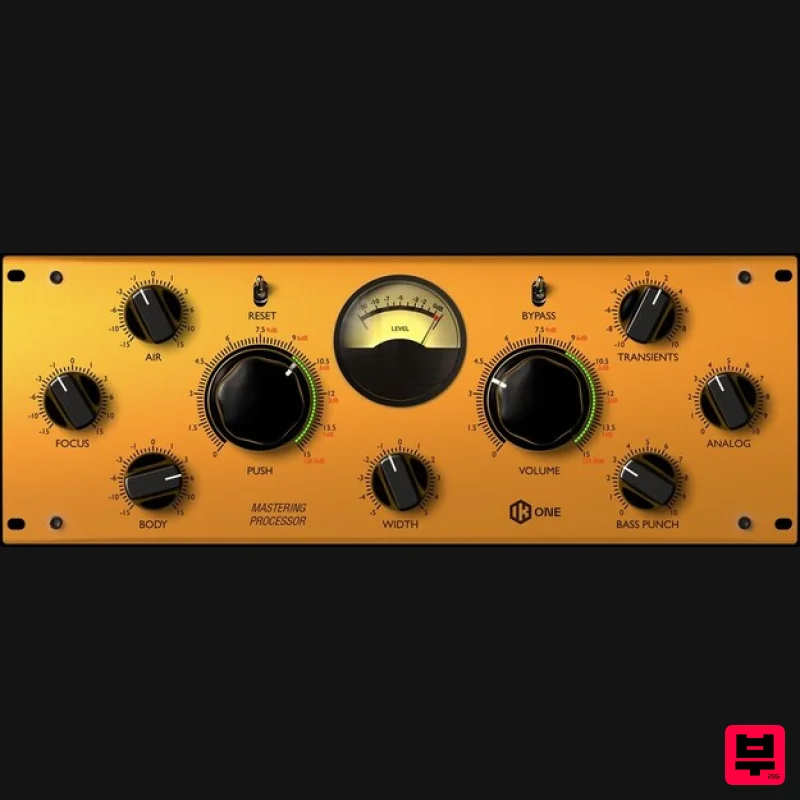
IK Multimedia One
Mastering
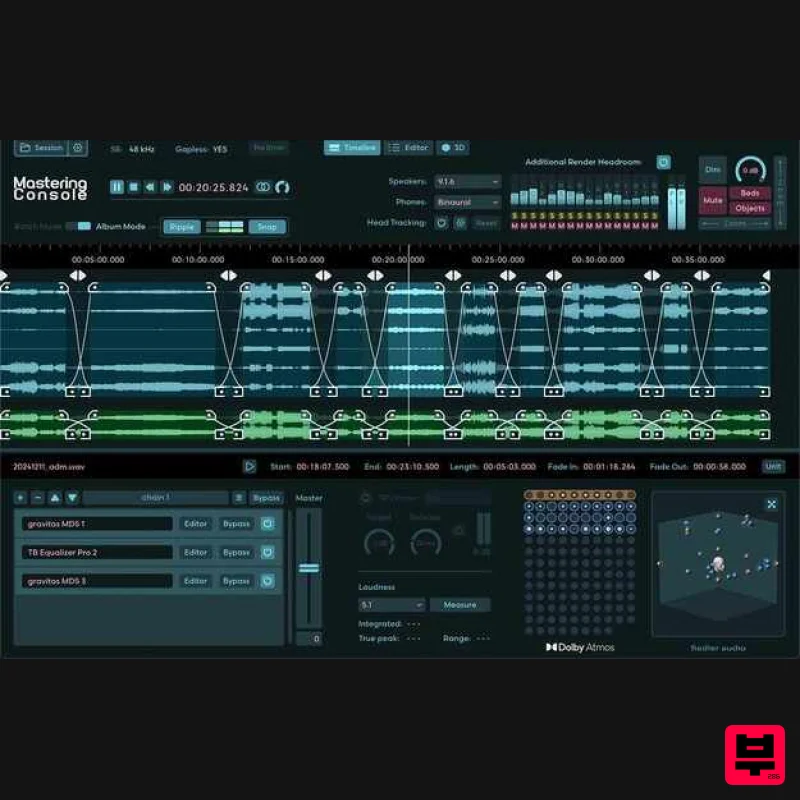
Fiedler Audio Mastering Console 2
Mastering
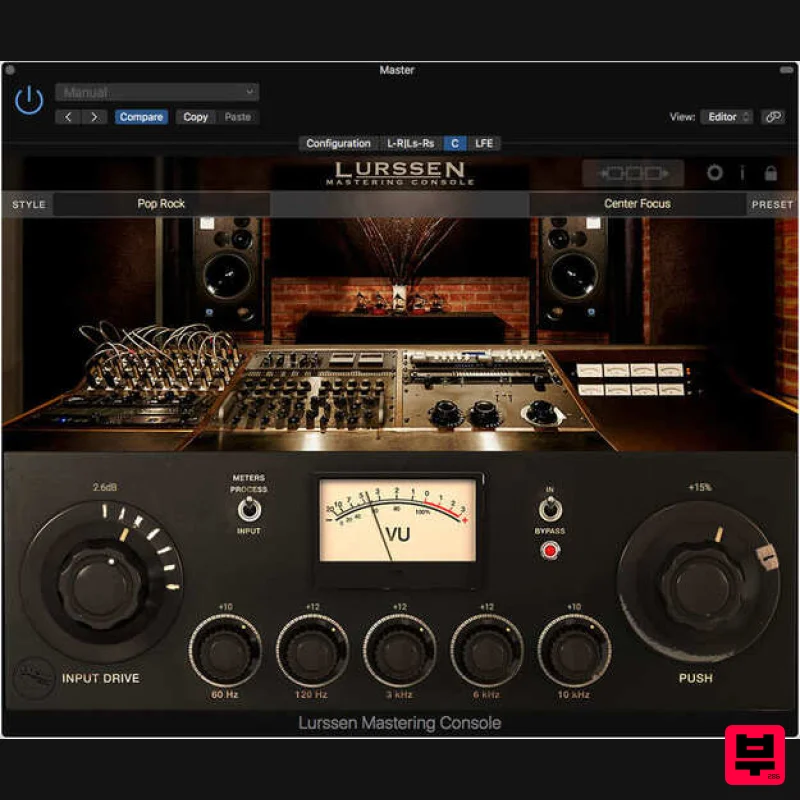
IK Multimedia Lurssen Mastering Console
Mastering
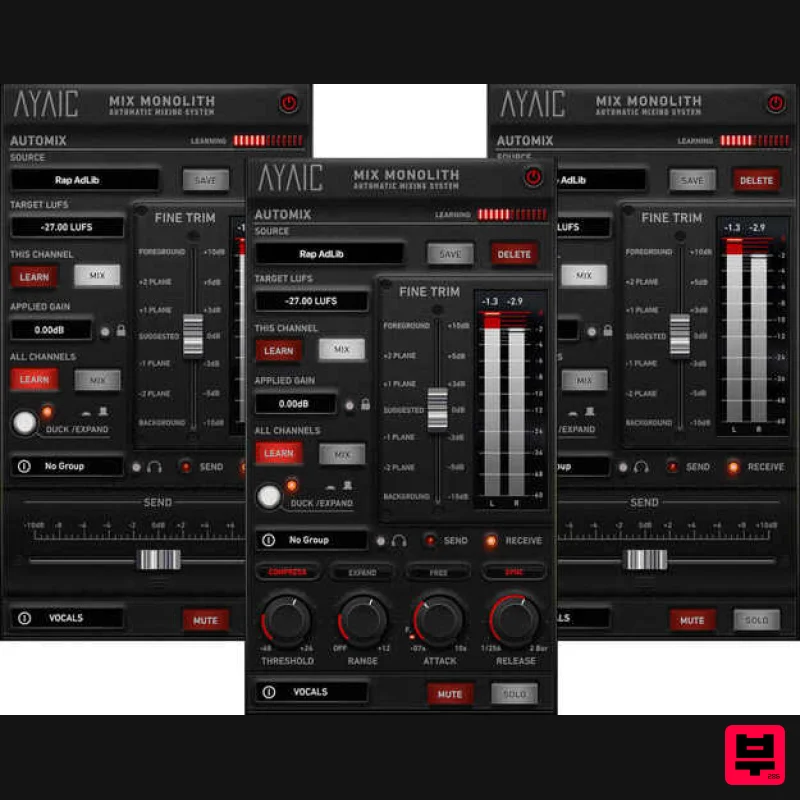
AYAIC Mix Monolith
Mastering
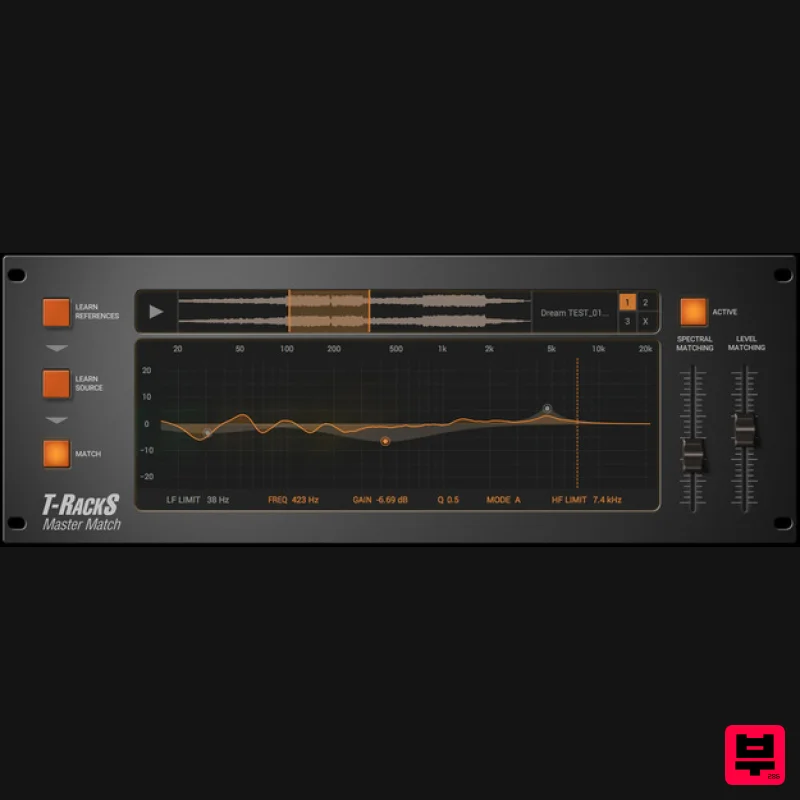
IK Multimedia Master Match
Mastering
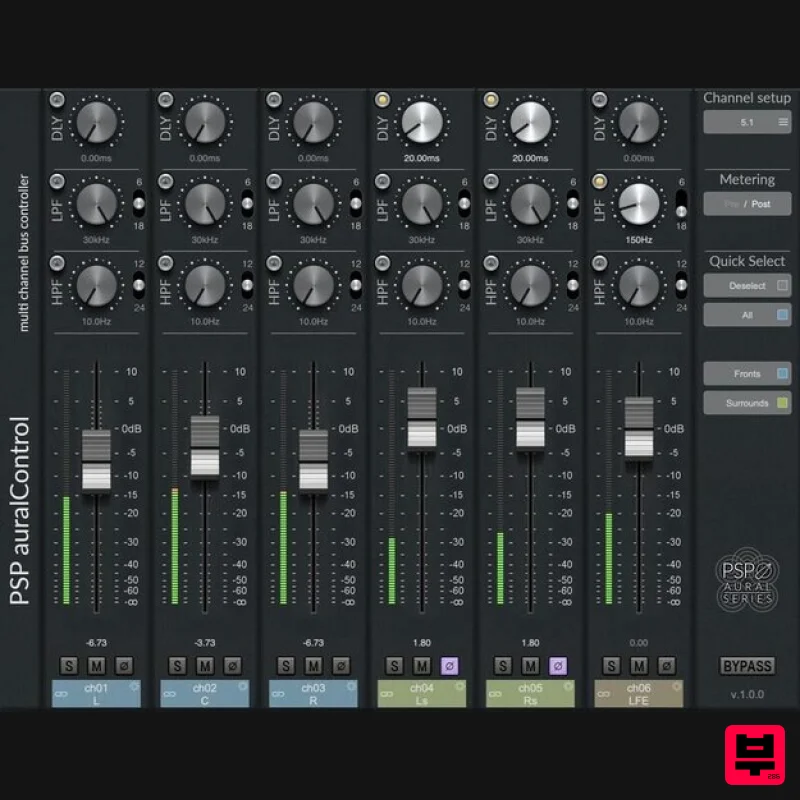
PSP Audioware PSP auralControl
Mastering
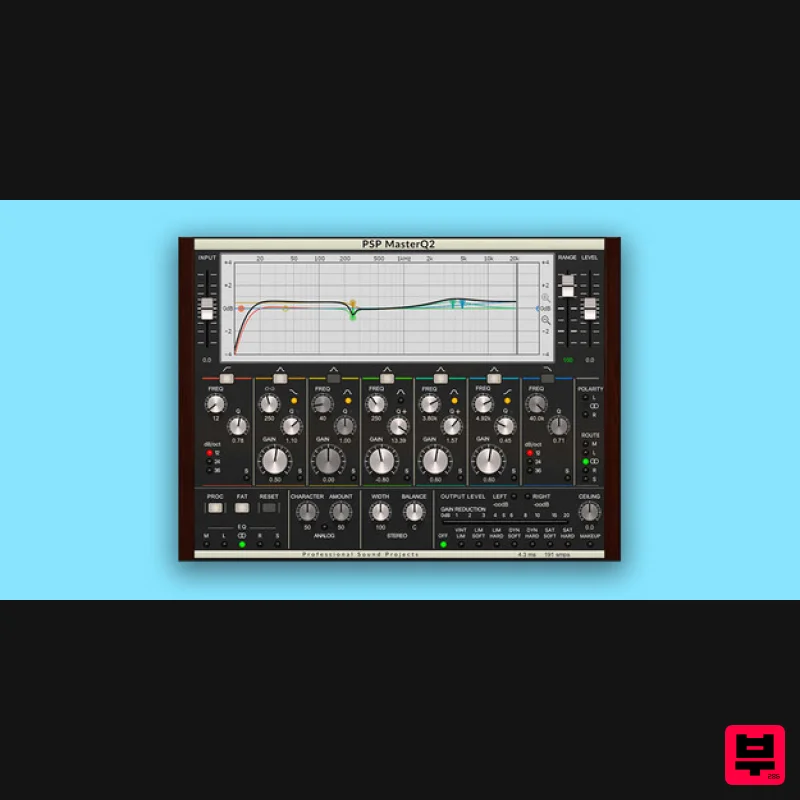
PSP Audioware PSP MasterQ2
Mastering
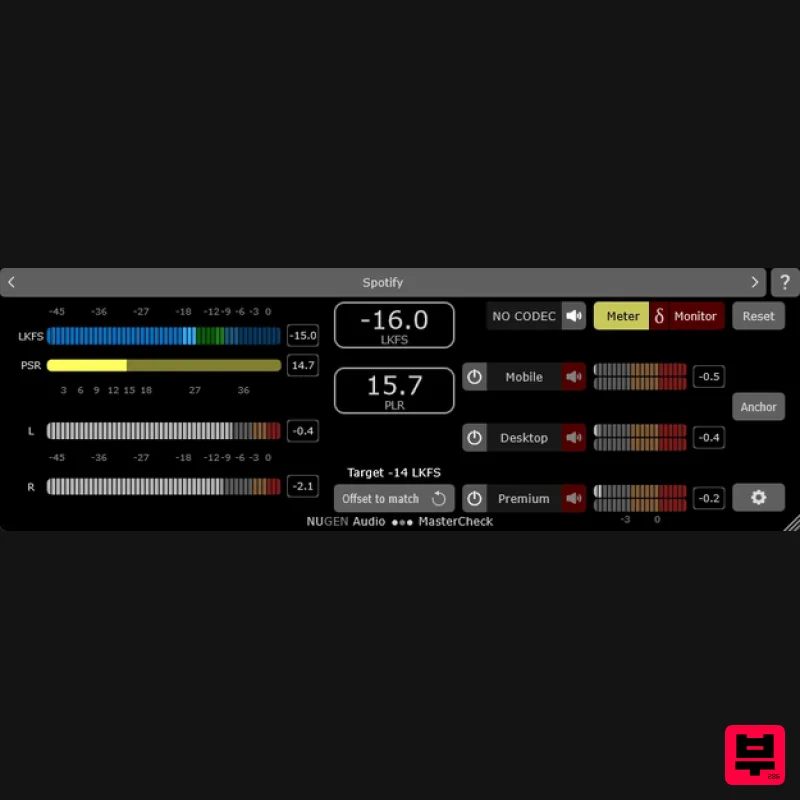
NUGEN Audio MasterCheck 2
Mastering

