
Harrison Consoles MPC Channel Strip
Professional music gear - detailed information and where to buy
Harrison Consoles
MPC Channel Strip
Product Info
* Prices may vary. Check retailer for current pricing and availability.
Product Description
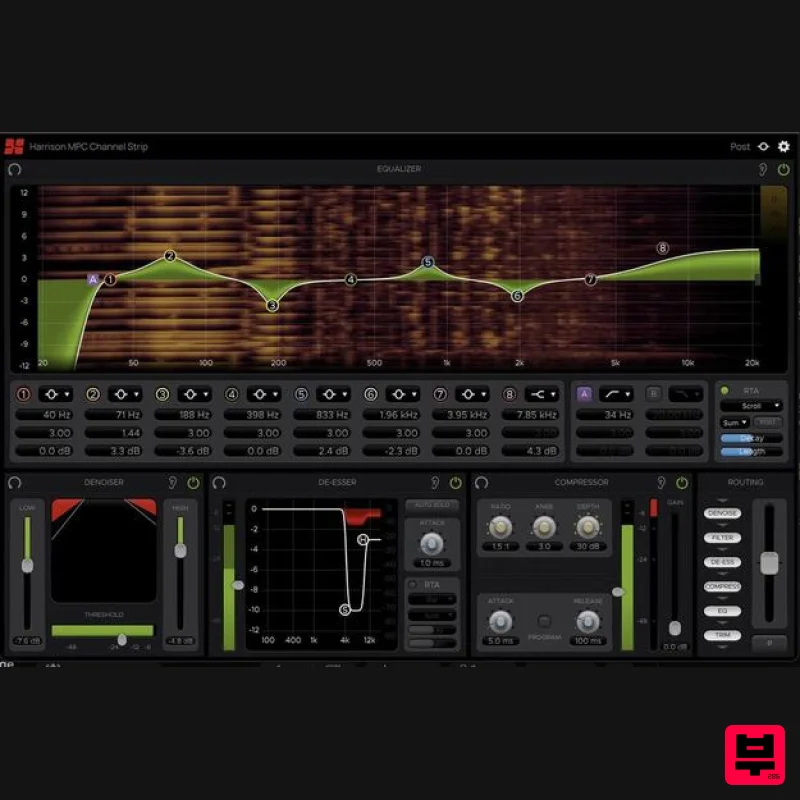
- The MPC Channel is an all-in-one signal processing suite for mixing and editing audio in post-production film. It is equipped with six essential mixing tools that use the same powerful DSP found in Harrison’s renowned MPC (Motion Picture Console) used in high end film studios around the world. The processing sections can all be monitored simultaneously in one resizable window
- so everything that's happening can be seen at-a-glance. Other useful features include rearrangeable signal flow
- fully automatable parameters
- and advanced RTA displays. The MPC Channel is optimized for large format post-production sessions allowing 100’s of instances to be deployed without negatively affecting your CPU performance. MPC Channel an invaluable tool that will take any post-production workflow to the next level. Denoiser The Denoiser is optimized for processing speech. The cutoff frequencies of the high and low filters are preset to best accommodate the frequency range of the human voice and the envelope is set to match the rate of normal speech. The Denoiser functions like an expander for frequencies outside the range of the human voice. The HIGH and LOW sliders control the maximum amount of Gain reduction applied to signals within each band’s respective Frequency range. The maximum Gain reduction set for each band will only be applied to signals below the Threshold. All Signal levels above the Threshold will be allowed to pass through with variable Gain reduction based on the dynamic characteristics of the signal. De-Esser Harrison’s renowned De-Esser algorithm is primarily used to attenuate harsh frequencies caused by sibilance in human speech. The two circular markers on the graph display
- labeled “S” and “H”
- are the controls for the Ess and Hi bands (S = Ess
- H = Hi). These controls can be dragged horizontally or vertically to set the Bandwidth and Depth of their respective bands. The low cutoff Frequency for the Ess band has a range of 200 Hz to 8 kHz
- while the Hi band control has a range of 2 kHz to 12 kHz for taming any additional frequencies above that. Compressor Compressor The MPC’s Compressor module is optimized for vocal compression
- but its flexible controls allow it to meet a variety of other needs as well. Its components includes: Ratio - with possible values from 1:1 to 100:1 Knee - with a possible values range of 1.0 to 30.0 Depth - with a possible values range from 0.1 ms to 100 ms Attack - times range from 0.1 ms to 100 ms Release - times range from 5 ms to 500 ms Routing
- Trim & Polarity The order of signal flow between the six elements can be rearranged by dragging an element’s marker to its desired position along the signal chain
- which flows from top to bottom. Dragging an item to another slot will swap the positions of the two items. The Trim fader can adjust the Gain of the signal passing through it (-20 dB to +20 dB). This is also a routable item
- so it can serve as an input or output Trim depending on its position in the signal chain. The Polarity switch inverts the phase of the output waveform (flips it 180°) when selected. RTA The RTA is calculated using a Discrete Fourier Transform
- which provides high resolution data even in lower frequency ranges. The Equalizer and De-Esser modules each have sections for controlling their RTA displays. The controls described here apply to the RTAs in both modules
- unless noted otherwise. Features Parametric 8-Band Equalizer with a wide range of RTA options Pair of multi-pole Filters with various selectable shapes 2-Band De-Esser based on the X-Tool DSP found in Harrison MPC digital consoles 2-Band Denoiser for cleaning up unwanted background noise Compressor with a variety of adjustable parameters and a selectable Program Dependent mode Routing
- Trim & Polarity section for re-arranging the order of signal flow
- toggling Polarity
- and adjusting input/output Trim System Requirements Mac macOS 11 Big Sur - macOS 13 Ventura (64-bit only) (M1 Mac supported) Intel Dual-Core Mac running at 2.4GHz or higher 4 GB of RAM minimum (8 GB of RAM recommended) AU
- VST2
- VST3
- AAX Native Windows Windows 10 - Windows 11 (64-bit only) Intel Core 2 (or comparable) CPU running at 2.4GHz or higher 4 GB of RAM minimum (8 GB of RAM recommended) VST 2
- VST3
- AAX Native Please Note: A FREE iLok Account is required for the authorisation of this software. Important note: For licenses with the format - XXXXXXX-XXXX-XXXX-XXXXXXXX - please scroll down and follow the instructions for Harrison Multi Band Compressor
- below For iLok licences with the format XXXX-XXXX-XXXX-XXXX-XXXX-XXXX-XXXX-XX please follow the instructions for Harrison Bass Flow & SSL Guitarstrip immediately below Please Note: Harrison Bass Flow & SSL Guitarstrip are used as examples iLok Registration 1. Go to the iLok website and create a new account if you are not currently registered and do not have the iLok Licence Manager installed on your computer Note: Skip to the 'Registration' procedure if you are already an iLok registered user 2. Download and install the iLok License Manager SSL Download Manager Installation 1. Go to https://solidstatelogic.com/ssl-download-manager or click DOWNLOAD in your Plugin Boutique User Account 2. Click either macOS or Windows to download the installer (Linux versions available here) 3. Double-click installer > Follow the on-screen instructions to install 4. Open SSL Download Manager 5. Locate Harrison Bass Flow & SSL Guitarstrip > Click Install on each plugin iLok Authorisation 1. Open your iLok license manager application > click Sign In 2. Enter your iLok registered User ID and password > click Sign In 3. Once you are signed in
- click the ‘Redeem’ icon which is located at the top-right corner of the iLok Licence Manager’s interface 4. Copy and paste/manually enter the 30-digit code from your Plugin Boutique User Account into the available Activation Code boxes
- and then click Next 5. Select your activation destination > Click Activate 6. Click OK 7. Open the plugins in your DAW Your plugins are now installed and ready to use. Enjoy! Please Note: Harrison Multi Band Compressor is used as an example Note: Harrison and SSL plugins now share the same installation process via the SSL Download Manager iLok Registration 1. Go to the iLok website and create a new account if you are not currently registered and do not have the iLok Licence Manager installed on your computer Note: Skip to the 'Registration' procedure if you are already an iLok registered user 2. Download and install the iLok License Manager Registration 1. Go to https://account.solidstatelogic.com/register-software > Create a new account or log into your existing account if you have one 2. Click REGISTER SOFTWARE 3. Enter your license code found in your Plugin Boutique User Account as well as your iLok ID > Click SUBMIT SSL Software Installation 1. Go to https://solidstatelogic.com/ssl-download-manager or click DOWNLOAD in your Plugin Boutique User Account 2. Click either macOS or Windows to download the installer (Linux versions available here) 3. Double-click installer > Follow the on-screen instructions to install 4. Open SSL Download Manager 5. Locate Harrison Multi Band Compressor > Click Install 6. Open your DAW > Scan for plugins 7. Click Activate 8. Click Skip 9. Enter your iLok account details > Click Next 10. Select 'Harrison Multi Band Compressor' > Click Next 11. Select an activation location > Click Next 12. Click Continue 13. Open the plugin in your DAW Your plugin is now installed and ready to use. Enjoy!
Additional Information
About the Harrison Consoles MPC Channel Strip
Discover the distinctive sound and feel of the Harrison Consoles MPC Channel Strip, a standout choice among Channel Strip.
Why Choose the Harrison Consoles MPC Channel Strip?
- •Authentic Harrison Consoles craftsmanship and design
- •Versatile sound suitable for multiple musical genres
- •Professional build quality and reliable performance
- •Part of Harrison Consoles's respected Channel Strip lineup
Compare & Explore
Browse our complete selection of Harrison Consoles instruments or explore other Channel Strip options. Use our comparison tools to find the perfect match for your musical style and budget.
Similar Products
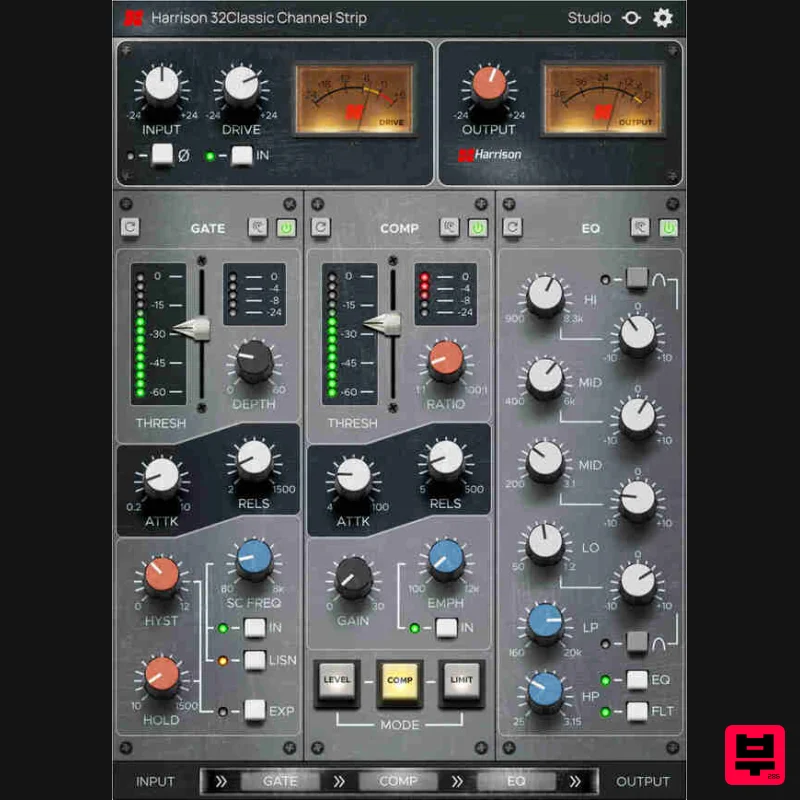
Harrison Consoles 32Classic Channel
Channel Strip
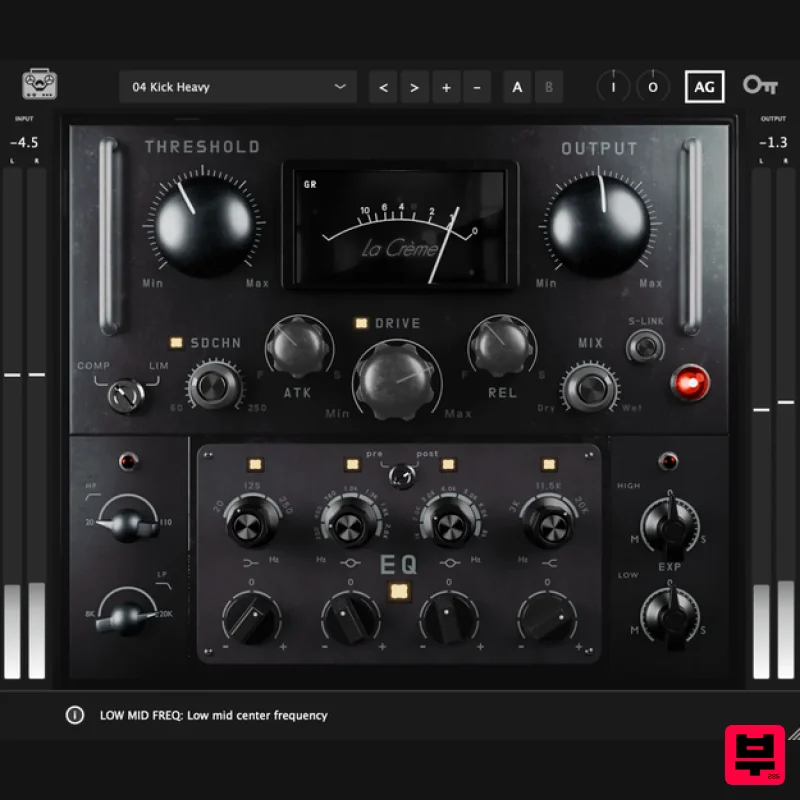
Tone Empire La Crème 3
Channel Strip
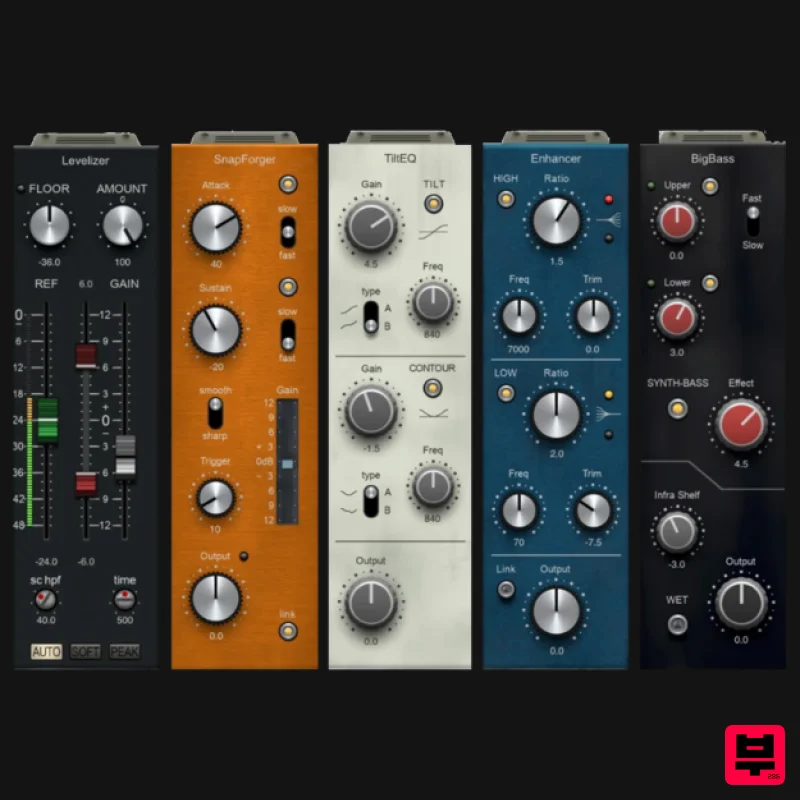
PSP Audioware PSP InfiniStrip Earth Edition
Channel Strip
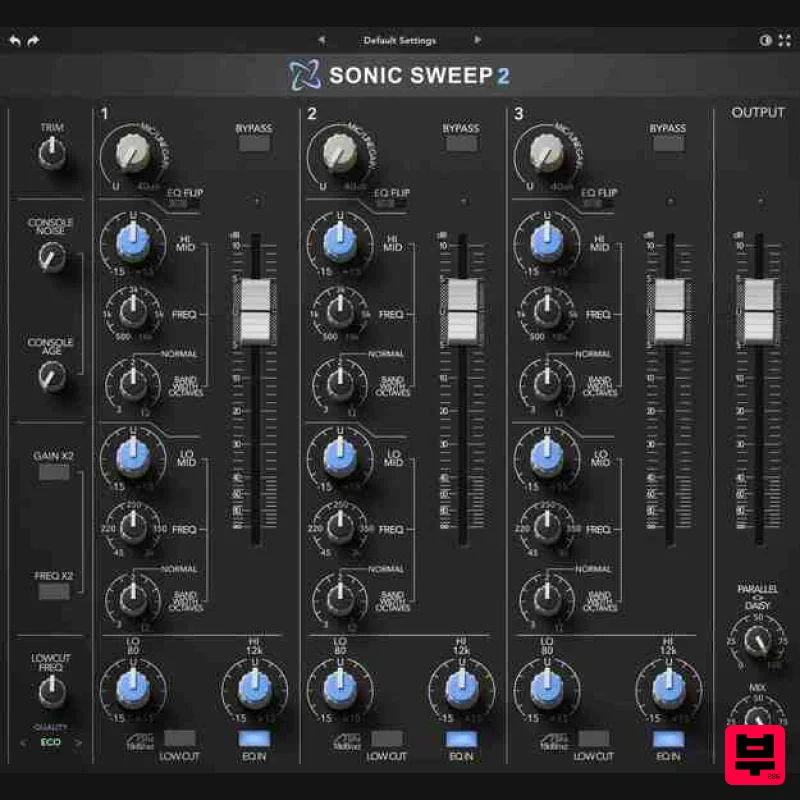
Rave Generation Sonic Sweep 2
Channel Strip
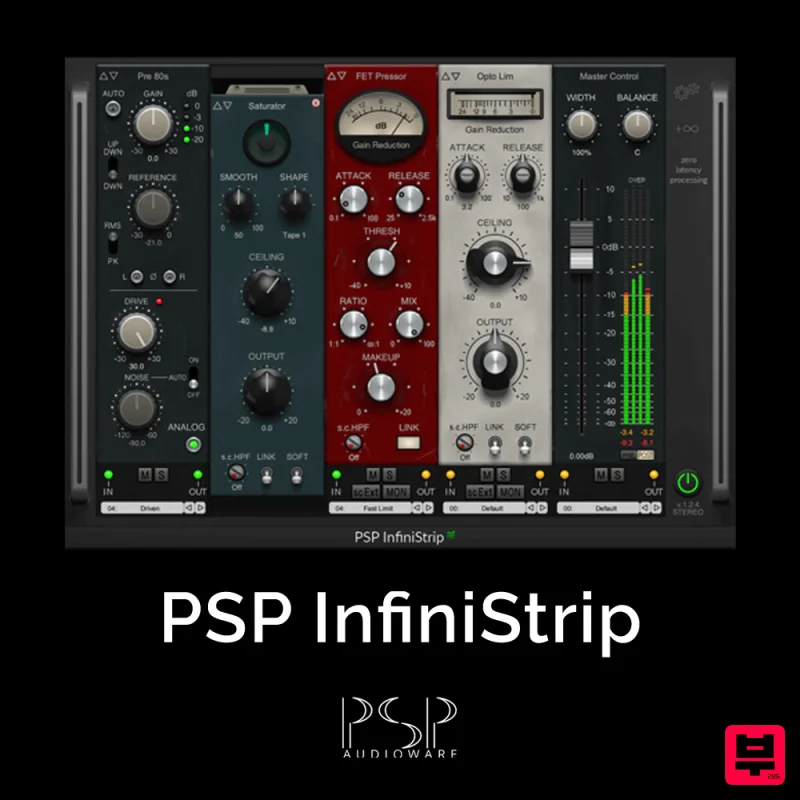
PSP Audioware PSP InfiniStrip
Channel Strip
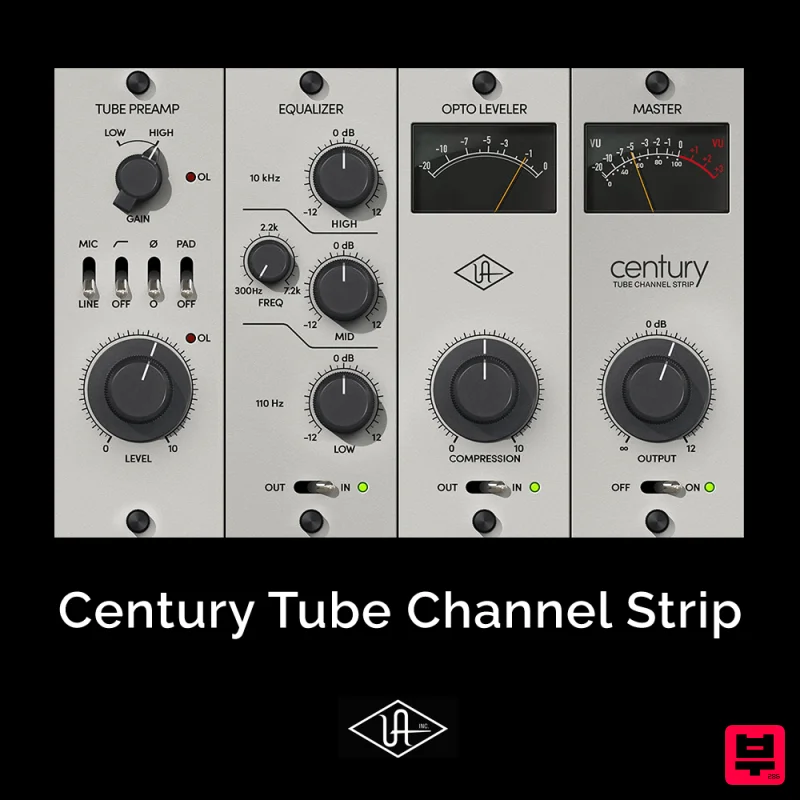
Universal Audio Century Tube Channel Strip
Channel Strip
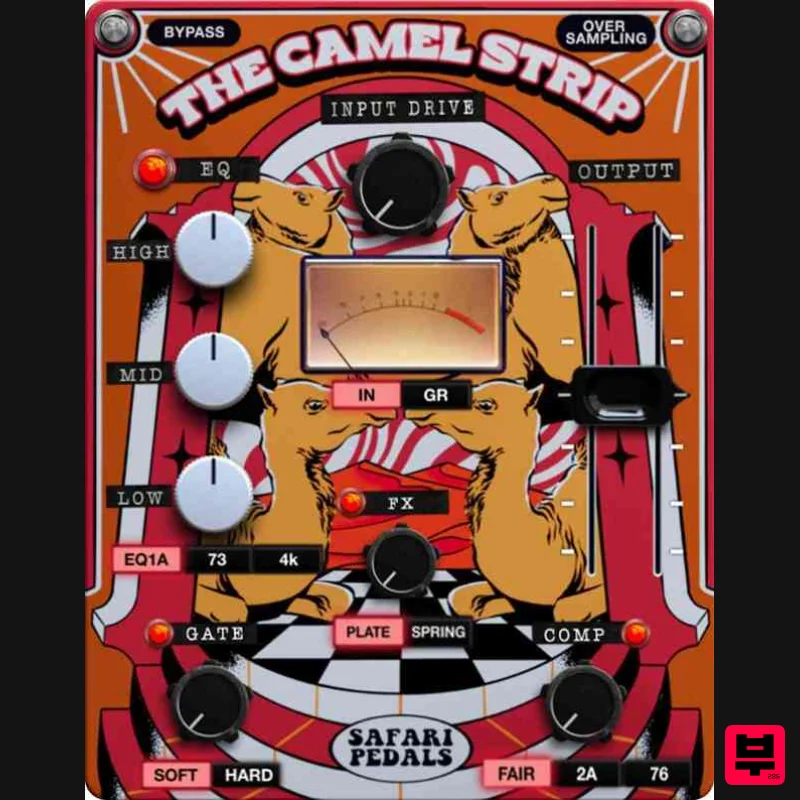
Safari Audio The Camel Strip
Channel Strip
NoiseAsh Prestige Racks
Channel Strip

