
Safari Audio pure:level Crossgrade from any paid sonible product
Professional music gear - detailed information and where to buy
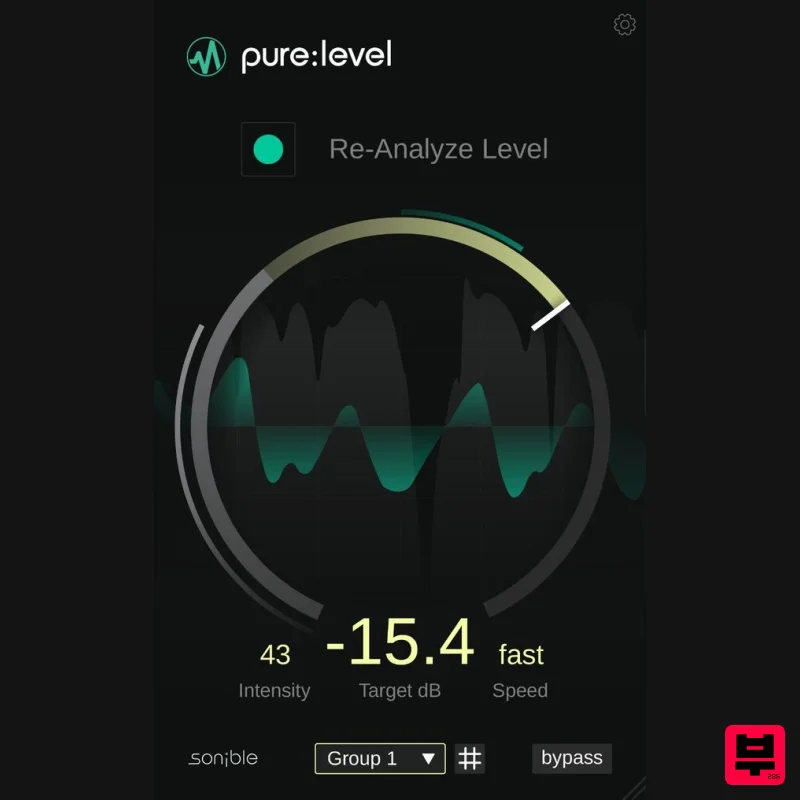
Safari Audio
pure:level Crossgrade from any paid sonible product
Product Info
* Prices may vary. Check retailer for current pricing and availability.
Product Description
- Please note: This is a crossgrade version for those who already own one or more sonible products. If you do not own any sonible products
- you can check out the full version here. The intelligent level rider for creators pure: level automatically stabilizes levels so tracks behave consistently
- giving users a solid starting point for mixing. By combining intelligent leveling and level riding with just a few intuitive controls
- pure: level keeps vocals
- dialogue and instruments steady in level so users can place them confidently in the mix. pure: level isn’t a one-trick pony though – the compact tool also introduces a unique group feature that allows users to control layered tracks as one element. Each track stabilizes independently
- while the final output gain is synchronized across the group. This makes it easy to keep backing vocal stacks
- guitar layers or multi-track recordings aligned without losing the natural nuances of each track. Under the hood – two birds with one stone Featuring intelligent signal analysis
- pure: level listens to the input material performs dynamic level riding to compensate for short-term fluctuations and stabilizes the signal around its natural level. Unlike traditional dynamic leveling tools
- pure: level combines level stabilization and mix placement. Changing the target does not alter the signal’s dynamics – it simply moves the already balanced signal to the desired position in the mix. Features Automatic leveling and dynamic level riding for a natural sound Group feature for aligned levels across multiple tracks AI-powered analysis and intelligent processing Simple interfaces designed for fast workflows Available for PC and Mac in VST
- AU and AAX formats Mac macOS 10.9+ (M1 Apple Silicon supported) (64-bit only) RAM - at least 4 GB (recommended) CPU - at least Intel DualCore i5 (recommended) Plugin Formats - AU
- VST2
- VST3
- MultiRack Native Supported Sample Rates - 44.1 kHz to 192 kHz PC Windows 10+ (64-bit only) RAM - at least 4 GB (recommended) CPU - at least Intel DualCore i5 (recommended) Plugin Formats - VST2
- VST3
- MultiRack Native Supported Sample Rates - 44.1 kHz to 192 kHz Compatible DAWs: Logic Pro Ableton Live Pro Tools 11+ Reaper Cubase Nuendo FL Studio Studio One Please Note: frei:raum is used as an example. Mac Installation 1. Download the installer file from your Plugin Boutique account. 2. Double Click and open the installer file > Double-click the ‘frei:raum installer mac.mpkg’ file. 3. Begin the Installation Process > Click Continue. 4. Read through the Terms & Conditions of the Licence Agreement > Click Continue > Click Agree. 5. Select which software formats you wish to Install > Click Continue. 6. Confirm the Installation > Click Install. 7. The Installation of your software has completed > Click Close. 8. Open/restart your DAW and load your sonible software. Please note that you may need to refresh/rescan your DAW plugin list if you can't locate it. Standard Activation Instructions 1. Locate and open the sonible software in your DAW. 2. Copy & paste/manually enter the licence key/serial code that is available in your Plugin Boutique account > Click Register. 3. Your sonible software has now been successfully registered and authorised > Click Close. Your software is now activated and ready to use in your DAW! PC Installation 1. Download the installer file from your Plugin Boutique account. 2. Unzip the downloaded folder and Double click the file to open/run the installer. 3. Select which version or versions of the software that you wish to install (32/64-Bit) > Click Next. 5. Read the Terms & Conditions of the Licence Agreement > Select 'I Accept the Agreement' if you accept the terms > Click Next. 6. Your software is now ready to install on your computer > Click Install. 7. Your software is now installed > Click Finish. 8. Open/restart your DAW and open your sonible software. Please note that you may need to refresh/rescan your DAW plugin list if the software fails to appear. Standard Activation Instructions 1. Locate and open the sonible software in your DAW. 2. Copy & paste or manually enter the licence key/serial code that is available in your Plugin Boutique account > Click Register. 3. Your sonible software has now been successfully registered and authorised > Click Close. Your software is now activated and ready to use in your DAW!
Additional Information
About the Safari Audio pure:level Crossgrade from any paid sonible product
Discover the distinctive sound and feel of the Safari Audio pure:level Crossgrade from any paid sonible product, a standout choice among Metering.
Why Choose the Safari Audio pure:level Crossgrade from any paid sonible product?
- •Authentic Safari Audio craftsmanship and design
- •Versatile sound suitable for multiple musical genres
- •Professional build quality and reliable performance
- •Part of Safari Audio's respected Metering lineup
Compare & Explore
Browse our complete selection of Safari Audio instruments or explore other Metering options. Use our comparison tools to find the perfect match for your musical style and budget.
Similar Products
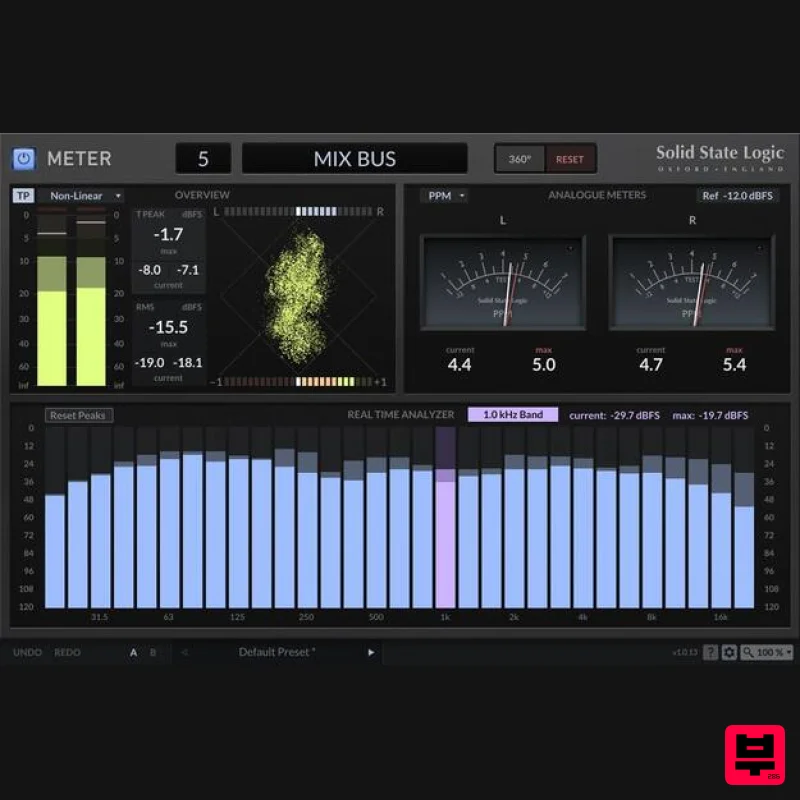
Solid State Logic SSL Meter
Metering
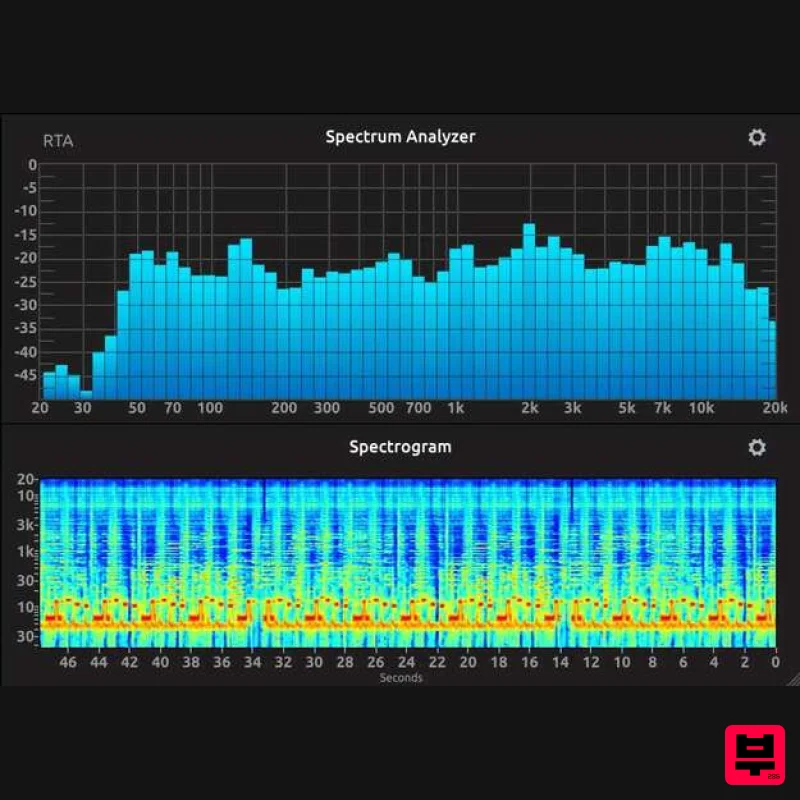
IK Multimedia Full Metering
Metering
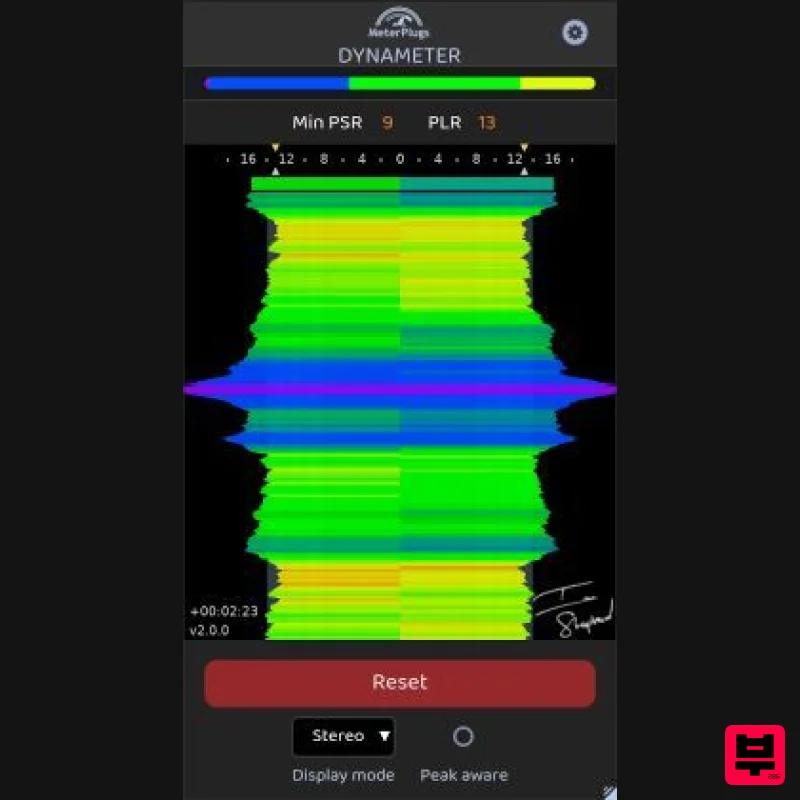
MeterPlugs Dynameter 2
Metering
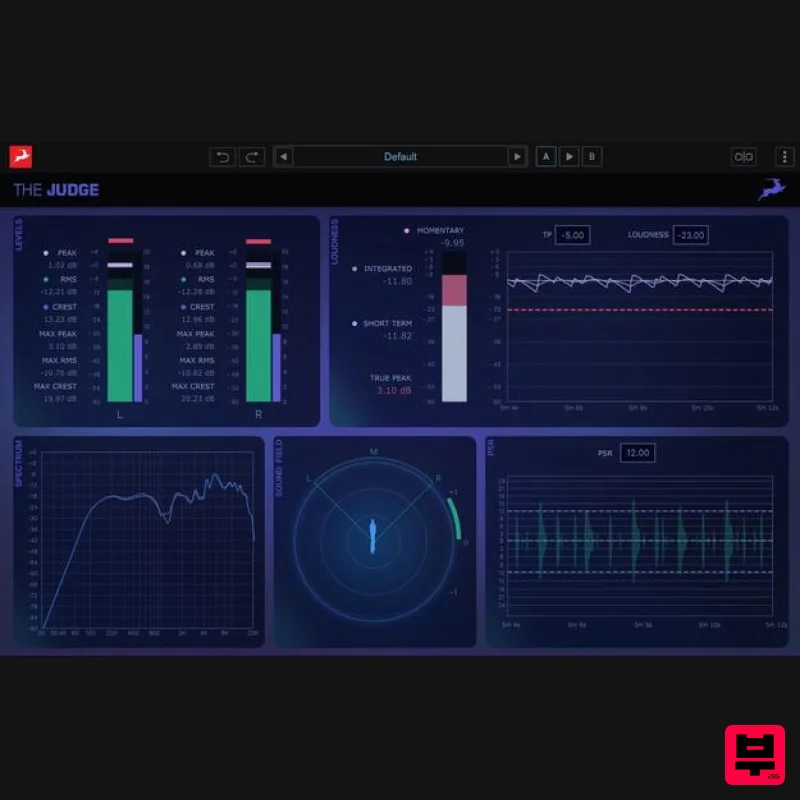
Antelope Audio The Judge
Metering
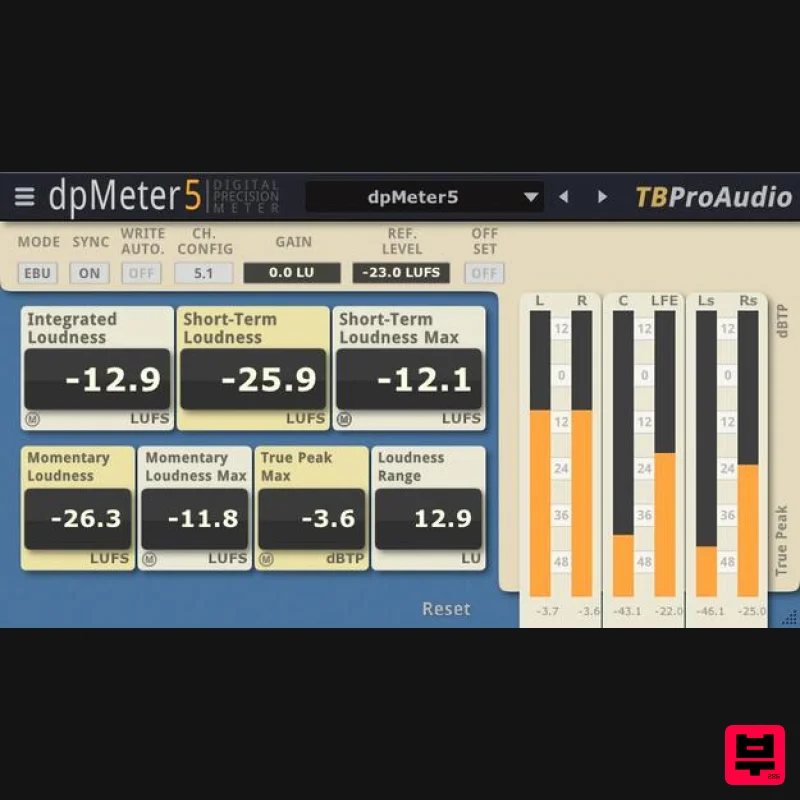
TBProAudio dpMeter5
Metering
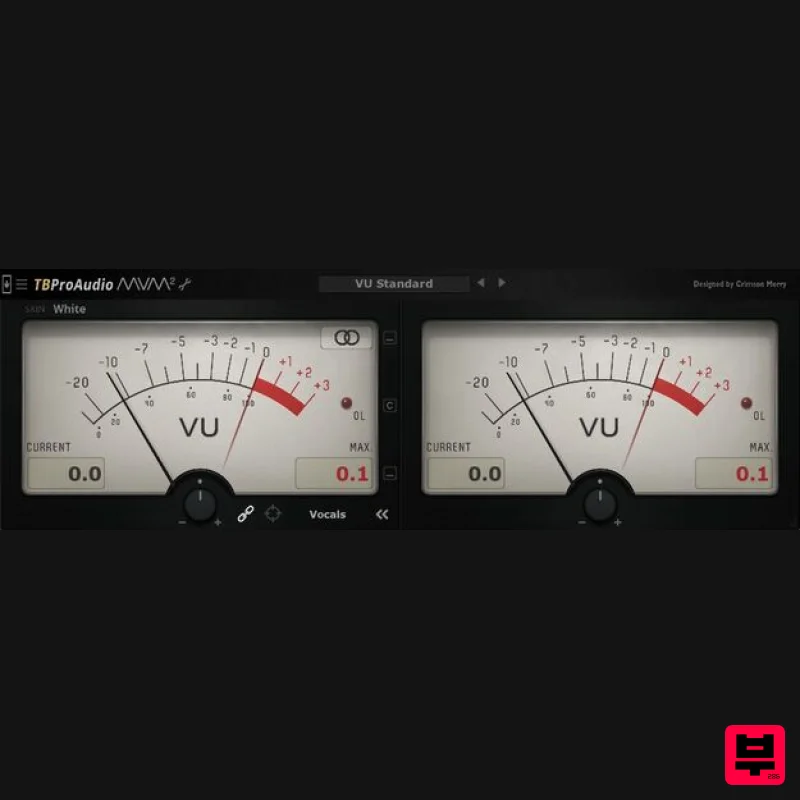
TBProAudio mvMeter2
Metering
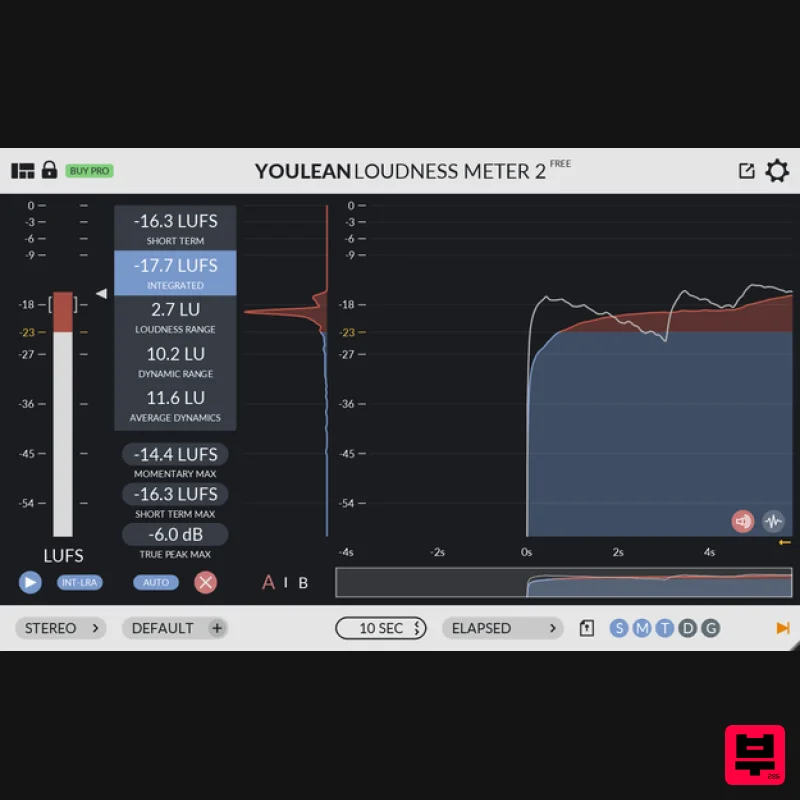
Youlean Youlean Loudness Meter
Metering
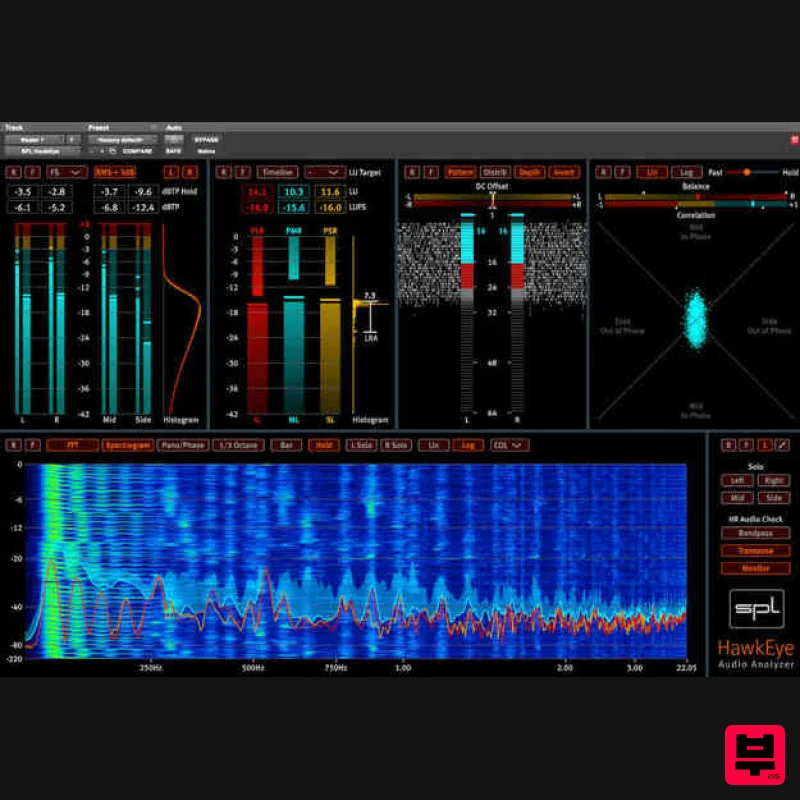
Plugin Alliance SPL HawkEye
Metering

