
MeterPlugs Dynameter 2
Professional music gear - detailed information and where to buy
MeterPlugs
Dynameter 2
Product Info
* Prices may vary. Check retailer for current pricing and availability.
Product Description
- Discover the density and dynamics of your audio - in realtime Stop Worrying About Loudness. Start Succeeding With Dynamics. With Dynameter
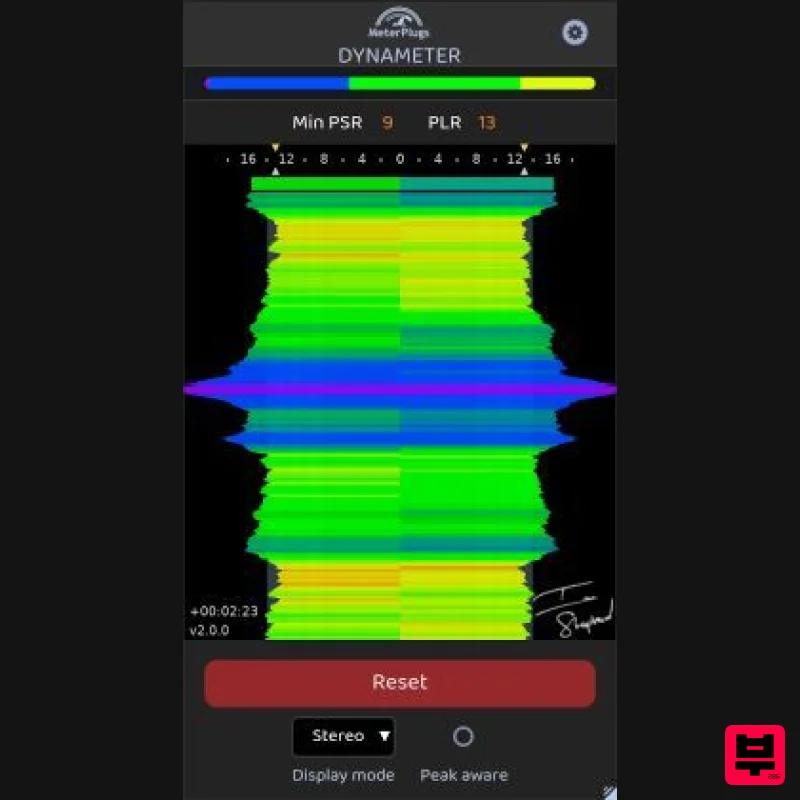
- you can... Visualize the density and dynamics of your audio in realtime See short-term (PSR) and long-term (PLR) metrics instantly. Achieve competitive loudness on any platform Do it without over-compression or sacrificing punch. Avoid the Loudness Penalty Dynameter helps you meet platform normalization guidelines with ease. Maximize the punch and power of your music Dial in dynamics that hit hard and sound great everywhere. Analyze your favorite tracks and match their dynamics Reverse-engineer what makes great mixes sound great. Develop a natural instinct for optimal compression Balance density and dynamics with intuitive visual feedback. What is Dynameter? Dynameter is not a loudness meter. It's a dynamics meter designed to help you optimize the impact
- punch
- and power of your audio—no matter the playback system or streaming platform. Loudness normalization is now standard across Spotify
- Apple Music
- YouTube
- TIDAL
- and more. That means loudness isn't up to you anymore—but dynamics are. Why Dynamics Matter More Than Loudness If you sacrifice dynamics chasing LUFS targets
- you'll lose impact without gaining volume. Dynameter shows you exactly where your mix sits in realtime using: PSR (Peak to Short-Term Loudness Ratio): Reveals second-by-second dynamics. Now with Stereo
- Mid/Side
- and Multiband display modes. PLR (Peak to Loudness Ratio): Measures overall dynamic range for a track or album. These tools help you achieve bold
- balanced dynamics and avoid over-compression and distortion. See Your Dynamics and Density Instantly Tap into 30+ years of mastering experience Dynameter's color-coding shows you how "healthy" your dynamics are. Stay in the green
- yellow
- or orange and you're on track. Dip into red
- brown
- or grey? You may be over-compressing. Real-World Use Cases Mixing Compare your track's PSR and PLR to references. Spot poor dynamics in verses or choruses. Mastering Set genre-appropriate profiles
- use Peak-Aware for insight
- and confirm PSR targets. Streaming Optimization Match PLR to platform specs and avoid unwanted normalization surprises. Features 90-minute PSR history - Zoomable timeline to analyze full albums or live sets. Multiple view modes - Switch between Classic
- Stereo
- Mid/Side
- and Multiband. Peak-Aware display - See what's limiting your dynamics. PSR Overview histogram - See a quick breakdown of your music's dynamics. Numeric PSR and PLR - Realtime short-term and overall dynamic values. Clip indicators - See exactly when your peaks are clipping. Platform PLR presets - Target dynamics for Spotify
- YouTube
- Apple Music
- and more. Dynamic profile guidelines - Set a minimum PSR value using presets like “Balanced” or “Wide”. Resiable UI - Scalable vector graphics. Hugh Robjohns "A superbly focused metering tool that helps enormously in establishing the optimum dynamics for any genre and platform". Sigurdór Guðmundsson "Absolutely brilliant! Easy to use and gives you an instant and clear overview of the dynamics (in the form of short-term peak-to-loudness ratio) at any given moment and the whole recording
- in real time. Really useful." Ian Stewart "Dynameter is great! It's like a zoom lens for the dynamics of my music; I can see what's going on measure by measure
- or zoom out and get an overview of the whole song or album! Ensuring dynamic consistency and compliance has never been so straightforward." System Requirements macOS 10.7 or later (64-bit only) (Apple Silicon Native) Windows XP SP3 or later (32 / 64-bit) Supported Formats Audio Unit
- VST 2.4 and AAX Note: K-Meter is used as an example. Mac 1. Download your product installer from your Plugin Boutique User Account. 2. Double click the .pkg file
- then click Continue. 3. Read the Software License Agreement
- then click Continue. 4. Click Agree. 5. Click 'Continue'. 6. Click 'Install'. 7. Open you DAW > Locate and open K-Meter. 8. Click 'Authorize'. 9. Enter your email address and the serial number found in your Plugin Boutique User Account > Click 'Authorize'. Your software is now activated and ready to be used within your DAW! PC 1. Download your product installer from your Plugin Boutique User Account. 2. Double click the .exe file
- then click 'Next >'. 3. Click 'Next >'. 4. Click 'Next'. 5. Click 'Next'. 6. Click 'Install'. 7. Click 'Finish' 8. Open you DAW > Locate and open K-Meter. 9. Click 'Authorize'. 10. Enter your email address and the serial number found in your Plugin Boutique User Account > Click 'Authorize'. Your software is now activated and ready to be used within your DAW!
Additional Information
About the MeterPlugs Dynameter 2
The MeterPlugs Dynameter 2 combines traditional design with modern performance for Metering enthusiasts.
Why Choose the MeterPlugs Dynameter 2?
- •Authentic MeterPlugs craftsmanship and design
- •Versatile sound suitable for multiple musical genres
- •Professional build quality and reliable performance
- •Part of MeterPlugs's respected Metering lineup
Compare & Explore
Browse our complete selection of MeterPlugs instruments or explore other Metering options. Use our comparison tools to find the perfect match for your musical style and budget.
Similar Products
MAAT MAAT DRMeter
Metering
Youlean Youlean Loudness Meter
Metering
Antelope Audio The Judge
Metering
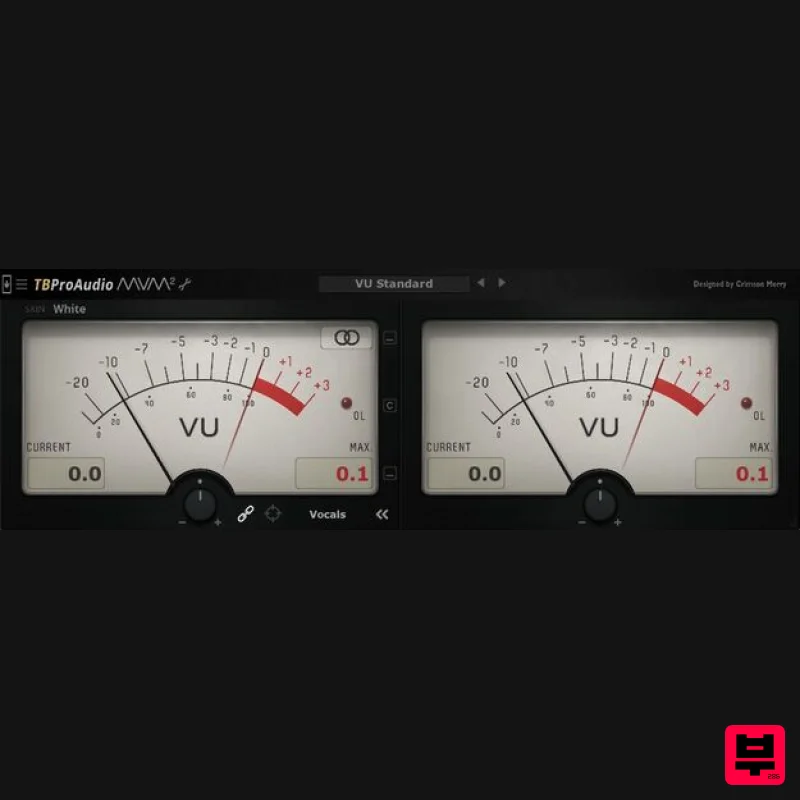
TBProAudio mvMeter2
Metering
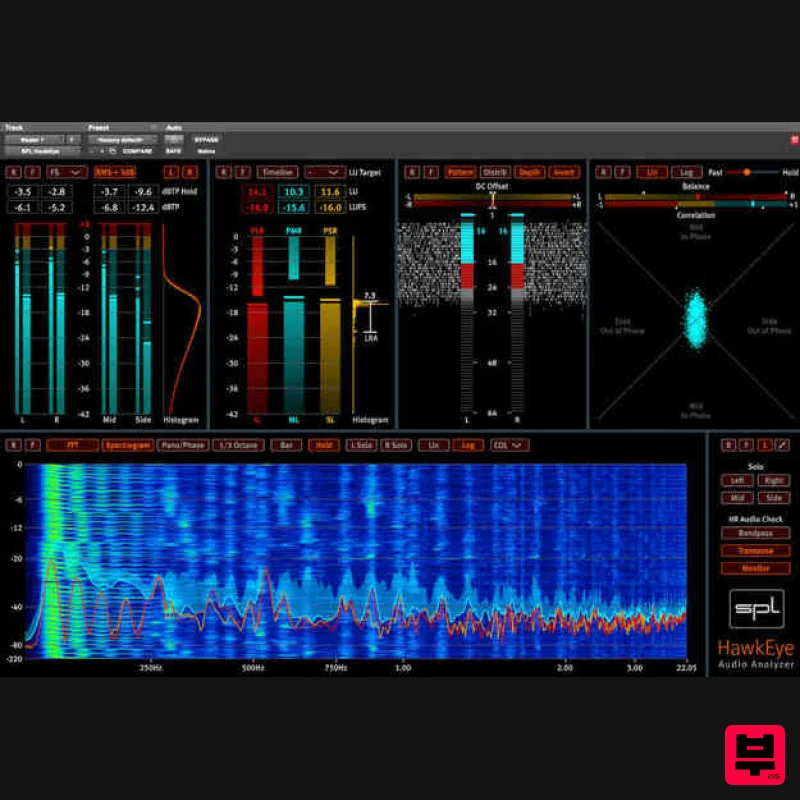
Plugin Alliance SPL HawkEye
Metering
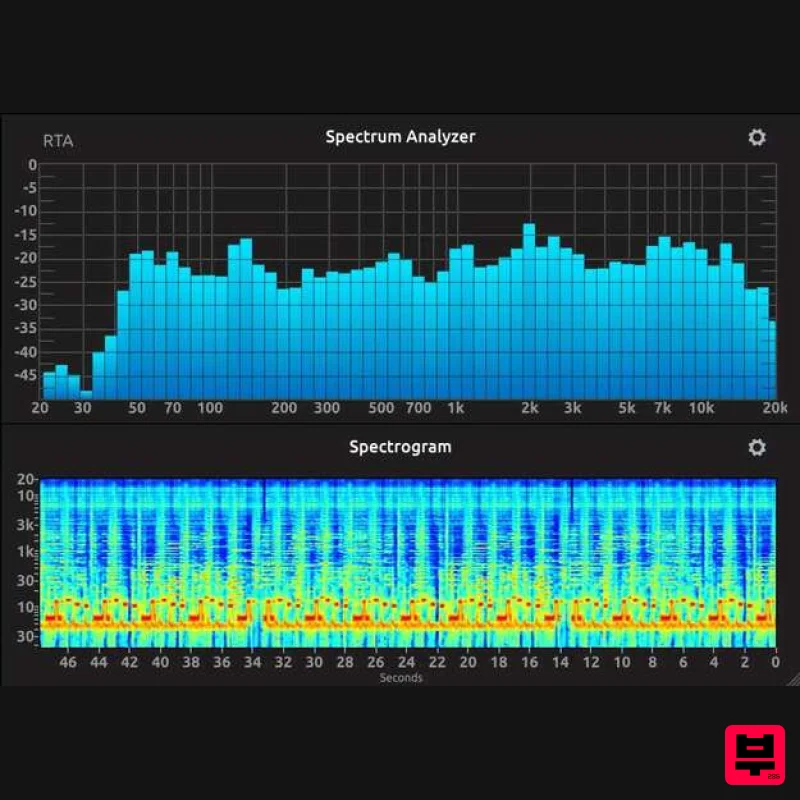
IK Multimedia Full Metering
Metering
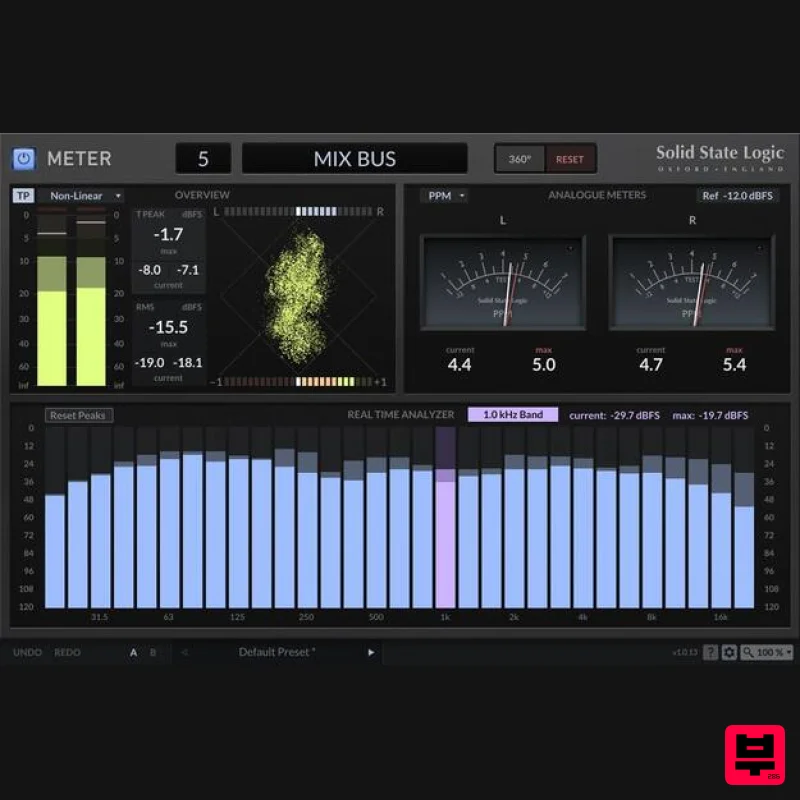
Solid State Logic SSL Meter
Metering
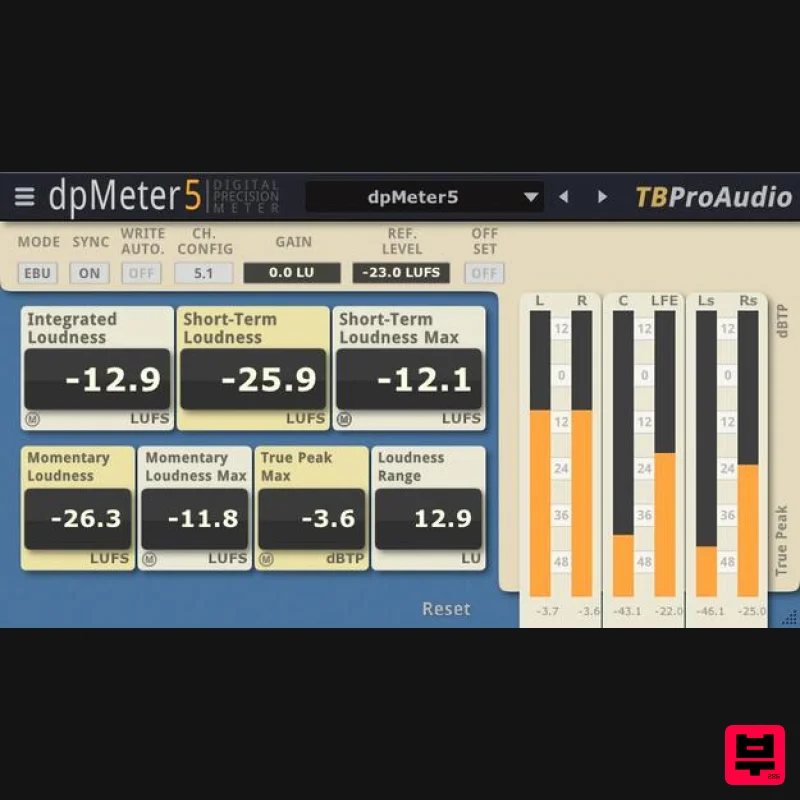
TBProAudio dpMeter5
Metering

