
Youlean Youlean Loudness Meter
Professional music gear - detailed information and where to buy
Product Description
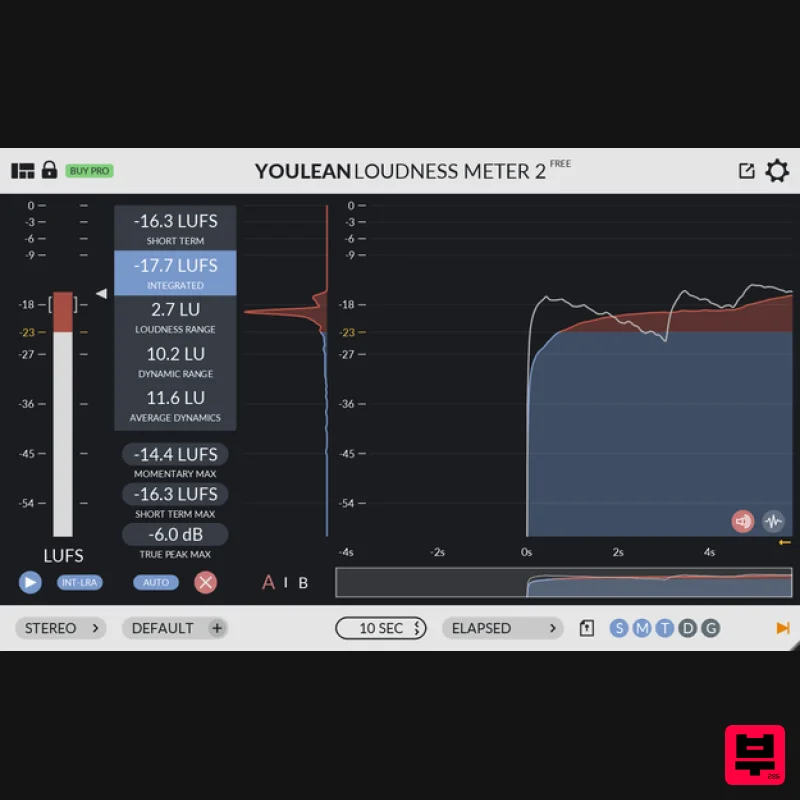
- Youlean Loudness Meter Free Version has everything you need to measure the true perceived loudness of your audio. Tested and calibrated
- this plugin guarantees the great accuracy of the measurements. Loudness graphs come with the ability to go through history and this will help you to pinpoint the problems in your measurements. You will achieve a better mixdown with more control and the better understanding of the loudness. You can use it on mono
- stereo or 5.1 audio content. It comes with a mini view
- resizing and scaling GUI which makes it suitable for every screen you work on
- high DPI or not. Easy to use
- no spam
- just free. Features TV and Film presets - ITU-R BS.1770-4
- EBU R128
- EBU R128 S1
- ATSC A/85
- OP-59
- ARIB TR-B32
- AGCOM 219/09/CSP
- ASWG-R001 HOME
- and ASWG-R001 PORTABLE Readouts: Loudness
- Integrated Loudness
- True Peak
- Loudness Range
- Dynamic Range
- Peak-Loudness Ratio Loudness and true peak histogram graphs Loudness distribution graph Automatic loudness overdub in timecode mode Resizable and scalable Mini view Mono
- Stereo
- and 5.1 channel support Low CPU consumption System Requirements Mac macOS 10.8 and later (Apple Silicon M1 Mac supported) (64-bit only) VST2
- VST3
- Standalone Windows Windows 7 and later (32 / 64-bit) VST2
- VST3
- Standalone Mac 1. Download the installer from within your Plugin Boutique User Account. 2. Unarchive the .zip file > Double-click the .pkg file to begin the installation. 3. Click 'Continue'. 4. Click 'Continue'. 5. Click 'Agree'. 6. Select the disk destination > Click 'Continue'. 7. Click 'Install'. 8. Enter your computer username and password > Click 'Install Software'. 9. Click 'Close'. Your software is now ready to use within your DAW. Windows 1. Download the installer from within your Plugin Boutique User Account. 2. Unarchive the .zip file. > Double-click the .exe file to begin the installation. 3. Click 'Next'. 4. Select the components to be installed > Click 'Next'. 5. Select a folder in which to install each individual plugin component > Click 'Next'. 6. Click 'Install'. 7. Click 'Finish'. Your software is now ready to use within your DAW.
Additional Information
About the Youlean Youlean Loudness Meter
Experience the quality and tone that makes the Youlean Youlean Loudness Meter a popular choice for musicians.
Why Choose the Youlean Youlean Loudness Meter?
- •Authentic Youlean craftsmanship and design
- •Versatile sound suitable for multiple musical genres
- •Professional build quality and reliable performance
- •Part of Youlean's respected Metering lineup
Compare & Explore
Browse our complete selection of Youlean instruments or explore other Metering options. Use our comparison tools to find the perfect match for your musical style and budget.
Similar Products
MeterPlugs Dynameter 2
Metering
$84
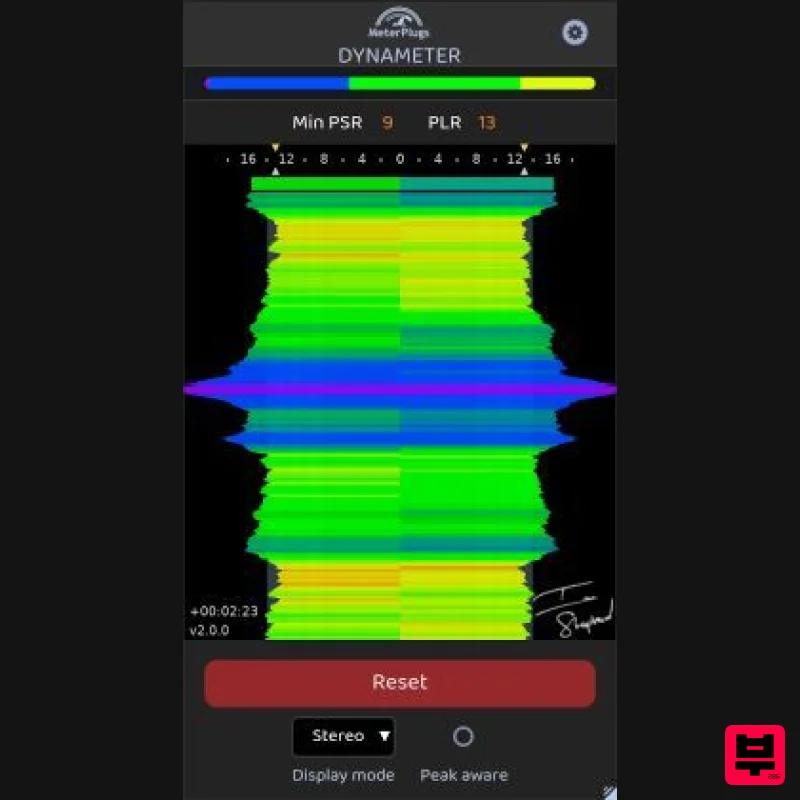
Discover the density and dynamics of your audio - in realtime Stop Worrying About Loudness. Start Succeeding With...
Plugin Alliance SPL HawkEye
Metering
$54
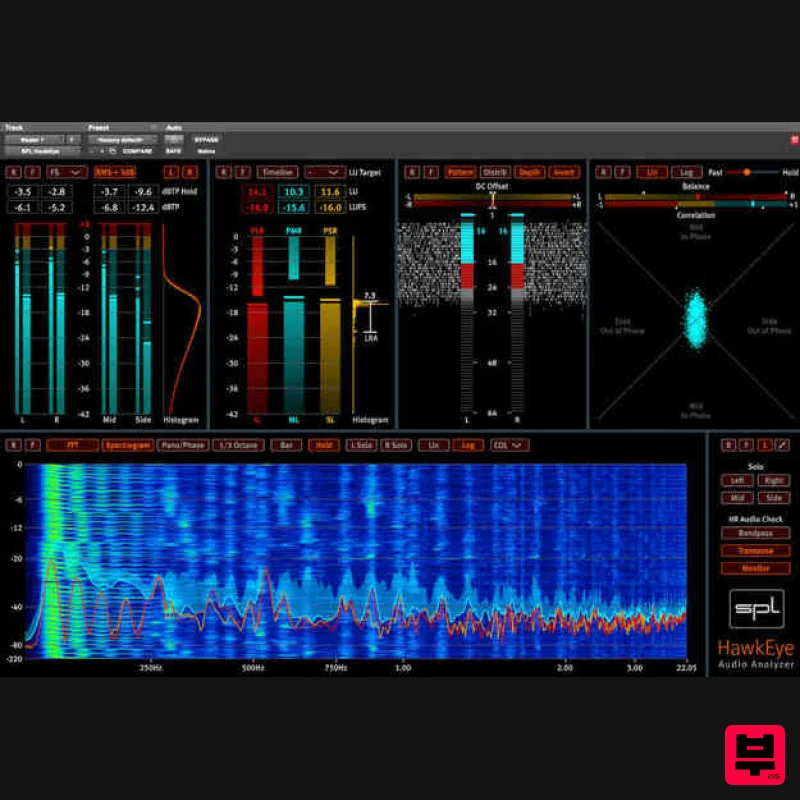
Visualize Your Mixes SPL HawkEye includes a versatile set of audio measurement instruments. Access a Level Meter,...
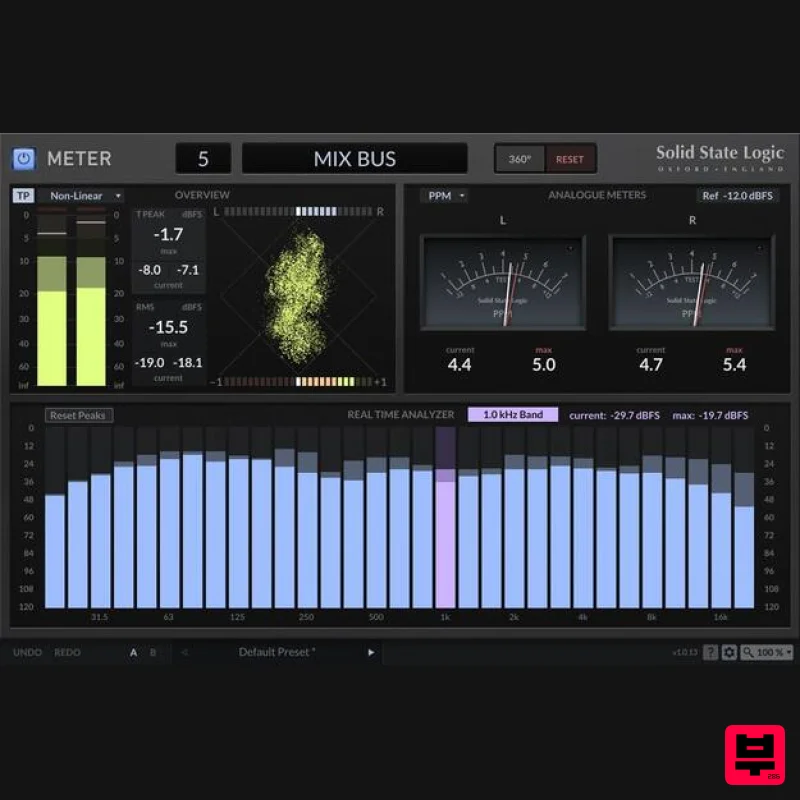
Solid State Logic SSL Meter
Metering
$53
See Your Sonic Universe Enhance your audio engineering capabilities with the SSL Meter plug-in, an essential set of...
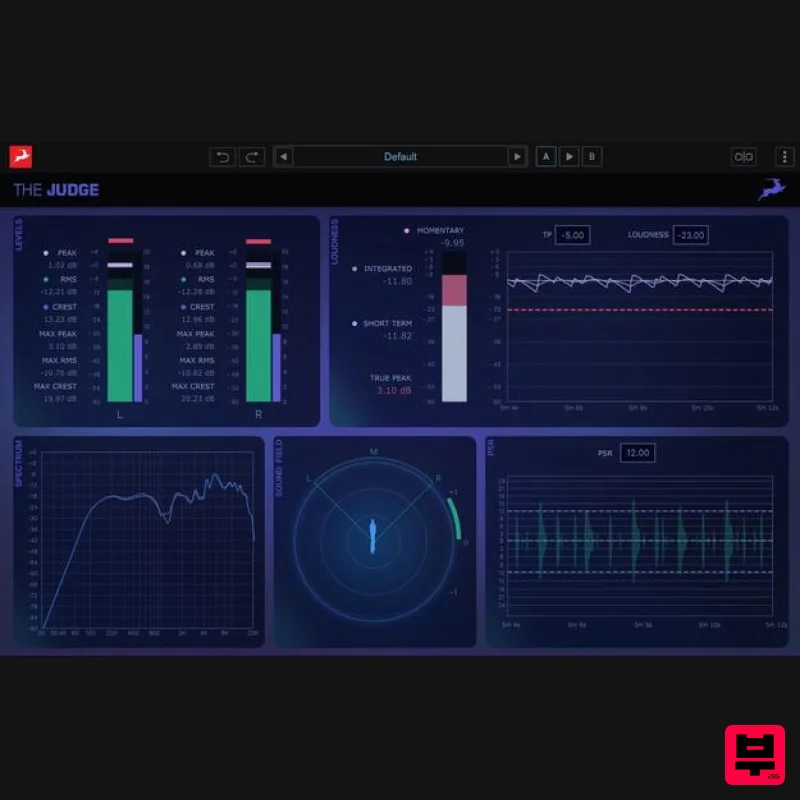
Antelope Audio The Judge
Metering
$156
The Judge is a next-generation spectral analysis and monitoring plugin designed to give producers and engineers...
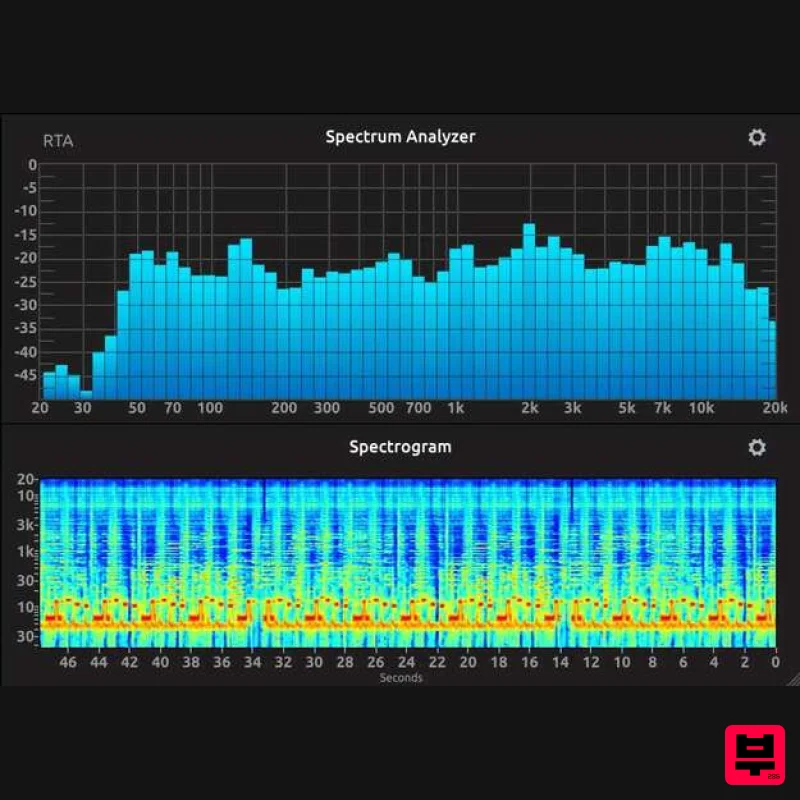
IK Multimedia Full Metering
Metering
$125
Complete Metering Suite New broadcast-ready metering suite T-RackS 6 includes a redesigned and comprehensive suite of...
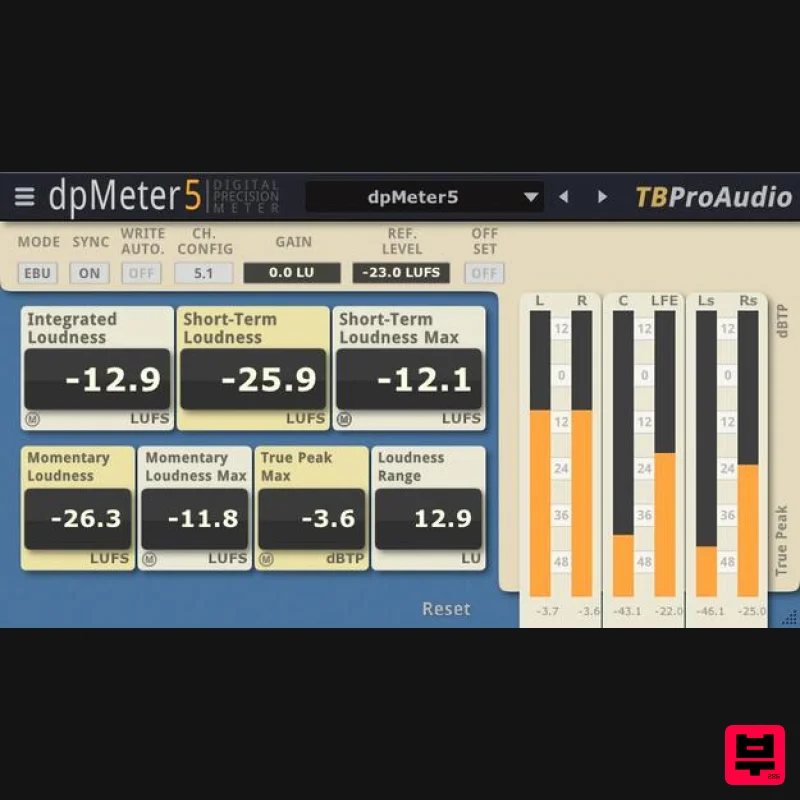
TBProAudio dpMeter5
Metering
Free
dpMeter is a precise digital audio multi-channel meter including RMS, EBU R 128, Dialog gated and TruePeak...
TBProAudio mvMeter2
Metering
Free
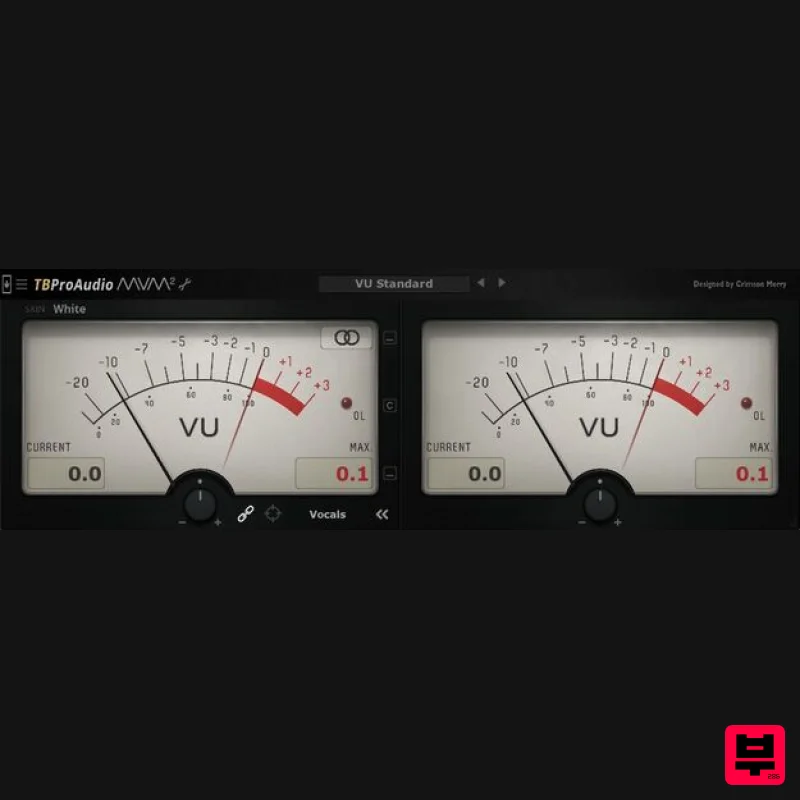
mvMeter is a multivariable meter including RMS, EBUR128, VU and PPM measurement. mvMeter2 is the successor of mvMeter...
Frequently Asked Questions
The Youlean Youlean Loudness Meter stands out for its exceptional Youlean craftsmanship and innovative design.
It's designed for intermediate to advanced players who appreciate professional-quality metering.
Browse the similar products section to see how it stacks up against other metering.

