
NUGEN Audio Monofilter
Professional music gear - detailed information and where to buy
NUGEN Audio
Monofilter
Product Info
* Prices may vary. Check retailer for current pricing and availability.
Product Description
- Trusted by producers the world over
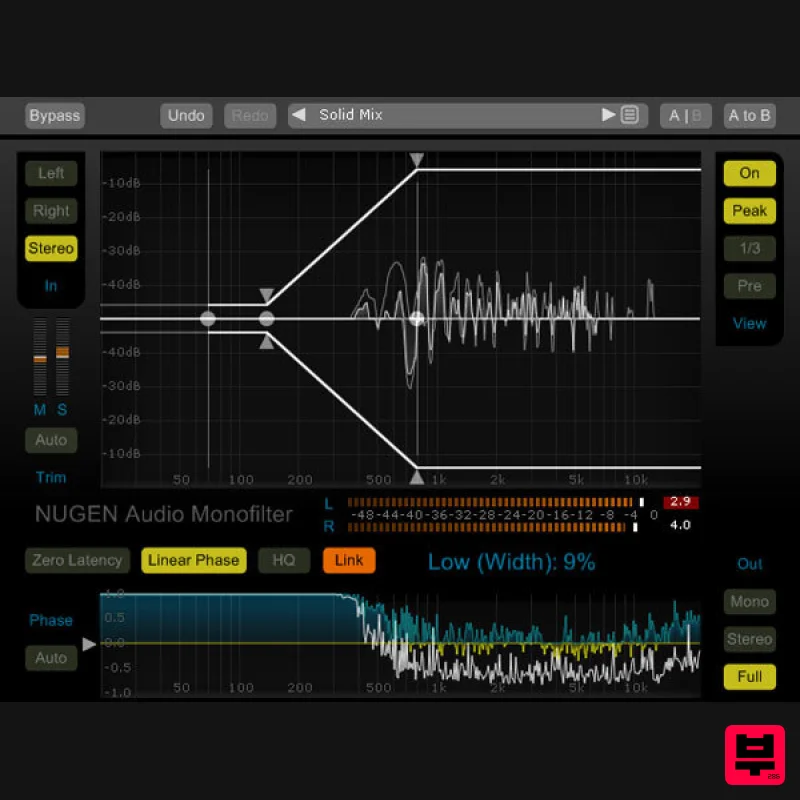
- Monofilter grabs hold of your bass and roots it solidly within your mix. With its intuitive controls you can quickly anchor the power
- while retaining the essential character and perceived spatial characteristics of the original sound. Bring transparent solidity to your bass. Sharpen
- define and align for the tightest mix using Monofilter in every track. With presets for every situation and controls for fine tuning to perfection
- Monofilter anchors your bass with ease. Monofilter defines the centre of your bass
- so easily lost through stereo effects processing
- synth sound generation
- unwanted phase inconsistencies and live recording mic. bleed. Market- features give you really accurate control over stereo spread
- transition and phase alignment
- with precise visual feedback in a tactile interface that lets you grab the applied stereo envelope and manipulate it directly – without using abstract parameters and knobs. A Solid Foundation When solid or natural sounding bass is a requirement in your recording projects
- Monofilter provides the foundation for real power and definition. The non-directional nature of low frequencies can often contribute to a perceived lack of clarity and focus in the mix. Adding stereo FX processing and using multiple mic. set-ups in the studio can introduce phase inconsistencies to ‘weak’
- ‘hollow’ or ‘flat’ sounds. Monofilter lets you align and balance low frequencies with the minimum of effort
- leaving you with the same sound
- yet louder
- more focussed and better defined. And with Monofilter you can be sure of great playback performance on systems with separate low-frequency handling
- such as club PAs
- live rigs
- home cinema systems
- HiFi
- and 2.1 gaming systems. Applications Bringing definition to weak/hollow/flat bass Re-centering LF after stereo FX Correcting phase issues Sampling/restoring old masters Taking care for vinyl Psychoacoustic 'Panning' bass Making a frequency split Stereo spectrum analysis Low Frequency Control Sharper bass Anchor low end power Eliminate weak | hollow | flat bass Ensure mono compatibility Master with confidence Avoid Problems Add stereo effects and maintain low end punch No unwanted artefacts Optimise for louder solid playback Restoration and Correction Restore old recordings Fix samples Fix LF phase issues High quality audio analysis System Requirements Available Formats AAX
- AU and AudioSuite in both 64-bit and 32-bit versions. RTAS is also available as 32-bit only. Mac OSX 10.6.x
- 512 MB RAM Windows XP or above
- 512 MB RAM NUGEN Audio Installation 1. Visit https: //www.nugenaudio.com/register.php and create a new account > enter your email address and License Code (found in your Plugin Boutique User Account). 2. Check your email > Click the link that reads ‘Complete license registration’. 3. Read the following information and click ‘My Account’. 4. Create a password > Click ‘Login’. 5. Once you have confirmed your account
- fill in the form which greets you. 6. Select your operating system. 7. Your licence can be viewed under the ‘My Licenses’ Tab. Note: If you wish to activate your Plugin using an iLok
- click ‘Convert To iLok’. 8. Click on the MY DOWNLOADS tab and download the full version of your plugin. 9. After the file has downloaded
- run the installer. 10. Read the software licence agreement and if happy
- click AGREE. 11. Select where you wish to install the plugin and click CONTINUE. 12. Select which component you wish to be installed and click CONTINUE. 13. Check you have enough space on your computer to install and if so
- click INSTALL. 14. Once the installation concludes
- open the plugin within your DAW. 15. Once the plugin is open within your DAW
- click USE LICENCE. 16. Click ON-LINE 17. Enter your licence code and click APPLY LICENCE. 18. Once your licence has been entered
- click YES to confirm you wish to licence to your machine. 19. You have now successfully licenced your plugin! PLEASE NOTE: If you wish to activate your licence onto your iLok dongle and not your machine
- please click CONVERT TO ILOK at stage 7.
Additional Information
About the NUGEN Audio Monofilter
The NUGEN Audio Monofilter represents excellent craftsmanship in the Mastering category.
Why Choose the NUGEN Audio Monofilter ?
- •Authentic NUGEN Audio craftsmanship and design
- •Versatile sound suitable for multiple musical genres
- •Professional build quality and reliable performance
- •Part of NUGEN Audio's respected Mastering lineup
Compare & Explore
Browse our complete selection of NUGEN Audio instruments or explore other Mastering options. Use our comparison tools to find the perfect match for your musical style and budget.
Similar Products
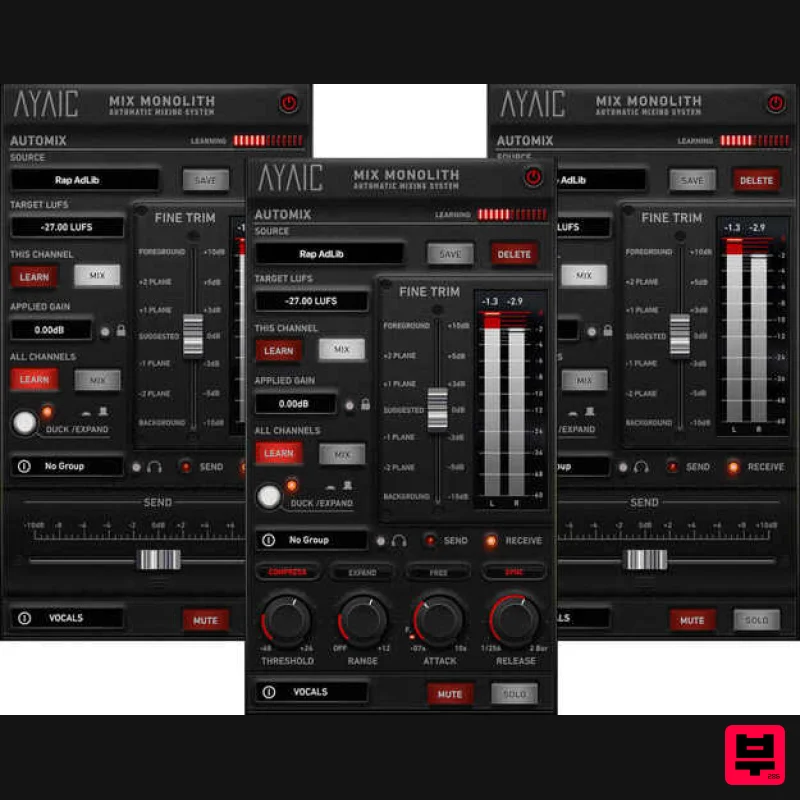
AYAIC Mix Monolith
Mastering
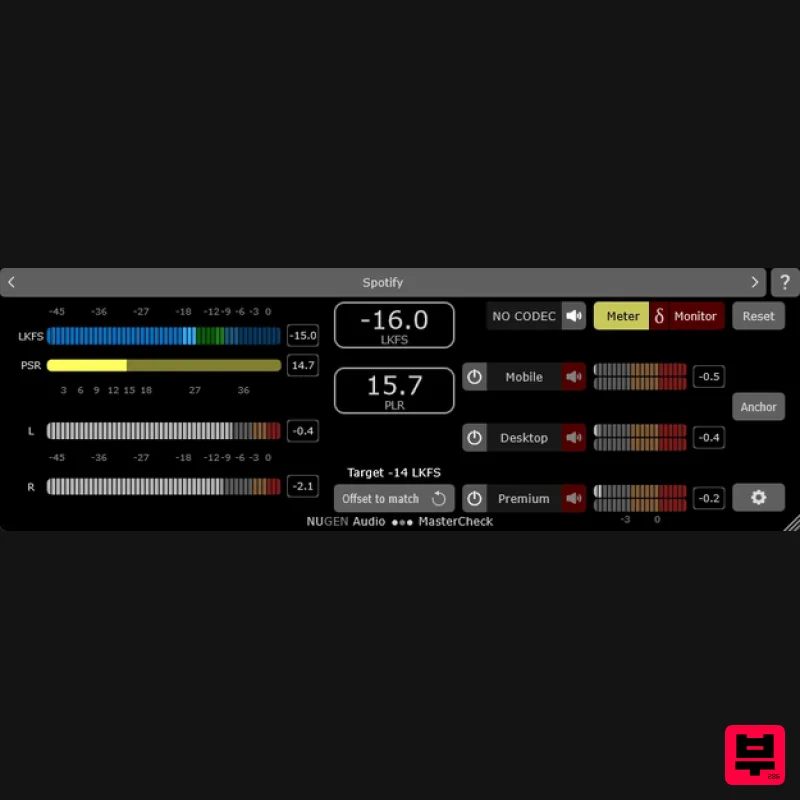
NUGEN Audio MasterCheck 2
Mastering
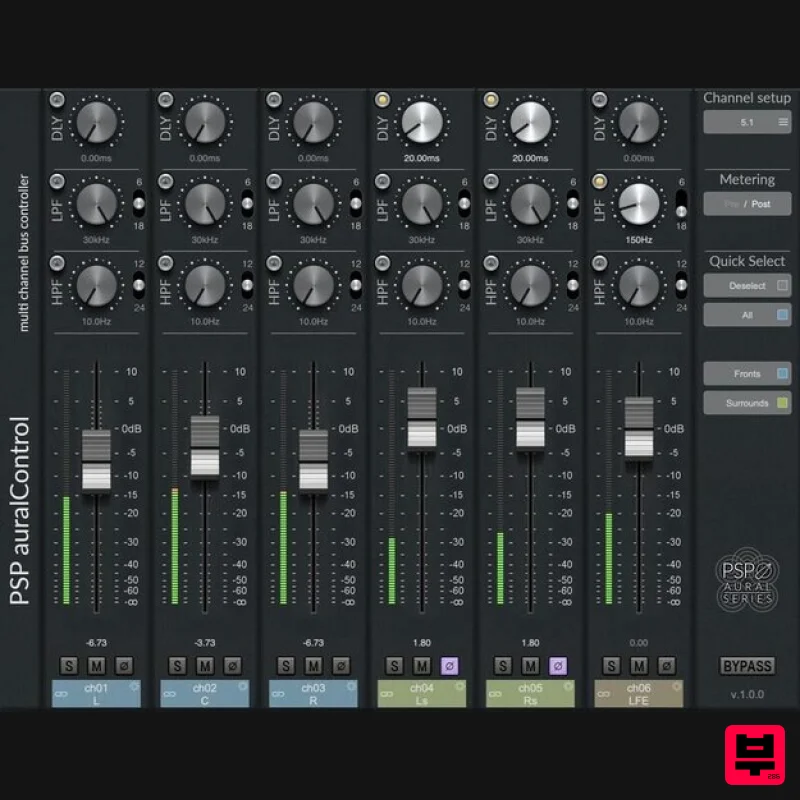
PSP Audioware PSP auralControl
Mastering
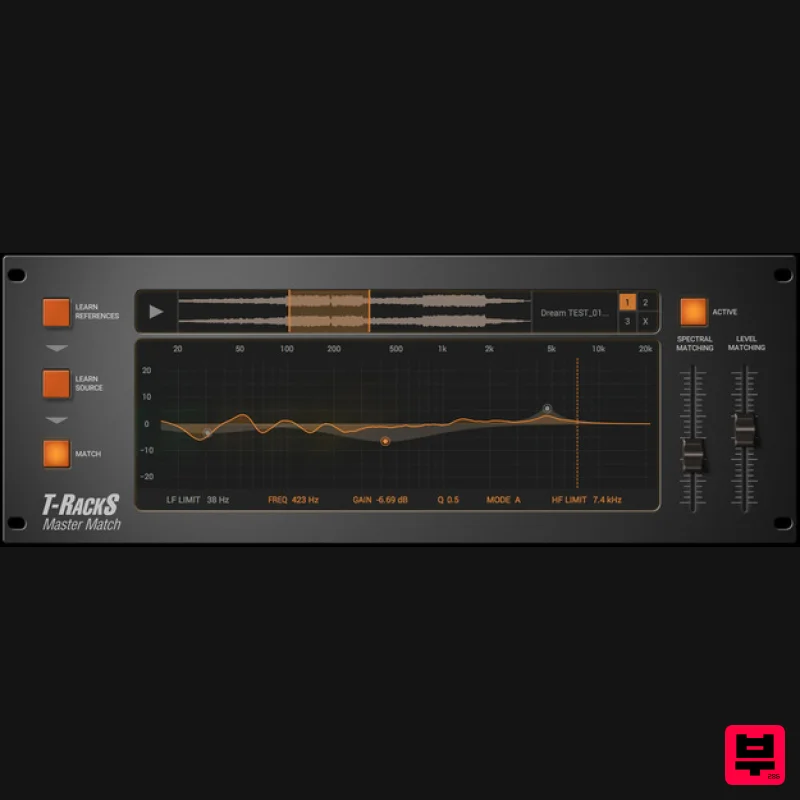
IK Multimedia Master Match
Mastering
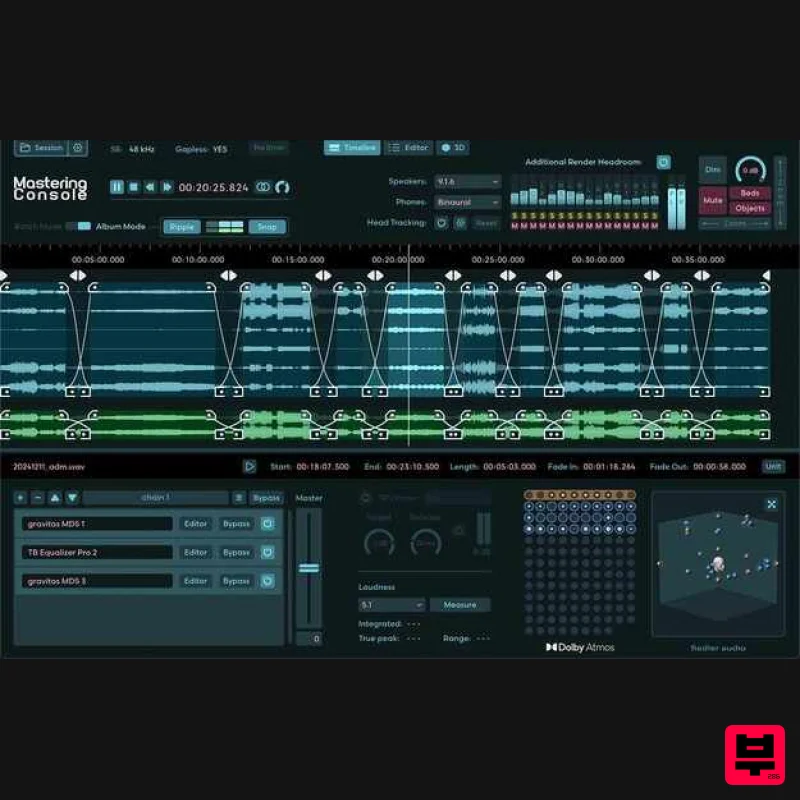
Fiedler Audio Mastering Console 2
Mastering
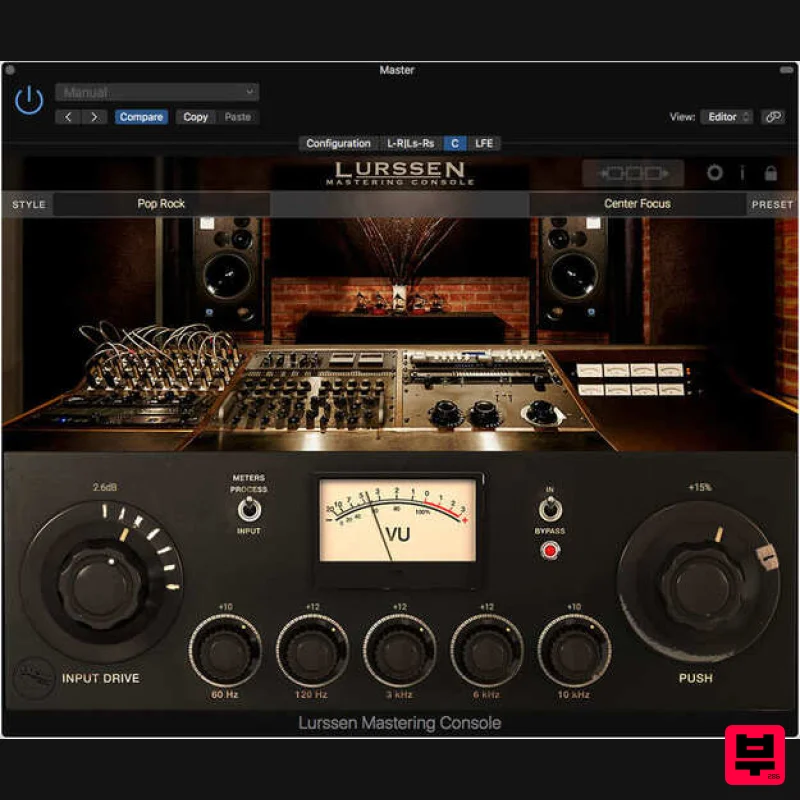
IK Multimedia Lurssen Mastering Console
Mastering
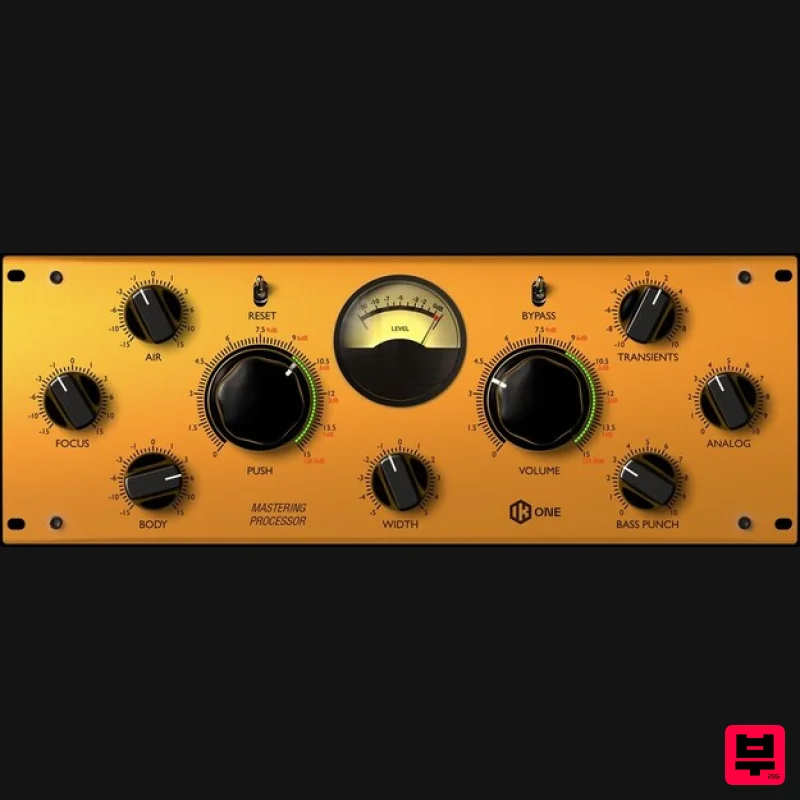
IK Multimedia One
Mastering
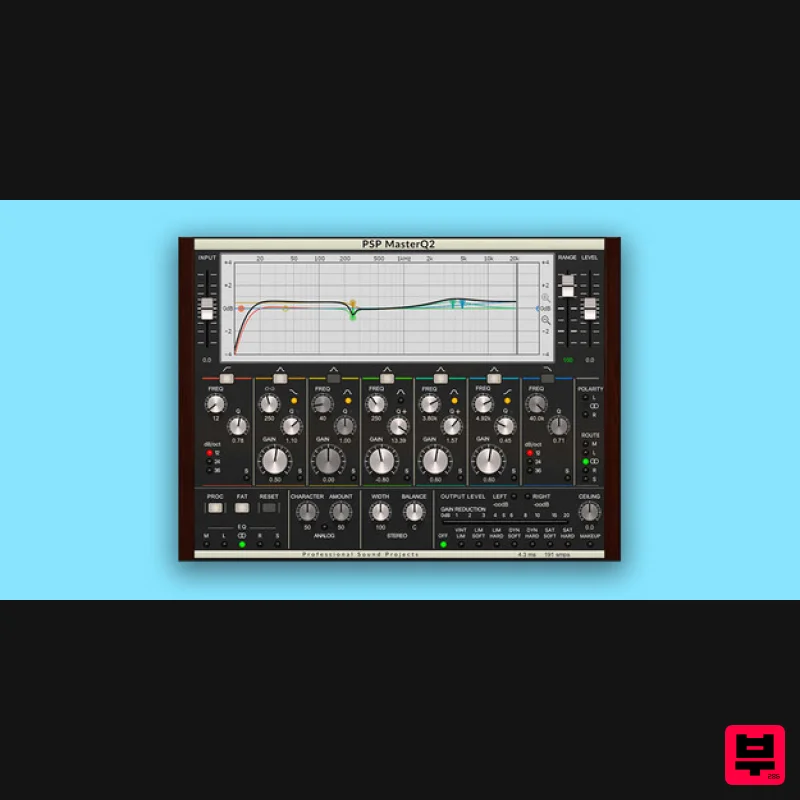
PSP Audioware PSP MasterQ2
Mastering

