
Mastering The Mix LEVELS
Professional music gear - detailed information and where to buy
Mastering The Mix
LEVELS
Product Info
* Prices may vary. Check retailer for current pricing and availability.
Product Description
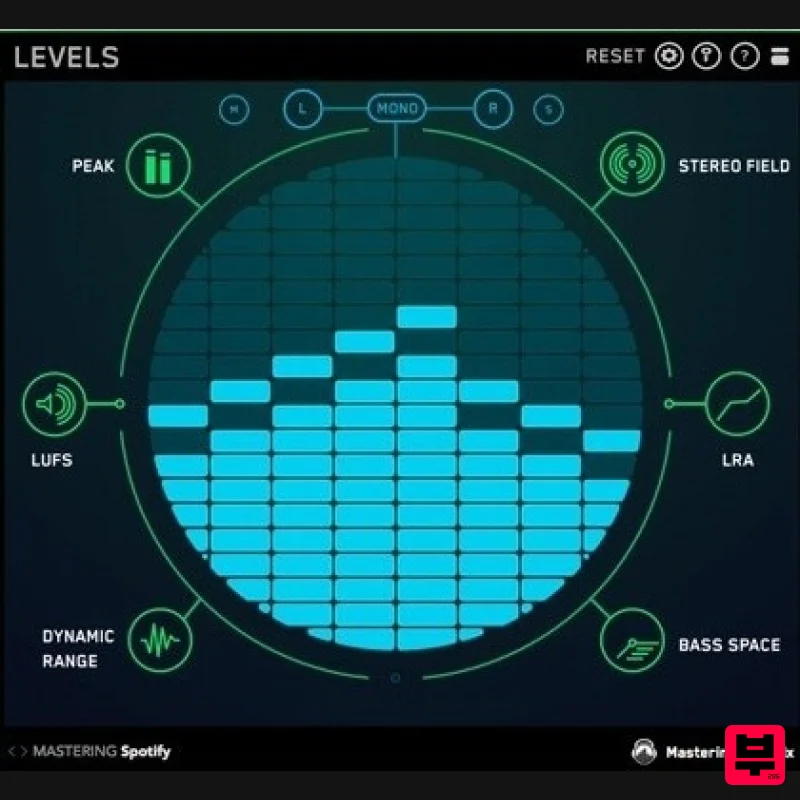
- Identify Technical Issues in Your Mix What Is LEVELS? Ever felt that your music could have sounded better? There are so many technical details to focus on when mixing and mastering that mistakes are common. LEVELS has presets for CD
- Club
- Streaming
- Youtube and more to help you make sure your music sounds great wherever its heard. Peak True peak meter (16 X oversampling ) to make sure your masters don't clip. Standard peak meter. Keep it below -6dB for a perfect final mix LUFS EBU R128 compliant integrated and short term LUFS meters. The most accurate way to analyse perceived loudness. Stereo Field Vectorscope to visualise stereo width. Correlation meter to monitor phase issues. Left/Right meter to assess the balance of your mix. Low Pass button solos your low frequencies below 300hz so you can see their stereo width. Dynamic Range Instantly see if your music is overcompressed Oscilloscope glows green if your music is dynamic. 'DR' Dynamic Range display based on reliable Short Term LUFS to peak ratio. Loudness Range EBU R128 compliant loudness range meter to monitor the difference in loudness between the various sections in your track. Bass Space Identifies if any channels are outputting unwanted low frequencies. Helps you clean up your low end giving your track punch and clarity. Level meters for 40Hz
- 80Hz
- 120Hz
- 160Hz. Features Design - Retina ready. Slick and responsive user interface. Simplicity - The intuitive visuals in each section let you quickly diagnose and fix any issues. Time-Saving - LEVELS only draws your attention to issues. Performance - Very low CPU. An advantage when your session has many plugins. Price - Affordable for producers at all stages of their musical careers. Customisation - Adjustable settings to suit your needs. Convenience - 7 indispensable mixing and metering tools in one plugin. Learn - If you get stuck
- click the (?) to learn how to fix your issue. System Requirements Mac: OS X 10.15 or higher. 64-bit AU
- VST3 or AAX host. Apple Silicon Native (64-bit only) Windows: Windows 10 or higher 64-bit VST3 or 64-bit AAX host (64-bit only) Please note: AAX compatible with Pro Tools 11 and later only. Important note: When accessing this software via a Rent to Own plan or the Beatport Studio membership
- it's installed and run through the Beatport Access portal. An internet connection is required every 30 days to validate your license. Gary Noble 'I've been using it on every mix ever since I installed it." Focus "No matter who you are
- or where you are in your music career
- this plug in is a vital tool for every producer / engineer." Multiplier: Artist
- Producer & Tutor 'Great concept
- takes all the guesswork out of referencing.' Mastering The Mix Levels review at BedRoomProducersBlog There are lots of great
- sophisticated metering plugins which will be happy to take up your entire screen and provide you with hundreds of pieces of information to analyze. LEVELS attempts to do something completely different – minimize the amount of analysis required
- and instead just inform you... Read More Staff Picks | Mastering The Mix LEVELS Plugin Boutique Staff Picks - Freddy With the hope that the loudness wars are well and truly left in the noughties
- LEVELS introduces a fundamental approach to metering that makes a technically professional mix far more achievable. The unique interface allows me to instantly identify and e... Read More Note: ANIMATE is used as the example. Mac 1. Download the .zip file from within your Plugin Boutique User Account and double-click it to extract the contents > Open the .pkg file to begin the installation > Click 'Next'. 2. Select 'I accept the agreement' > Click 'Next'. 3. Select the components for the product you wish to install > Click 'Next'. 4. Click 'Next'. 5. Click 'Finish'. Activation 1. Open your recently installed plugin within your DAW > Click the Key icon
- located in the top-right hand corner of the plugin window. 2. Enter the 24-digit serial number
- located within your Plugin Boutique User Account > Click 'AUTHORISE'. 3. Click 'Close'. Your software is now activated and ready to use within your DAW. Windows Installation 1. Download the .zip file from within your Plugin Boutique User Account and double-click it to extract the contents > Open the .exe file to begin the installation > Click 'Next'. 2. Select 'I accept the agreement' > Click 'Next'. 3. Select the components for the product you wish to install > Click 'Next'. 4. Click 'Next'. 5. Click 'Finish'. Activation 1. Open your recently installed plugin within your DAW > Click the Key icon
- located in the top-right hand corner of the plugin window. 2. Enter the 24-digit serial number
- located within your Plugin Boutique User Account > Click 'AUTHORISE'. 3. Click 'Close'. Your software is now activated and ready to use within your DAW.
Additional Information
About the Mastering The Mix LEVELS
The Mastering The Mix LEVELS represents excellent craftsmanship in the Metering category.
Why Choose the Mastering The Mix LEVELS?
- •Authentic Mastering The Mix craftsmanship and design
- •Versatile sound suitable for multiple musical genres
- •Professional build quality and reliable performance
- •Part of Mastering The Mix's respected Metering lineup
Compare & Explore
Browse our complete selection of Mastering The Mix instruments or explore other Metering options. Use our comparison tools to find the perfect match for your musical style and budget.
Similar Products
TBProAudio dpMeter5
Metering
Plugin Alliance SPL HawkEye
Metering
Youlean Youlean Loudness Meter
Metering
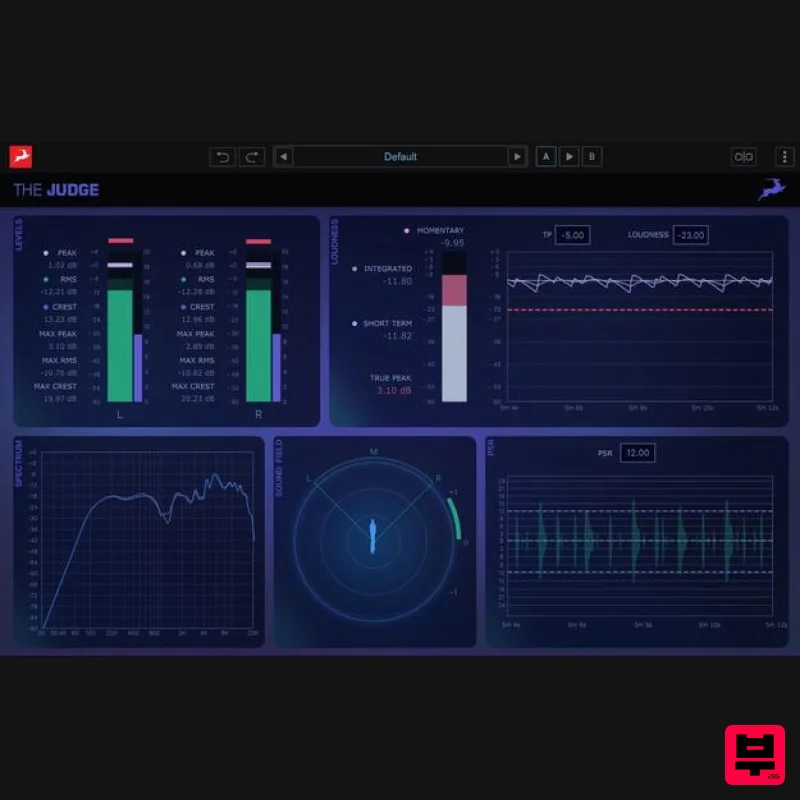
Antelope Audio The Judge
Metering
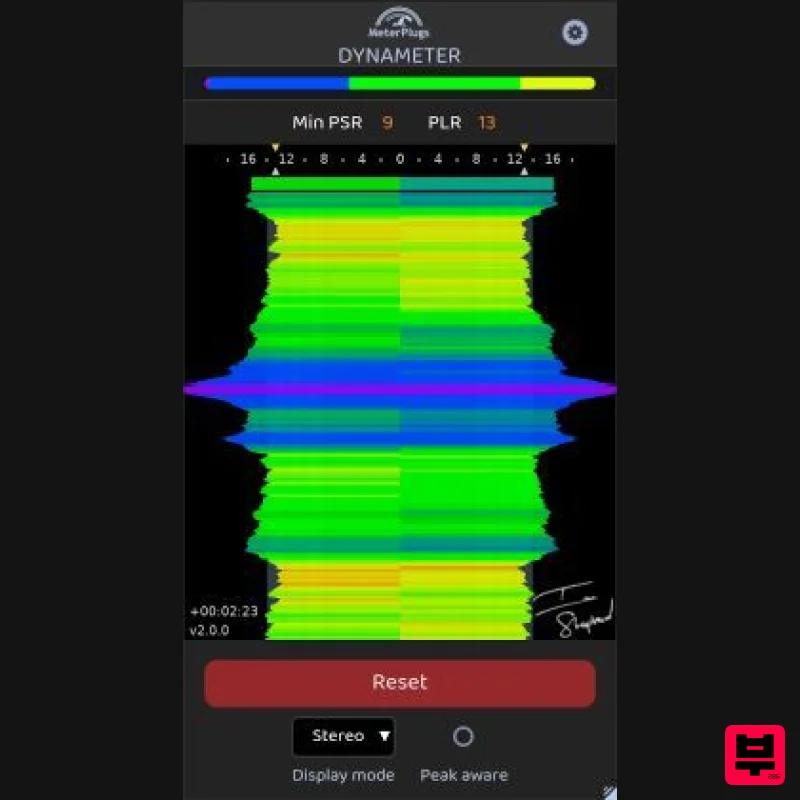
MeterPlugs Dynameter 2
Metering
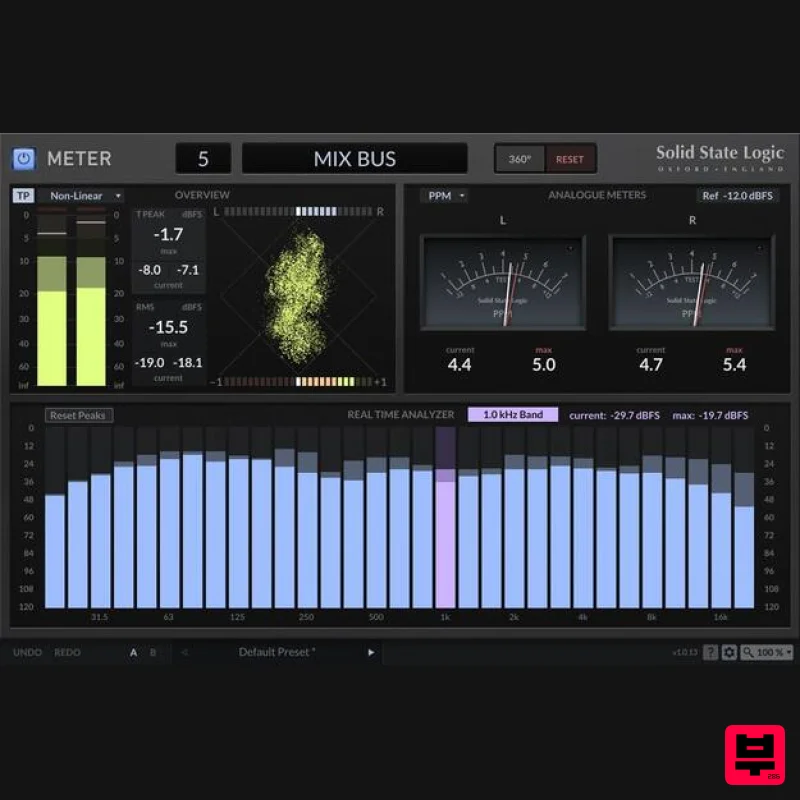
Solid State Logic SSL Meter
Metering
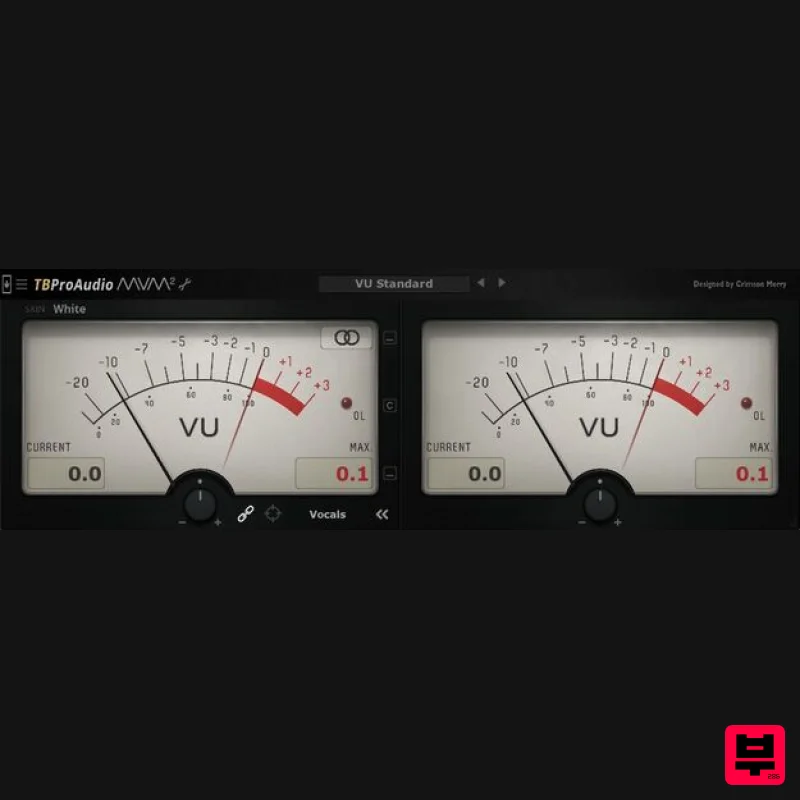
TBProAudio mvMeter2
Metering
IK Multimedia Full Metering
Metering

