
Klevgrand Brusfri
Professional music gear - detailed information and where to buy
Klevgrand
Brusfri
Product Info
* Prices may vary. Check retailer for current pricing and availability.
Product Description
- Noise Reducer An advanced audio noise reducer with a simple and straightforward interface Brusfri is a highly advanced audio noise reducer
- packed into a simple and straightforward interface. It is very well suited for cleaning up noisy audio recordings while retaining sound quality. Unlike many other noise reducers on the market
- Brusfri doesn’t mess with audio phasing to suppress noise (a technique that often comes with audible side effects). Instead
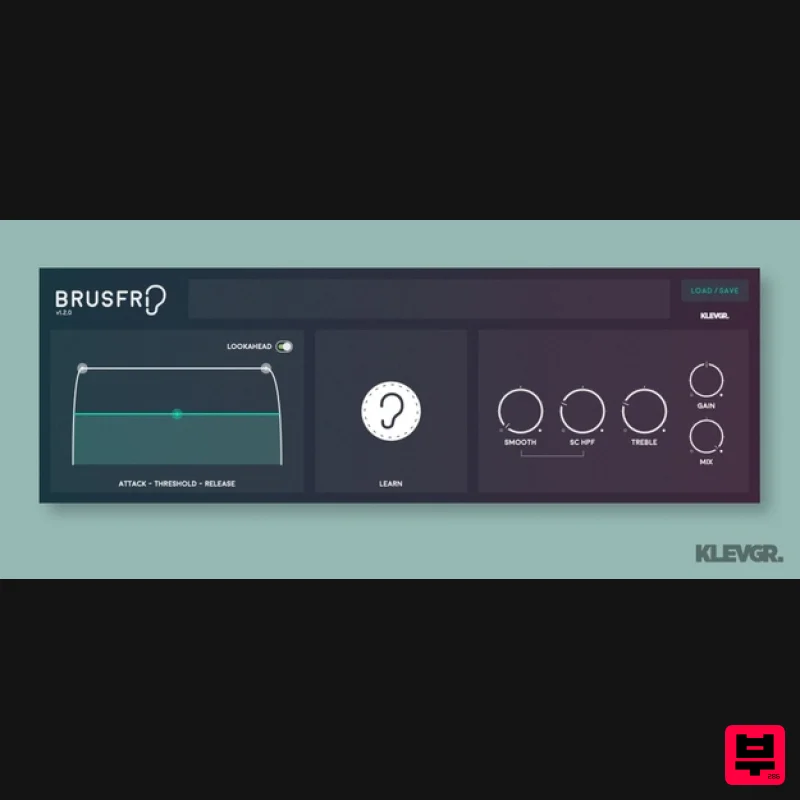
- multiple fine-tuned gates are used to silence unwanted noise. Anatomy 1. Attack / Threshold / Release - These parameters control all the internal expanders relatively. 2. Learn Button - Brusfri needs some noise to be analysed. Most of the time
- this is the only thing that's needed. Push and hold to feed audio data and create a noise profile. 3. Tonality - Most of the time
- Brusfri does a good job in creating a noise profile that works as expected
- but in some cases (especially when there's heavy noise involved) one needs to tweak a bit. What is that noise?! Can we shut down the vent system for the whole building
- please? You know the feeling when you just have recorded the best take ever for your new creation and it’s time to edit when you realise there’s a constant hiss in the background interfering with the performance. It happens to us all
- whether you’re working with music
- film
- podcasts or radio
- unwanted noise is a problem that pops up now and then. With the improvement of sound quality over the years
- what was once hidden behind tape hiss can now be audible and bothersome and we need noise reduction to tackle it. Features Several frequency-trimmed expanders build an intelligent noise suppressor No phase-altering
- which leaves the desired sound untouched (no squishy artifacts as in many other noise reducers) Intuitive and unique user interface System Requirements macOS 10.10 or later (optimized for the M1-processor) Windows 7 SP1 or later AU
- VST-2
- VST-3
- AAX Please Note: Pana is used as the example: Mac License Redemption 1. Navigate to https://klevgrand.com/redeem > Paste your 16 digit redemption code found in your Plugin Boutique User Account > Click 'Submit!'. 2. Your redemption code has been accepted > Scroll down to Step 2. 3. Click either 'Sign in' if you already have a Klevgrand account
- or 'Create new account' if you do not > Fill in your personal details > Click 'I'm ready'. 4. Your account has now been created. 5. Navigate to your email inbox and locate the activation email that you should have received from Klevgrand > Click 'Let me in!' to activate your account. 6. Create a password for your account > Click 'Enter Klevgrand'. 7. Your software and serial number is now available within your Klevgrand account > Click the Apple logo to download the installer file. Installation 1. Launch the pana_x_x_x_macOS.dmg installer file. 2. Double click the KLEVGR. logo to launch the installer. 3. Click 'Continue'. 4. Click 'Continue'. 5. Click 'Agree'. 6. Click 'Install'. 7. Enter your system password > Click 'Install Software'. 8. Click 'Close'. 9. Navigate back to your Klevgrand My Account page > Click on the serial number to copy it to your clipboard. 10. Launch your DAW > Create a new audio track > Insert Pana onto the channel > Paste your serial number into the box. Your software is now activated and ready to use within your DAW Windows License Redemption 1. Navigate to https: //klevgrand.com/redeem > Paste your 16 digit redemption code found in your Plugin Boutique User Account > Click 'Submit!'. 2. Your redemption code has been accepted > Scroll down to Step 2. 3. Click either 'Sign in' if you already have a Klevgrand account
- or 'Create new account' if you do not > Fill in your personal details > Click 'I'm ready'. 4. Your account has now been created. 5. Navigate to your email inbox and locate the activation email that you should have received from Klevgrand > Click 'Let me in!' to activate your account. 6. Create a password for your account > Click 'Enter Klevgrand'. 7. Your software and serial number is now available within your Klevgrand account > Click the Windows logo to download the installer file. Installation 1. Unpack the pana_x_x_x_win.zip installer file > Launch the pana_x_x_x_win.exe file. 2. Click 'I accept the agreement' > Click 'Next'. 3. Click 'Next'. 4. Click 'Next'. 5. Click 'Next'. 6. Click 'Install'. 7. Click 'Finish'. 8. Navigate back to your Klevgrand My Account page > Click on the serial number to copy it to your clipboard. 9. Launch your DAW > Create a new audio track > Insert Pana onto the channel > Paste your serial number into the box. Your software is now activated and ready to use within your DAW
Additional Information
About the Klevgrand Brusfri
Experience the quality and tone that makes the Klevgrand Brusfri a popular choice for musicians.
Why Choose the Klevgrand Brusfri?
- •Authentic Klevgrand craftsmanship and design
- •Versatile sound suitable for multiple musical genres
- •Professional build quality and reliable performance
- •Part of Klevgrand's respected Audio Restoration lineup
Compare & Explore
Browse our complete selection of Klevgrand instruments or explore other Audio Restoration options. Use our comparison tools to find the perfect match for your musical style and budget.
Similar Products
Zynaptiq UNVEIL
Audio Restoration
iZotope RX 11 Standard
Audio Restoration
iZotope RX 11 Elements Educational Version
Audio Restoration
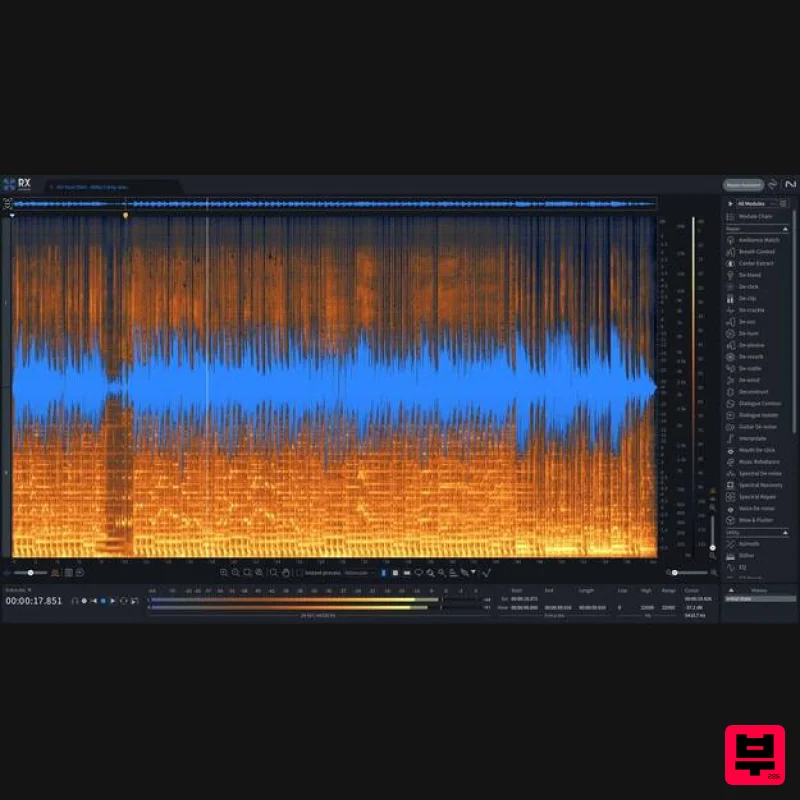
iZotope RX 11 Advanced Educational Version
Audio Restoration
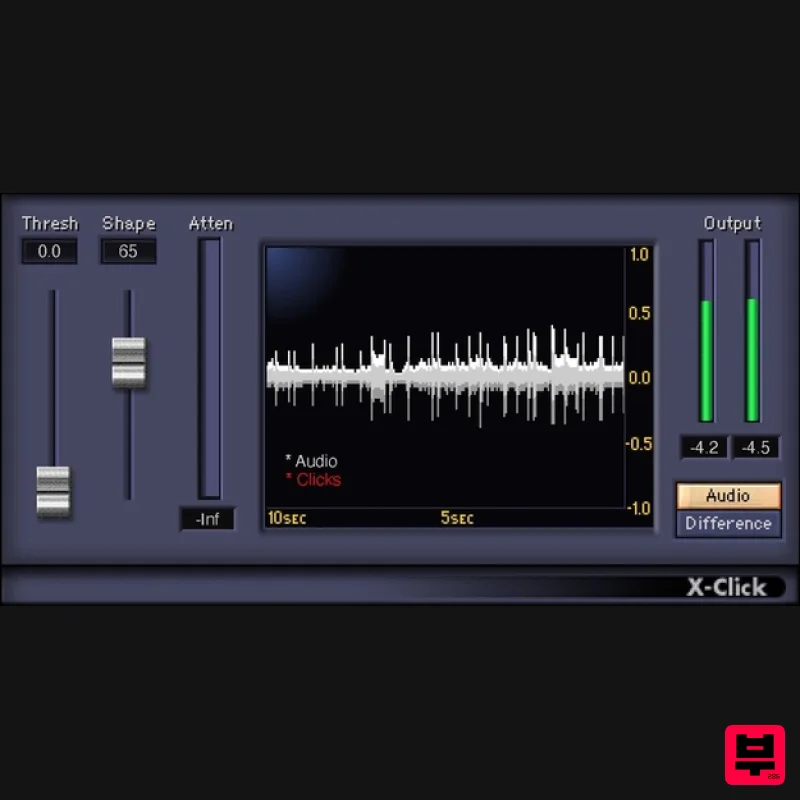
Waves X-Click
Audio Restoration
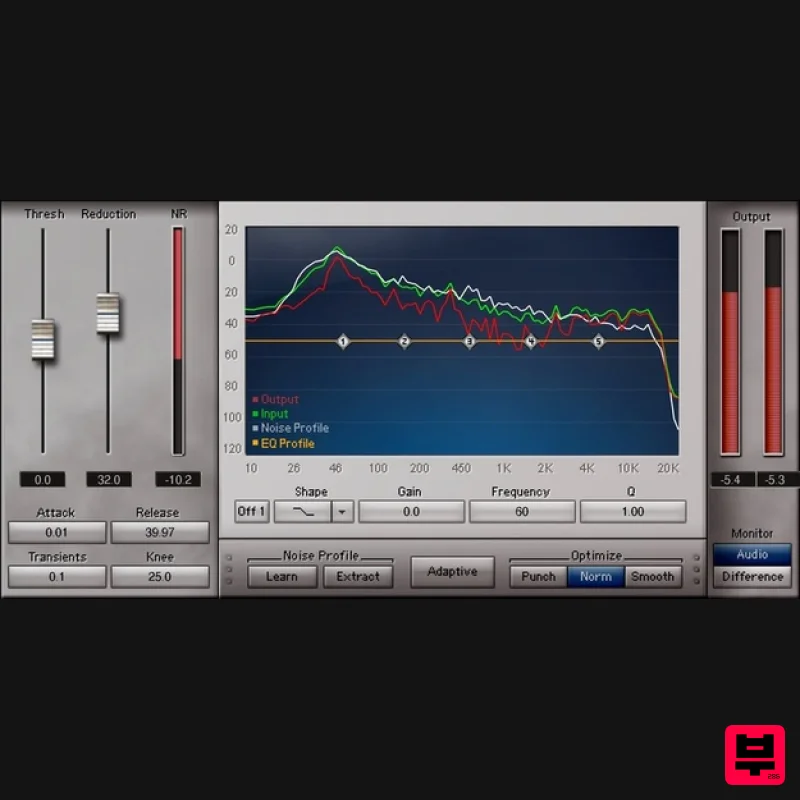
Waves Z-Noise
Audio Restoration

Waves Clarity Vx DeReverb Pro
Audio Restoration
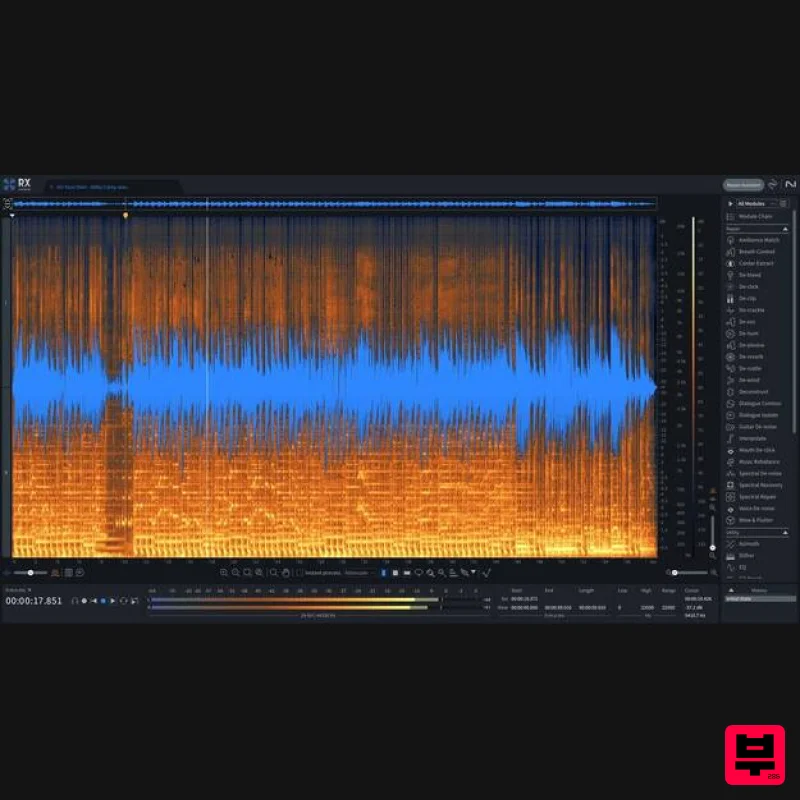
iZotope RX 11 Advanced
Audio Restoration

