
HOFA-Plugins HOFA System Basic
Professional music gear - detailed information and where to buy
HOFA-Plugins
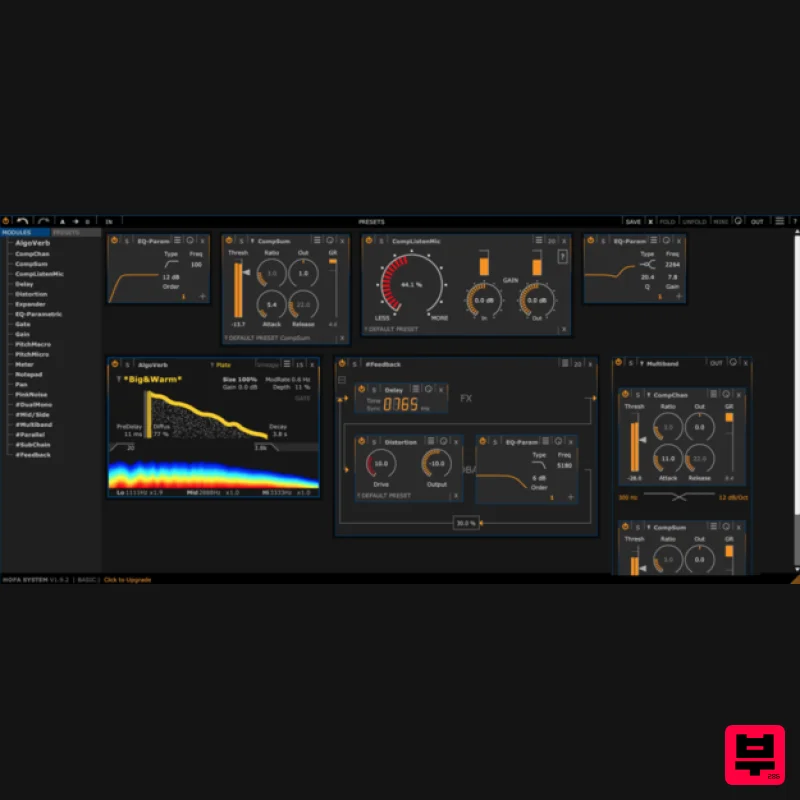
HOFA System Basic
Product Info
* Prices may vary. Check retailer for current pricing and availability.
Product Description
- High quality channel strip
- premium reverb and flexible effect suite for free! SYSTEM basic is the freeware version of the popular EQ
- dynamic & FX toolbox from HOFA. 29 plugins are available which you can use individually (also as inserts in your DAW) or connected to each other. The routing happens automatically in SYSTEM
- with multiband
- M/S and dual mono routing always available. Load more than 150 HOFA presets
- that can be edited to a limited extent. There are two kinds of presets: plugin presets that correspond to the HOFA SYSTEM basic functionality can be used. For instance
- all AlgoVerb plate presets can be used. In addition to plugin presets
- HOFA SYSTEM can save entire processing chains. These chains can be used and edited
- as long as the presets use parameters that are available in the freeware version. If a chain preset contains plugins that require a special license
- it can only be used if it is a factory preset. In this case it isn’t possible to change the routing or other parameters. Features 29 plugins with flexible routing and processing options 150+ presets of the full version can be loaded AlgoVerb Plate algorithm for more spatial depth in your productions All plugins are usable in your DAW or in HOFA SYSTEM System Requirements HOFA Plugins work with Windows 7/8/10
- Vista and WinXP
- as well as Intel-Mac from OS X 10.6. Audio Unit
- VST3
- RTAS and AAX
- 32 and 64 Bit. HOFA Plugins are tested constantly on the following DAWs: Steinberg Cubase/Nuendo/Wavelab
- MOTU Digital Performer
- Ableton Live
- Apple Logic
- Magix Samplitude/Sequoia
- Avid Pro Tools
- Cakewalk Sonar
- Presonus Studio One
- Cockos Reaper
- FL Studio Please Note: Some plugins have a limited functionality in SYSTEM basic. Note: 4U+ DynamicTiltEQ is used as the example. Mac Installation 1. Go to the HOFA Download Area
- scroll down and enter your email address > Click 'Proceed to Download'. 2. Select the correct format for your operating system to begin the download. 3. Open the downloaded plugin manager. 4. Scroll to the bottom and check the box next to '4U+ DynamicTiltEQ' > Click 'Install'. 5. Click 'Start'. 6. Click 'Accept'. 7. Enter your computer's Username and Password > Click 'Ok'. 8. Your installation is complete > Click 'Done'. Your software is now ready to use within your DAW! Windows Installation 1. Go to the HOFA Download Area
- scroll down and enter your email address > Click 'Proceed to Download'. 2. Select the correct format for your operating system to begin the download. 3. Open the downloaded plugin manager. 4. Scroll to the bottom and check the box next to '4U+ DynamicTiltEQ' > Click 'Install'. 5. Click 'Start'. 6. Click 'Accept'. 7. Your installation is complete > Click 'Done'. Your software is now ready to use within your DAW!
Additional Information
About the HOFA-Plugins HOFA System Basic
The HOFA-Plugins HOFA System Basic combines traditional design with modern performance for Channel Strip enthusiasts.
Why Choose the HOFA-Plugins HOFA System Basic?
- •Authentic HOFA-Plugins craftsmanship and design
- •Versatile sound suitable for multiple musical genres
- •Professional build quality and reliable performance
- •Part of HOFA-Plugins's respected Channel Strip lineup
Compare & Explore
Browse our complete selection of HOFA-Plugins instruments or explore other Channel Strip options. Use our comparison tools to find the perfect match for your musical style and budget.
Similar Products
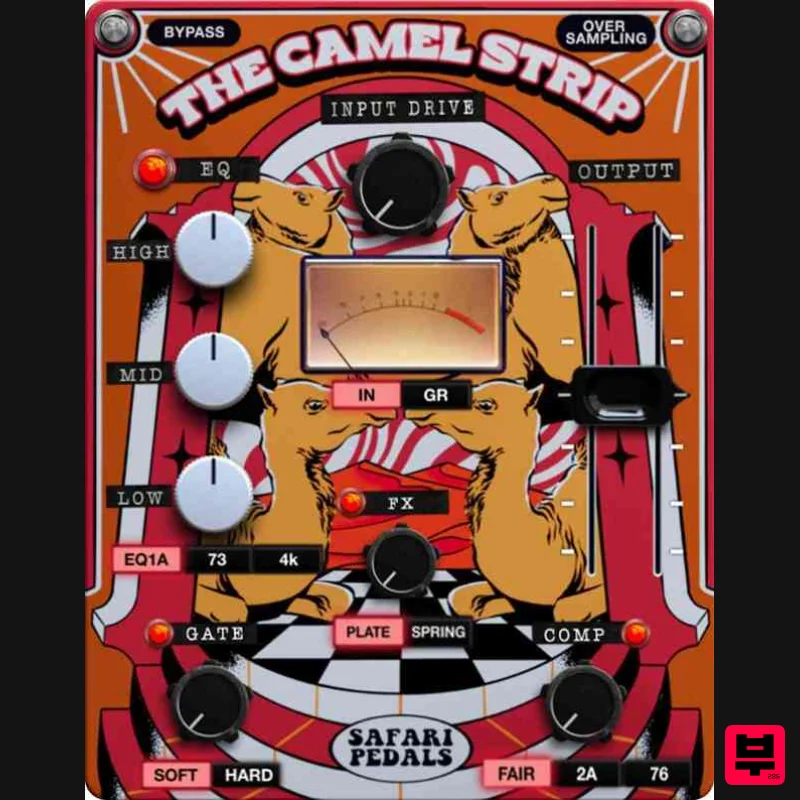
Safari Audio The Camel Strip
Channel Strip
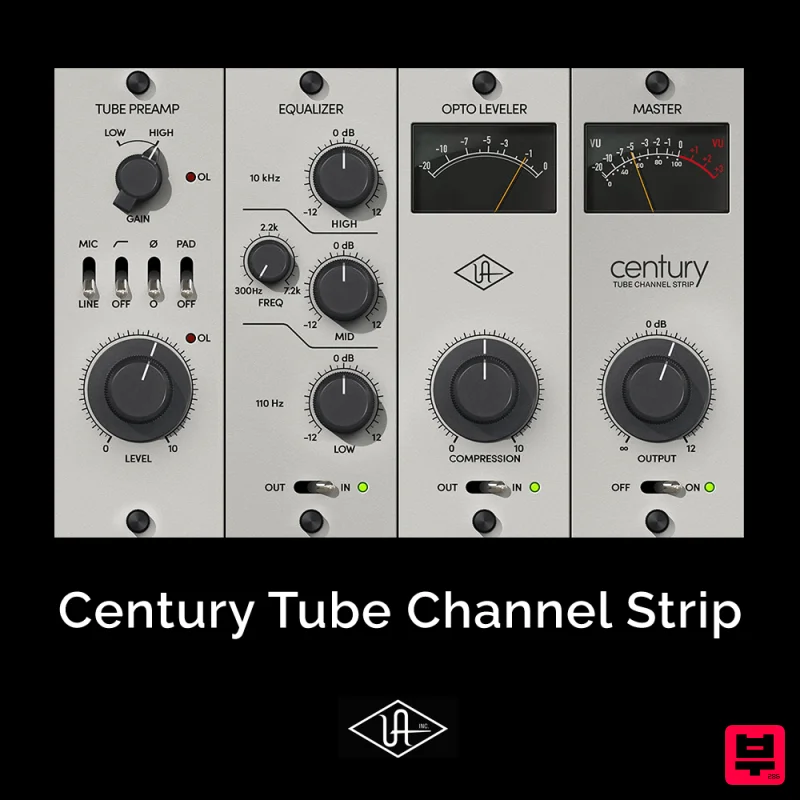
Universal Audio Century Tube Channel Strip
Channel Strip
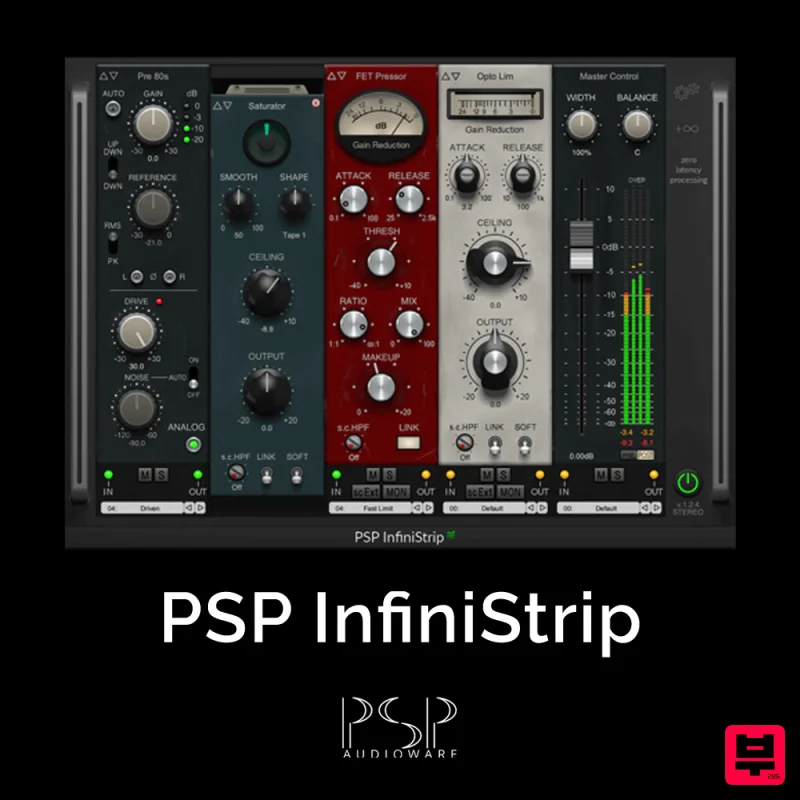
PSP Audioware PSP InfiniStrip
Channel Strip
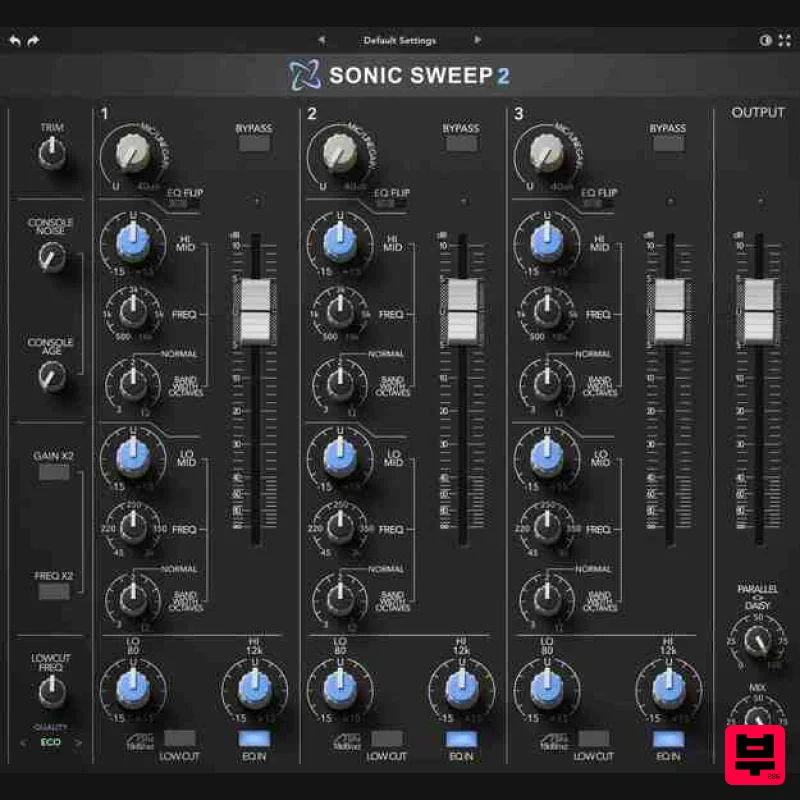
Rave Generation Sonic Sweep 2
Channel Strip
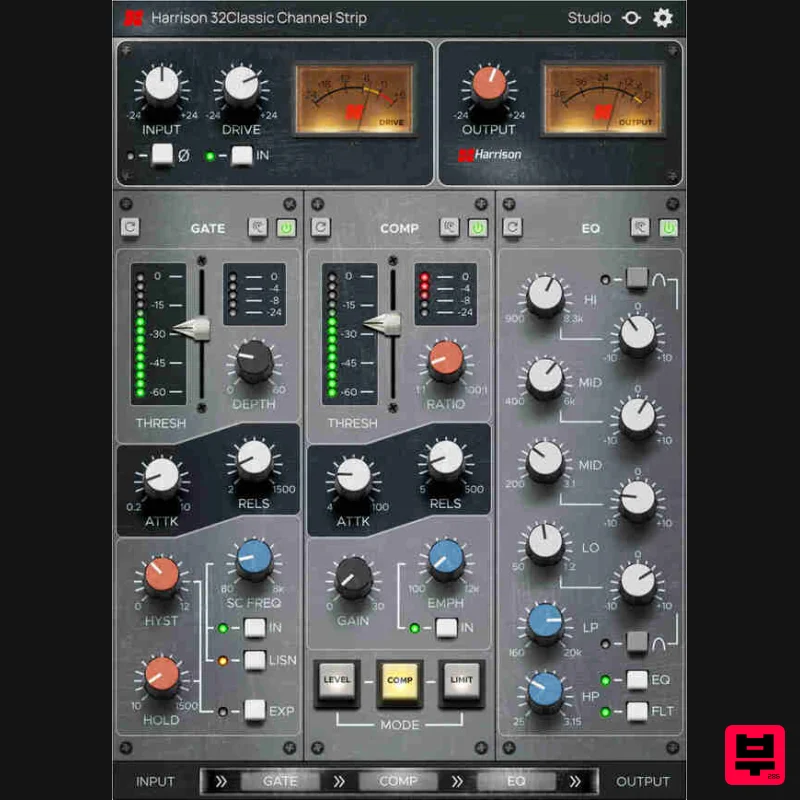
Harrison Consoles 32Classic Channel
Channel Strip
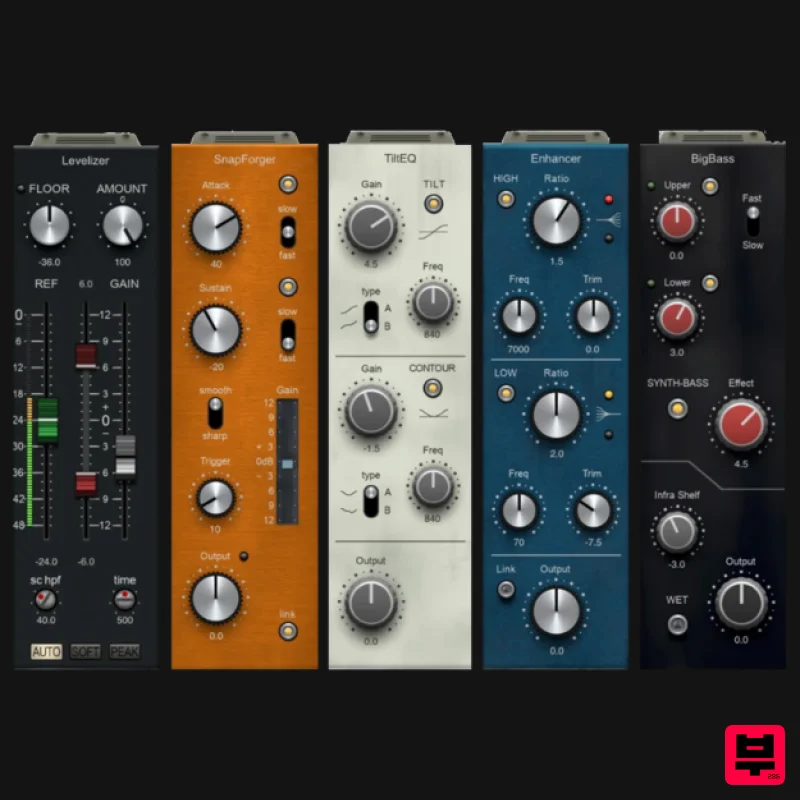
PSP Audioware PSP InfiniStrip Earth Edition
Channel Strip
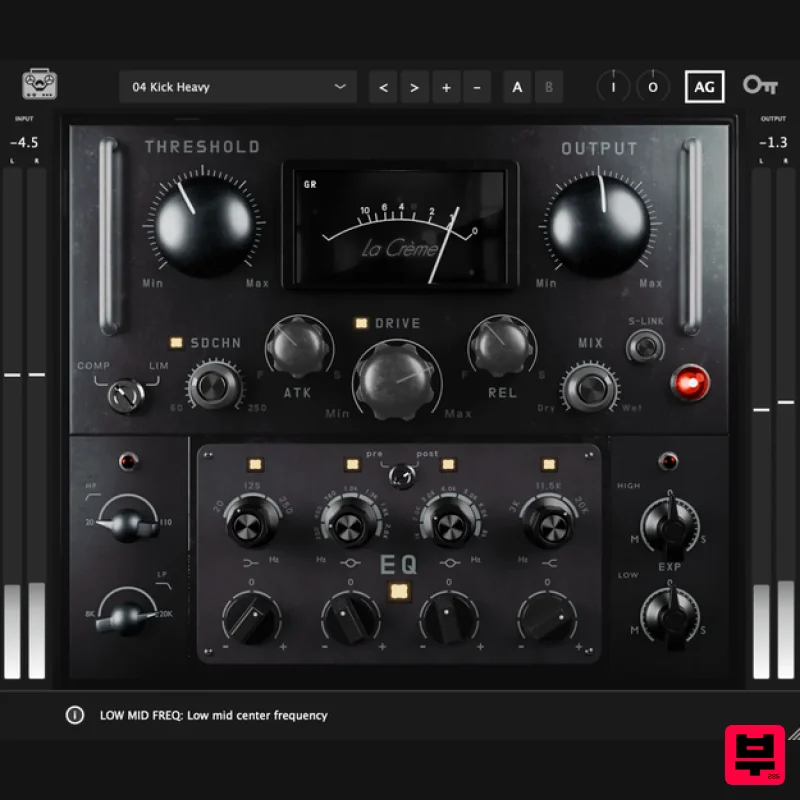
Tone Empire La Crème 3
Channel Strip
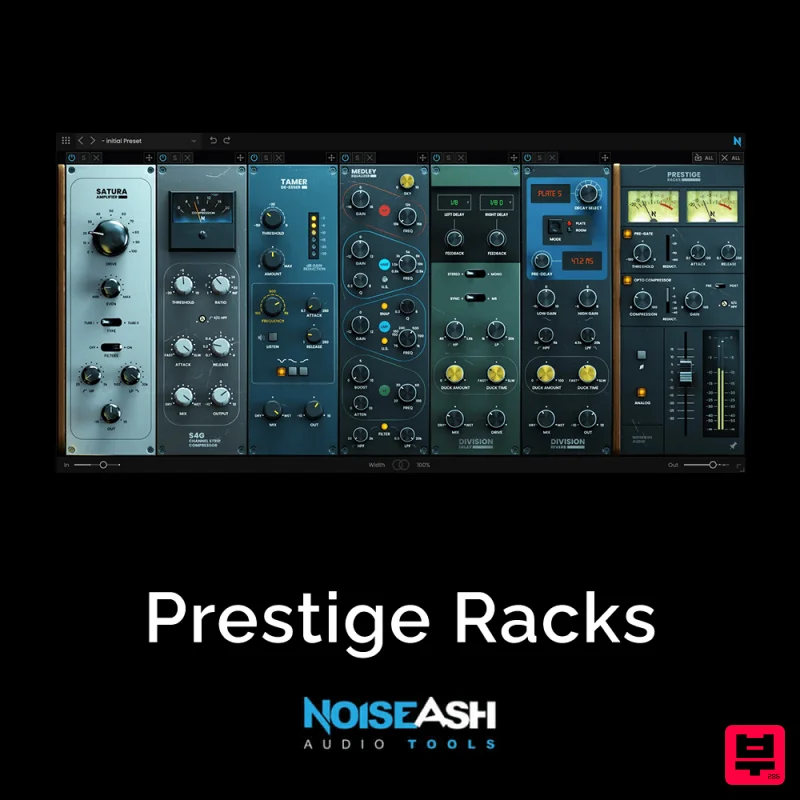
NoiseAsh Prestige Racks
Channel Strip

