
Fuse Audio Labs VCS-1 All-In One Channel Strip
Professional music gear - detailed information and where to buy
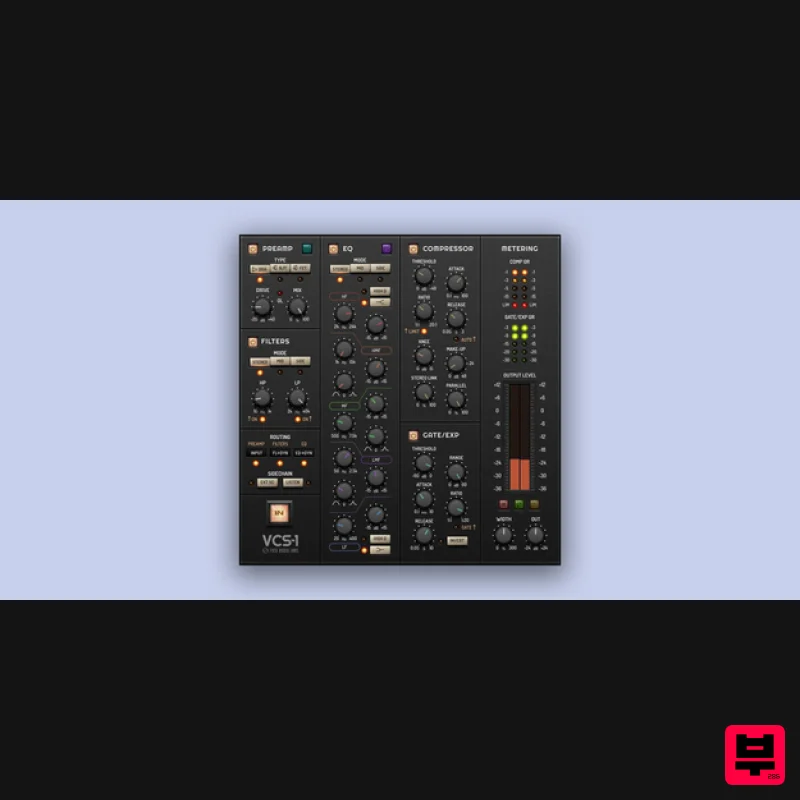
Fuse Audio Labs
VCS-1 All-In One Channel Strip
Product Info
* Prices may vary. Check retailer for current pricing and availability.
Product Description
- One For All Complete
- Not Complex If there is a single plugin to take to the desert island
- it's the VCS-1. This zero latency channel strip integrates all the tools needed for instant signal enhancement and dynamics control… and then some! Complexity remains under the hood
- as the user interface is based on a comprehensive
- practical layout which supports a nimble workflow and is easy on the eyes. Powerful Processing Tools The VCS-1 shapes your tones with a triple-topology preamp offering different styles of coloration
- wide-ranged high/low pass filters and a full-fledged parametric 5-band EQ. Dynamics are controlled by a luxurious compressor/limiter section and a highly practical gate/expander stage
- clearly visualized by a comprehensive gain reduction and level metering panel. Integrated Routing Matrix The individual processing sections are enhanced by highly flexible routing options. The filters and the equalizer can operate in stereo or mid/side mode
- while the side-chain of the compressor can make use of the filters
- the EQ
- and external control signals. An additional mix stage allows on-board parallel compression
- and every single section of the VCS-1 can be individually bypassed. Global Link Groups The enormous processing power of the VCS-1 is rounded off by its capability of assigning individual plugin instances to virtual groups which share the same parameters all across your DAW
- saving tons of time and effort. So
- if you're looking for a single plugin to shape and process all of your signals
- groups and buses in the most convenient way: Here you go. Features Comprehensive channel strip offering complete signal enhancement and dynamics control Zero-latency operation
- ideal for real-time processing Triple-topology preamp with selectable coloration styles Wide-range high/low pass filters and 5-band parametric EQ Includes compressor/limiter and gate/expander for detailed dynamics control Visualized gain reduction and level metering for precision Flexible routing options with stereo
- mid/side modes
- and side-chain control Integrated mix stage for on-board parallel compression Each section can be individually bypassed for customization Global link groups for shared settings across multiple instances in your DAW <iframe allow="autoplay" frameborder="no" height="300" src="https: //w.soundcloud.com/player/?url=https%3A//api.soundcloud.com/playlists/1343691082&color=%23ff5500&auto_play=false&hide_related=false&show_comments=true&show_user=true&show_reposts=false&show_teaser=true&visual=true" width="100%"></iframe> Fuse Audio Labs · VCS-1 Sound Examples System Requirements Mac (64-Bit only) Intel compatible or Apple Silicon CPU 2GB RAM Mac OS 10.12 or newer A display resolution of 1280x1024 pixels or more A VST2
- VST3
- AAX or AudioUnits compatible host Windows (32- and 64-Bit) Intel compatible CPU (at least 2 GHz recommended) 2GB RAM Windows 7 or newer A display resolution of 1280x1024 pixels or more A VST2
- VST3 or AAX compatible host Please Note: VCL-373 Vintage Compressor/Limiter is used as an example. Activation 1. Go to https://fuseaudiolabs.com/signup.html or click 'Download' in your Plugin Boutique User Account. 2. Enter the requested details > Click 'Sign Up'. 3. Go to your email inbox and locate the email from Fuse Audio Labs > Click the link provided. 4. Login in with your newly created details. 5. Enter the redemption code found under 'serial number' in your Plugin Boutique User Account > Click 'Submit'. 6. Make note of your Activation Key here > Go to the page of the plugin to download the installers (This can also be done by downloading the demo version from the equivalant Plugin Boutique page). Installation Mac 1. Double click the .pkg file to begin installation. 2. Click 'Continue'. 3. Click 'Continue'. 4. Click 'Continue'. 5. Click 'Agree'. 6. Click 'Continue'. 7. Click 'Continue'. 8. Click 'Install'. 9. Click 'Close'. 10. Click 'Activate'. 11. Enter your email and the activation key received in your Fuse Audio Labs account earlier > Click 'Activate'. Your plugin is now installed and ready for use in your DAW! PC 1. Double click the .exe file to begin installation. 2. Click 'Next'. 3. Click 'I accept the agreement' > Click 'Next'. 4. Click 'Next'. 5. Click 'Next'. 6. Click 'Next'. 7. Click 'Install'. 8. Click 'Finish'. 9. Open your DAW > Locate VCL373. 10. Click 'Activate'. 11. Enter your email and the activation key received in your Fuse Audio Labs account earlier > Click 'Activate'. Your plugin is now installed and ready for use in your DAW!
Additional Information
About the Fuse Audio Labs VCS-1 All-In One Channel Strip
Discover the distinctive sound and feel of the Fuse Audio Labs VCS-1 All-In One Channel Strip, a standout choice among Channel Strip.
Why Choose the Fuse Audio Labs VCS-1 All-In One Channel Strip?
- •Authentic Fuse Audio Labs craftsmanship and design
- •Versatile sound suitable for multiple musical genres
- •Professional build quality and reliable performance
- •Part of Fuse Audio Labs's respected Channel Strip lineup
Compare & Explore
Browse our complete selection of Fuse Audio Labs instruments or explore other Channel Strip options. Use our comparison tools to find the perfect match for your musical style and budget.
Similar Products
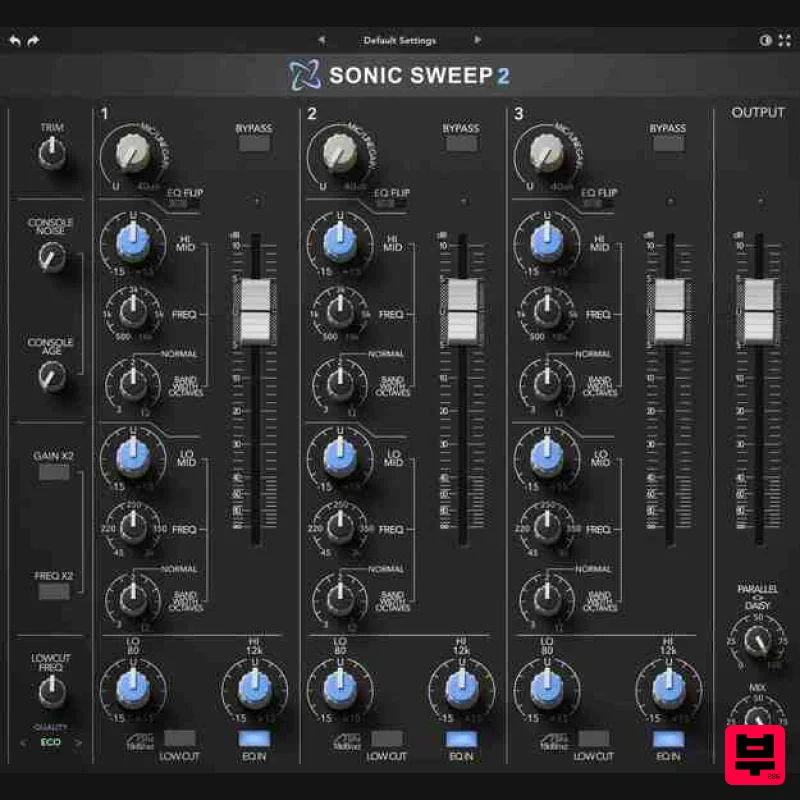
Rave Generation Sonic Sweep 2
Channel Strip
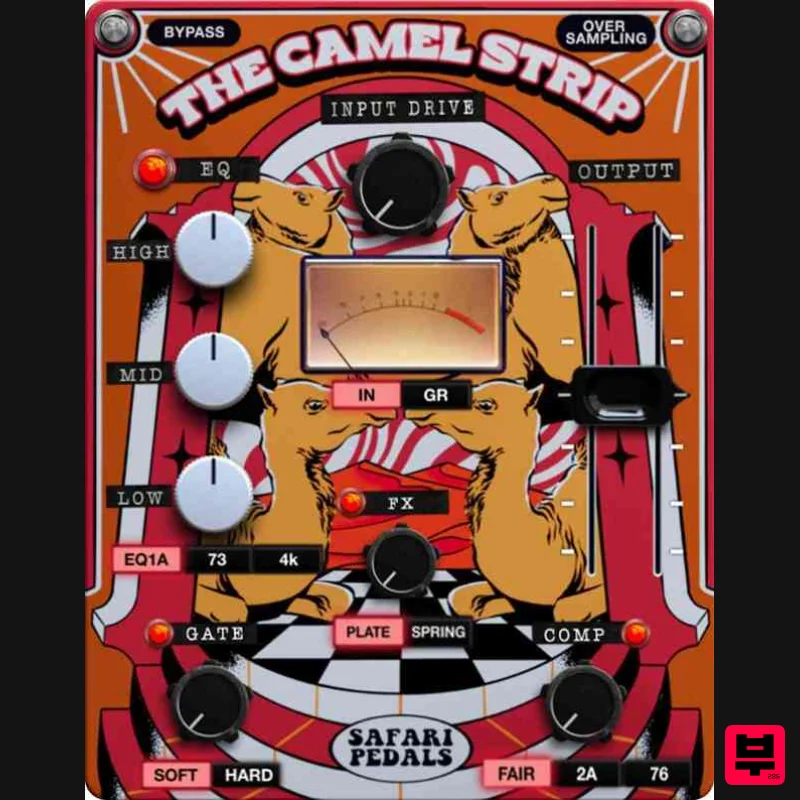
Safari Audio The Camel Strip
Channel Strip
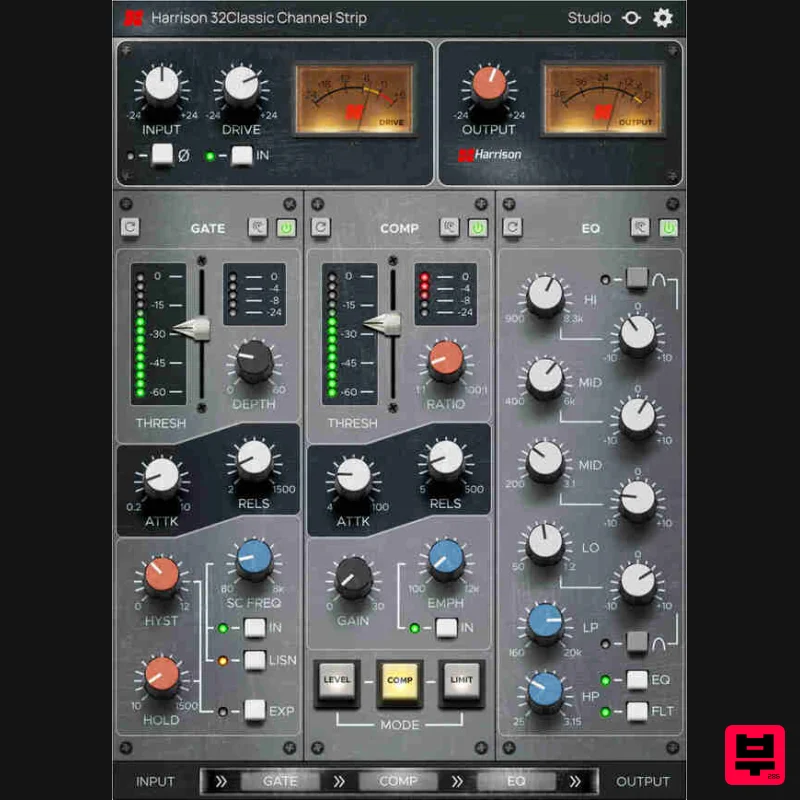
Harrison Consoles 32Classic Channel
Channel Strip
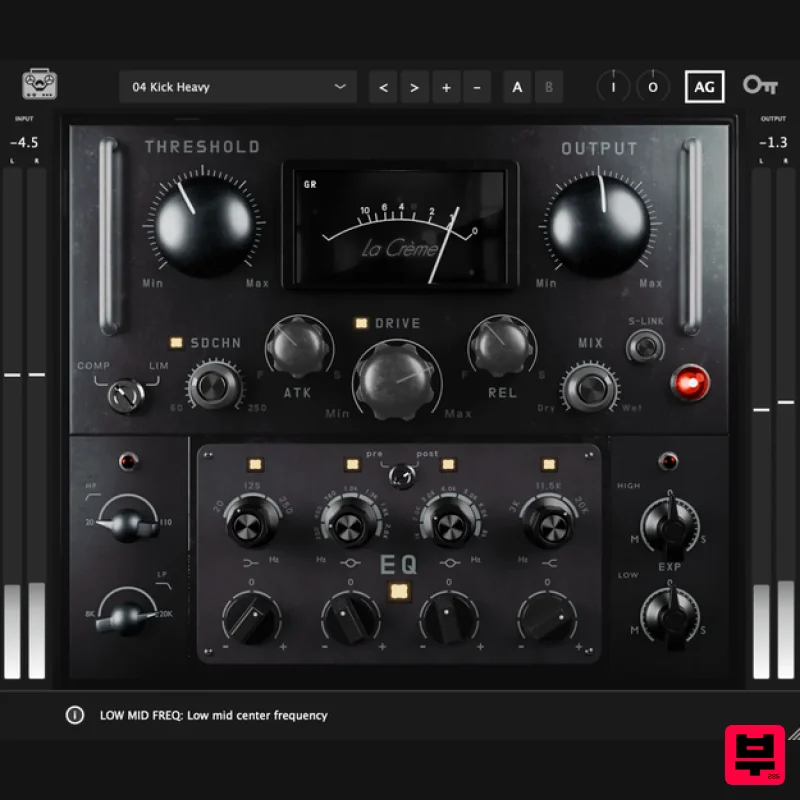
Tone Empire La Crème 3
Channel Strip
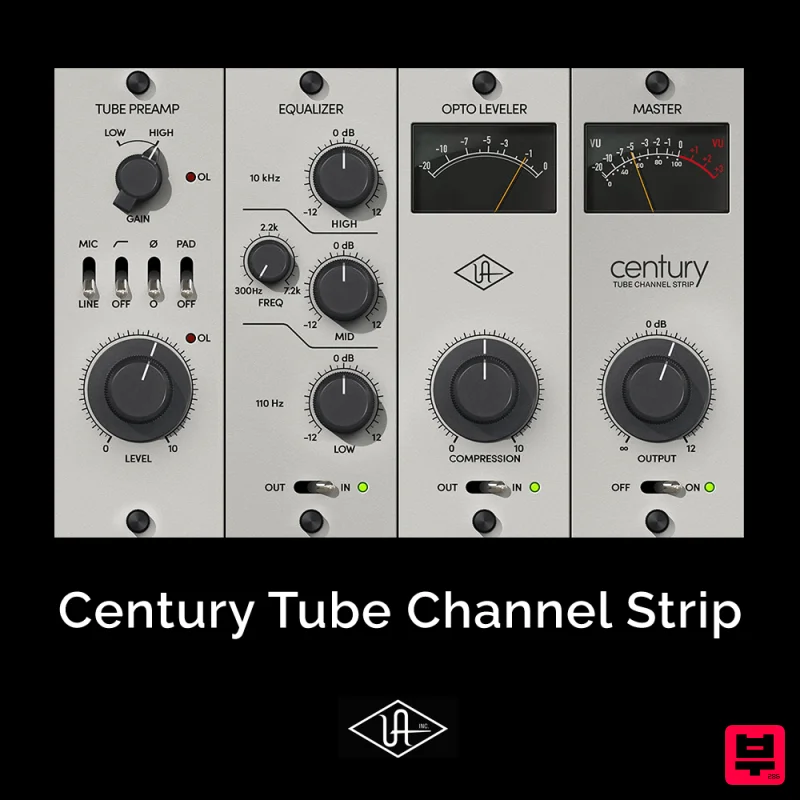
Universal Audio Century Tube Channel Strip
Channel Strip
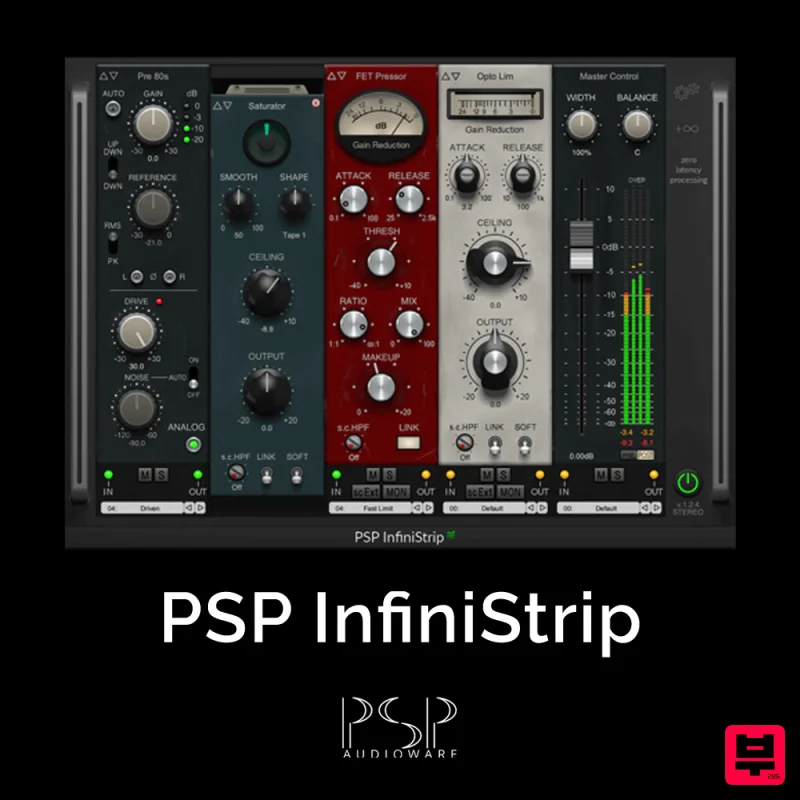
PSP Audioware PSP InfiniStrip
Channel Strip
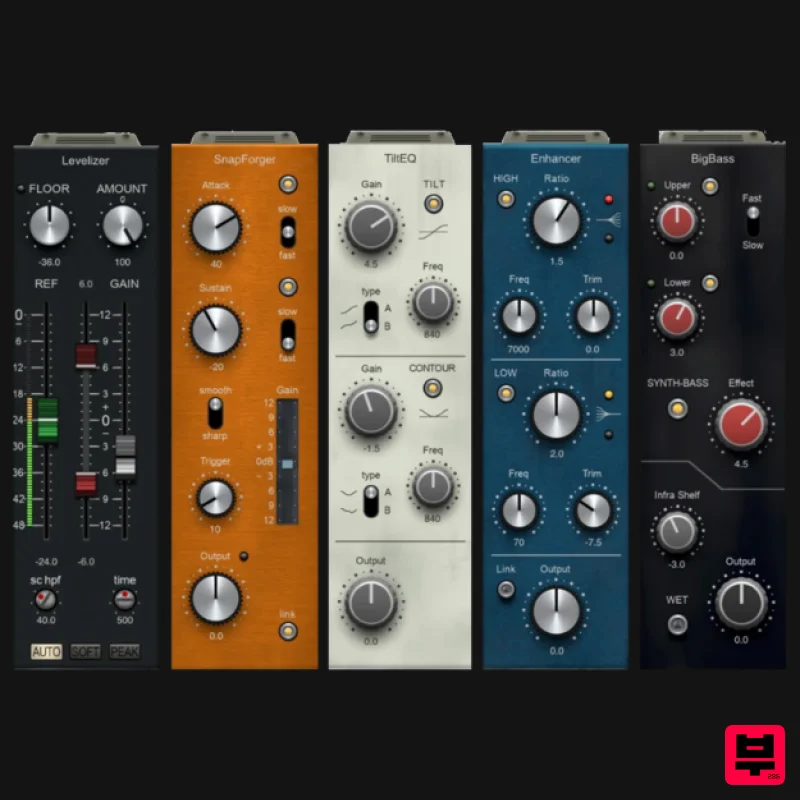
PSP Audioware PSP InfiniStrip Earth Edition
Channel Strip
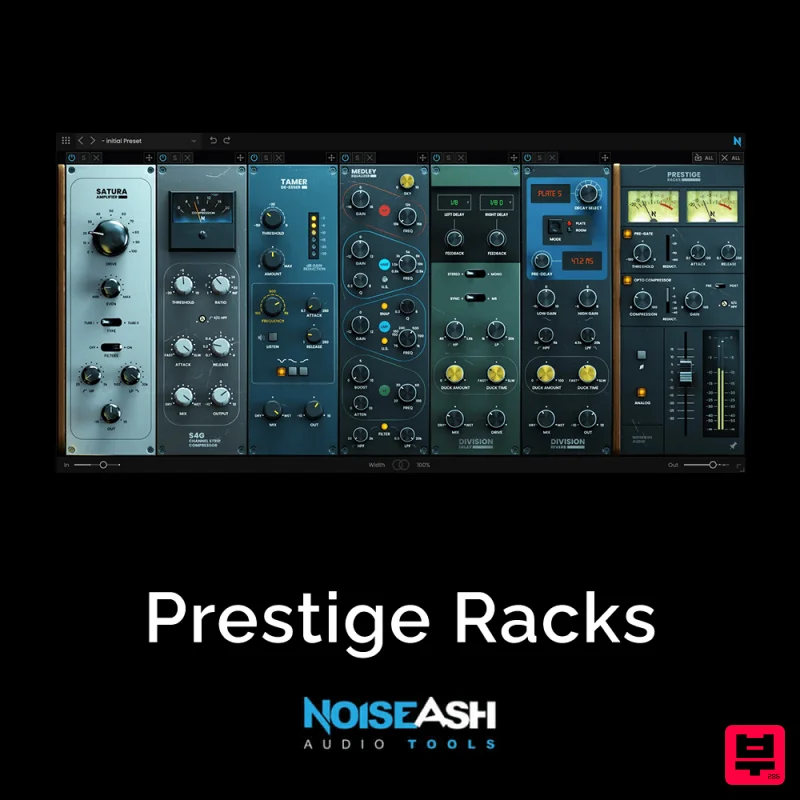
NoiseAsh Prestige Racks
Channel Strip

