
DHPlugins BASS-FACE
Professional music gear - detailed information and where to buy
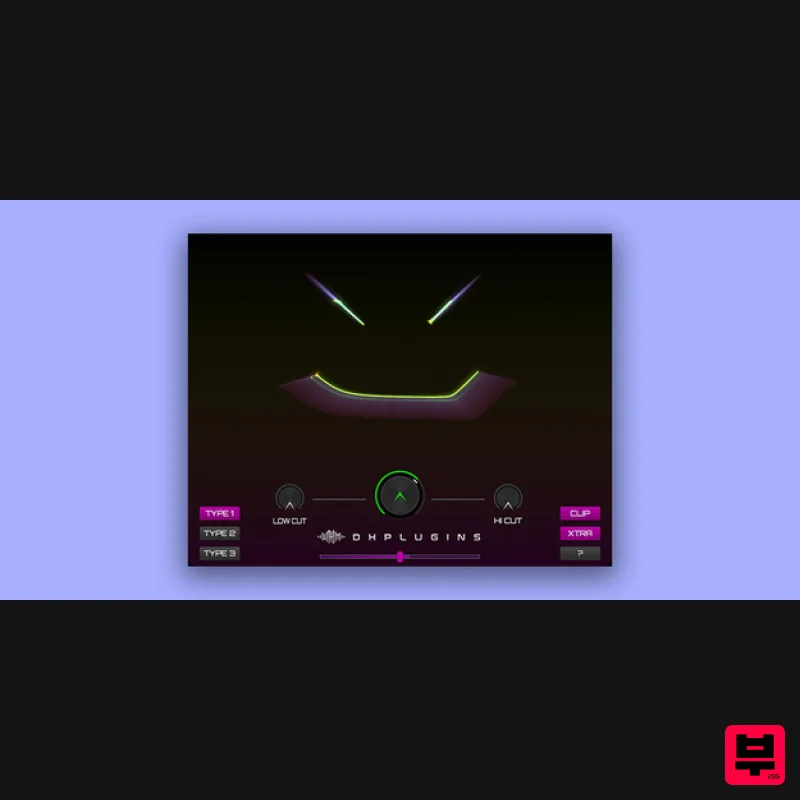
Product Description
- Enhance Your Sound A yet BIG sounding 'one knob' style plug-in from DHPlugins... Essentially a multi-effect enhancer & distortion plug-in
- BASS-FACE is a simple but HUGE sounding way to inject extra weight and life into your sound. With 3 different modes
- each with increasing aggression
- BASS-FACE delivers a variety of tones and craft to enhance your audio with the least amount of effort. Whilst great on bass sounds BASS-FACE also works wonders on leads
- drums
- guitars
- or anything else you can feed it! BASS-FACE is designed as an enhancer / drive unit
- processing several effects to add character
- drive
- width
- modulation and presence to your sounds. TYPE 1 – Gentle Presence
- Space and Subtle Modulation TYPE 2 – Saturation
- Presence
- Space and Subtle Modulation TYPE 3 – Drive
- Presence and Subtle Modulation CLIP – Adds a no-frills hard clipper to the end of the signal chain XTRA – Boosts the Spacial and Modulation effects System Requirements AU / VST3 / AAX 64 bit 1GB RAM 1GB HDD SPACE WIN 7 OR LATER OSX 10.8 OR LATER
- M1/M2/M3 READY 3 LICENSE ACTIVATIONS PER PURCHASE Important note: When accessing this software via a Rent to Own plan or the Beatport Studio membership
- it's installed and run through the Beatport Access portal. An internet connection is required every 30 days to validate your license. Gareth Worthy "I've been running various instances
- on lots of different types of inputs. It sounds great
- i really like it" Jem One "I’ve been using it a lot - It’s got a really nice saturation tone that’s not too sharp. It’s simple to use and I like that" Syran "Loving it
- running super and very resource friendly! It's done wonders on beefing up some NI massive patches" Windows 1. Download the installation pack from within your Plugin Boutique User Account 2. Launch the 'HALO-2.exe' installer. 3. Select 'I accept the agreement'
- then click 'Next'. 4. Select 'Install'. 5. Once installation has concluded
- click 'Finish'. 6. Launch the 'HALO-2 SAMPLES' file from within your installer pack. Click 'Download'. 7. Click 'OK'
- and select a folder in which to store your samples. 8. Once installation is completed
- close the application. Do not click 'Cancel'. 9. Launch Halo 2 within your DAW
- and enter the License Key found within your Plugin Boutique User Account. 10. Your plugin is now installed and ready to use! Mac 1. Download the installation pack from within your Plugin Boutique User Account. 2. Launch the 'HALO-2.pkg' installer. 3. Click 'Continue'. 4. Click 'Continue'. 5. Click 'Continue'. 6. Click 'Agree'. 7. Click 'Continue'. 8. Click 'Install'. 9. Click 'Close'. 10. Launch the 'HALO-2 SAMPLES' file from within your installer pack
- and enter the License Key found within your Plugin Boutique User Account. 11. Click 'Download'. 12. Click 'OK'
- and select a folder in which to store your samples. 13. Once installation is completed
- close the application. Do not click 'Cancel'. 14. Launch Halo 2 within your DAW
- and enter the License Key found within your Plugin Boutique User Account. 15. Your plugin is now installed and ready to use!
Additional Information
About the DHPlugins BASS-FACE
Experience the quality and tone that makes the DHPlugins BASS-FACE a popular choice for musicians.
Why Choose the DHPlugins BASS-FACE?
- •Authentic DHPlugins craftsmanship and design
- •Versatile sound suitable for multiple musical genres
- •Professional build quality and reliable performance
- •Part of DHPlugins's respected Enhancer lineup
Compare & Explore
Browse our complete selection of DHPlugins instruments or explore other Enhancer options. Use our comparison tools to find the perfect match for your musical style and budget.
Similar Products
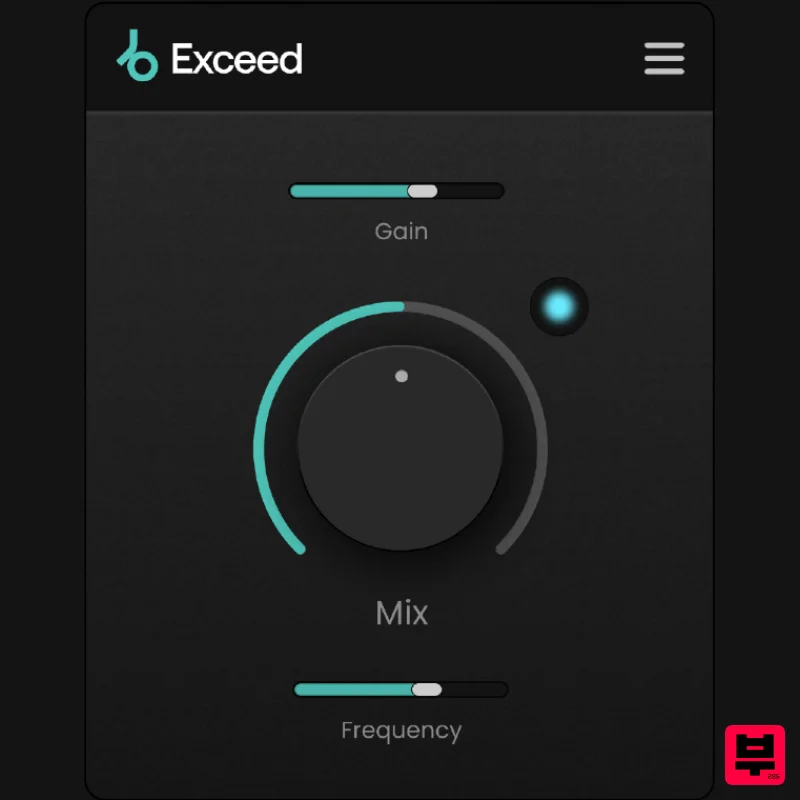
Plugin Boutique Exceed
Enhancer
$30
Punch, warmth and presence, instantly. This streamlined effect has the power to give your masters, busses or individual...
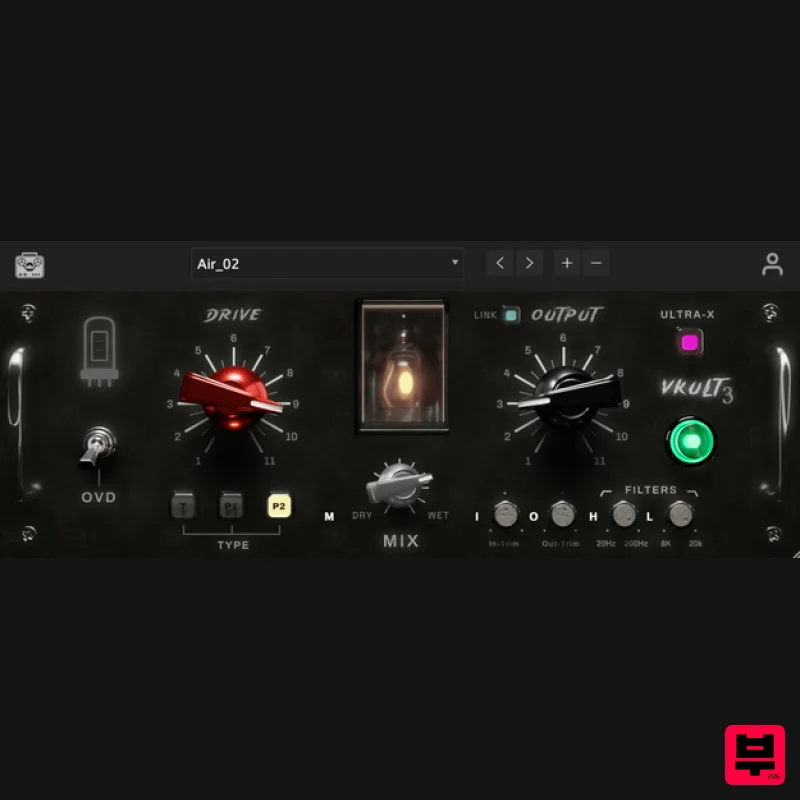
Tone Empire ValveKult 3
Enhancer
$115
Valvekult V3 The British Tube Enhancer Plugin Experience an amplified frequency response, enriching your audio with...
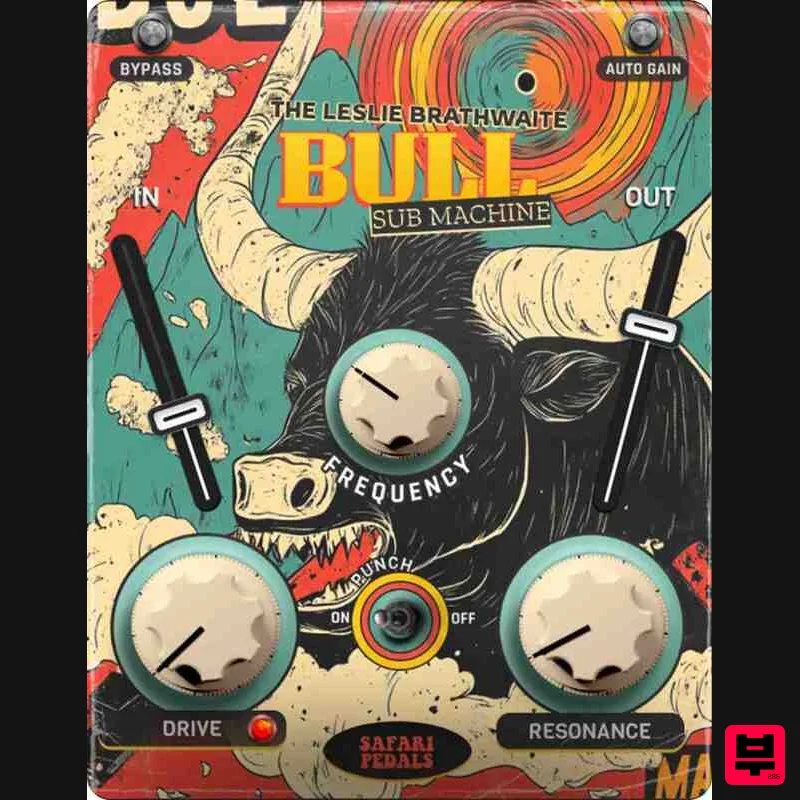
Safari Audio Bull Sub Machine
Enhancer
$51
Leslie Brathwaite’s Secret Weapon for Ground-Shaking Low-End Bull Sub Machine is engineered for seismic bass impact,...
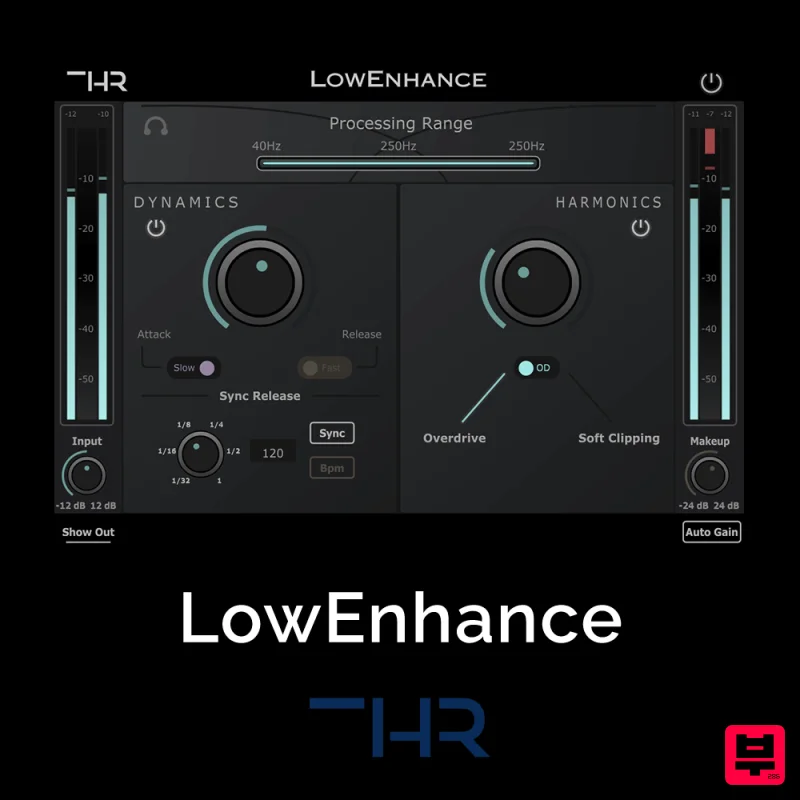
THR LowEnhance
Enhancer
$30
Control and add grit to the Low End The Low End can be one of the greatest enemies when it comes to mixing. Boominess...
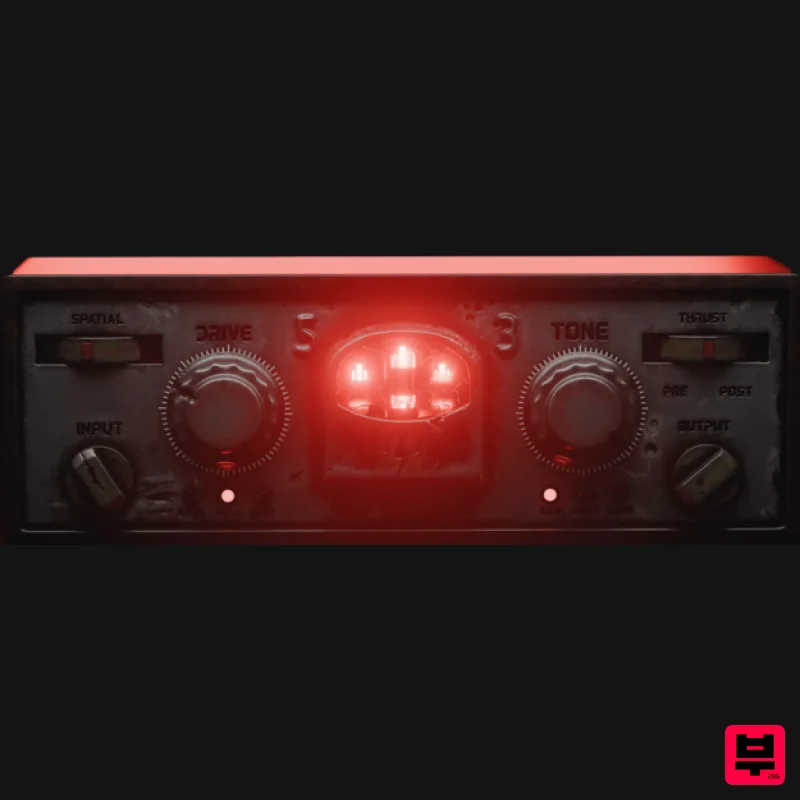
Tone Empire Cryptone
Enhancer
$104
Tones from the Crypt Cryptone delivers authentic analog tone instantly—without hunting through multiple plugins or...
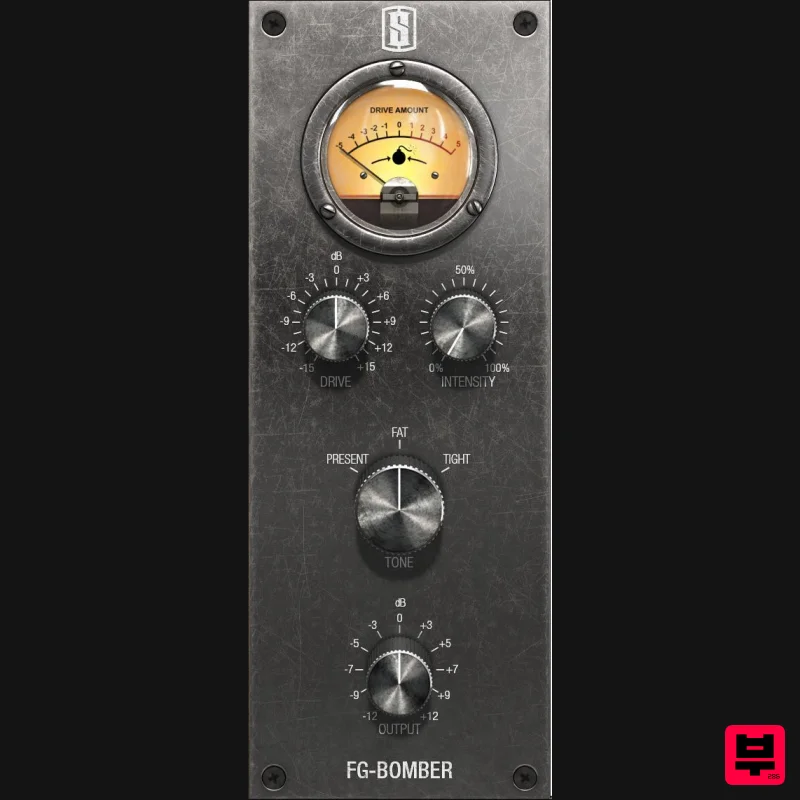
Slate Digital FG-Bomber
Enhancer
$51
Analog Modeled Dynamic Impact Enhancer FG-Bomber is a unique analog-modeled Dynamic Impact Enhancer, and it can...
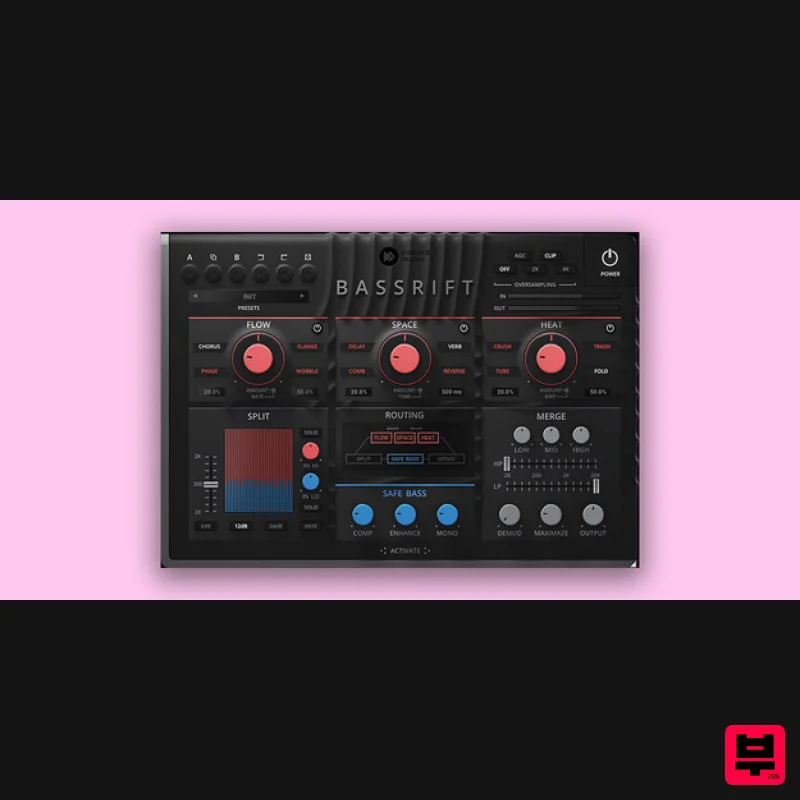
United Plugins BassRift
Enhancer
$83
Fuel Your Basslines Bass is the main power source of your tracks. Therefore, we created the ultimate all-in-one bass...
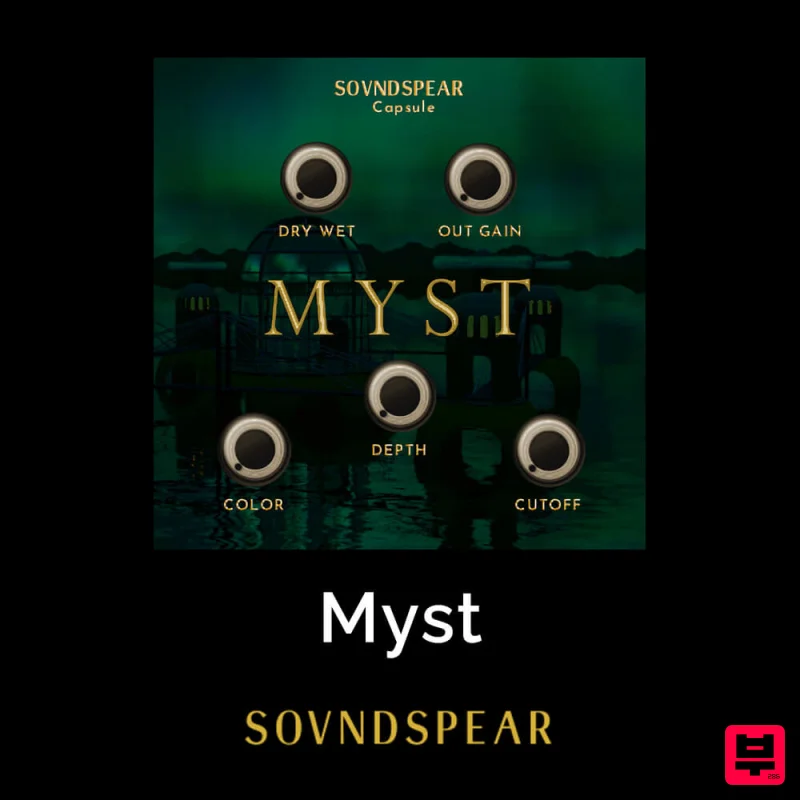
Soundspear Myst
Enhancer
$30
Very often, an instrument sounds great but feels empty when put in a mix. Myst is an easy way to add depth and...
Frequently Asked Questions
The DHPlugins BASS-FACE stands out for its exceptional DHPlugins craftsmanship and innovative design.
Yes! With its affordable price point and quality construction, it's perfect for learning enhancer.
Browse the similar products section to see how it stacks up against other enhancer.

