
Safari Audio Bull Sub Machine
Professional music gear - detailed information and where to buy
Safari Audio
Bull Sub Machine
Product Info
* Prices may vary. Check retailer for current pricing and availability.
Product Description
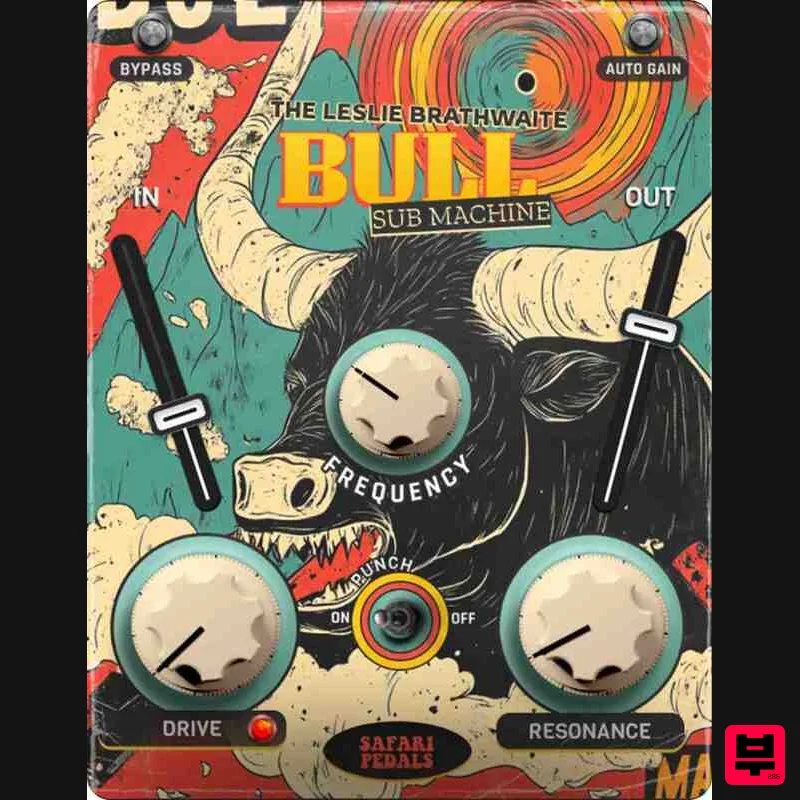
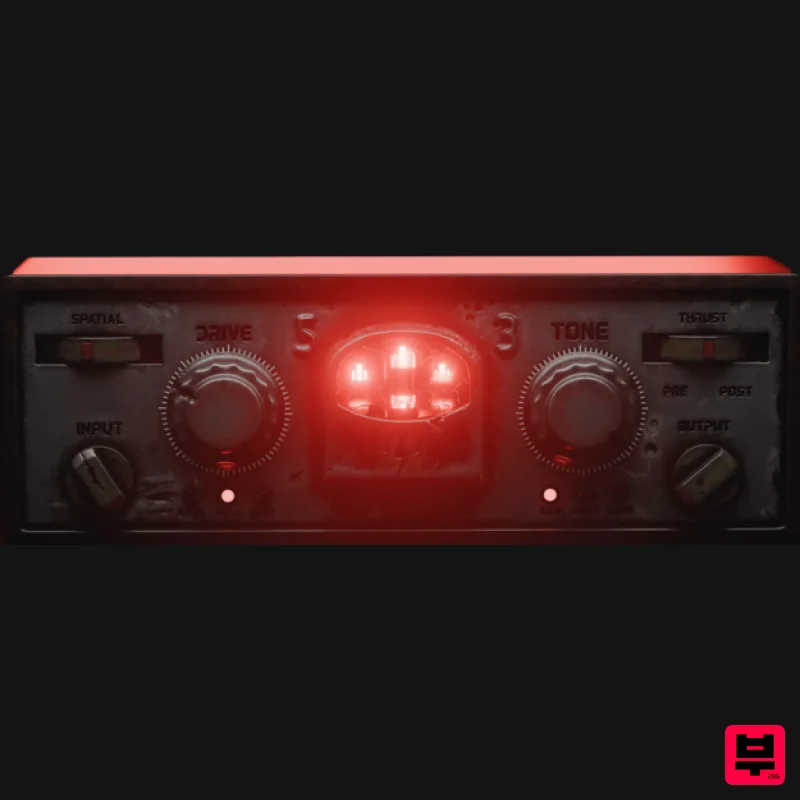
- Leslie Brathwaite’s Secret Weapon for Ground-Shaking Low-End Bull Sub Machine is engineered for seismic bass impact
- delivering depth
- punch
- and clarity in collaboration with Grammy-winning mix engineer Leslie Brathwaite. Known for his work with Cardi B
- Pharrell
- and Lil Uzi Vert
- Leslie’s signature low-end techniques are now available in this powerful plugin. Features Drive Control – Dial in analog-style warmth to full-on distortion for the perfect low-end grit. Oversampling – Advanced processing keeps your bass punchy and clean
- even at extreme settings. Resonance Control – Shape your sub frequencies with precision for maximum impact. Blend Knob – Balance processed and dry signals for clarity without muddiness. Leslie’s Signature “Punch” Chain – A blend of transient shaping and vintage tube EQ for ultimate low-end power. System Requirements Formats: MacOS (VST3
- AAX) | Windows 64-bit (VST3
- AAX) Processor: 2 GHz Intel Dual Core or AMD equivalent RAM: 8GB minimum (16GB recommended) OS: Mac OS X 10.15+ / Windows 8 & Above Installation guide 1. Click DOWNLOAD in your Plugin Boutique User Account or head to https://safaripedals.com/pages/downloads 2. Click Download for your operating system 3. Open the downloaded folder For Mac users: Select the plugins you would like to install. The included installer should install the plugin’s VST3
- and AAX formats automatically
- you may need to restart your DAW to see the plugin listed. For Windows users: You will have to manually move the desired plugin formats into their respective folders. Common locations for each format are as follows: VST3: C:\Program Files\Common Files\VST3 AAX: C:\Program Files\Common Files\Avid\Audio\Plug-Ins If after restarting your DAW
- you still don’t see the plugin listed
- check your DAW’s plugin folder settings
- and be sure that the plugin is in the proper location for your software. 4. Open your DAW > launch the plugin. 5. Enter the serial number found in your Plugin Boutique User Account > click Activate Your plugin is authorised and ready to use. Enjoy!
Additional Information
About the Safari Audio Bull Sub Machine
Discover the distinctive sound and feel of the Safari Audio Bull Sub Machine, a standout choice among Enhancer.
Why Choose the Safari Audio Bull Sub Machine?
- •Authentic Safari Audio craftsmanship and design
- •Versatile sound suitable for multiple musical genres
- •Professional build quality and reliable performance
- •Part of Safari Audio's respected Enhancer lineup
Compare & Explore
Browse our complete selection of Safari Audio instruments or explore other Enhancer options. Use our comparison tools to find the perfect match for your musical style and budget.
Similar Products
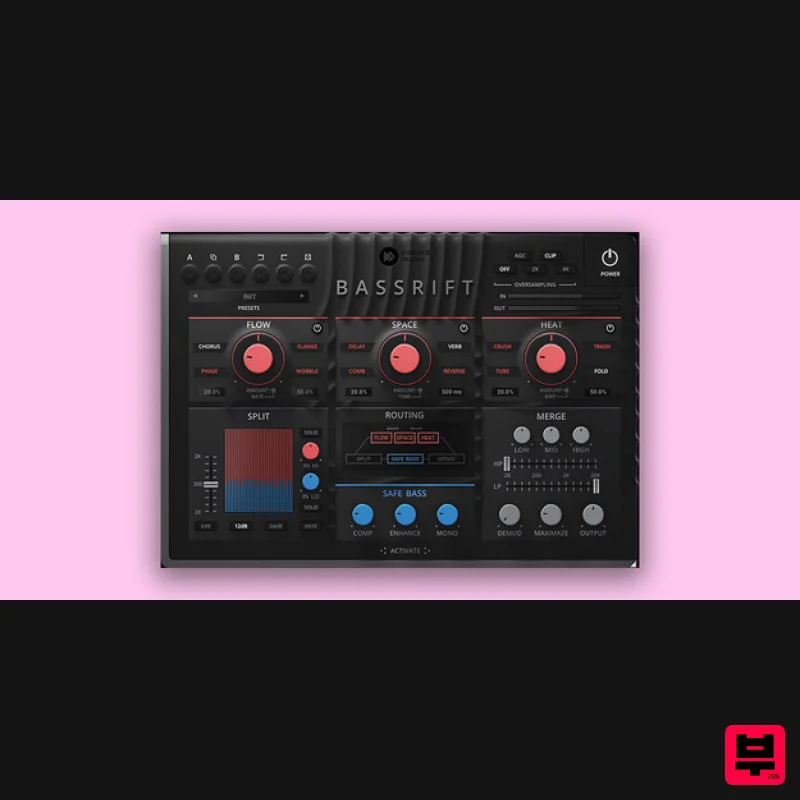
United Plugins BassRift
Enhancer
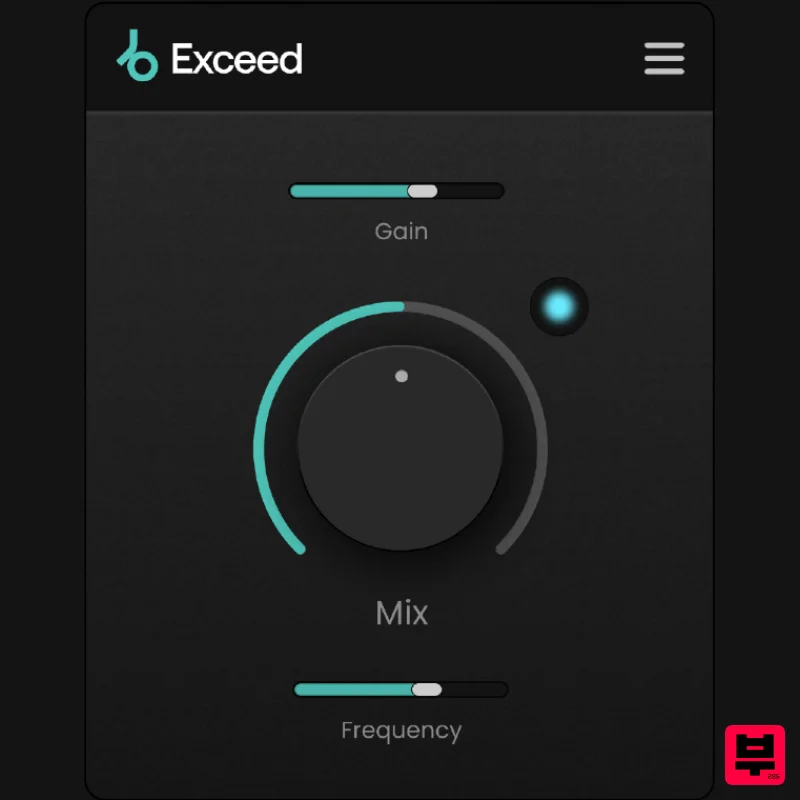
Plugin Boutique Exceed
Enhancer
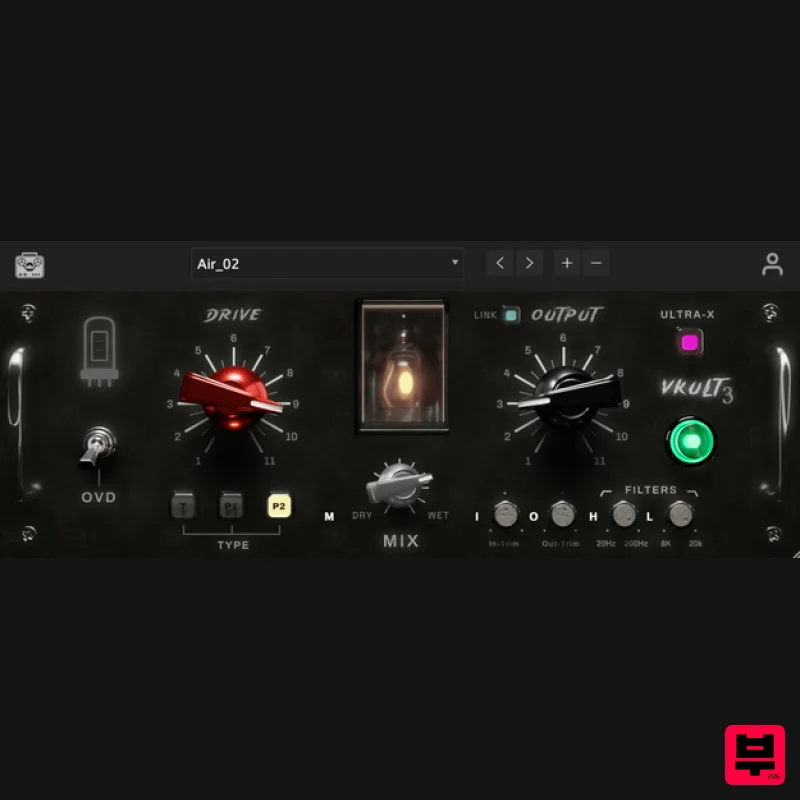
Tone Empire ValveKult 3
Enhancer
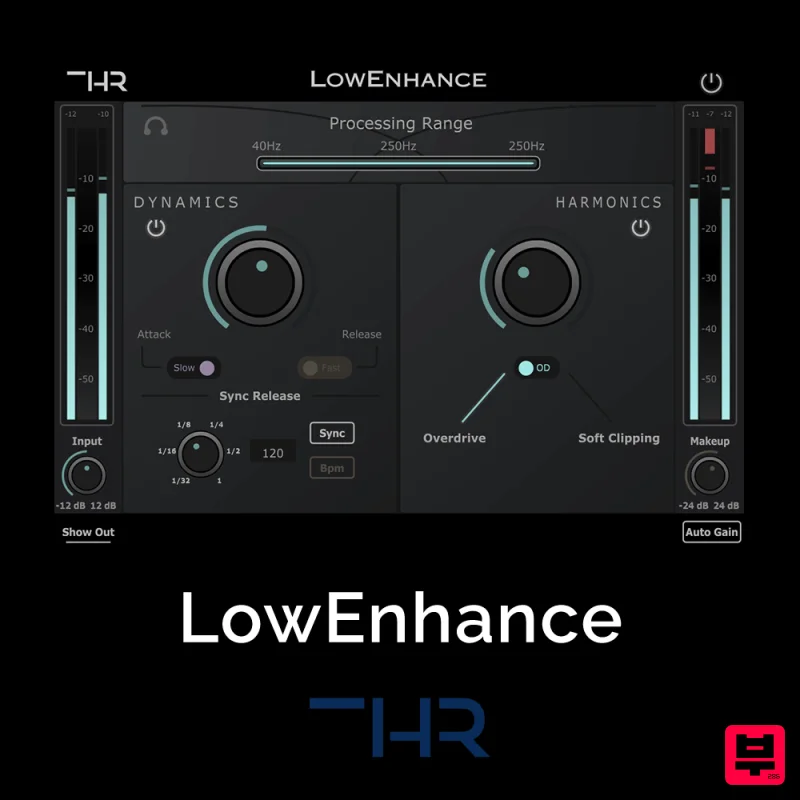
THR LowEnhance
Enhancer
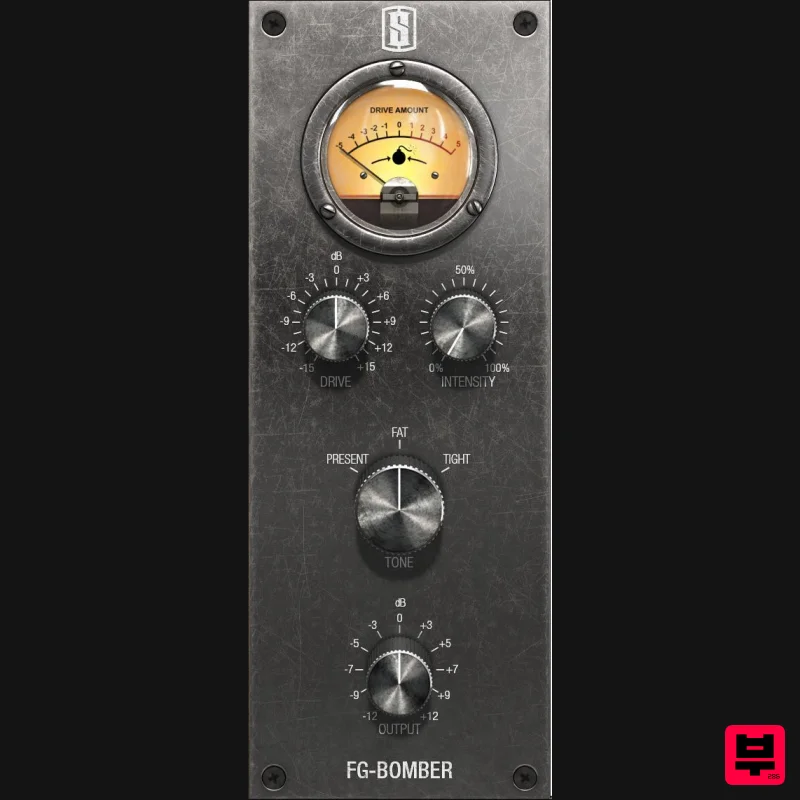
Slate Digital FG-Bomber
Enhancer
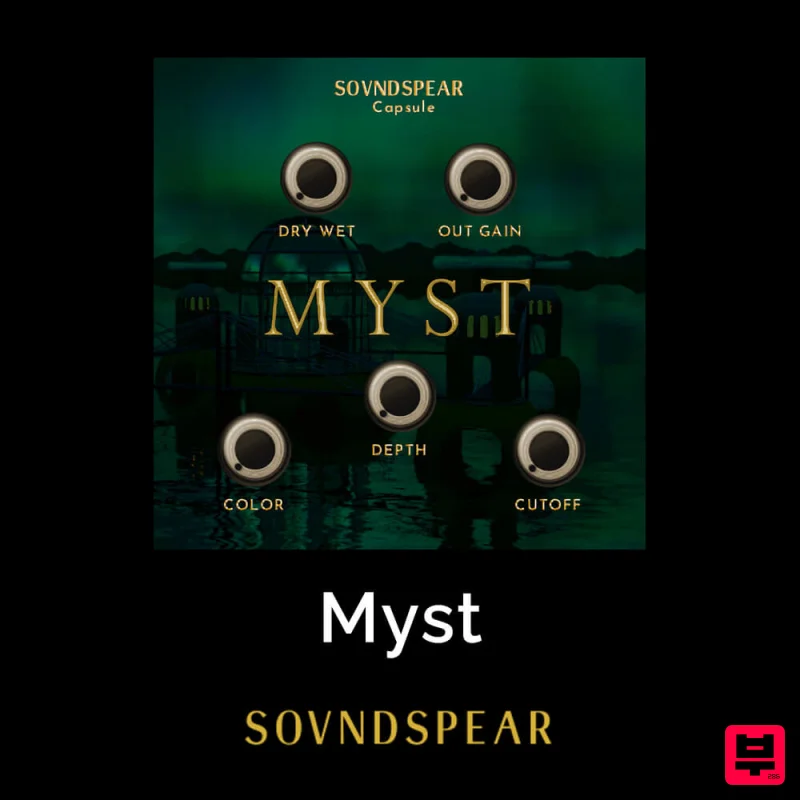
Soundspear Myst
Enhancer
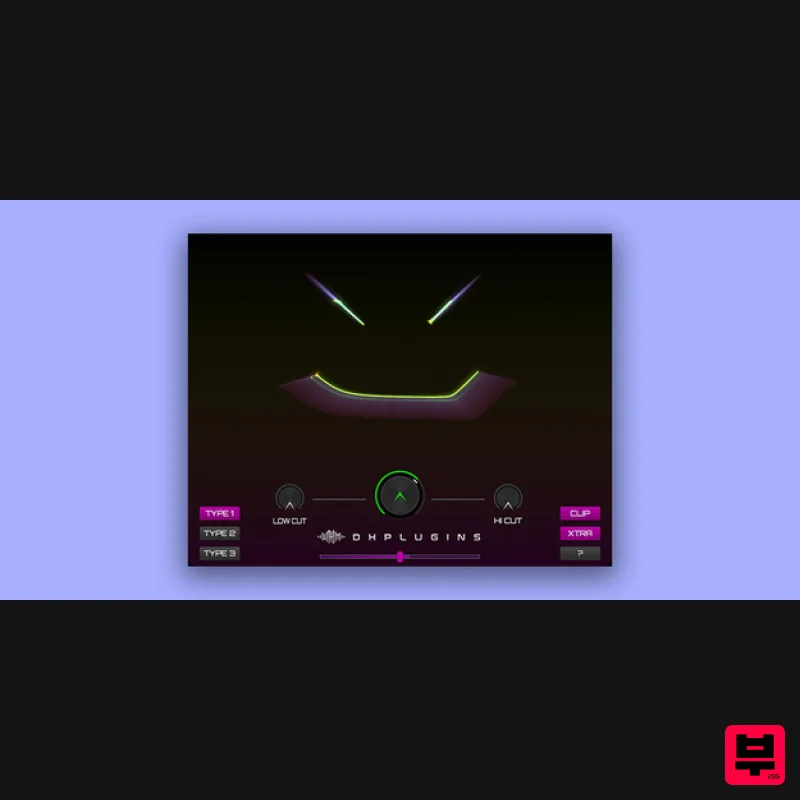
DHPlugins BASS-FACE
Enhancer
Tone Empire Cryptone
Enhancer

