
Tone Empire ValveKult 3
Professional music gear - detailed information and where to buy
Tone Empire
ValveKult 3
Product Info
* Prices may vary. Check retailer for current pricing and availability.
Product Description
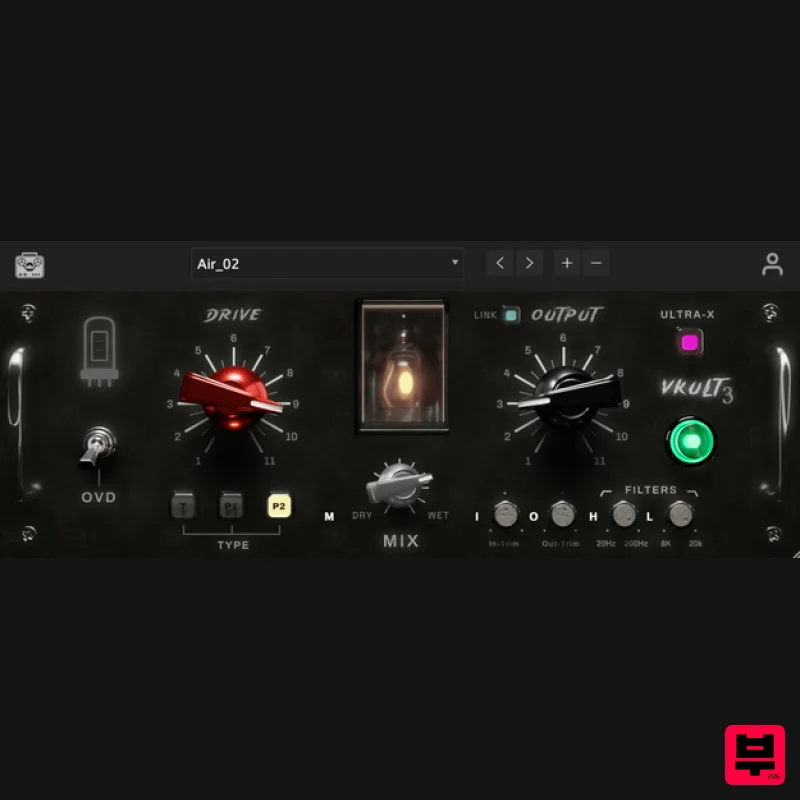
- Valvekult V3 The British Tube Enhancer Plugin Experience an amplified frequency response
- enriching your audio with unparalleled clarity and precision. Valvekult V3 is the embodiment of Edgy Sonic Enhancement
- enhancing the depth and character of your mixes and tracks with natural analog-style harmonics. Topology The Richness of Thermionic Tubes Nothing matches the musical enhancement of genuine tube harmonics. From gentle warmth to overdriven fury—like a 200-watt stack pushed to its limits—our topology delivers the full spectrum of valve coloration. Pristine clarity at <0.2% THD or rich harmonic saturation Three distinct valve configurations with infinite variations digital harshness while adding natural analog depth Push it. Experiment. Make it sing. Ultra-X Mode High sample rate neural audio models sampled up to 192kHz for higher quality and reduced aliasing
- powered by our proprietary NM2 neural technology. Proprietary NM2 Neural Tech 192kHz Ultra-High Resolution Reduced Aliasing Artifacts Features & Controls Drive/Input Control Control the input gain/drive to the valve processing. This is your main control for how hard you're hitting the tubes
- allowing you to go from subtle warmth to full saturation. Output Control This is the control for output attenuation after the valve processing. Use it to manage your levels after adding tube coloration. Link Function This switch links the drive and output controls to make it easy for the user when increasing gain and automatically adjusting or attenuating output gain after processing. Perfect for A/B comparisons. Tube Type Selector Choose from T
- P2 tube modes which represent the triode
- pentode1 and pentode2 configurations. Go from musical enhancement to absolute distortion with authentic tube characteristics. Overdrive Mode This switch enables the overdriven models captured from the original hardware in overdrive mode for all 3 configurations. Push your sound into rich harmonic saturation. Input/Output Adjust Fine-tune your input signal gain before processing and trim the final output after the filters and dry mix for precise level control. Filter Controls LowPass Filter (2kHz to 20kHz) is applied post-processing to control upper harmonics. HighPass Filter (20Hz to 2kHz) is applied pre-processing to manage low-end content. Dry Mix & Ultra-X Mode Add the original unprocessed signal for parallel processing. Ultra-X mode provides high-quality oversampling which minimizes aliasing artifacts at extreme settings. System Requirements Mac macOS 10.13 or later (Intel/M1/M2- Native Supported) (64-bit only) VST3
- or AAX Intel i3 / AMD Ryzen or equivalent Windows Windows 10 or later (64-bit only) VST3 or AAX Intel i3 / AMD Ryzen or equivalent Important Note: Chorust is used as an example. Installation Windows 1. Download the installation package from within your Plugin Boutique User Account and extract the contents. Launch the .exe file. 2. Click 'Install'. 3. Once installed
- click 'Finish'. Mac 1. Download the installation package from within your Plugin Boutique User Account and extract the contents. Launch the .pkg file. 2. Click 'Continue'. 3. Click 'Continue'. 4. Click 'Install'. 5. Once installation is complete
- click 'Close'. Activation 1. Open the plugin within your DAW
- and click 'Register'. Alternatively
- if you already have an account on Beatskillz or Tone Empire
- enter your existing email ID and Password
- and click 'Login'. 2. You will be taken to the BeatSkillz/Tone Empire registration page. Enter your details here in the provided boxes
- and click 'Register'. 3. Having input your information
- you will now receive a verification email to your email address. Navigate to this
- and click the 'Click Here' link inside. 4. Head back to the plugin dialogue box within your DAW
- and enter the details exactly as they were input to the BeatSkillz/Tone Empire registration page in step 2. Click 'Login'. 5. Enter the serial number from within your Plugin Boutique User Account
- and click 'Activate'. 6. Your plugin is now activated and ready to use!
Additional Information
About the Tone Empire ValveKult 3
The Tone Empire ValveKult 3 combines traditional design with modern performance for Enhancer enthusiasts.
Why Choose the Tone Empire ValveKult 3?
- •Authentic Tone Empire craftsmanship and design
- •Versatile sound suitable for multiple musical genres
- •Professional build quality and reliable performance
- •Part of Tone Empire's respected Enhancer lineup
Compare & Explore
Browse our complete selection of Tone Empire instruments or explore other Enhancer options. Use our comparison tools to find the perfect match for your musical style and budget.
Similar Products
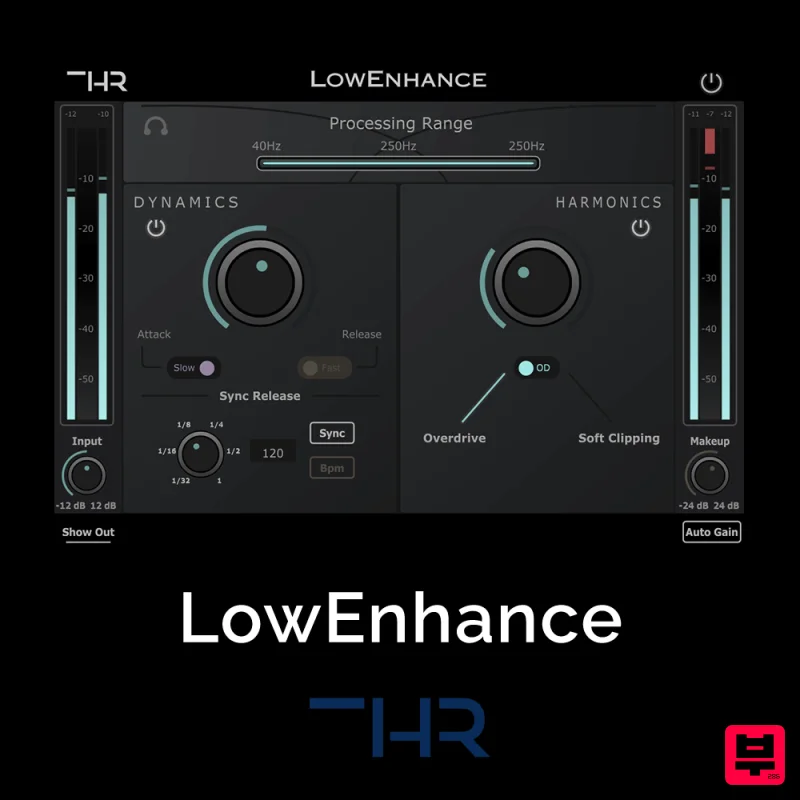
THR LowEnhance
Enhancer

Safari Audio Bull Sub Machine
Enhancer
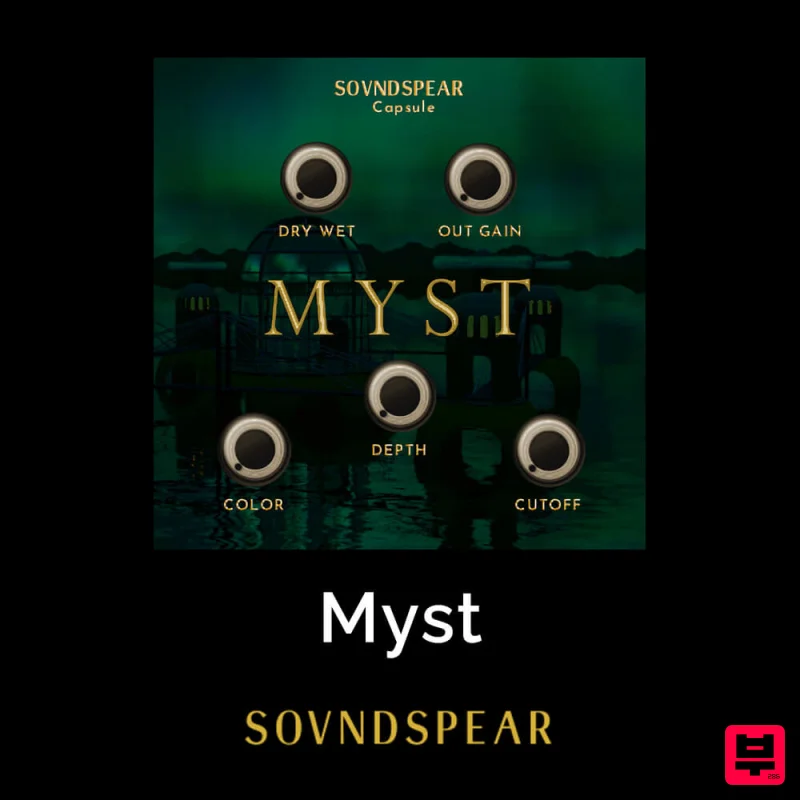
Soundspear Myst
Enhancer
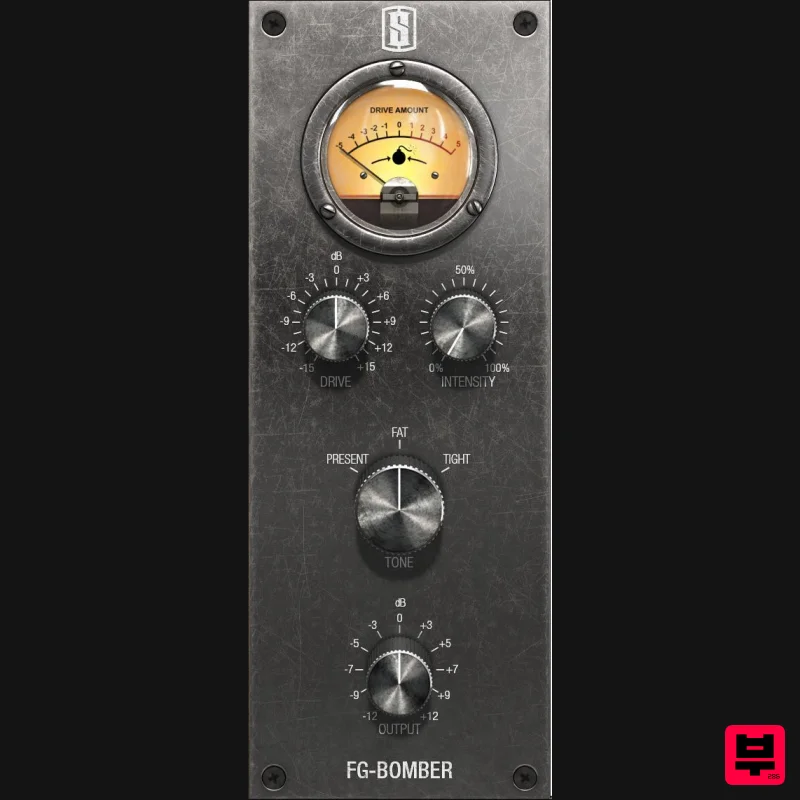
Slate Digital FG-Bomber
Enhancer
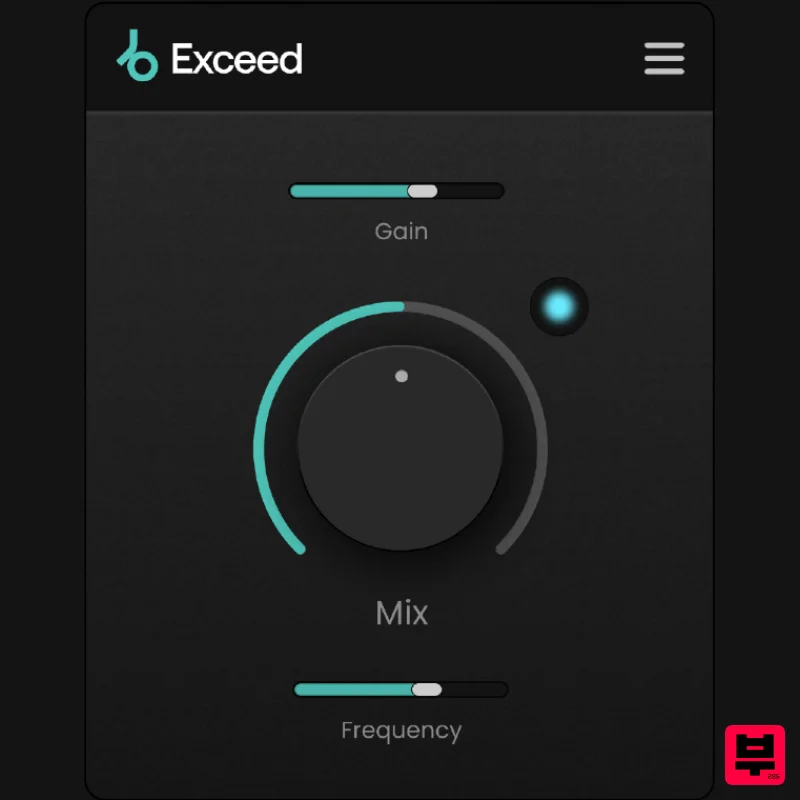
Plugin Boutique Exceed
Enhancer
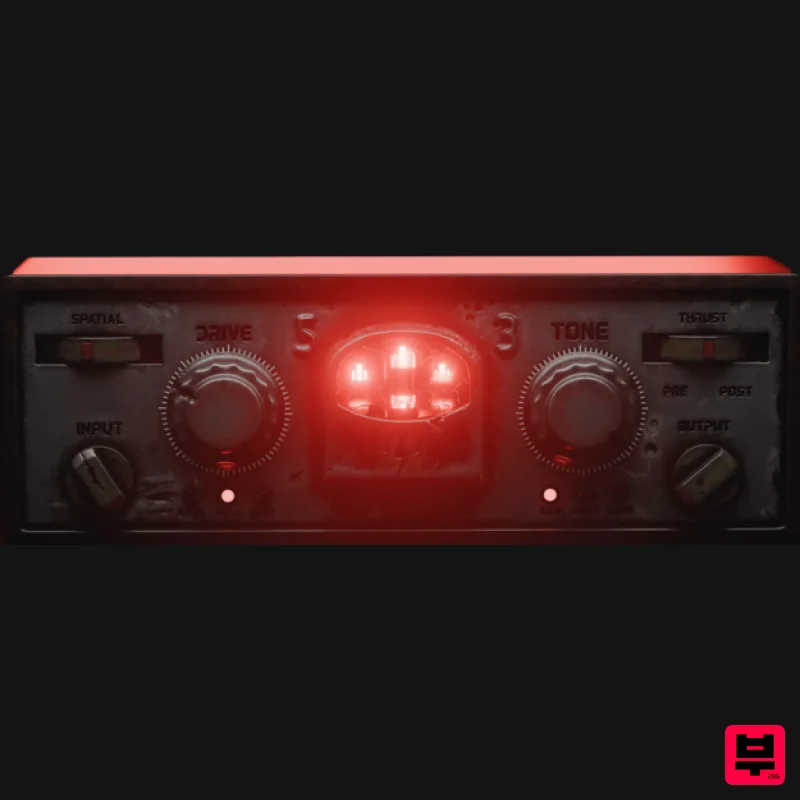
Tone Empire Cryptone
Enhancer
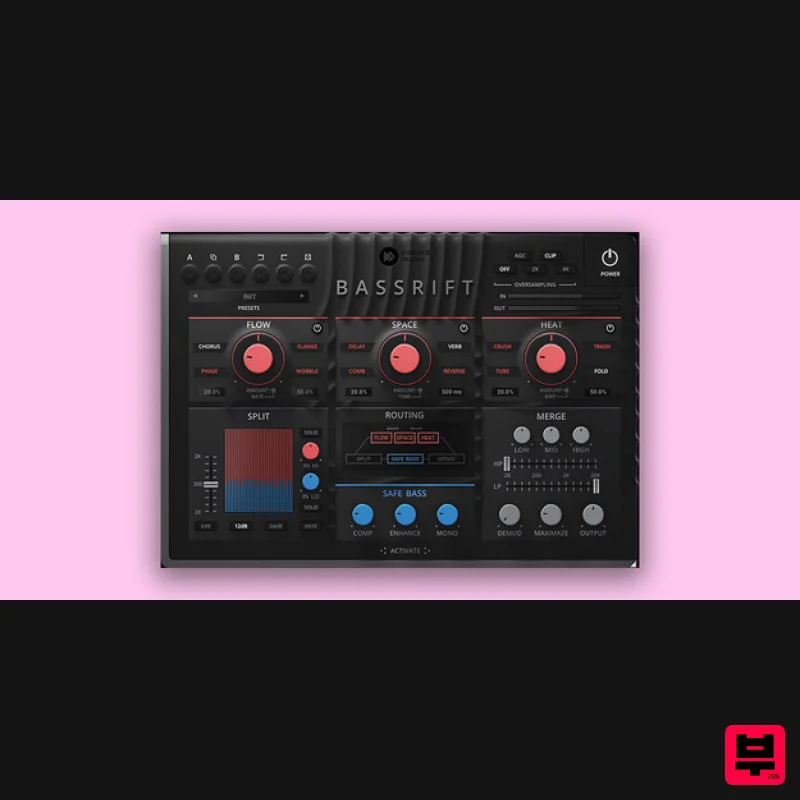
United Plugins BassRift
Enhancer

DHPlugins BASS-FACE
Enhancer

