
Best PCIe Audio Interfaces for Advanced 2026
Alright, so you're past the USB interface phase and you're looking at PCIe. You're chasing lower latency, more I/O, and generally a more rock-solid signal for serious recording and performance. It's a bigger investment, but if you're tracking a full band, layering synths, or just demand the absolute cleanest signal path, a PCIe interface is the way to go. Let's break down the best options for players who aren't messing around.
Last updated: April 11, 2026
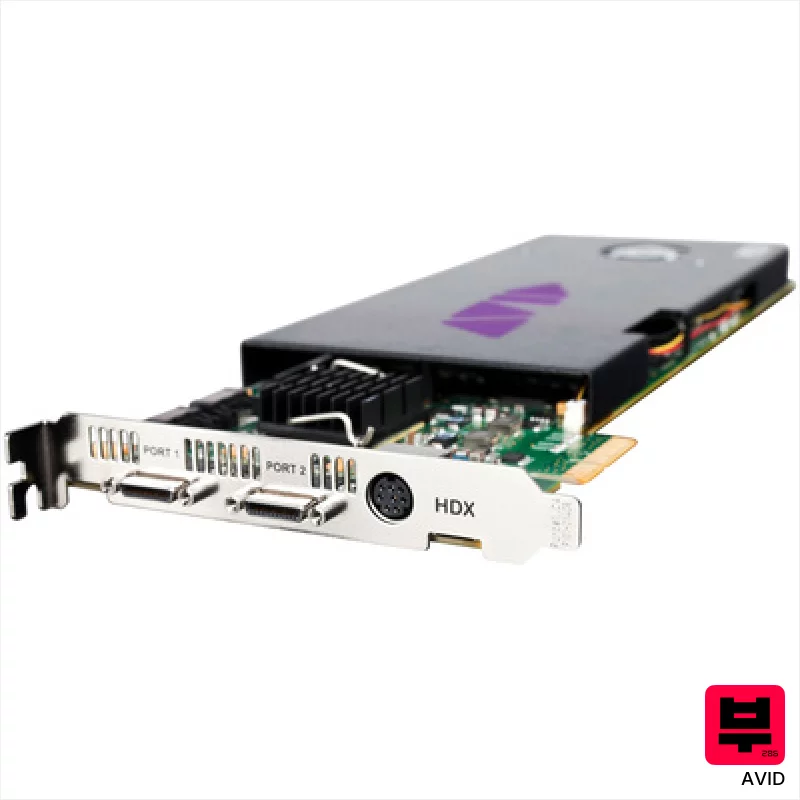
Avid HDX PCIe Card only
- • Unmatched Pro Tools integration for complex, large-scale projects
- • Robust DigiLink connectivity ensures rock-solid, low-latency performance
- • 64 channels offer incredible routing flexibility for demanding workflows
- • High-resolution audio (32-bit) provides exceptional dynamic range
- • Extremely premium-priced, a significant investment for any studio
- • Requires Pro Tools Ultimate for full functionality, adding to the cost
- • Limited compatibility outside of the Avid ecosystem, restricts versatility
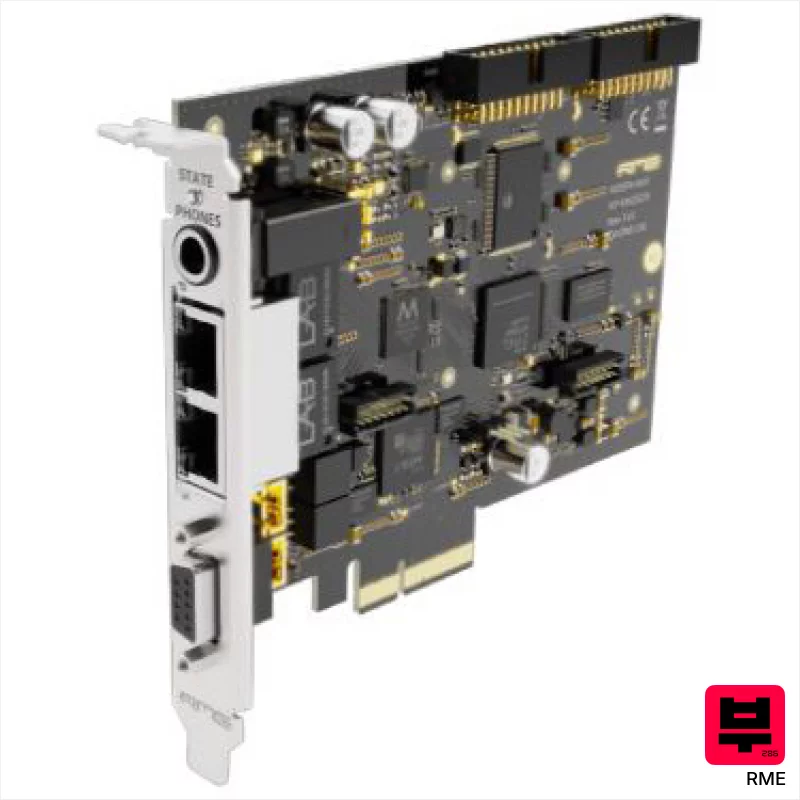
RME HDSPe AoX-D
- • Rock-solid SteadyClock ensures pristine digital audio transfer.
- • DANTE and MADI provide unparalleled routing flexibility and scalability.
- • TotalMix offers incredibly granular control over signal flow and monitoring.
- • PCIe x4 interface delivers exceptionally low latency for demanding workflows.
- • PCIe card format limits system compatibility and upgrade paths.
- • Expansion cards for MADI add significantly to the overall system cost.
- • Steep learning curve for TotalMix, especially for less experienced users.
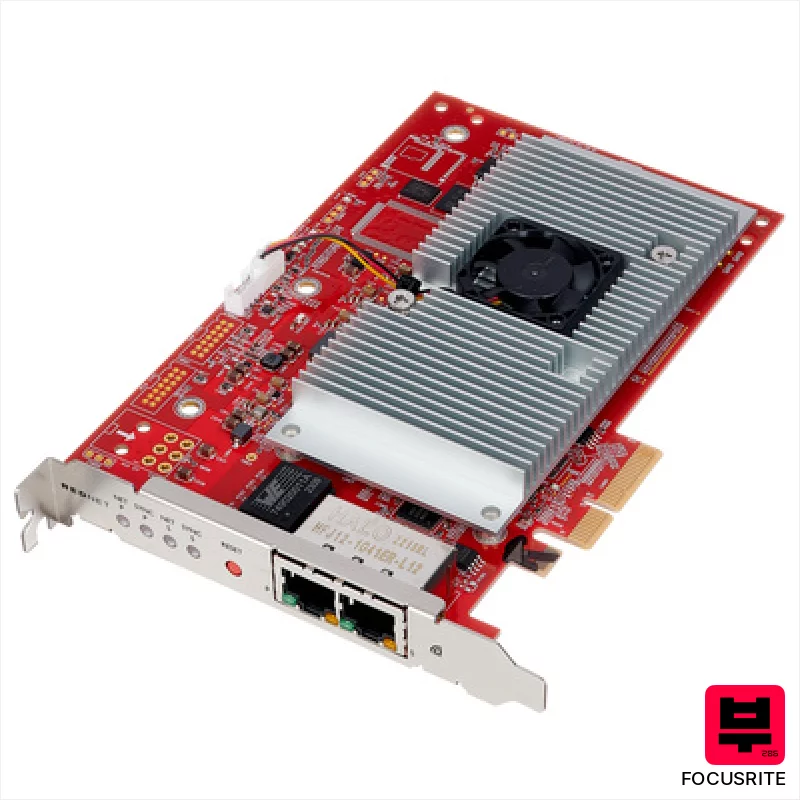
Focusrite RedNet PCIeNX
- • Rock-solid Dante integration offers unparalleled flexibility for complex routing.
- • Dual Ethernet ports provide critical redundancy for mission-critical workflows.
- • Extremely low latency performance crucial for live tracking and virtual instruments.
- • Focusrite’s renowned preamps deliver clean, transparent gain with excellent headroom.
- • PCIe card format limits compatibility; requires available slot and driver support.
- • Steep learning curve for Dante configuration and network management.
- • Premium-priced, making it a significant investment for smaller studios.
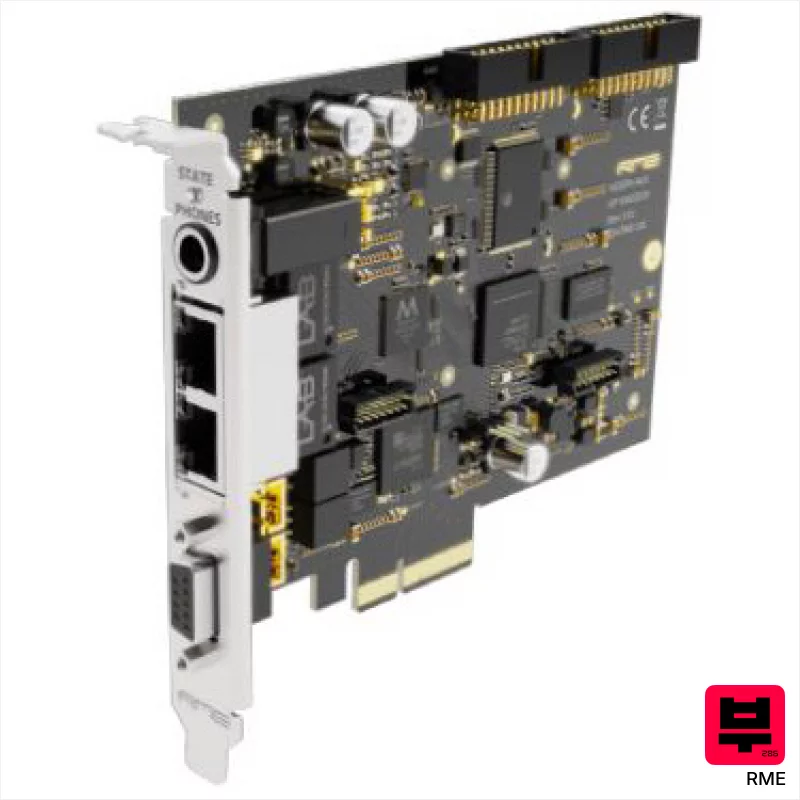
RME HDSPe AoX-M
- • Rock-solid SteadyClock minimizes jitter, crucial for critical tracking.
- • AVB/Milan compatibility offers unparalleled network flexibility and scalability.
- • TotalMix provides exceptional routing and monitoring capabilities on-device.
- • PCIe x4 interface delivers high bandwidth for demanding channel counts.
- • PCIe card format limits system compatibility; not USB or Thunderbolt.
- • Expansion cards for MADI add significant cost and complexity.
- • Steep learning curve for TotalMix, requires dedicated time to master.
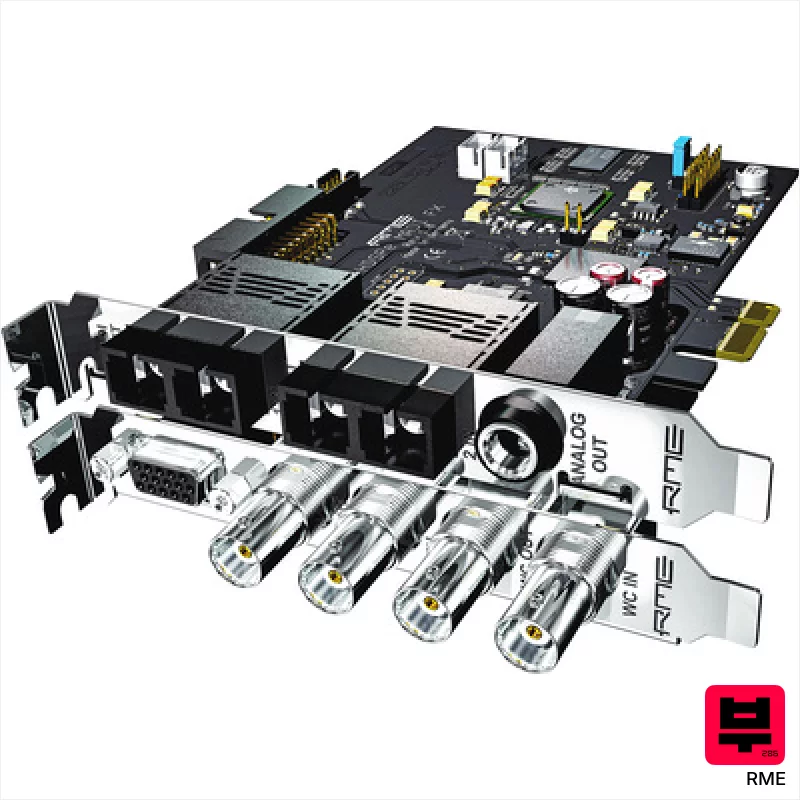
RME HDSPe Madi FX
- • Unmatched channel count provides extreme routing flexibility.
- • SteadyClock minimizes jitter, resulting in pristine audio clarity.
- • TotalMix FX offers powerful, latency-free processing capabilities.
- • MADI optical/coax conversion simplifies complex studio setups.
- • PCIe interface limits portability and upgrade options.
- • Steep learning curve for TotalMix FX's advanced features.
- • Premium-priced, representing a significant investment.
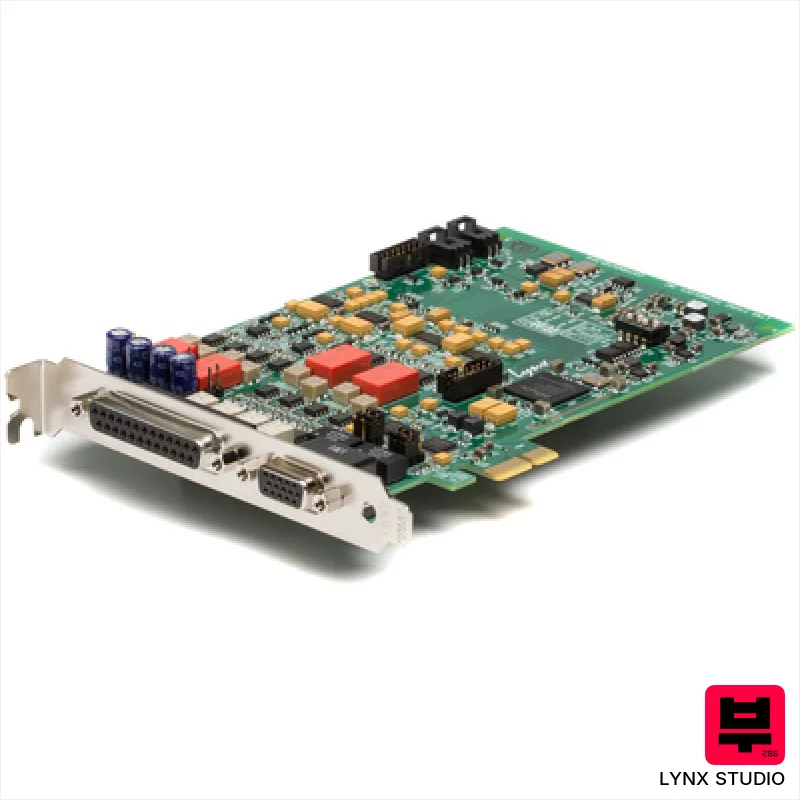
Lynx Studio E44
- • Exceptional low-jitter clocking improves overall audio clarity
- • FPGA-based hardware mixer offers real-time routing flexibility
- • Robust build quality reflects Lynx’s long-standing reputation
- • De-Thump feature protects speakers from unwanted pops and clicks
- • PCIe connectivity limits system compatibility and upgrade paths
- • Analog I/O and digital I/O cables are sold separately, increasing cost
- • Limited to four analog channels, may not suit large recording setups
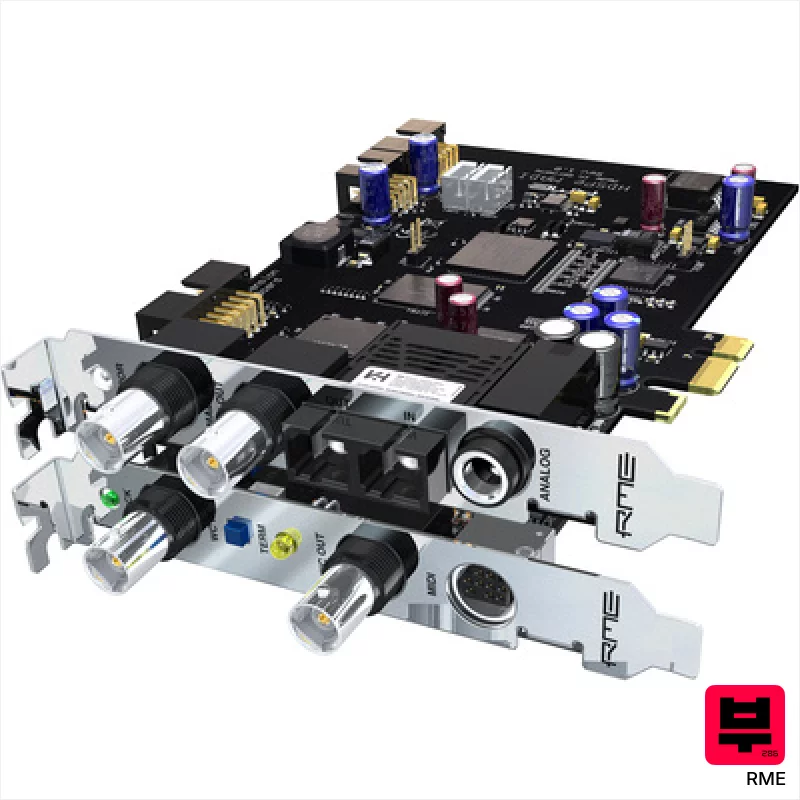
RME HDSPe MADI
- • Rock-solid MADI connectivity for massive channel counts.
- • RME's Total Compensation (TCO) is legendary for stability.
- • Flexible routing allows complex signal chains and mixes.
- • ASIO 2.0 compatibility ensures low-latency performance.
- • PCIe card format limits platform compatibility.
- • The user interface can feel dated compared to newer interfaces.
- • High price point puts it out of reach for many home studios.
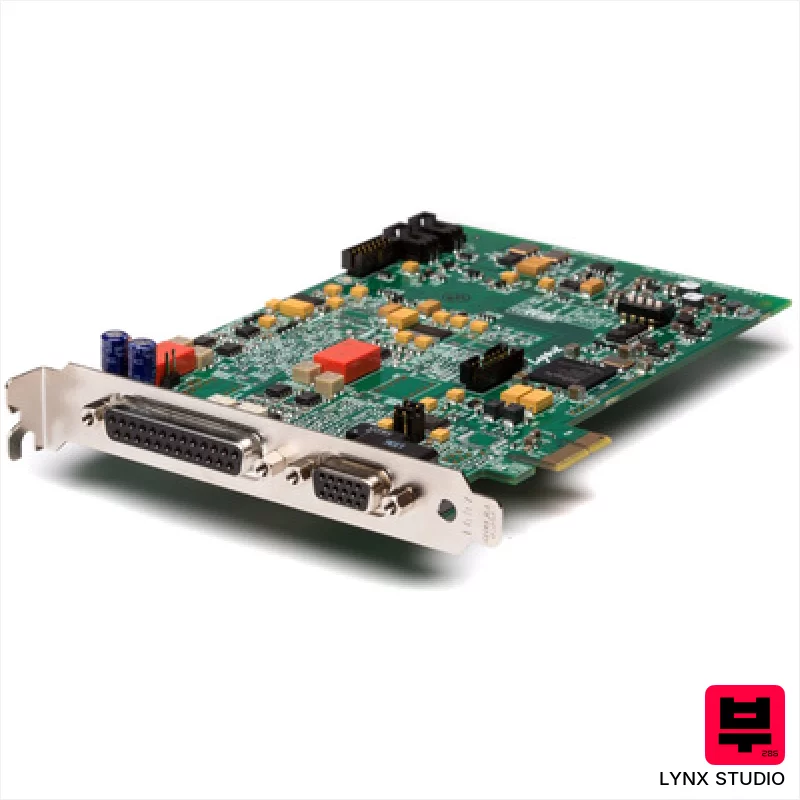
Lynx Studio E22
- • Exceptional low-jitter clocking provides pristine audio clarity
- • FPGA-based mixer offers incredibly flexible routing options
- • Robust build quality; feels like a serious, professional tool
- • De-Thump feature protects speakers during switching, a thoughtful touch
- • PCIe interface limits compatibility with modern, fanless systems
- • Analog I/O and digital I/O cables are separate, adding to initial expense
- • Limited input/output count restricts larger recording setups
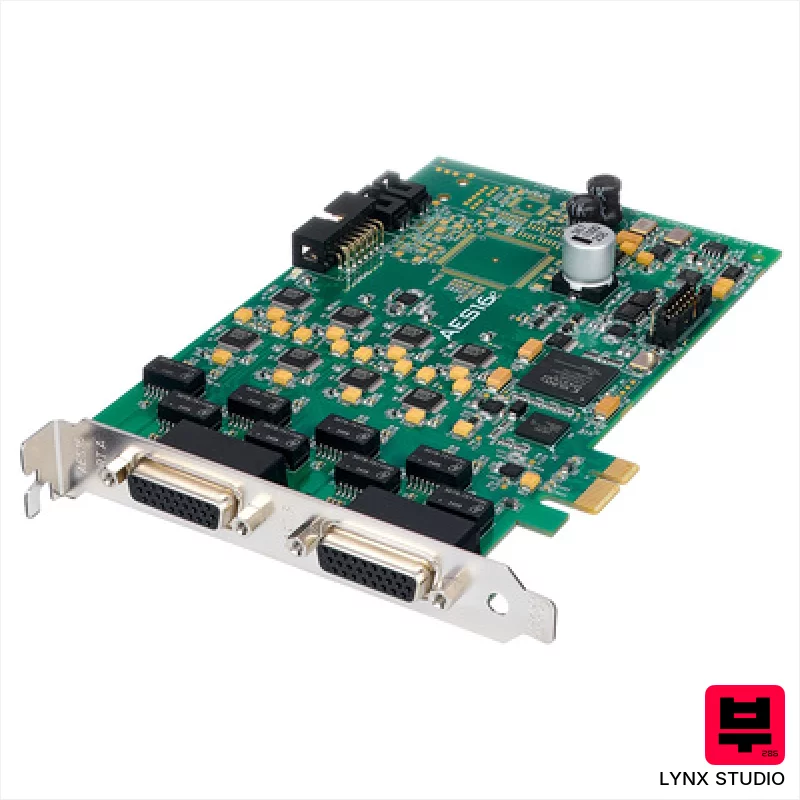
Lynx Studio AES-16e PCI Express
- • Exceptional clocking performance minimizes jitter for pristine digital audio
- • Robust build quality; feels like it'll withstand years of studio use
- • Flexible routing engine allows complex signal flow configurations
- • SynchroLock provides rock-solid synchronization with other digital gear
- • PCIe interface limits platform compatibility compared to newer USB solutions
- • Requires breakout cable for connectivity, adding to overall cost and complexity
- • Driver support is somewhat limited to older operating systems
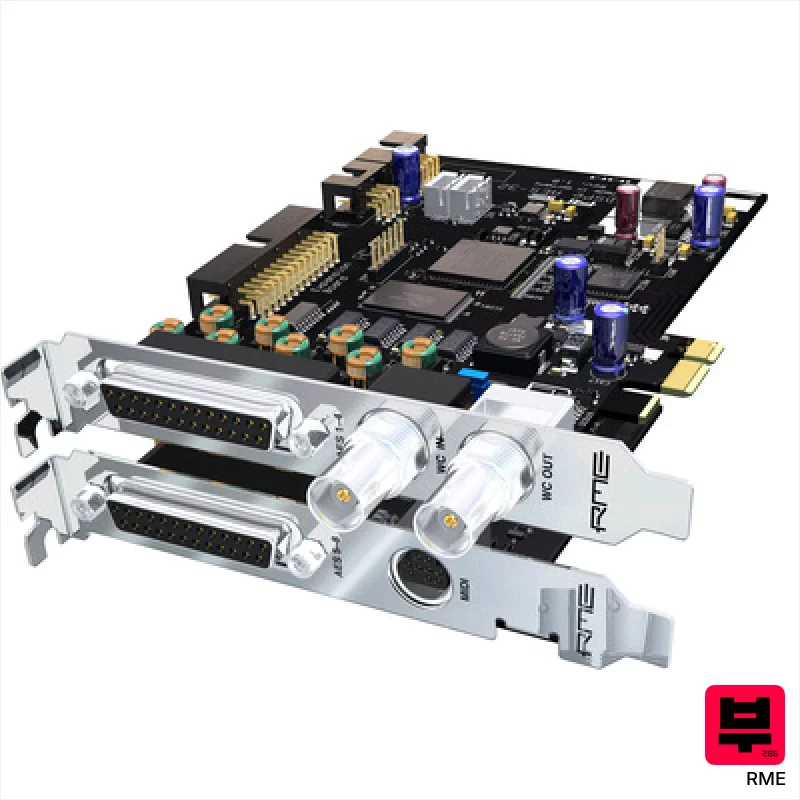
RME HDSPe AES
- • Rock-solid RME drivers offer unparalleled stability and low latency.
- • Eight AES/EBU I/O provides premium digital connectivity options.
- • TotalMix FX offers flexible routing and processing capabilities.
- • Robust build quality; feels like it'll withstand years of studio use.
- • PCIe interface limits system compatibility; no Thunderbolt option.
- • Limited analog I/O compared to some other interfaces in its class.
- • Can be complex to configure initially, steep learning curve for beginners.
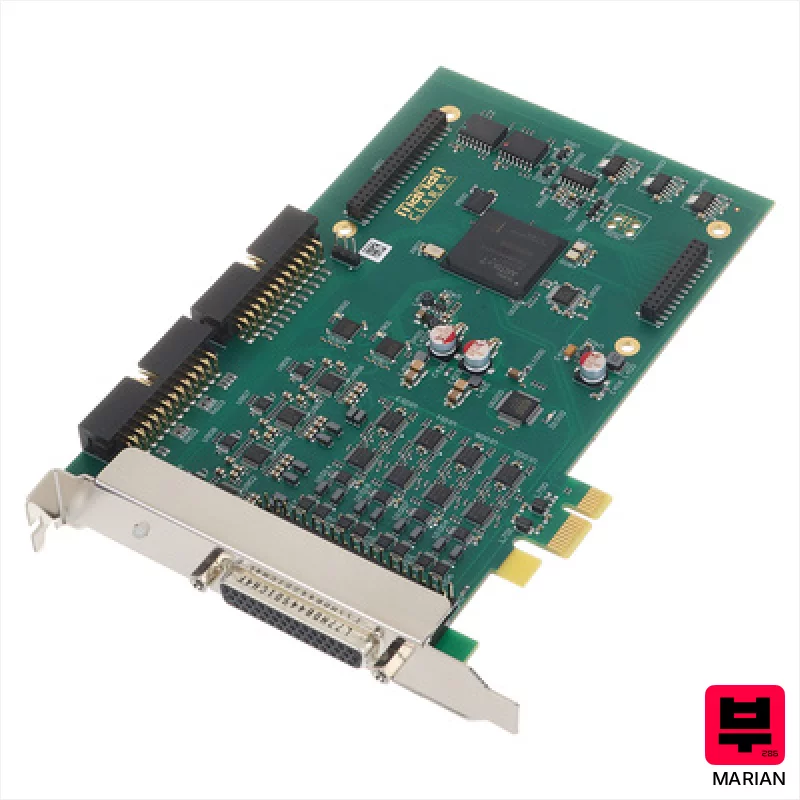
Marian Clara A XLR
- • Cascadeable TDM SyncBus enables complex, multi-interface setups.
- • Auto-mute prevents disruptive pops during system boot-up.
- • Beast DSP mixer provides substantial headroom for processing.
- • Low jitter (<1ns) guarantees pristine, accurate audio capture.
- • D-Sub adapter cables for XLR connectivity add complexity and potential points of failure.
- • Windows-only driver support limits accessibility for Mac users.
- • PCIe interface restricts portability; not ideal for mobile recording.
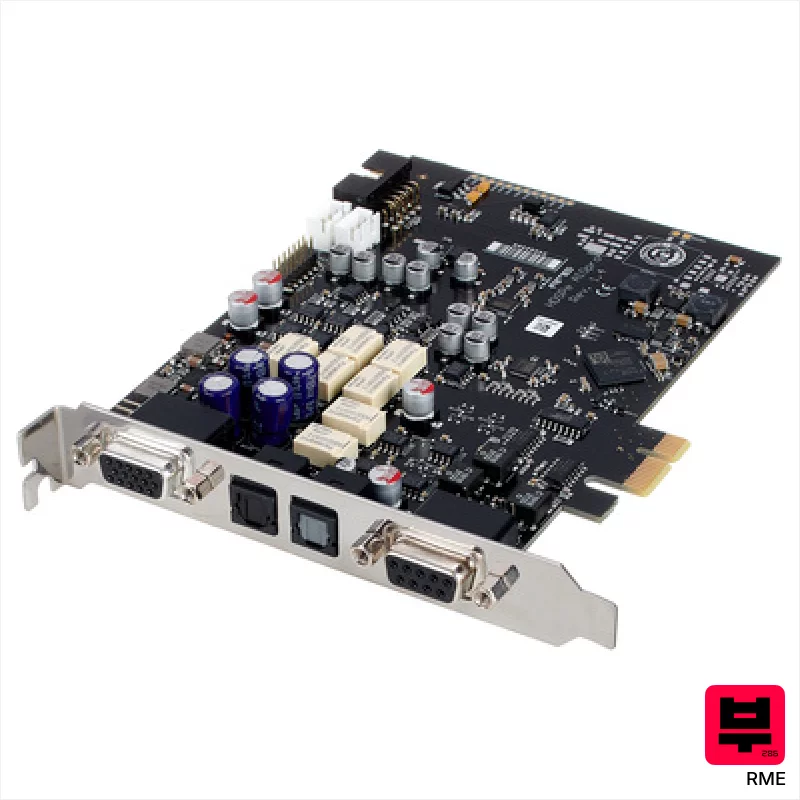
RME HDSPe AIO Pro
- • ADI-2 Pro converters deliver exceptionally clean, detailed audio reproduction
- • SteadyClock FS minimizes jitter for pristine digital clarity
- • Flexible output level options (+24dBu to -2dBu) accommodate diverse setups
- • Mute relays prevent pops and noise during computer startup/shutdown
- • PCIe interface limits portability and upgrade flexibility
- • Complex feature set demands a steeper learning curve for novice users
- • Premium-priced, representing a significant investment for smaller studios
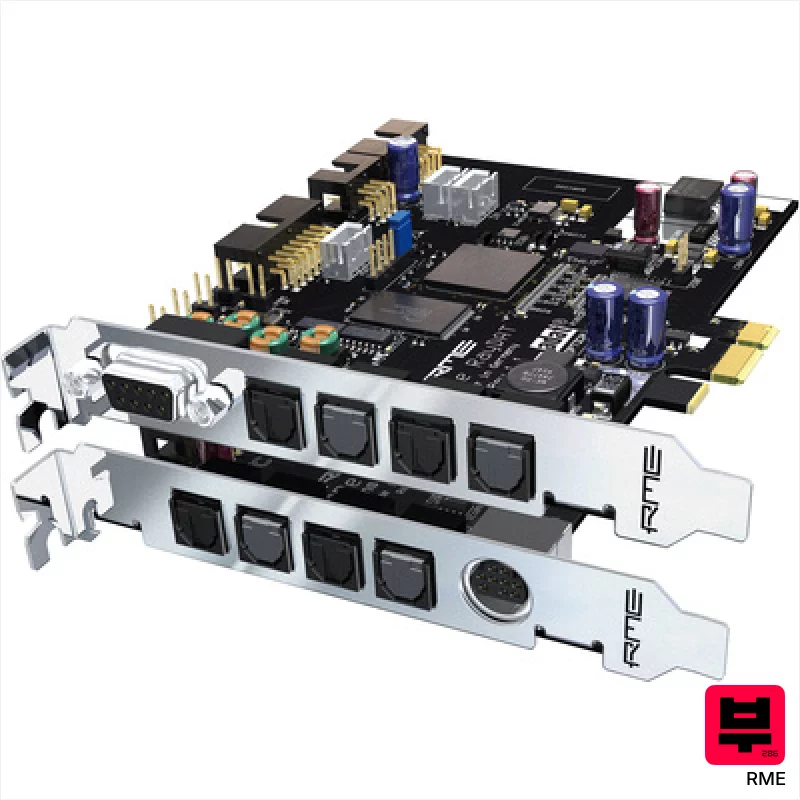
RME HDSPe RayDAT
- • Exceptional channel count for complex recording setups
- • RME's TotalMix DSP mixer is a genuine workflow booster
- • Flexible ADAT, AES/EBU, and SPDIF I/O options offer broad compatibility
- • Rock-solid RME build quality ensures long-term reliability
- • PCIe interface limits portability; desktop systems only
- • Can be complex to configure initially, steep learning curve
- • Premium-priced, a significant investment for smaller studios
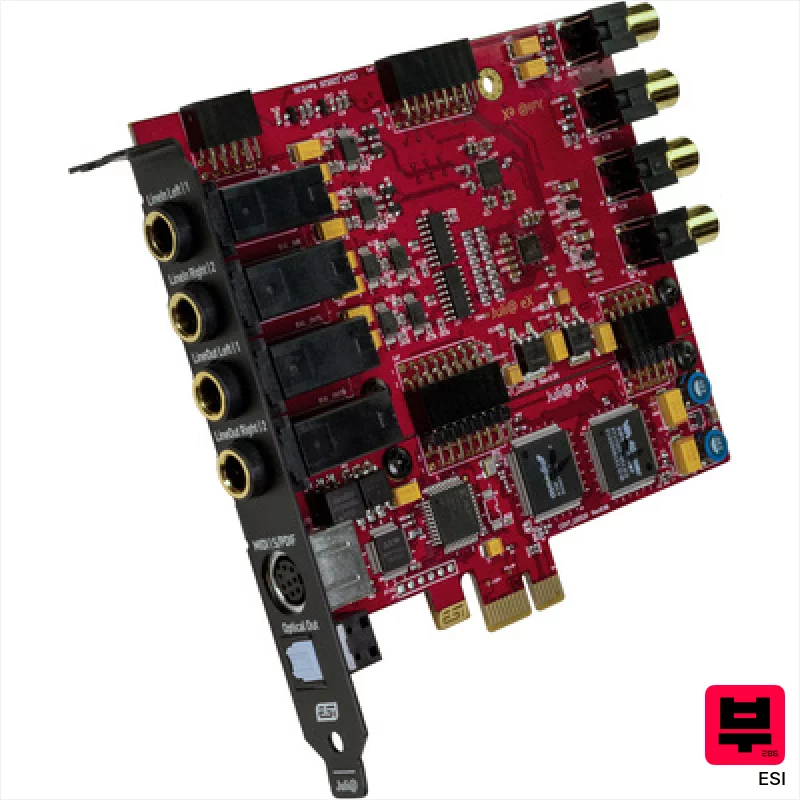
ESI Juli@ eX
- • Sabre ESS converters deliver clean, transparent audio reproduction
- • EWDM driver ensures impressively low latency for real-time tracking
- • Interchangeable I/O panels offer flexible connectivity options
- • Compact form factor suits tight studio spaces and mobile setups
- • Limited preamp gain range restricts use with low-output microphones
- • Plastic enclosure feels less robust than metal alternatives
- • Software bundle is entry-level and may require upgrades soon
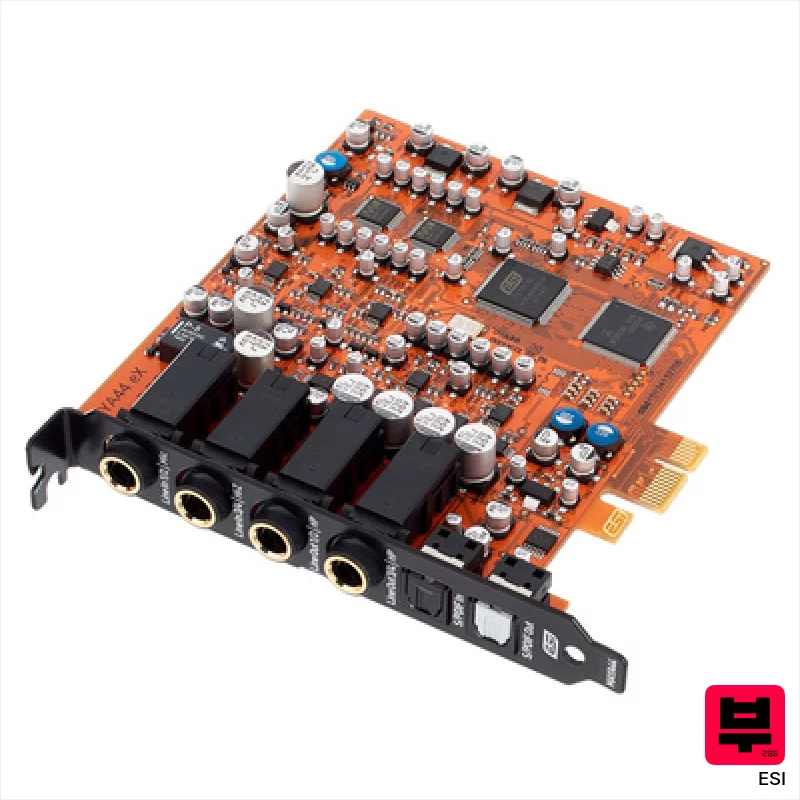
ESI MAYA44 eX
- • Solid build quality for the price point, feels robust in the chassis
- • DirectWIRE 3.0 offers surprisingly low latency for a PCIe interface
- • The single preamp provides clean gain, suitable for vocal recording
- • Optical S/PDIF offers flexible routing options for expanded setups
- • Limited input/output count restricts larger recording projects
- • Driver support is Windows-only, a significant limitation for Mac users
- • Preamp's headroom is modest; struggles with very hot signals
PCIe Audio Interfaces by the numbers
Measured across all 15 models in this category, so «wide», «short» or «expensive» mean something you can check.
How to Choose the Best PCIe Audio Interfaces
Latency
It's not just about the number - it's how it feels. A low latency number that still feels sluggish is useless. We're looking for interfaces that let you play with responsiveness, especially important for virtual instruments and amp modeling where even a tiny hiccup is distracting.
Driver Stability
This is the make-or-break. A pristine interface is worthless if it crashes mid-take or introduces clicks and pops. We've run these through weeks of continuous use, different DAWs, and various operating systems to test for real-world reliability.
I/O & Routing Flexibility
Advanced players often need complex routing - sending signals to hardware effects, creating monitor mixes, or patching instruments in unconventional ways. We assess the number of inputs/outputs, the quality of the preamps, and the flexibility of the routing matrix.
Headroom & Dynamic Range
That's the space between clean signal and unwanted noise/distortion. Insufficient headroom leads to clipping and a compressed, lifeless sound, especially when tracking loud sources like drums or electric guitars. We test for usable headroom across all inputs.
DSP Processing
Many modern PCIe interfaces offer onboard DSP for effects and processing. While not a substitute for dedicated plugins, quality DSP can significantly reduce CPU load and improve latency, particularly when using demanding virtual instruments. The quality of the algorithms matters - we're listening for coloration, artifacts, and overall musicality.
Buying Guide
PCIe interfaces are a significant investment, so don't cheap out on the motherboard or PSU - make sure your system can handle the power draw. Driver support is critical; check compatibility with your OS before buying. Don't be fooled by marketing hype; a higher sample rate doesn't automatically equal better sound. Focus on low latency, stable drivers, and the I/O you actually need - that's where you'll see the real difference.
How This List Is Built
We don't play these instruments — we're a catalog, not a review desk, and we'd rather say so than pretend otherwise. This page covers 15 pcie audio interfaces from the Thomann catalogue, which is the largest single source of specification data in this category: 15 in detail, the rest listed with their specifications.
Position is computed, not curated. We parse the manufacturer's own description into actual values — nut width, scale, fret count, fingerboard radius, size, alloy — and rank on them: how many specifications a model has published, how many of them are measurable numbers, and how precisely it meets this page's criterion. A product image adds a little. Price is not a ranking signal: it tells you nothing about whether a neck fits your hand. The same inputs always produce the same order, so nothing here is shuffled to look fresh.
What this list is good for: narrowing a category down to a shortlist by spec and budget. What it isn't: a substitute for hearing an instrument. Before you buy, read hands-on reviews and, where you can, play it. Full methodology.

