
Best Faderfox DJ Controllers 2026
Alright, so you're looking at Faderfox controllers? Good choice. They're not the flashiest, nor are they the cheapest, but they're the workhorse option for DJs who actually mix - not just push buttons. If you're tired of feeling like you're wrestling a plastic toy and want something that feels like an extension of your hands, let's dive in.
Last updated: April 11, 2026

Faderfox MX12
- • Solid 60mm faders offer precise, tactile control for mixing.
- • Rubberized pots provide excellent grip and a premium feel.
- • Flexible MIDI routing simplifies complex software integration.
- • Push encoder’s high-resolution mode enables nuanced adjustments.
- • Limited pad functionality restricts its appeal for sample-heavy workflows.
- • The 7-bit resolution on pots isn't ideal for ultra-precise control.
- • Bus power can be unreliable with some USB ports.
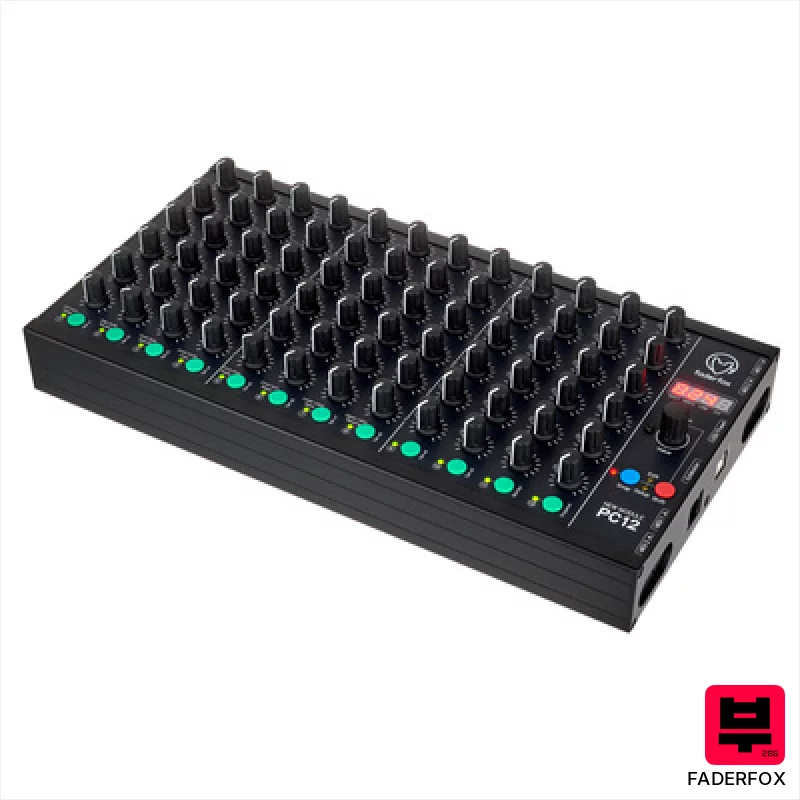
Faderfox PC12
- • Robust aluminum enclosure feels incredibly solid and durable.
- • Exceptional data feedback prevents frustrating, unpredictable control jumps.
- • Flexible MIDI routing and merging unlocks complex signal chains.
- • Extensive programmability allows deep customization for any workflow.
- • Limited button count might feel restrictive for complex mixing tasks.
- • 7-bit resolution, while standard, isn’t as precise as newer controllers.
- • The learning curve can be steep for users unfamiliar with MIDI mapping.
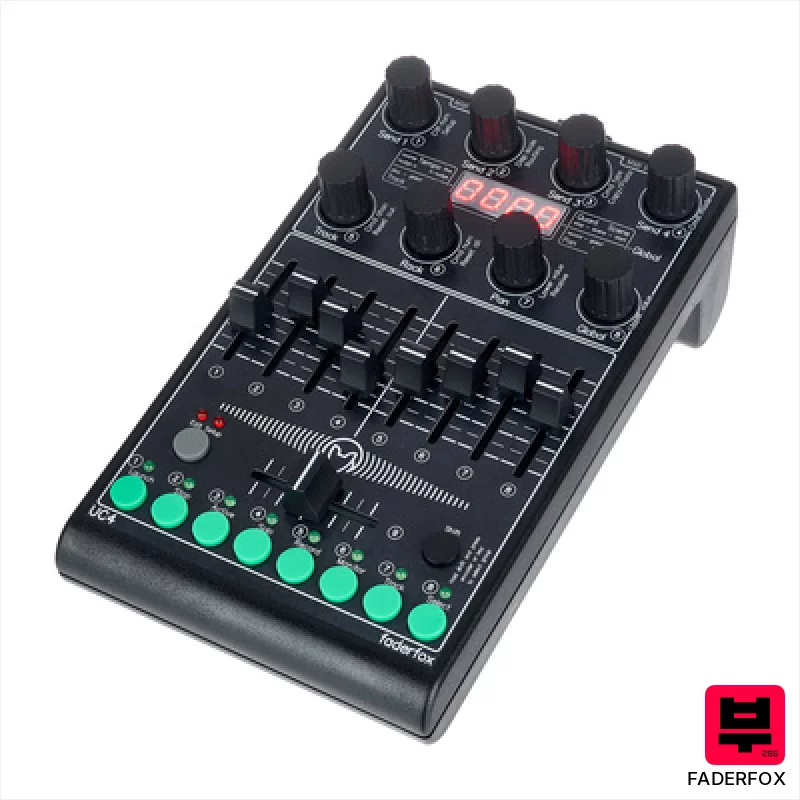
Faderfox UC4
- • Solid aluminum chassis feels exceptionally durable for its size.
- • High-resolution encoders provide precise control, minimizing value jumps.
- • Comprehensive programmability allows deep customization for varied workflows.
- • Compact footprint makes it ideal for smaller DJ setups and travel.
- • Limited button count restricts complex mapping capabilities.
- • Lack of motorized faders can feel less precise for mixing.
- • 4-character display is small, hindering extensive parameter labeling.
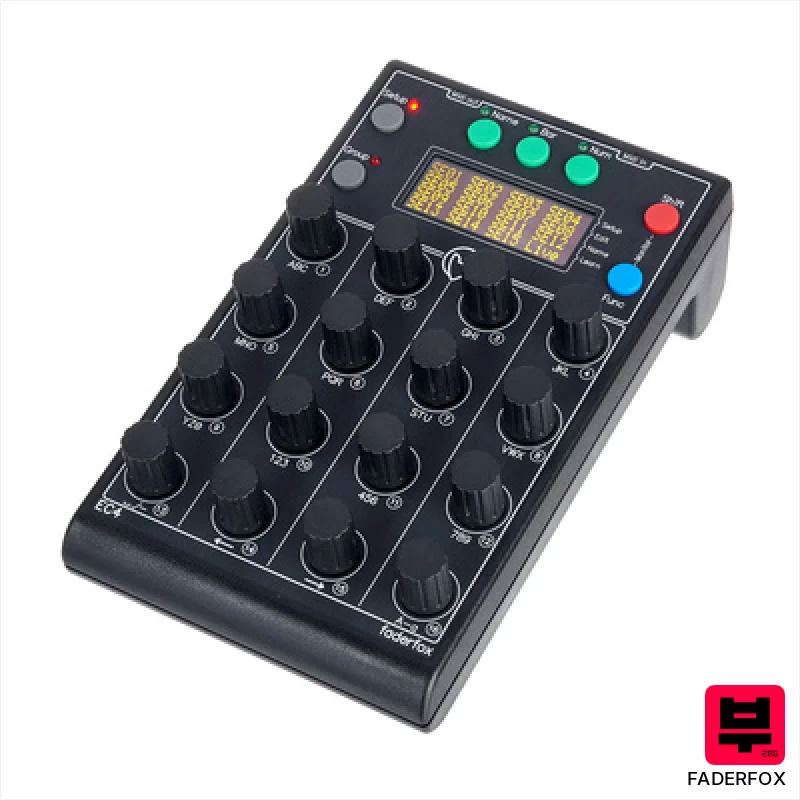
Faderfox EC4
- • Robust aluminum chassis offers excellent build quality and durability
- • High-resolution encoders provide precise, tactile control and feedback
- • Class-compliant USB simplifies setup and expands iPad compatibility
- • Customizable OLED displays offer clear visual feedback for complex mappings
- • Limited number of encoders might restrict extensive control mapping
- • Gridless encoder layout requires a learning curve for some users
- • No built-in audio interface limits direct monitoring capabilities

Faderfox PC4
- • Metal front panel adds robust feel and durability.
- • Compact size makes it ideal for travel or tight setups.
- • Class-compliant USB simplifies connectivity and eliminates driver headaches.
- • 24 pots offer flexible control for effects, parameters, or custom mappings.
- • Pot resolution (7-bit) feels a little coarse for fine adjustments.
- • iPad compatibility requires an additional, separate camera connection kit.
- • Limited physical controls compared to larger, more complex controllers.
How to Choose the Best DJ Controllers
Build Quality
The metal chassis is the first thing you notice. It's solid. This isn't flimsy plastic; it's got weight and feels like it'll survive a gig where someone spills a beer on it. The faders feel substantial too - a far cry from the scratchy, cheap ones you find on a lot of budget controllers.
Fader Feel
This is the heart of a Faderfox. The faders aren't just for volume; they're for nuanced mixing. They offer a smooth, consistent taper, allowing for subtle blends and precise adjustments that are crucial when you're trying to create a seamless transition. They're not perfect, but they're leagues ahead of the quantized, digital feeling of many alternatives.
Customization
Faderfox controllers are MIDI controllers at their core. This means you can map virtually any parameter to any fader, button, or encoder. It's a deep dive, but the level of control is unmatched, letting you truly tailor the controller to your workflow - be it lighting control, effects sends, or custom synth parameters.
Workflow & Ergonomics
The layout isn't the most intuitive out of the box, but once you learn it, it's incredibly efficient. The compact footprint is a major plus for smaller setups, but the dense layout can feel cramped for some hands. It's a trade-off.
Sound/Latency
Let's be clear - Faderfox controllers don't make sound. However, their precise control minimizes unwanted clicks and pops during transitions, contributing to a cleaner, more professional sound. Low latency is critical, and Faderfox delivers here, especially when paired with a solid audio interface.
Buying Guide
Don't expect a plug-and-play experience. Faderfox controllers demand a bit of setup and MIDI mapping knowledge. The smaller models (like the LX2) are great for minimalist setups or those wanting a portable option, but the larger ones (like the MRX-8) offer more hands-on control. Ultimately, you're paying for that solid build and the nuanced fader feel - corners aren't cut in those areas, but the software mapping can be a bit of a learning curve.
How This List Is Built
We don't play these instruments — we're a catalog, not a review desk, and we'd rather say so than pretend otherwise. This page ranks 5 dj controllers from the Thomann catalogue, which is the largest single source of specification data in this category.
Position is computed, not curated. Four signals, in order of weight: how completely the manufacturer documents the instrument (number of published specifications), where it sits in the price range, how specific the model designation is — which filters out generic accessories — and whether a product image exists. The same inputs always produce the same order, so nothing here is shuffled to look fresh.
What this list is good for: narrowing a category down to a shortlist by spec and budget. What it isn't: a substitute for hearing an instrument. Before you buy, read hands-on reviews and, where you can, play it. Full methodology.

