
zplane PEEL
Professional music gear - detailed information and where to buy
zplane
PEEL
Product Info
* Prices may vary. Check retailer for current pricing and availability.
Product Description
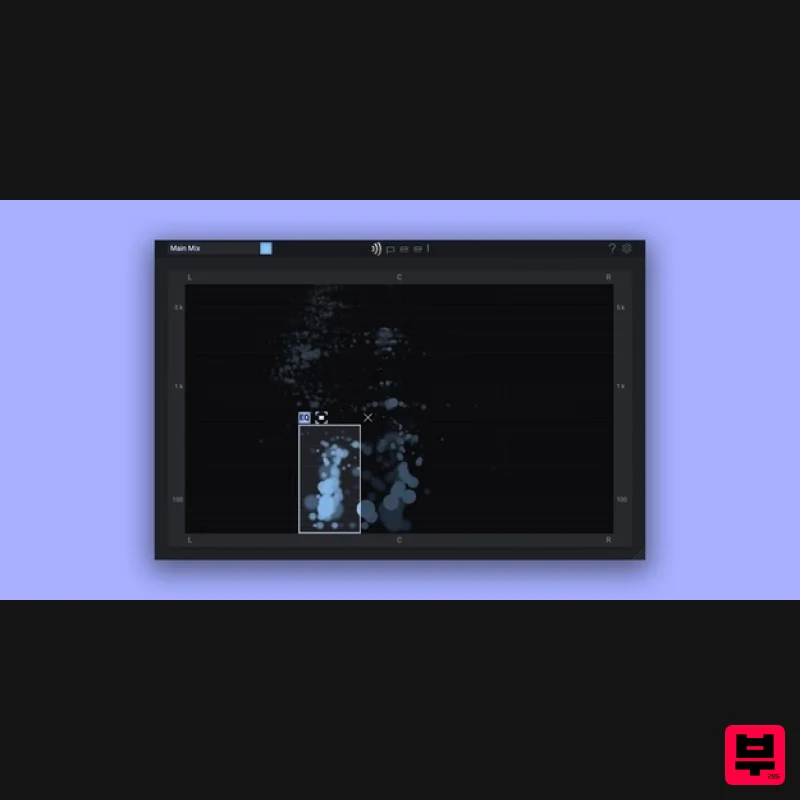
- Spatial Spectral Isolator EQ Get creative with your audio recordings and samples. PEEL isolates individual instruments or vocals in stereo recordings so you can solo
- mute or route the audio for external processing. Got a song where the vocals are too loud? PEEL can route the vocals to a separate track in your DAW [1] so you can set level and pan as if it was before mixdown. Do you have a drum loop where you wish the snare had a little reverb on it? No problem! PEEL can help you extract the snare only and add any effect you want to it. Features Spectral processing audio plugin Visually identify single instruments in a mix Mute problematic instruments Solo performances you wish to emphasize Route selected audio to external processing See your entire mix visually as a way to help identify mix problems VST/VST3/AU/AAX formats System Requirements Mac macOS 11+ (64-bit only) Windows Windows 10+ (64-bit only) Note: Not all DAWs support sending audio from PEEL’s second output to its own audio track. See table below for more information. Multiple Outputs Supported: Ableton Live
- Pro Tools
- FL Studio
- Reaper
- Reason Multiple Outputs Not Supported: Cakewalk
- Cubase
- Logic Pro
- Studio One Please note: deCoda is used as an example. Registration 1. Go to the zplane registration page > Enter your details (make sure to select the privacy policy tick box and select 'I am human') > Click Register. If you already have an account
- log in to your zplane account and skip to step 4. 2. Click the link you were sent via email from zplane to confirm your account > Click LOG IN. 3. Enter your username and password > Click LOG IN. 4. Click Register. 5. Copy the serial number from your Plugin Boutique account > Enter in the box on this page > Click REGISTER. Your software is now registered. Mac Installation 1. Download the .dmg installer file from your Plugin Boutique account > Double-click to open it. 2. Drag 'deCoda' into your Applications folder. Activation 1. Open up the recently installed software from your Applications folder. 2. Enter your serial number found in your Plugin Boutique account and your Unlock Key sent to your Email > Click Activate. 3. Click Next. 4. Confirm your audio setup is correct > Click Next. 5. Start the interactive tutorial by clicking 'First steps'
- watch a tutorial video
- or click Close. Your software is now activated and ready to use! Windows Installation 1. Download the .zip file from your Plugin Boutique account > Double-click to extract its contents. 2. Double click the .exe file to run the installer > Click Next. 3. Read the License Agreement > Select 'I accept the agreement' > Click Next. 4. Select which components you would like to install > Click 'Next'. 5. Select where deCoda should be installed > Click Next. 6. Select the start menu folder > Click Next. 7. Select whether you would like a desktop shortcut to be created > Click Next. 8. Check all details are correct > Click Install. 9. Your install is complete > Make sure you have saved any data > Select 'Yes
- restart the computer now' > Click Finish. Activation 1. Open up the recently installed software from your Start Menu or desktop. 2. Enter your serial number found in your Plugin Boutique account and your Unlock Key sent to your Email > Click Activate. 3. Click Next. 4. Confirm your audio setup is correct > Click Next. 5. Start the interactive tutorial by clicking 'First steps'
- watch a tutorial video
- or click Close. Your software is now activated and ready to use!
Additional Information
About the zplane PEEL
The zplane PEEL combines traditional design with modern performance for Audio Editor enthusiasts.
Why Choose the zplane PEEL?
- •Authentic zplane craftsmanship and design
- •Versatile sound suitable for multiple musical genres
- •Professional build quality and reliable performance
- •Part of zplane's respected Audio Editor lineup
Compare & Explore
Browse our complete selection of zplane instruments or explore other Audio Editor options. Use our comparison tools to find the perfect match for your musical style and budget.
Similar Products

Yum Audio Extractor
Audio Editor
$30
Easily Extract the Frequencies You Need – Transform a noisy loop into a tight sample From precise sound extraction to...
Celemony Melodyne 5 Editor
Audio Editor
$417
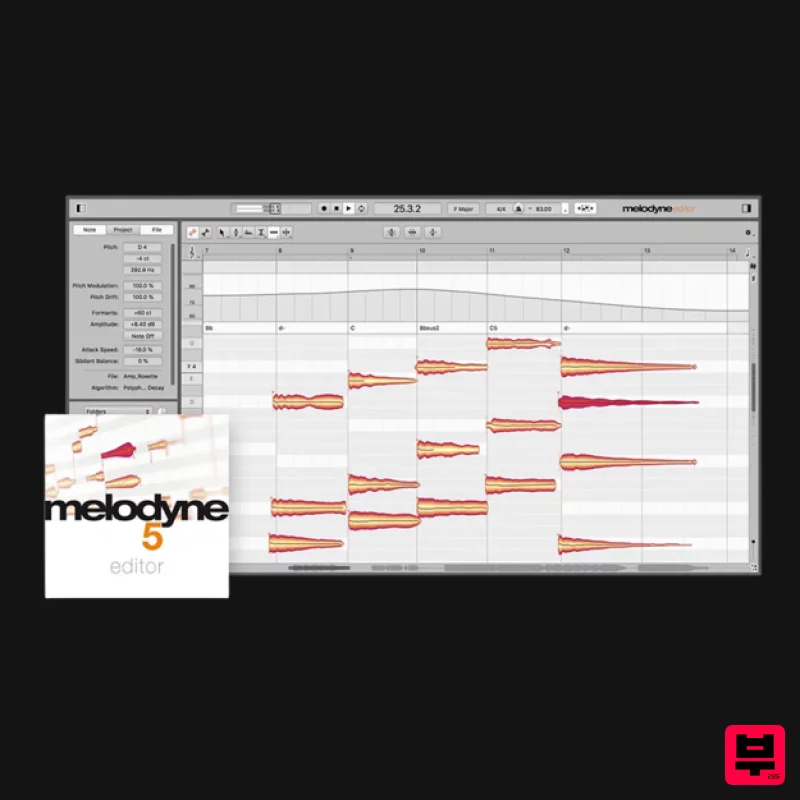
Melodyne Power for Vocals, Instruments and Samples Melodyne 5 Editor contains all the professional vocal functions....
Reason Studios ReCycle 2.5
Audio Editor
Free
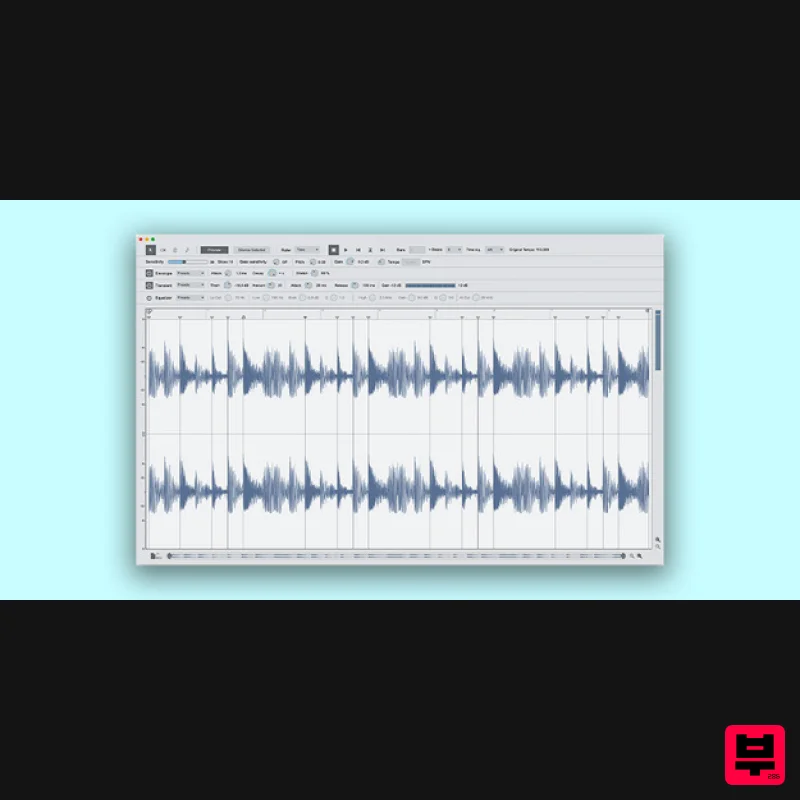
The Perfect Tool for Sampled Grooves ReCycle is a creative tool that helps you make the most of your grooves. In simple...
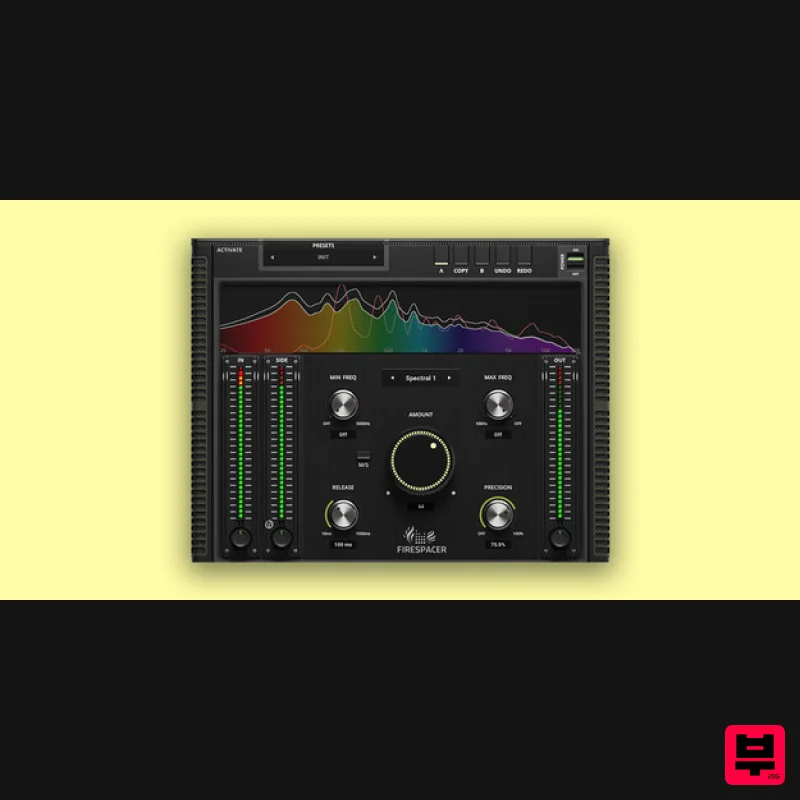
United Plugins FireSpacer
Audio Editor
$72
Solve your masking problems, now! FireSpacer is here to prioritize the desired important tracks in your mix. It...
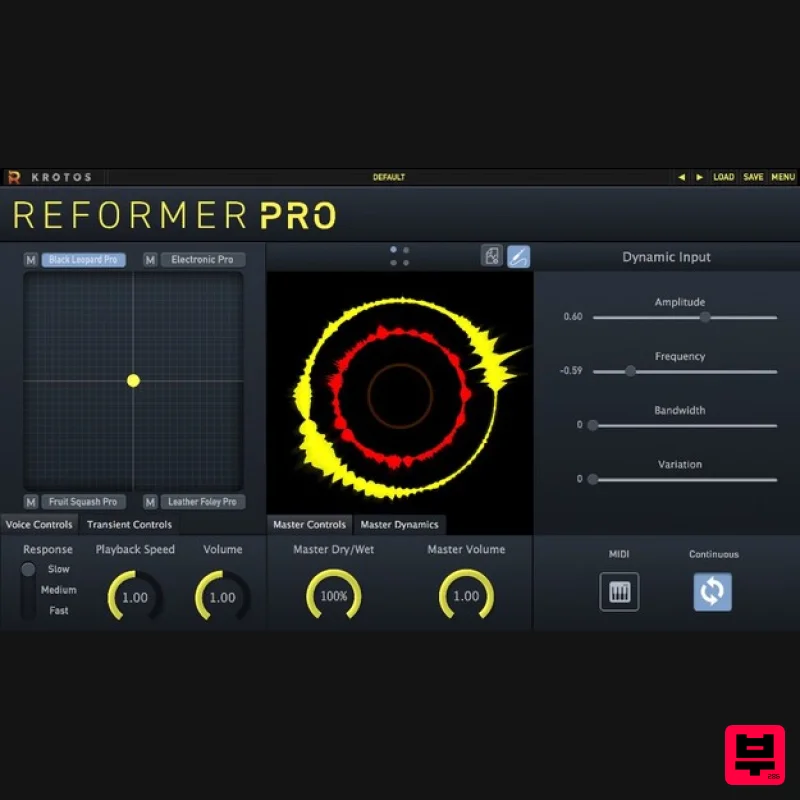
Krotos Reformer Pro
Audio Editor
$413
Perform Sound Effects Without a Foley Pit Used by audio professionals to perform realistic Foley within your DAW. Save...
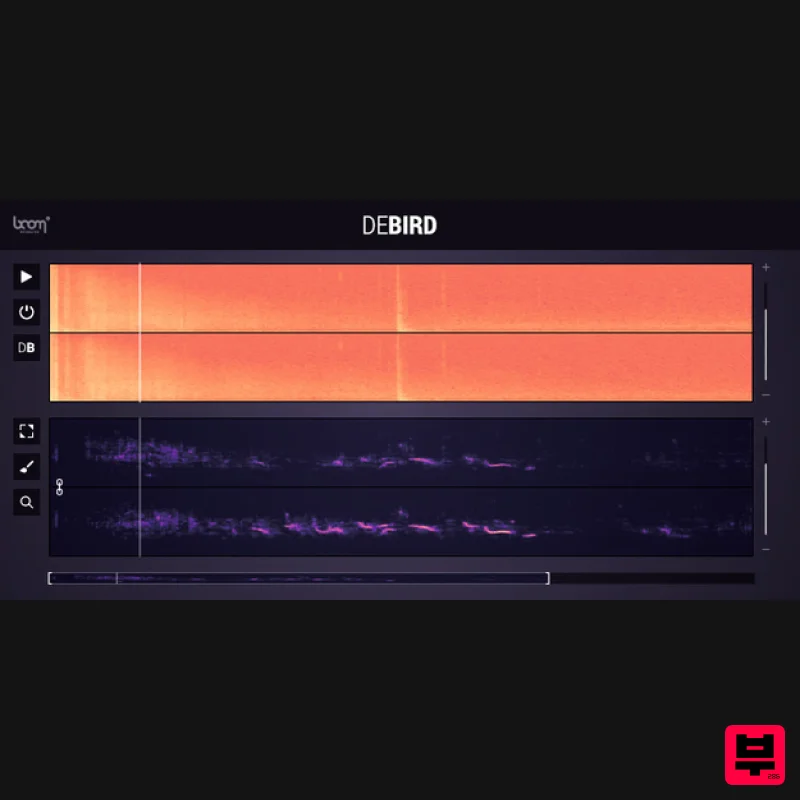
Boom DEBIRD
Audio Editor
$250
Automated Bird Noise Removal DEBIRD automatically recognizes bird noises in your recordings and removes them...
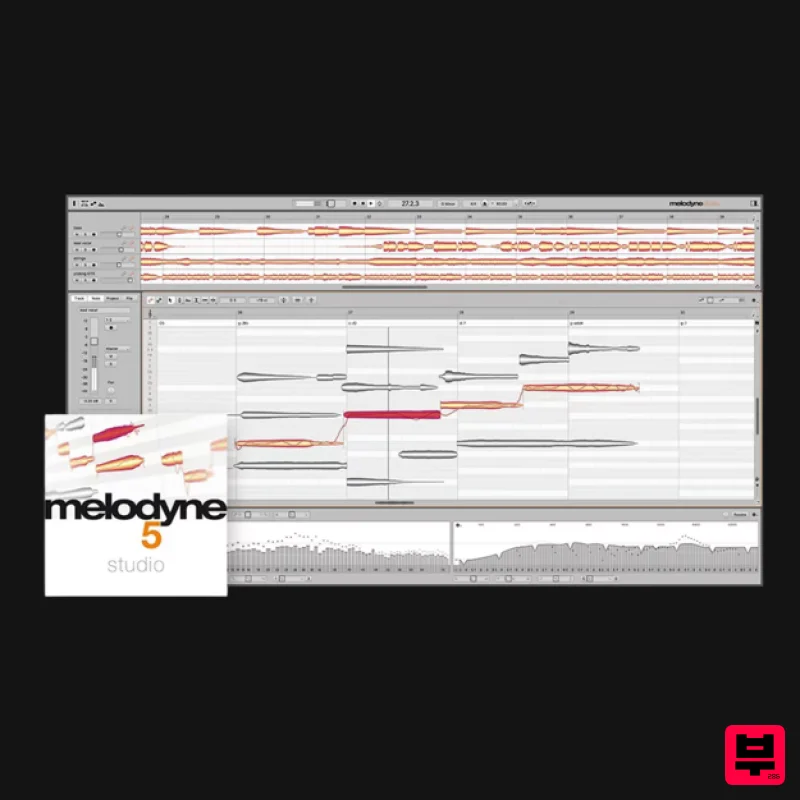
Celemony Melodyne 5 Studio
Audio Editor
$731
How You Want to Work with Audio Today Melodyne 5 Studio is the complete Melodyne, with all Melodyne's unique functions...
Frequently Asked Questions
The zplane PEEL stands out for its exceptional zplane craftsmanship and innovative design.
Yes! With its affordable price point and quality construction, it's perfect for learning audio editor.
Browse the similar products section to see how it stacks up against other audio editor.

