
United Plugins FireSpacer
Professional music gear - detailed information and where to buy
United Plugins
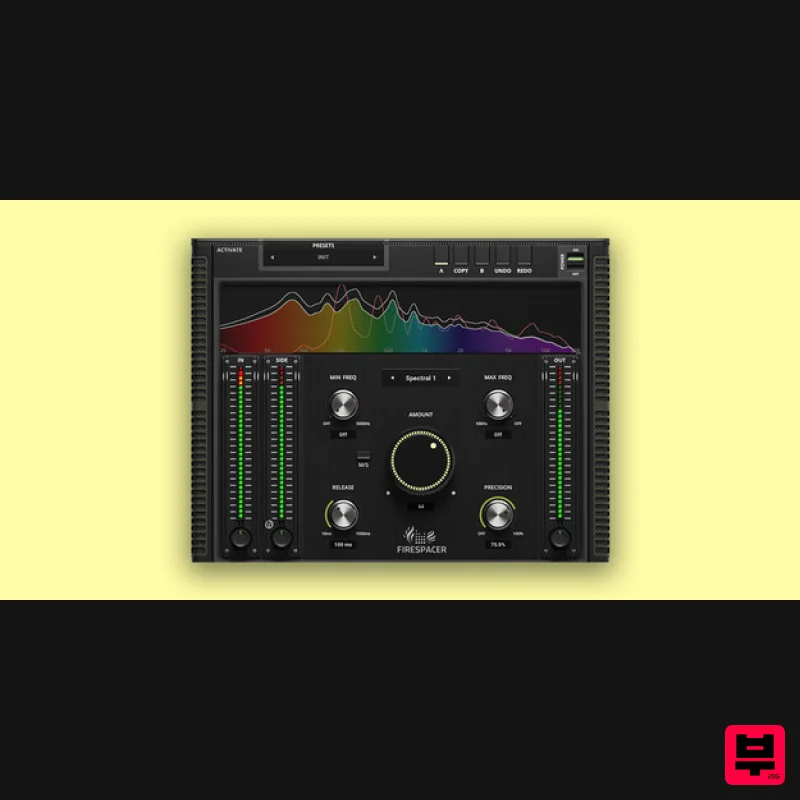
FireSpacer
Product Info
* Prices may vary. Check retailer for current pricing and availability.
Product Description
- Solve your masking problems
- now! FireSpacer is here to prioritize the desired important tracks in your mix. It operates in real-time
- analyzing the audio frequency content of one channel via a side-chain and applying an intelligent filter to subtract those frequencies from another track. This ensures that each instrument or voice has its own space in the mix
- preventing clutter and enhancing clarity. Get Your Space FireSpacer operates in real-time
- analyzing the audio frequency content of one channel via a side-chain and applying an intelligent filter to subtract those frequencies from another track. This ensures that each instrument or voice has its own space in the mix
- preventing clutter and enhancing clarity. Fast Operation FireSpacer makes room for the most important tracks in no time. Just place the plugin on the track where you want to apply the effect. Connect the track you want to prioritize via side-chain and increase the Amount to the desired level. Let FireSpacer do the rest. 4 Modes FireSpacer offers four ways of processing
- each sounding different. Spectral algorithms are much more accurate
- but they exhibit latency and possibly require more CPU power. No latency algorithms use minimum phase filters
- which have much broader effect
- hence they are less accurate and likely to remove more frequencies
- which don't need removal. Advanced Tweaking Release controls how quickly the attenuated frequencies increase the level when they stop colliding. Precision is useful only for spectral modes and controls how precise the plugin is at targeting the colliding frequencies. Maximum accuracy removes only frequencies that are nearly identical. Versatile Application FireSpacer is perfect for blending vocals
- instruments
- and other audio elements. It gives you control over the priority of each track in your mix. Realistic 3D Yet Flexible GUI The photorealistic graphic user interface of the plugin gives you the feeling you are touching the real hardware. But it easily adapts to your needs. You can always drag the arrow in the bottom right corner to change its size - make it to save valuable screen space
- or enlarge it to make it easier to use. FREE 15-Day Unlimited Trial All the descriptions are nothing compared to putting your hands on the plugin. No saving limits. No noises. No boundaries. Engage the plugin in your project for real and fully exploit its powers for two weeks. 64-bit Audio Quality At ANY Sampling Rate The plugin provides the maximum audio quality you can get. It uses internal 64-bit audio processing and can handle any sampling rate. 192 kHz or even higher. Bypass The intelligent way plugins manage bypassing ensures that you don't get any clicks or harmful noises when automating the parameter. It also compensates for latency
- ensuring that the bypass states are perfectly in sync with each other. Compatibility Warning This product only works with sidechain signals; therefore
- applications that do not support this kind of routing (i.e. GarageBand) do not work well with it. Intelligent Sleep On Silence This plugin intelligently detects whether it makes sense to perform processing at all. If not
- it temporarily turns on sleep mode. In such a state
- it requires virtually no CPU at all to save the computing sources for other processes. Free-for-life Updates United Plugins plugins never become obsolete. They keep track of the current operating systems and DAWs. You may always update to the most recent version for free
- without paying a cent
- a penny
- or whatever currency you prefer. System Requirements Mac macOS 10.10 and later (Intel / M1 Apple Silicon supported) Intel / AMD / M1 processor with SSE2 Support VST
- VST3
- AAX Windows Windows 8 and later (Windows 11 supported) Intel / AMD processor with SSE2 Support VST
- VST3
- AAX Note: FireCobra is used as an example as the installation process is the same for all United Plugins products. Registration Skip straight to 'Installation & Activation' if you already have an United Plugins account 1. Go to https://unitedplugins.com/register/ > Fill out the account registration form
- check the box that states 'I'm not a robot' and click 'Create Account'. 2. Enter your United Plugins-registered email and password > Click 'Sign in'. Installation & Activation 1. Go to https: //unitedplugins.com/download/ 2. Download and install the United Plugins Manager for your OS 3. Watch the video linked below for an in depth guide to using the plugin manager > skip to 3 minutes into the video for info on redeeming the serial number found in your Plugin Boutique User Account <iframe allow="accelerometer; autoplay; clipboard-write; encrypted-media; gyroscope; picture-in-picture; web-share" allowfullscreen="" frameborder="0" height="315" src="https://www.youtube.com/embed/1eLJ3nka39A?si=Cr3kLSRtELyr9miW" title="YouTube video player" width="560"></iframe> Your software is now activated and ready to use within your DAW.
Additional Information
About the United Plugins FireSpacer
The United Plugins FireSpacer represents excellent craftsmanship in the Audio Editor category.
Why Choose the United Plugins FireSpacer?
- •Authentic United Plugins craftsmanship and design
- •Versatile sound suitable for multiple musical genres
- •Professional build quality and reliable performance
- •Part of United Plugins's respected Audio Editor lineup
Compare & Explore
Browse our complete selection of United Plugins instruments or explore other Audio Editor options. Use our comparison tools to find the perfect match for your musical style and budget.
Similar Products
Boom DEBIRD
Audio Editor
Sound Particles Sound Particles Pro
Audio Editor
Celemony Celemony Melodyne 5 Assistant
Audio Editor
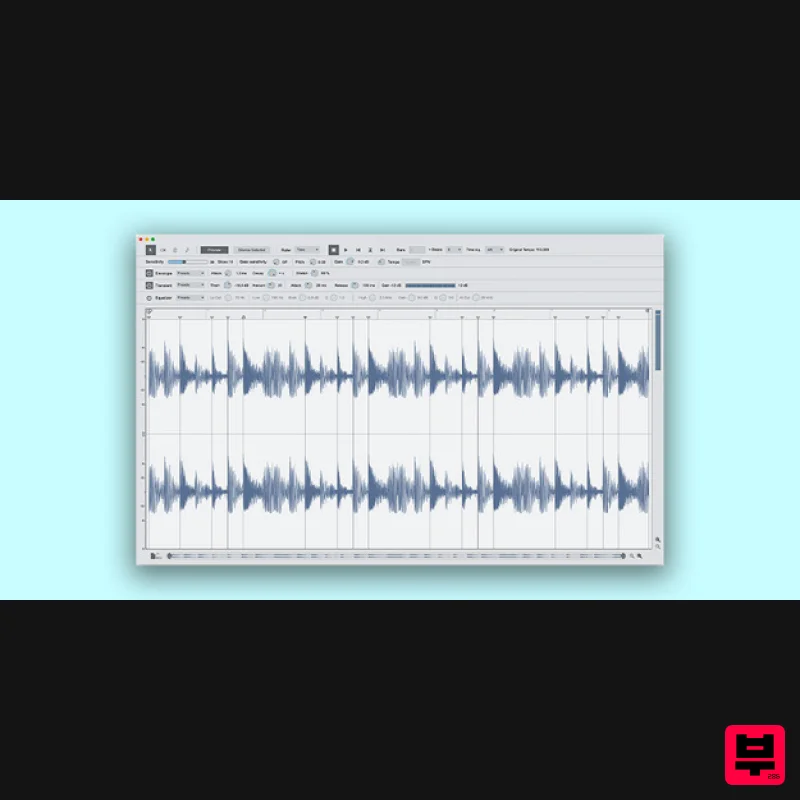
Reason Studios ReCycle 2.5
Audio Editor

Yum Audio Extractor
Audio Editor
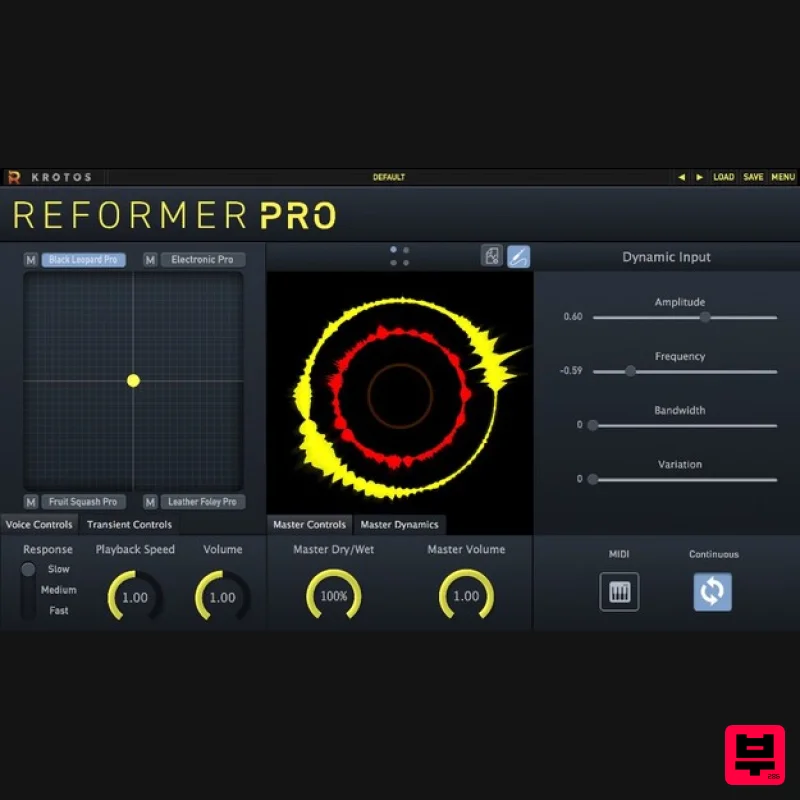
Krotos Reformer Pro
Audio Editor
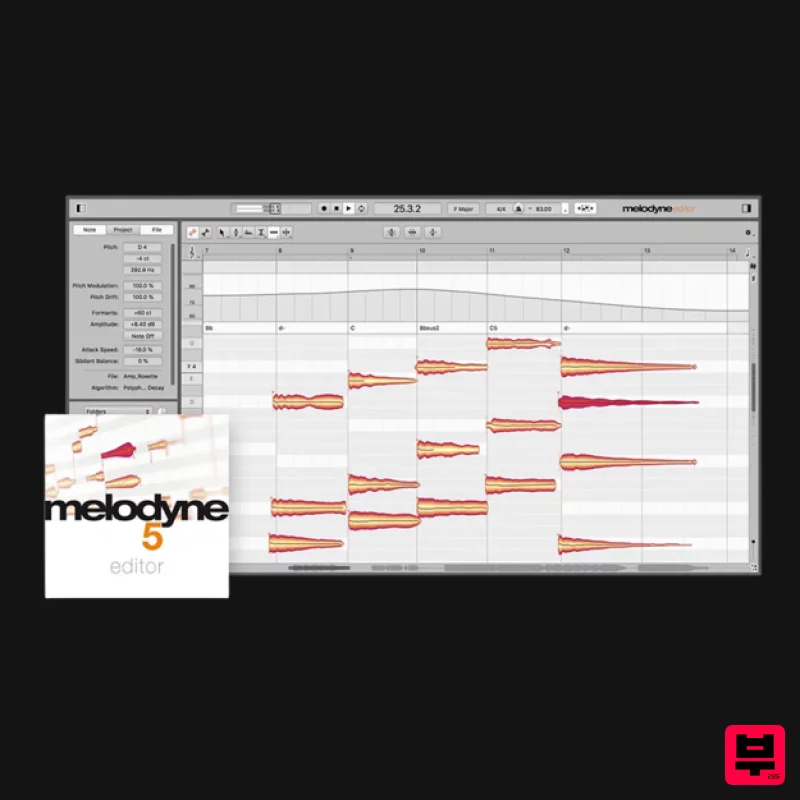
Celemony Melodyne 5 Editor
Audio Editor
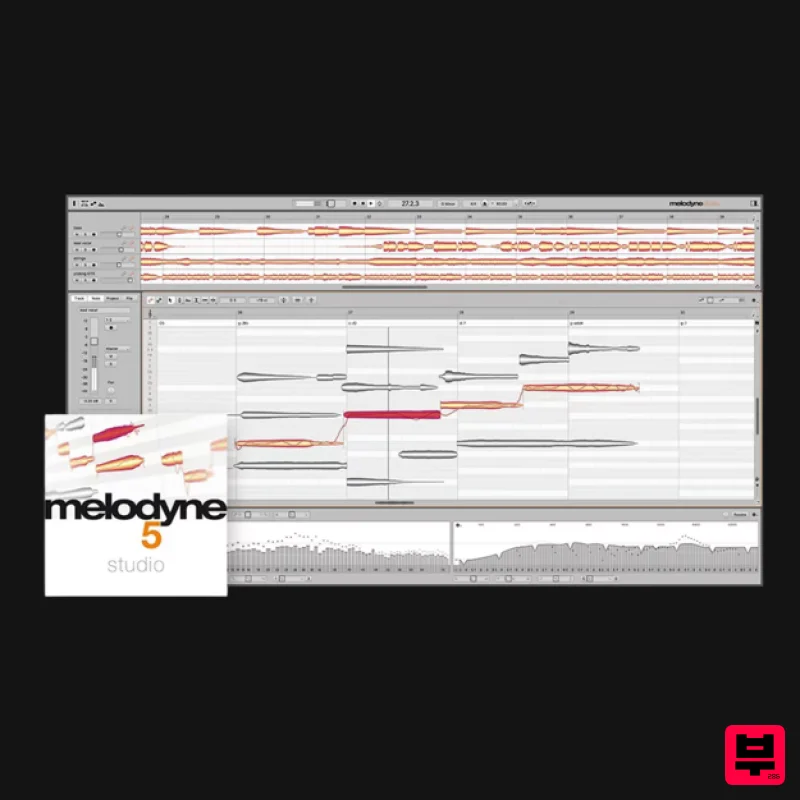
Celemony Melodyne 5 Studio
Audio Editor

